On this page
Startups lose time when receipts, contracts and invoices sit in paper piles, waiting for someone to scan and file them. The nine tools below replace that scramble with mobile scanning, OCR and searchable PDFs in one place. Every price was checked on the vendor site on November 27, 2026, and the list runs from four dollars a month to nineteen dollars and ninety-nine cents a month. Adobe Acrobat Pro is our first pick — the scanning standard that carries a document from camera to searchable PDF without leaving the tool.
How we researched this
We started with the scanning tools startups actually buy, then read each price on the vendor pricing page on November 27, 2026 and noted the trial each plan carries. We judged them for a startup that scans receipts, contracts and invoices every day and needs searchable PDFs without retyping. We left out enterprise scanning suites, whose entry prices sit far above what a small startup should pay, and dropped tools that publish no US dollar list price.
Compare the tools
| Name | Best for | Starting price | Free plan | |
|---|---|---|---|---|
 Adobe Acrobat Pro | Startups that need scanning, editing and signing in one Adobe tool | $19.99/month | No free plan; 7-day free trial | Visit |
 ABBYY FineReader PDF | Startups that need accurate OCR on scanned invoices and contracts | $99/year | No free plan; 7-day free trial | Visit |
 Foxit PDF Editor | Startups that want a full PDF editor at a lower price than Adobe | $129.99/year | No free plan; 14-day free trial | Visit |
 Nitro PDF | Startups that need a Windows PDF editor with a one-time licence option | $15/user/month | No free plan; 14-day free trial | Visit |
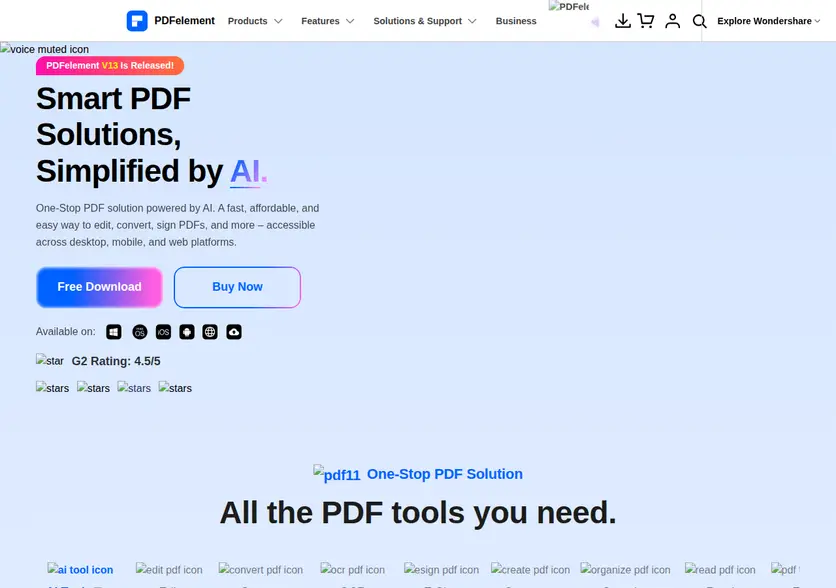
 PDFelement | Startups that want a low-cost PDF editor with scanning and OCR | $79.99/year | No free plan; 14-day free trial | Visit |
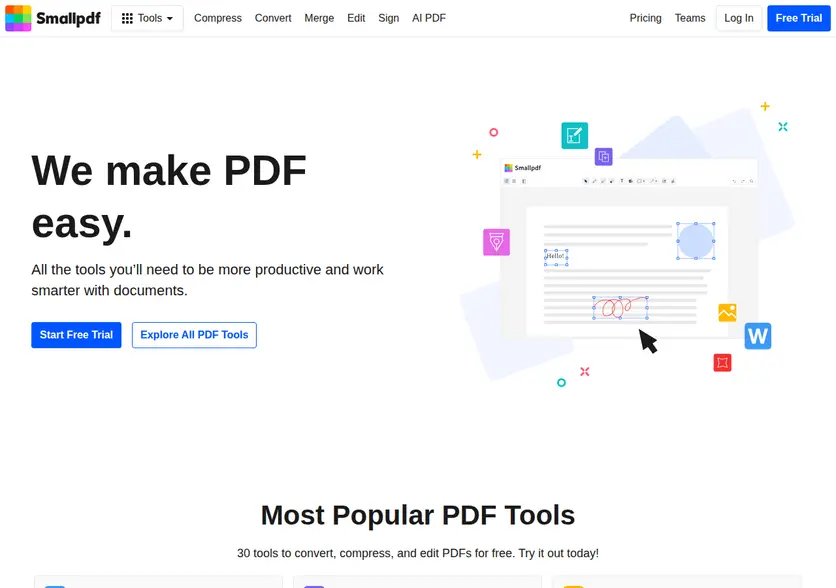
 Smallpdf Pro | Startups that want a simple web tool for scanning and compressing PDFs | $108/year | Free plan with 2 tasks a day | Visit |
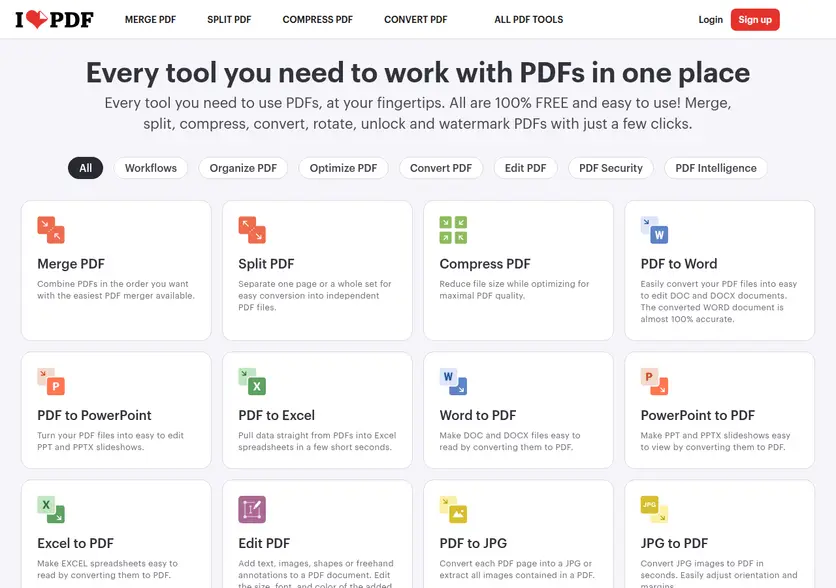
 iLovePDF Premium | Startups that want the cheapest PDF tools for occasional scanning | $4/month | Free Basic plan with per-tool limits | Visit |
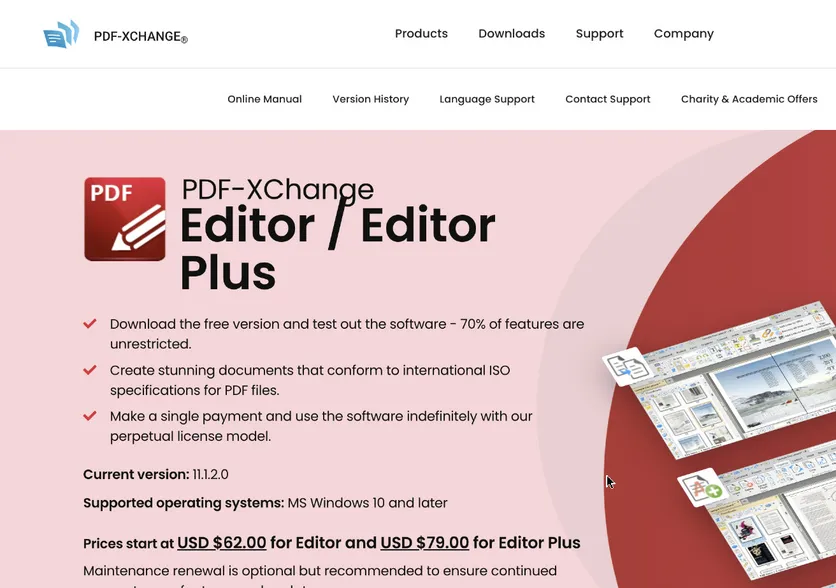
 PDF-XChange Editor Plus | Startups that want a one-time PDF editor licence with no subscription | $79 one-time | Free version with most features | Visit |
| Tungsten Power PDF | Startups that want a one-time PDF licence from the former Kofax team | $129 one-time | No free plan; 15-day free trial | Visit |
The document scanning software for startups, compared
1. Adobe Acrobat Pro
Best for: Startups that need scanning, editing and signing in one Adobe tool
Paid tool Starting price: $19.99/month · Nineteen dollars and ninety-nine cents a month on an annual plan billed monthly, or two hundred and thirty-nine dollars and eighty-eight cents prepaid for the year; month-to-month costs twenty-nine dollars and ninety-nine cents and the Teams plan costs twenty-three dollars and ninety-nine cents per seat a month
Free plan: No free plan; 7-day free trial
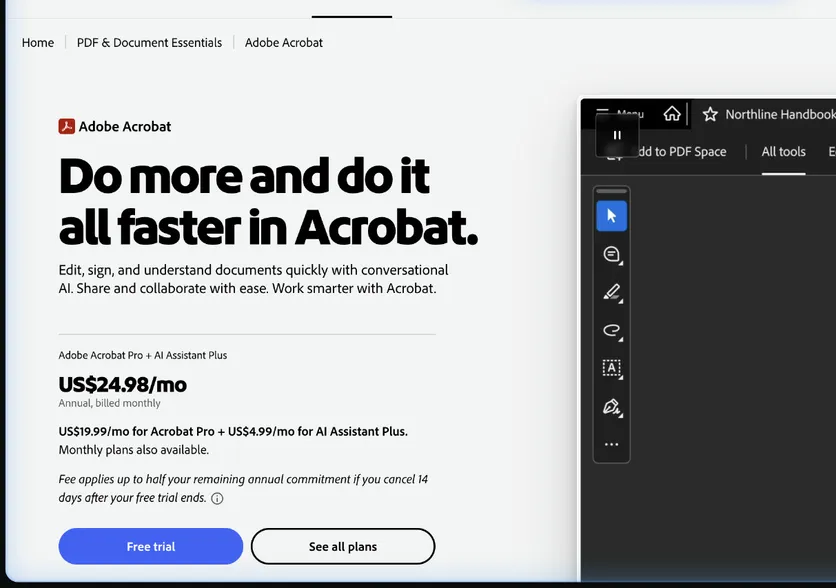
Adobe Acrobat Pro is the scanning standard startups already know, with mobile scan, OCR and editing in one tool that handles any PDF. This Adobe Acrobat Pro plan costs nineteen dollars and ninety-nine cents a month on an annual plan billed monthly. A startup that scans contracts and receipts gets searchable PDFs and e-signatures without a second purchase.
What we like
- Mobile scan, OCR and editing in one tool
- Searchable PDFs from any scan
- E-signatures included at no extra cost
Watch out for
- No free plan, so the trial is the only way to test it
- Month-to-month billing jumps ten dollars over annual
How to try it
- Open the Adobe Acrobat pricing page and start the 7-day free trial
- Scan a receipt with the mobile app and check the OCR
- Edit the scanned PDF and send it for signature
2. ABBYY FineReader PDF
Best for: Startups that need accurate OCR on scanned invoices and contracts
Paid tool Starting price: $99/year · Ninety-nine dollars a year per licence for the Standard plan on Windows, or sixteen dollars a month billed monthly; the Mac plan costs sixty-nine dollars a year and Corporate costs one hundred and sixty-five dollars a year
Free plan: No free plan; 7-day free trial
ABBYY FineReader is the OCR specialist here, turning scanned invoices and contracts into searchable, editable text with accuracy other tools miss. This ABBYY FineReader PDF Standard plan costs ninety-nine dollars a year per licence for Windows. A startup that scans paper every day gets text it can trust without retyping.
What we like
- OCR accuracy that other tools miss
- Searchable, editable text from any scan
- One-time yearly licence with no monthly fee
Watch out for
- Windows and Mac plans are priced separately
- No free plan, so the trial is the only way to test it
How to try it
- Open the ABBYY FineReader pricing page and start the 7-day free trial
- Scan an invoice and check the OCR accuracy
- Export the scanned text and compare it with the original
3. Foxit PDF Editor
Best for: Startups that want a full PDF editor at a lower price than Adobe
Paid tool Starting price: $129.99/year · One hundred and twenty-nine dollars and ninety-nine cents a year prepaid, or ten dollars and ninety-nine cents a month billed annually; Editor Plus costs one hundred and fifty-nine dollars and ninety-nine cents a year and a perpetual Editor 14 licence costs two hundred and nine dollars and ninety-nine cents once
Free plan: No free plan; 14-day free trial
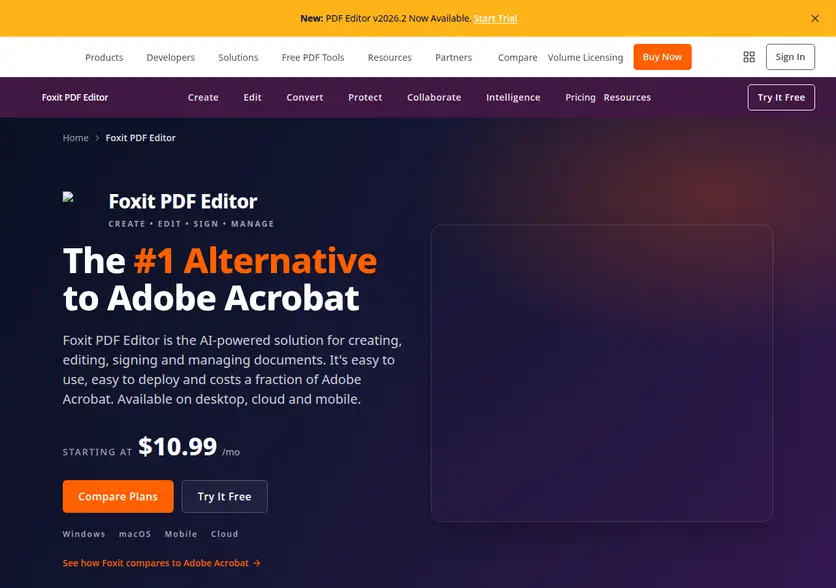
Foxit PDF Editor gives a startup the full PDF toolkit, with scanning, OCR, editing and signing at a lower yearly price than Adobe. This Foxit PDF Editor plan costs one hundred and twenty-nine dollars and ninety-nine cents a year prepaid. A startup that edits PDFs every day gets a fast editor with a perpetual licence option.
What we like
- Full PDF toolkit at a lower price than Adobe
- Fast editor with a perpetual licence option
- Scanning, OCR, editing and signing in one tool
Watch out for
- No free plan, so the trial is the only way to test it
- Advanced features need the Editor Plus plan
How to try it
- Open the Foxit PDF Editor pricing page and start the 14-day free trial
- Scan a contract and check the OCR accuracy
- Edit the scanned PDF and send it for signature
4. Nitro PDF
Best for: Startups that need a Windows PDF editor with a one-time licence option
Paid tool Starting price: $15/user/month · Fifteen dollars per user a month billed annually for the Standard plan, or one hundred and eighty dollars a year; the Classic edition costs two hundred and seventy dollars once for three years on Windows and the Plus plan is custom-priced
Free plan: No free plan; 14-day free trial
Nitro PDF is the Windows editor startups buy when they want a monthly plan with a one-time licence option for the classic version. This Nitro PDF Standard plan costs fifteen dollars per user a month billed annually. A startup that works on Windows gets scanning, editing and signing with a perpetual licence for the classic edition.
What we like
- Monthly plan with a one-time licence option
- Strong Windows editor with signing built in
- Fast PDF editing for everyday documents
Watch out for
- Classic edition works on Windows only
- No free plan, so the trial is the only way to test it
How to try it
- Open the Nitro pricing page and start the 14-day free trial
- Scan a contract and check the OCR accuracy
- Edit the scanned PDF and send it for signature
5. PDFelement
Best for: Startups that want a low-cost PDF editor with scanning and OCR
Paid tool Starting price: $79.99/year · Seventy-nine dollars and ninety-nine cents a year for the yearly plan, with a list price of one hundred and twenty-nine dollars; the two-year plan costs one hundred and nine dollars and ninety-nine cents and the perpetual licence costs one hundred and twenty-nine dollars and ninety-nine cents
Free plan: No free plan; 14-day free trial
PDFelement is the low-cost PDF editor startups buy when they want scanning, OCR and editing for less than eighty dollars a year. This PDFelement yearly plan costs seventy-nine dollars and ninety-nine cents a year. A startup that scans receipts and contracts gets searchable PDFs and a full editor without the Adobe price.
What we like
- Low-cost editor with scanning and OCR
- Searchable PDFs from any scan
- Full editing toolkit for under eighty dollars a year
Watch out for
- No free plan, so the trial is the only way to test it
- Yearly price renews automatically at the list rate
How to try it
- Open the PDFelement pricing page and start the 14-day free trial
- Scan a receipt and check the OCR accuracy
- Edit the scanned PDF and export it as a searchable file
6. Smallpdf Pro
Best for: Startups that want a simple web tool for scanning and compressing PDFs
Paid tool Starting price: $108/year · One hundred and eight dollars a year, or nine dollars a month billed yearly; monthly billing costs twelve dollars a month
Free plan: Free plan with 2 tasks a day
Smallpdf Pro is the simple web tool startups use to scan, compress and convert PDFs without installing software. This Smallpdf Pro plan costs one hundred and eight dollars a year. A startup that works in the browser gets a clean interface and a free plan for two tasks a day.
What we like
- Simple web tool with no software to install
- Clean interface that anyone can use
- Free plan for two tasks a day
Watch out for
- Free plan caps at two tasks a day
- Web-only tool with no desktop editor
How to try it
- Open the Smallpdf pricing page and start with the free plan
- Scan a document and check the output quality
- Try a conversion and compare the result with the original
7. iLovePDF Premium
Best for: Startups that want the cheapest PDF tools for occasional scanning
Paid tool Starting price: $4/month · Four dollars a month billed annually for the Premium plan, or forty-eight dollars a year; monthly billing costs seven dollars a month and a free Basic plan is available
Free plan: Free Basic plan with per-tool limits
iLovePDF Premium is the cheapest PDF tool here, with scanning, editing and conversion for four dollars a month on annual billing. This iLovePDF Premium plan costs four dollars a month billed annually, or forty-eight dollars a year. A startup that scans occasionally gets a simple web tool with a free basic plan for light use.
What we like
- Cheapest paid plan in this comparison
- Simple web tool with no software to install
- Free Basic plan for light use
Watch out for
- Web-only tool with no desktop editor
- Free plan has per-tool limits
How to try it
- Open the iLovePDF pricing page and start with the free plan
- Scan a document and check the output quality
- Try a conversion and compare the result with the original
8. PDF-XChange Editor Plus
Best for: Startups that want a one-time PDF editor licence with no subscription
Paid tool Starting price: $79 one-time · Seventy-nine dollars once for a single-user perpetual licence with one year of maintenance; the standard Editor costs sixty-two dollars once and the Pro bundle costs one hundred and thirty-one dollars once
Free plan: Free version with most features
PDF-XChange Editor Plus is the one-time licence startups buy when they want a full PDF editor without a monthly subscription. This PDF-XChange Editor Plus plan costs seventy-nine dollars once for a single-user perpetual licence with one year of maintenance. A startup that hates subscriptions gets a fast editor and a free version for light use.
What we like
- One-time licence with no subscription
- Fast editor with a free version for light use
- Full toolkit for a single payment
Watch out for
- Maintenance after year one costs extra
- Windows-focused editor with no Mac version
How to try it
- Open the PDF-XChange comparison page and download the free version
- Scan a document and check the OCR accuracy
- Upgrade to Editor Plus and test the full toolkit
9. Tungsten Power PDF
Best for: Startups that want a one-time PDF licence from the former Kofax team
Paid tool Starting price: $129 one-time · One hundred and twenty-nine dollars once per licence for the Standard plan; Advanced costs one hundred and seventy-nine dollars once and the Mac edition costs one hundred and twenty-nine dollars once, while Business is custom-priced with a five-user minimum
Free plan: No free plan; 15-day free trial
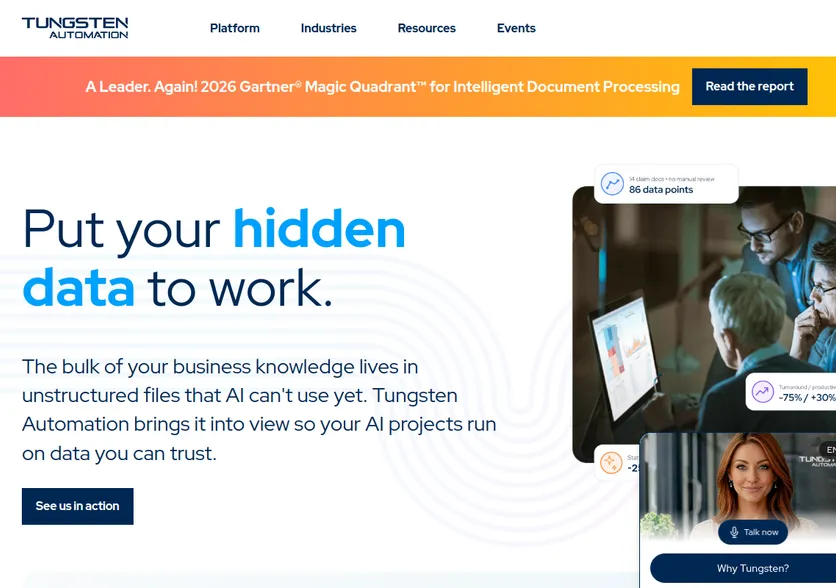
Tungsten Power PDF is the former Kofax Power PDF, a one-time licence editor startups buy when they want a full PDF toolkit without a subscription. This Tungsten Power PDF Standard plan costs one hundred and twenty-nine dollars once per licence. A startup that scans and edits PDFs every day gets a perpetual licence and a fifteen-day trial.
What we like
- One-time licence with no subscription
- Full PDF toolkit from the former Kofax team
- Perpetual licence for a single payment
Watch out for
- No free plan, so the trial is the only way to test it
- Business plan needs at least five users
How to try it
- Open the Tungsten Power PDF page and start the 15-day free trial
- Scan a contract and check the OCR accuracy
- Edit the scanned PDF and export it as a searchable file
Prices above were checked on each vendor’s own website on Nov 27, 2026 and can change — the vendor’s page is the final word. Vendor links are editorial: nobody paid to be listed or ranked here. Vendors who want a featured listing can see how it works on our Get listed page.
What startup scanning software costs in 2026
A startup scanning tool charges per month or per year, and the difference between the cheapest and dearest option here is fivefold, so count pages before you compare prices. A startup that scans occasionally pays little for iLovePDF, while a startup that scans daily pays more for Adobe Acrobat Pro and ABBYY FineReader. The cheapest plan here costs four dollars a month, while the most expensive costs nineteen dollars and ninety-nine cents a month.
Start with a trial on two tools and scan twenty real documents into each one. Check the OCR accuracy on an invoice, a receipt and a contract, then search for a supplier name and export the result. Pick the tool whose OCR reads the invoice correctly on the first try, because a scanner you cannot trust is just a tidier filing cabinet.
Before you buy
- Check how many pages the entry plan scans, because a low page cap forces an upgrade in the first month.
- Confirm OCR accuracy on your own documents, because a tool that misreads invoices costs more in corrections than the subscription.
- Test the mobile scan on a real receipt, because a startup that scans on the go needs a camera app that works.
- Ask whether the tool stores files locally or in the cloud, because a cloud-only store leaks sensitive documents.
- Check the export terms before you sign, because a tool that locks your scans behind a fee costs more later.
Official websites
Official websites of the products reviewed above. Features and prices were checked against these sites when this guide was written, and they can change, so confirm on the vendor site before you buy.
Frequently asked questions
Which document scanning software is best for startups in 2026?
Adobe Acrobat Pro is the best overall pick at nineteen dollars and ninety-nine cents a month, pairing mobile scan, OCR and editing in one tool. ABBYY FineReader is the best pick for OCR accuracy at ninety-nine dollars a year for startups that scan invoices daily. iLovePDF Premium is the best budget pick at four dollars a month for startups that scan occasionally.
How much does document scanning software for startups cost?
Prices run from four dollars a month for iLovePDF Premium to nineteen dollars and ninety-nine cents a month for Adobe Acrobat Pro, with yearly licences from seventy-nine to one hundred and twenty-nine dollars a year. A startup that scans daily pays more for OCR accuracy, while a startup that scans occasionally pays less for a web tool. Add extra seats and storage upgrades to the subscription before you compare totals.
Do startups need OCR, or just a scanner?
Yes, and it matters more for startups than for large companies, because a startup that misreads an invoice pays for the mistake in corrections and late payments. A scanning tool without OCR saves the paper problem and leaves the data problem exactly where it was. The best setup pairs a scanner with accurate OCR and a searchable archive.
How should a startup test scanning software before buying?
Start with a trial on two tools and scan twenty real documents into each one. Check the OCR accuracy on an invoice, a receipt and a contract, then search for a supplier name and export the result. Pick the tool whose OCR reads the invoice correctly on the first try, because a scanner you cannot trust is just a tidier filing cabinet.
What should a startup check before buying scanning software?
Check how many pages the entry plan scans, whether OCR accuracy holds up on your own documents, and whether the mobile scan works on a real receipt. A tool that charges per page for a startup that scans daily costs more than it should. A tool that stores files only in the cloud leaks sensitive documents, so read the storage terms before you pay.
Need everyday business help too? Try Toolsvine's free business tools right in your browser.
Browse Business Tools tools