On this page
A small business runs on PDFs, from quotes and contracts to invoices and tax forms, and the wrong editor turns each one into a chore. The seven tools below cover every budget, from a ten-dollar monthly plan to a one-time purchase, and every price was checked on the vendor site on November 26, 2026. Most include editing, signing and converting, so compare the whole workflow rather than one feature. Adobe Acrobat Pro is our first pick — the most complete editor for small business teams.
How we researched this
We started with the PDF editors small businesses actually buy, then read each price on the vendor pricing page on November 26, 2026 and noted the free trial or free version each plan carries. We judged them for a small team that edits, signs and shares PDFs every day, and we kept only tools with a published price. We dropped quote-only vendors and tools whose price we could not verify on the vendor site.
Compare the tools
| Name | Best for | Starting price | Free plan | |
|---|---|---|---|---|
 Adobe Acrobat Pro | Small businesses that want the most complete PDF editor with e-signatures built in | $19.99/month | No free plan; 7-day free trial | Visit |
 Nitro PDF Standard | Small businesses that want full PDF editing at a lower per-user price than Adobe | $15/user/month | No free plan; free trial available | Visit |
 Foxit PDF Editor | Small businesses that want a perpetual-license option alongside subscriptions | $129.99/user/year | Free trial available | Visit |
 Smallpdf Pro | Small teams that mostly compress, convert and sign PDFs online | $10/month | Free plan available; Pro has a 7-day free trial | Visit |
 PDFelement | Small businesses that want a full desktop editor at a modest yearly price | $79.99/year | Free version available with watermarks | Visit |
 PDF Expert | Mac and iPad-first small businesses that annotate and sign PDFs daily | $79.99/year | Free version available; 7-day free trial of Premium | Visit |
 UPDF Pro | Budget-minded small businesses that want AI tools inside their PDF editor | $64.99/year | Free version available | Visit |
The PDF software for small business, compared
1. Adobe Acrobat Pro
Best for: Small businesses that want the most complete PDF editor with e-signatures built in
Paid tool Starting price: $19.99/month · Individual plan billed annually; Teams plans cost more per license a month
Free plan: No free plan; 7-day free trial
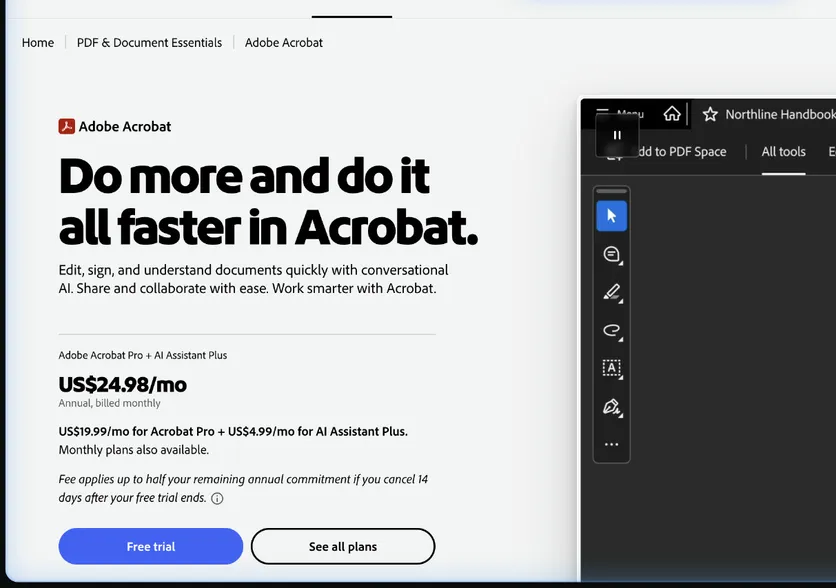
Adobe Acrobat Pro is the reference PDF editor, with full editing, e-signatures, form building and cloud storage in one login. This Adobe Acrobat Pro individual plan covers one person, while Teams plans add admin controls and shared storage for a growing staff. A small business that sends contracts and collects signatures every week will save hours against a lighter editor.
What we like
- Most complete PDF feature set available
- E-signatures and forms built in
- Works the same on every device
Watch out for
- No free plan, only a trial
- Teams pricing adds up with seats
How to try it
- Open the Adobe Acrobat pricing page and start the free trial
- Edit a real contract and add signature fields to it
- Send it to a client and check the signed copy in your account
2. Nitro PDF Standard
Best for: Small businesses that want full PDF editing at a lower per-user price than Adobe
Paid tool Starting price: $15/user/month · Standard plan per user a month, or one hundred eighty dollars a year; Pro and Business plans cost more
Free plan: No free plan; free trial available
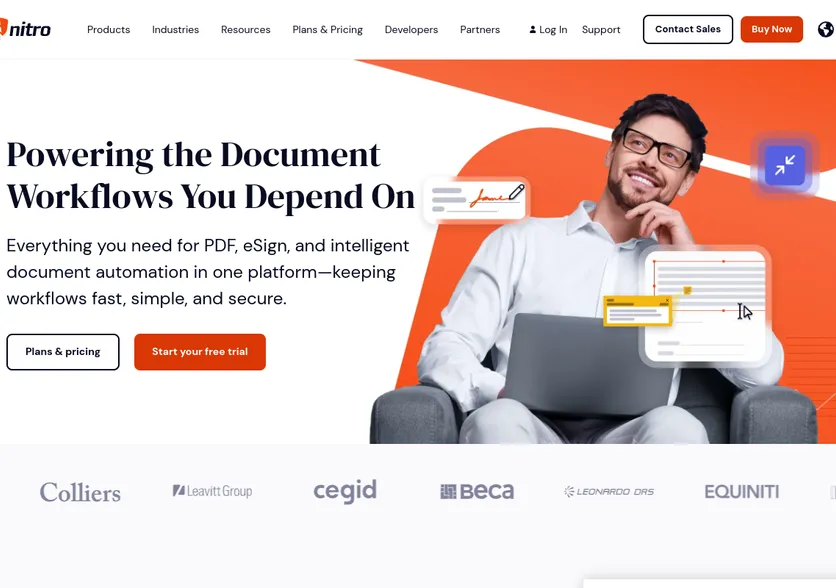
Nitro PDF Standard gives small businesses full PDF editing, conversion and e-signing at a lower per-user price than Adobe. This Nitro PDF Standard plan charges fifteen dollars per user a month, with higher plans adding admin tools and analytics for larger teams. A budget-minded office that edits PDFs all day gets the core features without the premium price tag.
What we like
- Full editing at a lower per-user price
- Clean interface that staff learn fast
- Strong conversion and signing tools
Watch out for
- Per-user price climbs as the team grows
- Fewer cloud extras than Adobe
How to try it
- Start the Nitro trial from the pricing page
- Convert and edit a batch of your own PDF files
- Test the e-signature flow with a colleague
3. Foxit PDF Editor
Best for: Small businesses that want a perpetual-license option alongside subscriptions
Paid tool Starting price: $129.99/user/year · Editor plan per user per year; monthly billing is available from about eleven dollars a month; Editor Plus costs more
Free plan: Free trial available
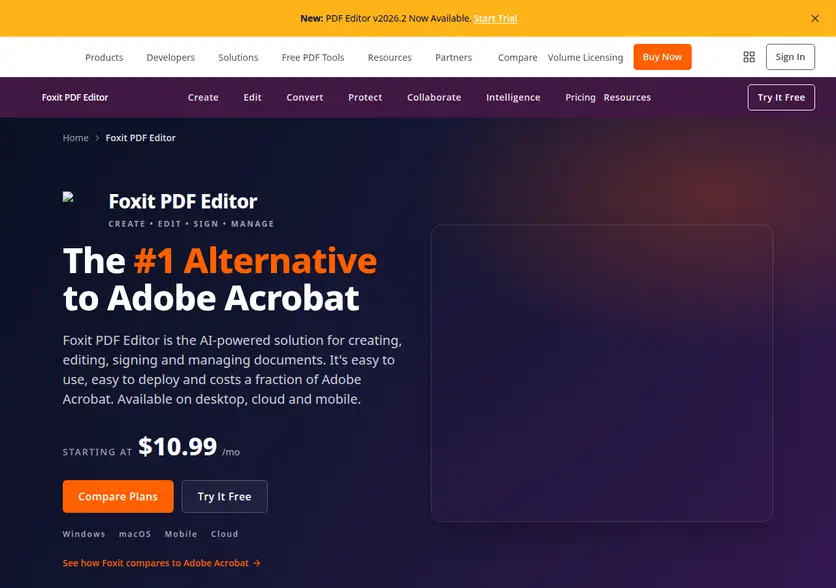
Foxit PDF Editor is a long-running Acrobat rival with strong editing, form filling and e-signature tools for Windows and Mac. This Foxit PDF Editor plan is sold per user per year, and a perpetual license is available for teams that prefer to own software outright. A small business that dislikes subscriptions can buy once and keep editing for years.
What we like
- Perpetual license option with no subscription
- Fast editor with strong form tools
- Lower yearly price than Acrobat Pro
Watch out for
- Interface feels busier than Acrobat
- Some features need the higher plan
How to try it
- Open the Foxit pricing page and start the free trial
- Fill and sign a form with the editor
- Compare the subscription and perpetual license prices
4. Smallpdf Pro
Best for: Small teams that mostly compress, convert and sign PDFs online
Paid tool Starting price: $10/month · Pro plan, ten dollars a month per user billed annually; Team plan is eight dollars per user a month
Free plan: Free plan available; Pro has a 7-day free trial
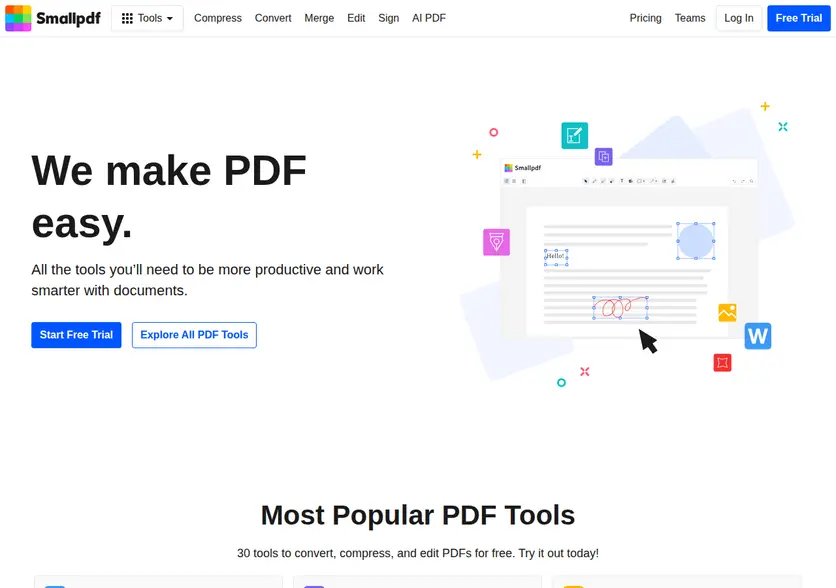
Smallpdf Pro runs in the browser, so a small team can compress, convert, sign and merge PDFs without installing desktop software. This Smallpdf Pro plan costs ten dollars a month per user on annual billing, and a Team plan cuts that further for groups. A distributed team that works from laptops and phones will like having the same tools on every device.
What we like
- Nothing to install, works in any browser
- Cheapest monthly plan in this list
- Simple tools anyone can use
Watch out for
- Lighter editing than desktop rivals
- Needs an internet connection to work
How to try it
- Open the Smallpdf pricing page and start the Pro trial
- Compress and convert a folder of your own files
- Invite a teammate and share a signed document
5. PDFelement
Best for: Small businesses that want a full desktop editor at a modest yearly price
Paid tool Starting price: $79.99/year · Standard plan per year; two-year and perpetual licenses cost more; Pro for Teams is priced higher
Free plan: Free version available with watermarks
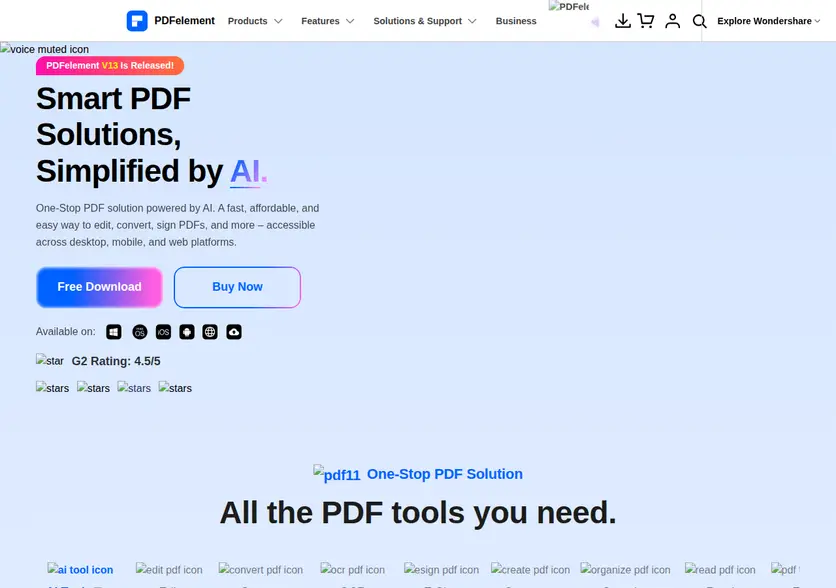
PDFelement packs desktop editing, OCR, batch processing and form creation into a modest yearly price. This PDFelement Standard plan is the cheapest full desktop editor here, with two-year and perpetual licenses for buyers who want to pay once. A small business that scans paper forms will value the built-in text recognition.
What we like
- Cheapest full desktop editor here
- Built-in OCR for scanned documents
- Perpetual license option available
Watch out for
- Free version watermarks every export
- Interface feels crowded at first
How to try it
- Download the free version and open a scanned form
- Run text recognition on the scan and edit the result
- Compare the Standard and Pro for Teams plans
6. PDF Expert
Best for: Mac and iPad-first small businesses that annotate and sign PDFs daily
Paid tool Starting price: $79.99/year · Premium plan per year; a lifetime license costs more; seven-day free trial included
Free plan: Free version available; 7-day free trial of Premium
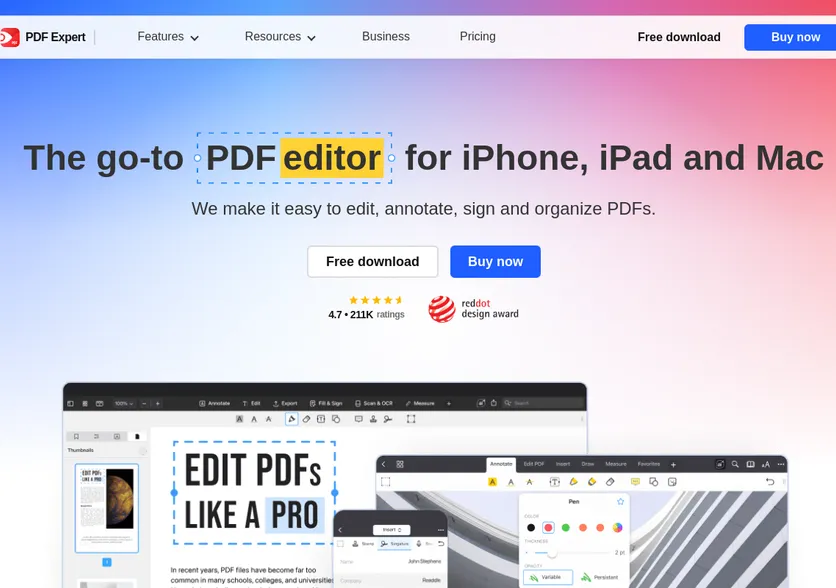
PDF Expert is the favorite PDF editor for Mac and iPad shops, with fast annotation, form filling and signing in a clean interface. This PDF Expert Premium plan adds editing and redaction to the free version, and a lifetime license is available for buyers who hate subscriptions. A small business that lives in Apple hardware will find it feels native in a way rivals do not.
What we like
- Fastest PDF editor on Mac and iPad
- Clean interface with great annotation
- Lifetime license option available
Watch out for
- Apple platforms only, no Windows app
- Advanced tools need the Premium plan
How to try it
- Download the free version on your Mac or iPad
- Annotate and sign a real contract with it
- Start the Premium trial to test editing and redaction
7. UPDF Pro
Best for: Budget-minded small businesses that want AI tools inside their PDF editor
Paid tool Starting price: $64.99/year · Pro plan per year; a lifetime license costs more
Free plan: Free version available
UPDF Pro is a newer cross-platform editor that adds AI summaries and chat to standard PDF editing at a low yearly price. This UPDF Pro plan covers desktop and mobile with one license, and a lifetime option costs more up front but nothing after. A small business curious about AI help with long documents gets it here for less than most rivals charge.
What we like
- Lowest yearly price among full editors
- AI summaries built into the editor
- One license covers desktop and mobile
Watch out for
- Younger product with a smaller community
- Some advanced tools are still maturing
How to try it
- Download the free version and open a long document
- Ask the AI tools to summarize a section
- Compare the yearly and lifetime license prices
Prices above were checked on each vendor’s own website on Nov 26, 2026 and can change — the vendor’s page is the final word. Vendor links are editorial: nobody paid to be listed or ranked here. Vendors who want a featured listing can see how it works on our Get listed page.
What PDF software costs a small business in 2026
Most small businesses pay for one or two seats, so the headline price is close to the whole budget, and this list runs from ten dollars a month to about one hundred thirty dollars a year. The cheapest plan is not always the cheapest deal, because per-user pricing doubles the bill the moment you add help, while a one-time purchase stays flat forever. The headline plan each vendor shows on its own pricing page is the number in the table above, checked on November 26, 2026.
Start with the free trial on two tools and run one real document through each, from editing to signature. Compare how fast the editor opens large files, whether signing needs a second app, and whether your team can share files without extra seats. Pick the tool your staff finds easiest, because an editor nobody opens is money wasted.
Before you buy
- Count the seats first, because per-user pricing doubles the bill the moment you add help.
- Check whether e-signatures are included, because some cheap plans charge extra for signing.
- Test the free trial on a real contract, because a trial shows the signing flow before you pay.
- Compare annual and one-time pricing, because Foxit and UPDF sell perpetual licenses too.
- Confirm the plan works on your devices, because PDF Expert shines on Mac while others suit Windows.
Official websites
Official websites of the products reviewed above. Features and prices were checked against these sites when this guide was written, and they can change, so confirm on the vendor site before you buy.
Frequently asked questions
Which PDF software is best for a small business in 2026?
Adobe Acrobat Pro, at nineteen ninety-nine a month, is the safest default because it edits, signs and shares PDFs in one login with the widest compatibility. Nitro PDF Standard wins on value at fifteen dollars per user a month, while Foxit PDF Editor suits teams that prefer a one-time purchase. Pick Acrobat Pro if you send contracts weekly, Nitro if budget matters most, and Foxit if you want to own the license outright.
How much does PDF software cost for a small business?
Most tools in this list cost between ten and twenty dollars a month per user, or about sixty-five to one hundred thirty dollars a year. One-time purchases change the math, because Foxit and UPDF let you pay once and keep the software, while subscriptions keep charging every year. Expect to pay more once you add seats, e-signature volume or admin controls.
Is there a free PDF editor for small business use?
Smallpdf, PDFelement, PDF Expert and UPDF all offer free versions, though each limits editing, watermarks exports or caps daily tasks. Adobe Acrobat Pro, Nitro and Foxit offer free trials instead of a permanent free plan, which is enough to test editing and signing on real documents. A free version suits occasional use, while daily work needs a paid plan.
Do I need a separate tool for e-signatures?
No, every tool here includes signing, though the depth varies. Acrobat Pro and Nitro cover signing, forms and certificates in the base plan, while Foxit and PDFelement handle standard signatures well. Check that the plan you buy includes the signature features you need, since some vendors reserve advanced signing for higher tiers.
What should I look for in PDF software for a small business?
Look for full editing, easy signing, form filling and file sharing in one login, plus apps for every device your team uses. Check the per-user cost if you plan to add staff, and test the editor on a large scanned file before you buy. The best editor is the one your team actually opens every day, not the one with the longest feature list.
Need everyday PDF help too? Try Toolsvine's free PDF tools right in your browser.
Browse PDF Tools tools