On this page
Every PDF editor promises the same thing: edit, convert and sign anything. The difference is what you pay, and whether you need it at all. A contract edited twice a year does not need the priciest subscription, and a legal team redacting documents daily cannot live on a free tool. Below are the eight paid PDF editors people buy in 2026, compared on price, editing, OCR and forms, with every price checked on the vendor's own site on November 25, 2026. Adobe Acrobat Pro is our first pick, the most complete editor and the standard the others are measured against.
How we researched this
We started from the editors people actually pay for, then checked each price on the vendor's own pricing page on November 25, 2026, and noted the free trial each one offers. We ranked them for a normal buyer — someone who edits, converts, signs and occasionally scans — not for a specialist.
Compare the tools
| Name | Best for | Starting price | Free plan | |
|---|---|---|---|---|
 Adobe Acrobat Pro | Professionals who edit, compare and sign PDFs every day | $19.99/month | 7-day free trial | Visit |
 Foxit PDF Editor | Anyone who wants the full desktop editor without Adobe's price | $129.99/year | 14-day free trial | Visit |
 Nitro PDF Standard | Windows teams that want a full editor with an admin console | $15/user/month | 14-day free trial | Visit |
 Smallpdf Pro | People who work in the browser and want signing included | $10/month | 7-day free trial | Visit |
 Wondershare PDFelement | Budget buyers who want a desktop editor with a one-time option | $79.99/year | 14-day free trial | Visit |
 iLovePDF Premium | The cheapest subscription for unlimited web PDF tools | $5/month | Free plan | Visit |
 Sejda Desktop | Privacy-first users who want desktop processing without uploads | $63/year | Free plan | Visit |
 PDF-XChange Editor Plus | Windows users who want to pay once and own the editor | $79 one-time | Free version | Visit |
The PDF editors, compared
1. Adobe Acrobat Pro
Best for: Professionals who edit, compare and sign PDFs every day
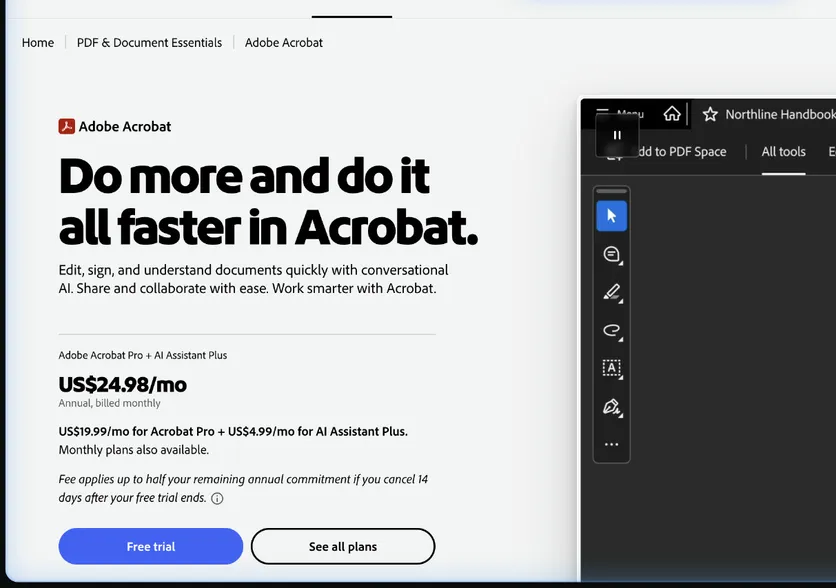
Paid tool Starting price: $19.99/month · annual plan, billed monthly ($239.88/year); $29.99/month month-to-month; 7-day free trial
Free plan: 7-day free trial
Acrobat Pro is the editor the PDF format was built around, and it still does the most. This Adobe Acrobat Pro subscription edits text and images with reflow, turns scans into searchable text, compares two versions side by side, redacts sensitive passages, and sends documents for signature with tracking. It is a subscription only: Adobe stopped selling perpetual licenses after Acrobat 2020, though a one-time Acrobat Pro 2024 purchase still exists with three years of desktop access.
What we like
- The deepest editing and OCR toolset here
- E-signing with tracking built into the same app
- Compare, redact and certify tools professionals rely on
Watch out for
- Subscription only, no perpetual license
- The full price adds up to about $240 a year
How to try it
- Open adobe.com/acrobat and start the 7-day free trial
- Install Acrobat on your desktop and sign in
- Open a PDF and try editing text, OCR and e-signing before the trial ends
2. Foxit PDF Editor
Best for: Anyone who wants the full desktop editor without Adobe's price
Paid tool Starting price: $129.99/year · per user, annual plan; Editor+ $159.99/year; perpetual Editor 14 $209.99 one-time; 14-day free trial
Free plan: 14-day free trial
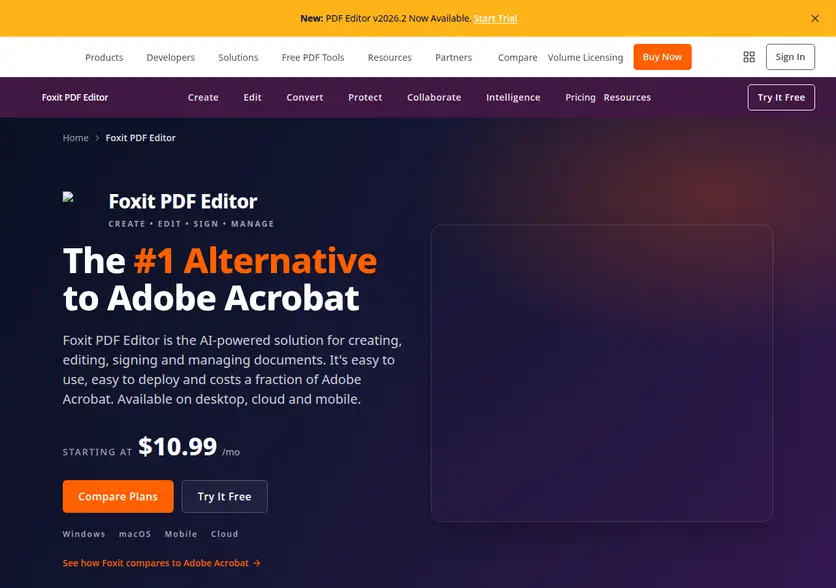
Foxit is the closest thing to Acrobat at a lower price, and you can still buy it outright if you would rather own your editor than rent it. This Foxit PDF Editor covers professional editing, conversion, OCR, forms and document security on Windows, macOS and the web. The Plus tier adds mobile apps, eSign with a yearly envelope allowance, and AI-powered Smart Redact for automatic removal of personal data. Every plan starts with a two-week trial and needs no credit card.
What we like
- Full editing, OCR and forms for less than Acrobat
- Perpetual license available if you want to own it
- Mobile apps and eSign included on the Plus tier
Watch out for
- Editor+ costs more for mobile apps and AI redaction
- Interface feels busier than Acrobat's
How to try it
- Open foxit.com/pdf-editor and start the 14-day free trial
- Download the editor for Windows or macOS and sign in
- Test editing, OCR and a form before deciding between the annual and perpetual license
3. Nitro PDF Standard
Best for: Windows teams that want a full editor with an admin console
Paid tool Starting price: $15/user/month · billed annually ($180/year); Classic $270 one-time for a 3-year Windows licence; 14-day free trial
Free plan: 14-day free trial
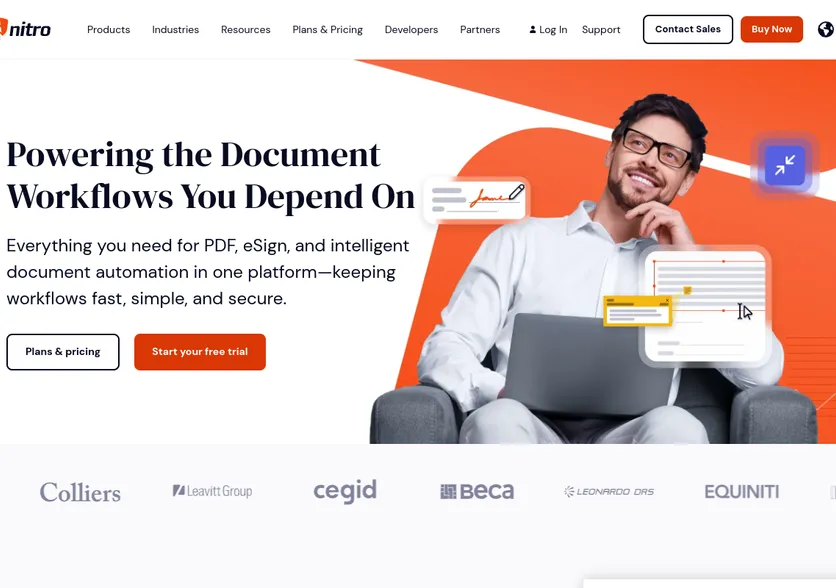
Nitro is the editor for offices that run on Windows and Microsoft 365. This Nitro PDF Standard subscription creates, converts, combines and edits PDFs, adds AI summaries and table extraction, and manages licenses through a web admin portal with round-the-clock support. If you would rather pay once, the Classic edition is a one-time purchase for three years of the core Windows tools. A two-week trial needs no credit card.
What we like
- Strong Windows and Microsoft 365 integration
- Admin portal manages licenses for a whole team
- AI summaries and table extraction included
Watch out for
- Windows only for the full desktop app
- Automation starts on the higher Plus tier
How to try it
- Open gonitro.com and start the 14-day free trial
- Install Nitro PDF on Windows and sign in to the admin portal
- Try editing, OCR and a batch conversion before the trial ends
4. Smallpdf Pro
Best for: People who work in the browser and want signing included
Paid tool Starting price: $10/month · billed annually ($120/year); $15/month month-to-month; 7-day free trial
Free plan: 7-day free trial
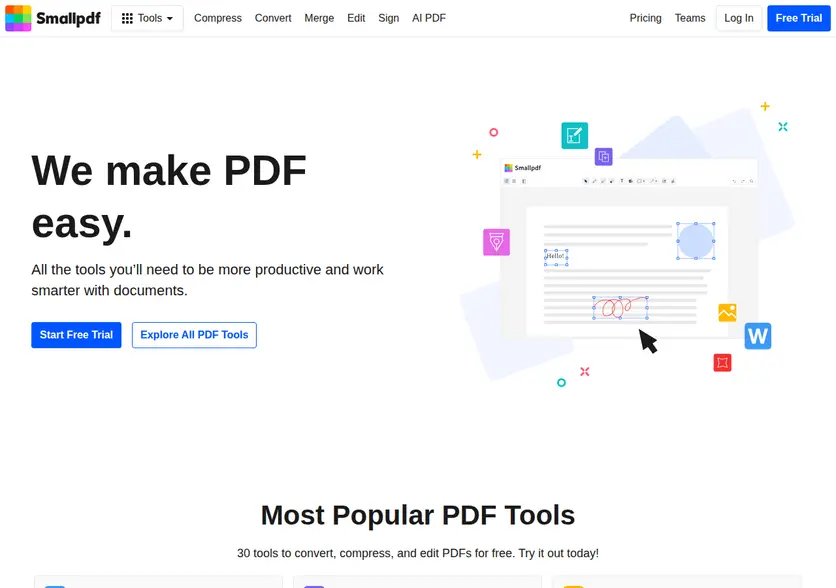
Smallpdf is the web-first option: no install, no desktop app, just a browser tab. This Smallpdf Pro subscription unlocks more than thirty tools without limits, including text editing, OCR, strong compression and batch processing, plus AI tools that chat with a PDF or summarize it. The same plan also covers e-signatures, with a premium signing subscription bundled in. The trial lasts a week.
What we like
- No install, everything runs in the browser
- More than thirty tools under one subscription
- AI chat and summary tools included
Watch out for
- Uploading files means trusting a cloud service
- Desktop app is not part of the deal
How to try it
- Open smallpdf.com/pricing and start the 7-day free trial
- Pick any tool and upload a PDF to try it
- Test the AI tools and Sign.com before the trial week ends
5. Wondershare PDFelement
Best for: Budget buyers who want a desktop editor with a one-time option
Paid tool Starting price: $79.99/year · yearly plan (list $129), auto-renew; 2-year $109.99; perpetual $129.99 one-time; 14-day free trial
Free plan: 14-day free trial
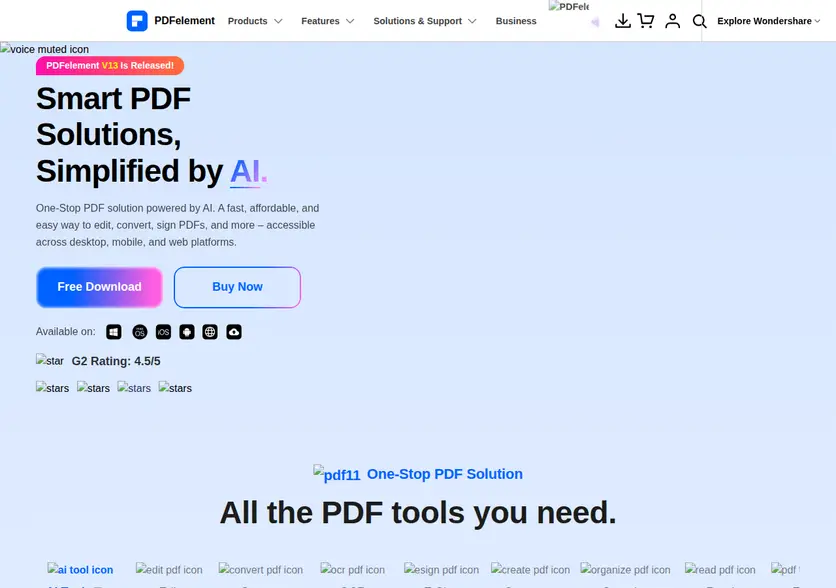
PDFelement is the cheapest way into a full desktop editor, and its prices are the most heavily discounted on this list. This Wondershare PDFelement subscription edits text and images, converts to Office formats, runs OCR in 29 languages on Windows, builds forms, redacts, compares files and handles e-signing, with an AI assistant included. The yearly plan renews automatically, so check the renewal terms before you commit. The trial lasts two weeks and saves carry a watermark.
What we like
- Cheapest full desktop editor with OCR in 29 languages
- Perpetual license available at a similar price
- Forms, redaction and e-signing included
Watch out for
- Yearly plan renews automatically at a rate that can change
- Trial saves carry a watermark
How to try it
- Open pdf.wondershare.com and start the 14-day free trial
- Download PDFelement for Windows or Mac and sign in
- Try editing, OCR and a batch job, remembering trial saves carry a watermark
6. iLovePDF Premium
Best for: The cheapest subscription for unlimited web PDF tools
Paid tool Starting price: $5/month · Premium, billed annually ($60/year); month-to-month about $7/month; no free trial, free tier instead
Free plan: Free plan
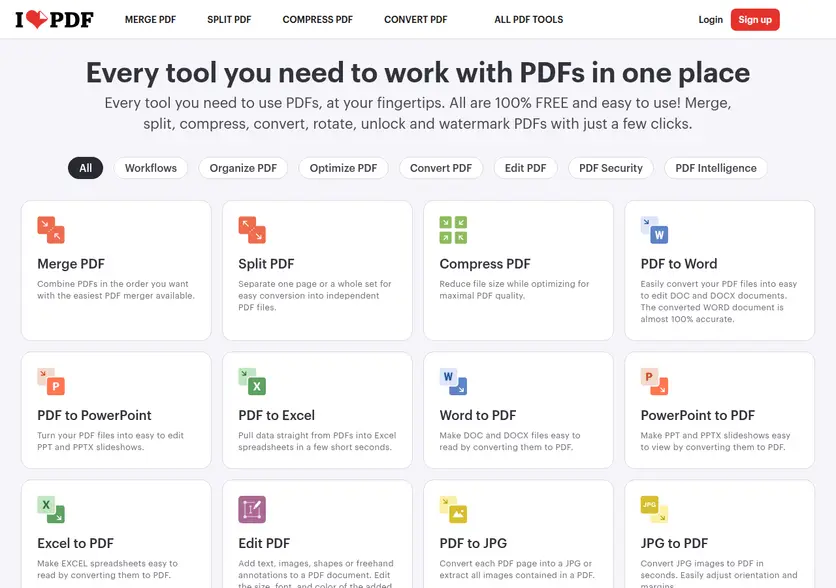
iLovePDF Premium is the lowest-priced subscription here, and the simplest to understand. This iLovePDF Premium plan unlocks every tool without limits, works across web, mobile and desktop, and adds digital signatures, workflows, an ad-free experience and priority support. It also bundles OCR, batch processing and a generous AI credit allowance, with files up to four gigabytes. There is no free trial; the free tier is the way to test it.
What we like
- The cheapest subscription on this list
- Works on web, mobile and desktop
- Files up to four gigabytes on Premium
Watch out for
- No free trial, only the limited free tier
- OCR and AI credits have monthly limits
How to try it
- Open ilovepdf.com/pricing and compare the Free and Premium plans
- Use the free tier to test the tools you need most
- Upgrade to Premium when the free limits start getting in your way
7. Sejda Desktop
Best for: Privacy-first users who want desktop processing without uploads
Paid tool Starting price: $63/year · annual plan, includes a year of Sejda Desktop; $7.50/month web-only; Week Pass $5 for 7 days
Free plan: Free plan
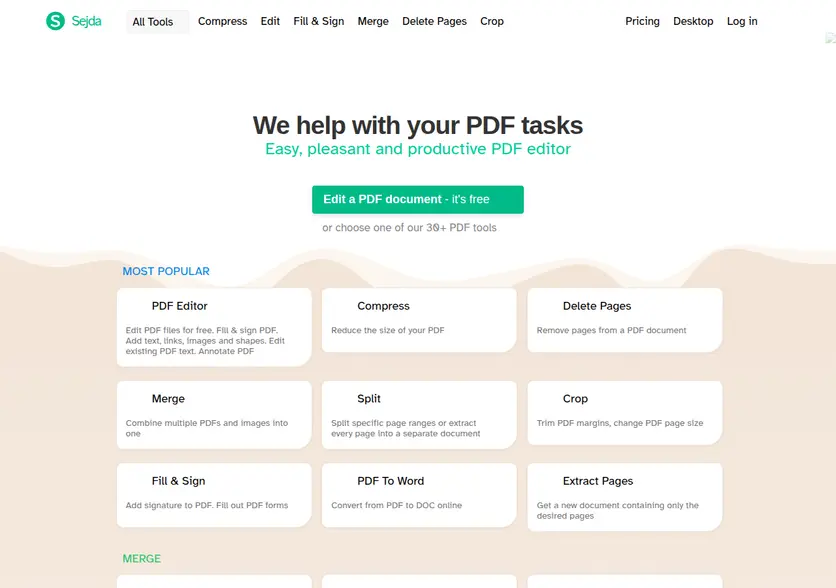
Sejda is the privacy pick: its desktop app processes files on your own computer, without uploading them anywhere. This Sejda Desktop annual plan includes a year of the desktop app plus unlimited web tools, OCR for documents up to one hundred pages, batch processing and files up to five hundred megabytes. The web-only monthly plan is cheaper per month but has no desktop access, and a five-dollar Week Pass covers a single busy week. There is no free trial; the free tier has page and hourly limits instead.
What we like
- Desktop app processes files on your own computer
- Annual plan includes unlimited web tools
- Week Pass covers a single busy week for five dollars
Watch out for
- No free trial, only the limited free tier
- Web-only monthly plan has no desktop access
How to try it
- Open sejda.com/upgrade and compare the Week Pass, Monthly and Annual plans
- Try the free tier first to check the tools you need
- Pick Annual if you want the desktop app, or the Week Pass for a one-off job
8. PDF-XChange Editor Plus
Best for: Windows users who want to pay once and own the editor
Paid tool Starting price: $79 one-time · Editor Plus, single user, perpetual licence with 1 year of maintenance; standard Editor $62 one-time
Free plan: Free version
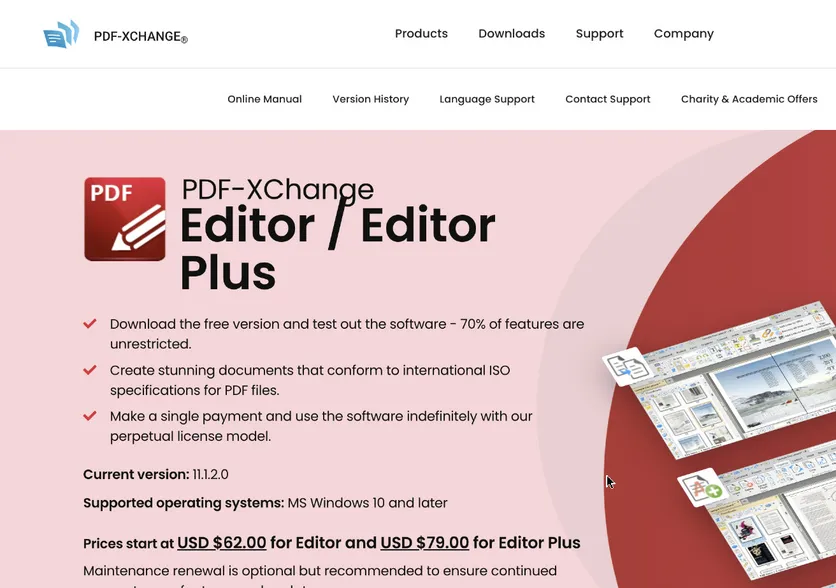
PDF-XChange Editor Plus is the cheapest way to own a serious PDF editor outright. This PDF-XChange Editor Plus one-time purchase adds an enhanced OCR engine, fillable form creation, document comparison and dynamic stamps to a fast Windows editor with more than four hundred features. The licence never expires and includes a year of maintenance, with optional renewal after that. There is no trial period; instead the free version leaves most features unlocked and watermarks only the paid ones.
What we like
- Cheapest way to own a serious PDF editor outright
- More than four hundred features in one fast app
- License never expires, with a year of maintenance
Watch out for
- Windows only, no Mac version
- No free trial, only a watermarked free version
How to try it
- Open pdf-xchange.com and download the free version of the editor
- Try the paid features — they work, with a watermark until you buy
- Buy the Plus licence when you are sure it fits your work
Prices above were checked on each vendor’s own website on Nov 17, 2026 and can change — the vendor’s page is the final word. Vendor links are editorial: nobody paid to be listed or ranked here. Vendors who want a featured listing can see how it works on our Get listed page.
What the paid editors cost in 2026
Price is the first filter, and the range is wide. The cheapest subscription here costs about a dollar a week, the most expensive costs about four times as much per month, and three of the eight tools can be bought once and owned outright. The table below uses the headline price each vendor shows on its own pricing page, checked on November 25, 2026. One-time prices are a single payment, not a subscription.
Two things to watch before you pay. First, the yearly plans that look cheapest usually renew automatically at a rate the vendor can change, so read the renewal terms on the checkout page. Second, five of the eight offer a free trial, and that is the honest way to compare them: run the same three jobs — edit a paragraph, convert a scan with OCR, and send a document for signature — through each trial and keep the one that feels fastest.
Before you buy
- Run the same three jobs through each trial: edit a paragraph, convert a scan with OCR, and send a document for signature.
- Read the renewal terms, because yearly plans renew automatically at a rate the vendor can change.
- Weigh one-time licences against subscriptions, because PDF-XChange Editor Plus costs $79 once while Acrobat bills monthly.
- Check the platform, because Nitro PDF and PDF-XChange are Windows only while Smallpdf runs in the browser.
- Match the tool to the job, because iLovePDF Premium is cheapest at $5 a month but OCR and AI credits have monthly limits.
Official websites
Official websites of the products reviewed above. Features and prices were checked against these sites when this guide was written, and they can change, so confirm on the vendor site before you buy.
Frequently asked questions
Which PDF editor is the best overall in 2026?
For most buyers, Adobe Acrobat Pro, because it does everything on this list — editing with reflow, OCR, comparison, redaction, forms and tracked e-signing — and it is the editor other tools are measured against. The catch is the price and the subscription-only model, which is why Foxit is the better pick if you want a one-time purchase, and Smallpdf is the better pick if you work in the browser.
Is there a PDF editor I can buy once instead of subscribing?
Yes, three of the eight. Foxit sells a perpetual Editor 14 licence for a one-time payment, PDFelement has a perpetual plan at a similar price, and PDF-XChange Editor Plus is a one-time purchase with a year of maintenance included. Note the trade-off: perpetual licences buy one version, so future major versions cost extra, while subscriptions always include the latest version.
Do I need a paid PDF editor at all?
Often not. Merging files, splitting out pages, compressing a PDF for email, rotating pages and converting to images are jobs a free browser tool handles fine. You need a paid editor when you edit text inside a PDF regularly, run OCR on scans, build fillable forms, redact sensitive data, or send documents for legally tracked signatures.
Which paid PDF editor is cheapest?
iLovePDF Premium, at five dollars a month billed annually, is the cheapest subscription here, and Sejda's annual plan is close behind. For a one-time payment, PDF-XChange Editor Plus is the cheapest outright purchase. But the cheapest price is not the cheapest deal: check what each plan leaves out, because a tool that cannot do OCR or e-signing may force you to buy a second one.
Can I try these PDF editors before paying?
Five of the eight offer a free trial: seven days for Adobe and Smallpdf, fourteen days for Foxit, Nitro and PDFelement. Sejda and iLovePDF have no trial but offer a free tier you can use first, and PDF-XChange has a free version with most features unlocked — only the paid features carry a watermark. Foxit, Nitro and PDFelement ask for no credit card for their trials; check the checkout page for the others before you start one.
Only need the everyday PDF jobs? Merge, split and compress PDFs free on Toolsvine — no uploads, no sign-up.
Browse PDF Tools tools