On this page
A PDF too big for email has a simple fix, but a bad tool wrecks the file as it shrinks it. The best compressors cut the size without blurring text or breaking the layout. The seven tools below run from the fastest browser compressor to the offline editor for sensitive files. Every price was checked on the vendor site on November 25, 2026, and every tool offers a free trial or a free plan to test before you pay. Smallpdf Pro is our first pick — the fastest way to shrink a PDF: drag, drop, download a smaller file.
How we researched this
We started with the PDF tools people actually use to shrink files, then read each price on the vendor pricing page on November 25, 2026 and noted the free trial or free plan each one carries. We judged them on how small the file gets, how good it still looks, and how fast the job finishes. We kept the list to tools with a published price, and we dropped any tool whose price we could not verify.
Compare the tools
| Name | Best for | Starting price | Free plan | |
|---|---|---|---|---|
 Adobe Acrobat Pro | Office workers who need the smallest file without wrecking the layout | $19.99/month | 7-day free trial | Visit |
 Smallpdf Pro | Anyone who wants a PDF smaller in seconds, in the browser | $10/month | Free plan; 7-day free trial | Visit |
 iLovePDF Premium | People who compress big PDFs in the browser for the lowest price | $5/month | Free plan | Visit |
 Sejda Desktop | Privacy-minded users who compress sensitive PDFs offline | $63/year | Free plan | Visit |
 Foxit PDF Editor | Businesses that compress PDFs as part of everyday editing | $129.99/year | 14-day free trial | Visit |
 Nitro PDF Standard | Small teams that shrink PDFs as part of normal office work | $15/month | Free trial | Visit |
 Wondershare PDFelement | Small businesses that batch-compress folders of PDFs | $79.99/year | 14-day free trial | Visit |
The PDF compressors, compared
1. Adobe Acrobat Pro
Best for: Office workers who need the smallest file without wrecking the layout
Paid tool Starting price: $19.99/month · Acrobat Pro, annual plan billed monthly ($239.88 a year); month-to-month is about $29.99 a month; 7-day free trial
Free plan: 7-day free trial
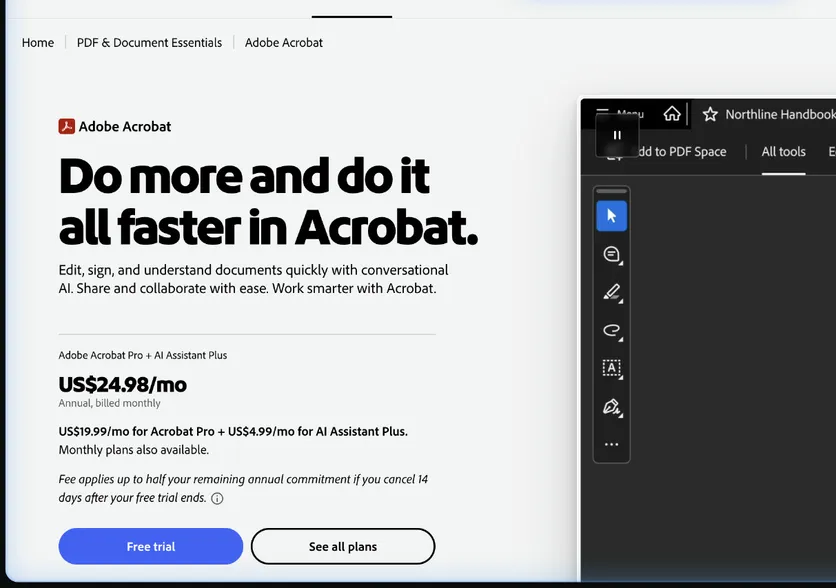
When a PDF is too big to email, Acrobat Pro shrinks it without mangling the layout or the fonts. This Adobe Acrobat Pro plan adds a compression pass to full editing, so you can downsample images, drop hidden data and re-save in one step. It is the safest choice when the file goes to a client and has to look exactly right.
What we like
- Best quality control over what gets compressed
- Full editing if the file needs fixes first
- Trusted output for client-facing files
Watch out for
- Overkill if you only compress files
- Highest monthly price here
How to try it
- Open the Adobe Acrobat pricing page and start the Pro trial
- Open a large PDF and run the file optimizer
- Check the new size, then save a copy for sending
2. Smallpdf Pro
Best for: Anyone who wants a PDF smaller in seconds, in the browser
Paid tool Starting price: $10/month · Pro plan, billed annually ($120 a year); $15 a month on monthly billing; price moved from $9 a month in October 2026
Free plan: Free plan; 7-day free trial
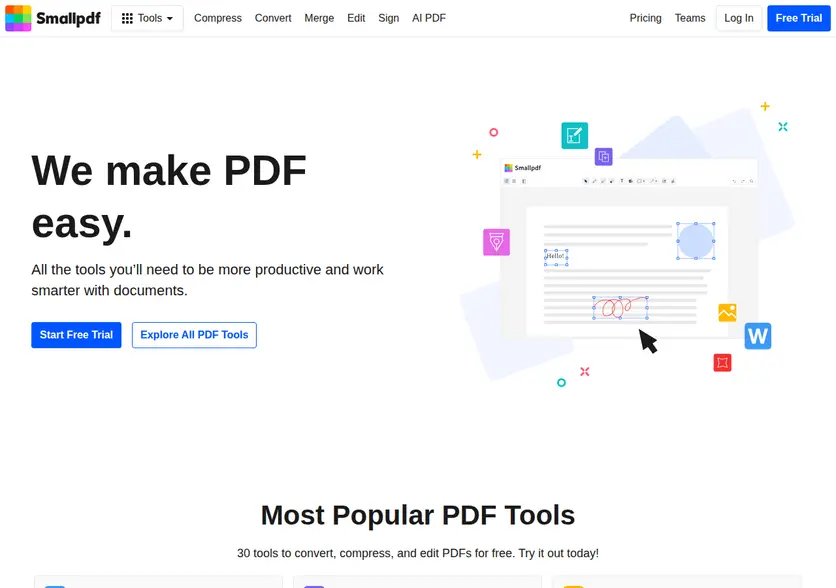
Smallpdf Pro built its name on one job: making a PDF smaller in seconds, with no software to install. This Smallpdf Pro plan raises the file-size cap and removes the daily limit, so a 200-page report compresses as easily as a two-page letter. It is the fastest route from an oversized file to an emailable one.
What we like
- The fastest compress workflow here
- No install, works on any computer
- Clear before-and-after file size
Watch out for
- Free plan caps file size and daily jobs
- Heavy image files shrink less than text files
How to try it
- Open the Smallpdf pricing page and start the Pro trial
- Drop in the oversized PDF and pick a compression level
- Download the smaller file and check it opens cleanly
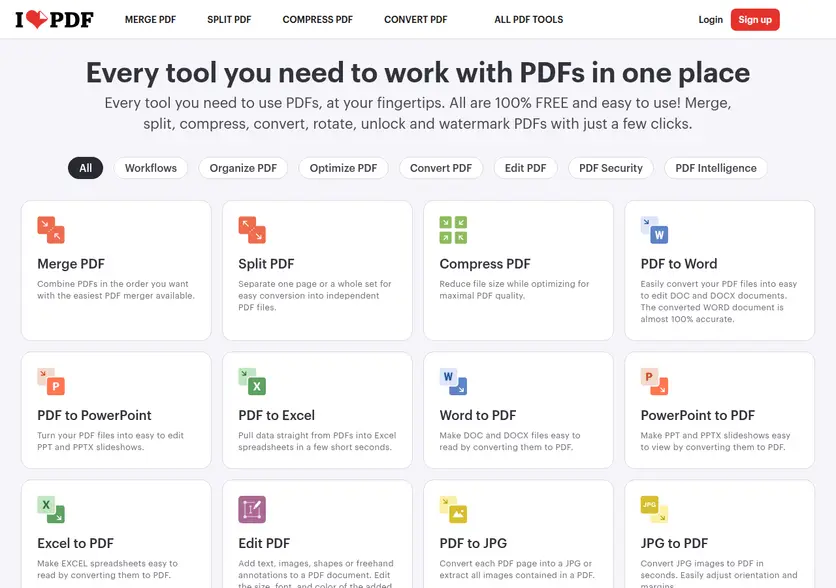
3. iLovePDF Premium
Best for: People who compress big PDFs in the browser for the lowest price
Paid tool Starting price: $5/month · Premium plan, billed annually ($60 a year); price changed from $4 a month ($48 a year) in November 2026
Free plan: Free plan
iLovePDF Premium treats compression as a first-class feature, not an afterthought, and it shows in the results. This iLovePDF Premium plan removes the file-size cap and the daily limit, so large reports and scanned documents compress without splitting them first. It is the cheapest paid route to smaller files.
What we like
- Cheapest paid compression here
- Handles very large files on Premium
- Simple slider for compression strength
Watch out for
- Extreme compression can soften scanned pages
- Needs an internet connection for every job
How to try it
- Open the iLovePDF pricing page and start Premium
- Upload the large PDF and choose extreme compression
- Download the result and compare the file size
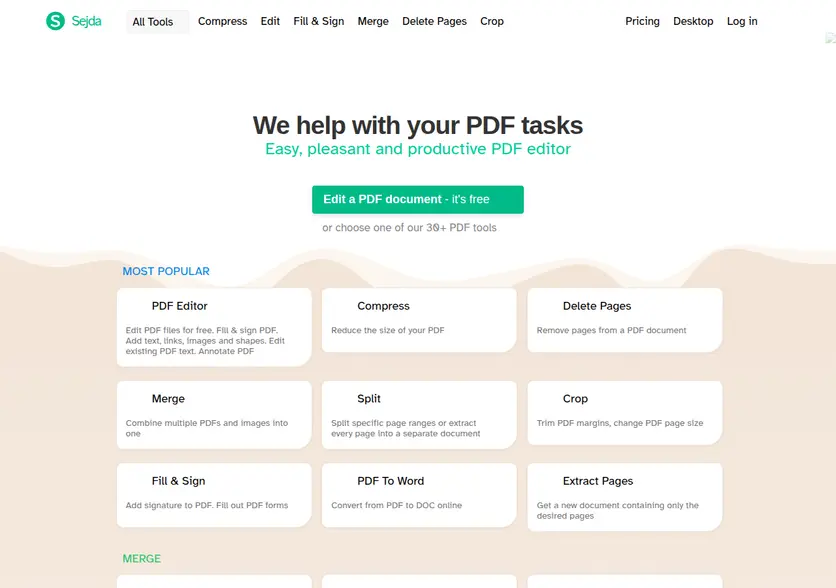
4. Sejda Desktop
Best for: Privacy-minded users who compress sensitive PDFs offline
Paid tool Starting price: $63/year · Annual plan, includes a year of Desktop; Monthly is $7.50 a month web-only and a Week Pass is $5 for 7 days
Free plan: Free plan
Sejda Desktop compresses PDFs locally, so a sensitive file never uploads anywhere. This Sejda Desktop plan covers compression, merging and splitting on your own computer, with a clear size readout before you save. It is the right pick for contracts, medical forms and anything you would not send to a server.
What we like
- Files never leave your computer
- Honest size readout before saving
- Fair yearly price for offline work
Watch out for
- Compression is gentler than the cloud tools
- No batch compression on the free plan
How to try it
- Open the Sejda upgrade page and pick the Annual plan
- Download Sejda Desktop and open the PDF
- Compress it, check the size, and save locally
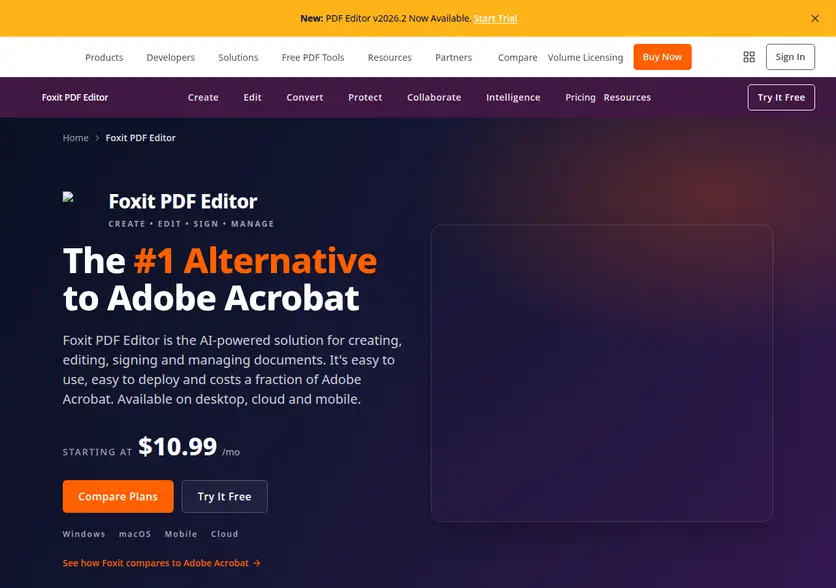
5. Foxit PDF Editor
Best for: Businesses that compress PDFs as part of everyday editing
Paid tool Starting price: $129.99/year · PDF Editor plan, annual; Editor+ is $159.99 a year and a perpetual license is $209.99; 14-day free trial
Free plan: 14-day free trial
Foxit PDF Editor pairs full editing with a compression pass that keeps text crisp while images shrink. This Foxit PDF Editor plan lets you optimize a file right after editing it, so nothing leaves the app half-finished. It is the best fit for an office that edits and shrinks PDFs in the same workflow.
What we like
- Edit and compress in one app
- Text stays sharp after compression
- Good value for a full editor
Watch out for
- Compression controls are less obvious than Smallpdf
- Yearly price is high for compression alone
How to try it
- Open the Foxit pricing page and start the 14-day trial
- Edit the PDF, then run the file optimizer
- Save the smaller copy and send it on
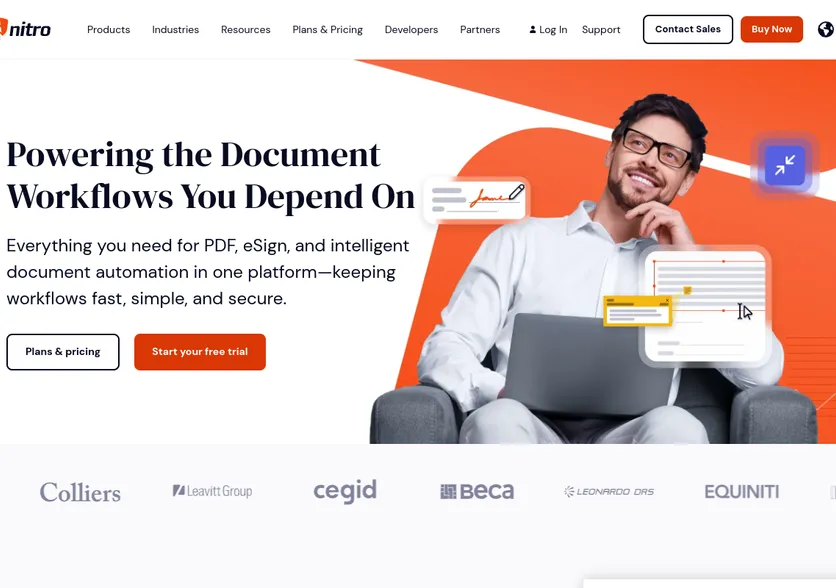
6. Nitro PDF Standard
Best for: Small teams that shrink PDFs as part of normal office work
Paid tool Starting price: $15/month · Standard plan, per user billed annually ($180 a year); Classic is $270 one-time for three years
Free plan: Free trial
Nitro PDF Standard shrinks files as part of a normal office workflow, not as a separate chore. This Nitro PDF Standard plan covers PDF creation, editing and optimization with the same Office-style ribbon your team already knows. It is the practical pick when every department produces PDFs that are too big to send.
What we like
- Compression sits inside the normal workflow
- Batch optimization for whole folders
- Familiar interface for Office users
Watch out for
- Optimizer is basic next to dedicated tools
- Per-user price adds up for big teams
How to try it
- Open the Nitro pricing page and start the trial
- Create a PDF from a Word file and optimize it
- Check the size and attach it to your email
7. Wondershare PDFelement
Best for: Small businesses that batch-compress folders of PDFs
Paid tool Starting price: $79.99/year · Yearly plan, auto-renew (list $129); 2-year plan $109.99 and perpetual license $129.99; 14-day free trial
Free plan: 14-day free trial
PDFelement adds a one-click optimizer to its desktop editor, and the batch mode is where it earns its keep. This Wondershare PDFelement plan compresses whole folders at once, with a quality slider for scanned pages. It is the best value when a business produces dozens of oversized PDFs every week.
What we like
- Batch compression for whole folders
- Quality slider protects scanned pages
- Cheaper than Acrobat per year
Watch out for
- Batch mode needs the paid plan
- Interface takes a day to learn
How to try it
- Open the PDFelement store page and start the 14-day trial
- Select a folder of PDFs and run batch optimization
- Spot-check one file, then send the rest
Prices above were checked on each vendor’s own website on Nov 14, 2026 and can change — the vendor’s page is the final word. Vendor links are editorial: nobody paid to be listed or ranked here. Vendors who want a featured listing can see how it works on our Get listed page.
What PDF compression costs in 2026
Compression is cheap, and the range on this list runs from about $5 a month to about $20 a month, with one yearly plan in the middle. The price is not the whole story, because free plans cap file size and daily jobs, and the cheapest paid plan may not handle scanned pages well. The table below uses the headline plan each vendor shows on its own pricing page, checked on November 25, 2026.
Before you buy
- Check the result before you send it: extreme compression downsamples images and can soften scanned pages and small text.
- Start free if you compress rarely: Smallpdf and iLovePDF have free plans, but they cap file size and daily jobs.
- For sensitive files, pick an offline tool like Sejda Desktop at $63 a year, so the document never uploads to a server.
- Compare prices on annual billing: iLovePDF Premium is cheapest at about $5 a month, while Acrobat Pro is $19.99 a month.
- For whole folders, pick a batch tool: PDFelement compresses folders at once, while Acrobat and Foxit control image quality directly.
Official websites
Official websites of the products reviewed above. Features and prices were checked against these sites when this guide was written, and they can change, so confirm on the vendor site before you buy.
Frequently asked questions
How much can I shrink a PDF?
It depends on the file. A text-heavy PDF with big images can shrink by 70 to 90 percent, while a scanned document usually drops by 30 to 50 percent. Smallpdf and iLovePDF show the before-and-after size, so you can see the saving before you download. If a file barely shrinks, the images are already compressed or the PDF is mostly vector graphics.
Does compressing a PDF reduce quality?
It can, if you push compression too far. Extreme settings downsample images and can soften scanned pages, so check the result before you send it. The safer route is a middle setting: most tools cut the size in half with no visible change. Acrobat and Foxit let you control image quality directly, which is why they suit client-facing files.
What is the best free PDF compressor?
Smallpdf and iLovePDF both have free plans that compress small files a few times a day, and Sejda offers a free tier too. Free plans cap file size and daily jobs, so they suit occasional use. If you compress PDFs every week, iLovePDF Premium at about $5 a month is the cheapest paid plan on this list.
Why is my PDF so large?
Images are the usual cause. A PDF built from phone photos or scanned pages carries full-resolution images, and each one adds megabytes. Embedded fonts and hidden layers add weight too. Compression tools downsample those images and strip the hidden data, which is why a 40 MB report can become a 4 MB file with no visible change.
Can I compress a PDF on my phone?
Yes. Smallpdf and iLovePDF work in a mobile browser, and Acrobat and Foxit have mobile apps with compression built in. On a phone, upload the file, pick a compression level and download the smaller copy. For sensitive files, use Sejda Desktop on a computer instead, so the document never leaves your machine.
Browse all PDF tools
Browse PDF Tools tools