On this page
Words trapped in a picture are words you cannot use: you cannot search, copy or paste them into a spreadsheet. The best OCR reads text inside scans and photos and turns it into editable, searchable words. The seven tools below run from the accuracy benchmark to the cheapest browser option. Every price was checked on the vendor site on November 25, 2026, and every tool offers a free trial or a free plan to test before you pay. ABBYY FineReader PDF is our first pick — the most accurate OCR, and the benchmark every other tool is measured against.
How we researched this
We started with the OCR tools people actually pay for, then read each price on the vendor pricing page on November 25, 2026 and noted the free trial or free plan each one carries. We judged them on recognition accuracy, language support and how well they handle batches. We kept the list to tools with a published price, and we dropped any tool whose price we could not verify.
Compare the tools
| Name | Best for | Starting price | Free plan | |
|---|---|---|---|---|
 ABBYY FineReader PDF | Professionals who need the most accurate OCR available | $99/year | 7-day free trial | Visit |
 Readiris PDF 27 | People who want strong OCR for a one-time payment | $109 one-time | Free trial | Visit |
 Adobe Acrobat Pro | Professionals who need OCR inside a full PDF workflow | $19.99/month | 7-day free trial | Visit |
 Wondershare PDFelement | Small businesses that OCR folders of scanned documents | $79.99/year | 14-day free trial | Visit |
 Smallpdf Pro | Anyone who needs quick OCR in the browser | $10/month | Free plan; 7-day free trial | Visit |
 Able2Extract Professional | Accountants and analysts who turn PDF tables into Excel | $199.95 one-time | 7-day free trial | Visit |
 Foxit PDF Editor | Businesses that need OCR and PDF editing at a lower yearly price | $129.99/year | 14-day free trial | Visit |
The OCR tools, compared
1. ABBYY FineReader PDF
Best for: Professionals who need the most accurate OCR available
Paid tool Starting price: $99/year · Standard plan, Windows, annual; Mac $69 a year and Corporate $165 a year; 7-day trial, 100 pages
Free plan: 7-day free trial
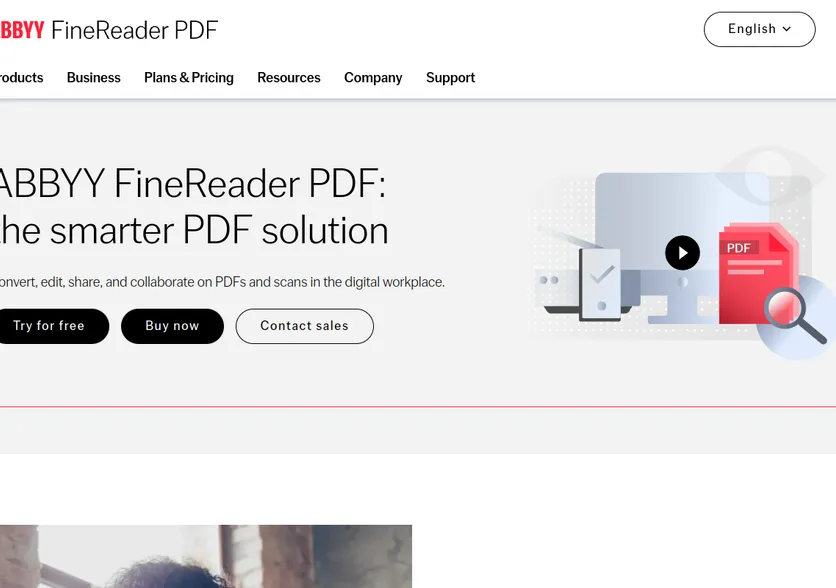
ABBYY FineReader PDF is the OCR benchmark other tools are measured against, and it still leads on accuracy. This ABBYY FineReader PDF Standard plan covers OCR in 200 languages, PDF editing, comparison and conversion to Word and Excel. It is the best pick when a scanned document has to become editable text without errors.
What we like
- Most accurate OCR on this list
- 200 languages supported
- Strong PDF editing and comparison
Watch out for
- Yearly subscription, no one-time purchase
- Trial limited to 100 pages
How to try it
- Open the ABBYY FineReader pricing page and start the 7-day trial
- Open a scanned PDF and run OCR on it
- Export the result to Word and check the text
2. Readiris PDF 27
Best for: People who want strong OCR for a one-time payment
Paid tool Starting price: $109 one-time · Essential edition, one-time perpetual license (list $129); Elite $169 (list $189); price rose from $79 in November 2026
Free plan: Free trial
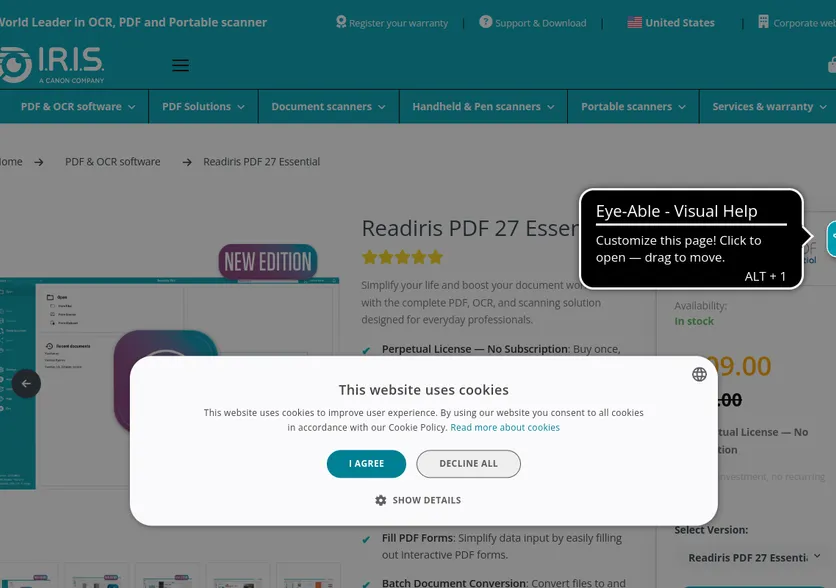
Readiris PDF 27 pairs strong OCR with a one-time price, and that combination is rare in this category. This Readiris PDF 27 Essential license covers scanning, OCR, editing, annotation, form filling and batch conversion on Windows and Mac. It is the best pick for a home office that scans documents every week.
What we like
- One-time payment, no subscription
- Good OCR for everyday documents
- Batch conversion for whole folders
Watch out for
- Price moved from $79 to $109 in November 2026
- Version-specific license, upgrades cost extra
How to try it
- Open the Readiris PDF page and start the trial
- Scan a paper document or open a scanned PDF
- Run OCR and save the searchable file
3. Adobe Acrobat Pro
Best for: Professionals who need OCR inside a full PDF workflow
Paid tool Starting price: $19.99/month · Acrobat Pro, annual plan billed monthly ($239.88 a year); month-to-month is about $29.99 a month; 7-day free trial
Free plan: 7-day free trial
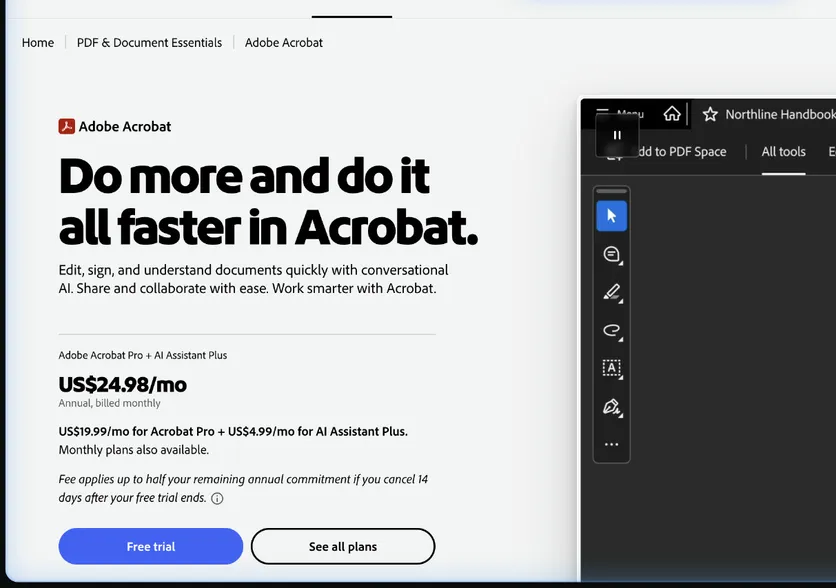
Acrobat Pro turns scans into searchable, editable PDFs with OCR built in, and it does it better than most dedicated tools. This Adobe Acrobat Pro plan covers OCR, full editing, e-signatures and forms in one app. It is the best pick when OCR is one step in a bigger document workflow.
What we like
- OCR plus full editing in one app
- Excellent accuracy on clean scans
- Trusted output for client files
Watch out for
- Priciest subscription on this list
- Overkill if you only need OCR
How to try it
- Open the Adobe Acrobat pricing page and start the Pro trial
- Open a scanned PDF and run text recognition
- Edit the recognized text and save the file
4. Wondershare PDFelement
Best for: Small businesses that OCR folders of scanned documents
Paid tool Starting price: $79.99/year · Yearly plan, auto-renew (list $129); 2-year plan $109.99 and perpetual license $129.99; 14-day free trial
Free plan: 14-day free trial
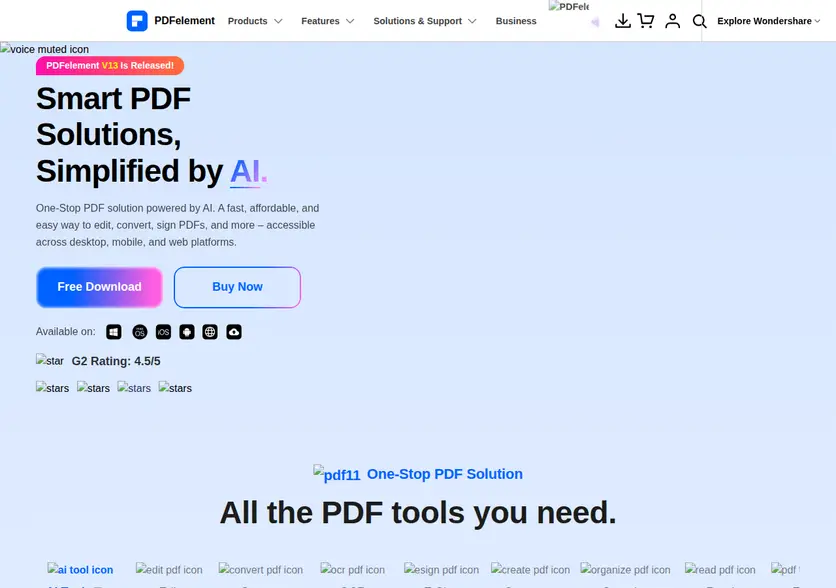
PDFelement adds batch OCR to its desktop editor, so a folder of scans becomes searchable text in one pass. This Wondershare PDFelement plan covers OCR, text and image editing, forms and batch conversion to Word and Excel. It is the best value for a business that digitizes paper every week.
What we like
- Batch OCR for whole folders
- Good value for a full editor
- Works on Windows and Mac
Watch out for
- OCR accuracy trails ABBYY on poor scans
- Some AI features cost extra
How to try it
- Open the PDFelement store page and start the 14-day trial
- Select a folder of scanned PDFs and run batch OCR
- Export the results to Word and spot-check them
5. Smallpdf Pro
Best for: Anyone who needs quick OCR in the browser
Paid tool Starting price: $10/month · Pro plan, billed annually ($120 a year); $15 a month on monthly billing; price moved from $9 a month in October 2026
Free plan: Free plan; 7-day free trial
Smallpdf Pro brings OCR to the browser, so a scanned PDF becomes searchable text with no software to install. This Smallpdf Pro plan covers OCR, compression, conversion and signing in a clean browser workspace. It is the best pick for occasional OCR jobs on any computer.
What we like
- No install, works on any computer
- Fast for one-off OCR jobs
- Cheapest subscription here
Watch out for
- OCR needs the Pro plan
- Less accurate than ABBYY on poor scans
How to try it
- Open the Smallpdf pricing page and start the Pro trial
- Upload a scanned PDF and run OCR on it
- Download the searchable file and check the text
6. Able2Extract Professional
Best for: Accountants and analysts who turn PDF tables into Excel
Paid tool Starting price: $199.95 one-time · Full license, lifetime, version 21, for one user on up to two computers; 30-day license $49.95; optional support plan $49.95 a year
Free plan: 7-day free trial
Able2Extract Professional is built for one job above all: turning PDF tables into clean Excel spreadsheets. This Able2Extract Professional full license covers OCR, PDF to Excel, Word, CSV and AutoCAD conversion, plus editing and redaction, on Windows, Mac and Linux. It is the best pick when a scanned table has to become a working spreadsheet.
What we like
- Best PDF-to-Excel conversion here
- One-time payment, no subscription
- Same features on Windows, Mac and Linux
Watch out for
- Priciest one-time purchase here
- Later major versions cost extra without the support plan
How to try it
- Open the Able2Extract site and start the 7-day trial
- Open a scanned PDF and select the table area
- Convert it to Excel and check the numbers
7. Foxit PDF Editor
Best for: Businesses that need OCR and PDF editing at a lower yearly price
Paid tool Starting price: $129.99/year · PDF Editor plan, annual; Editor+ is $159.99 a year and a perpetual license is $209.99; 14-day free trial
Free plan: 14-day free trial
Foxit PDF Editor runs OCR on scanned documents as part of everyday editing, so a scan becomes text without a separate app. This Foxit PDF Editor plan covers OCR, text editing, e-signatures, forms and connected reviews for teams. It is the best value for an office that scans and edits documents in the same workflow.
What we like
- OCR built into a full editor
- Cheaper than Acrobat per year
- Good team review tools
Watch out for
- OCR accuracy trails ABBYY on poor scans
- Editor+ costs more for the full feature set
How to try it
- Open the Foxit pricing page and start the 14-day trial
- Open a scanned PDF and run OCR on it
- Edit the recognized text and save the file
Prices above were checked on each vendor’s own website on Nov 14, 2026 and can change — the vendor’s page is the final word. Vendor links are editorial: nobody paid to be listed or ranked here. Vendors who want a featured listing can see how it works on our Get listed page.
What OCR software costs in 2026
OCR pricing runs from about $5 a month to about $200 once, and the right pick depends on how much you scan. Subscriptions suit occasional work, while a one-time license pays off fast for a business that digitizes paper every week. The table below uses the headline plan each vendor shows on its own pricing page, checked on November 25, 2026.
Before you buy
- Proofread the result, because even the best OCR makes mistakes on numbers, names and dates.
- Scan at 300 dpi or higher, because low-resolution scans are the biggest cause of OCR errors on faded or skewed pages.
- For tables, pick a tool built for them like Able2Extract instead of a general OCR app.
- Compare accuracy against price: ABBYY FineReader leads on accuracy at $99 a year, while Readiris costs $109 once for everyday documents.
- Try before you buy and check batch support: ABBYY's trial covers 100 pages, while PDFelement and Readiris handle batch OCR for folders.
Official websites
Official websites of the products reviewed above. Features and prices were checked against these sites when this guide was written, and they can change, so confirm on the vendor site before you buy.
Frequently asked questions
What is OCR software?
OCR, or optical character recognition, is software that reads text inside an image or a scanned document and turns it into editable, searchable text. A scanned PDF is just a picture of a page until OCR runs on it. After OCR, you can search the text, copy it, and convert the file to Word or Excel.
How accurate is OCR?
On clean scans, the best tools reach 98 to 99 percent accuracy, and ABBYY FineReader leads the field. Accuracy drops on faded print, handwriting, skewed pages and low-resolution scans. The safe habit is to proofread the result, especially for numbers, names and dates, before you rely on it.
Can OCR read handwriting?
Poorly, in most cases. Printed text is what OCR does well. Handwriting recognition is a separate problem, and most desktop OCR tools handle it badly or not at all. If handwriting is the job, look for a dedicated handwriting tool or a cloud service built for it, and expect to correct the results by hand.
What is the best free OCR software?
Smallpdf, iLovePDF and Sejda all offer free OCR for light use, usually with a daily limit or a file-size cap. Google Drive and Microsoft OneNote include free OCR too. Free tools suit occasional jobs. If you OCR documents every week, ABBYY FineReader at about $99 a year or Readiris at $109 once is worth the price.
Can I OCR a scanned PDF?
Yes. Open the scanned PDF in Acrobat Pro, Foxit, PDFelement or ABBYY FineReader and run text recognition, then save the file. The result is a searchable PDF you can copy text from. For a one-off job, upload the scan to Smallpdf Pro in the browser and download the searchable copy.
Words trapped in a picture are words you cannot use — browse all the free OCR tools and set them free.
Browse Document & File Converters tools