On this page
Every computer user zips files, but the free tool that came with the system is not always the best. The best file compression tools open more formats, encrypt with stronger keys and repair damaged archives. WinRAR is our first pick — the best-known archiver and the only tool here that creates RAR files. The seven tools below range from a free Mac archiver to a Windows suite, and every price was checked on the vendor site on November 25, 2026. Most offer a free plan or trial, so test each one on your own files first.
How we researched this
We started with the file compression tools people actually buy for daily archiving, then read each price on the vendor site on November 25, 2026 and noted the licence terms and free trials each product carries. We judged them for a working user who zips, extracts and encrypts files every week and needs formats that open anywhere. We kept the list to tools with a published price, and we dropped any tool whose price we could not verify on its own site.
Compare the tools
| Name | Best for | Starting price | Free plan | |
|---|---|---|---|---|
 WinZip Standard | Office users who want compression tied to email and cloud | $3.33/month | 21-day free trial | Visit |
 WinRAR | Windows users who need to create RAR archives | $29 one-time | 40-day free trial | Visit |
| Bandizip Professional | Windows users who want fast archiving at a low price | $30 one-time | Free plan | Visit |
 PowerArchiver Business | IT teams that deploy archiving across many machines | $22.95 one-time | 30-day free trial | Visit |
| Ashampoo ZIP Pro | Windows users who want compression plus backup | $40 one-time | Free trial | Visit |
 BetterZip | Mac users who edit archives without extracting them | $35 one-time | Free trial | Visit |
 Keka | Mac users who want a simple free archiver | $6.49 one-time | Free plan | Visit |
The file compression tools, compared
1. WinZip Standard
Best for: Office users who want compression tied to email and cloud
Paid tool Starting price: $3.33/month · Standard plan, per month on annual billing; Pro is $5 a month and Ultimate is $10 a month
Free plan: 21-day free trial
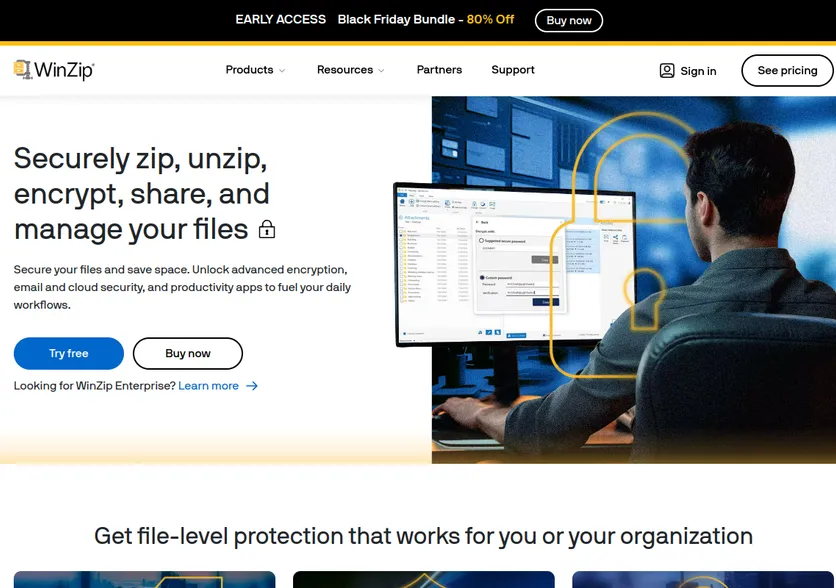
WinZip Standard is the polished commercial archiver that invented the category back in 1991. This WinZip Standard plan zips, encrypts and shares files through cloud services without leaving the app. It is the best pick for an office user who wants compression tied to email and cloud sharing with support included.
What we like
- The most polished interface on this list
- Compression tied to email and cloud sharing
- Support included on every paid plan
Watch out for
- Subscription only, no free edition beyond the trial
- Backup and PDF tools need the higher plans
How to try it
- Open the WinZip site and start the 21-day trial
- Zip a folder and encrypt it with a password
- Send the archive through your cloud drive without leaving the app
2. WinRAR
Best for: Windows users who need to create RAR archives
Paid tool Starting price: $29 one-time · Single-user licence, one-time purchase excluding VAT; volume discounts down to $6 a seat
Free plan: 40-day free trial
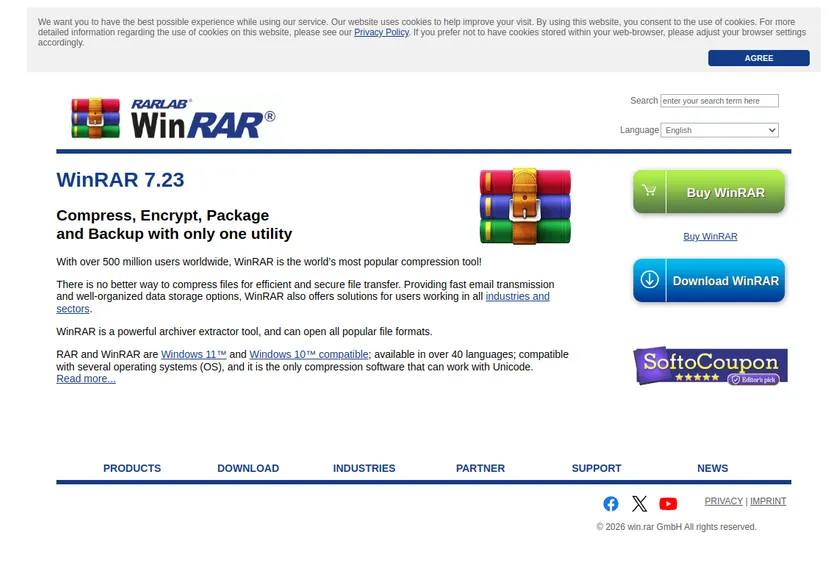
WinRAR is the only archiver here that creates RAR files, and its recovery records repair damaged archives other tools give up on. This WinRAR licence covers a single user with free updates included. It is the best choice for a Windows user who needs RAR output or works with multi-part RAR downloads.
What we like
- The only tool here that creates RAR files
- Recovery records repair damaged archives
- One-time licence with free updates included
Watch out for
- Interface looks dated next to WinZip
- No Mac version with the full feature set
How to try it
- Open the WinRAR site and download the 40-day trial
- Create a RAR archive with a recovery record
- Split a large archive into volumes for easier sharing
3. Bandizip Professional
Best for: Windows users who want fast archiving at a low price
Paid tool Starting price: $30 one-time · Professional edition, one-time purchase for a single user on up to 5 PCs
Free plan: Free plan
Bandizip Professional is the fast everyday archiver that uses multiple processor cores to compress quicker than most rivals. This Bandizip Professional licence removes the ads from the free edition and adds a password manager, archive repair and password recovery. It is the best value here for a Windows user who wants speed and a clean interface.
What we like
- Multi-core compression is noticeably faster
- Cleanest interface of the free archivers
- One licence covers one user on up to 5 PCs
Watch out for
- Free edition shows ads
- Mac version is a separate purchase
How to try it
- Open the Bandizip site and download the free Standard edition
- Drag a folder onto the app to zip it in seconds
- Upgrade to Professional to remove ads and add archive repair
4. PowerArchiver Business
Best for: IT teams that deploy archiving across many machines
Paid tool Starting price: $22.95 one-time · Business edition, one-time perpetual licence per seat; Professional is $34.95
Free plan: 30-day free trial
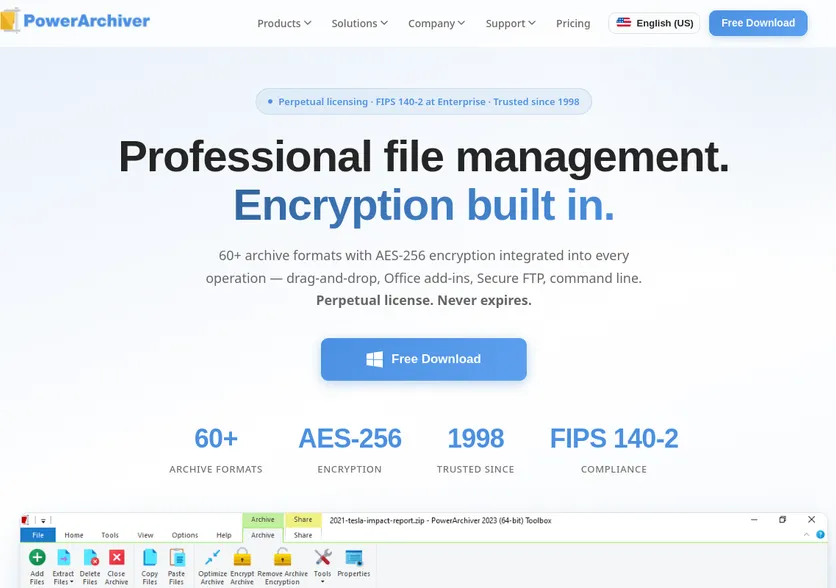
PowerArchiver Business is the IT-friendly archiver with a perpetual licence and admin features. This PowerArchiver Business licence extracts more than 60 formats and adds MSI deployment and Office add-ins. It is the best pick for a business that deploys archiving across many machines.
What we like
- Extracts more than 60 archive formats
- MSI deployment for IT teams
- Perpetual licence with no subscription
Watch out for
- Interface feels dated next to WinZip
- Backup features need the Professional edition
How to try it
- Open the PowerArchiver site and start the 30-day trial
- Extract a RAR, 7Z and ISO file to test the format range
- Deploy the MSI package across your team machines
5. Ashampoo ZIP Pro
Best for: Windows users who want compression plus backup
Paid tool Starting price: $40 one-time · ZIP Pro, one-time purchase
Free plan: Free trial
Ashampoo ZIP Pro is the full-featured suite for desktop compression, encryption and backup. This Ashampoo ZIP Pro licence handles 60 archive types with full multi-core support and 256-bit encryption. It is the best fit for a Windows user who wants compression plus backup in one program.
What we like
- Handles 60 archive types in one app
- Backup tools included in the same program
- Strongest compression engine on this list
Watch out for
- Windows only, no Mac version
- Highest one-time price on this list
How to try it
- Open the Ashampoo site and start the ZIP Pro trial
- Compress a folder with 256-bit encryption
- Set up a backup job for your documents folder
6. BetterZip
Best for: Mac users who edit archives without extracting them
Paid tool Starting price: $35 one-time · One-time purchase
Free plan: Free trial
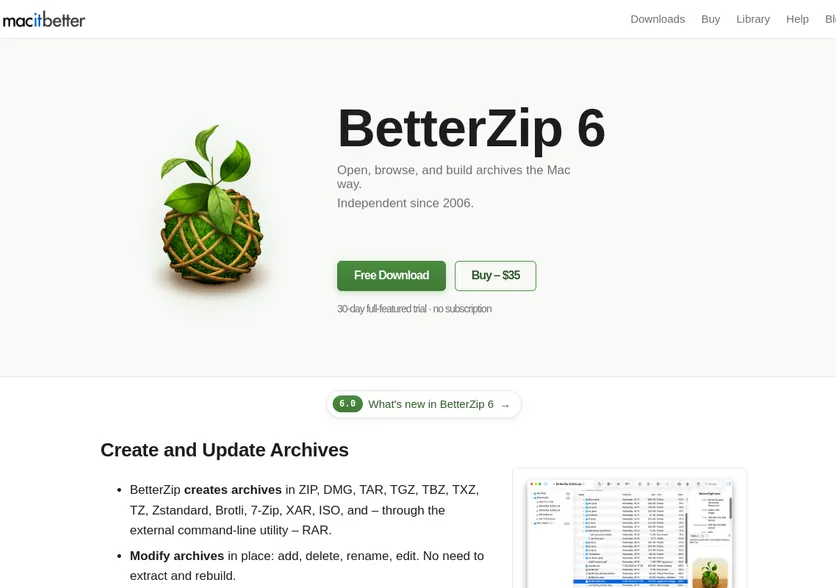
BetterZip is the Mac archiver for users who edit archives without extracting them first. This BetterZip licence opens more than 30 formats and lets you add, remove or rename files inside an archive. It is the best pick for a Mac user who works with archives every day and wants them editable.
What we like
- Edits files inside an archive without extracting
- Opens more than 30 archive formats
- One-time purchase with no subscription
Watch out for
- Mac only, no Windows version
- Major upgrades cost extra
How to try it
- Open the MacItBetter site and download the BetterZip trial
- Open an archive and rename a file inside it
- Add a file to the archive without extracting anything
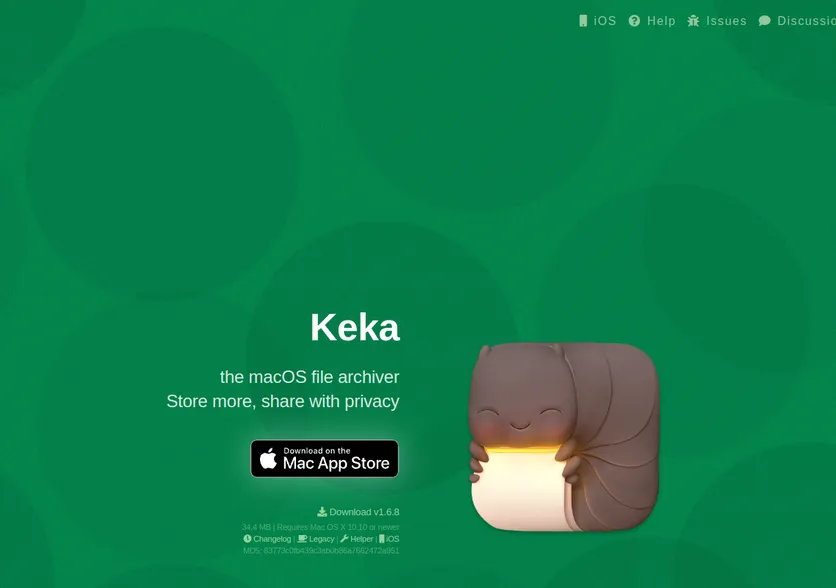
7. Keka
Best for: Mac users who want a simple free archiver
Paid tool Starting price: $6.49 one-time · Free download from the developer site; $6.49 one-time purchase on the Mac App Store
Free plan: Free plan
Keka is the focused Mac archiver that creates 7z archives with strong compression for free. This Keka app is a free download from the developer site, with an optional Mac App Store purchase for users who prefer the store. It is the best choice for a Mac user who wants a simple, free archiver that just works.
What we like
- Free download from the developer site
- Creates 7z archives with strong compression
- Simple drag-and-drop interface
Watch out for
- Mac only, no Windows version
- No built-in encryption beyond the 7z format
How to try it
- Open the Keka site and download the app for free
- Drag a folder onto the Keka window to compress it
- Pick 7z for the strongest compression on large files
Prices above were checked on each vendor’s own website on Nov 14, 2026 and can change — the vendor’s page is the final word. Vendor links are editorial: nobody paid to be listed or ranked here. Vendors who want a featured listing can see how it works on our Get listed page.
What file compression tools cost in 2026
Price is the first filter, and the range on this list runs from free to about $40 one-time. The cheapest plans are not always the cheapest deal, because subscriptions, one-time licences and platform limits change what a user really pays. The table below uses the headline price each vendor shows on its own site, checked on November 25, 2026.
Before you buy
- Check which formats a tool creates, not just opens: only WinRAR writes RAR files, while Keka creates 7z archives with strong compression.
- Compare a one-time licence against a subscription over three years: PowerArchiver Business costs $22.95 once, while WinZip Standard is $3.33 a month on annual billing.
- Check the platform before you buy: BetterZip and Keka are Mac only, Ashampoo ZIP Pro is Windows only, and WinRAR has no Mac version with the full feature set.
- Check the trial length: WinRAR offers 40 days, PowerArchiver 30 days and WinZip 21 days, while Bandizip and Keka have free editions with no time limit.
- Match the tool to the job: PowerArchiver Business adds MSI deployment for IT teams, while BetterZip edits files inside an archive without extracting them.
Official websites
Official websites of the products reviewed above. Features and prices were checked against these sites when this guide was written, and they can change, so confirm on the vendor site before you buy.
Frequently asked questions
Which file compression tool is best in 2026?
WinRAR, at $29 one-time, is the best-known archiver and the only tool here that creates RAR files. Bandizip Professional is the best value at $30 one-time with the fastest compression. WinZip Standard is the most polished pick at about $3.33 a month, with email and cloud sharing built in.
What is the cheapest file compression tool?
Keka is free to download from the developer site, with an optional $6.49 Mac App Store purchase. PowerArchiver Business is the cheapest paid licence at $22.95 one-time. WinRAR and Bandizip are both about $29 to $30 one-time, so a single purchase covers you for years.
Can I try file compression tools before paying?
Yes, most of them do. WinRAR offers a 40-day trial, PowerArchiver offers 30 days and WinZip offers 21 days, while Bandizip and Keka have free editions with no time limit. Test each one on your own files, because compression speed varies by file type.
Which file compression tool is best for Mac?
BetterZip, at $35 one-time, is the best Mac pick because it edits files inside archives without extracting them. Keka is the best free Mac option, with strong 7z compression and a simple interface. Both are Mac only, so Windows users should look at WinRAR or Bandizip instead.
Do I need to pay for a ZIP tool when 7-Zip is free?
Not always. 7-Zip is free, open source and excellent at compression, so it covers the basic job for nothing. Pay for WinRAR if you need RAR output, for WinZip if you want email and cloud sharing, or for PowerArchiver if you need IT deployment features across many machines.
Browse every document and file converter on Toolsvine.
Browse Document & File Converters tools