On this page
A document in the wrong format is a small problem, and a bad converter scrambles tables and fonts. The best converters keep the formatting intact, cover Word, Excel and PDF in both directions, and finish a folder in one pass. The seven tools below run from the industry standard to the format specialist. Every price was checked on the vendor site on November 25, 2026, and every tool offers a free trial or a free plan to test before you pay. Adobe Acrobat Pro is our first pick — the best formatting fidelity, converting both ways without scrambling tables.
How we researched this
We started with the document converters people actually pay for, then read each price on the vendor pricing page on November 25, 2026 and noted the free trial or free plan each one carries. We judged them on how faithfully they preserve formatting, how many formats they cover, and how well they handle batches. We kept the list to tools with a published price, and we dropped any tool whose price we could not verify.
Compare the tools
| Name | Best for | Starting price | Free plan | |
|---|---|---|---|---|
 Adobe Acrobat Pro | Professionals who need Word, Excel and PowerPoint converted to PDF perfectly | $19.99/month | 7-day free trial | Visit |
 Foxit PDF Editor | Businesses that convert documents both ways every day | $129.99/year | 14-day free trial | Visit |
 Smallpdf Pro | Anyone who wants a Word file as a PDF in seconds | $10/month | Free plan; 7-day free trial | Visit |
 iLovePDF Premium | People who convert documents in the browser for the lowest price | $5/month | Free plan | Visit |
 Wondershare PDFelement | Small businesses that batch-convert folders of documents | $79.99/year | 14-day free trial | Visit |
 CloudConvert | Anyone who converts obscure document formats | $9/month | Free plan | Visit |
 Convertio | Anyone who wants the simplest possible document conversion | $6.99/month | Free plan | Visit |
The document converters, compared
1. Adobe Acrobat Pro
Best for: Professionals who need Word, Excel and PowerPoint converted to PDF perfectly
Paid tool Starting price: $19.99/month · Acrobat Pro, annual plan billed monthly ($239.88 a year); month-to-month is about $29.99 a month; 7-day free trial
Free plan: 7-day free trial
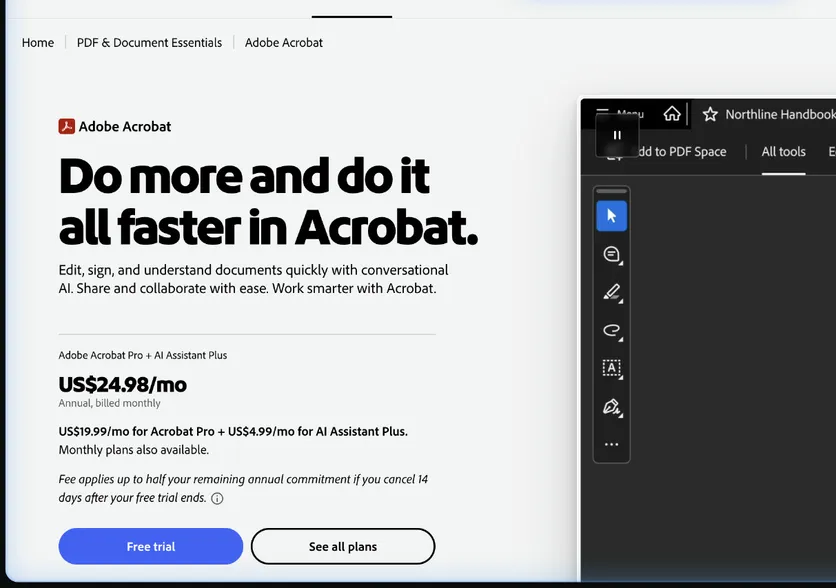
Acrobat Pro converts Word, Excel and PowerPoint files to PDF with the formatting intact, and converts PDFs back to editable Office files. This Adobe Acrobat Pro plan covers both directions, plus full editing when the converted file needs a fix. It is the safest pick when a converted document goes to a client.
What we like
- Best formatting fidelity here
- Converts both ways, PDF and Office
- Full editing if the result needs fixes
Watch out for
- Priciest subscription on this list
- Overkill for one-off conversions
How to try it
- Open the Adobe Acrobat pricing page and start the Pro trial
- Open a Word file and export it as a PDF
- Check the formatting, then send the PDF to your client
2. Foxit PDF Editor
Best for: Businesses that convert documents both ways every day
Paid tool Starting price: $129.99/year · PDF Editor plan, annual; Editor+ is $159.99 a year and a perpetual license is $209.99; 14-day free trial
Free plan: 14-day free trial
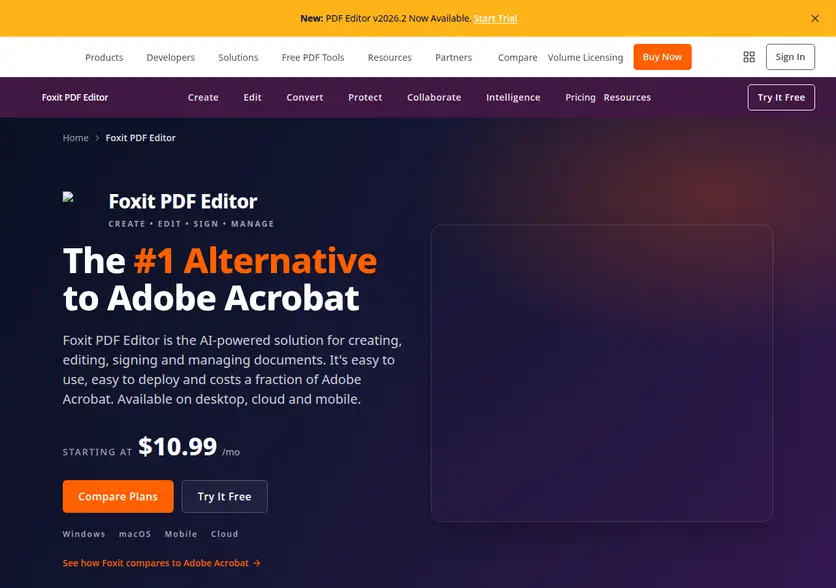
Foxit PDF Editor converts documents both ways: Office files to PDF, and PDFs back to editable Office files. This Foxit PDF Editor plan covers Word, Excel and PowerPoint conversion with good formatting, plus OCR for scanned documents. It is the best value for an office that converts documents in both directions.
What we like
- Good formatting in both directions
- OCR for scanned documents
- Cheaper than Acrobat per year
Watch out for
- Complex tables can need cleanup after conversion
- Editor+ costs more for the full feature set
How to try it
- Open the Foxit pricing page and start the 14-day trial
- Convert a PDF back to an editable Word file
- Fix the formatting and save it as a new document
3. Smallpdf Pro
Best for: Anyone who wants a Word file as a PDF in seconds
Paid tool Starting price: $10/month · Pro plan, billed annually ($120 a year); $15 a month on monthly billing; price moved from $9 a month in October 2026
Free plan: Free plan; 7-day free trial
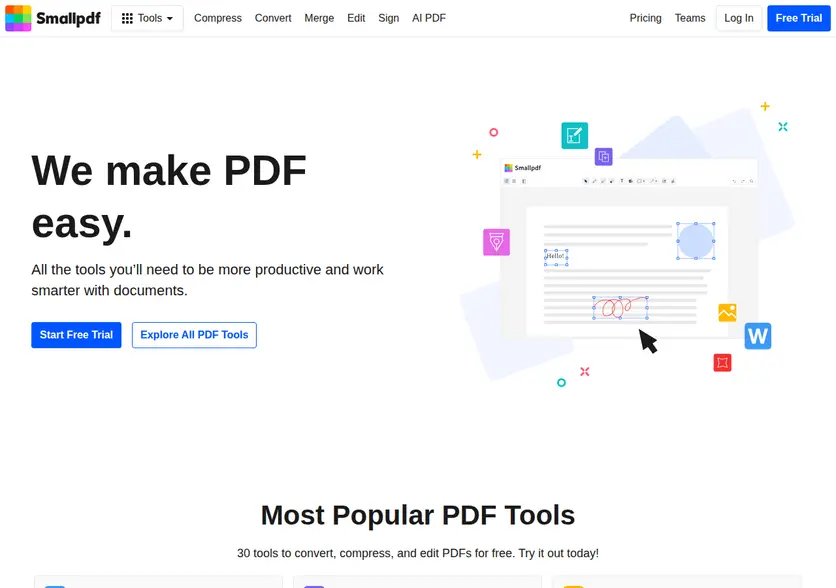
Smallpdf Pro is the quickest way to turn a Word file into a PDF in the browser, with no software to install. This Smallpdf Pro plan covers Word, Excel and PowerPoint to PDF, plus PDF back to Office formats, with batch conversion for whole folders. It is the best pick for fast, everyday document conversions.
What we like
- The fastest conversion workflow here
- Works in the browser on any computer
- Batch conversion on Pro
Watch out for
- Free plan caps file size and daily jobs
- Complex layouts can shift slightly
How to try it
- Open the Smallpdf pricing page and start the Pro trial
- Drop in a Word file and convert it to PDF
- Download the result and check the formatting
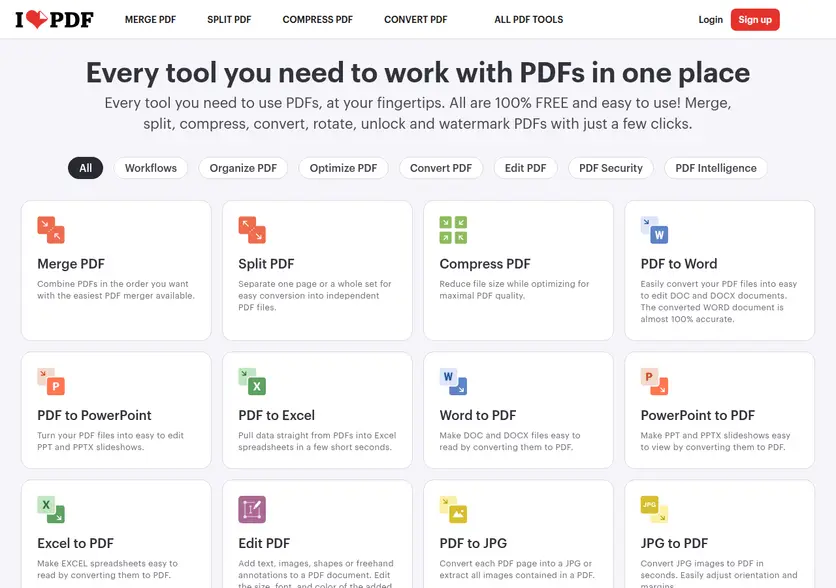
4. iLovePDF Premium
Best for: People who convert documents in the browser for the lowest price
Paid tool Starting price: $5/month · Premium plan, billed annually ($60 a year); price changed from $4 a month ($48 a year) in November 2026
Free plan: Free plan
iLovePDF Premium covers the document conversions people actually need: Word to PDF, PDF to Word, Excel to PDF and back again. This iLovePDF Premium plan removes the file-size cap and the daily limit, so large reports convert without splitting them first. It is the cheapest paid route to clean document conversion.
What we like
- Cheapest paid conversion here
- Handles large files on Premium
- Covers the formats people actually use
Watch out for
- Needs an internet connection for every job
- Fewer formats than CloudConvert
How to try it
- Open the iLovePDF pricing page and start Premium
- Upload a PDF and convert it to Word
- Open the result and check the tables and headings
5. Wondershare PDFelement
Best for: Small businesses that batch-convert folders of documents
Paid tool Starting price: $79.99/year · Yearly plan, auto-renew (list $129); 2-year plan $109.99 and perpetual license $129.99; 14-day free trial
Free plan: 14-day free trial
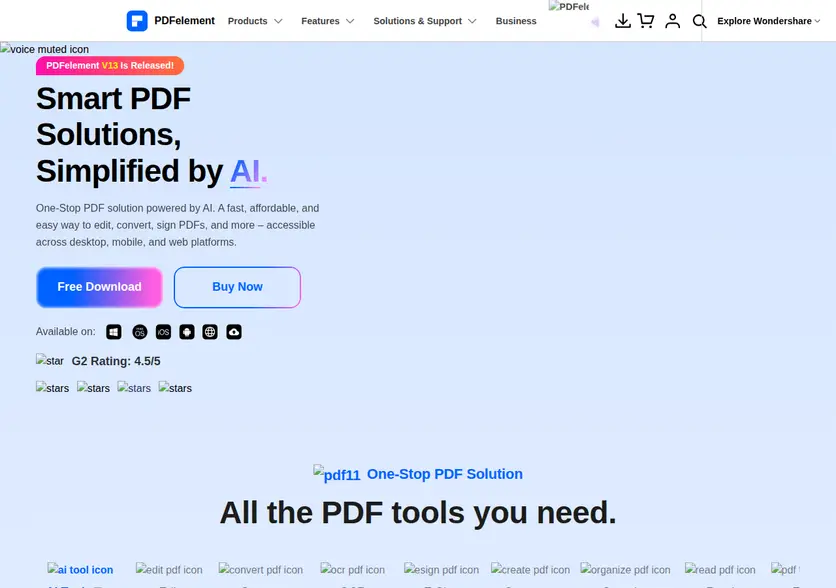
PDFelement pairs document conversion with batch processing, so a folder of files converts in one pass. This Wondershare PDFelement plan covers Word, Excel and PowerPoint in both directions, plus OCR for scanned pages. It is the best value when a business converts documents every week.
What we like
- Batch conversion for whole folders
- Good OCR for scanned documents
- Cheaper than Acrobat per year
Watch out for
- Batch mode needs the paid plan
- Some AI features cost extra
How to try it
- Open the PDFelement store page and start the 14-day trial
- Select a folder of PDFs and convert them to Word
- Spot-check one file, then send the rest
6. CloudConvert
Best for: Anyone who converts obscure document formats
Paid tool Starting price: $9/month · Subscription, 1,000 credits a month; package $17 one-time for 1,000 credits that never expire; free plan 10 credits a day
Free plan: Free plan
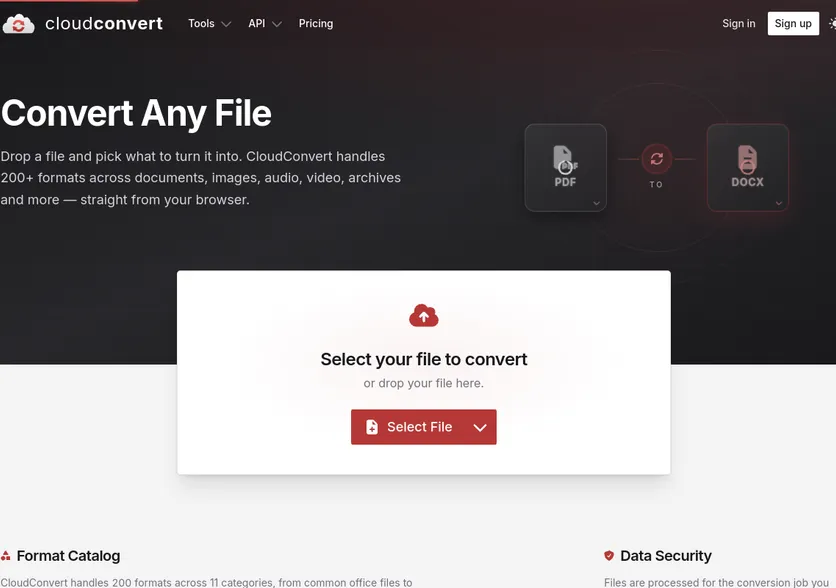
CloudConvert handles document formats the others skip: Markdown, ePub, LaTeX, HTML and dozens more. This CloudConvert subscription covers more than 200 formats, with an API and quality controls for each conversion. It is the best pick when the file you received is one you have never heard of.
What we like
- More than 200 formats supported
- Covers Markdown, ePub and LaTeX
- API for automated conversion
Watch out for
- Credit system takes learning
- Large files eat credits fast
How to try it
- Open the CloudConvert pricing page and pick the subscription
- Upload a Markdown file and choose PDF
- Download the converted file and check the formatting
7. Convertio
Best for: Anyone who wants the simplest possible document conversion
Paid tool Starting price: $6.99/month · Lite plan, billed annually; $11.99 a month on monthly billing; 1,000 credits a month, 1 GB files
Free plan: Free plan
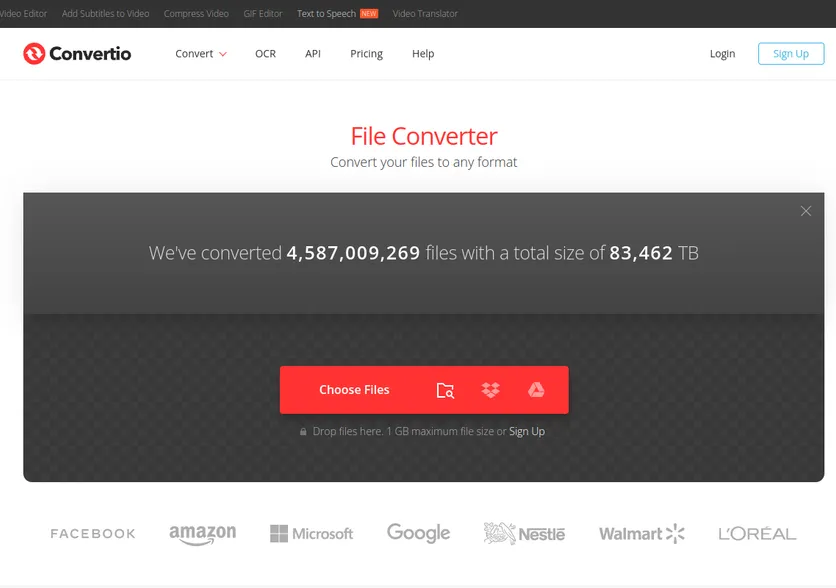
Convertio is the simple route for a one-off document conversion: drop a file, pick a format, download the result. This Convertio Lite plan raises the file-size cap to 1 GB and covers 1,000 credits a month, so big documents convert without splitting. It is the best pick for quick Word to PDF jobs and occasional format changes.
What we like
- The easiest interface here
- Handles big files on Lite
- Covers documents, images and more
Watch out for
- No desktop app, browser only
- Credit limits on the cheaper plans
How to try it
- Open the Convertio pricing page and pick the Lite plan
- Drop in a Word file and choose PDF
- Download the result and check the formatting
Prices above were checked on each vendor’s own website on Nov 14, 2026 and can change — the vendor’s page is the final word. Vendor links are editorial: nobody paid to be listed or ranked here. Vendors who want a featured listing can see how it works on our Get listed page.
What document conversion costs in 2026
Document conversion is cheap, and the range on this list runs from $5 a month to about $20 a month, with one yearly plan in the middle. The price is not the whole story, because formatting fidelity, format support and batch limits change what you really pay. The table below uses the headline plan each vendor shows on its own pricing page, checked on November 25, 2026.
Before you buy
- Always open the converted file and check tables, fonts and headings before you share it with anyone.
- Keep the original file, because converting back and forth loses a little formatting each time you convert.
- For whole folders, pick a batch tool like PDFelement instead of converting one file at a time.
- Match formats to the job: CloudConvert covers over 200 formats including Markdown, ePub and LaTeX, while iLovePDF covers everyday formats.
- Compare annual prices: iLovePDF Premium is cheapest at $5 a month, while Acrobat Pro is $19.99 a month for the best fidelity.
Official websites
Official websites of the products reviewed above. Features and prices were checked against these sites when this guide was written, and they can change, so confirm on the vendor site before you buy.
Frequently asked questions
How do I convert Word to PDF?
Open the file in Word and choose Save As, then pick PDF as the format. For batch work or files without Word installed, upload the document to Smallpdf or iLovePDF and download the PDF. Acrobat Pro gives the best formatting fidelity, because it preserves fonts, tables and headings exactly as they appear in the original.
Can I convert PDF back to Word?
Yes. Acrobat Pro, Foxit, Smallpdf, iLovePDF and PDFelement all convert PDF back to editable Word files. The result is usually very good for text documents, but complex tables and unusual fonts may need cleanup. Always check the converted file before you send it on, and keep the original PDF as a backup.
What is the best document converter?
Adobe Acrobat Pro, at about $20 a month, is the best converter overall because it preserves formatting in both directions. Smallpdf Pro is the easiest at about $10 a month, and CloudConvert is the best for obscure formats at about $9 a month. For occasional use, the free plans from Smallpdf and iLovePDF cover most jobs.
Does converting a document lose formatting?
It can, if the converter is weak or the document is complex. Tables, footnotes and unusual fonts are the usual casualties. The tools on this list preserve formatting well for normal documents, and Acrobat Pro is the most faithful. Always open the converted file and check it before you share it, especially for client work.
Can I convert documents in bulk?
Yes, every tool on this list handles batches. PDFelement and Smallpdf Pro convert whole folders at once, and CloudConvert processes batches in the browser. For a one-off batch, drag the folder into Smallpdf or CloudConvert and download the results as a zip file.
The right format, in one click — browse all the free document converters for Word, Excel, and Markdown.
Browse Document & File Converters tools