On this page
Every PDF workflow hits the same wall: the free reader opens the file but will not let you change it. The best PDF editors fix that, with editing, signing, forms and compression in one place. The eight tools below run from the industry standard to the cheapest one-time purchase. Every price was checked on the vendor site on November 25, 2026, and every tool offers a free trial or a free plan to test on a real document before you pay. Adobe Acrobat Pro is our first pick — the industry standard, and the safest default for daily PDF work.
How we researched this
We started with the PDF editors people actually pay for, then read each price on the vendor pricing page on November 25, 2026 and noted the free trial or free plan each one carries. We judged them for someone who edits, signs and shares PDFs every week and needs the file to look right on the other end. We kept the list to tools with a published price, and we dropped any tool whose price we could not verify.
Compare the tools
| Name | Best for | Starting price | Free plan | |
|---|---|---|---|---|
 Adobe Acrobat Pro | Professionals and teams who edit, sign and share PDFs every day | $19.99/month | 7-day free trial | Visit |
 Foxit PDF Editor | Businesses that want Acrobat-level editing at a lower yearly price | $129.99/year | 14-day free trial | Visit |
 Nitro PDF Standard | Small teams that create and edit PDFs from Office files all day | $15/month | Free trial | Visit |
 Smallpdf Pro | Anyone who wants quick PDF jobs done in the browser | $10/month | Free plan; 7-day free trial | Visit |
 Wondershare PDFelement | Small businesses that edit PDFs daily on a budget | $79.99/year | 14-day free trial | Visit |
 iLovePDF Premium | People who handle heavy PDF work entirely in the browser | $5/month | Free plan | Visit |
 Sejda Desktop | Privacy-minded users who edit PDFs offline | $63/year | Free plan | Visit |
 PDF-XChange Editor Plus | Windows users who want a full editor with no subscription | $79 one-time | Free trial | Visit |
The PDF editors, compared
1. Adobe Acrobat Pro
Best for: Professionals and teams who edit, sign and share PDFs every day
Paid tool Starting price: $19.99/month · Acrobat Pro, annual plan billed monthly ($239.88 a year); month-to-month is about $29.99 a month; 7-day free trial
Free plan: 7-day free trial
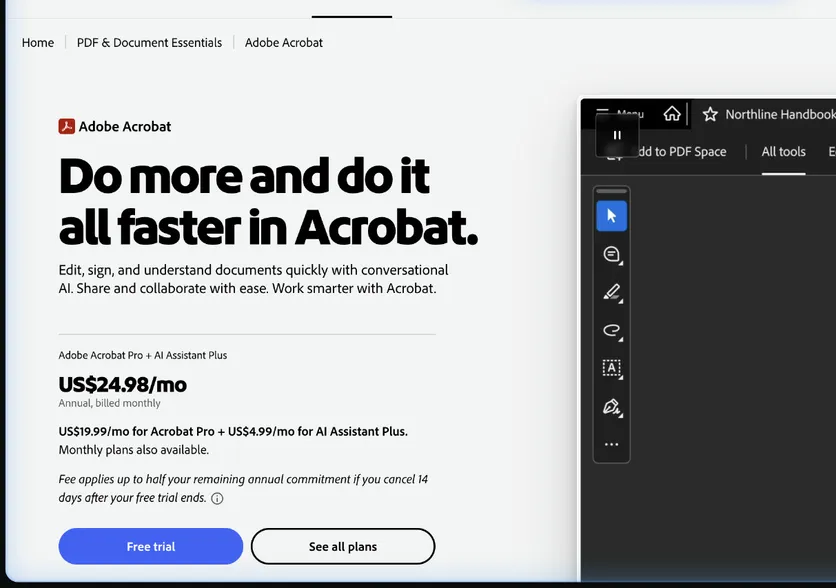
Adobe Acrobat Pro is the PDF editor most workplaces already expect, and that familiarity is its biggest strength. This Adobe Acrobat Pro plan covers full text and image editing, e-signatures, forms, redaction and file comparison in one app. It is the right pick when your PDFs travel between teams and clients and the file has to open correctly everywhere.
What we like
- The editor every client and colleague already knows
- Editing, signing, forms and redaction in one app
- Files open correctly everywhere
Watch out for
- The priciest subscription on this list
- Some features need the Pro tier, not Standard
How to try it
- Open the Adobe Acrobat pricing page and start the Pro trial
- Open a PDF and fix a typo or move a paragraph
- Add a signature field and send the file for signing
2. Foxit PDF Editor
Best for: Businesses that want Acrobat-level editing at a lower yearly price
Paid tool Starting price: $129.99/year · PDF Editor plan, annual; Editor+ is $159.99 a year and a perpetual license is $209.99; 14-day free trial
Free plan: 14-day free trial
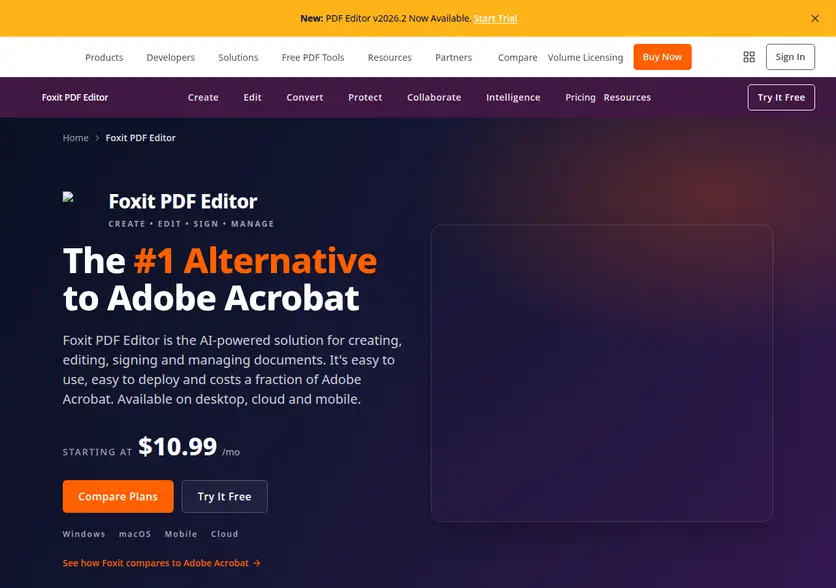
Foxit PDF Editor does nearly everything Acrobat does, at a lower yearly price and with a lighter install. This Foxit PDF Editor plan covers text editing, e-signatures, forms, OCR and connected PDF reviews for teams. It is the strongest pick for a business that wants Acrobat-level tools without the Acrobat bill.
What we like
- Close to Acrobat on features, cheaper per year
- Light install that opens fast
- Good team review and commenting tools
Watch out for
- Editor+ costs more for the full feature set
- Smaller brand may need explaining to clients
How to try it
- Open the Foxit pricing page and start the 14-day trial
- Open a PDF and edit text or add a comment
- Fill in a form and save it as a flattened copy
3. Nitro PDF Standard
Best for: Small teams that create and edit PDFs from Office files all day
Paid tool Starting price: $15/month · Standard plan, per user billed annually ($180 a year); Classic is $270 one-time for three years
Free plan: Free trial
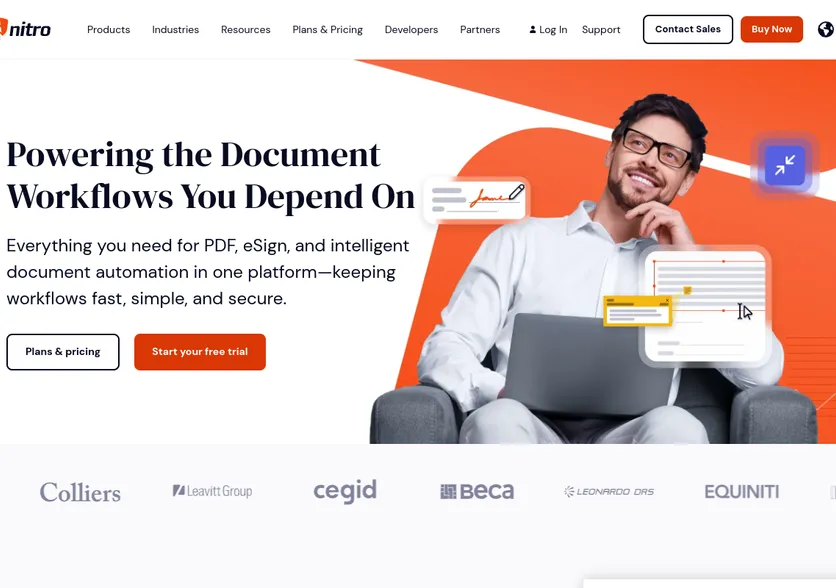
Nitro PDF Standard is built for offices that turn paper and Word files into clean PDFs all day. This Nitro PDF Standard plan covers PDF creation, editing, e-signatures and batch conversion with a familiar Office-style ribbon. It is the best fit for a small team that wants one straightforward editor for everyone.
What we like
- Familiar Office-style interface
- Strong batch creation and conversion
- Simple per-user pricing
Watch out for
- Standard lacks some Pro automation features
- Fewer cloud integrations than Adobe
How to try it
- Open the Nitro pricing page and start the trial
- Convert a Word file to PDF and edit a heading
- Sign the file and send it to a colleague
4. Smallpdf Pro
Best for: Anyone who wants quick PDF jobs done in the browser
Paid tool Starting price: $10/month · Pro plan, billed annually ($120 a year); $15 a month on monthly billing; price moved from $9 a month in October 2026
Free plan: Free plan; 7-day free trial
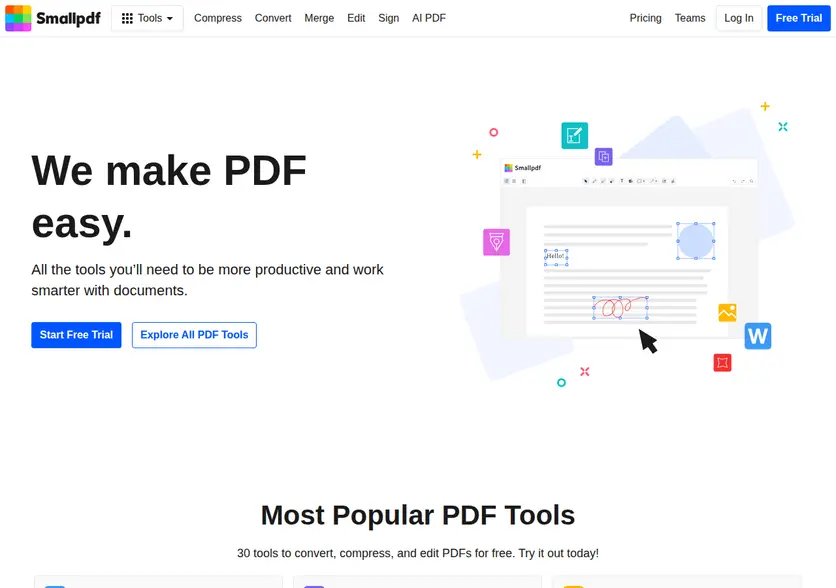
Smallpdf Pro is the simplest tool on this list, and that simplicity is why busy people like it. This Smallpdf Pro plan covers compression, conversion, merging, signing and editing in a clean browser workspace. It is the best pick when you want PDF jobs done in minutes without learning a desktop app.
What we like
- The easiest interface on this list
- Works in the browser on any computer
- Cheapest subscription here
Watch out for
- Desktop app is basic next to Acrobat
- Batch tools need the Pro plan
How to try it
- Open the Smallpdf pricing page and start the Pro trial
- Drop in a PDF and compress it to a smaller size
- Convert the result to Word and download it
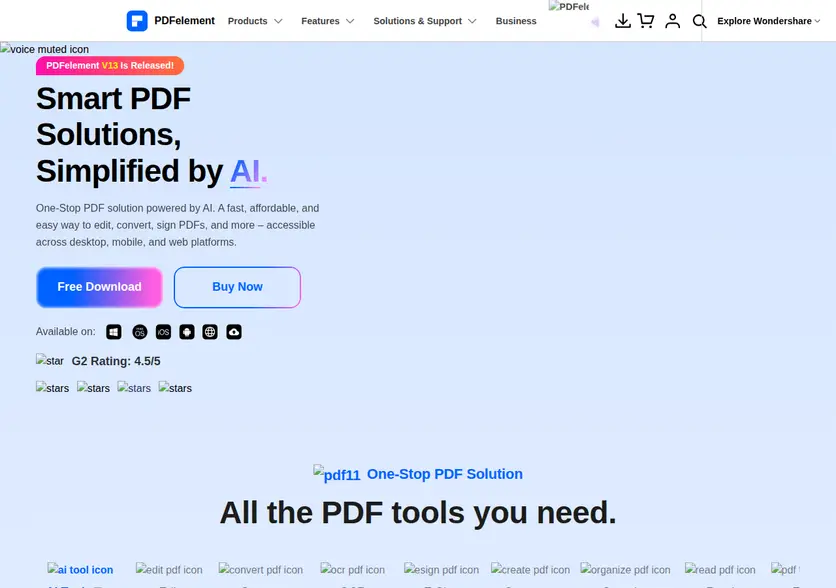
5. Wondershare PDFelement
Best for: Small businesses that edit PDFs daily on a budget
Paid tool Starting price: $79.99/year · Yearly plan, auto-renew (list $129); 2-year plan $109.99 and perpetual license $129.99; 14-day free trial
Free plan: 14-day free trial
Wondershare PDFelement packs desktop editing, OCR and batch tools into a yearly plan that undercuts Acrobat by a wide margin. This Wondershare PDFelement plan covers text and image editing, forms, signatures and one-click batch conversion. It is the right choice for a small business that edits PDFs daily and watches the budget.
What we like
- Strong feature set for the yearly price
- Good OCR and batch conversion
- Works on Windows and Mac
Watch out for
- Some AI features cost extra
- Interface feels busy at first
How to try it
- Open the PDFelement store page and start the 14-day trial
- Open a scanned PDF and run OCR to make it searchable
- Batch-convert a folder of PDFs to Word
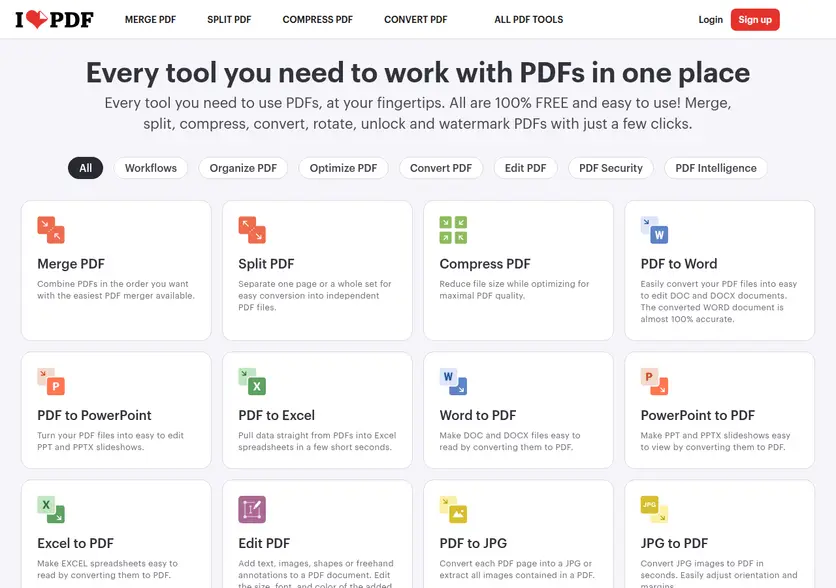
6. iLovePDF Premium
Best for: People who handle heavy PDF work entirely in the browser
Paid tool Starting price: $5/month · Premium plan, billed annually ($60 a year); price changed from $4 a month ($48 a year) in November 2026
Free plan: Free plan
iLovePDF Premium turns the popular free web tools into a full workspace with bigger files and no daily limits. This iLovePDF Premium plan covers compression, merging, splitting, conversion and signing from any browser. It is the cheapest way to handle heavy PDF work without installing anything.
What we like
- No software to install or update
- Very low monthly price
- Handles large files on Premium
Watch out for
- Needs an internet connection for every job
- Fewer deep editing tools than desktop editors
How to try it
- Open the iLovePDF pricing page and start Premium
- Upload a large PDF and compress it for email
- Merge several files into one document and download it
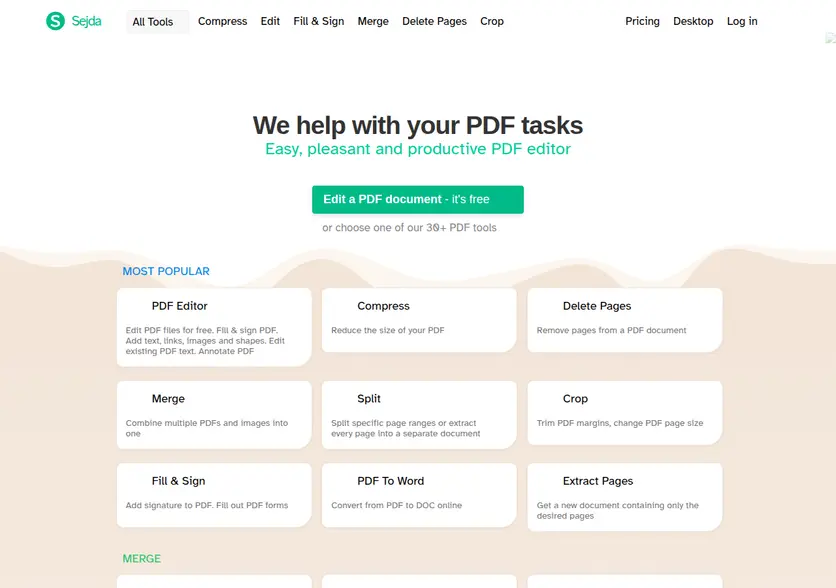
7. Sejda Desktop
Best for: Privacy-minded users who edit PDFs offline
Paid tool Starting price: $63/year · Annual plan, includes a year of Desktop; Monthly is $7.50 a month web-only and a Week Pass is $5 for 7 days
Free plan: Free plan
Sejda Desktop is the quiet workhorse of this list, built for people who edit PDFs offline and value privacy. This Sejda Desktop plan covers editing, merging, splitting, compression and forms on your own computer. It is the best pick when your files should never leave your machine.
What we like
- Files stay on your own computer
- Clean, focused toolset with no clutter
- Fair yearly price with a week pass option
Watch out for
- Smaller feature set than the big suites
- No mobile app in the paid plan
How to try it
- Open the Sejda upgrade page and pick the Annual plan
- Download Sejda Desktop and open a PDF
- Merge two files and save the result locally
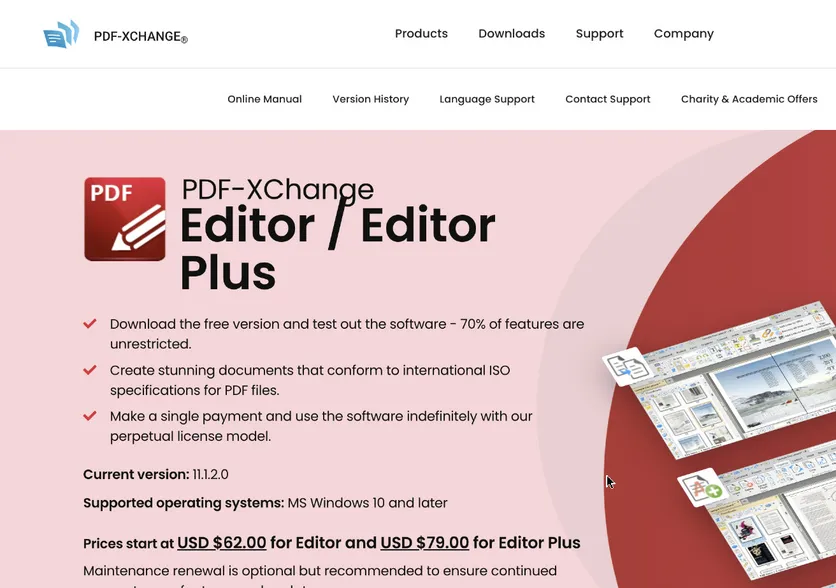
8. PDF-XChange Editor Plus
Best for: Windows users who want a full editor with no subscription
Paid tool Starting price: $79 one-time · Editor Plus, single user, perpetual license with one year of maintenance; Editor alone is $62 one-time
Free plan: Free trial
PDF-XChange Editor Plus is the only one-time purchase on this list, and for many buyers that settles the question. This PDF-XChange Editor Plus license covers text editing, OCR, stamps, measurements and form filling on Windows. It is the best value for a Windows user who wants a full editor with no subscription.
What we like
- Pay once, keep it forever
- Fast and light on Windows
- Strong annotation and measurement tools
Watch out for
- Windows only, no Mac version
- Major upgrades cost extra after the first year
How to try it
- Open the PDF-XChange features page and compare Editor and Plus
- Install the trial and edit text in a PDF
- Buy the Plus license and keep it forever
Prices above were checked on each vendor’s own website on Nov 14, 2026 and can change — the vendor’s page is the final word. Vendor links are editorial: nobody paid to be listed or ranked here. Vendors who want a featured listing can see how it works on our Get listed page.
What PDF editors cost in 2026
Price is the first filter, and the range on this list runs from a $5 monthly subscription to a $79 one-time purchase. The cheapest plans are not always the cheapest deal, because seat minimums, file limits and upgrade costs change what you really pay. The table below uses the headline plan each vendor shows on its own pricing page, checked on November 25, 2026.
Before you buy
- Match the editor to your real work: Acrobat Pro covers editing, signing, forms and redaction in one app.
- Compare billing shapes before you commit: Acrobat Pro is $19.99 a month on annual billing, while PDF-XChange Editor Plus is $79 once.
- Test before you pay: Smallpdf, iLovePDF and Sejda offer free plans, and the other tools offer trials of 7 to 14 days.
- Check the platform before you buy: PDF-XChange Editor Plus is Windows only, so Mac users should pick Foxit or PDFelement instead.
- Weigh one-time against subscription: PDF-XChange at $79 once beats two years of any subscription here, but major upgrades cost extra.
Official websites
Official websites of the products reviewed above. Features and prices were checked against these sites when this guide was written, and they can change, so confirm on the vendor site before you buy.
Frequently asked questions
Which PDF editor is best in 2026?
Adobe Acrobat Pro, at about $20 a month, is the safest default because every client and colleague already knows it and files open correctly everywhere. Foxit PDF Editor is the best value alternative at about $130 a year, and PDF-XChange Editor Plus wins for a one-time purchase at $79. Pick Acrobat for shared work, Foxit for a business budget, or PDF-XChange if you refuse subscriptions.
What is the cheapest PDF editor?
iLovePDF Premium, at about $5 a month on annual billing, is the cheapest subscription here and works entirely in the browser. Sejda Desktop costs about $63 a year for offline editing, and PDF-XChange Editor Plus costs $79 once with no renewal. If you edit PDFs only a few times a month, the free plans from Smallpdf, iLovePDF and Sejda may be enough.
Can I edit a PDF for free?
Yes, several tools on this list have free plans or trials. Smallpdf, iLovePDF and Sejda all offer free tiers for light use, and Acrobat, Foxit, Nitro, PDFelement and PDF-XChange offer free trials from 7 to 14 days. Free plans usually cap file size or daily tasks, so a paid plan pays for itself once PDF work becomes a weekly habit.
Is a one-time PDF editor better than a subscription?
It depends on how long you will use it. PDF-XChange Editor Plus at $79 once beats two years of any subscription here, but it is Windows only and major upgrades cost extra. A subscription buys continuous updates and cloud features, which matter if you share files with a team. For one computer and steady work, the one-time license wins.
Do PDF editors work on Mac and Windows?
Most do. Acrobat Pro, Foxit, Nitro, PDFelement and Sejda run on Windows and Mac, and Smallpdf and iLovePDF work in any browser. PDF-XChange Editor Plus is Windows only, so Mac users should pick Foxit or PDFelement instead. Check the system requirements before you buy, because some features differ between the Windows and Mac builds.
Browse all PDF tools
Browse PDF Tools tools