On this page
Merging PDFs sounds simple until the file order scrambles, the pages rotate the wrong way or the free tool stamps a watermark across the result. The eight tools below merge, split, reorder and compress PDFs without those surprises, and every one of them does far more than merging alone. Adobe Acrobat Pro leads because it is the standard most offices already trust for nineteen dollars and ninety-nine cents a month. Pick the tool that fits how often you merge and whether you need editing too.
How we researched this
We checked every price on the vendor pricing page on November 28, 2026, and only included tools with a published US dollar list price. Free-only merge websites with no paid plan and no vendor pricing page are not in this list. Prices change, so confirm the current figure on the vendor site before you buy.
Compare the tools
| Name | Best for | Starting price | Free plan | |
|---|---|---|---|---|
 Adobe Acrobat Pro | Offices that merge PDFs daily and need editing | $19.99/month | 7-day free trial | Visit |
 Foxit PDF Editor | Businesses that want desktop PDF power for less | $129.99/year | Free trial | Visit |
 Nitro PDF Pro | Teams that batch-convert and merge PDFs | $15/user/month | 14-day free trial | Visit |
| Wondershare PDFelement | Small businesses that want a full PDF editor cheaply | $79.99/year | Free version | Visit |
 ABBYY FineReader PDF | Teams merging scanned paper documents | $99/year | 7-day free trial | Visit |
| Smallpdf | Anyone who merges PDFs in the browser | $10/month | Free plan | Visit |
| Sejda | Occasional users who want a cheap one-week pass | $63/year | Free plan | Visit |
| iLovePDF | Small teams that merge and convert every week | $60/year | Free plan | Visit |
The software for merging pdf files, compared
1. Adobe Acrobat Pro
Best for: Offices that merge PDFs daily and need editing
Paid tool Starting price: $19.99/month · Nineteen dollars and ninety-nine cents per user a month on the annual plan billed monthly; twenty-nine dollars and ninety-nine cents month to month
Free plan: 7-day free trial
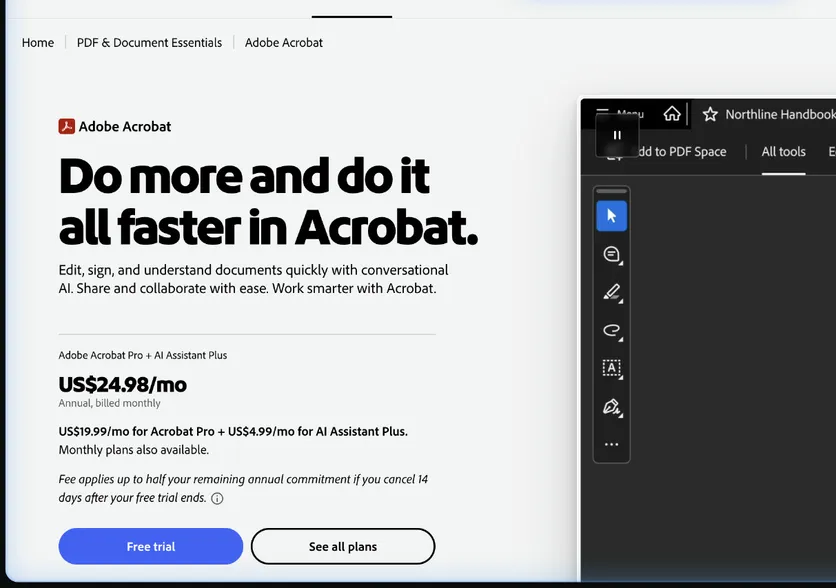
For a team that merges PDFs every day, this Adobe Acrobat Pro plan costs nineteen dollars and ninety-nine cents a month billed annually, and it merges, reorders, rotates and compresses pages inside the editor most offices already use. Drag files into the combine view, arrange the pages, and export a single clean document with searchable text. It is the safest default when merged files go to clients or a court.
What we like
- Combine, reorder and rotate pages in one view
- OCR makes merged scans searchable
- Redaction, forms and signatures included
Watch out for
- The annual plan charges a fee for early cancellation
- Heavier than a browser tool for a one-off merge
How to try it
- Open the Combine Files tool and add your PDFs
- Drag the pages into the right order
- Save the merged file and run OCR if needed
2. Foxit PDF Editor
Best for: Businesses that want desktop PDF power for less
Paid tool Starting price: $129.99/year · One hundred and twenty-nine dollars and ninety-nine cents a year for the standard PDF Editor; the Pro and Pro Plus editions cost more
Free plan: Free trial
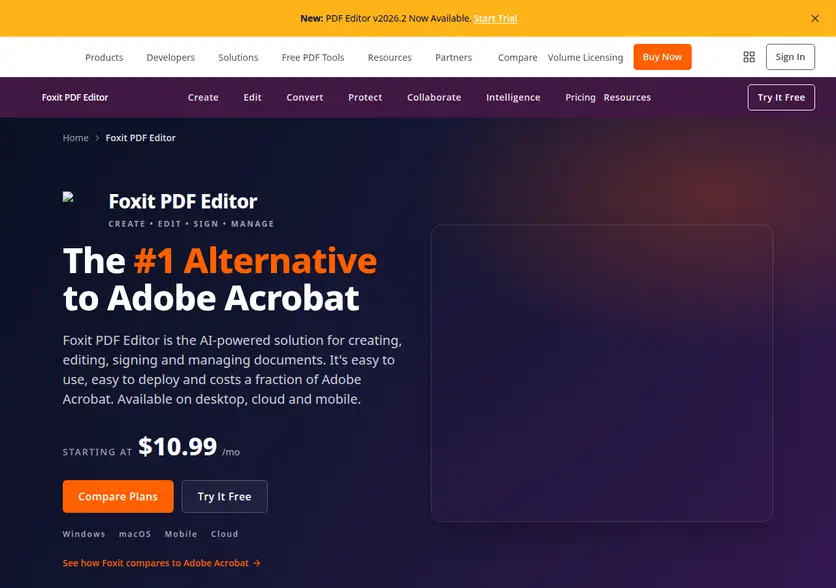
Foxit is the long-running Acrobat alternative, and this Foxit PDF Editor plan costs one hundred and twenty-nine dollars and ninety-nine cents a year, covering merging, editing, forms and e-signatures. The combine tool handles large files quickly, and the ribbon interface feels familiar to anyone who uses Office. It is a good fit for a business that wants desktop power at a lower annual price.
What we like
- Fast merging even with large files
- Familiar Office-style ribbon interface
- Forms and e-signatures included
Watch out for
- Cloud storage is limited on the standard plan
- Some advanced features need the Pro edition
How to try it
- Open the combine tool and add your PDF files
- Arrange pages and remove any you do not need
- Save the merged document to your chosen folder
3. Nitro PDF Pro
Best for: Teams that batch-convert and merge PDFs
Paid tool Starting price: $15/user/month · Fifteen dollars a user a month billed annually; Nitro Pro for business is quoted per seat at volume
Free plan: 14-day free trial
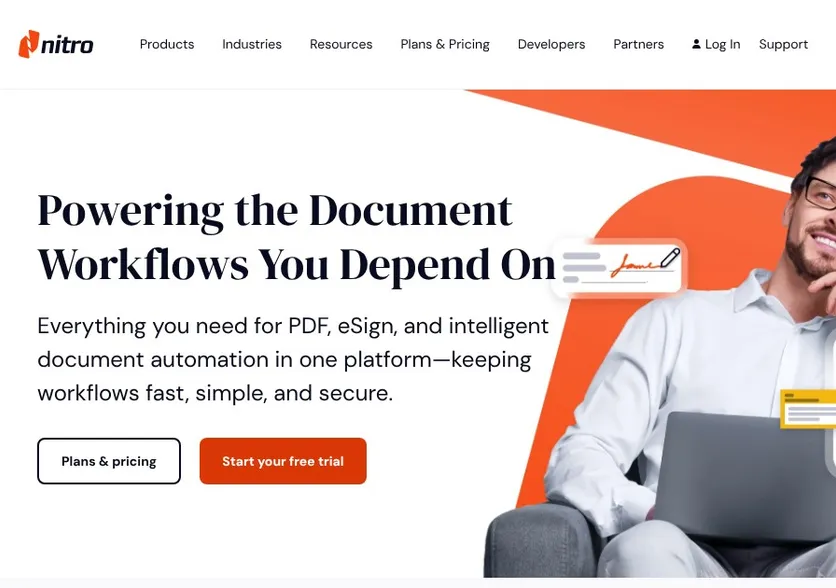
Nitro focuses on getting PDF work done fast, and this Nitro PDF Pro plan costs fifteen dollars a user a month billed annually, with merging, editing, conversion and signing in a clean desktop app. Batch tools combine whole folders at once, and the conversion engine keeps Word and Excel files looking right. It suits a team that converts and merges in volume.
What we like
- Batch tools merge whole folders at once
- Strong Word and Excel conversion
- Clean interface with a short learning curve
Watch out for
- Business pricing is quoted per seat at volume
- Fewer cloud features than the Adobe suite
How to try it
- Select the files or folder to combine
- Order the pages and set the output name
- Run the merge and check the result
4. Wondershare PDFelement
Best for: Small businesses that want a full PDF editor cheaply
Paid tool Starting price: $79.99/year · Seventy-nine dollars and ninety-nine cents a year for the standard plan; a perpetual licence is sold separately
Free plan: Free version
PDFelement packs a lot into a low annual price, and this Wondershare PDFelement plan costs seventy-nine dollars and ninety-nine cents a year, covering merging, editing, OCR and forms. The merge view shows thumbnails for every page, so reordering is a drag-and-drop job, and the AI tools can summarise long documents. It is a strong value pick for a small business.

What we like
- Thumbnail view makes reordering pages easy
- OCR and AI summary tools included
- Perpetual licence available as an alternative
Watch out for
- The free version stamps a watermark on exports
- AI features vary by platform
How to try it
- Open the merge tool and drop in your PDFs
- Drag thumbnails to reorder the pages
- Export the merged file to your folder
5. ABBYY FineReader PDF
Best for: Teams merging scanned paper documents
Paid tool Starting price: $99/year · Ninety-nine dollars a year for the Standard edition; Corporate is one hundred and sixty-five dollars and the Mac edition is sixty-nine dollars
Free plan: 7-day free trial
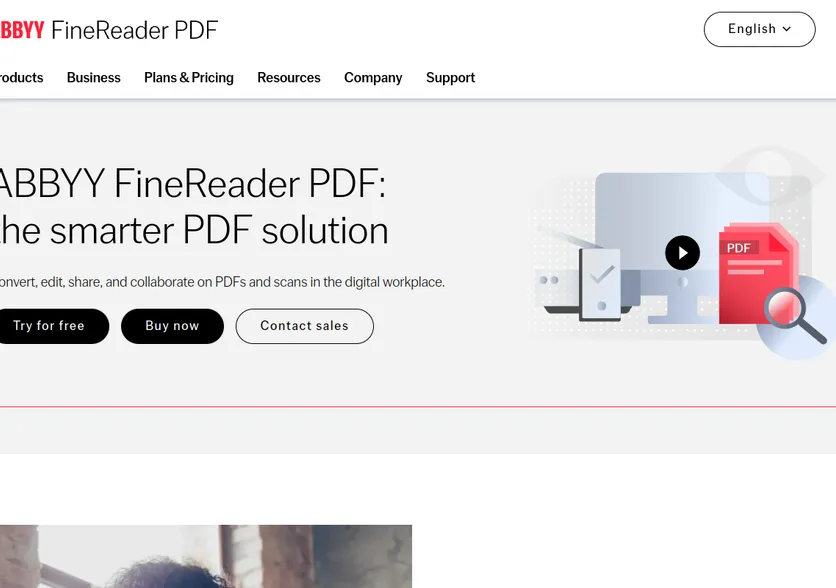
ABBYY is the OCR specialist in this list, and this ABBYY FineReader PDF plan costs ninety-nine dollars a year for the Standard edition, combining merging with the most accurate text recognition available. Scanned pages become searchable, editable text before they are merged, so the final file reads properly instead of behaving like a stack of images. It is the pick for scanned documents.
What we like
- Best-in-class OCR for scanned pages
- Merged files become searchable and editable
- Comparison tools spot changes between versions
Watch out for
- The interface is more complex than rivals
- Corporate features need the higher edition
How to try it
- Scan or import the pages you need to merge
- Run OCR so the text becomes searchable
- Combine the files and save the result
6. Smallpdf
Best for: Anyone who merges PDFs in the browser
Paid tool Starting price: $10/month · Ten dollars a month billed annually, or one hundred and twenty dollars a year; fifteen dollars a month month to month; an October 2026 read of nine dollars a month is superseded
Free plan: Free plan
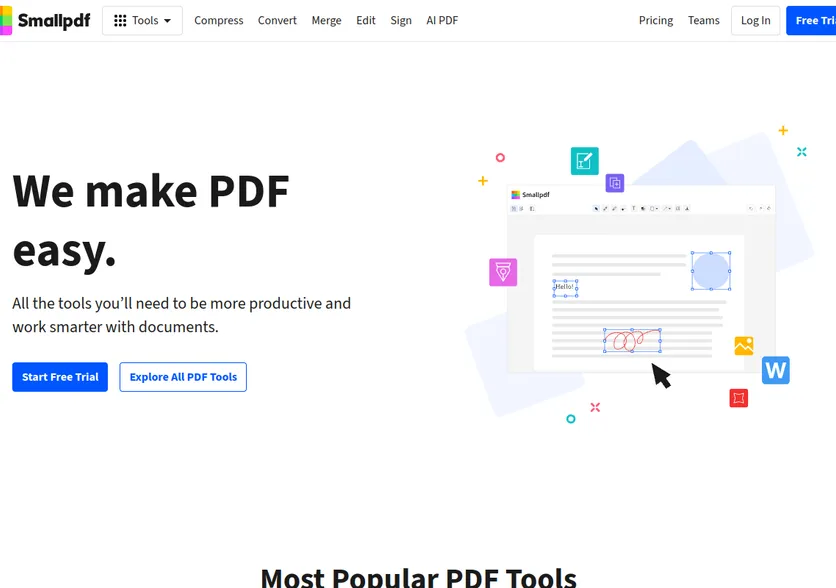
Smallpdf is the easiest browser tool here, and this Smallpdf plan costs ten dollars a month billed annually, covering merging, compressing, converting and signing without installing anything. Drop files into the browser, drag them into order and download the result in under a minute. It is the best choice for someone who merges occasionally and wants zero setup.
What we like
- No install, merging works in any browser
- Compress, convert and sign in the same place
- Free plan for occasional light use
Watch out for
- Heavy files need the paid plan
- Team features cost more per seat
How to try it
- Drop your PDFs into the merge tool
- Drag them into the right order
- Download the merged file
7. Sejda
Best for: Occasional users who want a cheap one-week pass
Paid tool Starting price: $63/year · Sixty-three dollars a year for the Desktop plus Web annual plan; the Web Monthly plan is seven dollars and fifty cents a month and a one-week Web Pass is five dollars
Free plan: Free plan
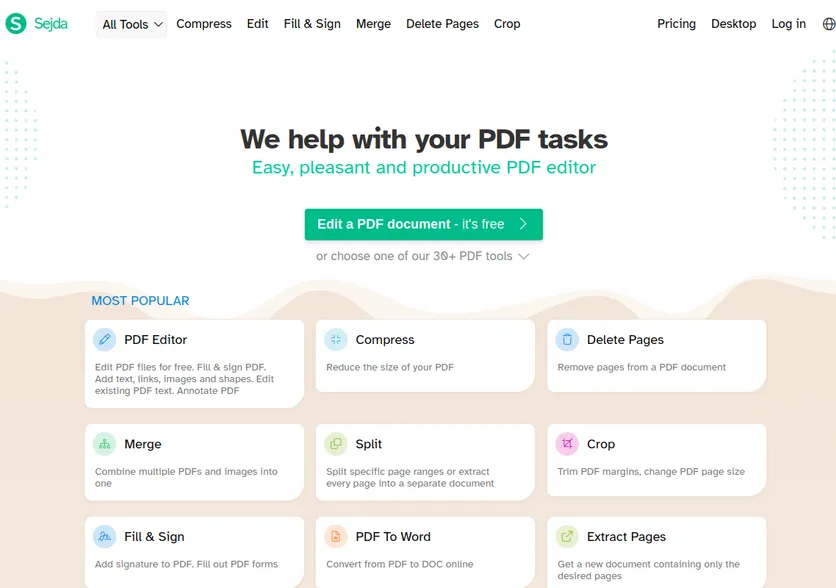
Sejda is the flexible option, and this Sejda plan costs sixty-three dollars a year for the Desktop plus Web annual plan, while a one-week Web Pass costs five dollars for a single job. Merging runs in the browser or on the desktop, files are deleted automatically after processing, and the free tier handles small jobs without signing up. It suits anyone who merges rarely but wants no limits when they do.
What we like
- One-week pass for five dollars covers a single job
- Files are deleted automatically after processing
- Free tier needs no signup for small jobs
Watch out for
- Free tier limits pages and hourly tasks
- Fewer editing tools than the desktop editors
How to try it
- Open the merge tool and add your PDFs
- Arrange the pages in the order you need
- Download the merged file or buy a pass first
8. iLovePDF
Best for: Small teams that merge and convert every week
Paid tool Starting price: $60/year · Sixty dollars a year, or five dollars a month billed annually; nine dollars a month month to month; a forty-eight dollar annual figure also circulates, so confirm the current price before buying
Free plan: Free plan
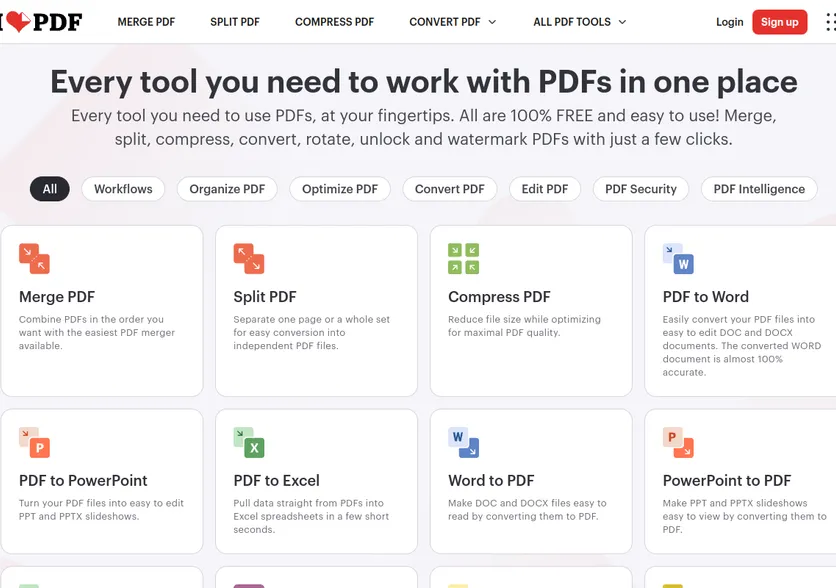
iLovePDF is the friendly all-rounder, and this iLovePDF plan costs sixty dollars a year, or five dollars a month billed annually, covering merging, splitting, compressing and converting. The tools are split into single-purpose pages, so merging is one click from the homepage, and batch processing handles many files at once. It is a good everyday pick for a small team.
What we like
- Single-purpose tools keep merging one click away
- Batch processing for many files at once
- Desktop and mobile apps included
Watch out for
- A forty-eight dollar annual figure also circulates
- Watermark removal needs the paid plan
How to try it
- Choose the merge tool from the homepage
- Add your files and order them
- Download the merged PDF
Prices above were checked on each vendor’s own website on Nov 28, 2026 and can change — the vendor’s page is the final word. Vendor links are editorial: nobody paid to be listed or ranked here. Vendors who want a featured listing can see how it works on our Get listed page.
How to merge PDFs without losing pages or quality
Check the page order before you merge, because a scrambled file is harder to fix after the fact than before. Open each source file first and confirm the pages are the right way up, then merge a copy rather than the originals so nothing is lost. If the sources are scans, run OCR before merging so the final file is searchable, and compress the result only if the file size matters for email. Watch for watermarks on free tiers, since a watermark across a client document looks unprofessional and cannot be removed later. Finally, keep the merged file under one clear name and store the originals separately, so you can rebuild the merge if a page turns out to be wrong.
Before you buy
- Confirm the merge tool keeps the original page order and orientation intact
- Check whether merged files carry a watermark on the free or trial plan
- Ask if OCR is included so scanned pages become searchable after merging
- Make sure batch merging is supported if you combine whole folders at once
- Test the tool on a real set of files, including a scan, before paying for a year
Official websites
Official websites of the products reviewed above. Features and prices were checked against these sites when this guide was written, and they can change, so confirm on the vendor site before you buy.
Frequently asked questions
What is the best software for merging PDF files?
Adobe Acrobat Pro is the safest all-round choice because it merges, edits and signs in the standard most offices already use. Smallpdf and iLovePDF are better for quick browser merges, while Sejda wins for a one-off job with its five dollar weekly pass. The right pick depends on how often you merge and whether you need editing too.
Can I merge PDFs for free?
Yes, most tools in this list offer a free plan or a free tier that merges small files, including Smallpdf, Sejda and iLovePDF. Free tiers usually limit the number of pages, the number of tasks per hour or the file size, and some stamp a watermark on the result. For regular work without limits, a paid plan from five to ten dollars a month is worth it.
Will merging PDFs reduce the quality?
Merging itself does not reduce quality, because the tool is only joining pages, not re-rendering them. Quality drops only if you also compress the file or convert images inside it. If the merged file looks blurry, check whether a compression step ran by default and turn it off for the final export.
How do I merge scanned PDFs so the text is searchable?
Run optical character recognition, known as OCR, on the scans before or during the merge. ABBYY FineReader PDF has the strongest OCR in this list, and Adobe Acrobat Pro includes it too. Without OCR, a merged scan is just a stack of images, and you cannot search or copy the text inside it.
Is it safe to merge PDFs in a browser tool?
Reputable browser tools process files over an encrypted connection and delete them automatically, usually within a few hours. Sejda states this clearly on its site. For sensitive documents such as contracts or medical records, use a desktop app instead, so the files never leave your computer at all.
Compare the eight tools above, then start with a free trial or the free plan on the tool that matches how often you merge before paying for a full year.
Browse PDF Tools tools