On this page
A startup signs contracts, sends proposals and files forms in PDF from the first week, and the editor it picks becomes part of every deal. The eight tools below cover that job at published prices, from a sixty-two dollar one-time licence to the industry default. Adobe Acrobat Pro leads because it edits, converts and signs in the app everyone already knows for nineteen dollars and ninety-nine cents a month.
How we researched this
We checked every price on the vendor pricing page on November 28, 2026, and only included tools with a published US dollar list price. Kofax Power PDF, Soda PDF and Drawboard PDF were not verified well enough to include, so they are not in this list. Prices change, so confirm the current figure on the vendor site before you buy.
Compare the tools
| Name | Best for | Starting price | Free plan | |
|---|---|---|---|---|
 Adobe Acrobat Pro | Startups that want the default PDF editor | $19.99/month | 7-day free trial | Visit |
 Foxit PDF Editor | Teams that want a cheaper full desktop editor | $129.99/year | 14-day free trial | Visit |
 Wondershare PDFelement | Budget buyers who want a desktop editor with redaction | $79.99/year | 14-day free trial | Visit |
 Nitro PDF Pro | Windows teams that want an Office-style editor | $15/user/month | No free plan; 14-day free trial | Visit |
 ABBYY FineReader PDF | Teams that scan paper and need the best OCR | $99/year | No free plan; 7-day free trial | Visit |
| PDF-XChange Editor | Startups that want a one-time perpetual licence | $62 one-time | Free version (Viewer, limited features) | Visit |
 Sejda Desktop | Teams that want light PDF chores on desktop and web | $63/year | Free plan (3 tasks a day, 50 MB, 200 pages) | Visit |
 PDF Expert | Apple-only startups that want the fastest Mac editor | $79.99/year | No free plan; 7-day free trial | Visit |
The PDF editors software for startups, compared
1. Adobe Acrobat Pro
Best for: Startups that want the default PDF editor
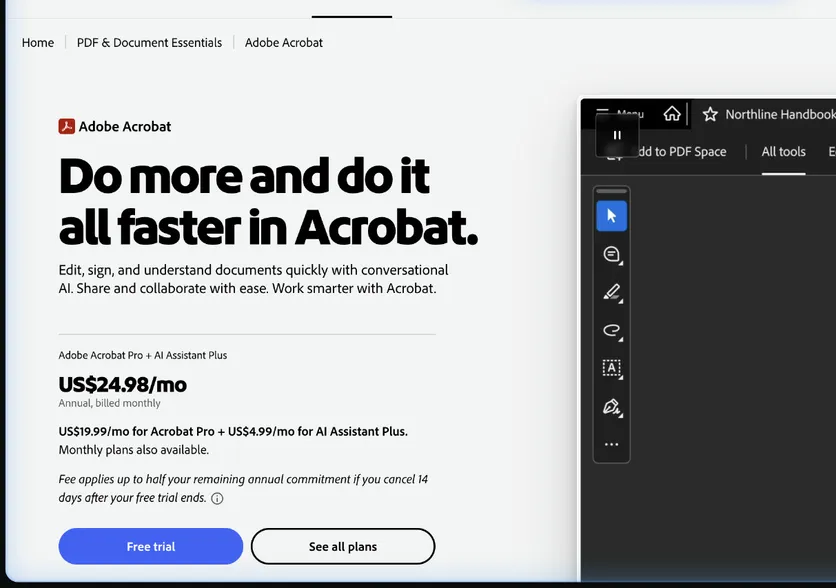
Paid tool Starting price: $19.99/month · Nineteen dollars and ninety-nine cents per user a month on the annual plan billed monthly, or two hundred and thirty-nine dollars and eighty-eight cents a year; twenty-nine dollars and ninety-nine cents a month month to month; Acrobat Pro for Teams is twenty-three dollars and ninety-nine cents a seat a month
Free plan: 7-day free trial
For a startup that lives in PDF files from day one, this Adobe Acrobat Pro plan costs nineteen dollars and ninety-nine cents a month billed annually, and it edits, converts, signs and protects documents in the app everyone already knows. Its OCR turns scans into searchable text, the compare tool catches contract changes, and e-signatures close deals without a second subscription. It is the default editor in this list, and the price is the benchmark every other tool is judged against.
What we like
- Edits, converts, signs and protects in one app
- OCR turns scans into searchable text
- E-signatures close deals without a second tool
Watch out for
- The annual plan charges half the remaining term if cancelled after fourteen days
- Nineteen dollars and ninety-nine cents is dearer than the budget editors
How to try it
- Open the PDF and choose Edit from the toolset
- Make the text and layout changes, then run OCR on scans
- Send the file for signature or save the protected copy
2. Foxit PDF Editor
Best for: Teams that want a cheaper full desktop editor
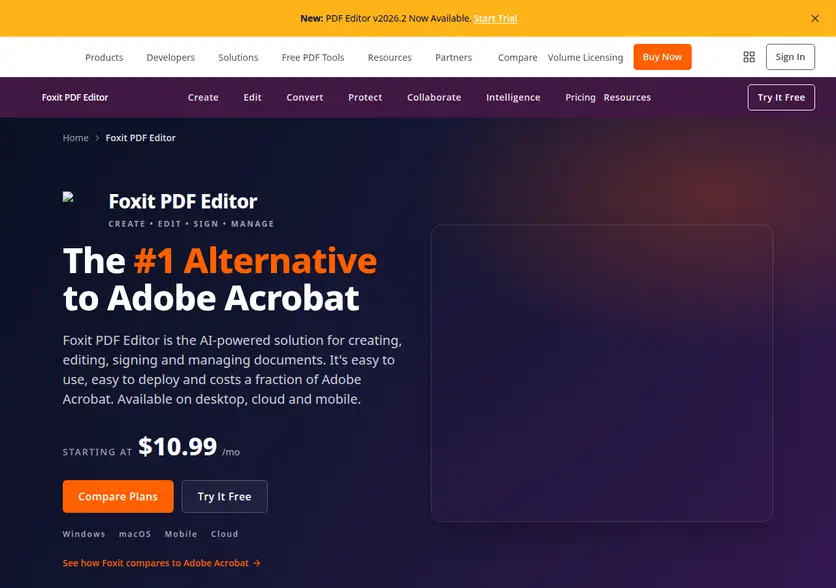
Paid tool Starting price: $129.99/year · One hundred and twenty-nine dollars and ninety-nine cents per user a year; monthly billing is ten dollars and ninety-nine cents a month; Editor+ is one hundred and fifty-nine dollars and ninety-nine cents a year and adds mobile apps, AI Smart Redact and eSign envelopes; a perpetual Editor 14 licence is two hundred and nine dollars and ninety-nine cents one time
Free plan: 14-day free trial
A startup that wants the full desktop editor without the Adobe price finds it here, because this Foxit PDF Editor plan costs one hundred and twenty-nine dollars and ninety-nine cents per user a year. It edits, converts, runs OCR and protects documents on Windows, Mac and the web, and the dearer Editor+ tier adds AI Smart Redact for automatic detection. It is the best value desktop editor in this list for a team that edits PDFs every week.
What we like
- AI Smart Redact on Editor+ finds sensitive data for you
- Full desktop editor for about half the yearly cost of Acrobat Pro
- Familiar ribbon interface that Office users pick up fast
Watch out for
- AI Smart Redact needs the Editor+ tier, not the base plan
- Paying yearly up front is the only way to get the headline rate
How to try it
- Open the PDF in Foxit and choose Edit
- Make the changes and run OCR on any scanned pages
- Protect the file and save it for sharing
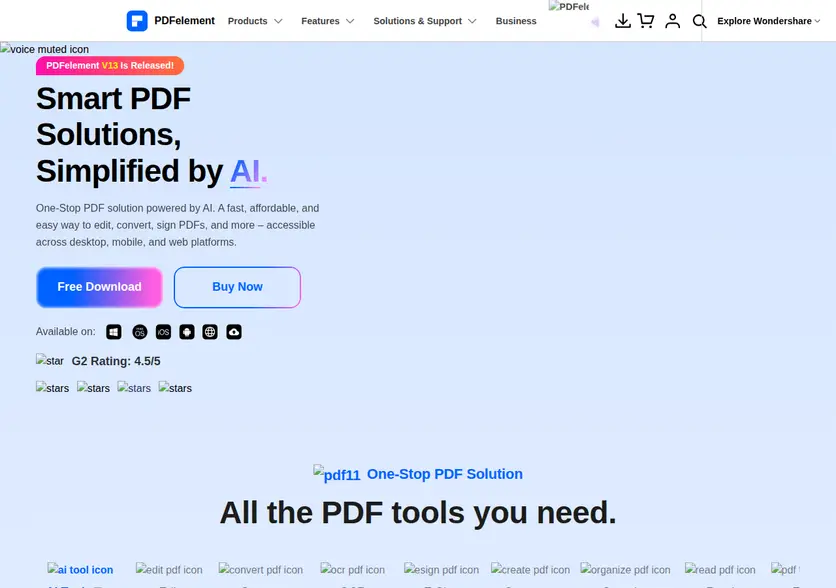
3. Wondershare PDFelement
Best for: Budget buyers who want a desktop editor with redaction
Paid tool Starting price: $79.99/year · Seventy-nine dollars and ninety-nine cents a year on the yearly plan, against a list of one hundred and twenty-nine dollars; a two-year plan is one hundred and nine dollars and ninety-nine cents and a perpetual licence is one hundred and twenty-nine dollars and ninety-nine cents one time; some listings show one hundred and twenty-nine dollars and ninety-nine cents a year for the Pro tier
Free plan: 14-day free trial
Budget-conscious startups get a complete editor at a low yearly price with this Wondershare PDFelement plan, which costs seventy-nine dollars and ninety-nine cents a year on the yearly plan. It covers editing, OCR, forms, batch work and Smart Redact, and a perpetual licence is available for teams that dislike subscriptions. It is the cheapest way onto a full desktop editor that still redacts properly.
What we like
- Budget price with a one-time perpetual licence option
- Smart Redact plus OCR, forms and batch processing
- Runs on Windows, Mac, iOS, Android and the web
Watch out for
- The cheapest yearly rate is an auto-renew first-year figure
- Redaction and AI features vary between the yearly and perpetual plans
How to try it
- Open the PDF and select Edit from the toolbar
- Make the changes or let Smart Redact find sensitive text
- Export the finished file or save a protected copy
4. Nitro PDF Pro
Best for: Windows teams that want an Office-style editor
Paid tool Starting price: $15/user/month · Fifteen dollars per user a month billed annually, or one hundred and eighty dollars a year; a Classic perpetual licence is two hundred and seventy dollars for three years; some reads of the vendor page show no numeric price because the page renders it by quote, but multiple November 2026 reads agree on fifteen dollars
Free plan: No free plan; 14-day free trial
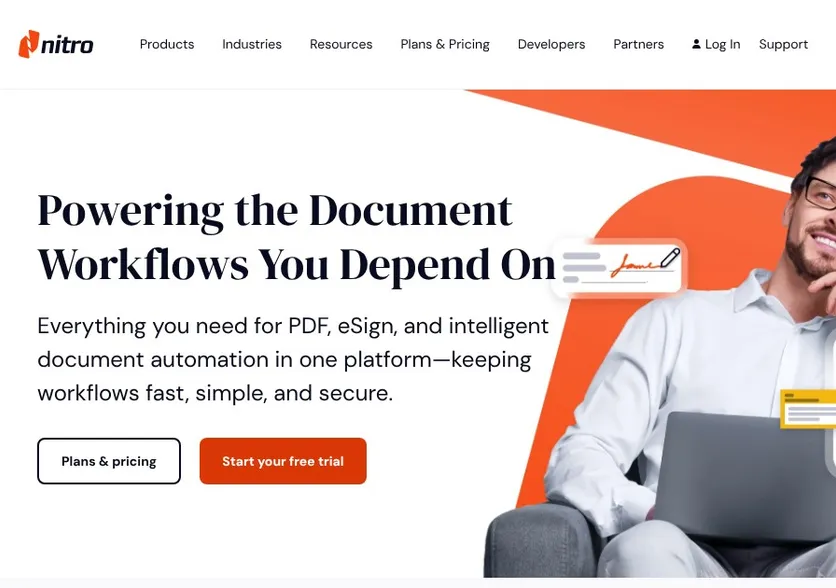
A Windows-heavy startup that runs on Microsoft 365 will feel at home here, since this Nitro PDF Pro plan costs fifteen dollars per user a month billed annually. The ribbon interface mirrors Office, the admin console manages licences for the whole team, and signing and conversion sit in the same app. It is the tidiest Office-style editor in this list for a team that edits contracts and proposals every day.
What we like
- Office-style interface that Windows teams learn in a day
- Admin console manages licences for the whole team
- Signing and conversion tools included in the same app
Watch out for
- The vendor pricing page sometimes renders no figure without a quote flow
- No AI redaction on the base plan
How to try it
- Open the document and choose Edit from the ribbon
- Make the changes and check the layout
- Send the file for signature or save the final copy
5. ABBYY FineReader PDF
Best for: Teams that scan paper and need the best OCR
Paid tool Starting price: $99/year · Ninety-nine dollars a year on Standard for Windows, or sixteen dollars a month; a three-year licence is two hundred and sixty-seven dollars; Corporate is one hundred and sixty-five dollars a year and the Mac edition is sixty-nine dollars a year; a half-price promotion to December 2 2026 applies to renewals only
Free plan: No free plan; 7-day free trial
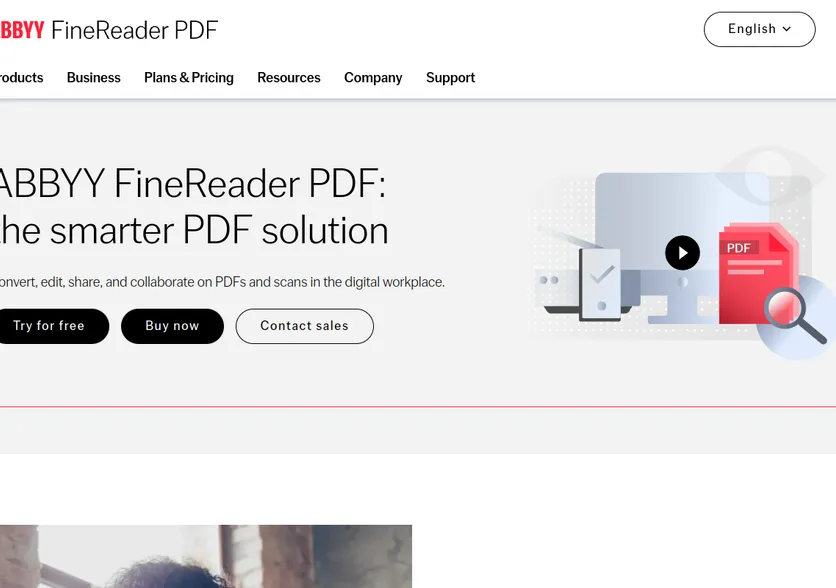
A startup that scans paper constantly will get the best OCR here, because this ABBYY FineReader PDF plan costs ninety-nine dollars a year on Standard for Windows and converts scans into editable, searchable PDFs with unusual accuracy. It compares document versions, edits text and images, and handles tables and forms that cheaper editors mangle. It is the OCR-first pick in this list, although the Mac edition is a different, cheaper product.
What we like
- Best-in-class OCR for scanned documents
- Compares document versions side by side
- Handles tables and forms that cheaper editors mangle
Watch out for
- The Mac edition is a different product at sixty-nine dollars a year
- The half-price promotion applies to renewals only
How to try it
- Open the scan in FineReader and run OCR
- Check the recognised text against the original
- Edit the document and export the searchable PDF
6. PDF-XChange Editor
Best for: Startups that want a one-time perpetual licence
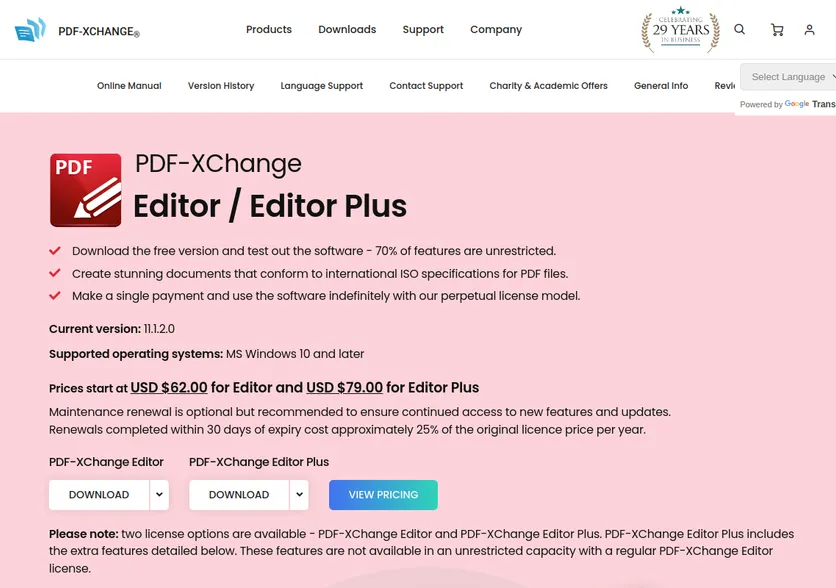
Paid tool Starting price: $62 one-time · Sixty-two dollars one time for a single-user perpetual licence; Editor Plus is seventy-nine dollars and PRO is one hundred and thirty-one dollars; one year of maintenance is included; one vendor-store read showed fifty-six dollars, so confirm at checkout
Free plan: Free version (Viewer, limited features)
For a startup that hates subscriptions, this PDF-XChange Editor licence costs sixty-two dollars one time for a single user, and the editor never stops working when the year ends. It edits text and images, adds comments and stamps, runs OCR and protects files, and the free Viewer version covers basic reading and annotation. It is the only perpetual editor in this list at this price, and the lightest on system resources.
What we like
- Sixty-two dollars one time, no subscription
- Lightweight editor that runs fast on old machines
- Free Viewer version covers reading and annotation
Watch out for
- Windows only, so Mac teams need another editor
- One year of maintenance is included, then updates cost extra
How to try it
- Install PDF-XChange Editor and open the PDF
- Edit the text or add comments and stamps
- Save the file or export a protected copy
7. Sejda Desktop
Best for: Teams that want light PDF chores on desktop and web
Paid tool Starting price: $63/year · Sixty-three dollars per user a year on Desktop plus Web Annual; the web monthly plan is seven dollars and fifty cents a month; a week pass is five dollars on the web and seven dollars and ninety-five cents on desktop; the free plan covers three tasks a day
Free plan: Free plan (3 tasks a day, 50 MB, 200 pages)
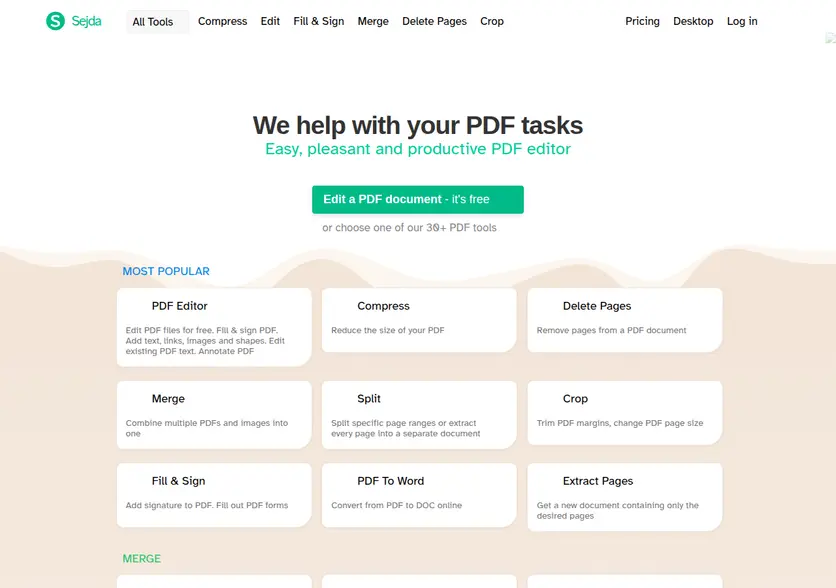
A startup that needs quick PDF jobs without installing a heavy editor will like this Sejda Desktop plan, which costs sixty-three dollars per user a year and covers the desktop app plus the web tools. It splits, merges, compresses, converts and signs, and the free plan handles three small tasks a day without a card. It is the lightest-weight option in this list for teams that do PDF chores rather than deep editing.
What we like
- Desktop app plus web tools in one price
- Splits, merges, compresses, converts and signs
- Free plan handles three small tasks a day
Watch out for
- The free plan caps at three tasks a day and two hundred pages
- Deep text editing is weaker than the desktop editors
How to try it
- Open the PDF in Sejda Desktop or on the web
- Pick the task, such as split, merge or compress
- Download the finished file
8. PDF Expert
Best for: Apple-only startups that want the fastest Mac editor
Paid tool Starting price: $79.99/year · Seventy-nine dollars and ninety-nine cents a year on Premium; Essential is forty-nine dollars and ninety-nine cents a year; a lifetime licence for Mac only is one hundred and thirty-nine dollars and ninety-nine cents; Business is eighty dollars a seat a year; Apple only, no Windows or Android
Free plan: No free plan; 7-day free trial
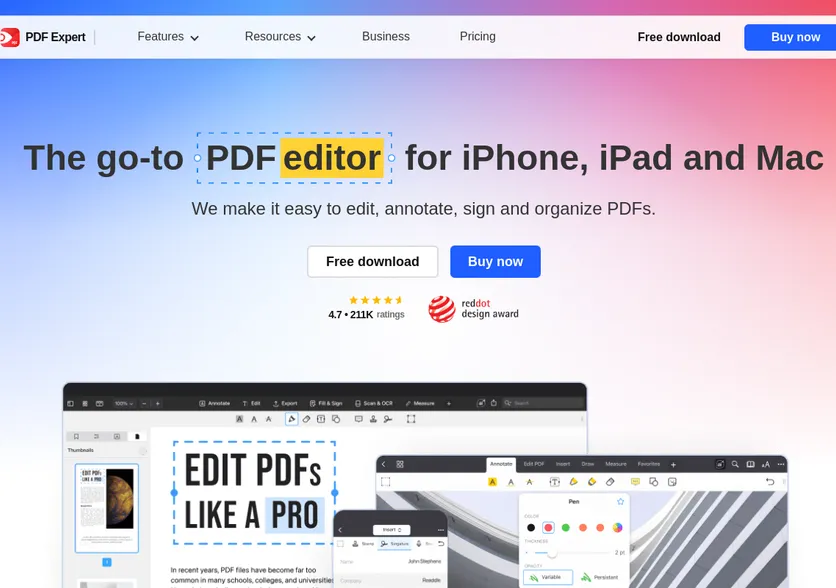
An Apple-only startup gets the fastest PDF editor on the Mac here, since this PDF Expert plan costs seventy-nine dollars and ninety-nine cents a year and opens huge files instantly. It edits text and images, fills forms, signs documents and syncs across Mac, iPhone and iPad, and the interface feels like a native Apple app because it is one. It is the best Mac editor in this list, although Windows users get nothing at all.
What we like
- Fastest PDF editor on the Mac
- Syncs across Mac, iPhone and iPad
- Native Apple interface that feels instant
Watch out for
- Apple only, no Windows or Android version
- A Black Friday sale runs to November 30 2026, so the headline is the regular price
How to try it
- Open the PDF in PDF Expert on the Mac
- Edit the text or fill in the form
- Sign the document and share it from the app
Prices above were checked on each vendor’s own website on Nov 28, 2026 and can change — the vendor’s page is the final word. Vendor links are editorial: nobody paid to be listed or ranked here. Vendors who want a featured listing can see how it works on our Get listed page.
How to pick a PDF editor a startup will still like in a year
Start with the files the team actually touches: contracts need signing, proposals need clean editing, and scanned paperwork needs OCR that works. Test the editor on a real contract, not a demo file, and check that the text reflows instead of breaking into boxes. Count the seats honestly, because a cheap per-user price doubles fast across a ten-person team. Keep the signed original beside the edited copy, because a client will ask for the version with the signature intact. Finally, check the exit: a perpetual licence or a monthly plan beats a yearly lock-in when the team is still growing.
Before you buy
- Confirm the editor handles the file types the team actually uses, including scans
- Check whether signing and OCR are included or sold as extras
- Ask if the price is per user and what happens when the team grows
- Test the editor on a real contract before paying for a year
- Make sure the tool runs on every operating system the team uses
Official websites
Official websites of the products reviewed above. Features and prices were checked against these sites when this guide was written, and they can change, so confirm on the vendor site before you buy.
Frequently asked questions
What is the best PDF editor for startups?
Adobe Acrobat Pro is the best overall for startups, because it edits, converts, signs and protects documents in the app everyone already knows for nineteen dollars and ninety-nine cents a month. Foxit PDF Editor is the best desktop value at one hundred and twenty-nine dollars and ninety-nine cents a year, and PDF-XChange Editor is the best value overall at sixty-two dollars one time.
How much does a PDF editor cost for a startup?
The tools in this list start at sixty-two dollars one time for PDF-XChange Editor and sixty-three dollars a year for Sejda Desktop. Subscription editors cost seventy-nine dollars and ninety-nine cents to one hundred and twenty-nine dollars and ninety-nine cents a year, while Adobe Acrobat Pro is nineteen dollars and ninety-nine cents a month billed annually.
Is there a free PDF editor for startups?
Yes, Sejda has a free plan covering three tasks a day up to fifty megabytes and two hundred pages, and PDF-XChange has a free Viewer version for reading and annotation. Both are genuine free tiers, although a team that edits PDFs daily will outgrow them and should compare the paid plans above.
Which PDF editor is best on a Mac?
PDF Expert is the best Mac editor in this list, because it opens huge files instantly, syncs across Mac, iPhone and iPad, and feels like a native Apple app. It costs seventy-nine dollars and ninety-nine cents a year on Premium, although it is Apple only, so Windows users should pick Foxit or Acrobat Pro instead.
Do I need OCR in a PDF editor?
Yes, if the startup handles scanned paperwork, because OCR turns a picture of a page into searchable, editable text. Adobe Acrobat Pro, Foxit, PDFelement, Nitro and ABBYY FineReader all include OCR, and ABBYY FineReader has the most accurate OCR in this list at ninety-nine dollars a year.
Compare the eight tools above, then start with a free trial on the editor that matches how the team actually works with PDFs before paying for a year.
Browse PDF Tools tools