On this page
A startup that builds document features into its product has to pick an SDK early, and switching later costs weeks. The seven tools below cover that choice at published prices, from a sixty-seven dollar API plan to a one thousand one hundred and ninety-nine dollar developer licence. Syncfusion Document SDK leads for early-stage teams because its Community License is free for companies under one million dollars in revenue.
How we researched this
We checked every price on the vendor pricing page on November 28, 2026, and only included tools with a published US dollar list price. ComPDFKit and iText were too vague or unverified to include, and Nutrient SDKs themselves are quote-only, so they are not in this list. Prices change, so confirm the current figure on the vendor site before you buy.
Compare the tools
| Name | Best for | Starting price | Free plan | |
|---|---|---|---|---|
| IronPDF | Startups generating PDFs from HTML in .NET | $749 one-time | 30-day free trial | Visit |
| Aspose.PDF | Startups whose product depends on serious PDF processing | $1,199/developer | No free plan; 30-day free trial | Visit |
| Syncfusion Document SDK | Early-stage startups that qualify for the free Community License | $1,199/developer/year | Free Community License (under $1M revenue, up to 5 developers) | Visit |
| Apryse | Startups building a document viewer into their product | $1,500/year | No free plan; free trial available | Visit |
| Nutrient | Startups processing PDFs through a server API | $67/month | Free plan (50 credits a month, watermarked) | Visit |
| Foxit Document Workflow APIs | Teams already using Foxit that need document APIs | $1,750/year | Free plan (Developer, 500 shared credits a year) | Visit |
| Kernstra | Tiny startups that want a simple PDF API with no lock-in | $149/month | Free dev keys (watermarked) | Visit |
The PDF SDKs software for startups, compared
1. IronPDF
Best for: Startups generating PDFs from HTML in .NET
Paid tool Starting price: $749 one-time · Seven hundred and forty-nine dollars one time per developer on Lite; Professional is one thousand four hundred and ninety-nine dollars and Unlimited is two thousand nine hundred and ninety-nine dollars; perpetual with no runtime fees, although one source frames the price as yearly
Free plan: 30-day free trial
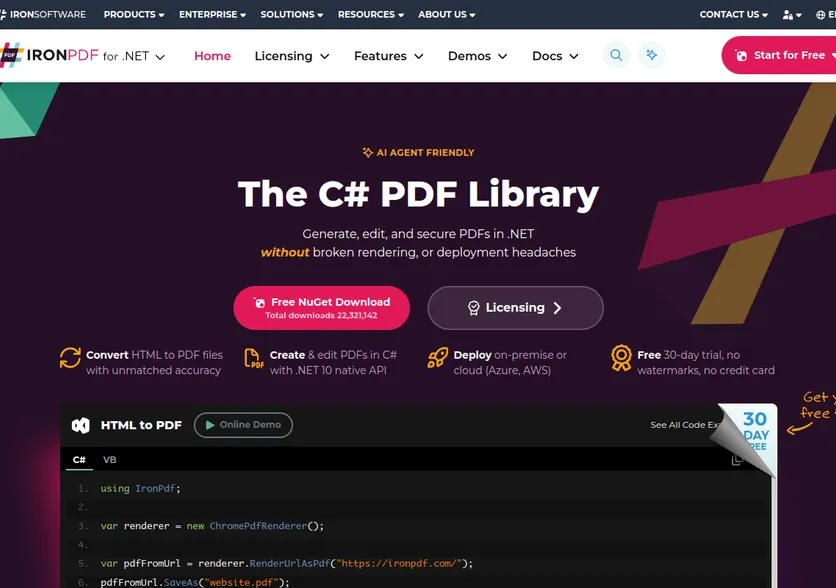
A startup that generates PDFs from HTML in NET will get the simplest start here, because this IronPDF licence costs seven hundred and forty-nine dollars one time per developer and never charges runtime fees. It renders HTML to PDF, edits and merges documents, and signs and stamps files from code, with support for NET, Java, Python and Node. It is the most approachable PDF SDK in this list for a small team shipping its first document feature.
What we like
- Renders HTML to PDF with one library call
- Perpetual licence with no runtime fees
- Covers .NET, Java, Python and Node
Watch out for
- Lite covers one developer only, so teams pay per seat
- One source frames the price as yearly rather than one time
How to try it
- Install the IronPDF package in the project
- Render the first HTML template to PDF
- Add signing or stamping and ship the feature
2. Aspose.PDF
Best for: Startups whose product depends on serious PDF processing
Paid tool Starting price: $1,199/developer · One thousand one hundred and ninety-nine dollars per developer on Developer Small Business, perpetual with one year of updates; support is three hundred and ninety-nine dollars a year and the Site Small Business licence is five thousand nine hundred and ninety-five dollars
Free plan: No free plan; 30-day free trial
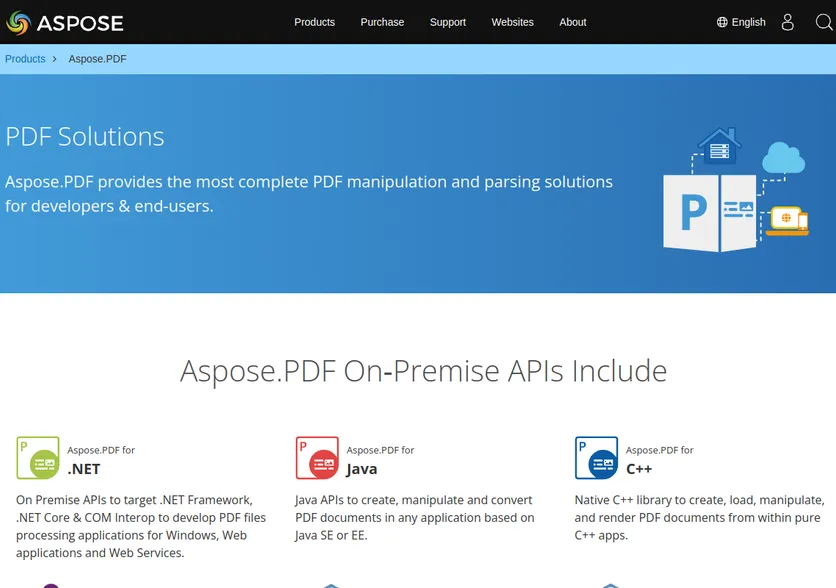
When the product has to read, write and convert PDFs in almost any language, this Aspose.PDF licence costs one thousand one hundred and ninety-nine dollars per developer and covers the widest format range in this list. It creates, edits, converts and signs PDFs across NET, Java, C++, Python and more, and the API handles the edge cases that simpler libraries skip. It suits a startup whose document work is core to the product, not a side feature.
What we like
- Widest format and language coverage in this list
- Creates, edits, converts and signs PDFs from code
- Handles the edge cases simpler libraries skip
Watch out for
- One thousand one hundred and ninety-nine dollars is a big first licence
- Support costs three hundred and ninety-nine dollars a year extra
How to try it
- Install the Aspose.PDF package for the project language
- Open a sample PDF and read its text and pages
- Build the first conversion or signing flow
3. Syncfusion Document SDK
Best for: Early-stage startups that qualify for the free Community License
Paid tool Starting price: $1,199/developer/year · One thousand one hundred and ninety-nine dollars per developer a year; the PDF Viewer SDK alone is five hundred and ninety-nine dollars per developer a year; the Community License is free for companies under one million dollars in revenue with up to five developers
Free plan: Free Community License (under $1M revenue, up to 5 developers)
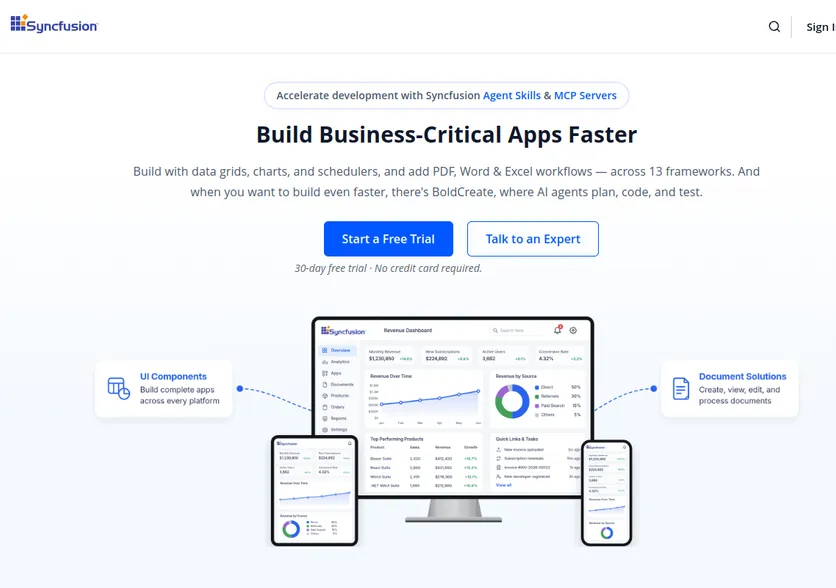
A small startup that qualifies for the free tier gets real document power here, since this Syncfusion Document SDK licence costs one thousand one hundred and ninety-nine dollars per developer a year, and the Community License is free for companies under one million dollars in revenue. It reads, writes and converts PDF, Word and Excel files, and the PDF Viewer SDK alone is five hundred and ninety-nine dollars a year for teams that only need display. It is the best deal in this list for an eligible early-stage team.
What we like
- Community License is free for small early-stage teams
- Reads, writes and converts PDF, Word and Excel
- PDF Viewer SDK alone is five hundred and ninety-nine dollars a year
Watch out for
- The free licence caps at five developers and ten employees
- Older listings show nine hundred and ninety-five dollars, which is stale
How to try it
- Check the Community License eligibility for the company
- Install the Document SDK package in the project
- Build the first PDF read or conversion flow
4. Apryse
Best for: Startups building a document viewer into their product
Paid tool Starting price: $1,500/year · One thousand five hundred dollars a year is the entry figure for Apryse packages, although the billing period is not plainly stated on the pricing page and most reads treat it as annual; the rest of the platform is custom-quoted and modular
Free plan: No free plan; free trial available
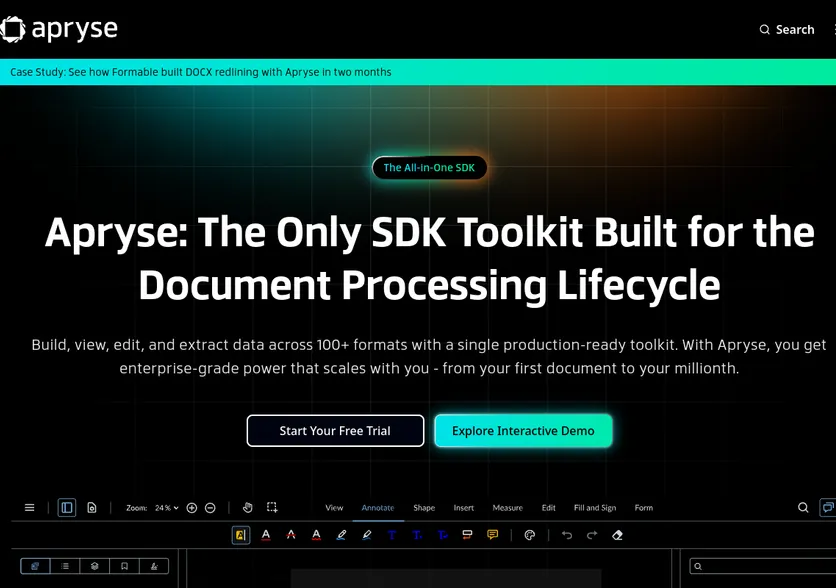
A startup building a document viewer into its product will find the most complete platform here, because this Apryse entry package starts at one thousand five hundred dollars a year and covers viewing, annotation, editing and signing. The platform is modular, so a team buys the pieces it needs, although the deeper features are custom-quoted rather than listed. It suits a product where the document viewer is the main event.
What we like
- Most complete viewer, annotation and signing platform
- Modular, so a team buys only the pieces it needs
- Handles viewing, editing and signing in one SDK
Watch out for
- The billing period is not plainly stated on the pricing page
- Deeper features are custom-quoted rather than listed
How to try it
- Pick the Apryse package that covers the viewer
- Embed the viewer in the product
- Add annotation or signing when the first users ask
5. Nutrient
Best for: Startups processing PDFs through a server API
Paid tool Starting price: $67/month · Sixty-seven dollars a month for one thousand credits on the Processor API; the free plan covers fifty credits a month with a watermark; the SDKs themselves are quote-only
Free plan: Free plan (50 credits a month, watermarked)
For a startup that processes PDFs through an API rather than embedding an SDK, this Nutrient plan costs sixty-seven dollars a month for one thousand credits on the Processor API. It converts, merges, splits and signs documents server-side, and the free plan covers fifty watermarked credits a month for a prototype. Note the SDKs are quote-only, so this entry price buys API processing, not the viewer SDK.
What we like
- Server-side API for convert, merge, split and sign
- Free plan covers fifty credits a month for a prototype
- Pay per credit, so light use stays cheap
Watch out for
- The SDKs are quote-only, so this price buys API processing only
- The free plan watermarks every output
How to try it
- Create a Nutrient account and get an API key
- Send the first document to the Processor API
- Check the output and scale the credit pack
6. Foxit Document Workflow APIs
Best for: Teams already using Foxit that need document APIs
Paid tool Starting price: $1,750/year · One thousand seven hundred and fifty dollars a year on Startup for three thousand five hundred credits; the Developer tier is free with five hundred shared credits a year and Business is four thousand five hundred dollars a year for one hundred and fifty thousand credits; Volume is quoted
Free plan: Free plan (Developer, 500 shared credits a year)
A startup already using Foxit on the desktop gets the matching APIs here, because this Foxit Document Workflow APIs plan costs one thousand seven hundred and fifty dollars a year on Startup for three thousand five hundred credits. The APIs cover conversion, compression, OCR and signing, and the free Developer tier gives five hundred shared credits a year to prototype with. It is the natural API pick for a team that already trusts Foxit.
What we like
- APIs for conversion, compression, OCR and signing
- Free Developer tier gives five hundred credits a year
- Matches the Foxit desktop tools the team may already use
Watch out for
- Credit-based pricing needs careful usage estimates
- Volume usage is quoted rather than listed
How to try it
- Create a developer account on the Foxit portal
- Test the first API call with the free credits
- Move to Startup when the prototype needs more credits
7. Kernstra
Best for: Tiny startups that want a simple PDF API with no lock-in
Paid tool Starting price: $149/month · One hundred and forty-nine dollars a month, month to month with cancellation any month; developer keys are free with a watermark
Free plan: Free dev keys (watermarked)
A tiny startup that wants a simple PDF API without a sales call will find it here, since this Kernstra plan costs one hundred and forty-nine dollars a month, month to month, with cancellation any month. It covers the common document API jobs with plain pricing and no annual lock-in, and free developer keys let a team prototype with a watermark. It is the smallest, simplest paid PDF API in this list.
What we like
- One hundred and forty-nine dollars a month, cancel any month
- Free developer keys for prototyping
- No annual lock-in or sales call
Watch out for
- A smaller vendor with a thinner feature set than the big SDKs
- The price is month to month, so a year costs more than an annual plan
How to try it
- Get a free developer key from Kernstra
- Prototype the first document API call
- Switch to the paid plan when the prototype ships
Prices above were checked on each vendor’s own website on Nov 28, 2026 and can change — the vendor’s page is the final word. Vendor links are editorial: nobody paid to be listed or ranked here. Vendors who want a featured listing can see how it works on our Get listed page.
How to pick a PDF SDK a startup will not regret
Start with the language the team already ships, because an SDK in the wrong language costs more than the licence. List the jobs the product actually needs, such as viewing, conversion or signing, and ignore the features that sound impressive but have no ticket attached. Check the licence model carefully: per-developer, per-credit and one-time prices behave very differently as the team grows. Watch the licence wording on server use, because some developer licences only cover desktop apps. Finally, build a prototype on the free tier before paying, and measure the output quality on real customer files.
Before you buy
- Confirm the SDK supports the language the team already ships
- Check whether the price is per developer, per credit or one time
- Ask if the free tier covers a real prototype without a watermark problem
- Test the SDK on real customer files, not the vendor demo documents
- Make sure the licence allows the deployment the product needs, including server use
Official websites
Official websites of the products reviewed above. Features and prices were checked against these sites when this guide was written, and they can change, so confirm on the vendor site before you buy.
Frequently asked questions
What is the best PDF SDK for startups?
Syncfusion Document SDK is the best pick for early-stage teams, because its Community License is free for companies under one million dollars in revenue with up to five developers. IronPDF is the best .NET start at seven hundred and forty-nine dollars one time per developer, and Nutrient is the best API entry at sixty-seven dollars a month for one thousand credits.
How much does a PDF SDK cost for a startup?
The tools in this list start at sixty-seven dollars a month for the Nutrient Processor API and one hundred and forty-nine dollars a month for Kernstra. Developer licences cost seven hundred and forty-nine dollars one time for IronPDF and one thousand one hundred and ninety-nine dollars for Aspose.PDF and Syncfusion, although Syncfusion is free for eligible early-stage teams.
Is there a free PDF SDK for startups?
Yes, Syncfusion has a free Community License for companies under one million dollars in revenue with up to five developers and ten employees, and Nutrient has a free plan of fifty credits a month with a watermark. Foxit also has a free Developer tier with five hundred shared credits a year, so a team can prototype before paying.
What is the difference between a PDF SDK and a PDF API?
An SDK is a library embedded in the product, so the code runs inside the application and usually costs per developer. An API is a server service the product calls over the internet, so it usually costs per credit or per month. Nutrient and Kernstra sell APIs, while IronPDF, Aspose.PDF, Syncfusion and Apryse sell SDKs.
Which PDF SDK works with .NET?
IronPDF, Aspose.PDF, Syncfusion and Apryse all support .NET, and IronPDF is the simplest .NET start at seven hundred and forty-nine dollars one time per developer. Aspose.PDF covers the widest language range including .NET, Java, C++ and Python, while Syncfusion adds Word and Excel handling beside PDF.
Compare the seven tools above, then prototype on the free tier of the SDK that matches the team language before paying for a licence.
Browse Developer Tools tools