On this page
A remote e-commerce team cannot walk over to the analyst and ask what the numbers mean, so the analytics tool has to speak for itself. The seven tools below track shoppers, orders and profit for online stores, with prices checked on the vendor sites on November 27, 2026. The list runs from a free plan to one hundred and twenty dollars a month, so a small store can start measuring without a monthly bill. Mixpanel is our first pick — the product analytics platform with the first one million events free every month.
How we researched this
We started with the analytics tools remote e-commerce teams actually buy, then read each price on the vendor pricing page on November 27, 2026 and noted the free plan or trial each one carries. We judged them for a team spread across time zones that needs dashboards anyone can read without asking an analyst. We dropped the quote-only analytics suites, because none of them publishes a list price a small team can compare without a sales call.
Compare the tools
| Name | Best for | Starting price | Free plan | |
|---|---|---|---|---|
 Mixpanel | Remote teams that want product analytics with a generous free tier | $100/month | Free plan with first 1M events free | Visit |
 Amplitude | Remote teams that want analytics that scale from free to enterprise | $75/month | Free plan up to 2M events | Visit |
 Hotjar | Remote teams that want to watch shoppers use the store | $32/month | Free plan with limited sessions | Visit |
 Segment | Remote teams that want one customer data pipeline for every tool | $120/month | Free plan up to 1,000 monthly tracked users | Visit |
| Lifetimely | Shopify stores that want profit analytics without a spreadsheet | $49/month | Free plan up to 50 orders a month | Visit |
| BeProfit | Shopify stores that want profit tracking with a free plan | $49/month | Free plan up to 150 orders a month | Visit |
| TrueProfit | Shopify stores that want the cheapest profit analytics in this list | $35/month | No free plan; 14-day free trial | Visit |
The e-commerce analytics software for remote teams, compared
1. Mixpanel
Best for: Remote teams that want product analytics with a generous free tier
Paid tool Starting price: $100/month · One hundred dollars a month billed annually for the Growth plan at one and a half million events, or one hundred and forty dollars a month billed monthly; the first one million events are free every month
Free plan: Free plan with first 1M events free
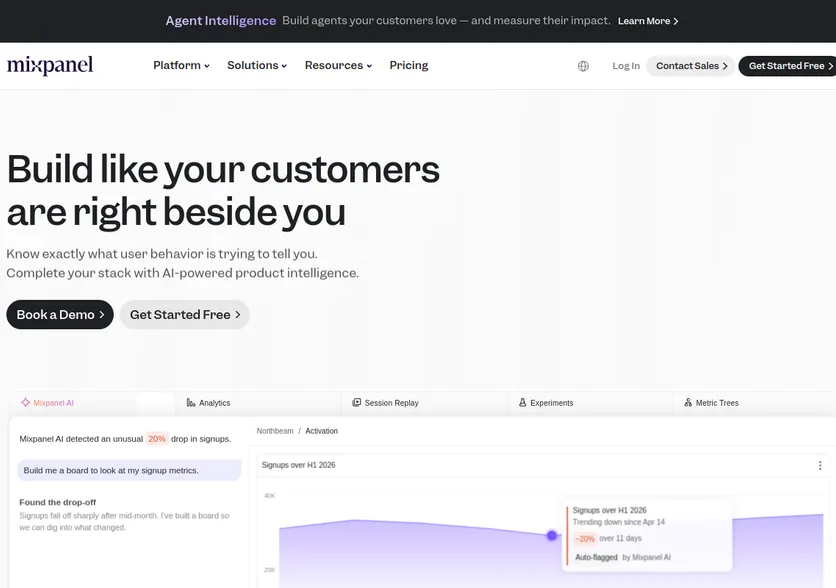
Mixpanel is the product analytics platform that tracks what shoppers actually do, from first visit to repeat purchase, so a remote team can see the funnel without asking an analyst. This Mixpanel Growth plan starts at one hundred dollars a month billed annually for one and a half million events, with the first one million events free. A team that runs on data gets funnels, retention and cohort reports in a dashboard anyone can read.
What we like
- First one million events free every month
- Funnels and retention reports anyone can read
- Scales with usage instead of seats
Watch out for
- The bill grows with events, so a sale week costs more
- Advanced features sit on the higher plans
How to try it
- Open the Mixpanel site and create a free account
- Connect your store and send the first events
- Build a funnel report for your checkout flow
2. Amplitude
Best for: Remote teams that want analytics that scale from free to enterprise
Paid tool Starting price: $75/month · Seventy-five dollars a month billed annually for the Plus plan at three million events, or ninety-four dollars a month billed monthly; the first two million events are free and ten million events cost five hundred and seventy-six dollars a month billed annually
Free plan: Free plan up to 2M events
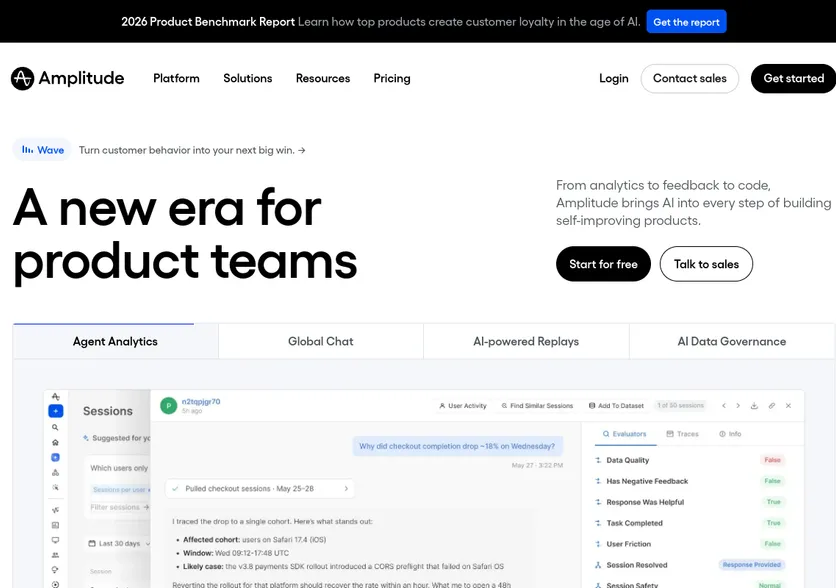
Amplitude is the analytics platform that starts free and grows with the store, tracking events across web and app so a remote team can see the whole customer journey. This Amplitude Plus plan starts at seventy-five dollars a month billed annually for three million events, with the first two million events free. A team that wants one source of truth gets funnels, cohorts and session replay in a single workspace.
What we like
- Two million events free to start
- Funnels, cohorts and session replay in one place
- Grows from free to enterprise without migration
Watch out for
- Pricing is event-based, so traffic spikes raise the bill
- Setup takes longer than a plug-in analytics tool
How to try it
- Open the Amplitude site and create a free account
- Connect your store and start sending events
- Build a cohort report for repeat buyers
3. Hotjar
Best for: Remote teams that want to watch shoppers use the store
Paid tool Starting price: $32/month · Thirty-two dollars a month billed annually for the Observe Plus plan, or thirty-nine dollars a month billed monthly, covering one hundred daily sessions
Free plan: Free plan with limited sessions
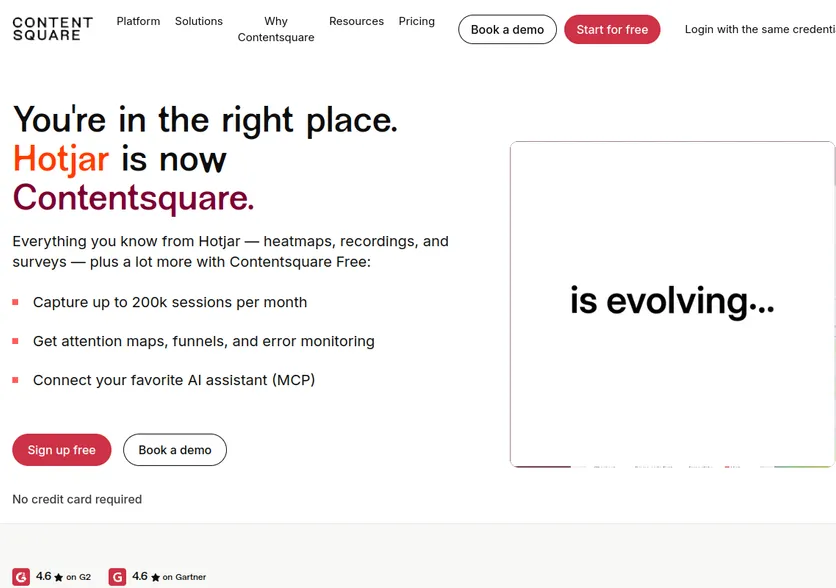
Hotjar is the behavior analytics tool that records sessions and collects feedback, showing a remote team exactly where shoppers hesitate, rage-click or drop off. This Hotjar Observe Plus plan costs thirty-two dollars a month billed annually and covers one hundred daily sessions. A team that argues about a checkout page gets recordings and heatmaps that settle the debate in minutes.
What we like
- Session recordings show real shopper behavior
- Heatmaps reveal where shoppers hesitate
- Cheap entry price for behavior analytics
Watch out for
- Session caps mean you sample traffic, not all of it
- No revenue analytics without the higher plans
How to try it
- Open the Hotjar site and create a free account
- Install the tracking code on your store
- Watch session recordings for your checkout page
4. Segment
Best for: Remote teams that want one customer data pipeline for every tool
Paid tool Starting price: $120/month · One hundred and twenty dollars a month from for the Team plan with ten thousand monthly tracked users included; overage costs twelve dollars or less per extra one thousand users by band, and annual billing saves up to twenty percent
Free plan: Free plan up to 1,000 monthly tracked users
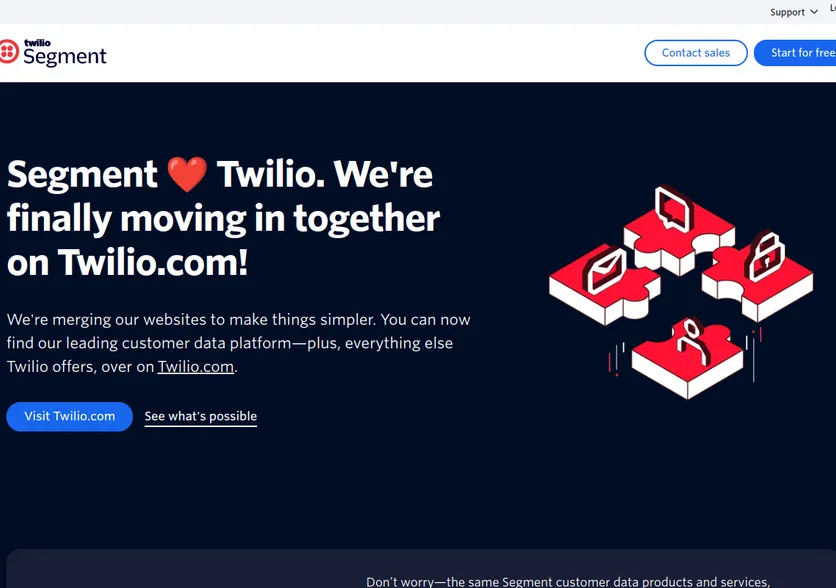
Segment is the customer data platform that collects events from your store once and sends them to every analytics and marketing tool your team uses. This Segment Team plan starts at one hundred and twenty dollars a month and covers ten thousand monthly tracked users with a fourteen-day trial. A remote team that runs five tools gets one pipeline instead of five integrations to maintain.
What we like
- One pipeline feeds every analytics tool
- Free plan for small stores to start
- Fourteen-day trial on the Team plan
Watch out for
- Overage charges apply once the user limit is hit
- Needs a developer to set up tracking properly
How to try it
- Open the Segment site and create a free account
- Connect your store as a source
- Add your analytics tools as destinations
5. Lifetimely
Best for: Shopify stores that want profit analytics without a spreadsheet
Paid tool Starting price: $49/month · Forty-nine dollars a month for the S plan up to five hundred orders; M costs one hundred and forty-nine dollars, L costs two hundred and ninety-nine dollars and XL costs four hundred and ninety-nine dollars a month, with a free plan up to fifty orders a month
Free plan: Free plan up to 50 orders a month
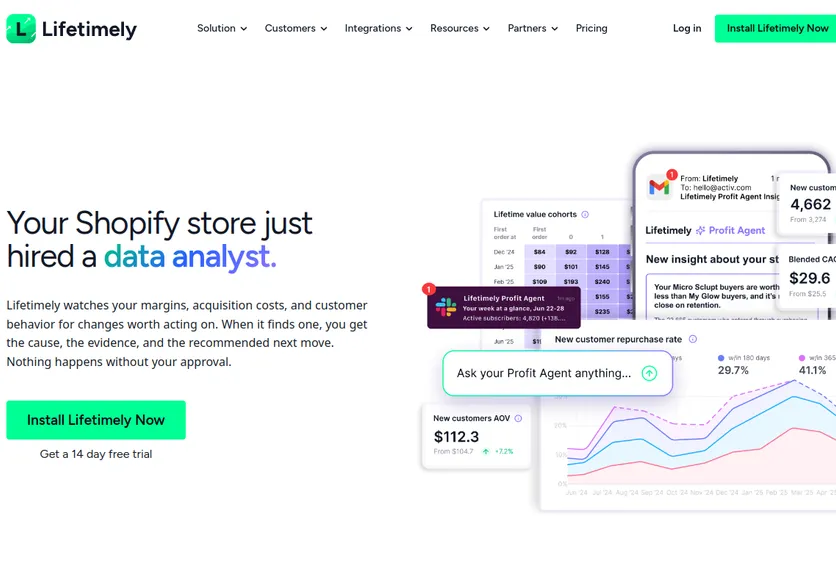
Lifetimely is the profit analytics tool for Shopify stores, turning orders, ad spend and fees into a live profit dashboard the whole remote team can read. This Lifetimely S plan costs forty-nine dollars a month and covers up to five hundred orders with a fourteen-day trial. A store owner who guesses at margins gets real profit per order, per product and per channel in one place.
What we like
- Live profit per order, product and channel
- Built for Shopify with no setup pain
- Free plan for stores under fifty orders
Watch out for
- Built for Shopify, so other platforms need workarounds
- Amazon sales need a seventy-five dollar add-on
How to try it
- Open the Lifetimely site and connect your Shopify store
- Import ad spend and fees for a full profit picture
- Check the profit dashboard for your best products
6. BeProfit
Best for: Shopify stores that want profit tracking with a free plan
Paid tool Starting price: $49/month · Forty-nine dollars a month for the Basic plan covering four hundred and fifty orders; Pro costs ninety-nine dollars, Ultimate costs one hundred and forty-nine dollars and Plus costs two hundred and forty-nine dollars a month, with annual billing saving twenty percent
Free plan: Free plan up to 150 orders a month
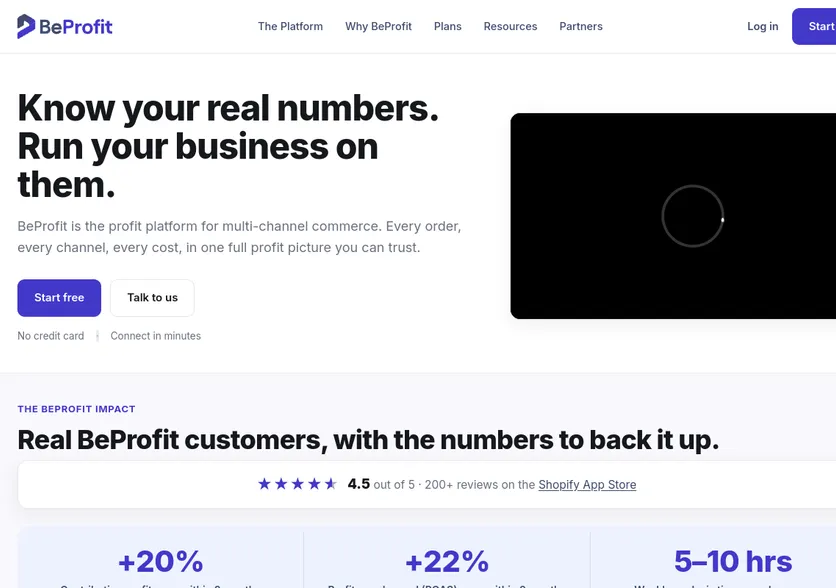
BeProfit is the profit analytics app that tracks every order, fee and ad dollar for Shopify stores, so a remote team can see what each sale actually earns. This BeProfit Basic plan costs forty-nine dollars a month and covers four hundred and fifty orders with a fourteen-day trial. A seller who runs ads on several channels gets profit by product, by campaign and by store in one dashboard.
What we like
- Profit by product, campaign and store
- Free plan up to one hundred and fifty orders
- Fourteen-day trial on every paid plan
Watch out for
- Built for Shopify, so other platforms are out
- Order caps force an upgrade as the store grows
How to try it
- Open the BeProfit site and connect your Shopify store
- Add your ad accounts and fee settings
- Review profit by product for the last thirty days
7. TrueProfit
Best for: Shopify stores that want the cheapest profit analytics in this list
Paid tool Starting price: $35/month · Thirty-five dollars a month for the Basic plan covering three hundred orders, with thirty cents per extra order up to a three hundred dollar surcharge cap; Advanced costs sixty dollars, Ultimate costs one hundred dollars and Enterprise costs two hundred dollars a month
Free plan: No free plan; 14-day free trial
TrueProfit is the profit tracker for Shopify stores that keeps pricing simple, charging one flat monthly fee for a set number of orders with no per-order surprises. This TrueProfit Basic plan costs thirty-five dollars a month and covers three hundred orders with a fourteen-day trial. A small store gets profit per order, ad tracking and fee tracking for less than the price of a team lunch.
What we like
- Cheapest paid plan in this comparison
- Flat monthly fee with no per-order surprises
- Profit, ads and fees in one dashboard
Watch out for
- No free plan, so the trial is the only way to test it
- One plan per store, so multi-store sellers pay twice
How to try it
- Open the TrueProfit site and start the 14-day trial
- Connect your Shopify store and ad accounts
- Check the profit dashboard for your top products
Prices above were checked on each vendor’s own website on Nov 27, 2026 and can change — the vendor’s page is the final word. Vendor links are editorial: nobody paid to be listed or ranked here. Vendors who want a featured listing can see how it works on our Get listed page.
What e-commerce analytics costs in 2026
Analytics pricing splits two ways, by events or by orders, and the counting method decides the bill. Event-based tools charge for every click and page view, so a traffic spike raises the price, while order-based tools charge for every sale, so a busy month costs more than a quiet one. Work out your monthly events and orders before you compare, and check what happens when you pass the limit.
Test every shortlisted tool on your own store data before you buy. Connect the store, wait a week, then check whether the reports answer the questions your team actually asks. Pick the tool whose dashboard a non-analyst can read, because an analytics tool only the data person understands wastes the subscription.
Before you buy
- Check what the entry price actually includes, because event and order limits decide when the bill jumps.
- Confirm the tool connects to your store, because an analytics tool without a live feed is just a dashboard.
- Test the reports on your own data, because a demo account hides the messy numbers your store produces.
- Ask who on the team can read the reports, because a tool only the analyst understands wastes the subscription.
- Check the free tier limits before you scale, because a generous free plan can end at exactly the wrong month.
Official websites
Official websites of the products reviewed above. Features and prices were checked against these sites when this guide was written, and they can change, so confirm on the vendor site before you buy.
Frequently asked questions
Which e-commerce analytics software is best for remote teams in 2026?
Mixpanel is the best overall pick at one hundred dollars a month billed annually for one and a half million events, with the first one million events free. Hotjar is the best pick for behavior analytics at thirty-two dollars a month billed annually, with session recordings and heatmaps. Lifetimely is the best pick for Shopify profit tracking at forty-nine dollars a month with a free plan up to fifty orders.
How much does e-commerce analytics software cost?
Prices here run from thirty-two dollars a month for Hotjar to one hundred and twenty dollars a month for Segment, with most tools landing between thirty-five and one hundred dollars a month. Event-based tools charge by the number of events or users, so a busy store pays more than a quiet one. Order-based tools charge by the number of orders, so check your monthly order count before you compare plans.
Is there a free e-commerce analytics tool for remote teams?
Yes, because Mixpanel gives the first one million events free every month and Amplitude gives the first two million events free. Lifetimely and BeProfit both offer free plans for small Shopify stores, up to fifty and one hundred and fifty orders a month. Start free and upgrade when your events or orders pass the free limit, which usually happens once the store grows past a few hundred orders a month.
What is the difference between product analytics and profit analytics?
Product analytics tools like Mixpanel and Amplitude track what shoppers do on the store, from first visit to repeat purchase. Profit analytics tools like Lifetimely, BeProfit and TrueProfit track what each order earns after ad spend, fees and shipping. A remote team usually needs both, because traffic data without profit data can hide a store that sells a lot and earns very little.
What should a remote team check before picking an analytics tool?
Start with the store connection, because an analytics tool without a live feed is just an empty dashboard. Then check the limits, since event caps and order caps decide when the bill jumps. Finally test the reports on your own data, because a demo account hides the messy numbers your store produces and a report only the analyst understands wastes the subscription.
Need everyday marketing help too? Try Toolsvine's free marketing tools right in your browser.
Browse Marketing & Ads Calculators tools