On this page
A small firm feels every dollar of discovery cost, because there is no large team to spread it across and no IT department to babysit the software. The seven tools below all publish a price, from twenty-seven dollars a case to two hundred and sixty-two dollars and fifty cents per user a month, and every figure was checked on the vendor site on November 27, 2026. GoldFynch is our first pick — the flat per case price with unlimited users is the cheapest honest way for a small firm to run discovery.
How we researched this
We looked for e discovery tools that publish a price and suit a small firm, where the team is small, the budget is tight and matters arrive one at a time. We read each price on the vendor site or the vendor cost calculator on November 27, 2026, and favoured tools that charge per case or per gigabyte rather than per seat. We dropped Logikcull, Everlaw, DISCO, Relativity, Casepoint, Exterro, Reveal, ZyLAB, Nuix, Knovos and Venio because none of them publishes a dollar price, so a small firm cannot compare them without a sales call.
Compare the tools
| Name | Best for | Starting price | Free plan | |
|---|---|---|---|---|
| GoldFynch | Small firms that want discovery priced by the case, not by the seat. | $27/case/month | Free 512 MB trial case for 90 days. | Visit |
| Nextpoint | Small firms that handle occasional large matters and need real review power. | $262.50/user/month | No free plan; demo available. | Visit |
| Digital WarRoom | Small firms that run one matter at a time and want a flat bill. | $250/month | No free plan; demo available. | Visit |
| CloudNine LAW | Small firms with uneven caseloads that want to pay only when they process data. | $35/GB/month | 30-day free trial. | Visit |
| Lexbe eDiscovery Platform | Small firms that want a simple monthly price and a free trial first. | $79/month | Free trial available. | Visit |
| Ontrack PowerControls | Small firms that need to search mailboxes without a monthly subscription. | $79 | No free plan; demo available. | Visit |
| Microsoft Purview eDiscovery | Small firms already paying for Microsoft 365 E3 or E5. | $39/user/month | No free plan; Microsoft 365 trials available. | Visit |
The e discovery software for small law firms, compared
1. GoldFynch
Best for: Small firms that want discovery priced by the case, not by the seat.
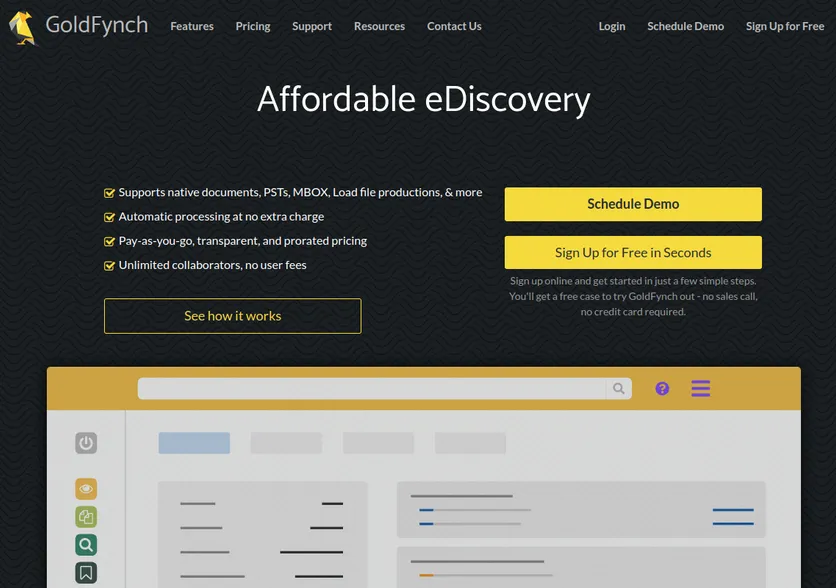
Paid tool Starting price: $27/case/month · Twenty-seven dollars a case a month for a three gigabyte case; ten gigabyte cases cost seventy-six dollars a month. Unlimited users are included and a free five hundred and twelve megabyte trial case runs for ninety days.
Free plan: Free 512 MB trial case for 90 days.
A small firm cannot afford a per seat licence for every paralegal who touches a case, and GoldFynch is the tool that fixes that problem first. This GoldFynch case costs twenty-seven dollars a month for three gigabytes of documents, with unlimited users and unlimited cases to process at no extra charge. A small practice gets full text search, email threading and production tools for a flat case fee instead of a bill that grows with the team.
What we like
- Flat per case pricing with unlimited users included
- Full text search across emails and attachments
- No software to install and no per reviewer fee
Watch out for
- Per case pricing can add up across many small matters
- No native integration with most case management tools
How to try it
- Upload the documents for your case and let GoldFynch index them.
- Search and tag the documents that answer the discovery request.
- Export the production set with a load file for the other side.
2. Nextpoint
Best for: Small firms that handle occasional large matters and need real review power.
Paid tool Starting price: $262.50/user/month · Two hundred and sixty-two dollars and fifty cents per user a month is the starting rate from the vendor cost calculator; user minimums may apply.
Free plan: No free plan; demo available.
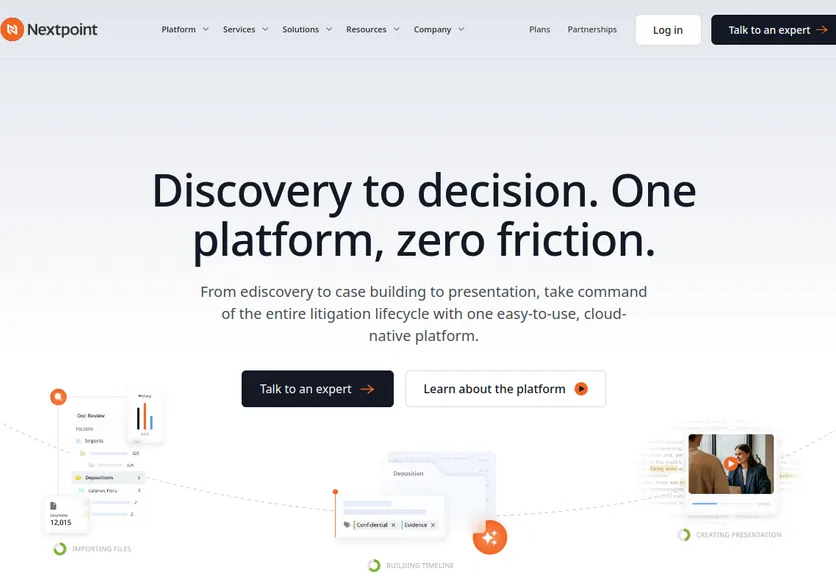
When a small firm lands a matter with thousands of documents, a basic search tool stops being enough, and that is where Nextpoint earns its price. This Nextpoint subscription starts at two hundred and sixty-two dollars and fifty cents per user a month, according to the vendor cost calculator. A small firm gets predictive coding, native viewers and trial presentation in one cloud platform, so a big case does not need a big team to review it.
What we like
- Predictive coding cuts review time on large document sets
- Full review, production and trial presentation in one platform
- Native viewers handle most file types without conversion
Watch out for
- Per user pricing gets expensive across a large review team
- The vendor publishes no list price on its pricing page
How to try it
- Book a demo and upload a sample matter to test the review workflow.
- Set reviewer roles and use predictive coding to rank the document set.
- Build the production and export it in the format the court requires.
3. Digital WarRoom
Best for: Small firms that run one matter at a time and want a flat bill.
Paid tool Starting price: $250/month · Two hundred and fifty dollars a month for a single hosted matter with unlimited users and twenty-five gigabytes included, then ten dollars per gigabyte. The on-premise Pro plan costs one thousand nine hundred and ninety-five dollars a year.
Free plan: No free plan; demo available.
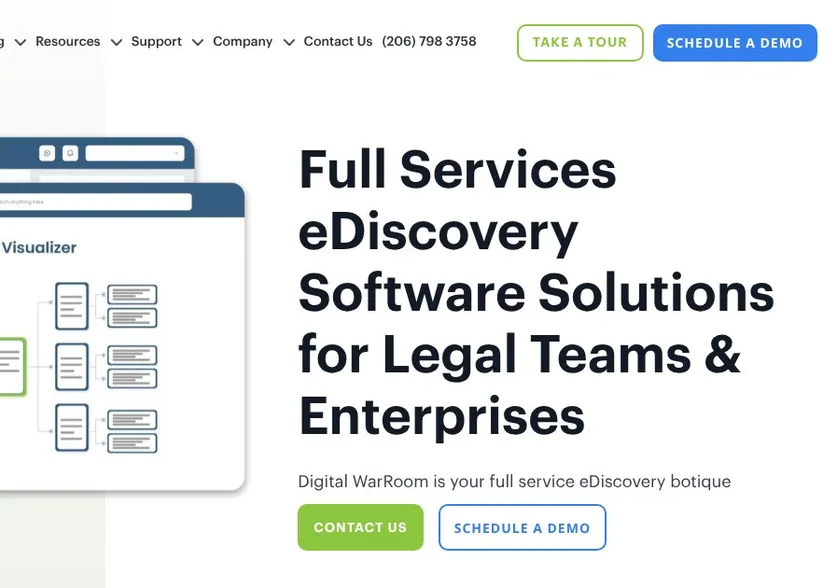
Some small firms handle one discovery matter at a time, and for them a flat monthly price with unlimited reviewers beats any per seat licence. This Digital WarRoom single matter plan costs two hundred and fifty dollars a month and includes twenty-five gigabytes of data with unlimited reviewers. A small practice gets review, search and production for one case without paying for every paralegal who needs to look at the documents.
What we like
- Unlimited users on a single hosted matter
- Predictable flat monthly price for one case
- Twenty-five gigabytes included before per gigabyte billing
Watch out for
- Each additional matter needs its own subscription
- Per gigabyte overage applies above twenty-five gigabytes
How to try it
- Open a hosted matter and upload the documents for the case.
- Invite reviewers and set their permissions for the matter.
- Search, tag and produce the documents the request covers.
4. CloudNine LAW
Best for: Small firms with uneven caseloads that want to pay only when they process data.
Paid tool Starting price: $35/GB/month · Thirty-five dollars per gigabyte a month on pay per use; subscriptions run from seventeen dollars and fifty cents down to twelve dollars per gigabyte a month. Thirty-day free trial.
Free plan: 30-day free trial.
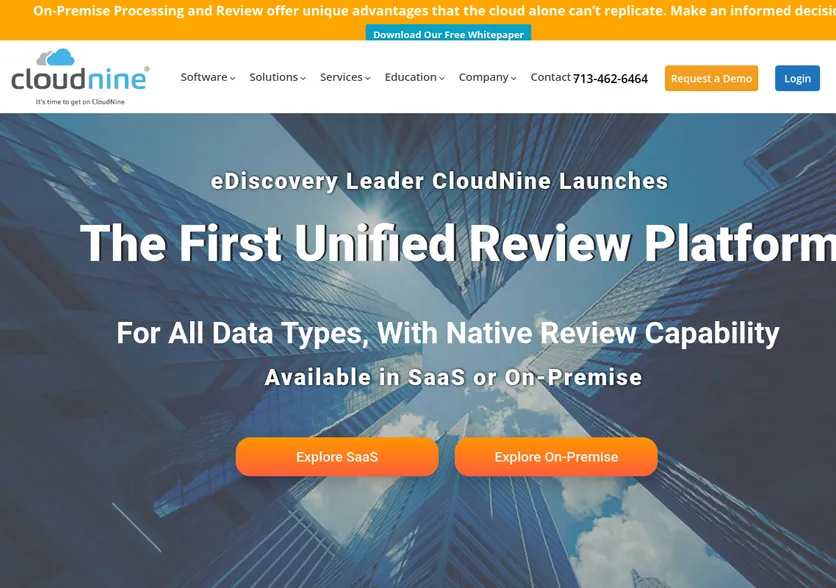
A small firm with a quiet month should not pay for software it is not using, and CloudNine LAW is built around exactly that idea. This CloudNine LAW plan costs thirty-five dollars per gigabyte a month on pay per use, dropping to twelve dollars per gigabyte on subscription. A small practice gets processing, review and production without a monthly licence for every member of staff, so the bill follows the caseload.
What we like
- Pay per gigabyte instead of per user licences
- Subscription rates drop to twelve dollars per gigabyte
- Thirty day free trial to test a real case
Watch out for
- A data heavy case can cost more than a flat plan
- The pricing page shows no figure, so confirm the rate first
How to try it
- Create a case and upload the documents you need to review.
- Process and search the set, then tag documents for production.
- Export the production with a load file for the other side.
5. Lexbe eDiscovery Platform
Best for: Small firms that want a simple monthly price and a free trial first.
Paid tool Starting price: $79/month · Seventy-nine dollars a month starting price, listed by the vendor. Free trial available.
Free plan: Free trial available.
Seventy-nine dollars a month is the kind of price a small firm can approve without a committee, and Lexbe keeps the rest of the deal just as simple. This Lexbe platform starts at seventy-nine dollars a month and includes document review, search and production tools. A small practice gets a vendor supported platform with a free trial, so the team can test a live case before spending anything at all.

What we like
- Simple starting price with a free trial to test first
- Review, search and production in one platform
- Vendor support included rather than a self serve setup
Watch out for
- The vendor publishes few plan details on its site
- Advanced analytics need a conversation with sales
How to try it
- Start the free trial and upload a sample case file.
- Run searches and build review sets for your discovery request.
- Produce the documents with the export format your court accepts.
6. Ontrack PowerControls
Best for: Small firms that need to search mailboxes without a monthly subscription.
Paid tool Starting price: $79 · Seventy-nine dollars for a PowerControls licence, sold as a one-time purchase rather than a monthly subscription.
Free plan: No free plan; demo available.
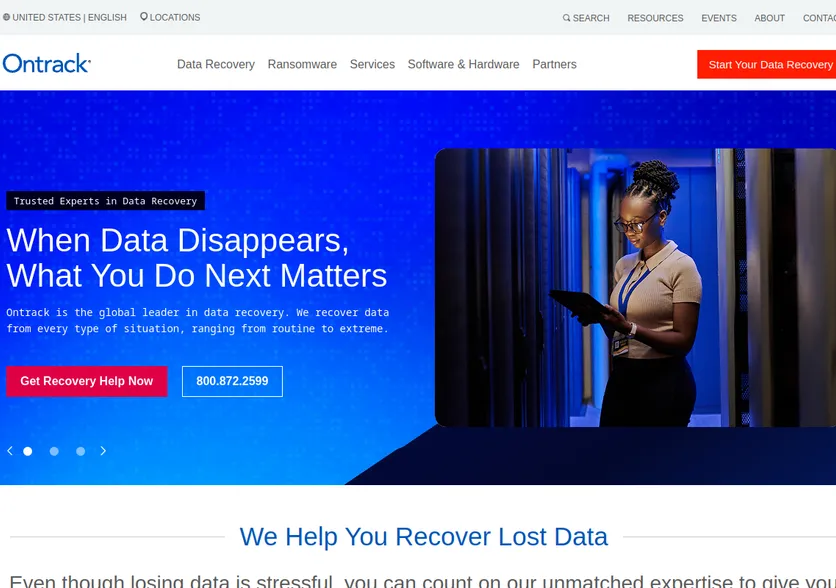
Email discovery is often the whole case for a small firm, and paying a monthly subscription to search one mailbox makes little sense. This Ontrack PowerControls licence costs seventy-nine dollars as a one-time purchase, so a firm pays once and uses it whenever a case needs email discovery. A small practice gets targeted search and export of mailbox data without adding another subscription to the budget.
What we like
- One-time licence with no monthly subscription
- Targeted mailbox search and export for email discovery
- Works alongside any review platform you already use
Watch out for
- It searches mailboxes, it is not a full review platform
- The vendor homepage does not list a product pricing page
How to try it
- Install PowerControls and connect the mailbox or archive to search.
- Run targeted searches for the custodians and dates your case covers.
- Export the matching emails in the format your review tool accepts.
7. Microsoft Purview eDiscovery
Best for: Small firms already paying for Microsoft 365 E3 or E5.
Paid tool Starting price: $39/user/month · Thirty-nine dollars per user a month for Microsoft 365 E3, which includes eDiscovery Standard. Premium comes with E5 at sixty dollars per user a month or as a Purview Suite add-on at twelve dollars per user a month on E3.
Free plan: No free plan; Microsoft 365 trials available.
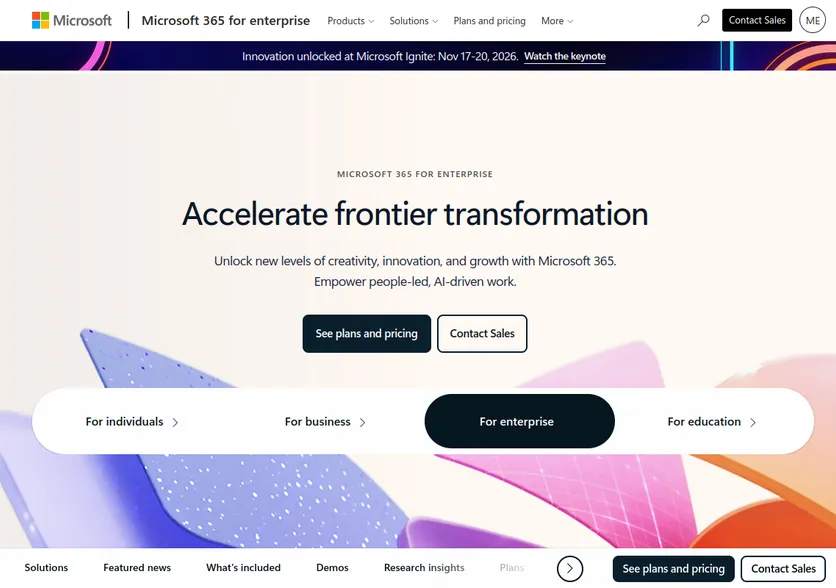
The cheapest discovery tool is often the one you already own, and for a firm on Microsoft 365 that tool is Purview eDiscovery. This Microsoft Purview Standard tier is included with Microsoft 365 E3 at thirty-nine dollars per user a month, and Premium arrives with E5 or a Purview Suite add-on. A small firm gets legal hold, search and export across Exchange, SharePoint and OneDrive from one admin console, with no extra vendor to manage.
What we like
- Included with Microsoft 365 E3 and E5 licences
- Legal hold and search across email, SharePoint and OneDrive
- No extra vendor to manage or pay separately
Watch out for
- Premium features need E5 or a twelve dollar add-on
- Set up is harder than a purpose built discovery tool
How to try it
- Open the Purview portal from your Microsoft 365 admin centre.
- Create a case and place a legal hold on the custodians involved.
- Search across mailboxes and sites, then export the results.
Prices above were checked on each vendor’s own website on Nov 27, 2026 and can change — the vendor’s page is the final word. Vendor links are editorial: nobody paid to be listed or ranked here. Vendors who want a featured listing can see how it works on our Get listed page.
What small firms should check first
Price a real case before you buy, not the demo data. A per gigabyte plan looks cheap until a chat export balloons the document set, and a per user plan looks dear until you count how many reviewers actually touch a case. For most small firms the cheapest honest option is a per case plan like GoldFynch at twenty-seven dollars a case, or a pay as you go plan like CloudNine LAW at thirty-five dollars per gigabyte.
Confirm the tool produces in the format your court accepts, and that it handles the file types your cases contain. Use the free trials on a live matter: GoldFynch gives you ninety days on a trial case, CloudNine LAW gives thirty days. Start there, and only talk to sales once the tool has proved itself on your own work.
Before you buy
- Count the reviewers who need access, because per user billing multiplies across a small team.
- Check the data limits on the entry plan, because overage fees can double the monthly bill.
- Confirm the export format matches what your court accepts before you start a review.
- Test search speed on a large document set, because slow search wastes billable hours.
- Ask whether support is included, because a small firm has no IT team to fall back on.
Official websites
Official websites of the products reviewed above. Features and prices were checked against these sites when this guide was written, and they can change, so confirm on the vendor site before you buy.
Frequently asked questions
Which e discovery software is best for small law firms?
GoldFynch leads at twenty-seven dollars a case a month with unlimited users, which is the cheapest way for a small firm to run discovery. Lexbe is the best simple monthly plan at seventy-nine dollars a month with a free trial. Digital WarRoom suits a firm running one matter at a time at two hundred and fifty dollars a month with unlimited reviewers.
How much should a small firm pay for e discovery software?
Entry prices here run from twenty-seven dollars a case to two hundred and fifty dollars a month, with Nextpoint the dearest at two hundred and sixty-two dollars and fifty cents per user a month. Per case and per gigabyte plans suit firms with a few small matters, while a flat per user plan suits a steady review team. Always count the data in a real case before choosing a per gigabyte plan.
Is there a free or cheap way for a small firm to start?
Check Microsoft 365 first: eDiscovery Standard is included in E3 at thirty-nine dollars per user a month, so you may already own it. GoldFynch offers a free five hundred and twelve megabyte trial case for ninety days, and CloudNine LAW gives a thirty day free trial. Both let you process a real matter before spending anything.
What features does a small firm actually need?
Full text search, email threading, redaction and a production export with a load file are the essentials for any small firm. The tool should also handle the file types your cases produce, from PDFs to chat exports. If it cannot produce in the format your court or opposing counsel accepts, it will cost you more in rework than it saves in fees.
How can a small firm cut review time without hiring more staff?
Nextpoint offers predictive coding, which ranks documents so reviewers see the likely relevant ones first, and that saves the most time on a large set. GoldFynch and CloudNine LAW keep the bill down by charging per case or per gigabyte instead of per seat. For a small team, the cheapest review is the one that avoids paying a licence for every reviewer.
Need everyday business help too? Try Toolsvine's free business tools right in your browser.
Browse Business Tools tools