On this page
Content creators publish on a schedule, and the editor decides how fast a raw recording becomes a finished video. The right tool cuts editing time in half with templates, auto captions and text-based editing, while the wrong one eats evenings on a timeline that fights back. We compared seven editors on published price, platform and workflow. Adobe Premiere Pro is our first pick — the professional standard, and the right pick when video is client work.
How we researched this
We started with the video editors content creators actually use for YouTube, Shorts and client work, then read each price on the vendor site on November 27, 2026 and noted the trial each plan carries. We judged them for a creator who publishes weekly, needs captions and exports in 4K, and works alone or in a small team. We dropped quote-only enterprise platforms and tools with no published price, because a creator needs a number it can budget around.
Compare the tools
| Name | Best for | Starting price | Free plan | |
|---|---|---|---|---|
 Adobe Premiere Pro | Creators who edit client work and need the industry standard | $22.99/month | No free plan; 7-day free trial | Visit |
 Final Cut Pro | Mac creators who want speed and a one-time purchase | $299.99 one-time | No free plan; 90-day free trial | Visit |
 DaVinci Resolve Studio | Creators who want pro color grading without a subscription | $295 one-time | Free plan available; Studio $295 one-time | Visit |
 Wondershare Filmora | Beginners and YouTubers who want results fast | $49.99/year | Free plan: exports with watermark | Visit |
 CapCut Pro | Short-form video for TikTok, Reels and Shorts | $19.99/month | Free plan available; 7-day free trial of Pro | Visit |
 CyberLink PowerDirector 365 | Hobbyists and prosumers who want the most features per dollar | $79.99/year | Free plan: Essential version available | Visit |
 Descript | Creators who edit video by editing a transcript | $12/user/month | Free plan: 1 transcription hour a month | Visit |
The editing software for content creators, compared
1. Adobe Premiere Pro
Best for: Creators who edit client work and need the industry standard
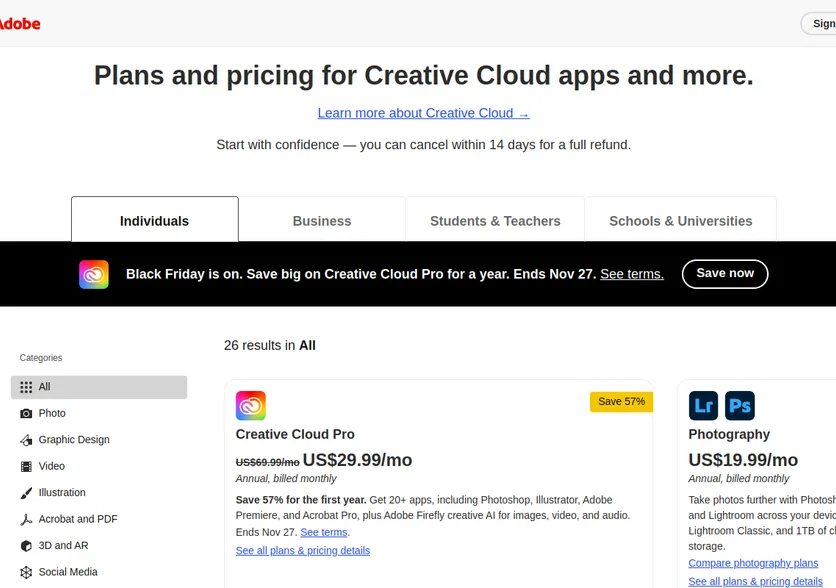
Paid tool Starting price: $22.99/month · Twenty-two dollars and ninety-nine cents a month on an annual plan, listed as first-year pricing for new subscribers; month-to-month billing costs thirty-four dollars and forty-nine cents a month, and the full Creative Cloud bundle costs more
Free plan: No free plan; 7-day free trial
This Adobe Premiere Pro plan is the professional standard that agencies and clients ask for by name, with text-based editing, auto captions and a straight line into After Effects and Photoshop. The single-app plan costs twenty-two dollars and ninety-nine cents a month on an annual plan. It runs on Windows and Mac, and the seven-day trial is enough to cut one full video before you pay.
What we like
- The industry standard clients ask for by name
- Text-based editing and the best caption tools
- Direct link to After Effects and Photoshop
Watch out for
- Subscription only, with no way to own it
- First-year price rises on renewal
How to try it
- Open the Adobe Premiere Pro pricing page and start the trial
- Import your next video and try text-based editing
- Export a finished video and check the caption quality
2. Final Cut Pro
Best for: Mac creators who want speed and a one-time purchase
Paid tool Starting price: $299.99 one-time · Two hundred and ninety-nine dollars and ninety-nine cents as a one-time purchase on the Mac App Store; also available in Apple Creator Studio at twelve dollars and ninety-nine cents a month or one hundred and twenty-nine dollars a year
Free plan: No free plan; 90-day free trial
This Final Cut Pro plan is the fastest editor on a Mac by a wide margin, with a magnetic timeline that makes rough cuts feel effortless and background rendering that keeps playback smooth. It costs two hundred and ninety-nine dollars and ninety-nine cents once on the Mac App Store, with free updates since 2011. It also runs on iPad, and a ninety-day trial lets you cut several videos before you buy.
What we like
- Fastest 4K export on a Mac in independent tests
- One payment covers the whole editor with free updates
- Ninety-day trial, the longest here
Watch out for
- Mac and iPad only, no Windows version
- Magnetic timeline divides editors who prefer tracks
How to try it
- Open the Final Cut Pro page on the Mac App Store
- Start the ninety-day trial and import a 4K project
- Time one export against your current editor
3. DaVinci Resolve Studio
Best for: Creators who want pro color grading without a subscription
Paid tool Starting price: $295 one-time · Two hundred and ninety-five dollars as a one-time payment for the Studio license, with free updates; the free version includes most editing features with no watermark, and Studio adds AI tools, noise reduction and higher-resolution export
Free plan: Free plan available; Studio $295 one-time
This DaVinci Resolve Studio plan is the color-grading benchmark that Hollywood uses, and the Studio license buys it outright for two hundred and ninety-five dollars with free updates for life. The free version is already a full editor with editing, color, visual effects and audio in one app. Studio adds AI tools like Magic Mask and voice isolation, plus higher resolutions and multi-GPU rendering.
What we like
- Best color grading tools of any editor here
- One-time purchase with free updates for life
- Free version is a full editor, not a trial
Watch out for
- Heavy on GPU, so older computers struggle
- Steep learning curve for complete beginners
How to try it
- Download DaVinci Resolve free and cut one video end to end
- Try the Color page on your hardest clip
- Buy Studio only when you need the AI tools or 10-bit export
4. Wondershare Filmora
Best for: Beginners and YouTubers who want results fast
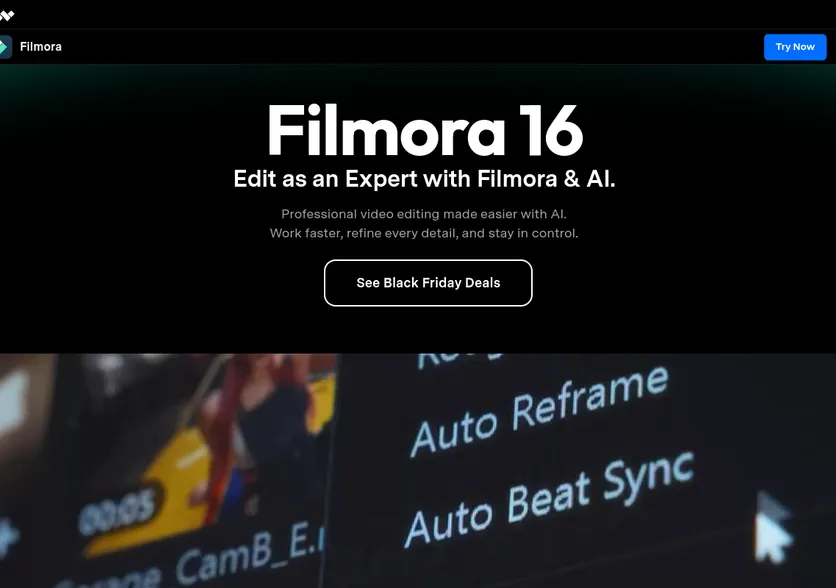
Paid tool Starting price: $49.99/year · Forty-nine dollars and ninety-nine cents a year for the Basic plan; Advanced costs fifty-nine dollars and ninety-nine cents a year with one thousand AI credits a month, Premium costs ninety-nine dollars and ninety-nine cents, and a perpetual license costs seventy-nine dollars and ninety-nine cents for Filmora 16 only
Free plan: Free plan: exports with watermark
This Wondershare Filmora plan is the beginner-friendly editor that grows with you, and its template library is the reason people stay. Basic costs forty-nine dollars and ninety-nine cents a year and covers multi-track editing, effects, titles, captions and AI tools. It runs on Windows, Mac, iOS and Android, so a creator can start a cut on the phone and finish it on the desktop.
What we like
- Easiest learning curve of the desktop editors here
- Huge template and effects library included
- Works across desktop and mobile from one account
Watch out for
- Free exports carry a watermark
- AI credits are capped on the lower plans
How to try it
- Open the Filmora pricing page and try the free plan
- Cut one video with a template and auto captions
- Upgrade to Basic when the watermark has to go
5. CapCut Pro
Best for: Short-form video for TikTok, Reels and Shorts
Paid tool Starting price: $19.99/month · Nineteen dollars and ninety-nine cents a month for the Pro plan, or one hundred and seventy-nine dollars and ninety-nine cents a year; a mobile-only Standard plan costs nine dollars and ninety-nine cents a month, Ultra costs seventy-nine dollars a month, and Teams costs twelve dollars and forty-nine cents a seat a month
Free plan: Free plan available; 7-day free trial of Pro
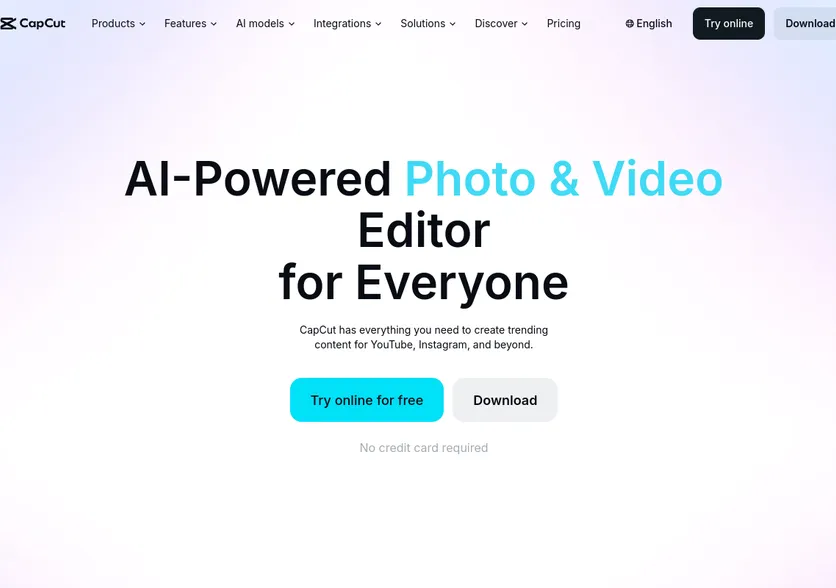
This CapCut Pro plan is the short-form editor that took over social video, with auto captions, templates, effects, cloud storage and commercial use across desktop, web and mobile. Pro costs nineteen dollars and ninety-nine cents a month, or one hundred and seventy-nine dollars and ninety-nine cents a year. The template library and one-click vertical export are the fastest way from raw clip to posted Short.
What we like
- Best template library for short-form social video
- Auto captions and one-click vertical export
- Works on desktop, web and mobile from one account
Watch out for
- Template-heavy workflow suits social more than film
- Price varies by platform and region
How to try it
- Open the CapCut pricing page and start the seven-day Pro trial
- Cut one vertical video with auto captions and a template
- Export in 4K and check the result on your phone
6. CyberLink PowerDirector 365
Best for: Hobbyists and prosumers who want the most features per dollar
Paid tool Starting price: $79.99/year · Seventy-nine dollars and ninety-nine cents a year at list price for the 365 annual plan; promotions often show fifty-nine dollars and ninety-nine cents to sixty-nine dollars and ninety-nine cents a year, and monthly billing costs twenty-four dollars and ninety-nine cents a month
Free plan: Free plan: Essential version available
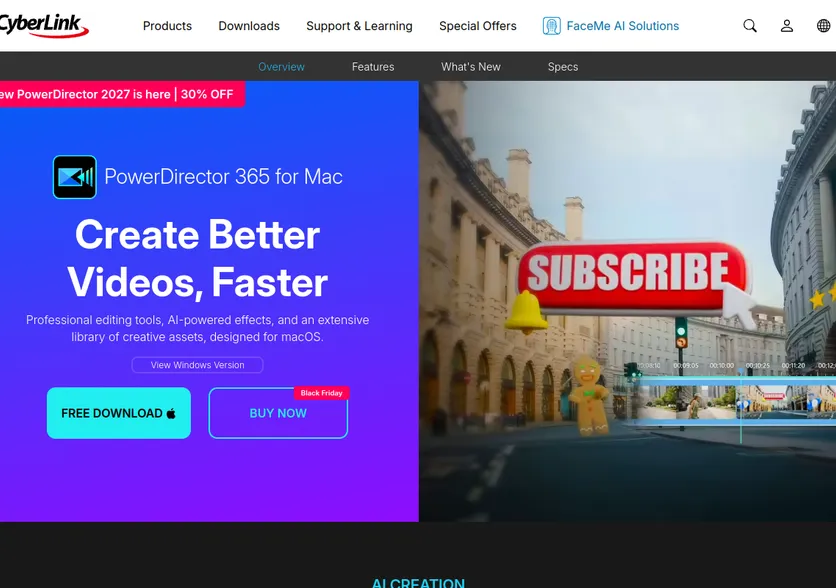
This CyberLink PowerDirector 365 plan packs an almost absurd amount of capability into a yearly plan, from AI captions to motion tracking and a stock media library. The 365 plan costs seventy-nine dollars and ninety-nine cents a year at list price, with promotions often showing fifty-nine to sixty-nine dollars. It includes monthly AI credits and fifty gigabytes of cloud storage, which suits a creator who publishes every week.
What we like
- Most features per dollar of any subscription here
- AI captions, motion tracking and stock media included
- Monthly AI credits and cloud storage in the plan
Watch out for
- Crowded interface can overwhelm beginners
- Promotions make the real price hard to pin down
How to try it
- Open the CyberLink PowerDirector page and try the free version
- Cut one video with motion tracking and AI captions
- Compare the list price with the current promotion before buying
7. Descript
Best for: Creators who edit video by editing a transcript
Paid tool Starting price: $12/user/month · Twelve dollars per user a month billed annually for the Creator plan, or fifteen dollars billed monthly, with ten hours of transcription a month; Pro costs twenty-four dollars per user a month billed annually with thirty hours, and Enterprise is custom
Free plan: Free plan: 1 transcription hour a month
This Descript plan lets a creator edit video and audio by editing a text transcript, which makes cutting filler words and mistakes as fast as deleting a sentence. Creator costs twelve dollars per user a month billed annually and includes ten hours of transcription a month, Studio Sound audio cleanup and watermark-free 4K export. Overdub voice cloning and screen recording make it a strong pick for YouTubers who talk to camera.

What we like
- Edit video by editing the transcript text
- Studio Sound cleans up noisy audio in one click
- Overdub voice cloning fixes mistakes without re-recording
Watch out for
- Transcription hours are capped on every plan
- Per-user pricing adds up fast for a small team
How to try it
- Open the Descript pricing page and try the free plan
- Record a two-minute video and edit it by deleting transcript text
- Turn on Studio Sound and compare the audio before and after
Prices above were checked on each vendor’s own website on Nov 27, 2026 and can change — the vendor’s page is the final word. Vendor links are editorial: nobody paid to be listed or ranked here. Vendors who want a featured listing can see how it works on our Get listed page.
How a content creator should pick an editor
Start with where you publish, not with the feature list. A creator who lives on TikTok and Shorts needs templates, auto captions and vertical export more than color scopes, while a creator who cuts client work needs the editor the client already uses. Test the trial on a real video from your channel, not on sample footage, because your footage shows the real pain points.
Compare one-time purchases against subscriptions over three years, not one month. A two hundred and ninety-five dollar one-time license beats a twenty-three dollar monthly subscription after thirteen months, and the gap grows every year after that. Check the free plan limits too: watermarked exports and capped AI credits are the two limits that push creators to pay sooner than they expect.
Before you buy
- Match the editor to your main platform, since some only run on Mac
- Check whether the price is a subscription or a one-time purchase
- Test auto captions and text-based editing on your own footage first
- Confirm the export resolution and watermark rules on the free plan
- Add up AI credits and cloud storage before you compare yearly costs
Official websites
Official websites of the products reviewed above. Features and prices were checked against these sites when this guide was written, and they can change, so confirm on the vendor site before you buy.
Frequently asked questions
What is the cheapest editing software for content creators?
DaVinci Resolve is free with no watermark, and its Studio upgrade costs two hundred and ninety-five dollars once. Filmora Basic costs forty-nine dollars and ninety-nine cents a year, while Descript Creator costs twelve dollars per user a month billed annually. For a creator on a tight budget, the free version of DaVinci Resolve covers pro editing with no monthly bill at all.
Should I use Premiere Pro, Final Cut Pro or DaVinci Resolve?
Premiere Pro is the best pick when video is client work, because agencies and clients ask for it by name and it links directly to After Effects and Photoshop. Final Cut Pro is faster on a Mac and costs two hundred and ninety-nine dollars and ninety-nine cents once, with no subscription. DaVinci Resolve Studio costs two hundred and ninety-five dollars once and has the best color tools of the three.
Which editor is best for TikTok and YouTube Shorts?
CapCut Pro is the best pick for TikTok, Reels and Shorts, because its template library, auto captions and one-click vertical export are built for short-form video. Filmora is a strong second choice for creators who want templates plus a desktop timeline. Premiere Pro is overkill for short-form only, unless you also cut long-form client work.
Is there an editor that lets me edit by editing text?
Descript is the best pick for talking-head videos, because you cut mistakes by deleting words from the transcript instead of scrubbing a timeline. It also cleans audio with Studio Sound and clones your voice with Overdub to fix a flubbed line. Creator costs twelve dollars per user a month billed annually, with ten hours of transcription included.
Is a one-time purchase cheaper than a subscription?
It depends on how you count. Premiere Pro costs about eight hundred and twenty-seven dollars over three years with no way to own it, while Final Cut Pro costs two hundred and ninety-nine dollars and ninety-nine cents once and DaVinci Resolve Studio costs two hundred and ninety-five dollars once. Filmora Basic costs about one hundred and fifty dollars over three years. One-time purchases win on total cost if you keep the editor for years.
Compare the seven editors above, then start with a free trial on your next video before you commit to a yearly plan.
Browse Video Tools tools