On this page
A startup lives in its editor: the team opens it first thing in the morning and closes it last at night, and the wrong one costs minutes on every file. The right editor is fast, smart about your language, and priced so a small team can afford seats for everyone. We compared seven editors on published price, platform and workflow. Sublime Text is our first pick — the fastest editor here, and a single ninety-nine dollar payment covers it.
How we researched this
We started with the code and text editors startups actually use for daily development, then read each price on the vendor site on November 27, 2026 and noted the trial each plan carries. We judged them for a small team that writes code every day, needs a debugger or strong search, and pays per seat. We dropped free-only editors with no paid plan and quote-only enterprise tools, because a startup needs a number it can budget around.
Compare the tools
| Name | Best for | Starting price | Free plan | |
|---|---|---|---|---|
| Sublime Text | Startups that want the fastest editor for any language | $99 one-time | Free trial; purchase $99 | Visit |
| BBEdit | Mac teams who edit text, code and markup by hand | $59.99 one-time | Free plan: basic editing free | Visit |
| Nova | Mac teams who build web apps and want a native IDE | $99 one-time | No free plan; 30-day free trial | Visit |
| WebStorm | Startups that build JavaScript and TypeScript apps | $79/year | No free plan; 30-day free trial | Visit |
| PhpStorm | Startups that build PHP apps and APIs | $109/year | No free plan; 30-day free trial | Visit |
 IntelliJ IDEA Ultimate | Startups that build Java and Kotlin backends | $199/year | Free Community edition; Ultimate from $199 a year | Visit |
| PyCharm Professional | Startups that build Python apps and data tools | $109/year | Free Community edition; Professional from $109 a year | Visit |
The editor software for startups, compared
1. Sublime Text
Best for: Startups that want the fastest editor for any language
Paid tool Starting price: $99 one-time · Ninety-nine dollars as a one-time payment for a personal license, covering three years of updates; business licenses cost sixty-five dollars per seat per year
Free plan: Free trial; purchase $99
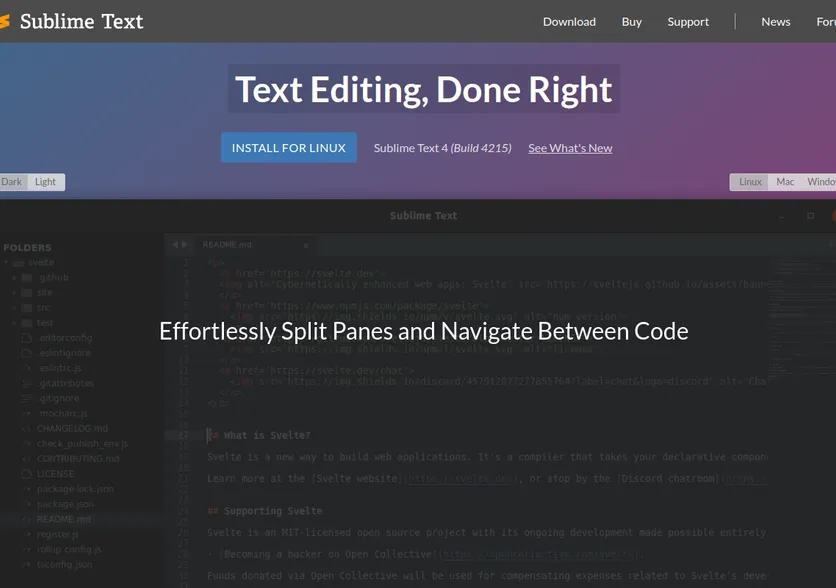
This Sublime Text plan is the fastest editor in this comparison, opening in under a second and handling large files without lag. It costs ninety-nine dollars once for a personal license, and the same price covers three years of updates. It runs on Windows, Mac and Linux, and its multi-cursor editing and package ecosystem make it a strong pick for a small team that writes many languages.
What we like
- Fastest startup and file handling of any editor here
- One payment covers the license for three years
- Works on Windows, Mac and Linux from one license
Watch out for
- No built-in debugger or terminal
- Plugin quality varies across the ecosystem
How to try it
- Download Sublime Text and try the free trial
- Open your largest file and test multi-cursor editing
- Buy the ninety-nine dollar license when the trial ends
2. BBEdit
Best for: Mac teams who edit text, code and markup by hand
Paid tool Starting price: $59.99 one-time · Fifty-nine dollars and ninety-nine cents as a one-time purchase for version 16; upgrades from earlier versions cost less, and the basic version is free with no time limit
Free plan: Free plan: basic editing free
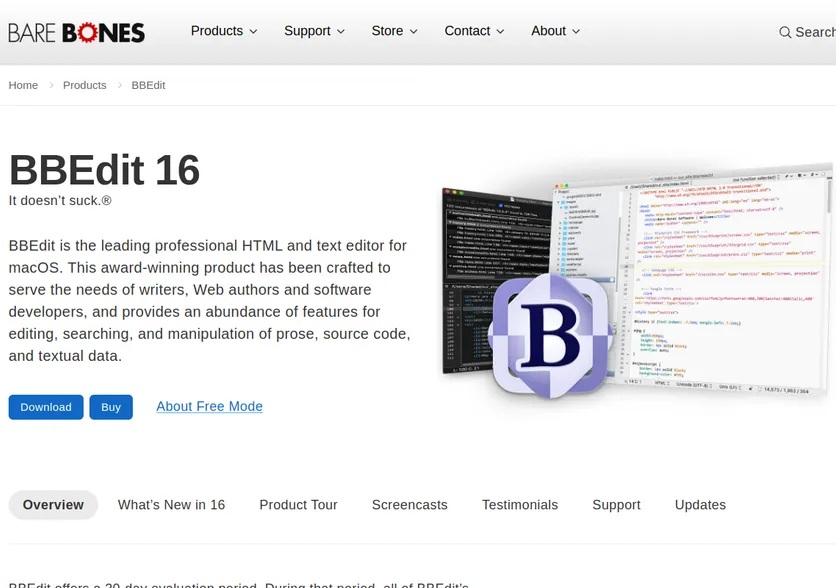
This BBEdit plan is the classic Mac text editor, with powerful grep search, multi-file search and replace, and deep support for HTML, Markdown and dozens of languages. Version 16 costs fifty-nine dollars and ninety-nine cents once, and the basic version is free forever. It is the pick for a startup whose engineers still hand-edit configuration files and markup every day.
What we like
- Best grep and multi-file search of any editor here
- Free version covers basic editing forever
- Mac-native and fast on large files
Watch out for
- Mac only, no Windows or Linux version
- Not a full IDE, so no built-in debugger
How to try it
- Download BBEdit and use the free version for a week
- Try grep search across your whole codebase
- Buy version 16 when you need the full feature set
3. Nova
Best for: Mac teams who build web apps and want a native IDE
Paid tool Starting price: $99 one-time · Ninety-nine dollars as a one-time purchase, including one year of updates; an optional subscription of forty-nine dollars a year extends updates after the first year
Free plan: No free plan; 30-day free trial
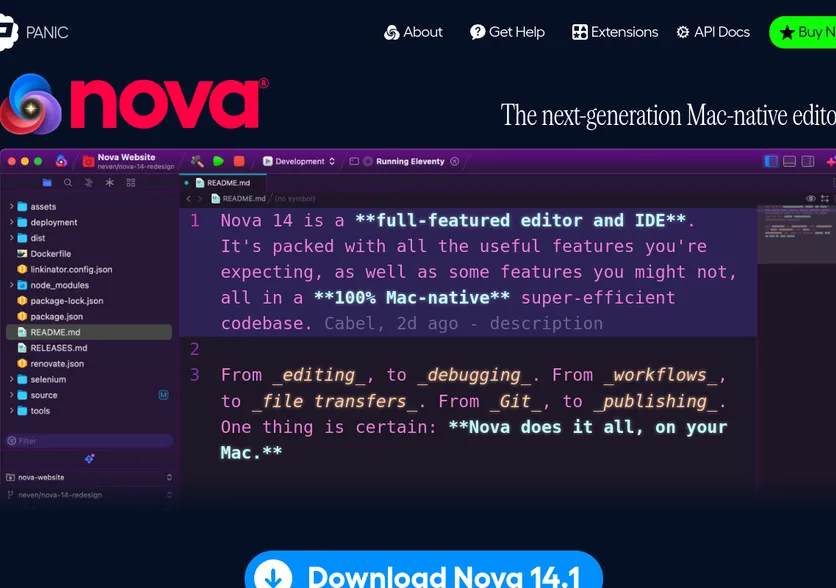
This Nova plan is the modern Mac editor for web development, with a built-in terminal, task runner, debugger and Git client in one native app. It costs ninety-nine dollars once, with an optional forty-nine dollar yearly subscription for updates after the first year. It is the pick for a startup that builds websites and web apps on Macs and wants one tool that does everything.
What we like
- Native Mac app with a built-in terminal and debugger
- One-time purchase with optional yearly updates
- Clean interface that stays out of your way
Watch out for
- Mac only, no Windows or Linux version
- Smaller plugin ecosystem than VS Code
How to try it
- Download Nova and start the thirty-day trial
- Open your web project and try the built-in terminal
- Buy the ninety-nine dollar license before the trial ends
4. WebStorm
Best for: Startups that build JavaScript and TypeScript apps
Paid tool Starting price: $79/year · Seventy-nine dollars a year for an individual license in the first year, sixty-three dollars in the second year, and forty-seven dollars from the third year onward; organization licenses cost one hundred and ninety-nine dollars per user per year
Free plan: No free plan; 30-day free trial
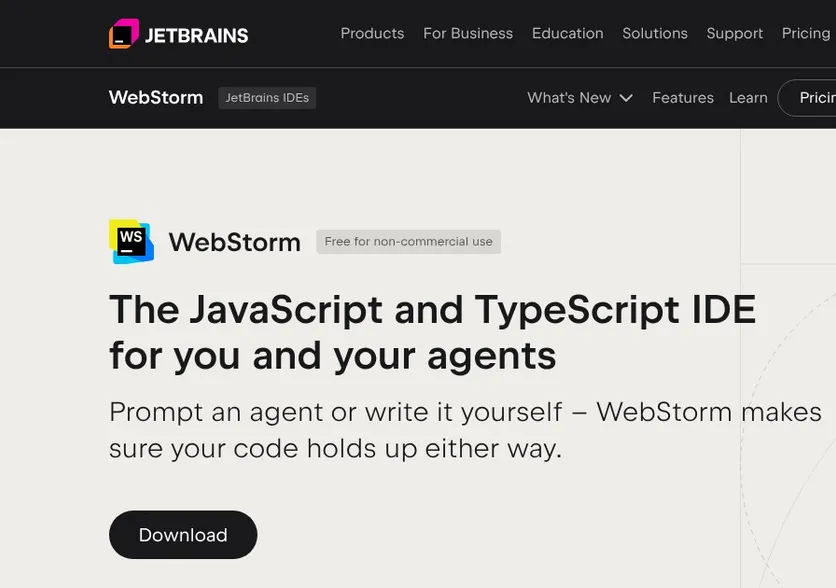
This WebStorm plan is the dedicated JavaScript IDE from JetBrains, with smart code completion, refactoring, debugging and testing built for React, Vue, Angular and Node. Individual licenses cost seventy-nine dollars a year in the first year, dropping to sixty-three dollars in the second year and forty-seven dollars from the third year onward. It is the pick for a startup whose whole product is JavaScript.
What we like
- Best JavaScript and TypeScript support here
- Smart refactoring and debugging built in
- Price drops every year you renew
Watch out for
- Yearly subscription, with no one-time purchase
- Heavier than a plain text editor
How to try it
- Open the WebStorm pricing page and start the thirty-day trial
- Open your JavaScript project and try the refactoring tools
- Buy an individual license before the trial ends
5. PhpStorm
Best for: Startups that build PHP apps and APIs
Paid tool Starting price: $109/year · One hundred and nine dollars a year for an individual license in the first year, eighty-seven dollars in the second year, and sixty-five dollars from the third year onward; organization licenses cost two hundred and eighty-nine dollars per user per year
Free plan: No free plan; 30-day free trial
This PhpStorm plan is the dedicated PHP IDE from JetBrains, with smart code completion, refactoring, debugging and testing for PHP, Laravel, Symfony and WordPress. Individual licenses cost one hundred and nine dollars a year in the first year, dropping to eighty-seven dollars in the second year and sixty-five dollars from the third year onward. It is the pick for a startup whose backend is PHP.
What we like
- Best PHP support here, with Laravel and Symfony built in
- Smart refactoring and debugging for PHP
- Price drops every year you renew
Watch out for
- Yearly subscription, with no one-time purchase
- Heavier than a plain text editor
How to try it
- Open the PhpStorm pricing page and start the thirty-day trial
- Open your PHP project and try the debugger
- Buy an individual license before the trial ends
6. IntelliJ IDEA Ultimate
Best for: Startups that build Java and Kotlin backends
Paid tool Starting price: $199/year · One hundred and ninety-nine dollars a year for an individual Ultimate license in the first year, one hundred and fifty-nine dollars in the second year, and one hundred and nineteen dollars from the third year onward; organization licenses cost seven hundred and nineteen dollars per user per year, and the Community edition is free
Free plan: Free Community edition; Ultimate from $199 a year
This IntelliJ IDEA Ultimate plan is the flagship Java and Kotlin IDE from JetBrains, with smart code completion, refactoring, debugging and testing for Spring, Micronaut and Quarkus. Individual licenses cost one hundred and ninety-nine dollars a year in the first year, dropping to one hundred and fifty-nine dollars in the second year and one hundred and nineteen dollars from the third year onward. It is the pick for a startup whose backend is Java or Kotlin.

What we like
- Best Java and Kotlin support here
- Smart refactoring and debugging for Spring apps
- Price drops every year you renew
Watch out for
- Yearly subscription, with no one-time purchase
- Heaviest IDE in this comparison
How to try it
- Open the IntelliJ IDEA pricing page and download the free Community edition
- Open your Java project and try the refactoring tools
- Upgrade to Ultimate when you need Spring or database support
7. PyCharm Professional
Best for: Startups that build Python apps and data tools
Paid tool Starting price: $109/year · One hundred and nine dollars a year for an individual Professional license in the first year, eighty-seven dollars in the second year, and sixty-five dollars from the third year onward; organization licenses cost two hundred and ninety-nine dollars per user per year, and the Community edition is free
Free plan: Free Community edition; Professional from $109 a year
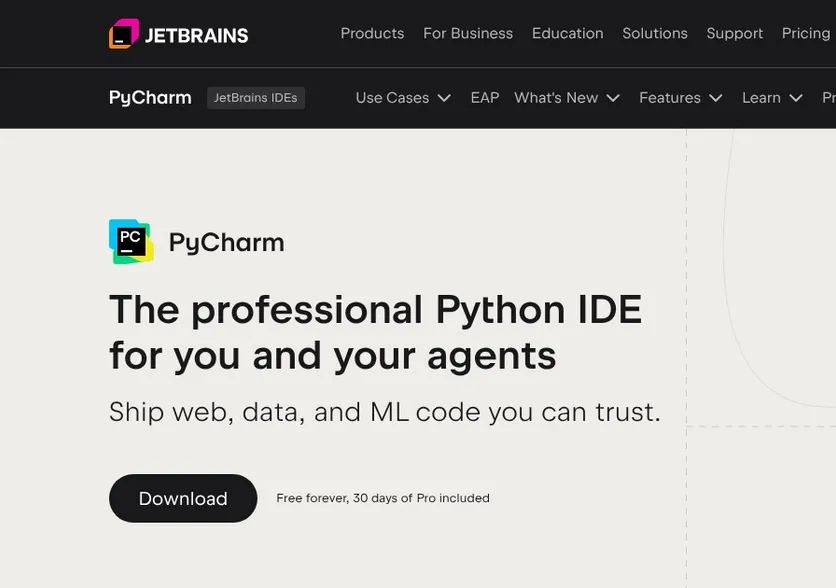
This PyCharm Professional plan is the dedicated Python IDE from JetBrains, with smart code completion, refactoring, debugging and testing for Django, Flask, FastAPI and data science. Individual licenses cost one hundred and nine dollars a year in the first year, dropping to eighty-seven dollars in the second year and sixty-five dollars from the third year onward. It is the pick for a startup whose product is Python.
What we like
- Best Python support here, with Django and Flask built in
- Smart refactoring and debugging for Python
- Price drops every year you renew
Watch out for
- Yearly subscription, with no one-time purchase
- Heavier than a plain text editor
How to try it
- Open the PyCharm pricing page and download the free Community edition
- Open your Python project and try the debugger
- Upgrade to Professional when you need web or database support
Prices above were checked on each vendor’s own website on Nov 27, 2026 and can change — the vendor’s page is the final word. Vendor links are editorial: nobody paid to be listed or ranked here. Vendors who want a featured listing can see how it works on our Get listed page.
How a startup should pick an editor
Start with the language your team writes every day, not with the feature list. A JavaScript team gets the most from WebStorm, a Python team from PyCharm, and a team that writes many languages from Sublime Text or Nova. Trial the editor on your own codebase for a week, because your code shows the real pain points that a demo project hides.
Compare one-time purchases against subscriptions over three years, not one month. A ninety-nine dollar one-time license beats a seventy-nine dollar yearly subscription after fifteen months, and the gap grows every year after that. Check the license terms too: personal licenses cost less than organization licenses, and some vendors discount renewals every year.
Before you buy
- Match the editor to the languages your team writes every day
- Check whether the price is a one-time purchase or a yearly subscription
- Test the free trial on your own codebase before you buy seats
- Confirm the license terms cover commercial use for your whole team
- Count the subscription over three years before you compare with a one-time license
Official websites
Official websites of the products reviewed above. Features and prices were checked against these sites when this guide was written, and they can change, so confirm on the vendor site before you buy.
Frequently asked questions
What is the cheapest editor software for a startup?
BBEdit costs fifty-nine dollars and ninety-nine cents once, the cheapest paid editor in this comparison, and its basic version is free forever. Sublime Text and Nova both cost ninety-nine dollars once. WebStorm costs seventy-nine dollars a year for an individual license. For a startup on a tight budget, BBEdit on a Mac or Sublime Text on any platform gives pro editing for a single payment.
How does JetBrains pricing work for a startup team?
JetBrains charges per user per year, with the price dropping every year you renew: WebStorm starts at seventy-nine dollars, PhpStorm and PyCharm at one hundred and nine dollars, and IntelliJ IDEA Ultimate at one hundred and ninety-nine dollars. Organization licenses cost more, from one hundred and ninety-nine to seven hundred and nineteen dollars per user per year. Budget for the first-year price, then enjoy the discount from year two onward.
Can a startup use a free editor instead of paying?
Yes, IntelliJ IDEA and PyCharm both have free Community editions that cover core editing and debugging for Java, Kotlin and Python. BBEdit has a free basic version, and Sublime Text has a free trial with no time limit on the nag screen. For a very small team, the free editions often cover the first months, and you upgrade only when you need framework support or a debugger.
Which editor is fastest for a startup team?
Sublime Text is the fastest editor here, opening in under a second and handling large files without lag. Nova is the fastest native Mac IDE, while the JetBrains IDEs are heavier but far smarter at refactoring and debugging. For a startup that opens and closes files all day, Sublime Text saves minutes every day, which adds up across a team.
Which editor should a startup pick for its stack?
Match the editor to your stack: WebStorm for JavaScript and TypeScript, PhpStorm for PHP, PyCharm for Python, IntelliJ IDEA Ultimate for Java and Kotlin, and Sublime Text or Nova when your team writes many languages. Trial two editors on your own codebase for a week before you buy seats, because the best editor is the one your team actually enjoys using every day.
Compare the seven editors above, then trial two of them on your own codebase before you buy seats for the team.
Browse Developer Tools tools