

On this page
Cursor made AI code editors mainstream, but it is not the only way to code with AI, and its price is not the lowest. The eight tools below cover the same ground — completions, chat and agents that edit your code — and every price was checked on the vendor site on November 26, 2026. Each one offers a free plan, so you can test it on your real codebase before paying. Windsurf is our first pick — a full agent editor at $20 a month.
How we researched this
We started with the AI code editors developers actually buy as Cursor alternatives, then read each price on the vendor pricing page on November 26, 2026 and noted the free plan each one carries. We judged them for someone who codes every day and needs completions, chat and agent help without slowing down. We kept the list to tools with a published price, and we dropped any tool whose price we could not verify.
Compare the tools
| Name | Best for | Starting price | Free plan | |
|---|---|---|---|---|
 Windsurf | Developers who want an AI editor with agent mode built in | $20/month | Free plan (Windsurf Free) | Visit |
 GitHub Copilot | Developers who live in GitHub and want completions everywhere | $10/month | Free plan (Copilot Free, 2,000 completions a month) | Visit |
 JetBrains AI | JetBrains IDE users who want AI inside their workflow | $10/month | Free plan (JetBrains AI Free) | Visit |
 Supermaven | Fast, lightweight completions without a heavy editor | $10/month | Free plan (Supermaven Free) | Visit |
 Replit | Building and shipping apps from the browser | $25/month | Free plan (Replit Starter) | Visit |
 Zed | Developers who want a fast, minimal editor with AI built in | $10/month | Free plan (Zed Free) | Visit |
 Kiro | AWS developers who want an agent with spec-driven workflows | $20/month | Free plan (Kiro Free, 50 credits) | Visit |
 Lovable | Non-developers who want to build apps from plain prompts | $25/month | Free plan (Lovable Free, 5 daily build credits) | Visit |
The Cursor alternatives, compared
1. Windsurf
Best for: Developers who want an AI editor with agent mode built in
Paid tool Starting price: $20/month · Pro plan, $20 a month; Max is $200 a month; Teams is $80 a month; now sold as Devin Desktop
Free plan: Free plan (Windsurf Free)
Windsurf is the closest rival to Cursor, because it pairs a full code editor with an agent that can plan, edit and run commands across your project. This Windsurf Pro plan covers unlimited fast completions, agent credits and the latest models, so a feature that took an afternoon now takes an hour. The editor is now sold as Devin Desktop after the Cognition rebrand.

What we like
- Agent mode edits across whole projects
- Unlimited fast completions on Pro
- Feels familiar to VS Code users
Watch out for
- Pro plan costs $20 a month
- Rebrand to Devin Desktop may confuse buyers
How to try it
- Open Windsurf and download the free editor
- Open your project and try agent mode on a small task
- Upgrade to Pro for unlimited completions
2. GitHub Copilot
Best for: Developers who live in GitHub and want completions everywhere
Paid tool Starting price: $10/month · Pro plan, $10 a month; Pro+ is $39 a month; Business is $19 per user a month
Free plan: Free plan (Copilot Free, 2,000 completions a month)
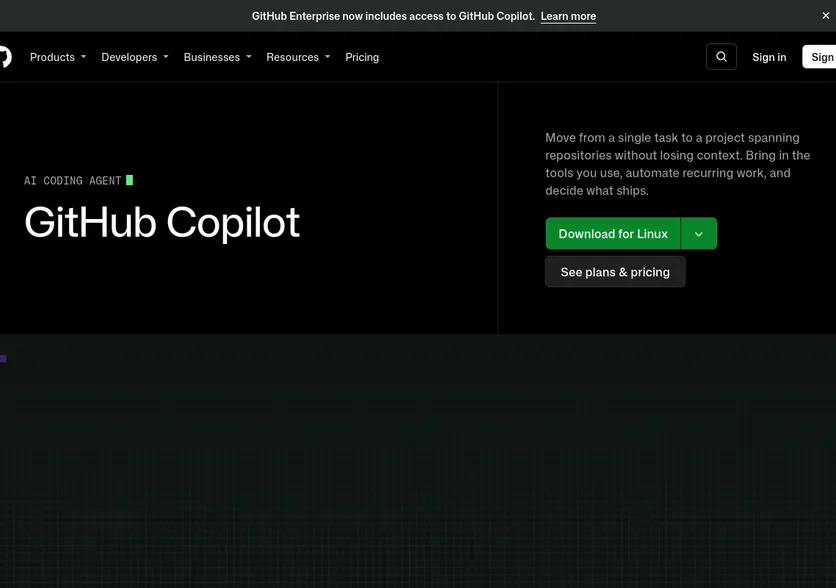
GitHub Copilot is the original AI pair programmer, because it learned from millions of public repositories and now works in every major editor. This GitHub Copilot Pro plan covers code completions, chat and agent mode, so a new function, a test suite and a code review all happen in the same editor. The free plan is the easiest way to try AI coding without paying.
What we like
- Works in every major editor
- Trained on millions of public repositories
- Free plan covers 2,000 completions a month
Watch out for
- Pro plan costs $10 a month
- Best models sit on the Pro+ tier
How to try it
- Open the GitHub Copilot page and start the free plan
- Install the extension in your editor
- Ask for a completion and then a code review
3. JetBrains AI
Best for: JetBrains IDE users who want AI inside their workflow
Paid tool Starting price: $10/month · AI Pro, $10 a month per user; AI Ultimate is $30 a month per user; a free tier is included
Free plan: Free plan (JetBrains AI Free)
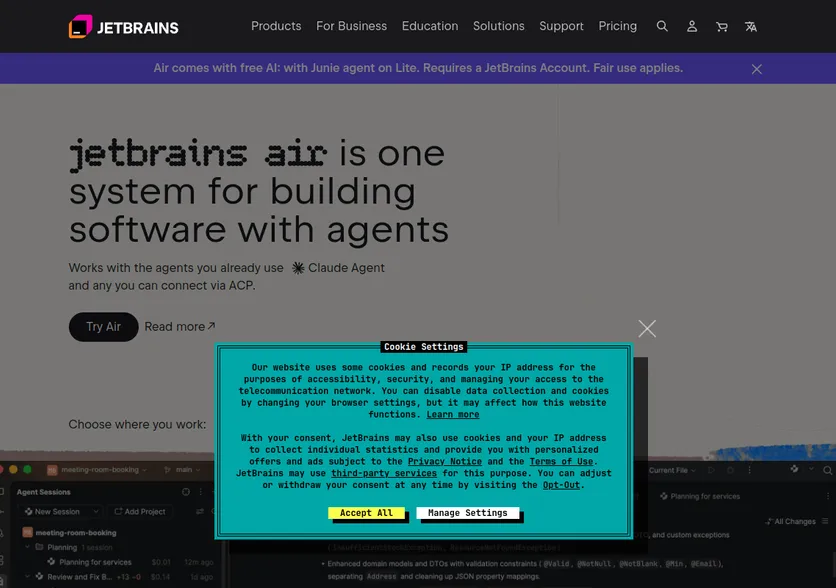
JetBrains AI is the pick for developers who already live in IntelliJ, PyCharm or WebStorm, because it brings completions and chat into the IDE without a plugin shuffle. This JetBrains AI Pro plan covers unlimited completions, local models and code-aware chat, so refactoring and test generation happen where the code already lives. The integration with JetBrains tools is the smoothest on this list.
What we like
- Native inside JetBrains IDEs
- Local models keep code private
- Code-aware chat understands your project
Watch out for
- AI Pro costs $10 a month per user
- Only shines inside JetBrains IDEs
How to try it
- Open the JetBrains AI page and start the free plan
- Enable AI in your JetBrains IDE
- Try code-aware chat on a real file
4. Supermaven
Best for: Fast, lightweight completions without a heavy editor
Paid tool Starting price: $10/month · Pro plan, $10 a month; Team pricing is available on request
Free plan: Free plan (Supermaven Free)
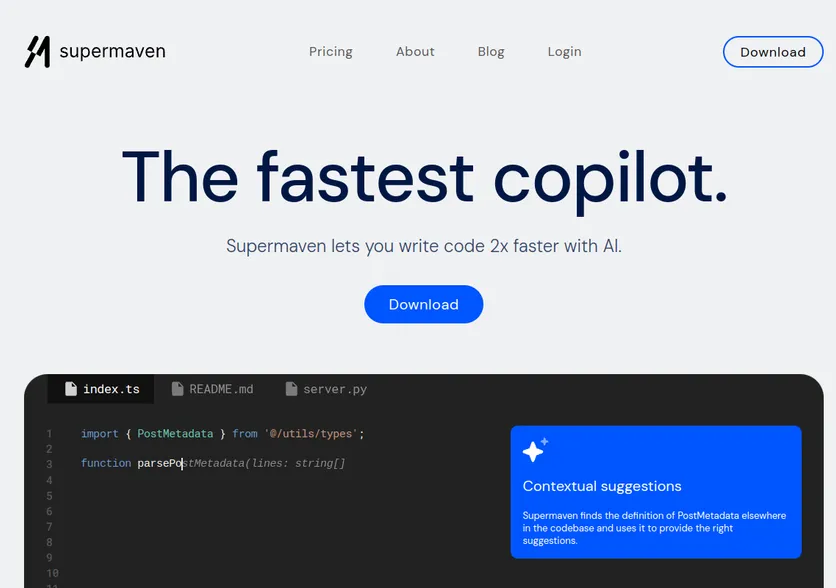
Supermaven is the speed pick on this list, because its completions arrive in milliseconds and its context window covers your whole codebase. This Supermaven Pro plan covers unlimited completions, a million-token context and chat, so a large project feels small to the model. The free plan is generous enough for light daily use.
What we like
- Completions arrive in milliseconds
- Million-token context covers big codebases
- Lightweight extension, no heavy editor
Watch out for
- Pro plan costs $10 a month
- Fewer agent features than rivals
How to try it
- Open Supermaven and start the free plan
- Install the extension in your editor
- Type in a large file and feel the speed
5. Replit
Best for: Building and shipping apps from the browser
Paid tool Starting price: $25/month · Core plan, $25 a month billed monthly; $20 a month billed annually; includes $25 of usage credits
Free plan: Free plan (Replit Starter)
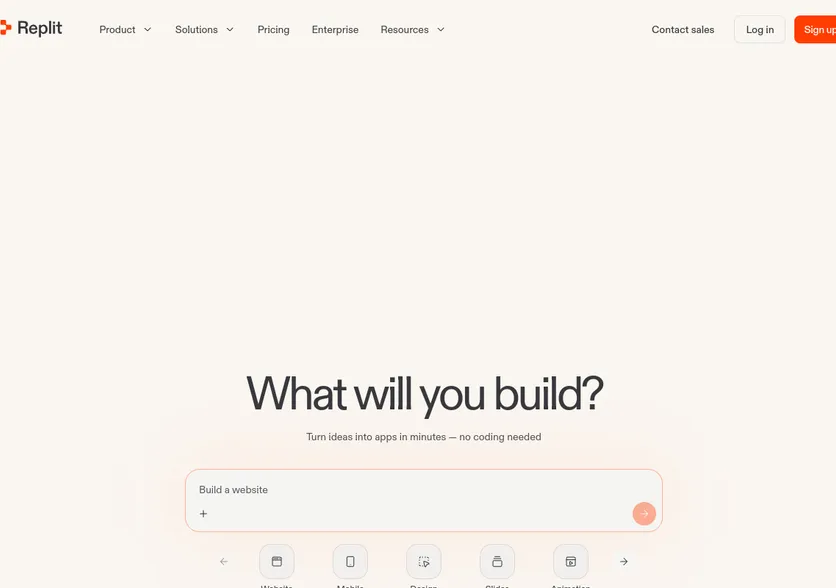
Replit is the pick for developers who want to build in the browser, because it pairs an AI agent with hosting, a database and one-click deploy. This Replit Core plan covers the AI agent, usage credits and private projects, so an idea becomes a live app without leaving the tab. The free plan is the fastest way to prototype an idea.
What we like
- Build, host and deploy in one place
- AI agent writes whole apps from prompts
- Free plan for quick prototypes
Watch out for
- Core costs $25 a month billed monthly
- Usage credits can run out fast
How to try it
- Open Replit and start the free plan
- Ask the agent to build a small app
- Deploy it and share the link
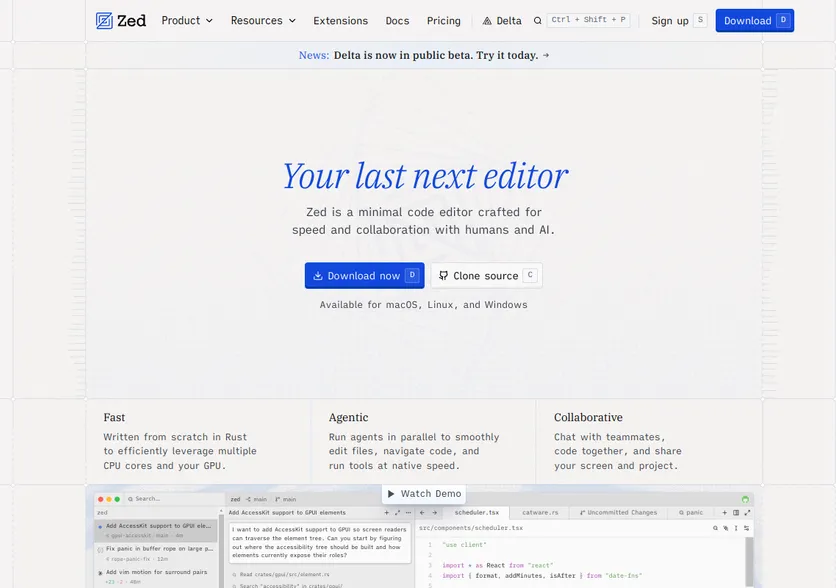
6. Zed
Best for: Developers who want a fast, minimal editor with AI built in
Paid tool Starting price: $10/month · Pro plan, $10 a month; includes a $5 token credit; Business is $30 per seat a month
Free plan: Free plan (Zed Free)
Zed is the minimalist pick, because it is a blazing-fast editor with AI completions and chat built in rather than bolted on. This Zed Pro plan covers higher limits, the best models and a token credit, so a big refactor stays quick even on a modest laptop. The editor starts instantly and never gets in the way.
What we like
- Starts instantly, never lags
- AI completions built into the editor
- Clean, distraction-free interface
Watch out for
- Pro plan costs $10 a month
- Smaller extension ecosystem than VS Code
How to try it
- Open Zed and download the free editor
- Open your project and try AI completions
- Upgrade to Pro for higher limits and models
7. Kiro
Best for: AWS developers who want an agent with spec-driven workflows
Paid tool Starting price: $20/month · Pro plan, $20 a month; includes 1,000 credits; Pro+ is $40 and Pro Max is $100 a month
Free plan: Free plan (Kiro Free, 50 credits)
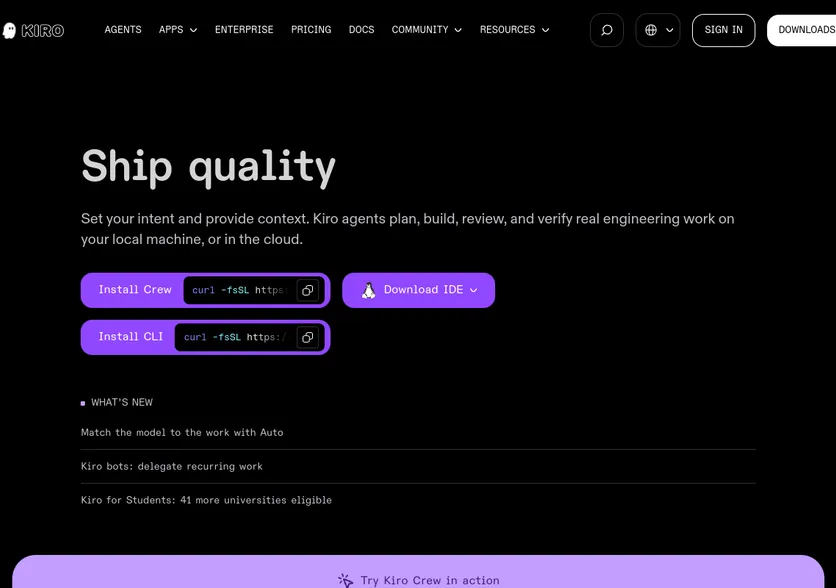
Kiro is the pick for AWS developers, because it turns a plain-language spec into a plan, then builds the code step by step with checkpoints. This Kiro Pro plan covers a thousand monthly credits, the latest models and agent mode, so a feature ships with a spec, tests and docs attached. The spec-first workflow suits teams that plan before they code.
What we like
- Spec-first workflow with checkpoints
- Built for AWS developers and services
- Agent mode handles multi-file changes
Watch out for
- Pro plan costs $20 a month
- Extra credits cost 4 cents each
How to try it
- Open Kiro and start the free plan
- Write a spec for a small feature
- Let the agent build it step by step
8. Lovable
Best for: Non-developers who want to build apps from plain prompts
Paid tool Starting price: $25/month · Pro plan, $25 a month for 100 credits; $21 a month billed annually; Business is $50 a month
Free plan: Free plan (Lovable Free, 5 daily build credits)
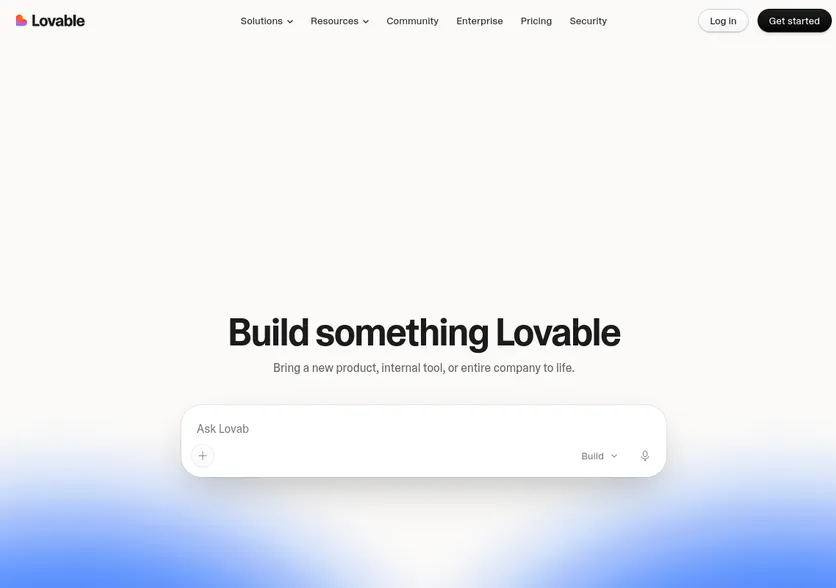
Lovable is the pick for people who do not code, because it turns a plain-language prompt into a working web app with a database and hosting included. This Lovable Pro plan covers a hundred monthly credits, custom domains and code editing, so a landing page or a small tool ships in an afternoon. The free plan is enough to test whether prompt-built apps fit your idea.
What we like
- Builds working apps from plain prompts
- Database and hosting included
- Custom domains on the Pro plan
Watch out for
- Pro costs $25 a month for 100 credits
- Credits run out fast on big apps
How to try it
- Open Lovable and start the free plan
- Describe the app you want in plain words
- Upgrade to Pro for custom domains and more credits
Prices above were checked on each vendor’s own website on Nov 26, 2026 and can change — the vendor’s page is the final word. Vendor links are editorial: nobody paid to be listed or ranked here. Vendors who want a featured listing can see how it works on our Get listed page.
What Cursor alternatives cost in 2026
AI code editor pricing splits into two bands, with completions tools at $10 a month and agent editors at $20 to $25. GitHub Copilot, JetBrains AI, Supermaven and Zed all charge $10, while Windsurf and Kiro charge $20 and Replit and Lovable charge $25. The table below uses the headline plan each vendor shows on its own pricing page, checked on November 26, 2026.
Start with the free plans on two tools and code a real feature through both. Compare the completion quality, the agent behavior and the speed on your machine, then pay for the one that fits your workflow. A $10 tool that stays out of your way beats a $20 tool that fights your habits.
Before you buy
- Count how many completions you use each day, because usage caps decide whether the free plan survives your workload.
- Check which models each plan unlocks, because the best coding models sit behind the paid tiers on most tools here.
- Test the tool on your real codebase first, because autocomplete quality varies more between projects than between tools.
- Ask whether you need an agent that edits files, because chat-only tools are cheaper but slower for big changes.
- Add up the cost if your whole team joins, because per-seat pricing turns a $10 plan into a $50 bill fast.
Official websites
Official websites of the products reviewed above. Features and prices were checked against these sites when this guide was written, and they can change, so confirm on the vendor site before you buy.
Frequently asked questions
Which Cursor alternative is best overall?
Windsurf is the closest Cursor alternative for most developers, because it pairs a full editor with an agent that edits across your whole project for $20 a month. GitHub Copilot is the best value at $10 a month with the widest editor support. Zed is the best pick if you want a fast, minimal editor, and Lovable is the best pick if you do not code at all.
What is the cheapest Cursor alternative?
GitHub Copilot, JetBrains AI, Supermaven and Zed all charge $10 a month for their main paid plans, making them the cheapest options here. Windsurf and Kiro charge $20 a month, while Replit and Lovable charge $25 a month. Every tool here offers a free plan, so start free and upgrade when the free limits start to slow you down.
Which Cursor alternative has the best AI agent?
Windsurf is the strongest agent editor here, with an agent that plans, edits and runs commands across your project. Kiro is close behind with a spec-first workflow that builds features step by step with checkpoints. Replit is the best agent for building whole apps in the browser, with hosting and a database included.
Can I try these Cursor alternatives for free?
Yes, every tool here offers a free plan. Windsurf, GitHub Copilot, JetBrains AI, Supermaven, Replit, Zed, Kiro and Lovable all let you code with AI for free, with limits on completions or credits. The free plans are genuinely useful for daily coding, and the paid plans mainly buy higher limits, faster models and agent features.
How do these alternatives compare to Cursor itself?
Cursor itself is a strong editor, and these tools match it in different ways. Windsurf matches its agent mode most closely, GitHub Copilot matches its completions at a lower price, and Zed matches its speed with a lighter editor. Lovable and Replit go further by building whole apps from prompts, which Cursor does not do. Pick the tool that fits how you actually code.
Need everyday developer help too? Try Toolsvine's free developer tools for formatting, encoding and testing right in your browser.
Browse Developer Tools tools


