
On this page
Chatting with ChatGPT 4o in a browser tab works for a quick snippet, but it breaks down the moment a fix touches five files at once. Cursor is the editor that closes that gap: the model reads the whole codebase, edits across files and runs in the terminal, all inside one window. This guide compares nine code editors that bring the same kind of AI help into the editor itself, with live 2026 prices from ten dollars a month, free plans and trials, so you can pick the one that fits how you actually write code.
How we researched this
We checked the pricing page of every editor on this list on November 26, 2026, and kept only tools that publish a real dollar price for an individual plan. Each tool had to put AI assistance inside the editor itself, not in a separate chat tab, and we compared entry prices, free plans, trial length and how the bill scales for a solo developer.
Compare the tools
| Name | Best for | Starting price | Free plan | |
|---|---|---|---|---|
 Cursor | Developers who want ChatGPT-style help inside a real editor | $20/month | Free Hobby plan | Visit |
 GitHub Copilot | Developers who want the cheapest proven AI pair programmer | $10/month | Free plan with limited completions | Visit |
 Windsurf | Developers who want an agentic editor with a lower monthly price | $15/month | Free plan | Visit |
 Supermaven | Developers who want fast completions without agent features | $10/month | Free plan | Visit |
 JetBrains AI | JetBrains IDE users who want AI built into their existing setup | $10/month | Free plan with limited credits | Visit |
 Augment Code | Teams on large codebases that need deep context | $30/month | 14-day free trial | Visit |
 Claude Code | Developers who want a terminal agent that does the whole task | $20/month | No free tier; pay-as-you-go API available | Visit |
 Replit | Builders who want an agent, hosting and database in one place | $20/month | Free Starter plan | Visit |
 Kiro | AWS teams who want spec-driven development | $19/month | Free plan with 50 interactions a month | Visit |
The AI code editors, compared
1. Cursor
Best for: Developers who want ChatGPT-style help inside a real editor
Paid tool Starting price: $20/month · Pro plan at $20 a month; Business is $40 a user a month; a free Hobby plan covers light use
Free plan: Free Hobby plan
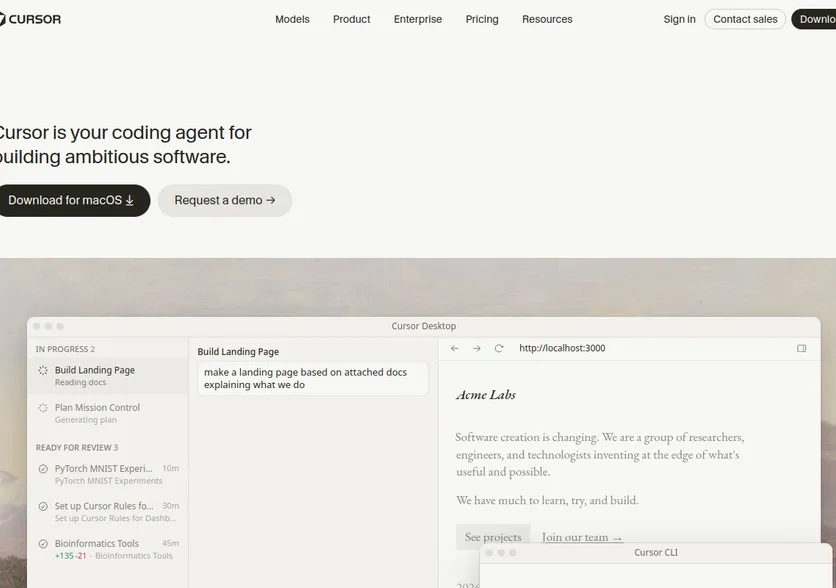
Cursor is the editor most people picture when they say they want ChatGPT inside their code, because the agent reads the project, edits several files at once and explains its changes in plain language. This Cursor Pro plan costs twenty dollars a month and adds unlimited slow agent requests, while the free Hobby plan covers a smaller monthly allowance for trying it out. It is the pick when the goal is to stop copying code between a chat tab and an editor and just build in one place.
What we like
- Agent edits across several files at once
- Understands the whole codebase, not one file
- Free Hobby plan for trying it out
Watch out for
- Heavy agent use can hit request limits
- Business plan costs twice the Pro price
How to try it
- Open the Cursor pricing page and download the editor
- Sign in and pick the Pro plan or start on the free Hobby plan
- Open a project and ask the agent to make its first change
2. GitHub Copilot
Best for: Developers who want the cheapest proven AI pair programmer
Paid tool Starting price: $10/month · Pro plan at $10 a month; Pro+ is $39 a month and Business is $19 a user a month
Free plan: Free plan with limited completions
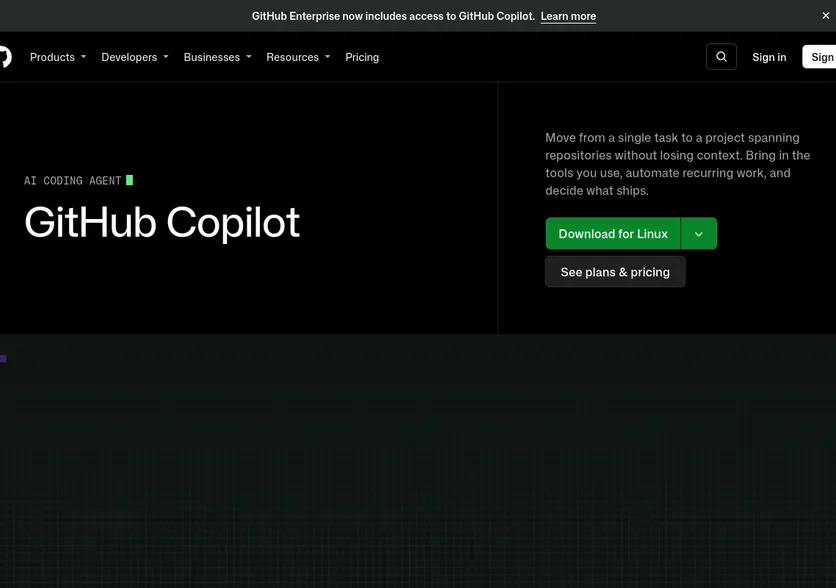
GitHub Copilot is the quietest tool on this list, because it lives inside the editor and suggests the next lines before you finish typing them. This GitHub Copilot Pro plan costs ten dollars a month and covers unlimited completions plus chat, while the free plan gives a smaller monthly allowance. It is the pick when you want AI help that stays out of the way and works in almost every editor you already use.
What we like
- Works in almost every major editor
- Cheapest paid plan on this list
- Chat and completions in one subscription
Watch out for
- Agent features are lighter than Cursor
- Free plan caps monthly completions
How to try it
- Open the GitHub pricing page and start Copilot Pro
- Install the Copilot extension in your editor
- Type a comment and accept the first suggested completion
3. Windsurf
Best for: Developers who want an agentic editor with a lower monthly price
Paid tool Starting price: $15/month · Pro plan at $15 a month; Teams is $30 a user a month; a free plan covers light use
Free plan: Free plan
Windsurf pairs a full editor with an agent that plans a change, runs it and checks the result, so a request can turn into working code without babysitting every step. This Windsurf Pro plan costs fifteen dollars a month and adds a larger monthly credit allowance, while the free plan covers a smaller allowance for testing. It is the pick when you want agent-style coding for less than the price of the best-known editors.

What we like
- Agent plans and checks its own work
- Cheaper Pro plan than Cursor
- Free plan for trying the agent
Watch out for
- Credit allowance can run out fast
- Smaller extension ecosystem than older editors
How to try it
- Open the Windsurf pricing page and download the editor
- Start the Pro plan or try the free plan first
- Use Cascade to plan and run a multi-file change
4. Supermaven
Best for: Developers who want fast completions without agent features
Paid tool Starting price: $10/month · Pro plan at $10 a month; Teams is $10 a user a month; a free plan covers light use
Free plan: Free plan
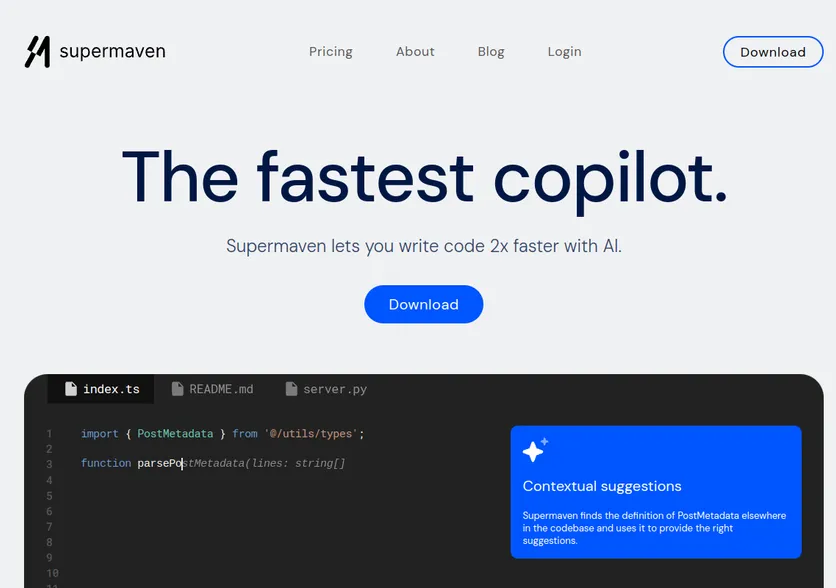
Supermaven focuses on one job and does it fast, finishing long stretches of code the moment you start typing instead of asking you to describe the change in chat. This Supermaven Pro plan costs ten dollars a month and adds a larger context window, while the free plan covers basic completions. It is the pick when you type faster than you prompt and want the editor to keep up with you.
What we like
- Very fast long completions
- Works across many editors
- Free plan for basic use
Watch out for
- No agent that edits files for you
- Chat features are lighter than rivals
How to try it
- Open the Supermaven pricing page and install the extension
- Start the Pro plan or use the free plan
- Write code and accept completions as you type
5. JetBrains AI
Best for: JetBrains IDE users who want AI built into their existing setup
Paid tool Starting price: $10/month · Pro plan at $10 a month when billed monthly, or about $8.33 a month on annual billing; a free plan covers limited credits
Free plan: Free plan with limited credits
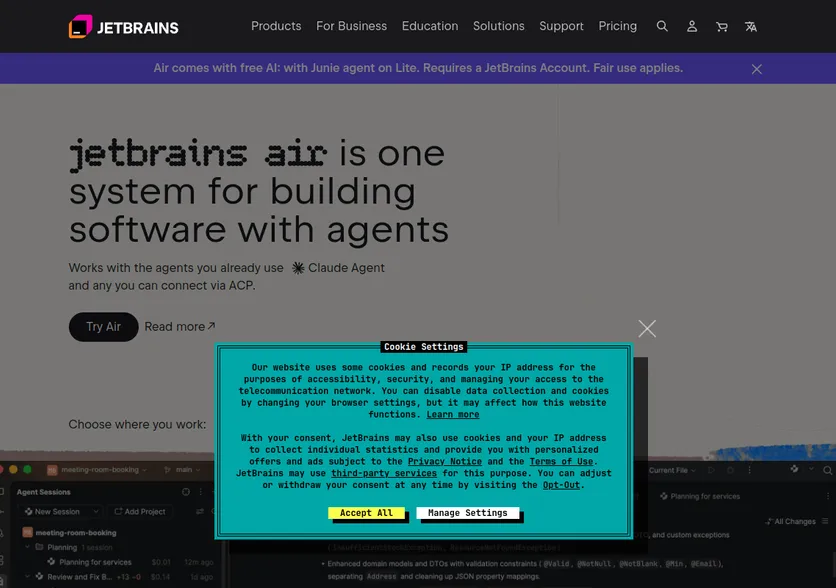
JetBrains AI brings chat, completions and code explanations into IntelliJ IDEA, PyCharm and the rest of the JetBrains family, so there is nothing new to install or learn. This JetBrains AI Pro plan costs ten dollars a month and adds a larger credit allowance, while the free plan covers a smaller allowance for occasional use. It is the pick when your editor is already a JetBrains IDE and you want AI that respects that setup.
What we like
- Built into JetBrains IDEs
- No new editor to learn
- Free plan for occasional use
Watch out for
- Only useful inside JetBrains IDEs
- Credit allowance limits heavy use
How to try it
- Open the JetBrains AI pricing page and start the Pro plan
- Enable AI in your JetBrains IDE settings
- Ask the chat to explain or refactor a block of code
6. Augment Code
Best for: Teams on large codebases that need deep context
Paid tool Starting price: $30/month · Developer plan starts at about $30 a month; Team and Enterprise plans are priced per seat with volume discounts
Free plan: 14-day free trial
Augment Code is built for huge codebases, reading far more of the project than most rivals before it writes a line, which shows in the quality of its suggestions. This Augment Code Developer plan starts at about thirty dollars a month and includes a fourteen-day free trial. It is the pick when the codebase is large, the team is serious and the cheapest plan is not the priority.

What we like
- Deep context across large codebases
- Strong suggestions for enterprise code
- Works in VS Code and JetBrains IDEs
Watch out for
- Highest entry price on this list
- No free plan, trial only
How to try it
- Open the Augment Code pricing page and start the trial
- Install the extension in VS Code or a JetBrains IDE
- Let it index the codebase before the first task
7. Claude Code
Best for: Developers who want a terminal agent that does the whole task
Paid tool Starting price: $20/month · Included in the Claude Pro plan at $20 a month, or $17 a month billed annually; Max is $100 a month and Ultra is $200 a month
Free plan: No free tier; pay-as-you-go API available
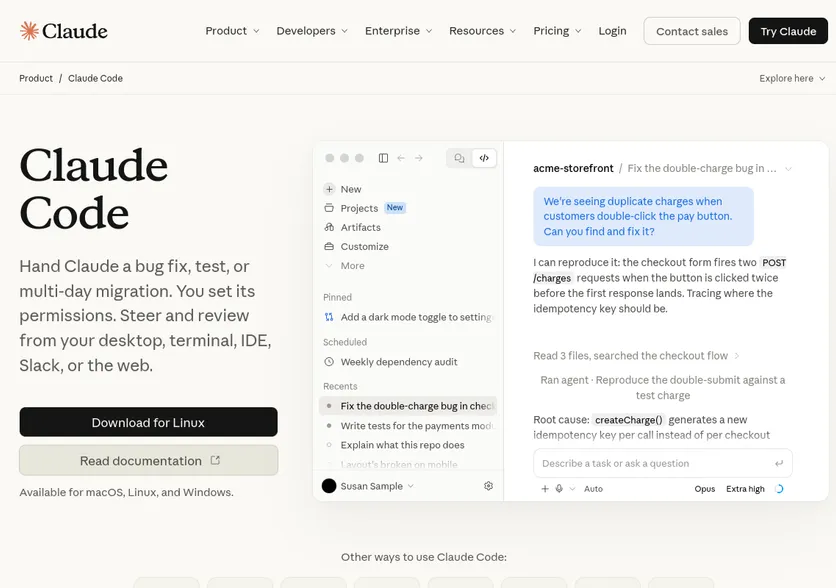
Claude Code runs in the terminal and takes a plain-language task all the way to finished code, editing files, running tests and fixing what fails without being asked twice. This Claude Code access comes with the Claude Pro plan at twenty dollars a month, and the same subscription covers the Claude chat apps too. It is the pick when you would rather describe the outcome and review the result than guide every edit yourself.
What we like
- Completes whole tasks end to end
- Runs tests and fixes failures itself
- Same plan covers chat apps too
Watch out for
- Terminal only, no visual editor
- Usage limits apply on the Pro plan
How to try it
- Open the Claude pricing page and start the Pro plan
- Install Claude Code and sign in from the terminal
- Describe a task and let it edit, test and fix
8. Replit
Best for: Builders who want an agent, hosting and database in one place
Paid tool Starting price: $20/month · Core plan at $20 a month, or $18 a month billed annually, including $20 of monthly usage credits; Pro is $100 a month
Free plan: Free Starter plan
Replit is less an editor and more a workshop, because its agent builds the app, hosts it and wires up a database from a single chat description. This Replit Core plan costs twenty dollars a month and includes twenty dollars of monthly usage credits, while the free Starter plan covers a smaller daily allowance. It is the pick when the goal is a live app, not just finished code, and you want hosting included.
What we like
- Agent, hosting and database in one place
- Core covers up to five builders
- Free Starter plan for trying it
Watch out for
- Credits pay for hosting and databases too
- Agent work is billed by effort
How to try it
- Open the Replit pricing page and start the Core plan
- Describe the app you want in the Agent chat
- Publish it from the same workspace when it works
9. Kiro
Best for: AWS teams who want spec-driven development
Paid tool Starting price: $19/month · Pro plan at $19 a month for 1,000 agent interactions; Pro+ is $39 a month and a free plan covers 50 interactions a month
Free plan: Free plan with 50 interactions a month
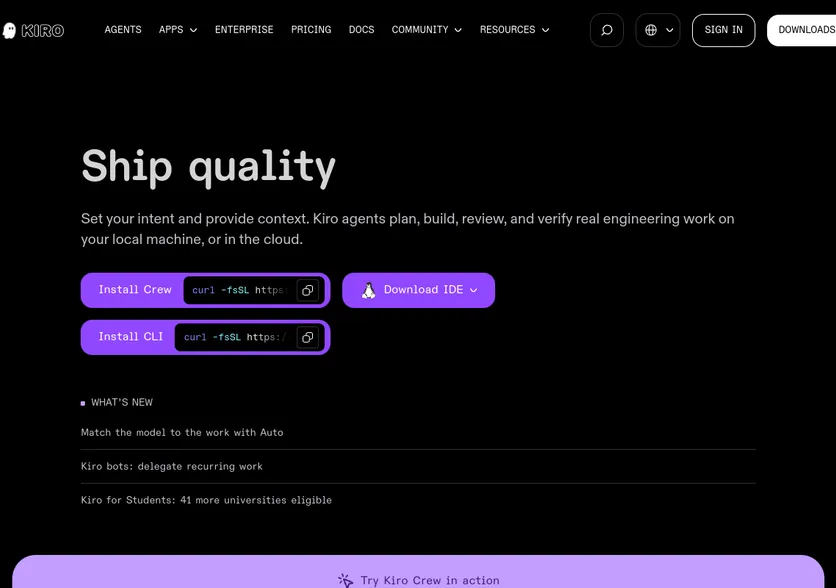
Kiro is the spec-first editor on this list, turning a written spec into tasks and then into code, with hooks that enforce the rules your team agreed on. This Kiro Pro plan costs nineteen dollars a month for one thousand agent interactions, while the free plan covers fifty interactions a month. It is the pick when the team already lives on AWS and wants requirements, not vibes, driving the build.
What we like
- Spec-driven workflow keeps builds on track
- Native AWS integration for Lambda and CDK
- Hooks enforce team rules automatically
Watch out for
- Interaction cap can bite heavy users
- Newest editor on this list
How to try it
- Open the Kiro pricing page and download the editor
- Start the Pro plan or use the free plan
- Write a spec and let Kiro turn it into tasks
Prices above were checked on each vendor’s own website on Nov 26, 2026 and can change — the vendor’s page is the final word. Vendor links are editorial: nobody paid to be listed or ranked here. Vendors who want a featured listing can see how it works on our Get listed page.
How to pick an AI editor without overpaying
Start with the free plan or trial and build one real feature before paying, because a demo prompt never shows how the tool handles your codebase. Count how many agent requests a normal week needs, since credit and interaction caps are where the cheap plans get expensive. Check whether the editor you already use is supported, because switching editors costs more in lost speed than the subscription saves. And remember that the model matters as much as the editor: a tool that lets you pick the model behind the agent ages better than one locked to a single provider.
Before you buy
- Try the free plan or trial on a real feature before paying, because a demo prompt hides real limits.
- Count the agent requests a normal week needs so a credit cap does not surprise you mid-project.
- Confirm the tool works inside the editor you already use instead of forcing a switch.
- Check whether you can choose the model behind the agent or are locked to one provider.
- Compare the monthly price with the annual price, since several plans drop by a fifth on yearly billing.
Official websites
Official websites of the products reviewed above. Features and prices were checked against these sites when this guide was written, and they can change, so confirm on the vendor site before you buy.
Frequently asked questions
What is the best code editor alternative to ChatGPT 4o?
Cursor is the closest match, because it puts an agent inside a real editor that reads the whole codebase and edits across files, at $20 a month with a free Hobby plan. GitHub Copilot is the cheapest proven pick at $10 a month, while Claude Code suits developers who prefer a terminal agent that finishes whole tasks. The right choice depends on whether you want an editor, a pair programmer or an agent.
Can I use ChatGPT 4o for coding instead of an AI editor?
Yes, for short snippets and explanations, but pasting code back and forth breaks down on multi-file changes, and the chat never sees the whole project. An AI editor keeps the context, edits files directly and runs tests, which is why most developers move to one once a project grows past a few files.
Which AI code editor is cheapest?
GitHub Copilot Pro and Supermaven Pro both cost $10 a month, the lowest paid entry points on this list, and JetBrains AI Pro is also $10 a month. Windsurf Pro is $15 a month, while Cursor, Claude Code and Replit Core are $20 a month. Every one of these has a free plan or trial, so the cheapest way to start is to try the free tier first.
Do these editors work with my existing projects?
Yes. Cursor, Windsurf, Kiro and the JetBrains tools open existing folders directly, and Copilot, Supermaven and Augment Code install as extensions in editors you already use. Replit is the exception, since it works best when the project lives in its own workspace, and Claude Code runs in the terminal inside any local folder.
Is there a free AI code editor with these features?
Most tools on this list have a free plan: Cursor, Windsurf, Supermaven, JetBrains AI, Replit and Kiro all let you start free with a smaller allowance, and GitHub Copilot has a free tier too. Claude Code and Augment Code are the exceptions, with no free tier, though Augment Code offers a fourteen-day trial and Claude Code can be used through the pay-as-you-go API.
Still writing code in a plain editor? Try free developer tools on Toolsvine right in your browser.
Browse Developer Tools tools


