On this page
Remote teams have no office server and no IT person down the hall, so when a mailbox is wiped or a laptop dies, the backup is the only safety net. The right tool has to run quietly on home internet, restore fast and cover both cloud mail and the files on each machine. We compared eight tools on published price, what they cover and how easy the restore is. Acronis Cyber Protect is our first pick, pairing workstation backup with antivirus in one agent.
How we researched this
We started with backup tools that publish a real price and cover either cloud mail or remote laptops. We read each price on the vendor site or, where the vendor publishes no price page, on software directories that agree with each other, on November 27, 2026. We judged them for a remote team with no office server, home internet connections and a mix of Microsoft 365, Google Workspace and personal laptops.
Compare the tools
| Name | Best for | Starting price | Free plan | |
|---|---|---|---|---|
| Acronis Cyber Protect | Remote teams that want workstation backup plus endpoint protection | $85/workstation/year | No free plan | Visit |
| Afi.ai | Remote teams on Google Workspace or Microsoft 365 | $3/user/month | No free plan | Visit |
| Veeam Data Cloud for Microsoft 365 | Remote teams on Microsoft 365 that want vendor backup | $3.50/user/month | No free plan | Visit |
 CrashPlan | Remote teams that want the cheapest per-user cloud backup | $2.50/user/month | No free plan | Visit |
| SysCloud | Larger remote teams backing up Google Workspace | $4/user/month | No free plan | Visit |
| Spanning Backup | Remote teams that want simple per-user Microsoft 365 backup | $48/user/year | No free plan | Visit |
| CodeTwo Backup | Remote teams that want a flat yearly backup licence | $147/year | No free plan | Visit |
 Carbonite Safe Backup Pro | Remote teams backing up up to twenty-five computers | $24/month | No free plan | Visit |
The email backup software for remote teams, compared
1. Acronis Cyber Protect
Best for: Remote teams that want workstation backup plus endpoint protection
Paid tool Starting price: $85/workstation/year · Eighty-five dollars per workstation a year for the Standard plan with fifty gigabytes of cloud storage per workstation; the Advanced plan costs one hundred and twenty-nine dollars and server protection costs five hundred and ninety-five dollars a year
Free plan: No free plan
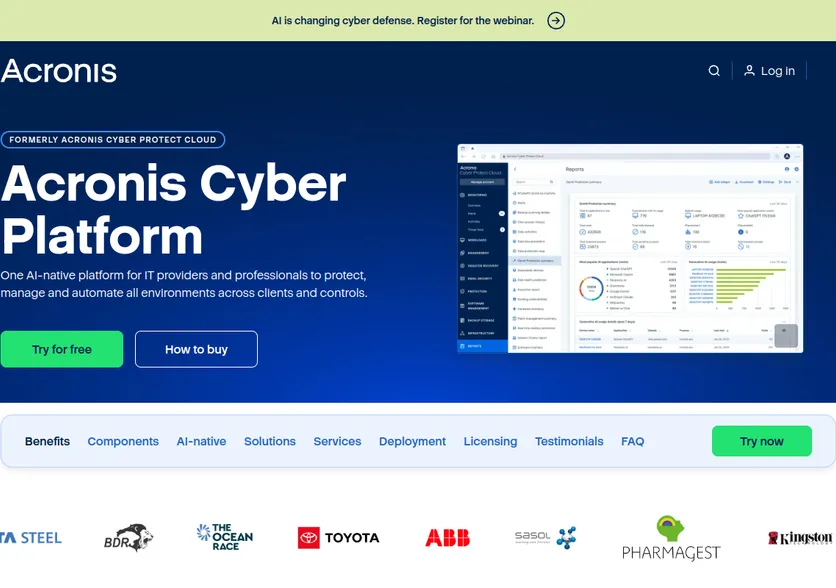
This Acronis Cyber Protect plan protects a workstation for eighty-five dollars a year, the only tool here that pairs backup with antivirus and ransomware protection. Each workstation gets fifty gigabytes of cloud storage, and a server costs five hundred and ninety-five dollars a year. One console covers backups and security, so a remote worker gets both without two agents fighting for resources.
What we like
- Backup plus antivirus in one agent and one console
- Fifty gigabytes of cloud storage per workstation included
- Server protection available on the same plan
Watch out for
- Cloud storage over the included amount costs extra
- Advanced features wait for the higher-priced plan
How to try it
- Open the Acronis site and count your workstations and servers
- Install the agent on one laptop and run a full backup
- Test a restore to a clean machine before you enrol the team
2. Afi.ai
Best for: Remote teams on Google Workspace or Microsoft 365
Paid tool Starting price: $3/user/month · Three dollars per user a month for SaaS Backup, thirty-six dollars per user a year, with a five-user minimum
Free plan: No free plan
This Afi.ai plan backs up cloud mailboxes for three dollars per user a month, or thirty-six dollars per user a year. It covers Google Workspace and Microsoft 365 mail, Drive and OneDrive, with point-in-time restores for a single message or a whole mailbox. There is a five-user minimum, which suits a team rather than a solo worker.
What we like
- One backup covers mail, Drive and OneDrive
- Point-in-time restore for a single message or a whole mailbox
- Simple flat price with no storage maths
Watch out for
- Five-user minimum, so no single-user plan
- Cloud mail only, with no workstation backup
How to try it
- Open the Afi.ai pricing page and count your cloud mailboxes
- Connect Google Workspace or Microsoft 365 to start the first backup
- Restore one deleted message to check the recovery speed
3. Veeam Data Cloud for Microsoft 365
Best for: Remote teams on Microsoft 365 that want vendor backup
Paid tool Starting price: $3.50/user/month · Three dollars and fifty cents per user a month billed annually for the Foundation plan at ten to fifty users; three dollars and fifteen cents for fifty-one to two hundred and fifty users and two dollars and sixty-three cents above that
Free plan: No free plan
This Veeam Data Cloud plan backs up Microsoft 365 for three dollars and fifty cents per user a month billed annually on the Foundation tier for ten to fifty users. It is the vendor's own cloud backup, so restores use the same engine as the on-site Veeam many IT teams already know. The price falls as the team grows, dropping to three dollars and fifteen cents for fifty-one to two hundred and fifty users.
What we like
- Vendor's own cloud backup for Microsoft 365
- Price falls as the team grows past fifty users
- Same restore engine as on-site Veeam
Watch out for
- Microsoft 365 only, with no Google Workspace backup
- Foundation tier has fewer features than Advanced and Premium
How to try it
- Open the Veeam site and count your Microsoft 365 users
- Check whether your user count puts you in the cheaper band
- Restore one mailbox to a test account before you commit
4. CrashPlan
Best for: Remote teams that want the cheapest per-user cloud backup
Paid tool Starting price: $2.50/user/month · Two dollars and fifty cents per user a month billed annually for the Microsoft 365 and Google Workspace Small Business plan; Endpoints cost seven dollars and thirty-three cents and Servers cost fifteen dollars and seventy-five cents
Free plan: No free plan
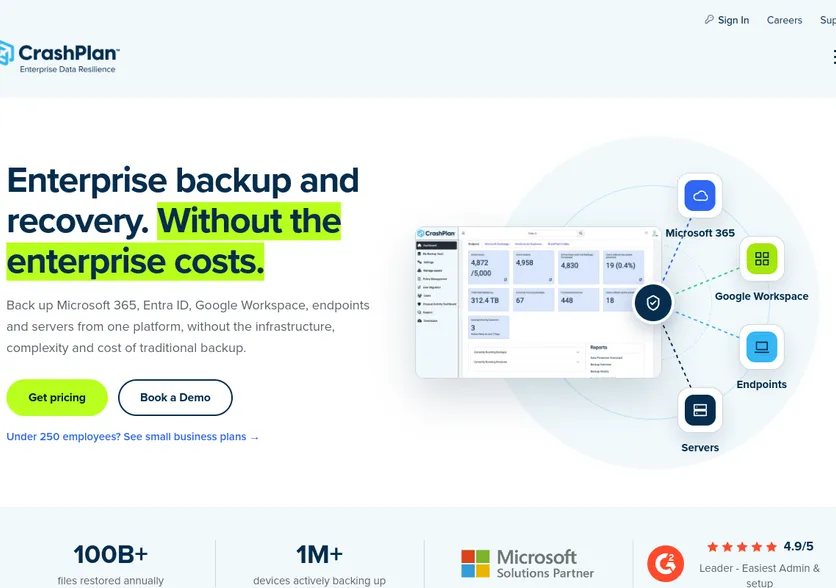
This CrashPlan plan backs up Microsoft 365 or Google Workspace mail for two dollars and fifty cents per user a month billed annually, the cheapest per-user price here. CrashPlan started as endpoint backup, and the endpoint and server plans cost more, at seven dollars and thirty-three cents and fifteen dollars and seventy-five cents. Unlimited retention means a deleted message stays recoverable for as long as the plan runs.
What we like
- Cheapest per-user cloud backup in this comparison
- Unlimited retention for deleted messages
- Long history in endpoint and server backup
Watch out for
- Cheapest tier covers cloud mail only, not endpoints
- Endpoint and server plans cost several times more
How to try it
- Open the CrashPlan pricing page and pick the cloud mail plan
- Connect Microsoft 365 or Google Workspace to start backing up
- Delete a test message and restore it to check retention
5. SysCloud
Best for: Larger remote teams backing up Google Workspace
Paid tool Starting price: $4/user/month · Four dollars per user a month on monthly billing; new paid accounts need at least one hundred licences
Free plan: No free plan
This SysCloud plan backs up Google Workspace and Microsoft 365 for four dollars per user a month on monthly billing. It adds compliance and archiving tools that the cheaper backup-only vendors do not include. New paid accounts need at least one hundred licences, so this is a pick for a larger remote team rather than a five-person startup.
What we like
- Covers Google Workspace and Microsoft 365 in one plan
- Compliance and archiving tools included
- Simple monthly billing with no annual lock-in
Watch out for
- One hundred licence minimum for new paid accounts
- No per-user price advantage over cheaper rivals
How to try it
- Open the SysCloud pricing page and check the licence minimum
- Connect Google Workspace or Microsoft 365 to start the first backup
- Run a compliance search on a real case before you buy
6. Spanning Backup
Best for: Remote teams that want simple per-user Microsoft 365 backup
Paid tool Starting price: $48/user/year · Forty-eight dollars per user a year, supplied by the vendor through software directories; Spanning publishes no per-user price page, so confirm the figure on a quote
Free plan: No free plan
This Spanning Backup plan costs forty-eight dollars per user a year for Microsoft 365 backup. Spanning publishes no per-user price page, and the figure comes from the vendor itself through software directories, so confirm it on a quote before you buy. The tool backs up mail, OneDrive, SharePoint and Teams, and restores a single item or a whole mailbox.
What we like
- Covers mail, OneDrive, SharePoint and Teams
- Restore a single item or a whole mailbox
- Simple per-user price with no storage tiers
Watch out for
- Price comes from directories, with no public pricing page
- Microsoft 365 only, with no Google Workspace backup
How to try it
- Ask Spanning for a written quote at the forty-eight dollar rate
- Connect Microsoft 365 and back up one mailbox first
- Restore a single Teams file to test the recovery
7. CodeTwo Backup
Best for: Remote teams that want a flat yearly backup licence
Paid tool Starting price: $147/year · One hundred and forty-seven dollars a year starting price for CodeTwo Backup for Exchange and Microsoft 365
Free plan: No free plan
This CodeTwo Backup plan starts at one hundred and forty-seven dollars a year, a flat figure instead of a per-user rate. It backs up Exchange and Microsoft 365 mailboxes, including shared and public folders that other tools skip. The licence suits a team with many shared mailboxes, where per-user pricing would add up fast.
What we like
- Flat yearly price instead of per-user billing
- Covers shared and public folders other tools skip
- Built for Exchange and Microsoft 365 mail
Watch out for
- Flat price can cost more than per-user plans for tiny teams
- Microsoft mail only, with no Google Workspace backup
How to try it
- Open the CodeTwo pricing page and check the starting price
- Back up one shared mailbox to test the coverage
- Restore a public folder item before you buy
8. Carbonite Safe Backup Pro
Best for: Remote teams backing up up to twenty-five computers
Paid tool Starting price: $24/month · Twenty-four dollars a month billed annually for the Core plan, two hundred and eighty-seven dollars and ninety-nine cents a year, covering up to twenty-five computers with two hundred and fifty gigabytes of cloud storage
Free plan: No free plan
This Carbonite Safe Backup Pro plan costs twenty-four dollars a month billed annually for the Core tier, covering up to twenty-five computers with two hundred and fifty gigabytes of cloud storage. Carbonite has backed up small-business machines for years, and the Pro plan adds central management so one person can watch every remote laptop. The price is per plan, not per computer, which suits a team with many devices.
What we like
- One plan covers up to twenty-five computers
- Central management for every remote laptop
- Long track record in small-business backup
Watch out for
- Storage over the included limit costs extra
- Per-plan pricing can cost more than per-user plans for tiny teams
How to try it
- Open the Carbonite site and count your computers
- Install the agent on one laptop and run a full backup
- Restore one file to a different machine to test recovery
Prices above were checked on each vendor’s own website on Nov 27, 2026 and can change — the vendor’s page is the final word. Vendor links are editorial: nobody paid to be listed or ranked here. Vendors who want a featured listing can see how it works on our Get listed page.
How a remote team should set up email backup
Back up the mailbox and the laptop separately, because each one fails in its own way. Cloud mail backup catches a deleted folder or a departing employee, while endpoint backup catches a stolen laptop or a failed drive. Set the first backup to run overnight, since the initial upload is the biggest one and home internet is slow during the day.
Test the restore on a schedule, not just once. Pick one mailbox and one laptop each month, delete a test file, and restore it while timing the job. If the restore is slow or the file comes back in the wrong format, you will find out on a quiet Tuesday instead of the day a real laptop dies.
Before you buy
- Count every device and mailbox, not just the laptops in the office
- Check the cloud storage included per user before you compare prices
- Test a restore to a clean machine, not just a file preview
- Confirm the backup runs while the laptop lid is closed
- Ask what happens to backups when a team member leaves
Official websites
Official websites of the products reviewed above. Features and prices were checked against these sites when this guide was written, and they can change, so confirm on the vendor site before you buy.
Frequently asked questions
What should a remote team back up first?
A remote team has mail in the cloud, files on laptops and documents in shared drives, and each one needs its own backup. Cloud mail backup protects the mailbox when someone deletes a folder or leaves, while endpoint backup protects the laptop that holds the only copy of a file. Most teams need both, and the tools here split into cloud-mail backup and workstation backup, so pick one of each rather than one tool for everything.
How much does email backup cost for a remote team?
Cloud mail backup in this comparison runs from two dollars and fifty cents to four dollars per user a month, with CrashPlan cheapest at two dollars and fifty cents. Workstation backup is priced per device or per plan: Acronis costs eighty-five dollars per workstation a year, and Carbonite costs twenty-four dollars a month for up to twenty-five computers. A ten-person team with ten laptops and ten mailboxes can expect roughly one hundred to one hundred and fifty dollars a month.
Is email backup the same as email archiving?
Only in the sense that both protect data, and they cover different risks. Archiving keeps a tamper-proof legal record of messages under a retention policy, while backup restores mailboxes and files after a deletion, a failure or an attack. An archive will not restore a corrupted mailbox, and a backup will not prove a message was never altered. Most remote teams need backup first and archiving only when a regulator demands it.
How do I know a backup tool actually works?
Test a restore before you buy, because a backup that cannot restore is just a bill. Delete a test message or a test file, then time how long it takes to get it back and in what format it arrives. Check whether the restore keeps folder structure and whether it restores to a different machine. If the restore is slow or the format is awkward, the tool will fail on the day you actually need it.
Can I try these backup tools before paying?
Most tools here offer a trial period, and a trial is the cheapest way to compare them honestly. Run the same restore test on each trial: back up one mailbox and one laptop, delete a test file, and restore it. Measure how long the first backup takes on a home connection, because a tool that needs days for the first backup will frustrate a remote worker. Pick the one with the fastest honest restore, not the lowest headline price.
Compare the eight tools above, then test a restore on one laptop before you enrol the whole remote team.
Browse Productivity Tools tools