
On this page
Every small business needs email on its own domain, and the price ranges from one dollar to about twenty-five dollars a month per user. The eight tools below cover full office suites, mail-only services, and premium clients, and every price was checked on the vendor site on November 26, 2026. Some charge per seat, others per mailbox, and most add fees for storage or desktop apps, so compare the whole cost rather than the headline alone. Google Workspace is our first pick — the best all-round suite for a small business.
How we researched this
We started with the email software small businesses actually buy, then checked each price against the vendor pricing page on November 26, 2026 and noted the free plan or trial each one carries. We judged them for a business that needs email on its own domain, with enough storage and apps for a small team, without a big bill. We kept only tools with a published price, and we left out quote-only enterprise suites.
Compare the tools
| Name | Best for | Starting price | Free plan | |
|---|---|---|---|---|
 Google Workspace | Small businesses that want Gmail, Drive, Docs, and Meet in one suite | $7/month | No free plan; 14-day free trial | Visit |
 Microsoft 365 | Small businesses that already use Word, Excel, and Teams | $7/month | No free plan; 1-month free trial | Visit |
 Zoho Mail | Small businesses that want the cheapest credible business email | $1/month | Free Forever Free plan up to 5 users | Visit |
 Proton Mail | Small businesses that want encrypted email with strong privacy | $6.99/month | No free plan; 14-day free trial | Visit |
 Fastmail | Small businesses that want fast, private, ad-free email done well | $5/month | No free plan; 30-day free trial | Visit |
 Spike | Small teams that want email to feel like chat | $6/month | Free Email App plan for one address | Visit |
 HEY | Small businesses that want a calm inbox where senders must be approved first | $12/month | No free plan; 30-day free trial on HEY for You | Visit |
 Superhuman | Busy professionals who want to clear email twice as fast | $25/month | No free plan; 14-day free trial | Visit |
The email software for small business, compared
1. Google Workspace
Best for: Small businesses that want Gmail, Drive, Docs, and Meet in one suite
Paid tool Starting price: $7/month · Business Starter plan, $7 a month per user on an annual commitment, or $8.40 on the flexible monthly plan; Standard $14 and Plus $22 a month
Free plan: No free plan; 14-day free trial
Google Workspace puts Gmail on your own domain together with Drive, Docs, Sheets, and Meet, so one subscription covers email and office work. This Google Workspace Business Starter plan costs seven dollars a month per user on an annual commitment and includes thirty gigabytes of pooled storage per user. A fifty percent discount for the first three months is running for new customers, but the seven dollar list price is the one that applies after it ends.

What we like
- Gmail on your own domain with 30 GB storage
- Drive, Docs, and Meet included in one price
- Strong admin controls for a growing team
Watch out for
- No free plan, only a 14-day trial
- Introductory discount ends after three months
How to try it
- Open the Google Workspace pricing page and pick Business Starter
- Claim your domain and set up Gmail for the team
- Add Drive storage and Meet for video calls once email is live
2. Microsoft 365
Best for: Small businesses that already use Word, Excel, and Teams
Paid tool Starting price: $7/month · Business Basic plan, $7 a month per user on an annual commitment, or $8.40 billed monthly; Standard $14 and Premium $22 a month
Free plan: No free plan; 1-month free trial
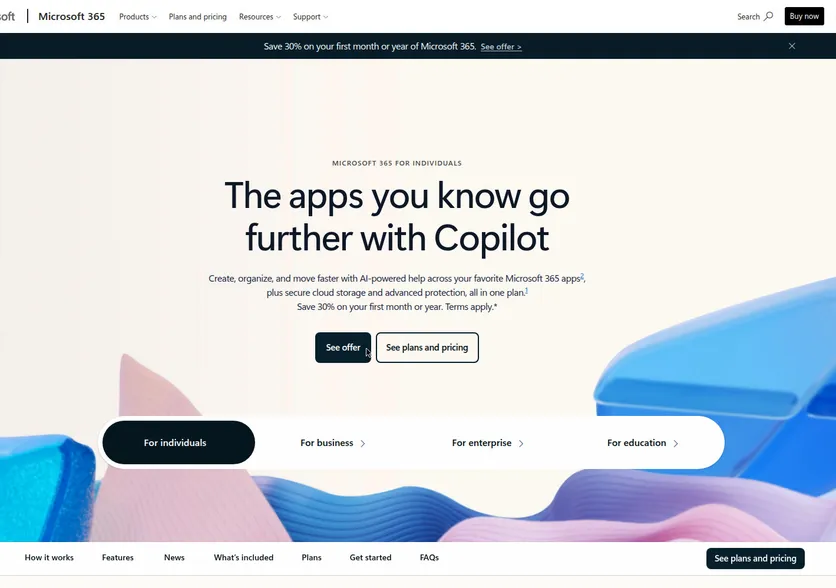
Microsoft 365 Business Basic puts Outlook email on your own domain together with web Office apps, Teams, and one terabyte of cloud storage per user. This Microsoft 365 Business Basic plan costs seven dollars a month per user on an annual commitment, after a July 2026 rise from six dollars. The desktop Office apps are not included, so staff who build real spreadsheets need the Standard plan.
What we like
- Outlook email with 1 TB of storage per user
- Teams chat and meetings included
- Web Office apps for every user
Watch out for
- Desktop Office apps cost extra on Standard
- Price rose from six dollars in July 2026
How to try it
- Open the Microsoft 365 business plans page and pick Business Basic
- Set up Outlook email on your domain for the team
- Upgrade to Standard for staff who need desktop Word and Excel
3. Zoho Mail
Best for: Small businesses that want the cheapest credible business email
Paid tool Starting price: $1/month · Mail Lite plan, $1 a month per user billed annually with 5 GB, or $1.25 with 10 GB; Mail Premium $4 a month; annual billing only
Free plan: Free Forever Free plan up to 5 users
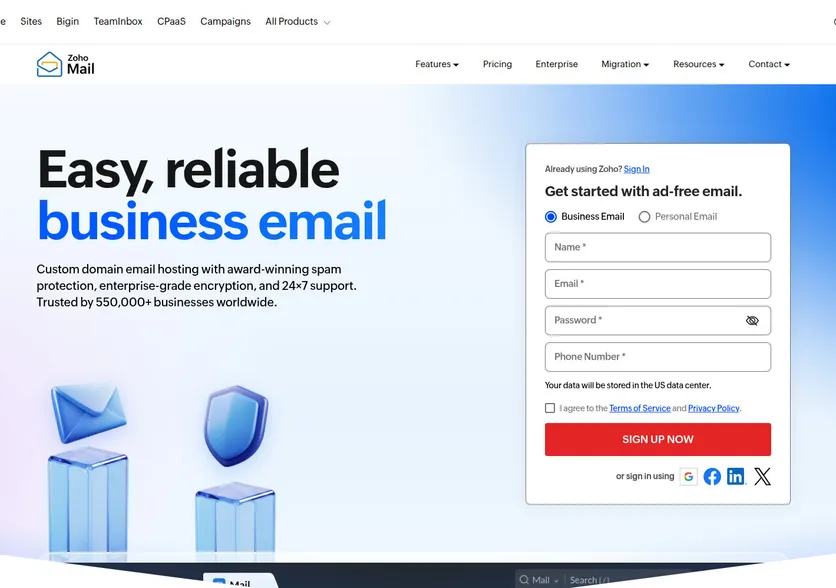
Zoho Mail is the cheapest business email from a major provider, with a clean ad-free inbox on your own domain. This Zoho Mail Mail Lite plan costs one dollar a month per user billed annually and includes five gigabytes of storage with IMAP and mobile apps. A free Forever Free plan covers up to five users, so a tiny team may never pay anything.
What we like
- Cheapest paid business email in this list
- Free plan for up to five users
- IMAP and mobile apps on the paid plan
Watch out for
- Only five gigabytes of storage on Mail Lite
- No monthly billing option on Mail plans
How to try it
- Open the Zoho Mail pricing page and claim the free plan
- Add your domain and set up mailboxes for the team
- Upgrade to Mail Lite once you need IMAP or more than five users
4. Proton Mail
Best for: Small businesses that want encrypted email with strong privacy
Paid tool Starting price: $6.99/month · Mail Essentials plan, $6.99 a month per user billed annually, or $7.99 billed monthly; Workspace Standard $12.99 and Premium $19.99 a month
Free plan: No free plan; 14-day free trial
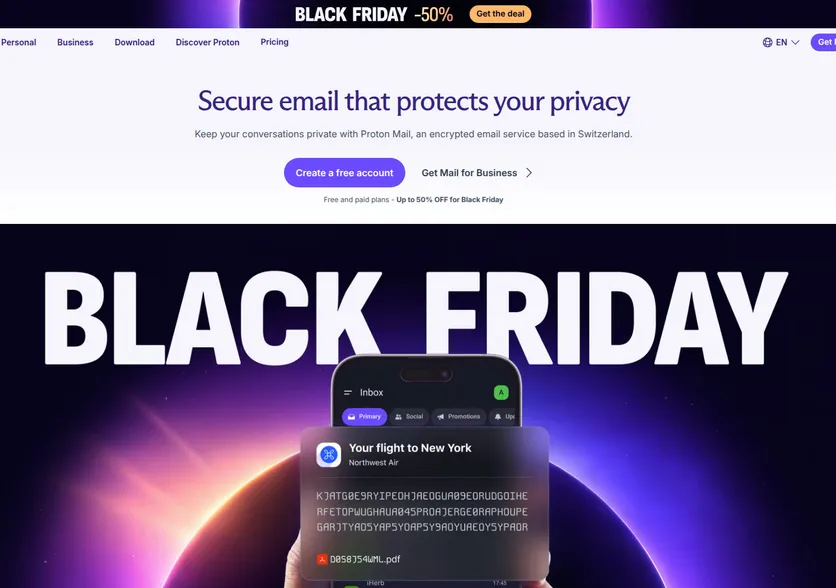
Proton Mail is the privacy-first email service from Switzerland, with zero-access encryption so even Proton cannot read your mail. This Proton Mail Mail Essentials plan costs six dollars and ninety-nine cents a month per user on annual billing and includes fifteen gigabytes of storage and three custom domains. The full Workspace suites add a VPN, password manager, and video meetings for teams that want the whole stack.
What we like
- Zero-access encryption on every plan
- Swiss privacy laws protect your data
- Calendar and Drive included in the plan
Watch out for
- No free business plan, only a trial
- Fewer integrations than Google or Microsoft
How to try it
- Open the Proton Mail business pricing page and start the 14-day trial
- Add your domain and set up mailboxes for the team
- Upgrade to Workspace Standard for a VPN and password manager
5. Fastmail
Best for: Small businesses that want fast, private, ad-free email done well
Paid tool Starting price: $5/month · Business Standard plan, $5 a month per user billed annually, or $6 billed monthly; Basic $3 and Professional $9 billed annually
Free plan: No free plan; 30-day free trial
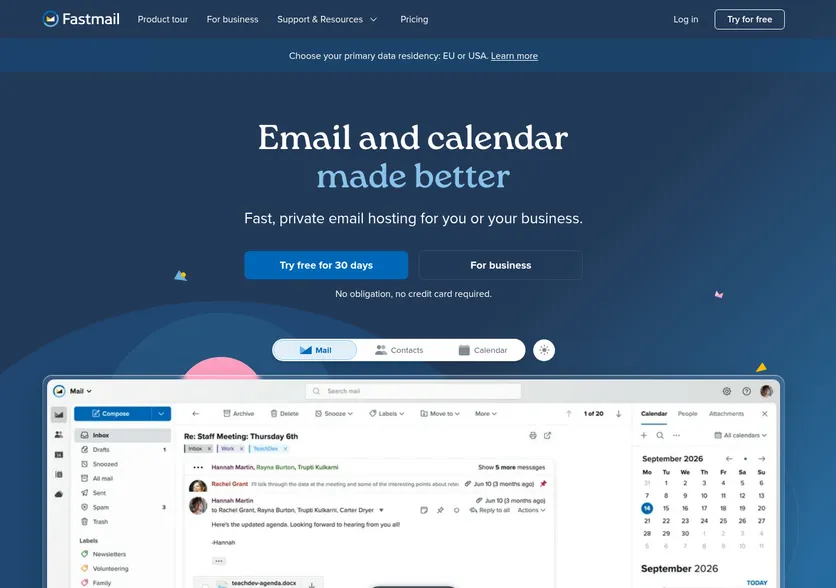
Fastmail is the independent email-only provider in this list, with a quick web app, strong search, and open standards such as IMAP and JMAP. This Fastmail Standard plan costs five dollars a month per user on annual billing and includes sixty gigabytes of storage and custom domains. The cheaper Basic plan blocks custom domains, so Standard is the honest starting price for business email.
What we like
- Fastest web app in this comparison
- No ads and no tracking anywhere
- Works with any mail app over open standards
Watch out for
- No office suite included
- Not HIPAA compliant for regulated data
How to try it
- Open the Fastmail pricing page and start the 30-day trial
- Add your domain and set up shared mailboxes for the team
- Pick Standard for custom domains or Professional for a retention archive
6. Spike
Best for: Small teams that want email to feel like chat
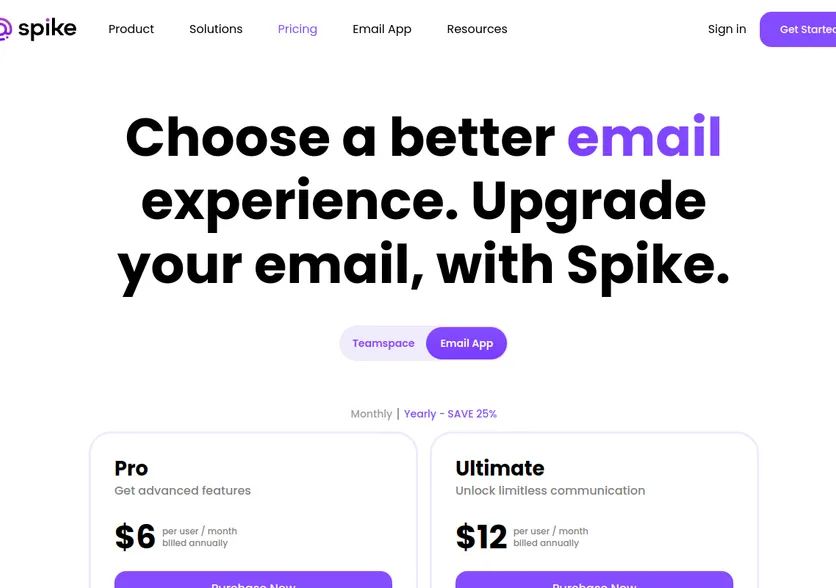
Paid tool Starting price: $6/month · Pro plan, $6 a month per user billed annually; Ultimate $12 a month; Teamspace Team $4 a member a month
Free plan: Free Email App plan for one address
Spike turns email into chat-style conversations, with a unified inbox, calendar, and calls in one app. This Spike Pro plan costs six dollars a month per user billed annually and covers three email addresses with unlimited search history. Team plans start at four dollars a member a month for shared inboxes, so a team that shares mailboxes pays less than one that buys Pro seats.
What we like
- Chat-style inbox that is quick to scan
- Unified inbox for several accounts
- Free plan for one address
Watch out for
- Pro covers only three email addresses
- Plans changed in November 2026, so old prices online are stale
How to try it
- Open the Spike pricing page and claim the free plan
- Connect your Gmail or Outlook account and try the chat view
- Upgrade to Pro once you need more than one address
7. HEY
Best for: Small businesses that want a calm inbox where senders must be approved first
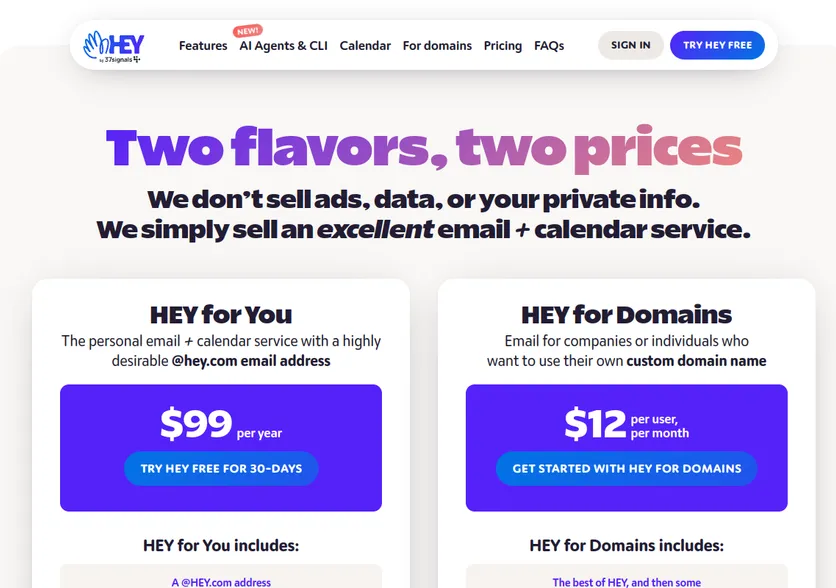
Paid tool Starting price: $12/month · HEY for Work, $12 a month per user on your own domain; HEY for You $99 a year for a personal @hey.com address
Free plan: No free plan; 30-day free trial on HEY for You
HEY is the opinionated email service from 37signals that screens every sender before their mail reaches your inbox. This HEY for Work plan costs twelve dollars a month per user on your own domain and includes admin controls and team comments. HEY for You costs ninety-nine dollars a year for a personal address, but it is personal use only and cannot run a business domain.
What we like
- Screener blocks unwanted senders before they reach you
- Calm inbox with Imbox, Feed, and Paper Trail
- No ads and no tracking anywhere
Watch out for
- No free plan at all
- Short vanity addresses cost hundreds extra a year
How to try it
- Open the HEY pricing page and compare For You and For Work
- Start the 30-day trial on HEY for You to test the Screener
- Move the team to HEY for Work once you want your own domain
8. Superhuman
Best for: Busy professionals who want to clear email twice as fast
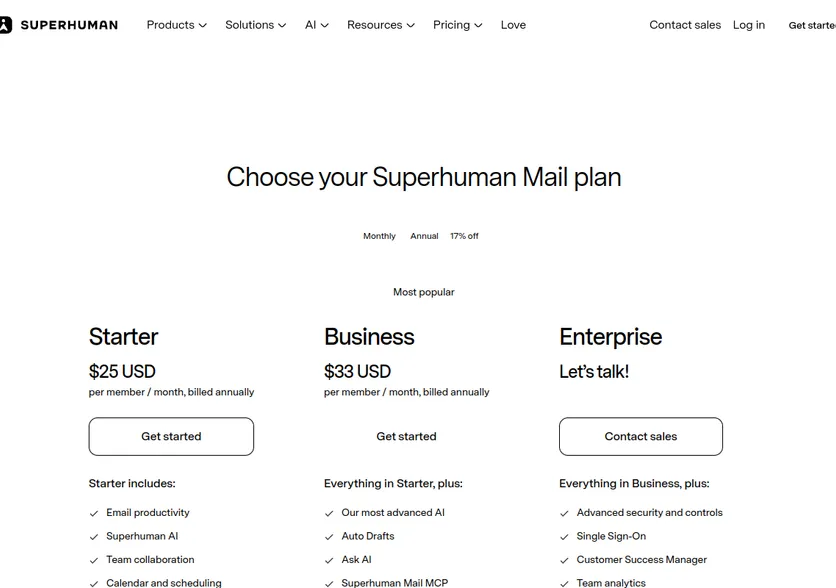
Paid tool Starting price: $25/month · Starter plan, $25 a month per user billed annually, or $30 billed monthly; Business $33 billed annually
Free plan: No free plan; 14-day free trial
Superhuman is a premium email client that sits on top of Gmail or Outlook and helps you process mail with keyboard shortcuts and AI triage. This Superhuman Starter plan costs twenty-five dollars a month per user billed annually and includes Superhuman AI, calendar, and team collaboration. You still pay for Google Workspace or Microsoft 365 separately, so the real cost is Superhuman plus your mailbox.
What we like
- Fastest email processing in this comparison
- Strong AI triage and auto labels
- Keyboard-first workflow for heavy inboxes
Watch out for
- You still pay for Gmail or Outlook separately
- Priciest option in this list by a wide margin
How to try it
- Open the Superhuman plans page and start the 14-day trial
- Connect your Gmail or Outlook account and learn the shortcuts
- Add the cost of your mailbox on top before you judge the price
Prices above were checked on each vendor’s own website on Nov 26, 2026 and can change — the vendor’s page is the final word. Vendor links are editorial: nobody paid to be listed or ranked here. Vendors who want a featured listing can see how it works on our Get listed page.
What email software costs in 2026
Most email software charges per user, so the headline monthly price is the whole budget for a one-person business, and this list runs from one dollar to about twenty-five dollars a month per user. The cheapest plans are not always the cheapest deal, because storage caps, domain support, and desktop apps often sit on higher tiers, and a plan that looks cheap can cost more once the team grows. The headline plan each vendor shows on its own pricing page is the number in the table above, checked on November 26, 2026.
Start with the free trial on two tools and run your real email through each for a week. Compare how fast the inbox loads, how search works, and whether the mobile app feels solid. Pick the tool your team will actually open every day, because an inbox nobody likes is money wasted.
Before you buy
- Count your users before you compare prices, because every suite here charges per seat and the bill grows with the team.
- Check the storage per user, because the cheapest plans cap mailboxes at five or six gigabytes.
- Confirm your own domain works on the entry plan, because one cheap plan here blocks custom domains entirely.
- Test the web app and the mobile app during the trial, because a slow inbox costs more time than the subscription saves.
- Compare annual and monthly billing, because most tools here cut the price when you pay for a full year.
Official websites
Official websites of the products reviewed above. Features and prices were checked against these sites when this guide was written, and they can change, so confirm on the vendor site before you buy.
Frequently asked questions
Which email software is best for small business in 2026?
Google Workspace, at seven dollars a month per user on an annual commitment, is the safest default because it covers Gmail, Drive, Docs, and Meet in one price. Zoho Mail is the cheapest at one dollar a month per user billed annually. Proton Mail is the best pick for privacy, with zero-access encryption from six dollars and ninety-nine cents a month per user.
How much does email software cost for a small business?
Most suites in this list cost between one and seven dollars a month per user, with annual billing cutting the monthly rate on most plans. Superhuman is the outlier at twenty-five dollars a month per user billed annually, and it sits on top of Gmail or Outlook, so you pay for a mailbox as well. Expect seven dollars a user a month as the normal price for a full office suite.
Is there free email software for small business?
Yes, Zoho Mail offers a free plan for up to five users on one domain, and Spike offers a free plan for one email address. Google Workspace, Microsoft 365, Proton Mail, and Fastmail offer free trials of fourteen to thirty days instead of a permanent free plan. HEY and Superhuman offer trials as well, though neither has a free tier.
What should a small business look for in email software?
Check the storage per user first, since cheap plans cap mailboxes at five or six gigabytes. Check whether your own domain works on the entry plan, since one cheap plan here blocks custom domains entirely. Check whether the suite includes the office apps and meetings your team needs, or whether email is all you get.
Can I try email software before I pay?
Yes, most tools here offer a free trial of fourteen to thirty days, which is enough to move a real mailbox and test the web and mobile apps. Start with the trial on two tools and run your real email through each for a week. Pick the inbox your team opens without thinking, because a slow inbox costs more than the subscription saves.
Need everyday productivity help too? Try Toolsvine's free productivity tools right in your browser.
Browse Productivity Tools tools


