On this page
Remote teams live in their inbox, and a slow or confusing client costs every person on the team an hour a day. The right client has to sync fast on a phone, share a mailbox between two people and keep drafts safe across devices. We compared eight tools on published price, mobile apps and team features. Superhuman is our first pick, the fastest inbox here with keyboard shortcuts and AI triage.
How we researched this
We started with email clients that publish a real price and work for a team spread across time zones. We read each price on the vendor site on November 27, 2026, and used the annual-billed figure where the vendor lists one. We judged them for a remote team that reads mail on phones, shares mailboxes and has no IT person to fix a broken migration, and we dropped tools that no longer exist.
Compare the tools
| Name | Best for | Starting price | Free plan | |
|---|---|---|---|---|
 Superhuman | Remote teams that want the fastest inbox possible | $25/user/month | No free plan; 7-day free trial | Visit |
 Spike | Remote teams that want chat, mail and docs in one place | $4/member/month | Free plan available (up to 3 members) | Visit |
| Spark | Remote teams that want a smart inbox with a free plan | $8.25/user/month | Free plan available | Visit |
 Fastmail | Remote teams that want private mail at a fair price | $5/user/month | No free plan; 30-day free trial | Visit |
 Zoho Mail | Remote teams that want the cheapest real mailbox | $1/user/month | Free plan available (up to 5 users) | Visit |
 Titan Email | Remote teams buying mail through a domain registrar | $1.99/mailbox/month | Free trial available | Visit |
 HEY | Remote teams that want email to feel calm again | $12/user/month | No free plan; 30-day free trial | Visit |
| eM Client | Remote teams that want a desktop client with calendar and chat | $59.95/device/year | Free plan available (home use, 2 accounts) | Visit |
The email client software for remote teams, compared
1. Superhuman
Best for: Remote teams that want the fastest inbox possible
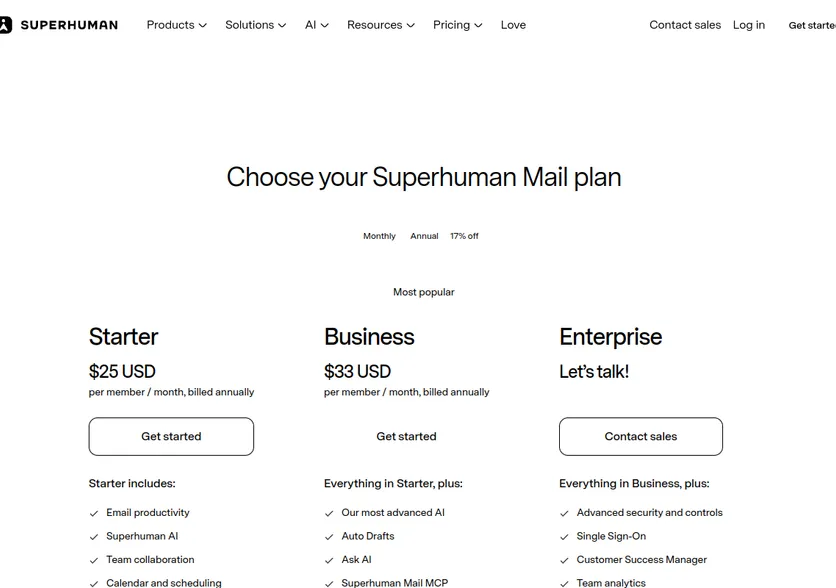
Paid tool Starting price: $25/user/month · Twenty-five dollars per user a month billed annually for the Starter plan, three hundred dollars a year; thirty dollars a month on monthly billing; the Business plan costs thirty-three dollars per user a month billed annually
Free plan: No free plan; 7-day free trial
This Superhuman plan costs twenty-five dollars per user a month billed annually for Starter, or three hundred dollars a year. Superhuman is built for speed: keyboard shortcuts, split inbox and AI triage clear mail in half the time of a normal client. Grammarly bought Superhuman in 2025, and the new pricing adds a Business tier at thirty-three dollars a month billed annually with Auto Drafts and CRM integrations.
What we like
- Fastest inbox here, with keyboard shortcuts and AI triage
- Split inbox keeps the important mail in view
- Business tier adds Auto Drafts and CRM integrations
Watch out for
- Most expensive client in this comparison
- No free plan, only a seven-day trial
How to try it
- Open the Superhuman plans page and check the Starter tier
- Take the seven-day trial with your real inbox
- Learn the keyboard shortcuts before you judge the speed
2. Spike
Best for: Remote teams that want chat, mail and docs in one place
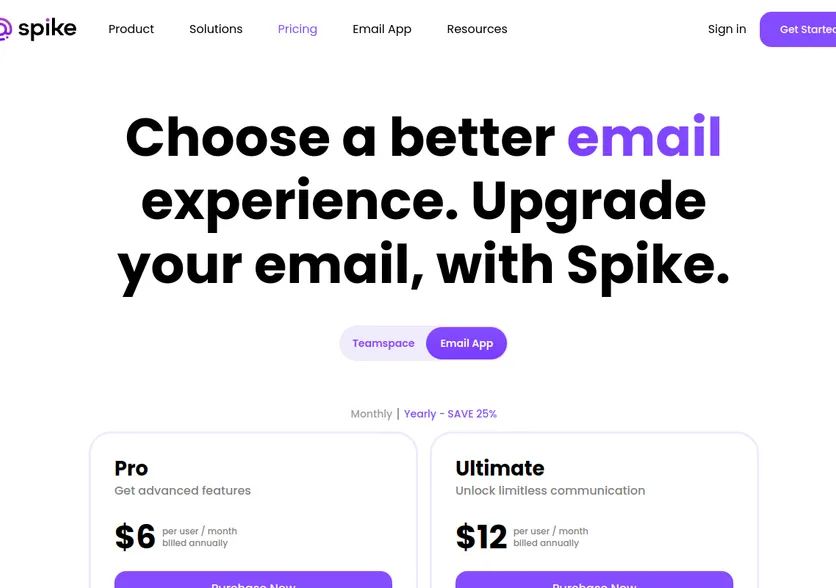
Paid tool Starting price: $4/member/month · Four dollars per member a month billed annually for the Teamspace Team plan, forty-eight dollars a year; five dollars a month on monthly billing; the price changed on November 1, 2026 and older directory figures are stale
Free plan: Free plan available (up to 3 members)
This Spike plan costs four dollars per member a month billed annually for Teamspace Team, or forty-eight dollars a year. Spike turns email threads into chat conversations, so a remote team can reply in the same place the message arrived. The price changed on November 1, 2026, and the old five dollar figure in directories is now stale.
What we like
- Email threads become chat conversations in one place
- Cheapest team plan in this comparison
- Free Starter plan for up to three members
Watch out for
- Team chat model does not suit everyone
- Business tier costs twice the Team price
How to try it
- Open the Spike pricing page and check the Team tier
- Invite two team members to the free Starter plan
- Move one shared thread into a team chat before you pay
3. Spark
Best for: Remote teams that want a smart inbox with a free plan
Paid tool Starting price: $8.25/user/month · Eight dollars and twenty-five cents per user a month billed annually for the Plus plan, ninety-nine dollars a year; ten dollars a month on monthly billing; the Pro plan costs twenty dollars a month
Free plan: Free plan available
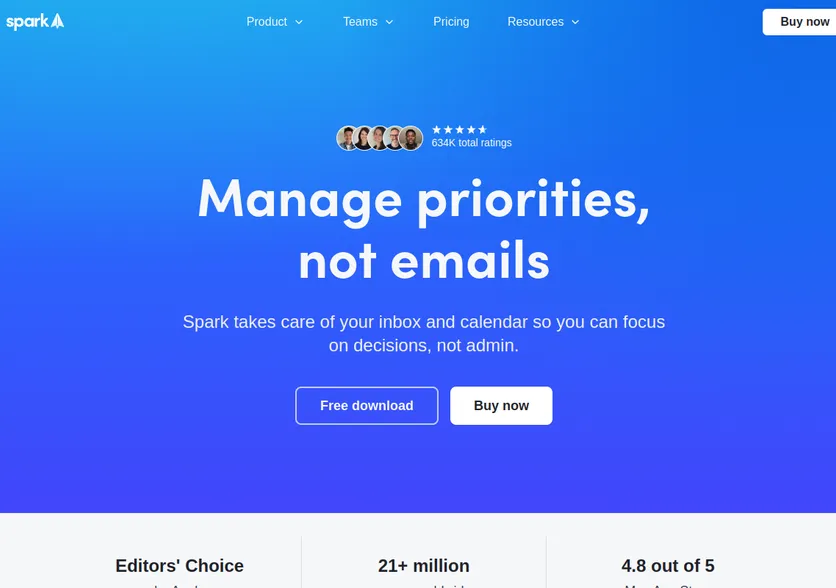
This Spark plan costs eight dollars and twenty-five cents per user a month billed annually for Plus, or ninety-nine dollars a year. Spark repriced in November 2026, and the old Premium plan at seven dollars and ninety-nine cents is now a legacy App Store tier. The free Basic plan covers unlimited accounts with a smart inbox, calendar, send later and snooze.
What we like
- Free Basic plan with unlimited accounts
- Smart inbox sorts the important mail first
- Send later and snooze are included free
Watch out for
- Prices changed in November 2026, so old guides are stale
- Team features wait for the Pro tier
How to try it
- Open the Spark pricing page and check the Plus tier
- Install Spark on one phone and one computer
- Try the smart inbox with your real mail for one week
4. Fastmail
Best for: Remote teams that want private mail at a fair price
Paid tool Starting price: $5/user/month · Five dollars per user a month billed annually for the Standard plan, sixty dollars a year; six dollars a month on monthly billing; the Basic plan costs three dollars a month and excludes custom domains
Free plan: No free plan; 30-day free trial
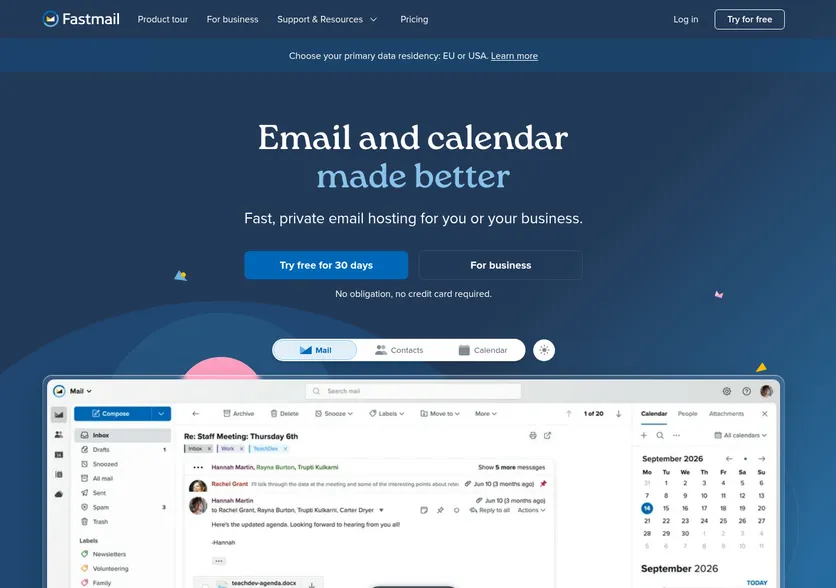
This Fastmail plan costs five dollars per user a month billed annually for Standard, or sixty dollars a year. Fastmail is an independent mail provider with no ads and no tracking, and Standard includes custom domains, which the three dollar Basic plan does not. The service runs its own servers and has a long record of reliable delivery.
What we like
- No ads and no tracking, from an independent provider
- Custom domains included on the Standard plan
- Long record of reliable mail delivery
Watch out for
- No free plan, only a thirty-day trial
- Basic plan excludes custom domains
How to try it
- Open the Fastmail pricing page and check the Standard tier
- Start the thirty-day trial with one custom domain
- Move one mailbox across before you migrate the team
5. Zoho Mail
Best for: Remote teams that want the cheapest real mailbox
Paid tool Starting price: $1/user/month · One dollar per user a month billed annually for the Mail Lite plan with five gigabytes per user; the ten gigabyte option costs one dollar and twenty-five cents; Mail Lite has no monthly billing option
Free plan: Free plan available (up to 5 users)
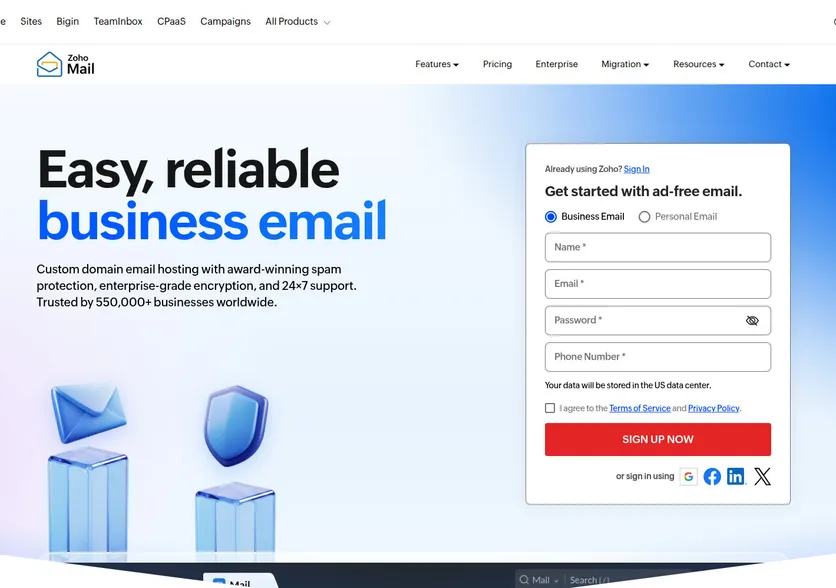
This Zoho Mail plan costs one dollar per user a month billed annually for Mail Lite, the cheapest mailbox in this comparison. Mail Lite gives five gigabytes per user, and a ten gigabyte option costs one dollar and twenty-five cents. The Forever Free plan covers up to five users on one domain, though it is web-only with no IMAP and works only in select data centres.
What we like
- Cheapest real mailbox in this comparison
- Forever Free plan for up to five users
- Part of the wider Zoho suite if you need more tools
Watch out for
- Free plan is web-only with no IMAP
- Free plan works only in select data centres
How to try it
- Open the Zoho Mail pricing page and check Mail Lite
- Try the Forever Free plan with one domain first
- Check whether your region is covered before you pay
6. Titan Email
Best for: Remote teams buying mail through a domain registrar
Paid tool Starting price: $1.99/mailbox/month · One dollar and ninety-nine cents per mailbox a month for the Business plan on a twelve-month term; Titan is sold mainly through domain registrars and hosts, so the exact checkout price varies by seller
Free plan: Free trial available
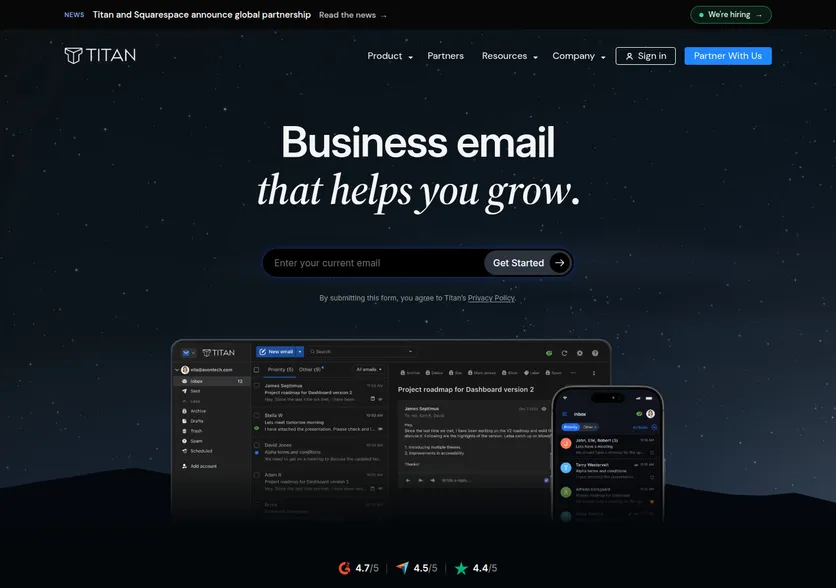
This Titan Email plan costs one dollar and ninety-nine cents per mailbox a month on a twelve-month term for the Business plan. Titan is sold mainly through domain registrars and web hosts, so the exact checkout price varies by seller and reseller prices range from one dollar and forty-nine cents to one dollar and ninety-nine cents. The service pairs a clean inbox with scheduling and follow-up reminders.
What we like
- Cheap per-mailbox price on a twelve-month term
- Sold through registrars you may already use
- Scheduling and follow-up reminders built in
Watch out for
- Price varies by reseller, so the checkout price may differ
- No direct pricing page on the vendor site
How to try it
- Check the Titan price with your domain registrar first
- Start a free trial with one mailbox
- Test scheduling and follow-up reminders on real mail
7. HEY
Best for: Remote teams that want email to feel calm again
Paid tool Starting price: $12/user/month · Twelve dollars per user a month for HEY for Domains on monthly billing, with the first user at ten dollars; HEY for You costs ninety-nine dollars a year and is for personal use only
Free plan: No free plan; 30-day free trial
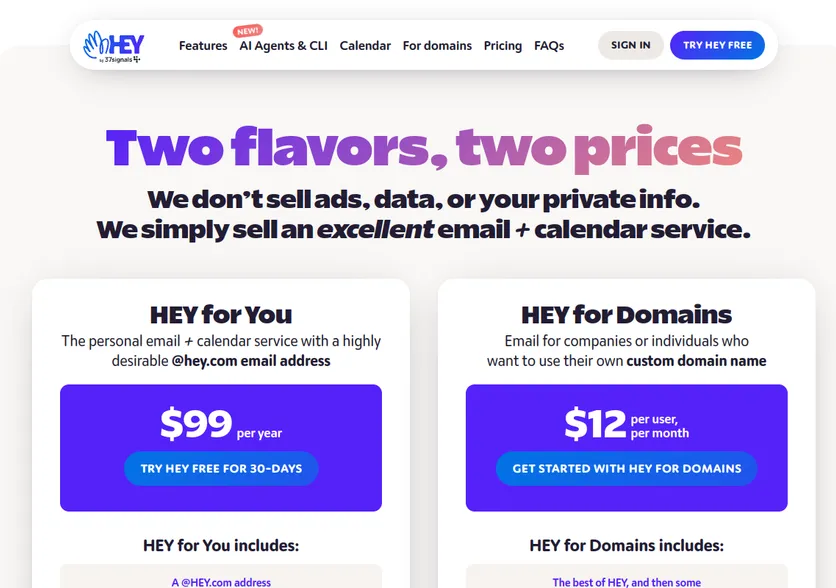
This HEY plan costs twelve dollars per user a month for HEY for Domains, billed monthly. HEY sorts incoming mail into an Imbox for people you want to hear from, a Feed for newsletters and a Paper Trail for receipts, so the inbox stops shouting. The personal HEY for You plan costs ninety-nine dollars a year, but its terms are for personal use only.
What we like
- Imbox, Feed and Paper Trail end inbox overload
- Clean design that works well on phones
- Thirty-day trial with no card needed
Watch out for
- Monthly billing only, with no annual discount
- Personal plan is for personal use only, not teams
How to try it
- Open the HEY pricing page and check the Domains plan
- Start the thirty-day trial with your own mailbox
- Sort one week of mail into the Imbox, Feed and Paper Trail
8. eM Client
Best for: Remote teams that want a desktop client with calendar and chat
Paid tool Starting price: $59.95/device/year · Fifty-nine dollars and ninety-five cents per device a year for the Business plan; the Personal plan costs forty-nine dollars and ninety-five cents a year, and a one-time Business licence costs eighty-nine dollars and ninety-five cents per device
Free plan: Free plan available (home use, 2 accounts)
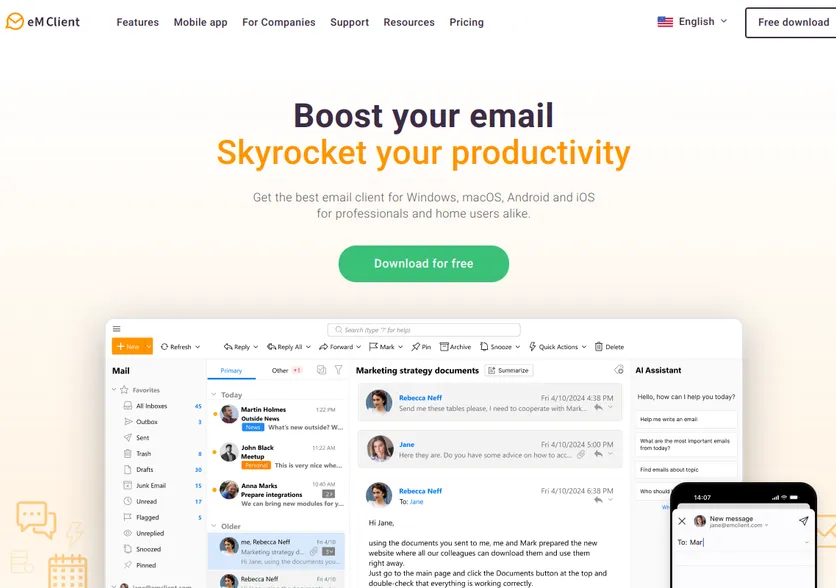
This eM Client plan costs fifty-nine dollars and ninety-five cents per device a year for Business, the yearly plan that includes the AI add-on. The Business licence covers mail, calendar, tasks and chat in one desktop app, and a one-time licence costs eighty-nine dollars and ninety-five cents per device. The free plan covers home use with two accounts on one device.
What we like
- Mail, calendar, tasks and chat in one desktop app
- One-time licence available alongside the yearly plan
- Free plan for home use with two accounts
Watch out for
- Priced per device, so a phone and a laptop cost twice
- Yearly price rose with the version eleven release
How to try it
- Open the eM Client pricing page and check the Business tier
- Install the trial on one computer and add your mailbox
- Test the calendar and chat before you buy licences
Prices above were checked on each vendor’s own website on Nov 27, 2026 and can change — the vendor’s page is the final word. Vendor links are editorial: nobody paid to be listed or ranked here. Vendors who want a featured listing can see how it works on our Get listed page.
How a remote team should pick an email client
Start with the phone, because that is where remote staff read most of their mail. Install the client on one phone and one laptop, then use it for real work for a week before you judge it. Check whether drafts sync between devices, whether shared mailboxes work on mobile, and whether the search finds an old message fast enough to use in a live conversation.
Count devices as well as users, since some clients charge per device and a phone plus a laptop costs twice. Check the storage limit per user and whether the plan covers all your domains or one only. Migrate one mailbox first and run the old and new clients side by side, so a broken import shows up before the whole team is stuck.
Before you buy
- Check whether the price covers all your domains or one only
- Test the mobile app, since remote staff live on phones
- Confirm shared inboxes and delegation work on your plan
- Check the storage limit per user before you migrate
- Ask whether the price rises when the trial ends
Official websites
Official websites of the products reviewed above. Features and prices were checked against these sites when this guide was written, and they can change, so confirm on the vendor site before you buy.
Frequently asked questions
What should a remote team look for in an email client?
For a remote team, the client has to work the same on a phone and a laptop, because half the team reads mail on the move. Pick one with shared inboxes or delegation if two people answer the same mailbox, and check the storage limit per user before you migrate. Price matters less than sync: a cheap client that loses drafts or mangles threads will cost more in lost time than a pricier one that just works.
How much does an email client cost for a remote team?
Email clients in this comparison run from one dollar to twenty-five dollars per user a month. Zoho Mail costs one dollar per user a month, Titan costs one dollar and ninety-nine cents per mailbox a month, and Spike costs four dollars per member a month. At the top end, Superhuman costs twenty-five dollars per user a month billed annually. Most remote teams land between four and eight dollars per user a month.
Is a webmail service or a desktop client better for remote work?
A webmail service such as Zoho Mail or Fastmail runs in the browser and needs nothing installed, which suits a team with mixed devices. A desktop client such as eM Client adds a calendar, tasks and chat in one app, but it is priced per device, so a phone and a laptop cost twice. A mobile-first client such as Spark or Spike sits between the two, with apps for every device and a shared inbox for the team.
Can a remote team use a free email client?
Yes, and the free tiers here are genuinely useful. Spark has a free Basic plan with unlimited accounts, Spike has a free Starter plan for up to three members, and Zoho Mail has a Forever Free plan for up to five users. eM Client is free for home use with two accounts. Start on a free plan with two team members, and pay only when the team outgrows the limits.
How do we switch email clients without losing mail?
Check three things before you move: whether the new client imports your old mail and folders cleanly, whether it keeps your custom domain working, and whether shared mailboxes and calendars survive the move. Migrate one mailbox first and run both clients side by side for a week. If the import loses labels or the calendar breaks, you will find out before the whole team is stuck.
Compare the eight tools above, then trial the client with two team members on real work before you move the whole team.
Browse Productivity Tools tools