On this page
Outlook carries the sensitive mail: client files, contracts, health data and anything that must never leak. The right encryption has to work inside Outlook, not in a separate portal, and the recipient has to open the message without a support call. We compared eight tools on published price, Outlook integration and how easy the recipient experience is. Virtru is our first pick, with an encryption toggle built into Outlook and Gmail.
How we researched this
We started with encryption tools that publish a real price and work with Outlook, not just in a web browser. We read each price on the vendor site or, where the vendor publishes no price page, on sources that agree with each other, on November 27, 2026. We judged them for an Outlook team that sends sensitive mail to outside addresses, and we noted where directory prices disagree with the vendor so you can check before you buy.
Compare the tools
| Name | Best for | Starting price | Free plan | |
|---|---|---|---|---|
 Virtru | Outlook teams that want the strongest encryption add-on | $119/month | No free plan | Visit |
| Paubox | Healthcare teams that need HIPAA-compliant email | $32/month | No free plan; 14-day free trial | Visit |
| PreVeil | Teams that want encrypted mail with no key management | $30/user/month | Free plan available (5 GB storage) | Visit |
 Proton Mail | Outlook users who want a cheap encrypted mailbox | $3.99/month | Free plan available (1 GB storage) | Visit |
 StartMail | Outlook users who want private mail with no tracking | $59.88/year | No free plan; 7-day free trial | Visit |
| Hushmail | Individuals who want simple encrypted mail with a refund guarantee | $59.99/year | No free plan; 60-day money-back guarantee | Visit |
| Trustifi | Small teams that want the cheapest encryption add-on | $3/month | No free plan; free trial available | Visit |
| Sendinc | Small teams that want cheap per-user Outlook encryption | $57.40/user/year | Free plan available | Visit |
The email encryption software for Outlook, compared
1. Virtru
Best for: Outlook teams that want the strongest encryption add-on
Paid tool Starting price: $119/month · One hundred and nineteen dollars a month for the Starter plan billed annually, one thousand four hundred and twenty-eight dollars a year, covering five users; the Business plan costs two hundred and nineteen dollars a month and Compliance costs four hundred and ninety-nine dollars a month
Free plan: No free plan
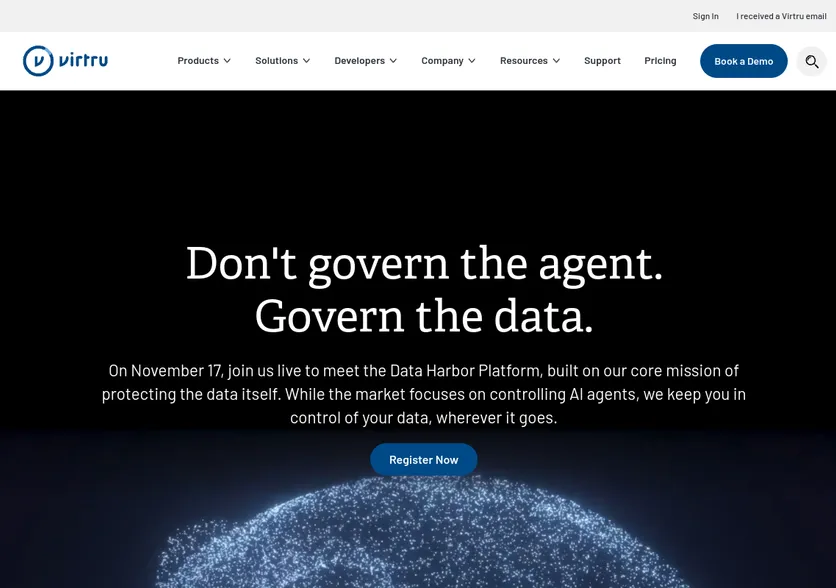
This Virtru plan costs one hundred and nineteen dollars a month for Starter, billed annually, covering five users. Virtru adds end-to-end encryption to Outlook and Gmail with a simple toggle, and the recipient reads the message without installing anything. The Business plan costs two hundred and nineteen dollars a month, and the Compliance tier is listed at four hundred and ninety-nine dollars, though one directory lists it at three hundred and ninety-nine.
What we like
- Encryption toggle built into Outlook and Gmail
- Recipients read mail without installing anything
- Five users included in the Starter price
Watch out for
- Most expensive encryption tool in this comparison
- Compliance tier price differs between directories
How to try it
- Open the Virtru site and check the Starter tier
- Install the Virtru add-in for Outlook on one computer
- Send one encrypted message to a Gmail address to test it
2. Paubox
Best for: Healthcare teams that need HIPAA-compliant email
Paid tool Starting price: $32/month · Thirty-two dollars a month for the Standard plan covering up to five senders billed annually; forty-two dollars a month on monthly billing; the Plus plan costs sixty-five dollars a month and Premium costs seventy-five dollars a month
Free plan: No free plan; 14-day free trial
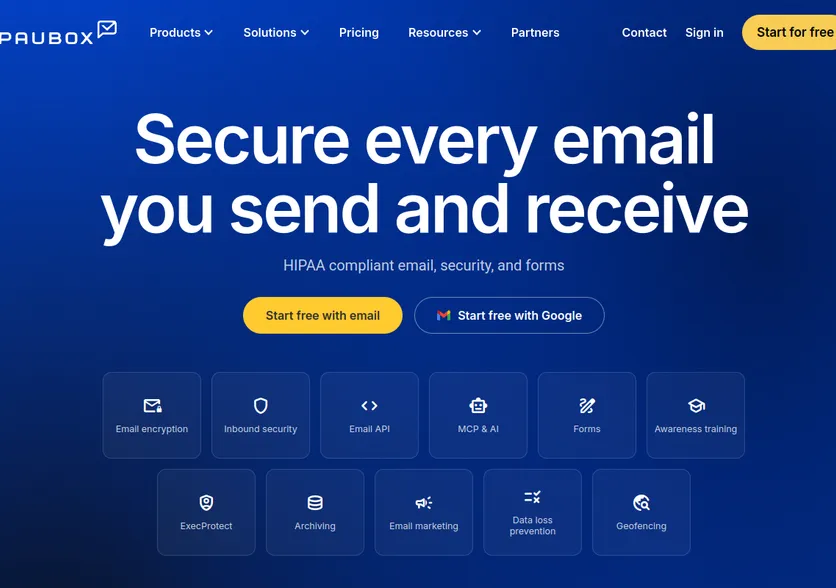
For a healthcare team sending patient mail from Outlook, this Paubox plan is the Standard tier at thirty-two dollars a month, covering up to five senders billed annually. Paubox encrypts every message automatically, so staff send normal email from Outlook and the encryption happens without a portal or a password. It is built for healthcare, with a business associate agreement available and a premium tier that adds archiving for seventy-five dollars a month.
What we like
- Encryption happens automatically, with no portal or password
- Built for healthcare with a business associate agreement
- Standard plan covers up to five senders
Watch out for
- Standard plan covers only five senders
- Archiving waits for the Premium tier
How to try it
- Open the Paubox pricing page and check the Standard tier
- Start the fourteen-day trial with one sender
- Ask Paubox for the business associate agreement before you buy
3. PreVeil
Best for: Teams that want encrypted mail with no key management
Paid tool Starting price: $30/user/month · Thirty dollars per user a month for the Business plan on monthly billing; the Individual plan costs twenty-five dollars a month billed annually, three hundred dollars a year
Free plan: Free plan available (5 GB storage)
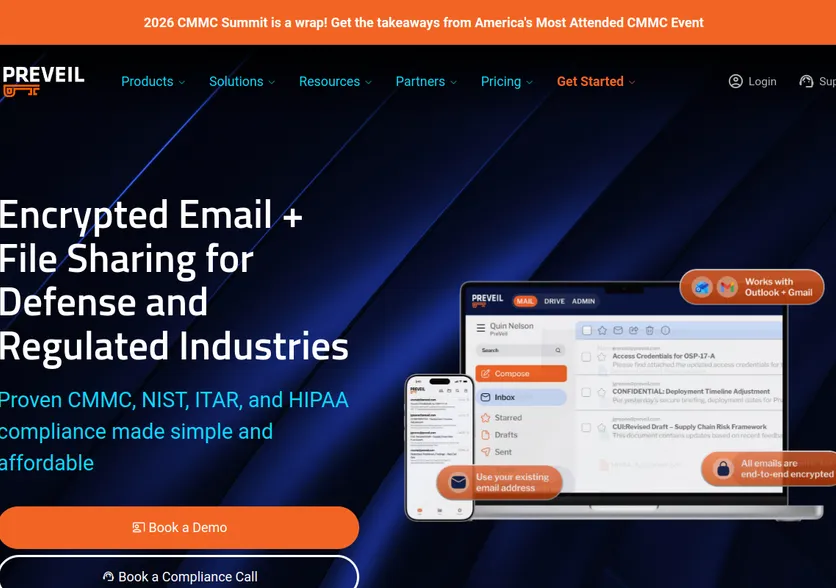
This PreVeil plan costs thirty dollars per user a month for Business on monthly billing. PreVeil encrypts mail end to end without key management, so staff never handle keys or certificates, and it works alongside Outlook rather than replacing it. The Individual plan costs twenty-five dollars a month billed annually, and a free Basic plan covers five gigabytes of storage.
What we like
- End-to-end encryption with no key management
- Works alongside Outlook instead of replacing it
- Free Basic plan with five gigabytes of storage
Watch out for
- Business plan is monthly billing only
- Government pricing is separate and much higher
How to try it
- Open the PreVeil pricing page and check the Business tier
- Install PreVeil alongside Outlook on one computer
- Send one encrypted message to a colleague to test it
4. Proton Mail
Best for: Outlook users who want a cheap encrypted mailbox
Paid tool Starting price: $3.99/month · Three dollars and ninety-nine cents a month billed annually for the Mail Plus plan, forty-seven dollars and eighty-eight cents a year; four dollars and ninety-nine cents a month on monthly billing; a Black Friday deal through November 30 cuts the first year to one dollar and ninety-nine cents a month
Free plan: Free plan available (1 GB storage)
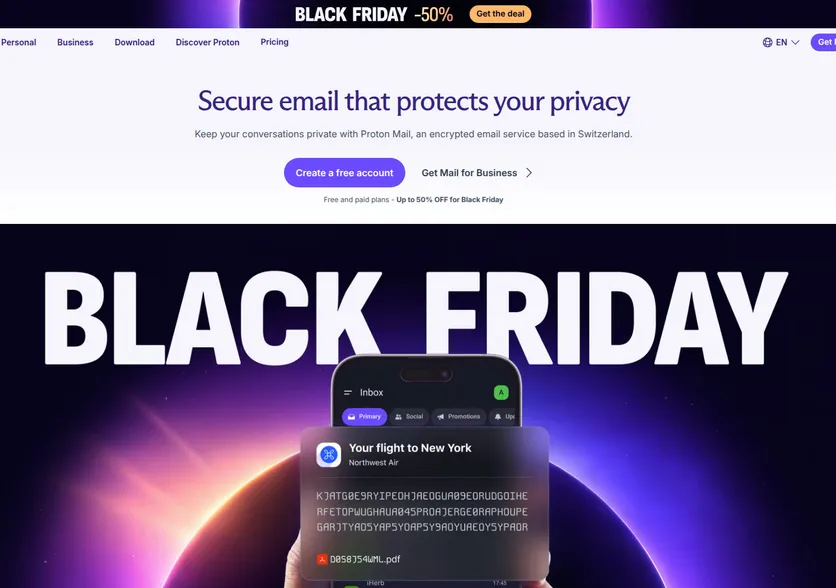
As the cheapest encrypted mailbox in this comparison, this Proton Mail plan is Mail Plus at three dollars and ninety-nine cents a month billed annually, or forty-seven dollars and eighty-eight cents a year. Proton Mail is built in Switzerland with end-to-end encryption, and Mail Plus adds custom domains, more storage and unlimited folders. A Black Friday deal through November 30 cuts Mail Plus to one dollar and ninety-nine cents a month for the first year, renewing at the standard rate.
What we like
- End-to-end encryption from a Swiss provider
- Free plan with one gigabyte of storage
- Custom domains included on Mail Plus
Watch out for
- Black Friday price is a first-year deal, not the list price
- Free plan limits you to one address and one gigabyte
How to try it
- Open the Proton Mail pricing page and check Mail Plus
- Start with the free plan and one custom domain
- Check the renewal price before any sale price tempts you
5. StartMail
Best for: Outlook users who want private mail with no tracking
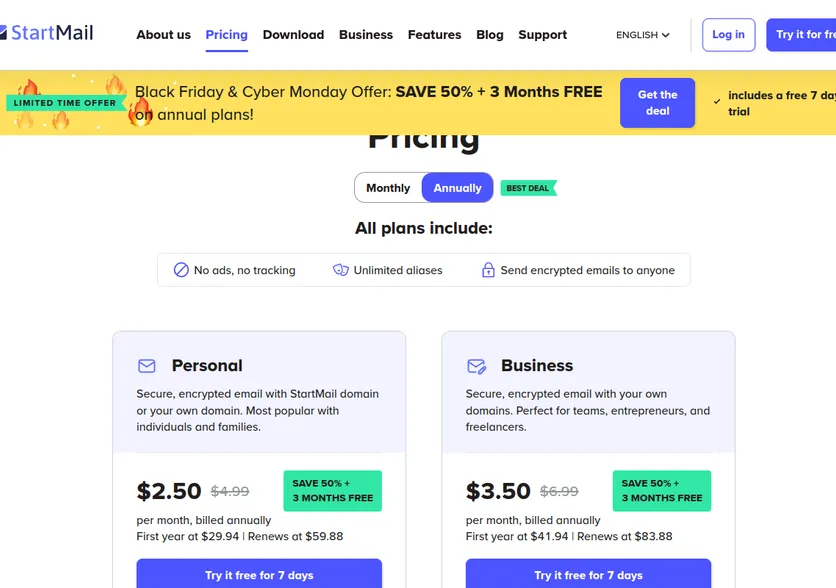
Paid tool Starting price: $59.88/year · Fifty-nine dollars and eighty-eight cents a year for the Personal plan, four dollars and ninety-nine cents a month billed annually; six dollars and ninety-nine cents a month on monthly billing; the Business plan costs eighty-three dollars and eighty-eight cents a year
Free plan: No free plan; 7-day free trial
For Outlook users who want private mail with no tracking, this StartMail plan is the Personal tier at fifty-nine dollars and eighty-eight cents a year, or four dollars and ninety-nine cents a month billed annually. StartMail is a private mail service with no tracking, no ads and one-time passwords for sensitive messages. The Business plan costs eighty-three dollars and eighty-eight cents a year, and there is a seven-day trial with no free plan.
What we like
- No tracking and no ads, from a privacy-first provider
- One-time passwords for sensitive messages
- Business plan available when the team grows
Watch out for
- No free plan, only a seven-day trial
- Older intro-year prices in some guides are stale
How to try it
- Open the StartMail site and check the Personal tier
- Start the seven-day trial with your own mailbox
- Send one one-time-password message to test the feature
6. Hushmail
Best for: Individuals who want simple encrypted mail with a refund guarantee
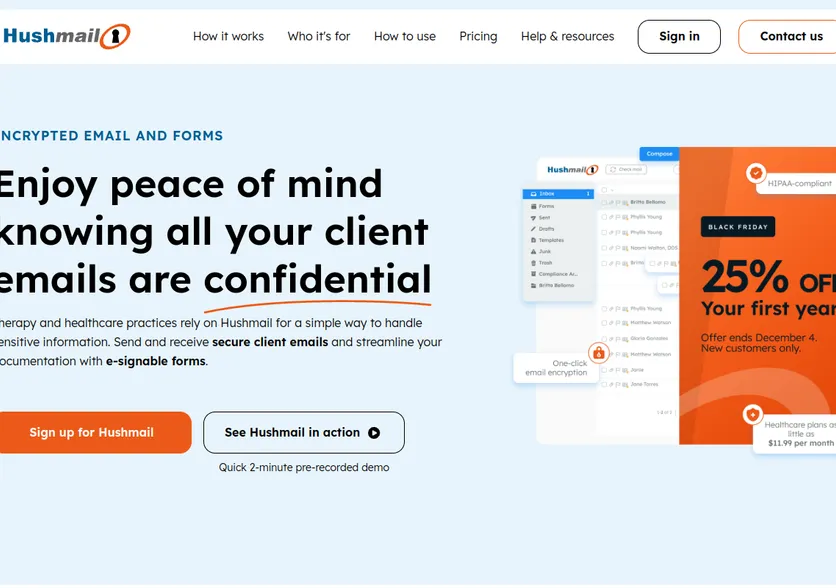
Paid tool Starting price: $59.99/year · Fifty-nine dollars and ninety-nine cents a year for the Personal plan; the Healthcare Basic plan costs eleven dollars and ninety-nine cents a month, one hundred and thirty-one dollars and eighty-nine cents a year
Free plan: No free plan; 60-day money-back guarantee
This Hushmail plan costs fifty-nine dollars and ninety-nine cents a year for Personal. Hushmail has offered encrypted mail for years, with a simple webmail interface and secure forms for collecting sensitive information. The Healthcare Basic plan costs eleven dollars and ninety-nine cents a month, and the Personal plan carries a sixty-day money-back guarantee instead of a free trial.
What we like
- Long history in encrypted mail
- Secure forms for collecting sensitive information
- Sixty-day money-back guarantee instead of a trial
Watch out for
- No free plan, only a money-back guarantee
- Older forty-nine dollar yearly figures are stale
How to try it
- Open the Hushmail pricing page and check the Personal tier
- Create an account and send one encrypted message
- Test the secure form feature if you collect sensitive data
7. Trustifi
Best for: Small teams that want the cheapest encryption add-on
Paid tool Starting price: $3/month · Three dollars a month for the advanced security package as listed by the vendor; some directories list six dollars per user a month instead, so confirm the figure on a quote before you buy; archiving costs one dollar extra per user a month
Free plan: No free plan; free trial available
This Trustifi plan is listed at three dollars a month for an advanced security package, the cheapest figure in this comparison. The vendor's own blog lists a flat three dollar monthly package, though some directories list six dollars per user a month instead, so confirm the price on a quote before you buy. Archiving costs one dollar extra per user a month, and the service adds encryption, data loss prevention and outbound security to Outlook.
What we like
- Cheapest encryption figure in this comparison
- Encryption plus data loss prevention in one tool
- Archiving available as a one dollar add-on
Watch out for
- Price differs between the vendor blog and directories
- No published pricing page, so you must ask for a quote
How to try it
- Open the Trustifi site and ask for a written quote
- Check whether the three dollar figure is flat or per user
- Test the encryption on one Outlook mailbox before you buy
8. Sendinc
Best for: Small teams that want cheap per-user Outlook encryption
Paid tool Starting price: $57.40/user/year · Fifty-seven dollars and forty cents per user a year for the Pro plan; the Corporate plan costs the same with a five-licence minimum; older forty-eight dollar yearly figures are stale
Free plan: Free plan available
This Sendinc plan costs fifty-seven dollars and forty cents per user a year for Pro, with the Corporate plan at the same price and a five-licence minimum. Sendinc encrypts Outlook mail with a simple send button, and the recipient reads the message through a secure web page without installing anything. The free Basic plan covers seven-day retention and twenty recipients a day.
What we like
- Simple send button inside Outlook
- Recipients read mail with no software to install
- Free Basic plan for light use
Watch out for
- Corporate plan needs at least five licences
- Free Basic plan keeps mail only seven days
How to try it
- Open the Sendinc site and check the Pro tier
- Install the Outlook add-in on one computer
- Send one encrypted message to an outside address to test it
Prices above were checked on each vendor’s own website on Nov 27, 2026 and can change — the vendor’s page is the final word. Vendor links are editorial: nobody paid to be listed or ranked here. Vendors who want a featured listing can see how it works on our Get listed page.
How an Outlook team should set up email encryption
Test the recipient experience first, because encryption that clients cannot open is worse than no encryption at all. Send one encrypted message to a Gmail address and to a personal Outlook address, then ask the recipient to open it with no help from you. If they need an account, a password or a download, the tool will generate support calls every week.
Check whether attachments are encrypted along with the message, since most sensitive mail carries a file. Confirm that the encryption works inside Outlook itself, not just in a web portal, and ask whether the vendor will sign a business associate agreement if you handle health data. A tool that cannot sign one cannot be used for patient information.
Before you buy
- Check whether the recipient needs an account or a password to read mail
- Confirm the encryption works inside Outlook, not just in a web portal
- Test sending to a Gmail address before you pay
- Ask whether the tool signs a business associate agreement
- Check whether attachments are encrypted along with the message
Official websites
Official websites of the products reviewed above. Features and prices were checked against these sites when this guide was written, and they can change, so confirm on the vendor site before you buy.
Frequently asked questions
Does Outlook encrypt email on its own?
Outlook has built-in encryption, but it needs the right licence and it only works when the recipient is on the same system or has the right setup. An add-on such as Virtru or Paubox encrypts mail to any address, including Gmail, and the recipient reads it without installing anything. For most Outlook teams, an add-on is simpler than configuring native encryption, and it covers the messages that leave the organisation.
How much does email encryption software cost?
Encryption tools in this comparison run from three dollars a month to one hundred and nineteen dollars a month. Trustifi lists three dollars a month, Proton Mail costs three dollars and ninety-nine cents a month, and Paubox costs thirty-two dollars a month for up to five senders. Virtru costs one hundred and nineteen dollars a month for five users. Per-user yearly licences such as Sendinc cost about fifty-seven dollars a user a year.
What is the difference between end-to-end and transport encryption?
End-to-end encryption scrambles the message so only the sender and the recipient can read it, even if the mail server is breached. Transport encryption, which every mail service already uses, only protects the message while it travels between servers. For sensitive work mail, end-to-end encryption is the standard that matters, because it protects the message at rest on the server as well as in transit.
Can recipients read encrypted mail without installing software?
It depends on the tool. Virtru and Sendinc let the recipient read the message through a secure web page without installing anything, while Paubox encrypts automatically and the recipient reads normal mail. PreVeil needs the recipient to use PreVeil as well, which is fine inside a team but awkward for outside contacts. Test the recipient experience before you buy, because a tool your clients cannot open is worse than no encryption at all.
Do we need a business associate agreement for encrypted email?
If you handle patient health information in the United States, you need a vendor that will sign a business associate agreement, such as Paubox. That agreement is a legal requirement, not a nice extra, and a tool that will not sign one cannot be used for health data. Check the agreement before you buy, and confirm that the encryption covers attachments as well as the message body.
Compare the eight tools above, then send one encrypted test message to a Gmail address before you buy.
Browse Security & Privacy tools