On this page
Teams that share one inbox know the pain: two people answer the same message, a third never sees it, and the customer waits while the team argues about who owns it. A shared inbox ends that with assignment, internal comments and a clear owner for every thread. We compared eight tools on published price, team features and how they fit Gmail or Outlook. Front is our first pick, the most capable shared inbox here.
How we researched this
We started with team inbox tools that publish a real price and work for a group, not just one person. We read each price on the vendor site on November 27, 2026, and used the annual-billed figure where the vendor lists one. We judged them for a team that answers one shared address, and we used the current price where a tool repriced in 2025 or 2026, since many guides still show the old figure.
Compare the tools
| Name | Best for | Starting price | Free plan | |
|---|---|---|---|---|
 Front | Teams that want the most capable shared inbox | $19/seat/month | No free plan; free trial available | Visit |
| Missive | Small teams that want a shared inbox with a free plan | $14/user/month | Free plan available | Visit |
 Help Scout | Support teams that want simple shared inboxes | $22/user/month | No free plan; 15-day free trial | Visit |
| Hiver | Gmail teams that want shared inboxes without leaving Gmail | $19/user/month | Free plan available | Visit |
| Drag | Gmail teams that want the cheapest shared inbox | $12/user/month | Free plan available | Visit |
| Gmelius | Gmail teams that want shared inboxes plus automation | $19/user/month | No free plan; 7-day free trial | Visit |
| Zoho TeamInbox | Zoho teams that want the cheapest shared inbox | $5/user/month | Free plan available (mobile app only, up to 3 users) | Visit |
| Spark | Small teams that want a smart inbox with a free plan | $8.25/user/month | Free plan available | Visit |
The email management software for teams, compared
1. Front
Best for: Teams that want the most capable shared inbox
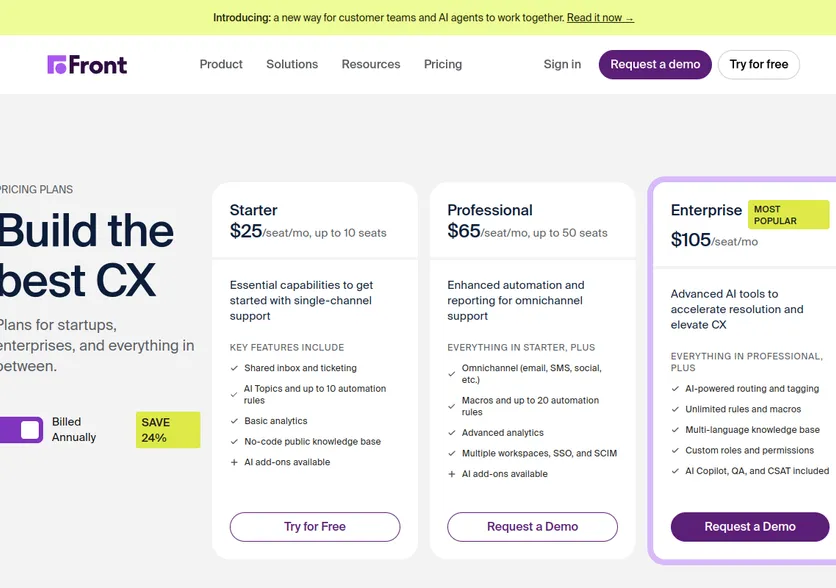
Paid tool Starting price: $19/seat/month · Nineteen dollars per seat a month billed annually for the Starter plan; twenty-nine dollars a month on monthly billing; the Growth plan costs fifty-nine dollars a seat a month and Scale costs ninety-nine dollars
Free plan: No free plan; free trial available
This Front plan costs nineteen dollars per seat a month billed annually for Starter, or twenty-nine dollars on monthly billing. Front turns a shared mailbox into a workspace where the team assigns, comments and replies without forwarding or copying. There is a two-seat minimum, and the Growth plan at fifty-nine dollars a seat adds rules and reporting for larger teams.
What we like
- Shared inbox with assignment and internal comments
- No forwarding or copying needed between team members
- Growth tier adds rules and reporting for larger teams
Watch out for
- Two-seat minimum, so no single-user plan
- No free plan, only a free trial
How to try it
- Open the Front pricing page and check the Starter tier
- Start a free trial with two seats on one shared mailbox
- Assign one real thread and comment on it before you pay
2. Missive
Best for: Small teams that want a shared inbox with a free plan
Paid tool Starting price: $14/user/month · Fourteen dollars per user a month billed annually for the Starter plan; eighteen dollars a month on monthly billing; the Productive plan costs twenty-four dollars a month and Business costs thirty-six dollars
Free plan: Free plan available
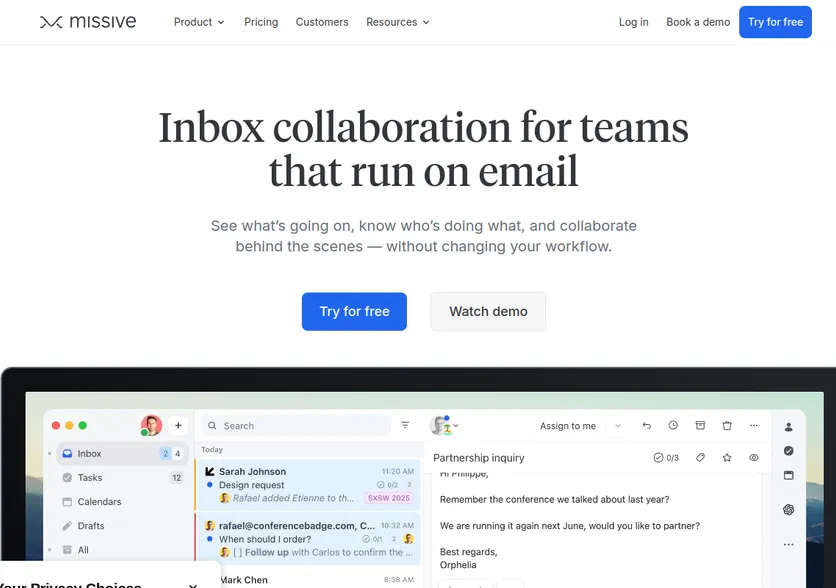
This Missive plan costs fourteen dollars per user a month billed annually for Starter, or eighteen dollars on monthly billing. Missive pairs a shared inbox with team chat, so the team discusses a message in the same place it arrived. The Starter plan caps at five users, and the vendor's own blog lists a free plan at zero dollars a month, though some guides say there is none.
What we like
- Shared inbox plus team chat in one place
- Free plan listed on the vendor's own blog
- Cheapest shared inbox in this comparison
Watch out for
- Starter plan caps at five users
- Free plan status differs between guides, so check the vendor page
How to try it
- Open the Missive pricing page and check the Starter tier
- Start with the free plan on one shared mailbox
- Assign one real thread to a colleague before you pay
3. Help Scout
Best for: Support teams that want simple shared inboxes
Paid tool Starting price: $22/user/month · Twenty-two dollars per user a month billed annually for the Standard plan; the Plus plan costs forty-four dollars a user a month and Pro costs sixty-five dollars; one comparison claims twenty-five dollars, which conflicts with the vendor price
Free plan: No free plan; 15-day free trial
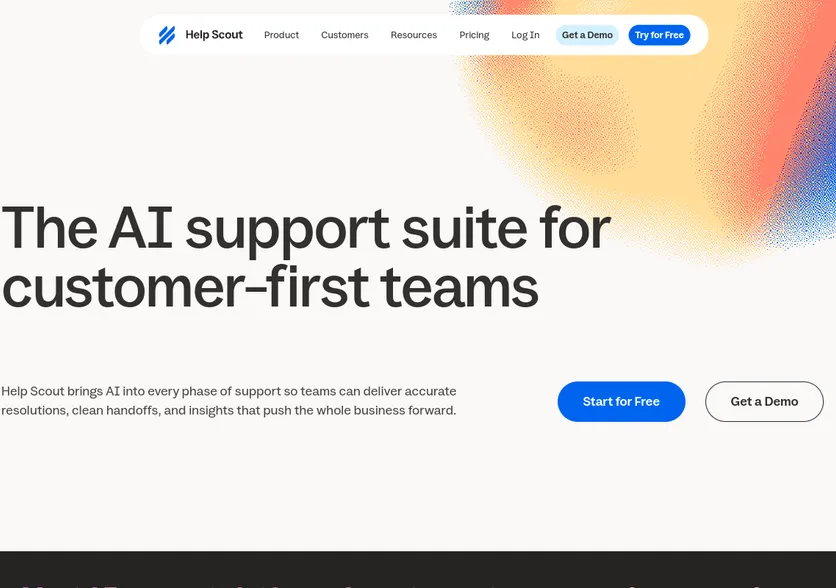
This Help Scout plan costs twenty-two dollars per user a month billed annually for Standard. Help Scout is a help desk built around shared inboxes, with collision detection so two agents never answer the same message. The Plus plan costs forty-four dollars a user a month and Pro costs sixty-five dollars, and there is a fifteen-day free trial with no free plan.
What we like
- Collision detection stops two agents answering one message
- Built for support teams, not just shared mail
- Fifteen-day trial with no card needed
Watch out for
- No free plan, only a fifteen-day trial
- One comparison lists twenty-five dollars, not twenty-two
How to try it
- Open the Help Scout pricing page and check the Standard tier
- Start the fifteen-day trial with one shared mailbox
- Test collision detection with two agents on one thread
4. Hiver
Best for: Gmail teams that want shared inboxes without leaving Gmail
Paid tool Starting price: $19/user/month · Nineteen dollars per user a month billed annually for the Lite plan; older twelve, thirteen and fifteen dollar figures in guides are stale after the price rose over 2025 and 2026; the Growth plan costs twenty-five dollars a user a month
Free plan: Free plan available
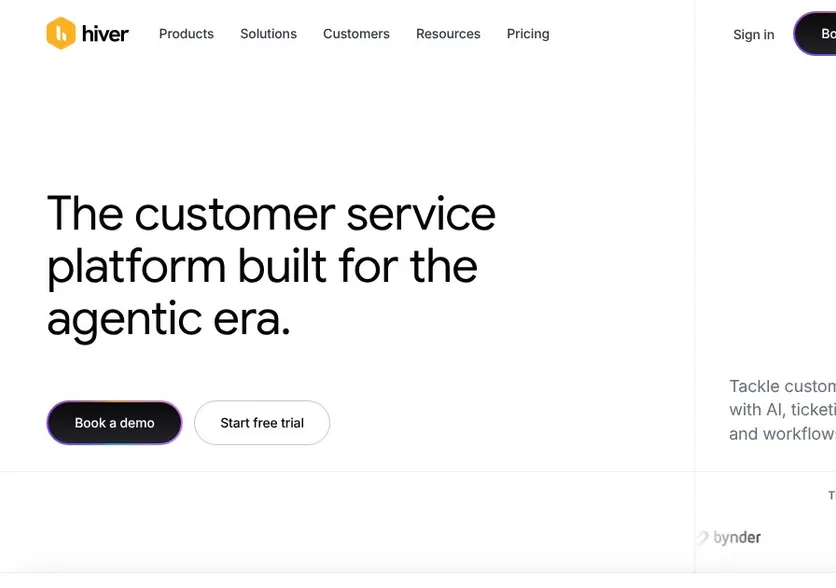
This Hiver plan costs nineteen dollars per user a month billed annually for Lite. Hiver adds shared inboxes, assignment and notes inside Gmail, so the team keeps the inbox it already knows. The price has risen over 2025 and 2026, and the older twelve, thirteen and fifteen dollar figures in guides are now stale, so use the current nineteen dollar figure.
What we like
- Shared inboxes inside Gmail, with nothing new to learn
- Assignment and notes built into the inbox
- Free-forever plan available for small teams
Watch out for
- Gmail only, with no Outlook support
- Price has risen twice in two years
How to try it
- Open the Hiver pricing page and check the Lite tier
- Install Hiver in Gmail on one account
- Share one inbox with a colleague before you pay
5. Drag
Best for: Gmail teams that want the cheapest shared inbox
Paid tool Starting price: $12/user/month · Twelve dollars per user a month billed annually for the Starter plan; sixteen dollars a month on monthly billing; the Plus plan costs eighteen dollars a month and Pro costs twenty-four dollars; the old eight dollar figure is stale
Free plan: Free plan available
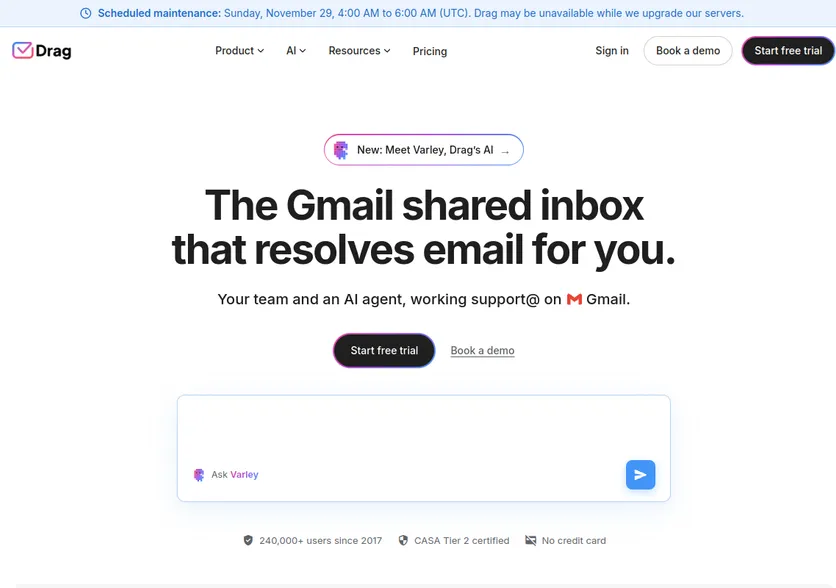
This Drag plan costs twelve dollars per user a month billed annually for Starter, or sixteen dollars on monthly billing. Drag turns Gmail into a shared workspace with boards, assignment and internal chat, so the team manages mail like tasks. The old eight dollar figure in directories is stale: Drag's own price history shows eight dollars from 2021 to 2024 and twelve dollars in 2026.
What we like
- Turns Gmail into a shared workspace with boards
- Cheapest Starter plan here after Missive
- Free-forever plan available for small teams
Watch out for
- Gmail only, with no Outlook support
- Old eight dollar figures in directories are stale
How to try it
- Open the Drag pricing page and check the Starter tier
- Install Drag in Gmail on one account
- Move one shared thread onto a board before you pay
6. Gmelius
Best for: Gmail teams that want shared inboxes plus automation
Paid tool Starting price: $19/user/month · Nineteen dollars per user a month billed annually for the Meli plan; twenty-one dollars a month on monthly billing; the Growth plan costs twenty-five dollars a month and Pro costs forty dollars; older directory figures are stale after the 2026 reprice
Free plan: No free plan; 7-day free trial
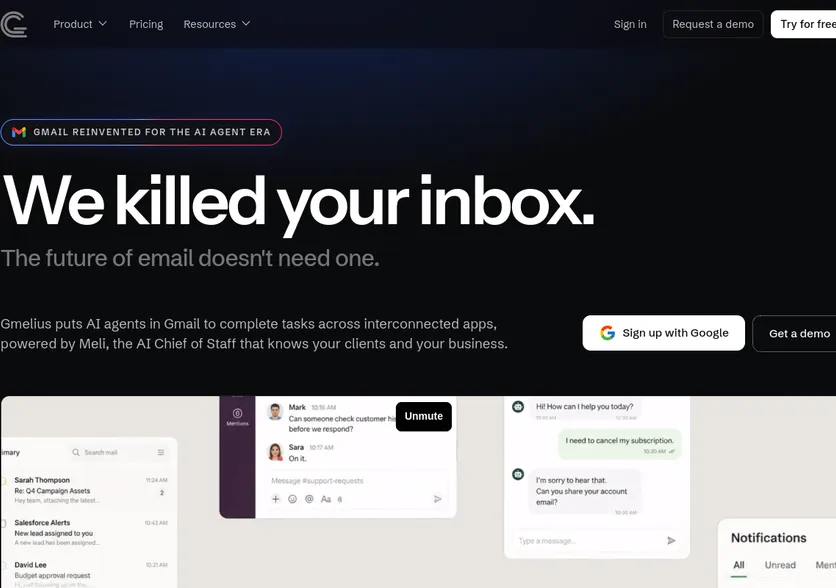
This Gmelius plan costs nineteen dollars per user a month billed annually for Meli, or twenty-one dollars on monthly billing. Gmelius adds shared inboxes, sequences and automation inside Gmail, so the team can send follow-ups and assign mail without leaving the inbox. The old twelve, nine and seven dollar figures in directories are stale, since Gmelius repriced in 2026 with new Meli, Growth and Pro tiers.
What we like
- Shared inboxes plus sequences and automation in Gmail
- Follow-ups run without leaving the inbox
- Meli tier covers the essentials at a fair price
Watch out for
- Gmail only, with no Outlook support
- Old directory prices are stale after the 2026 reprice
How to try it
- Open the Gmelius pricing page and check the Meli tier
- Install Gmelius in Gmail on one account
- Set up one sequence and one shared inbox before you pay
7. Zoho TeamInbox
Best for: Zoho teams that want the cheapest shared inbox
Paid tool Starting price: $5/user/month · Five dollars per user a month billed annually for the Starter plan; six dollars a month on monthly billing; the Professional plan costs seven dollars and fifty cents a month billed annually; the free plan is mobile-only for up to three users
Free plan: Free plan available (mobile app only, up to 3 users)
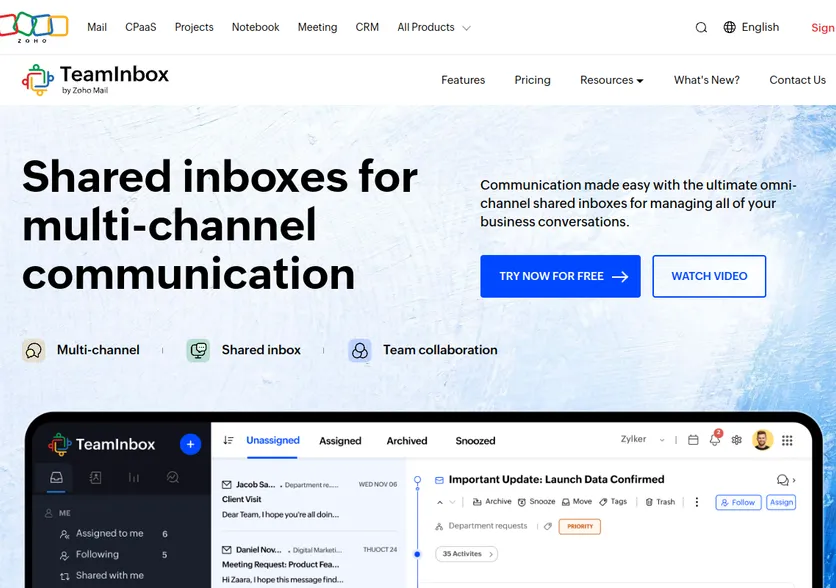
This Zoho TeamInbox plan costs five dollars per user a month billed annually for Starter, or six dollars on monthly billing. Zoho TeamInbox is the cheapest shared inbox in this comparison, and it pairs naturally with Zoho Mail at one dollar a user a month. The free plan is mobile-only, covering up to three users and thirty conversations a month, while desktop plans carry a fourteen-day trial only.
What we like
- Cheapest shared inbox in this comparison
- Pairs with Zoho Mail at one dollar a user a month
- Mobile free plan for up to three users
Watch out for
- Free plan is mobile-only, with no desktop access
- Professional tier costs half as much again
How to try it
- Open the Zoho TeamInbox pricing page and check the Starter tier
- Try the mobile free plan with up to three users
- Assign one real thread on the desktop trial before you pay
8. Spark
Best for: Small teams that want a smart inbox with a free plan
Paid tool Starting price: $8.25/user/month · Eight dollars and twenty-five cents per user a month billed annually for the Plus plan, ninety-nine dollars a year; ten dollars a month on monthly billing; the Pro plan costs twenty dollars a month
Free plan: Free plan available
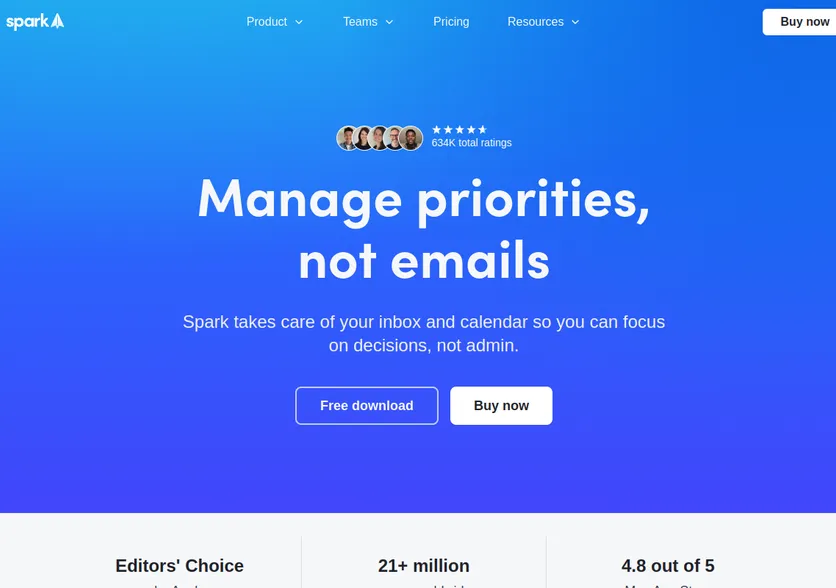
For a team that wants a smart inbox with a free plan, this Spark plan is Plus at eight dollars and twenty-five cents per user a month billed annually, or ninety-nine dollars a year. Spark repriced in November 2026, and the old Premium plan at seven dollars and ninety-nine cents is now a legacy App Store tier. The free Basic plan covers unlimited accounts with a smart inbox, calendar, send later and snooze, though full team features wait for Pro.
What we like
- Free Basic plan with unlimited accounts
- Smart inbox sorts the important mail first
- Send later and snooze are included free
Watch out for
- Prices changed in November 2026, so old guides are stale
- Team features wait for the Pro tier
How to try it
- Open the Spark pricing page and check the Plus tier
- Install Spark on one phone and one computer
- Try the smart inbox with your real mail for one week
Prices above were checked on each vendor’s own website on Nov 27, 2026 and can change — the vendor’s page is the final word. Vendor links are editorial: nobody paid to be listed or ranked here. Vendors who want a featured listing can see how it works on our Get listed page.
How a team should set up a shared inbox
Start with one mailbox, not all of them. Pick the busiest shared address, such as support@ or sales@, and move it to the new tool first. Assign every thread to one owner, and agree that no one replies to a thread they do not own. Collision detection stops two people answering at once, but only if the team actually uses assignment instead of replying from personal inboxes.
Write the internal comment habit into the workflow: discuss the message inside the tool, then reply to the customer once. Check the seat minimum before you buy, since some plans need two seats and others cap the cheapest tier at five users. When someone leaves, remove their access the same day so shared mail stays inside the team.
Before you buy
- Count the seats you need, since some plans have a minimum
- Check whether shared inboxes work on the cheapest tier
- Test assigning and commenting on one real thread
- Confirm the price covers all your domains or one only
- Ask what happens to shared mail when a team member leaves
Official websites
Official websites of the products reviewed above. Features and prices were checked against these sites when this guide was written, and they can change, so confirm on the vendor site before you buy.
Frequently asked questions
What is a shared inbox, and why does a team need one?
A shared inbox gives the whole team one mailbox, such as support@ or sales@, with assignment, internal comments and collision detection, so no message is answered twice or left unanswered. A normal inbox belongs to one person, and sharing it means forwarding, copying or sharing a password, which breaks the moment someone leaves. If two or more people answer the same address, a shared inbox is the tool for the job.
How much does email management software for teams cost?
Shared inbox tools in this comparison run from five dollars to twenty-two dollars per user a month. Zoho TeamInbox costs five dollars per user a month, Drag costs twelve dollars, and Missive costs fourteen dollars. Front costs nineteen dollars per seat a month, Hiver and Gmelius also cost nineteen dollars, and Help Scout costs twenty-two dollars per user a month. Most teams land between twelve and nineteen dollars per user a month.
Can a team manage email for free?
Yes, and the free tiers here are genuinely useful. Missive lists a free plan on the vendor's own blog, Drag and Hiver both offer a free-forever plan, and Zoho TeamInbox has a mobile free plan for up to three users. Spark has a free Basic plan with unlimited accounts. Start free with two team members on one shared mailbox, and pay only when the team outgrows the limits.
Which tool fits a Gmail team, and which fits an Outlook team?
Gmail teams should pick Hiver, Drag or Gmelius, which add shared inboxes inside Gmail without a new app to learn. Outlook teams should pick Front or Help Scout, which work across mail providers. Zoho teams should pick Zoho TeamInbox, which pairs with Zoho Mail at one dollar a user a month. The mail provider decides the tool more than the price does, so check compatibility before you compare features.
How do we switch to a shared inbox without losing mail?
Check three things before you move: whether the tool imports your old shared mail and folders cleanly, whether it keeps your custom domain working, and whether assignment history survives the move. Migrate one shared mailbox first and run both tools side by side for a week. If the import loses threads or the assignment rules break, you will find out before the whole team is stuck.
Compare the eight tools above, then trial the shared inbox with two team members on real support mail before you move the team.
Browse Business Tools tools