On this page
A signature is a legal document as much as a brand asset: the disclaimer at the bottom of every email has to be there, on every device, with no employee able to edit it away. The tools below apply signatures centrally, so marketing controls the design and legal controls the wording. Exclaimer is our first pick — at ninety cents per user per month it enforces server-side signatures for the whole company at the lowest price here.
How we researched this
We looked for signature tools with a published dollar price and central control over templates and disclaimers, then read each price on the vendor site on November 27, 2026. We judged them on server-side enforcement, ease of rollout and the trial or free plan each one carries. Quote-only platforms and tools with no published price were left out.
Compare the tools
| Name | Best for | Starting price | Free plan | |
|---|---|---|---|---|
| Exclaimer | Companies that need centrally enforced signatures with legal disclaimers | $0.90/user/month | No free plan; 14-day free trial (Standard plan) | Visit |
| WiseStamp | Small teams that want branded signatures with a free starting tier | $19/month + $1/user/month | Free plan: 1 signature for 1 user; 14-day free trial | Visit |
| CodeTwo Email Signatures 365 | Microsoft 365 companies that need server-side signatures at scale | $1.22/user/month | No free plan; 14-day free trial | Visit |
| Bybrand | Small businesses that want flat-rate pricing for up to ten signatures | $8/month | No free plan; free trial available | Visit |
| Letsignit | Teams that want signatures, vCards and banners in one flat-priced tool | $2/user/month | No free plan; free trial available | Visit |
| Newoldstamp | Companies that want per-signature pricing for a few shared mailboxes | $1.80/signature/month | No free plan; free trial available | Visit |
| SyncSignature | Small teams that want automatic syncing across five or more users | $15/month | Free plan: 1 signature; 7-day free trial | Visit |
The email signature software for compliance, compared
1. Exclaimer
Best for: Companies that need centrally enforced signatures with legal disclaimers
Paid tool Starting price: $0.90/user/month · Ninety cents per user per month for the Starter plan billed annually, with a ten-user minimum; Standard costs one dollar forty-five and Pro one dollar seventy-five per user per month
Free plan: No free plan; 14-day free trial (Standard plan)
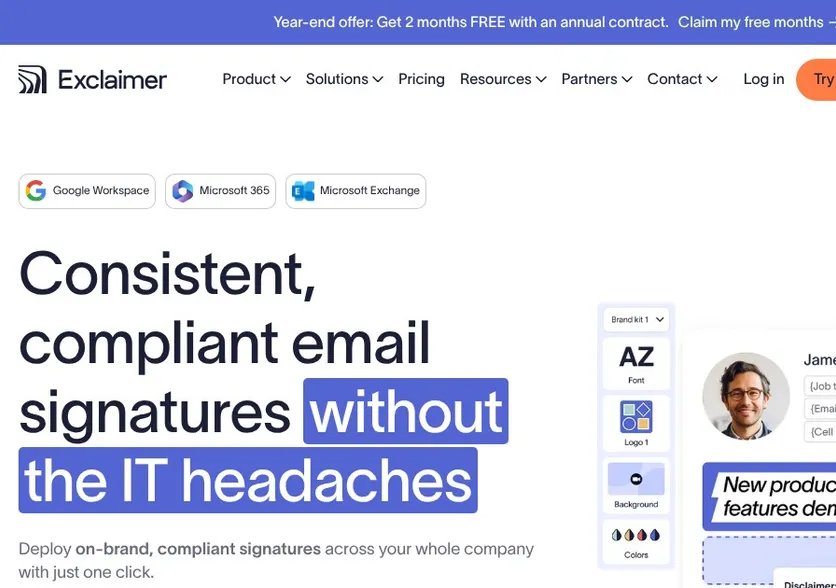
This Exclaimer plan is the compliance pick for teams that need every signature controlled from one place. Signatures are applied at the server, so they appear on every device and no employee can edit or drop the legal disclaimer. The template editor supports banners, disclaimers and campaign graphics, and changes roll out to the whole company in minutes.
What we like
- Server-side signatures appear on every device, with no user edits
- Central template control rolls changes out company-wide in minutes
- Disclaimer and campaign banner support built in
Watch out for
- Ten-user minimum on the cheapest plan
- No free plan, only a fourteen-day trial
How to try it
- Design one master template with the legal disclaimer included
- Assign the template to the whole company or by department
- Send a test email from a phone and confirm the signature appears
2. WiseStamp
Best for: Small teams that want branded signatures with a free starting tier
Paid tool Starting price: $19/month + $1/user/month · Nineteen dollars a month plus one dollar per user per month for the Basic plan billed annually, with a three-seat minimum; Grow costs forty-nine dollars plus one dollar per user, and Platform one hundred and eighty-nine dollars plus one dollar per user
Free plan: Free plan: 1 signature for 1 user; 14-day free trial
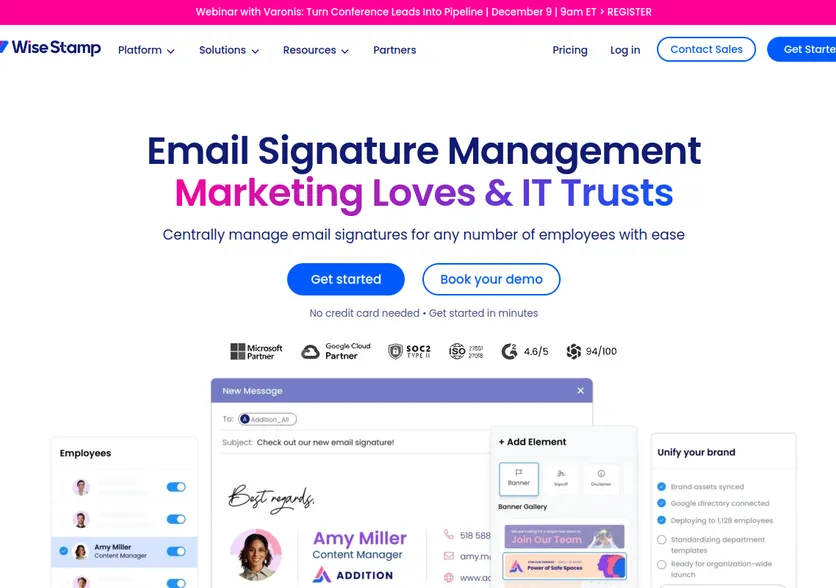
This WiseStamp plan is the friendly entry point for a small team that wants branded signatures without an IT project. The editor builds a signature with a photo, social icons and a promotional banner in minutes, and the free plan covers one user. Paid plans add central control, so the marketing team can update every signature at once.
What we like
- Free plan for one user, with a quick visual editor
- Social icons, photo and promotional banner in every signature
- Central control on paid plans keeps every signature on-brand
Watch out for
- Three-seat minimum on the paid plans
- Compliance controls are thinner than the enterprise tools here
How to try it
- Build your signature in the editor with a photo and social icons
- Install the browser extension or connect your mail provider
- Upgrade to Basic when you need central control over the team
3. CodeTwo Email Signatures 365
Best for: Microsoft 365 companies that need server-side signatures at scale
Paid tool Starting price: $1.22/user/month · One dollar twenty-two cents per user per month for yearly billing at ten licences, with volume pricing down to seventy-three cents; monthly billing costs one dollar thirty-six cents at ten licences
Free plan: No free plan; 14-day free trial
This CodeTwo Email Signatures 365 plan is the Microsoft 365 specialist in this comparison, applying signatures at the server for every mailbox. It enforces disclaimers and marketing banners on mail sent from any device, including phones, and the rules engine can show different signatures by department or sender. The price falls as the licence count grows, which suits a company that is hiring.
What we like
- Server-side signatures for every mailbox, on any device
- Rules engine shows different signatures by department or sender
- Price per user falls as the licence count grows
Watch out for
- Microsoft 365 only, with no Google Workspace support
- No free plan, only a fourteen-day trial
How to try it
- Connect CodeTwo to your Microsoft 365 tenant
- Build one template with the disclaimer and a banner slot
- Set a rule that shows a different signature per department
4. Bybrand
Best for: Small businesses that want flat-rate pricing for up to ten signatures
Paid tool Starting price: $8/month · Eight dollars a month for the base plan, with ten signatures included and eighty cents per extra signature, plus fifty cents per synced employee; billed monthly
Free plan: No free plan; free trial available
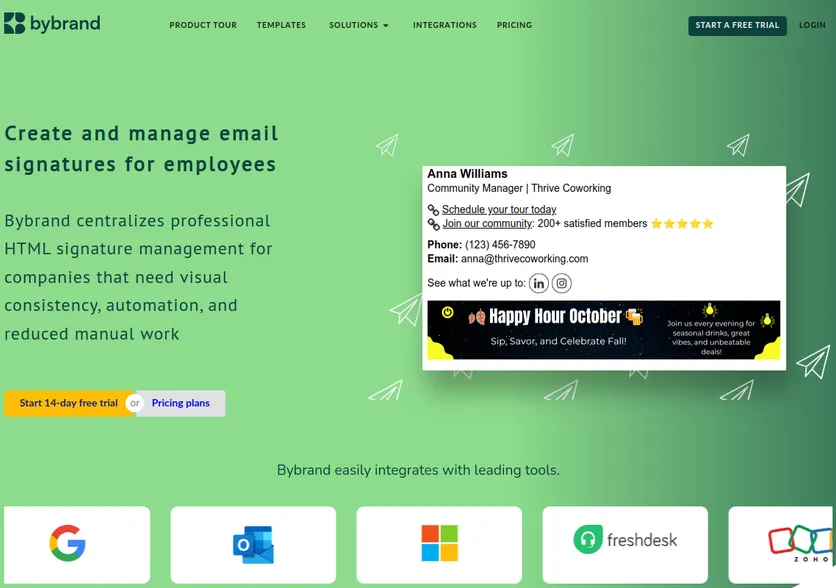
This Bybrand plan is the simplest flat-rate option here, with ten signatures included for eight dollars a month. The editor is fast and visual, and the directory sync keeps employee details current without manual updates. It suits a small business that wants neat, consistent signatures without per-user pricing.
What we like
- Flat eight dollars a month with ten signatures included
- Directory sync keeps employee details current automatically
- Fast visual editor with no learning curve
Watch out for
- Extra signatures cost eighty cents each beyond the first ten
- Compliance features are lighter than the enterprise tools here
How to try it
- Import your team from the directory sync
- Design one signature template and assign it to ten people
- Add extra signatures at eighty cents each as the team grows
5. Letsignit
Best for: Teams that want signatures, vCards and banners in one flat-priced tool
Paid tool Starting price: $2/user/month · Two dollars per user per month on annual subscriptions for the signatures and vCards plan, the slides plan and the platform plan; Enterprise pricing is custom
Free plan: No free plan; free trial available
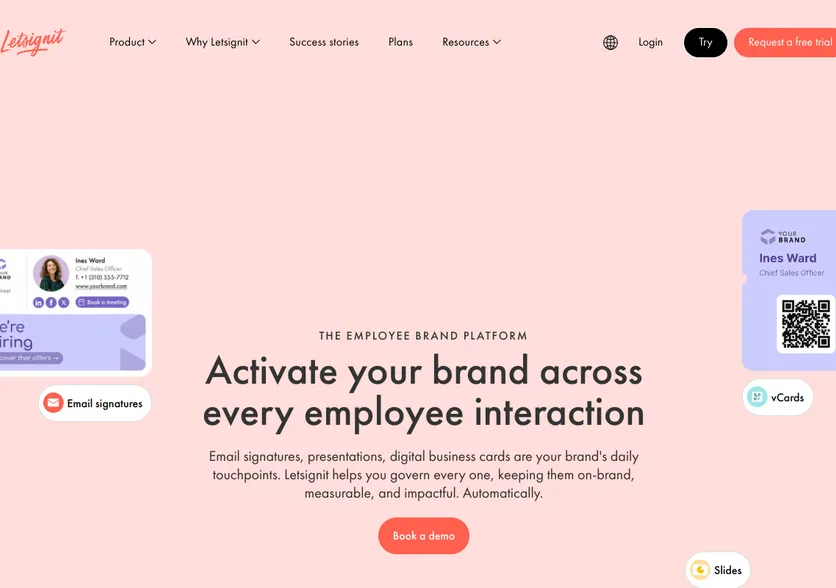
This Letsignit plan covers signatures, vCards and email banners at a flat two dollars per user per month. The central dashboard lets marketing push a new banner or disclaimer to every inbox at once, and the analytics show which banners earn clicks. It works with Microsoft 365 and Google Workspace, so a mixed team can use one tool.
What we like
- Flat two dollars per user, covering signatures, vCards and banners
- Central dashboard pushes updates to every inbox at once
- Banner click analytics included
Watch out for
- No free plan, only a free trial
- The entry plans share the same price, so features differ by tier
How to try it
- Connect your Microsoft 365 or Google Workspace account
- Build the signature and add a campaign banner
- Push the template to the whole team from the dashboard
6. Newoldstamp
Best for: Companies that want per-signature pricing for a few shared mailboxes
Paid tool Starting price: $1.80/signature/month · One dollar eighty cents per signature per month billed annually, per the vendor pricing page; a free trial is included
Free plan: No free plan; free trial available
This Newoldstamp plan prices by signature rather than by user, which suits a company with a few shared mailboxes. The editor offers polished templates with banners, social icons and a legal disclaimer block, and the signatures work across mail providers. Central management keeps every signature consistent when staff change roles.
What we like
- Priced per signature, not per user, for shared mailboxes
- Polished templates with banners and a disclaimer block
- Central management keeps signatures consistent when roles change
Watch out for
- No free plan, only a free trial
- Per-signature pricing can add up for a large team
How to try it
- Pick a template and add your legal disclaimer
- Create one signature per mailbox or role
- Share the install link with each employee and confirm it renders
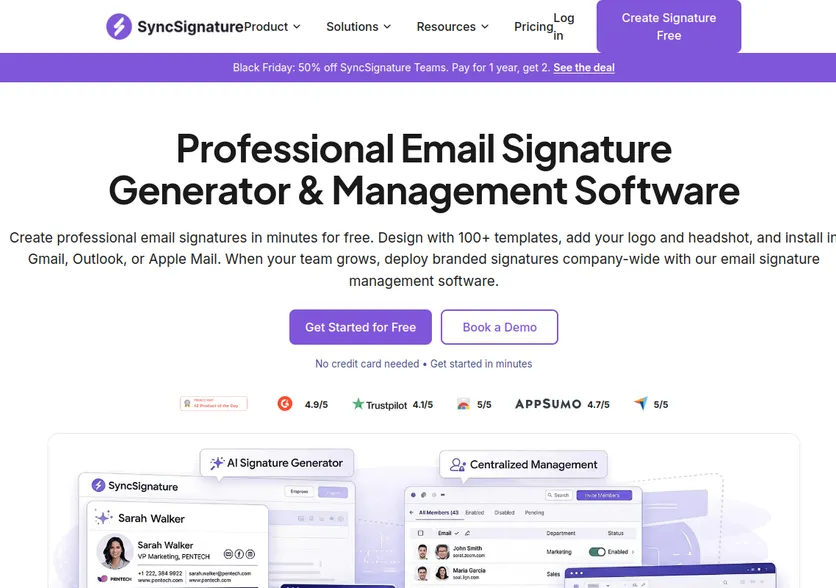
7. SyncSignature
Best for: Small teams that want automatic syncing across five or more users
Paid tool Starting price: $15/month · Fifteen dollars a month for the Teams plan covering up to five users, billed annually, then two dollars per user per month in bands of five; Solo costs six dollars a month
Free plan: Free plan: 1 signature; 7-day free trial
This SyncSignature plan is built for small teams that want signatures synced automatically across the company. The Teams plan covers five users for fifteen dollars a month, and the price per user falls as the team grows past twenty. A free plan covers a single signature, so a solo founder can start without paying.
What we like
- Automatic sync keeps every signature current without manual work
- Teams plan covers five users for fifteen dollars a month
- Free plan for a single signature
Watch out for
- Only seven days of free trial on the paid plans
- Priced in bands of five, so a sixth user starts a new band
How to try it
- Connect your mail provider and create the master template
- Invite the first five users to the Teams plan
- Check a sent email from a phone to confirm the signature syncs
Prices above were checked on each vendor’s own website on Nov 27, 2026 and can change — the vendor’s page is the final word. Vendor links are editorial: nobody paid to be listed or ranked here. Vendors who want a featured listing can see how it works on our Get listed page.
How to roll out compliant signatures without chasing staff
Pick a server-side tool, because a signature that lives on one laptop will never appear on a phone. Write the disclaimer with your lawyer once, then lock it into the template so no employee can edit it. Roll the signature out to one department first, check sent mail from a phone and a desktop, then push it company-wide.
Keep the design simple: a name, a role, a phone number and one banner is enough, and a cluttered signature looks unprofessional on a phone screen. Update banners centrally for campaigns, and remove them the day the campaign ends so old offers never circulate. Review the template every quarter, because staff changes and legal wording drift faster than most teams expect.
Before you buy
- Confirm signatures apply server-side so they appear on phones too
- Check the minimum user count before you commit to a plan
- Make sure the legal disclaimer cannot be edited by employees
- Test the signature on a phone and a desktop before rollout
- Confirm banner updates roll out centrally without reinstalling anything
Official websites
Official websites of the products reviewed above. Features and prices were checked against these sites when this guide was written, and they can change, so confirm on the vendor site before you buy.
Frequently asked questions
What is the cheapest email signature software for compliance?
Exclaimer starts at ninety cents per user per month billed annually, with a ten-user minimum, which makes it the cheapest compliant option here for a team of ten or more. CodeTwo costs one dollar twenty-two cents per user per month at ten licences, and Newoldstamp costs one dollar eighty cents per signature per month. For a very small team, Bybrand at eight dollars a month for ten signatures is the cheapest flat rate.
Why do signatures need to be applied server-side?
A signature stored on one laptop only appears when that laptop sends the mail, so messages from a phone or a web inbox arrive with no signature and no disclaimer. A server-side signature is applied by the mail server itself, so it appears on every message from every device. That is the only way to guarantee a legal disclaimer is present, and it also stops employees editing the wording.
Can employees edit their own signature?
With a centrally managed tool, no. Exclaimer, CodeTwo and Letsignit all lock the template so employees cannot change the disclaimer, the banner or the branding. With a free or individual tool such as WiseStamp, each person manages their own signature, which is fine for branding but not for compliance. If the disclaimer matters legally, pick a tool with central control and server-side enforcement.
What should a compliant email signature include?
At minimum, the sender name, role, company name and a legal disclaimer approved by your lawyer. Many companies add a registered address, a company number and a link to the privacy policy. Keep the design to one banner and a few lines of text, because a long signature looks messy on a phone and can trip spam filters. Review the wording every quarter, since staff and legal requirements change.
Do these tools work with Google Workspace?
Most do, with one exception. Letsignit, WiseStamp, Bybrand, Newoldstamp and SyncSignature all support Google Workspace as well as Microsoft 365. Exclaimer supports both too, with server-side signatures for each. CodeTwo is the exception: it is built for Microsoft 365 only, so a Google Workspace company should pick one of the other six tools in this comparison.
Pick the tool that enforces signatures server-side, then lock the disclaimer into one template and roll it out department by department.
Browse Business Tools tools