On this page
A good email template does two jobs: it looks professional on a phone, and it takes ten minutes to build instead of an afternoon. The builders below range from ten dollars a month to two hundred, and the cheapest ones are often the best fit for a small business. Stripo is our first pick — its editor handles interactive elements and its template library covers the emails a small business actually sends.
How we researched this
We looked for email template builders with a published dollar price and a drag-and-drop editor a small business can use without a designer, then read each price on the vendor site on November 27, 2026. We judged them on template quality, export options and the free plan or trial each one carries. Quote-only tools and builders priced only in euros were left out.
Compare the tools
| Name | Best for | Starting price | Free plan | |
|---|---|---|---|---|
| Stripo | Small businesses that want interactive templates and a strong library | $20/month | Free plan: 4 exports a month | Visit |
| BeeFree | Non-designers who want the easiest canvas and a free start | $30/month | Free Starter plan: 10 designs and 6 exports | Visit |
| Postcards | Small businesses that want studio-quality template design | $16/month | Free Start plan: 10 projects and 5 exports | Visit |
| Topol.io | Small businesses that want the cheapest paid template builder | $10/month | No free plan; 14-day free trial | Visit |
| Blocks | Teams that want reusable blocks for consistent emails | $16/month | Free plan available | Visit |
| Unlayer | Software teams that need an embeddable editor inside their product | $250/month | Forever-free plan available | Visit |
| Chamaileon | Agencies and software teams that build emails for many clients | $200/month | Free Starter plan: 10 monthly active users | Visit |
The email template builder software for small business, compared
1. Stripo
Best for: Small businesses that want interactive templates and a strong library
Paid tool Starting price: $20/month · Twenty dollars a month for the Basic plan, or two hundred dollars a year with annual billing; Medium costs forty-five dollars a month and Pro ninety-five dollars a month
Free plan: Free plan: 4 exports a month
This Stripo plan is the most complete template builder here, with a drag-and-drop editor that handles interactive elements such as countdown timers and image carousels. The template library covers the emails a small business actually sends, from welcome messages to sale announcements. Four free exports a month let a business test the editor before paying.
What we like
- Drag-and-drop editor with interactive elements such as timers
- Large template library for welcome, sale and newsletter emails
- Four free exports a month to test before paying
Watch out for
- Interactive features need the higher plans for full use
- The price rises quickly from Basic to Pro
How to try it
- Pick a template for the email you need to send
- Drag in your logo, colours and product photos
- Export the template to your email platform and send a test
2. BeeFree
Best for: Non-designers who want the easiest canvas and a free start
Paid tool Starting price: $30/month · Thirty dollars a month for the Professional plan; Business costs one hundred and sixty dollars a month; a free Starter plan covers ten designs and six exports
Free plan: Free Starter plan: 10 designs and 6 exports
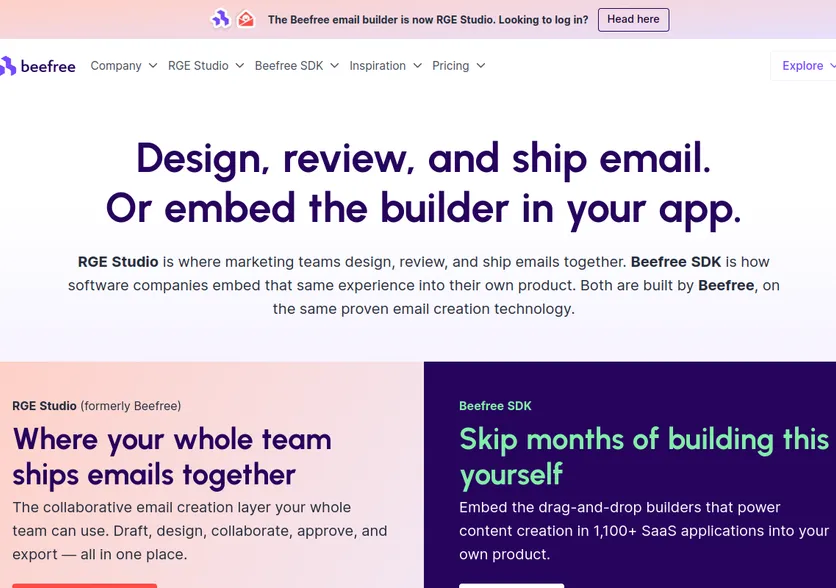
This BeeFree plan is the easiest builder here for a non-designer, with a clean canvas and rows that snap into place. The free Starter plan covers ten designs and six exports, so a small business can build real templates before paying. Paid plans add team seats and brand controls, which matter once more than one person edits the emails.
What we like
- Cleanest canvas here, with rows that snap into place
- Free Starter plan with ten designs and six exports
- Brand controls on paid plans for team editing
Watch out for
- The jump from Professional to Business is steep
- The SDK is a separate product with a much higher price
How to try it
- Start on the free Starter plan and build one template
- Add your logo and brand colours to the design
- Export the template and test it in your email platform
3. Postcards
Best for: Small businesses that want studio-quality template design
Paid tool Starting price: $16/month · Sixteen dollars a month for the Plus plan billed annually, or nineteen dollars billed monthly; Pro costs twenty-four dollars a month billed annually
Free plan: Free Start plan: 10 projects and 5 exports
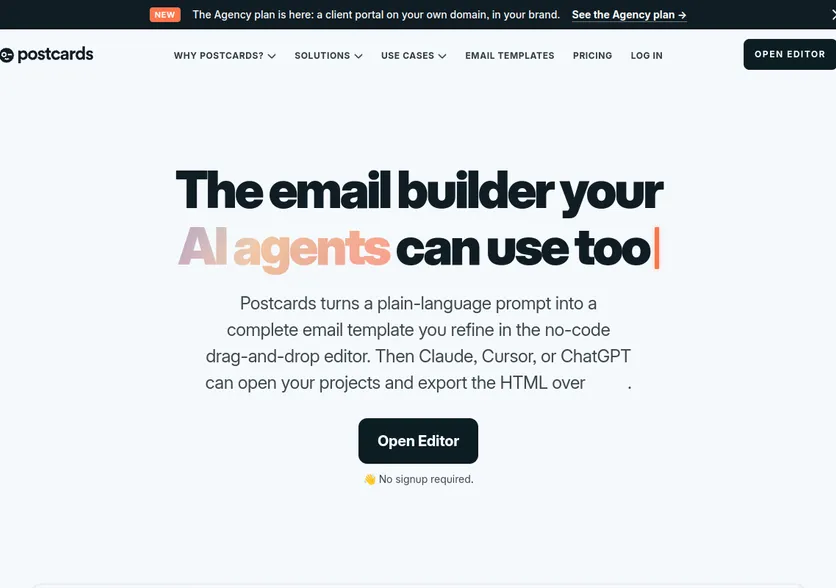
This Postcards plan is the design-led pick here, with templates that look like they came from a studio. The editor is visual and fast, and the free Start plan covers ten projects and five exports. It suits a small business that cares about how the email looks as much as what it says.
What we like
- Studio-quality templates that look professionally designed
- Fast visual editor with no learning curve
- Free Start plan with ten projects and five exports
Watch out for
- Fewer automation features than the email platforms here
- Pro plan needed for the full template library
How to try it
- Browse the template library and pick a design
- Swap in your copy, photos and brand colours
- Export five templates free, then upgrade to Plus for more
4. Topol.io
Best for: Small businesses that want the cheapest paid template builder
Paid tool Starting price: $10/month · Ten dollars a month for the PRO plan billed annually, or fifteen dollars billed monthly; Team costs fifteen dollars a month billed annually for three members
Free plan: No free plan; 14-day free trial
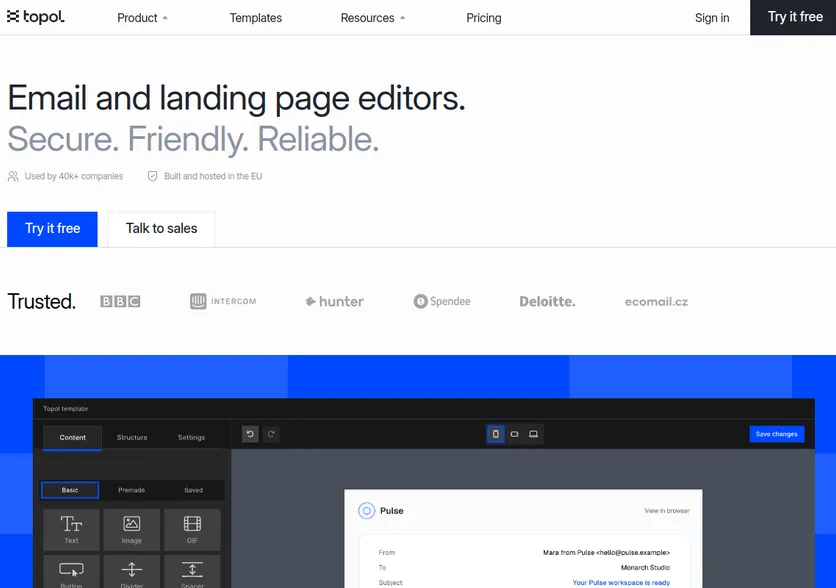
This Topol.io plan is the cheapest paid builder in this comparison, at ten dollars a month billed annually. The editor is simple and fast, with ready-made blocks for headers, products and buttons that a small business can reuse. It exports clean code for any email platform, which keeps the workflow flexible.
What we like
- Cheapest paid builder here at ten dollars a month
- Ready-made blocks for headers, products and buttons
- Clean exports that work in any email platform
Watch out for
- No free plan, only a fourteen-day trial
- Smaller template library than Stripo or BeeFree
How to try it
- Start the fourteen-day trial and build one template
- Reuse the product and header blocks for the next email
- Export the code and paste it into your email platform
5. Blocks
Best for: Teams that want reusable blocks for consistent emails
Paid tool Starting price: $16/month · Sixteen dollars a month for the Start plan billed annually, or twenty dollars billed monthly; Advanced costs thirty-seven dollars a month billed annually and Pro seventy-nine dollars a month
Free plan: Free plan available
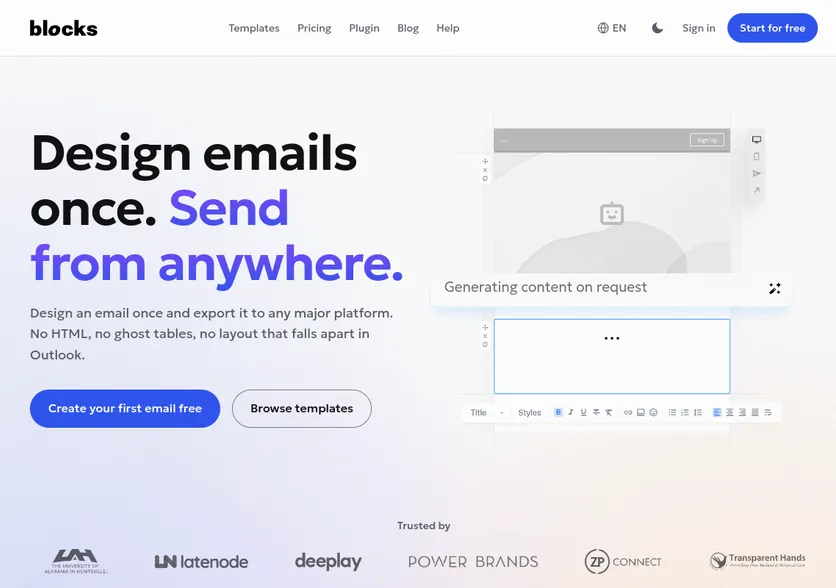
This Blocks plan takes a modular approach: every email is built from reusable blocks, so a small business can keep a consistent look without rebuilding each time. The editor is fast, and the free plan lets a team test the workflow before paying. Shared blocks make it easy for two people to build emails that match.
What we like
- Reusable blocks keep every email looking consistent
- Fast editor with a free plan to test the workflow
- Shared blocks help two people build matching emails
Watch out for
- The free plan is limited in blocks and exports
- Fewer ready-made templates than Stripo
How to try it
- Create a header block and a footer block first
- Build the first email from your saved blocks
- Share the blocks with a teammate and check the result matches
6. Unlayer
Best for: Software teams that need an embeddable editor inside their product
Paid tool Starting price: $250/month · Two hundred and fifty dollars a month for the Launch plan; Scale costs seven hundred and fifty dollars a month and Optimize two thousand dollars a month; annual billing saves around ten percent
Free plan: Forever-free plan available
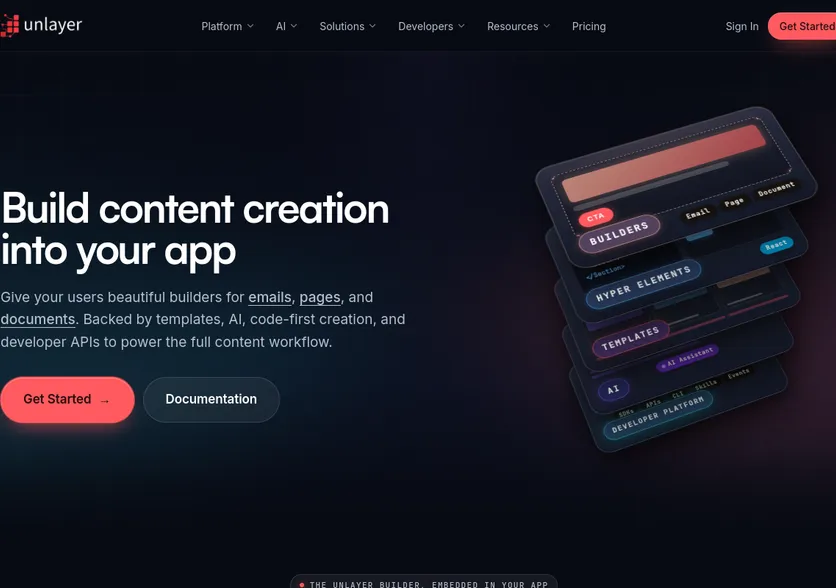
This Unlayer plan is an embeddable editor, which makes it the odd one out here: it is built for software companies that want to put a template builder inside their own product. The editor itself is excellent, with a clean drag-and-drop canvas and solid exports. For a small business that only needs its own emails, the price is far higher than the other builders here.
What we like
- Excellent drag-and-drop editor with solid exports
- Built to embed inside another product
- Forever-free plan for testing
Watch out for
- Two hundred and fifty dollars a month is far above the other builders
- Overkill for a business that only builds its own emails
How to try it
- Try the free plan and build one template
- Check the export quality in your email platform
- Talk to sales only if you need to embed the editor
7. Chamaileon
Best for: Agencies and software teams that build emails for many clients
Paid tool Starting price: $200/month · From two hundred dollars a month for the Standard plan, with two hundred monthly active users; Scale starts at six hundred dollars a month; Starter is free with ten monthly active users
Free plan: Free Starter plan: 10 monthly active users
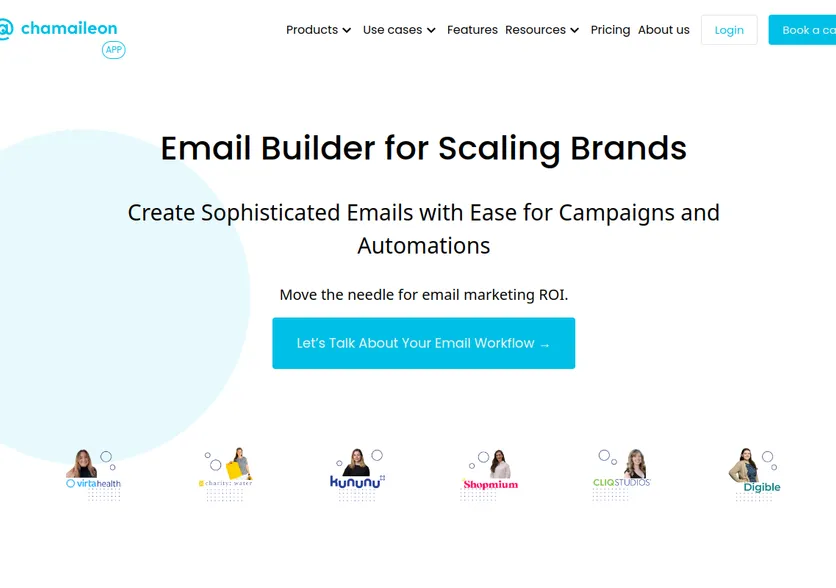
This Chamaileon plan is also an embeddable editor, aimed at agencies and software teams that build emails for many clients. The collaboration tools are strong, with roles and approvals for teams that need sign-off. The price starts at two hundred dollars a month, so it only makes sense for a business that builds templates for others.
What we like
- Strong collaboration with roles and approvals
- Built for teams that build emails for many clients
- Free Starter plan for ten monthly active users
Watch out for
- Two hundred dollars a month is far above the other builders
- Not built for a business that only sends its own emails
How to try it
- Start on the free Starter plan and build one template
- Set up a role for the person who approves designs
- Upgrade to Standard when you need more than ten active users
Prices above were checked on each vendor’s own website on Nov 27, 2026 and can change — the vendor’s page is the final word. Vendor links are editorial: nobody paid to be listed or ranked here. Vendors who want a featured listing can see how it works on our Get listed page.
How to pick a template builder that saves time
Start with the free plan or trial and build one real email, not a demo: a sale announcement or a welcome message, with your own photos and copy. Check the export on a phone, because a template that looks good on a desktop can break on a small screen. If the builder exports clean code for your email platform, the workflow will stay smooth; if it does not, every send becomes a fight.
Keep one master template for the brand and reuse it: the same header, footer and colours on every email, with the content swapped each time. Avoid the embeddable editors here unless you build emails for other people, because their prices start at two hundred dollars a month. For most small businesses, a ten to twenty dollar builder with a good library is the right spend.
Before you buy
- Check the free export limit before you build your first template
- Confirm the export works cleanly in your email platform
- Make sure the template renders well on a phone screen
- Test the editor with your own photos and copy, not a demo
- Avoid embeddable editors unless you build emails for other people
Official websites
Official websites of the products reviewed above. Features and prices were checked against these sites when this guide was written, and they can change, so confirm on the vendor site before you buy.
Frequently asked questions
What is the cheapest email template builder for a small business?
Topol.io costs ten dollars a month billed annually for the PRO plan, the cheapest paid builder in this comparison. Stripo and Blocks both start at sixteen dollars a month billed annually, and Postcards costs sixteen dollars a month too. BeeFree and Stripo both have free plans, so a small business can build real templates before paying anything. Unlayer and Chamaileon start at two hundred dollars a month or more, so they are not budget picks.
Do I need a designer to use these builders?
No, that is the point. Stripo, BeeFree, Postcards, Topol and Blocks all use drag-and-drop editors with ready-made templates, so a business owner can build a professional email in under an hour. The templates handle spacing, fonts and mobile layout, and you only swap in your copy, photos and colours. A designer helps for a custom look, but it is not required to send good-looking email.
What is the difference between Stripo and BeeFree?
Stripo is the more powerful builder, with interactive elements such as countdown timers and image carousels, and a larger template library for the emails a business actually sends. BeeFree is the easier builder, with a cleaner canvas and rows that snap into place, which suits a non-designer. Stripo costs twenty dollars a month for Basic, while BeeFree costs thirty dollars a month for Professional. Pick Stripo for features, BeeFree for ease.
Why are Unlayer and Chamaileon so much more expensive?
They are not built for a business that sends its own emails. Unlayer and Chamaileon are embeddable editors: software companies and agencies put them inside their own products so their customers can build emails there. That use case justifies two hundred dollars a month or more, with collaboration and approval tools included. A small business that only builds its own emails should pick Stripo, BeeFree or Topol instead.
Can I export templates to any email platform?
Mostly yes. Stripo, BeeFree, Postcards, Topol and Blocks all export HTML that works in the major email platforms, and several connect directly to the big ones. Check the export options before you pay, because a builder that only exports to one platform will lock you in. Test one export with your own platform during the free plan or trial, and check the result on a phone before you commit.
Start on a free plan or trial, build one real email with your own photos, and check it on a phone before you pay.
Browse Marketing & Ads Calculators tools