On this page
An email that lands in spam, renders broken on an iPhone, or fails authentication is a failed send — and a QA team exists to catch it before the audience does. The tools below test spam scores, rendering, sandbox delivery and inbox placement, at prices from five dollars a month. Mailtrap is our first pick — its sandbox catches test emails safely and shows the spam score and render in one place.
How we researched this
We looked for email testing tools with a published dollar price and a plan a QA team can buy without a sales call, then read each price on the vendor site on November 27, 2026. We judged them on spam, render, sandbox and placement coverage, and on the free plan or trial each one carries. Quote-only tools, tools priced only in pounds, and free open-source tools with no paid plan were left out.
Compare the tools
| Name | Best for | Starting price | Free plan | |
|---|---|---|---|---|
| Unspam | QA teams that want pay-per-test pricing with a low minimum | $5/month | Free plan: 21 tests a month | Visit |
| Mailgun Inspect | QA teams that test rendering across many email clients | $99/month | No free plan; 1-month free trial | Visit |
| Parcel | Developers who hand-code email templates and want live previews | $29/user/month | Free Community plan; no inbox previews | Visit |
| Mail-Tester | Teams that want a fast spam score with no setup | $10/month | Free occasional manual tests; no account needed | Visit |
| Mailtrap | QA teams that need a safe sandbox for staging emails | $14/month | Free plan: 50 test emails a month | Visit |
| Mailosaur | QA teams that automate email tests with code | $20/month | No free plan; 14-day free trial | Visit |
| Warmy | Teams that need warmup and inbox placement testing per mailbox | $49/month | No free plan; 7-day free trial, no card required | Visit |
The email testing software for QA teams, compared
1. Unspam
Best for: QA teams that want pay-per-test pricing with a low minimum
Paid tool Starting price: $5/month · Five dollars a month minimum, pay per test; the free plan covers twenty-one tests a month; custom plan charges ten cents per device preview, twenty cents per screenshot, thirty cents per heatmap, eighteen cents per spam test, fifty cents per inbox placement; yearly billing saves fifteen percent
Free plan: Free plan: 21 tests a month
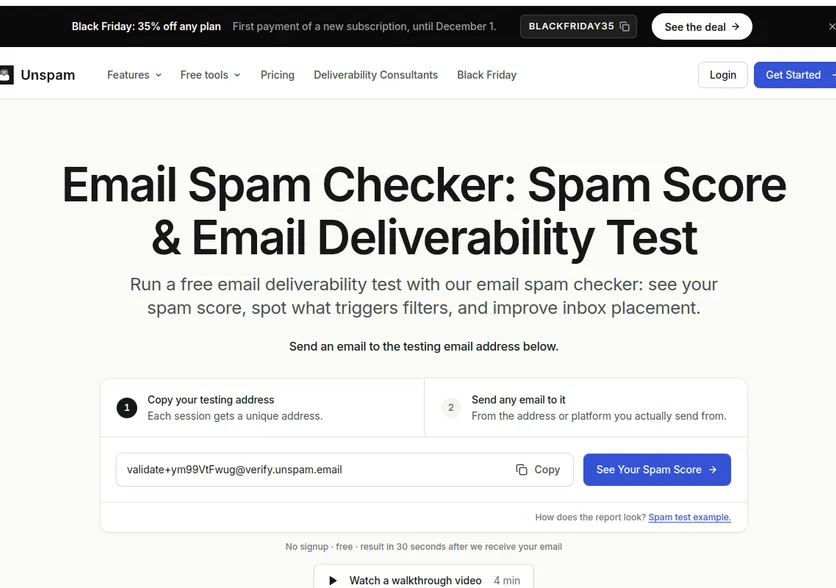
This Unspam plan is the cheapest way into email testing, with a five-dollar monthly minimum and pay-per-test pricing after that. It covers spam checks, device previews and inbox placement, so a QA team can test the whole email without buying a suite. The free plan covers twenty-one tests a month, which is enough for a small team to check every send.
What we like
- Five-dollar minimum with pay-per-test pricing after that
- Covers spam, device previews and inbox placement in one tool
- Free plan covers twenty-one tests a month
Watch out for
- Pay-per-test costs can add up for a team that tests daily
- Smaller vendor with fewer integrations than the big suites
How to try it
- Send a test email to your Unspam address
- Review the spam score and the device previews
- Fix the worst issue and retest before the real send
2. Mailgun Inspect
Best for: QA teams that test rendering across many email clients
Paid tool Starting price: $99/month · Ninety-nine dollars a month for the Basic plan with one thousand previews; Premium costs one hundred and ninety-nine dollars a month for two thousand previews; overages cost fifteen cents per preview; a one-month free trial is included
Free plan: No free plan; 1-month free trial
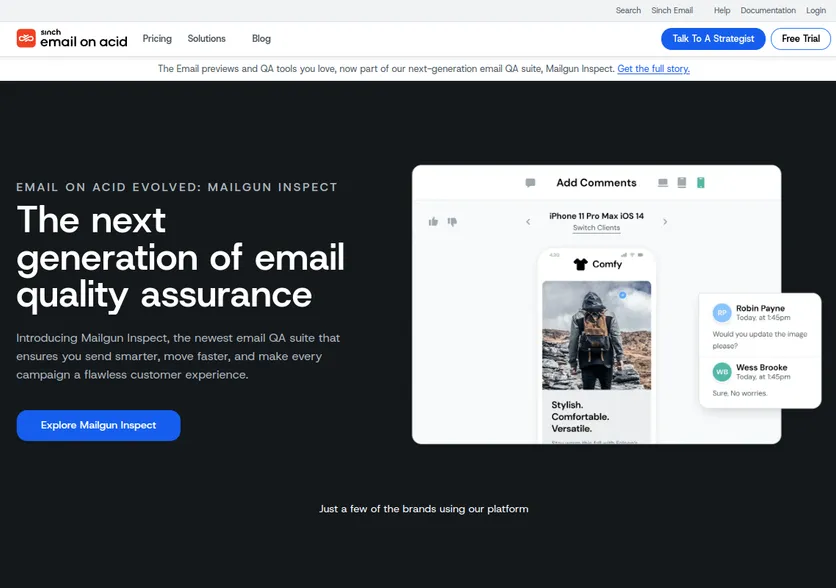
This Mailgun Inspect plan is the render-testing specialist here, showing how an email looks across dozens of clients and devices. It was formerly Email on Acid, and the move to Mailgun in June 2026 kept the same testing tools under a new name. The Basic plan covers one thousand previews a month, which suits a team that tests every campaign.
What we like
- Renders across dozens of email clients and devices
- One thousand previews a month on the Basic plan
- One-month free trial to test the full feature set
Watch out for
- Ninety-nine dollars a month is the second-highest price here
- No free plan, only a one-month trial
How to try it
- Send a test email to your Inspect address
- Check the render across the clients your audience uses
- Fix the broken layouts and retest before the send
3. Parcel
Best for: Developers who hand-code email templates and want live previews
Paid tool Starting price: $29/user/month · Twenty-nine dollars per user per month for the Pro plan; Business costs fifty-six dollars per user per month; Community is free with no inbox previews; the Inbox Previews add-on costs forty-nine dollars for the first five hundred previews, then nine cents each
Free plan: Free Community plan; no inbox previews
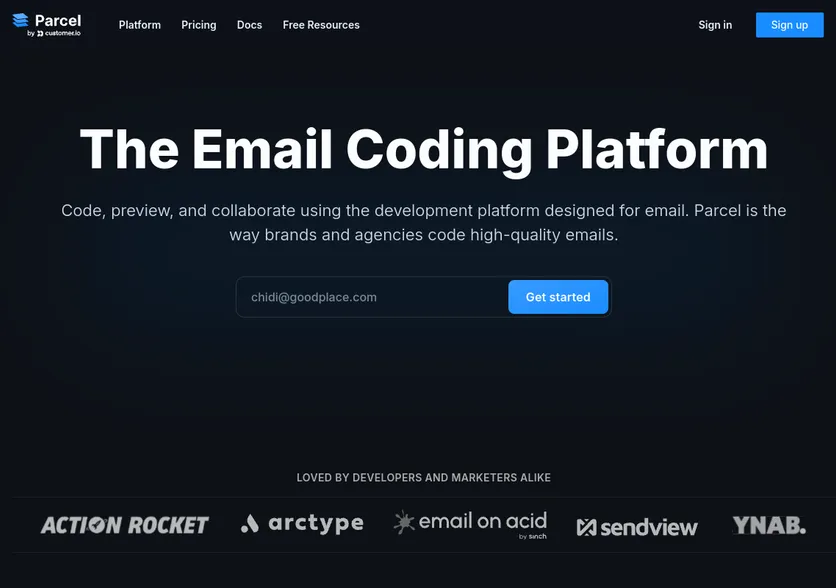
This Parcel plan is the code-first pick here, built for teams that hand-code their email templates. It previews the code as you write it, catches broken markup before the send, and integrates with the tools developers already use. The free Community plan covers coding, while inbox previews are a paid add-on.
What we like
- Live previews as you write the email code
- Catches broken markup before the send
- Free Community plan for coding work
Watch out for
- Inbox previews cost extra on top of the plan
- Less useful for teams that only use drag-and-drop editors
How to try it
- Open the editor and paste your email code
- Fix the markup errors it flags in real time
- Add the Inbox Previews add-on and test the render
4. Mail-Tester
Best for: Teams that want a fast spam score with no setup
Paid tool Starting price: $10/month · Ten dollars a month for fifty tests; five hundred tests cost twenty-five dollars, two thousand cost eighty dollars and seven thousand five hundred cost two hundred and fifty dollars, before VAT; occasional manual tests are free with no account
Free plan: Free occasional manual tests; no account needed
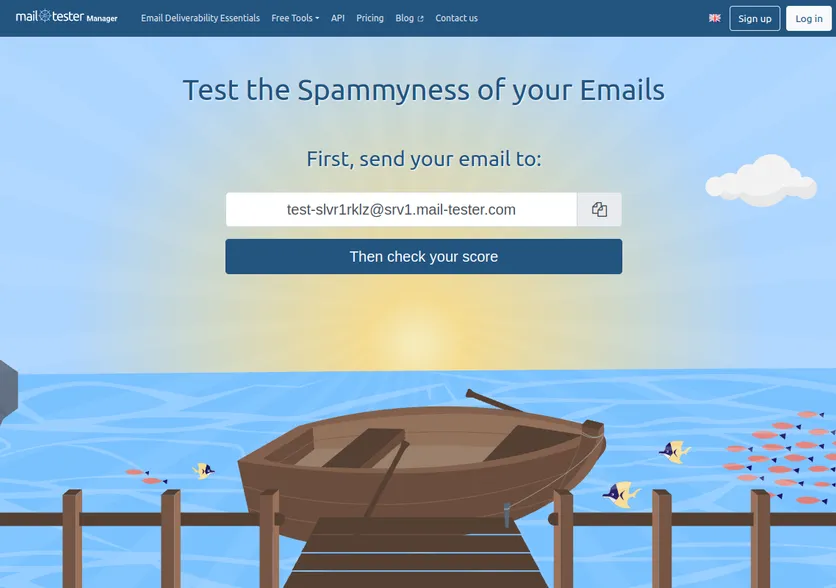
This Mail-Tester plan is the simplest spam check here: send an email to the address it gives you and get a score out of ten. It checks authentication, content and blocklists in seconds, and the paid plans add bulk testing for teams that check many emails. The free manual test needs no account, so anyone can try it in a minute.
What we like
- Spam score out of ten in seconds, with no account needed
- Checks authentication, content and blocklists at once
- Cheap bulk plans for teams that test many emails
Watch out for
- No render testing, so it pairs with another tool
- The free test is manual only, with no automation
How to try it
- Send a test email to the Mail-Tester address
- Read the score and fix the red flags
- Retest after the fix and aim for nine or ten
5. Mailtrap
Best for: QA teams that need a safe sandbox for staging emails
Paid tool Starting price: $14/month · Fourteen dollars a month for the Basic sandbox plan billed yearly, or seventeen dollars billed monthly; Team costs thirty-four dollars a month billed yearly and Business ninety-nine dollars a month billed yearly; free plan covers fifty test emails a month
Free plan: Free plan: 50 test emails a month
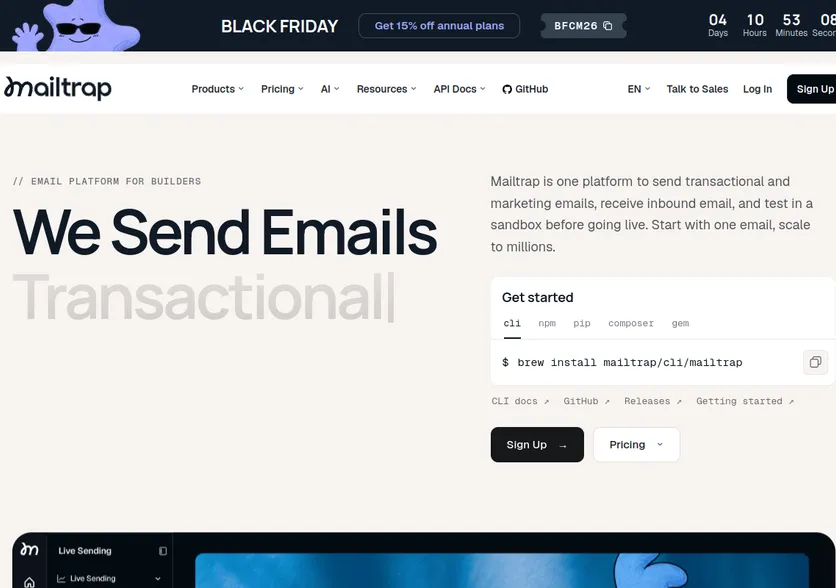
This Mailtrap plan is the sandbox pick here: it catches test emails before they reach a real inbox, so a QA team can check the whole flow without spamming anyone. The sandbox shows the HTML, the spam score and the render in one place. The free plan covers fifty test emails a month, which is enough for a small team to test every send.
What we like
- Sandbox catches test emails before any real inbox
- Shows HTML, spam score and render in one place
- Free plan covers fifty test emails a month
Watch out for
- The sandbox is separate from the sending product, which costs extra
- The cheapest plan limits the team to one project
How to try it
- Point your staging app at the Mailtrap sandbox
- Send a test email and check the spam score
- Inspect the render and fix any broken layout
6. Mailosaur
Best for: QA teams that automate email tests with code
Paid tool Starting price: $20/month · Twenty dollars a month for the Personal plan billed annually; Core costs fifty dollars a month billed annually; the previews add-on starts at twenty-five dollars a month; a fourteen-day free trial is included
Free plan: No free plan; 14-day free trial
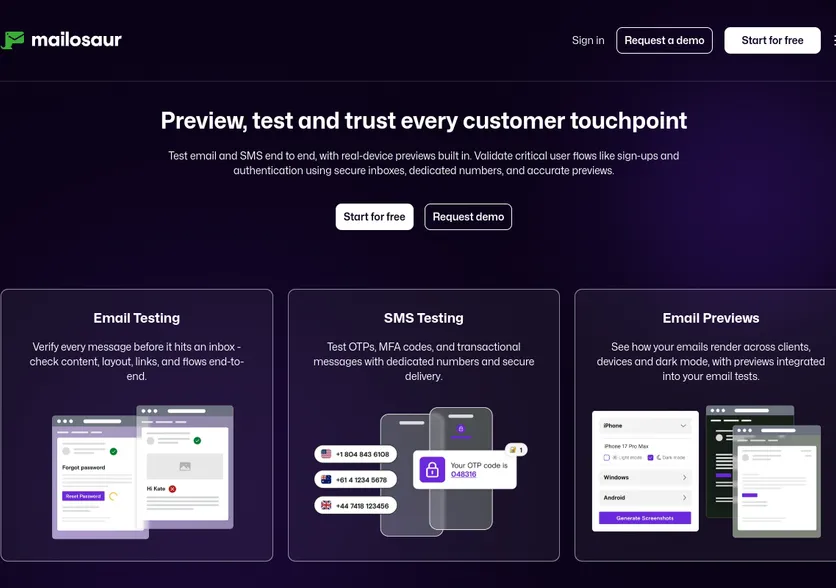
This Mailosaur plan is the automation pick here, built for QA teams that test email flows with code. It gives each test a real inbox address, then lets the test suite read the message and check the content automatically. That makes it the best fit for a team that already runs automated tests and wants email in the same suite.
What we like
- Real inbox addresses for automated test suites
- Tests can read and check message content automatically
- Fourteen-day free trial to build the first test
Watch out for
- No free plan, only a fourteen-day trial
- Needs coding skill, so it suits developers more than marketers
How to try it
- Create a test inbox and send an email to it
- Write a test that checks the subject and the content
- Run the suite in your CI pipeline before each release
7. Warmy
Best for: Teams that need warmup and inbox placement testing per mailbox
Paid tool Starting price: $49/month · Forty-nine dollars a month per mailbox for the Starter plan; Business costs one hundred and twenty-nine dollars, Premium one hundred and eighty-nine dollars, Expert two hundred and seventy-nine dollars and Platinum four hundred and twenty-nine dollars per mailbox; a seven-day trial needs no card
Free plan: No free plan; 7-day free trial, no card required
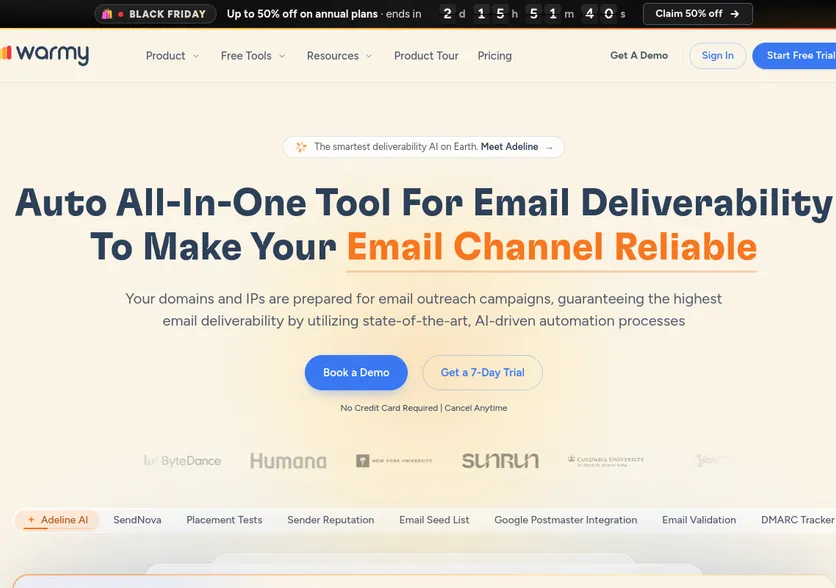
This Warmy plan warms up a mailbox and tests inbox placement, which makes it the deliverability pick here. It sends test emails, tracks whether they land in the inbox or the spam folder, and monitors DMARC records. The price is per mailbox, so a team with many senders should count the seats before committing.
What we like
- Warmup and inbox placement testing in one tool
- DMARC monitoring included on every plan
- Seven-day trial with no card required
Watch out for
- Priced per mailbox, so many senders cost more
- No free plan, only a seven-day trial
How to try it
- Connect the mailbox you want to warm up
- Let Warmy run the warmup and placement tests
- Check the placement report and fix any authentication gaps
Prices above were checked on each vendor’s own website on Nov 27, 2026 and can change — the vendor’s page is the final word. Vendor links are editorial: nobody paid to be listed or ranked here. Vendors who want a featured listing can see how it works on our Get listed page.
How a QA team should test every email
Test in the sandbox first, because a test email that reaches a real customer is a mistake you cannot undo. Send the email to the sandbox, check the spam score and the render on the clients your audience uses, then fix the worst issue and test again. Aim for a spam score of nine or ten, and never send an email that scores below seven.
Automate the checks you run every time: authentication, the spam score and the render on the top three clients. Keep a checklist for the rest, such as the unsubscribe link and the plain-text version, and run it by hand before the send. If you send from a new domain, warm it up first, because a cold domain lands in spam no matter how clean the email is.
Before you buy
- Check the free test limit before you commit to a paid plan
- Confirm the tool tests the email clients your audience uses
- Make sure the sandbox catches test mail before any real inbox
- Test the spam score on a real campaign email, not a demo
- Price the plan at your real test volume, not the starter tier
Official websites
Official websites of the products reviewed above. Features and prices were checked against these sites when this guide was written, and they can change, so confirm on the vendor site before you buy.
Frequently asked questions
What is the cheapest email testing software for a QA team?
Unspam starts at five dollars a month with a pay-per-test model, and its free plan covers twenty-one tests a month. Mail-Tester costs ten dollars a month for fifty tests, and its free manual test needs no account at all. Mailtrap costs fourteen dollars a month billed yearly, with a free plan for fifty test emails a month. For a small team that tests a few emails a week, Unspam is the cheapest paid option here.
What is the difference between a spam test and an inbox placement test?
A spam test scores one email against spam filters and blocklists, and tells you whether the content and authentication look safe. An inbox placement test sends the email to seed inboxes across providers and reports whether it lands in the inbox, the promotions tab or the spam folder. Spam tests are cheaper and faster; placement tests tell you what actually happens. A QA team should run both before an important send.
Why did Email on Acid become Mailgun Inspect?
Email on Acid was acquired and rebranded as Mailgun Inspect in June 2026, and existing subscribers began moving to the new name that month. The testing tools stayed the same: render previews across email clients, spam checks and analytics. The Basic plan costs ninety-nine dollars a month for one thousand previews, and a one-month free trial is included. If you find old Email on Acid links, they now point to Mailgun Inspect.
Can I test emails without sending them to real people?
Yes, that is what a sandbox is for. Mailtrap catches test emails in a sandbox, so nothing reaches a real inbox while the QA team checks the content, the spam score and the render. Unspam and Mail-Tester also test without a real send: you send the email to a test address and read the report. Never test on a live list, because a test email that reaches a customer is a mistake you cannot undo.
How do I warm up a new sending domain?
Send a small volume first and grow it slowly over two to four weeks, so providers learn to trust the domain. Warmy automates this: it sends test emails, tracks whether they land in the inbox, and monitors DMARC records along the way. Start with engaged subscribers only, and never buy a list for a new domain. A cold domain that sends a large blast on day one will land in spam, no matter how clean the email is.
Start with the free plan or trial, test your next campaign in a sandbox, and never send an email that scores below seven.
Browse Developer Tools tools