On this page
Remote work only works when hours are honest and managers can see where the week actually went. The right tracking tool for a remote team records time without nagging, shows real project hours, and gives employees a fair record of their own work. Clockify leads this comparison as the cheapest option at three dollars ninety-nine cents per seat a month with a free plan for five users. We checked every price on the vendor site on November 27, 2026.
How we researched this
We started with tracking tools built for distributed teams rather than office clock-in systems, then read each price on the vendor site on November 27, 2026 and noted the free plan or trial each one carries. We judged them for a remote team that needs honest hours, fair reporting and a price that fits the headcount. We dropped quote-only monitoring platforms because a small team needs a published price to budget around.
Compare the tools
| Name | Best for | Starting price | Free plan | |
|---|---|---|---|---|
 Clockify | Remote teams that want simple time tracking at the lowest price | $3.99/seat/month | Free plan for up to 5 users | Visit |
 Hubstaff | Remote teams that need GPS, screenshots and payroll in one place | $4.99/seat/month | Free plan for 1 user | Visit |
 Time Doctor | Remote teams that want screenshots and productivity proof | $6.67/user/month | No free plan; 14-day free trial | Visit |
 DeskTime | Remote teams that want automatic tracking without manual timers | $6.42/user/month | Free Lite plan for 1 user | Visit |
| Monitask | Small remote teams that want screenshots at a low price | $6.49/user/month | No free plan; 10-day free trial | Visit |
| ActivTrak | Remote teams that want analytics on how work time is spent | $10/user/month | Free plan for up to 3 users | Visit |
| Insightful | Remote teams that want workforce analytics without heavy monitoring | $8/seat/month | No free plan; free trial available | Visit |
 Toggl Track | Freelancers and small remote teams that want a simple timer | $9/user/month | Free plan for up to 3 users | Visit |
The employee tracking software for remote teams, compared
1. Clockify
Best for: Remote teams that want simple time tracking at the lowest price
Paid tool Starting price: $3.99/seat/month · Basic plan at three dollars ninety-nine cents per seat a month billed annually, or four dollars ninety-nine cents on monthly billing; Standard at five dollars forty-nine cents, Pro at seven dollars ninety-nine cents and Enterprise at eleven dollars ninety-nine cents per seat a month billed annually; free plan for up to five users
Free plan: Free plan for up to 5 users
This Clockify tool is the cheapest tracker in this comparison at three dollars ninety-nine cents per seat a month billed annually, and its free plan covers up to five users. A remote team can log hours with a timer or a timesheet, sort time by project or client, and export reports for payroll or invoicing. The free plan is generous enough that a small team may never need to pay.

What we like
- Lowest paid price in this comparison
- Free plan for up to five users
- Simple timer and timesheet for any team
Watch out for
- No screenshots or activity monitoring included
- Reporting is simpler than the analytics tools
How to try it
- Invite the team and set up projects and clients
- Ask everyone to track time with the timer or timesheet
- Review weekly reports and export hours for payroll
2. Hubstaff
Best for: Remote teams that need GPS, screenshots and payroll in one place
Paid tool Starting price: $4.99/seat/month · Starter plan at four dollars ninety-nine cents per seat a month billed annually, or seven dollars on monthly billing, with a two-seat minimum; Grow at seven dollars fifty cents, Team at ten dollars and Enterprise at twenty-five dollars per seat a month billed annually; free plan for one user
Free plan: Free plan for 1 user
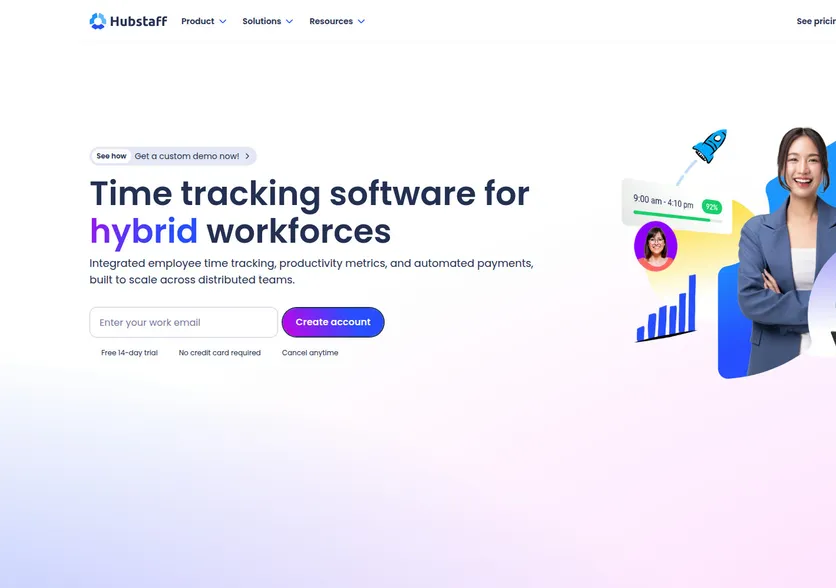
This Hubstaff platform adds GPS tracking, screenshots and payroll to simple time tracking, which suits a remote team spread across cities or time zones. Managers can see where field staff are working, how much time goes to each project, and pay contractors from the same dashboard. The Starter plan costs four dollars ninety-nine cents per seat a month billed annually with a two-seat minimum, and a free plan covers one user.
What we like
- GPS, screenshots and payroll in one tool
- Strong project and client reporting
- Free plan for one user to test
Watch out for
- Screenshot monitoring can feel intrusive to staff
- Two-seat minimum on the Starter plan
How to try it
- Set up projects and invite the team
- Turn on screenshots and GPS for field roles only
- Run payroll from tracked hours at the end of each cycle
3. Time Doctor
Best for: Remote teams that want screenshots and productivity proof
Paid tool Starting price: $6.67/user/month · Basic plan at six dollars sixty-seven cents per user a month billed annually, or eight dollars on monthly billing; Standard at eleven dollars sixty-seven cents and Premium at sixteen dollars seventy cents per user a month billed annually; no free plan, fourteen-day free trial
Free plan: No free plan; 14-day free trial
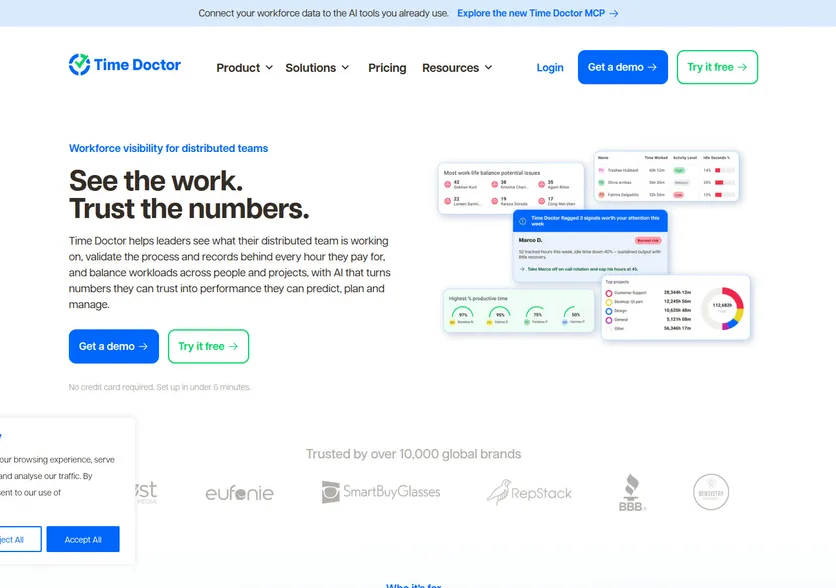
This Time Doctor tool is built around screenshots and activity tracking, so a manager can see what a remote team actually worked on during the day. It records time by project, flags idle time, and produces payroll-ready reports with screenshots as proof of work. The Basic plan costs six dollars sixty-seven cents per user a month billed annually with a fourteen-day free trial and no free plan.
What we like
- Screenshots and activity tracking included
- Payroll-ready reports by project
- Clear idle time and distraction reporting
Watch out for
- No free plan, only a fourteen-day trial
- Screenshot monitoring needs a clear team policy
How to try it
- Invite the team and set work hours and projects
- Turn on screenshots for roles that need proof of work
- Review the weekly productivity report with each employee
4. DeskTime
Best for: Remote teams that want automatic tracking without manual timers
Paid tool Starting price: $6.42/user/month · Pro plan at six dollars forty-two cents per user a month billed annually, or seven dollars on monthly billing; Premium at nine dollars seventeen cents per user a month billed annually; Enterprise is custom for two hundred or more users; free Lite plan for one user
Free plan: Free Lite plan for 1 user
This DeskTime tool tracks time automatically by watching which apps and websites each person uses, so nobody has to remember to start a timer. Managers get productivity reports, project time and absence tracking from one dashboard. The Pro plan costs six dollars forty-two cents per user a month billed annually, and the free Lite plan covers one user.
What we like
- Automatic tracking with no manual timers
- Productivity reports by app and website
- Free Lite plan for one user
Watch out for
- Automatic tracking can miscategorise new apps
- Enterprise plan is custom for large teams
How to try it
- Install the app on each team member's computer
- Let it track apps and projects automatically for a week
- Review the productivity report and adjust project labels
5. Monitask
Best for: Small remote teams that want screenshots at a low price
Paid tool Starting price: $6.49/user/month · Pro plan at six dollars forty-nine cents per user a month billed annually; Business at eight dollars ninety-nine cents and Business Premium at twelve dollars ninety-nine cents per user a month billed annually; ten-day free trial
Free plan: No free plan; 10-day free trial
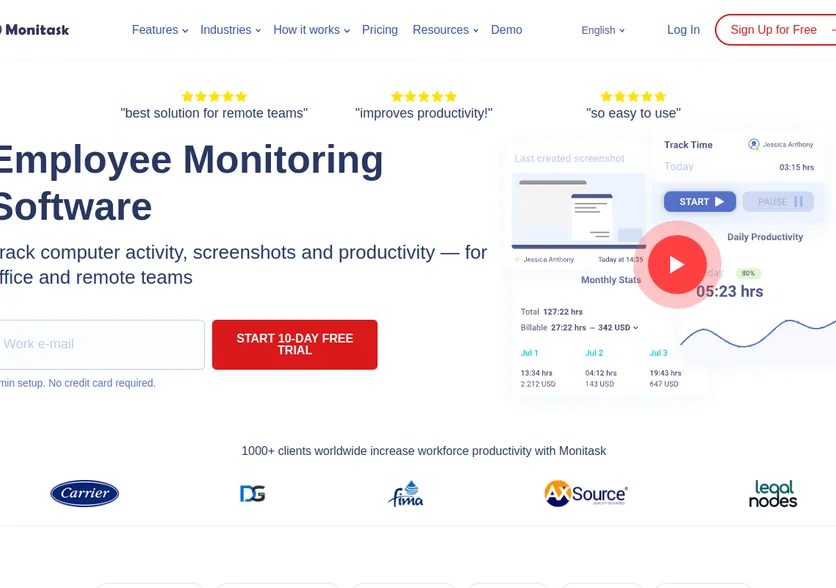
This Monitask tool offers time tracking with screenshots and activity levels at six dollars forty-nine cents per user a month billed annually. It is a straightforward choice for a small remote team that wants proof of work without paying for a bigger analytics platform. A ten-day free trial lets the team test screenshots and reports before committing.
What we like
- Screenshots included at a low price
- Simple setup with no training needed
- Daily summaries for quick manager checks
Watch out for
- No free plan, only a ten-day trial
- Fewer integrations than the bigger trackers
How to try it
- Invite the team and assign projects
- Turn on screenshots and activity tracking
- Review the daily summary and adjust workloads
6. ActivTrak
Best for: Remote teams that want analytics on how work time is spent
Paid tool Starting price: $10/user/month · Work Activity Tracking at ten dollars per user a month billed annually with a five-seat minimum; Workforce Management at fifteen dollars and Productivity Optimization at seventeen dollars per user a month billed annually; free plan for up to three users; screen details are a two-dollar add-on
Free plan: Free plan for up to 3 users
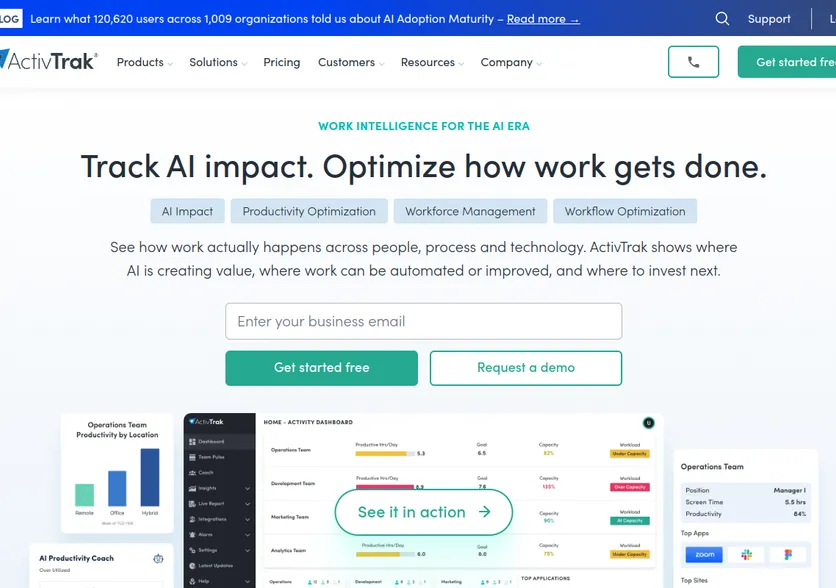
This ActivTrak platform analyses how a remote team spends its working hours, showing which apps help and which distract. Managers can spot overloaded employees, compare team workloads and measure focus time across the week. The Work Activity Tracking plan costs ten dollars per user a month billed annually with a five-seat minimum, and a free plan covers up to three users.
What we like
- Strong analytics on apps and focus time
- Workload reports that flag burnout risk
- Free plan for up to three users
Watch out for
- Screenshots cost extra as a two-dollar add-on
- Five-seat minimum on the paid plans
How to try it
- Install the agent on team computers and set work hours
- Review the productivity dashboard after the first week
- Use workload reports to rebalance overloaded teams
7. Insightful
Best for: Remote teams that want workforce analytics without heavy monitoring
Paid tool Starting price: $8/seat/month · Workforce Analytics at eight dollars per seat a month billed annually, or ten dollars on monthly billing; Workflow Optimization at twelve dollars and the Combo at sixteen dollars per seat a month billed annually; screenshots and recording are three to four dollar add-ons
Free plan: No free plan; free trial available
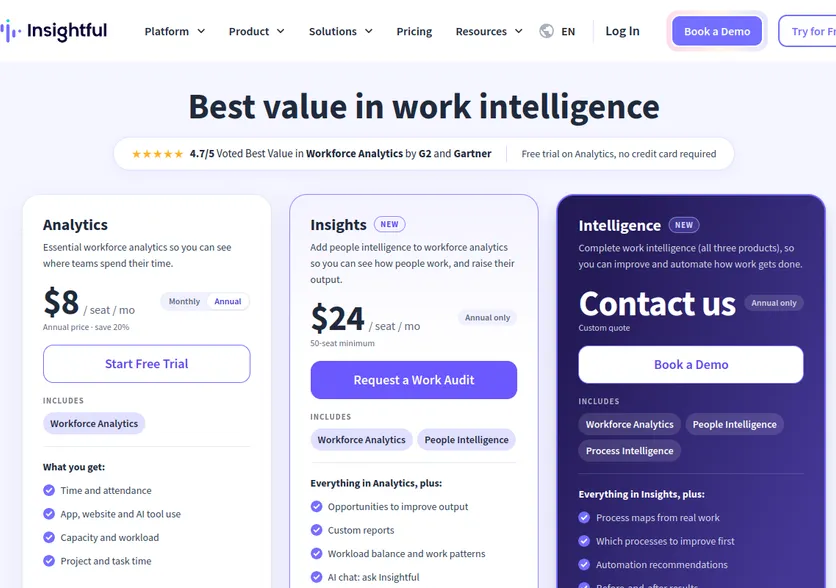
This Insightful platform, formerly Workpuls, gives managers workforce analytics on time, apps and attendance without turning into a surveillance tool. Teams can track time automatically or manually, and managers see trends rather than minute-by-minute spying. The Workforce Analytics plan costs eight dollars per seat a month billed annually, with screenshots available as a paid add-on.
What we like
- Analytics focused on trends, not spying
- Automatic and manual tracking in one tool
- Clean dashboard that managers read quickly
Watch out for
- Screenshots cost extra as an add-on
- No free plan, only a free trial
How to try it
- Choose automatic or manual tracking for each role
- Set up teams and review the first analytics report
- Share the trends with the team and agree on changes
8. Toggl Track
Best for: Freelancers and small remote teams that want a simple timer
Paid tool Starting price: $9/user/month · Starter plan at nine dollars per user a month billed annually, or twelve dollars on monthly billing; Premium at sixteen dollars per user a month billed annually; free plan for up to three users
Free plan: Free plan for up to 3 users
This Toggl Track tool is the simplest timer in this comparison, with one click to start and stop and clean reports by project or client. A remote team can track billable hours, set project budgets and export timesheets without learning a complex system. The Starter plan costs nine dollars per user a month billed annually, and the free plan covers up to three users.

What we like
- Simplest timer in this comparison
- Clean reports by project and client
- Free plan for up to three users
Watch out for
- No screenshots or GPS tracking
- Pricier than Clockify for the same basics
How to try it
- Create projects and invite the team
- Track time with the one-click timer each day
- Review the weekly report and export billable hours
Prices above were checked on each vendor’s own website on Nov 27, 2026 and can change — the vendor’s page is the final word. Vendor links are editorial: nobody paid to be listed or ranked here. Vendors who want a featured listing can see how it works on our Get listed page.
How a remote team should set up tracking
Start by writing down what the tracker is for, because a tool bought to record billable hours needs a very different setup from one bought to prove attendance. Tell the team what is recorded, who can see it, and what is never recorded, such as personal browsing or time outside work hours. Pick one team to trial for two weeks and agree in advance what a good result looks like, such as cleaner timesheets or faster client invoicing.
Turn screenshots and GPS on only for the roles that genuinely need them, and leave them off for everyone else. Review the reports together each week, because tracking that only managers read becomes surveillance, while tracking the whole team can see becomes a shared work record. If the reports show overload, fix the workload first, because no tracker fixes a team that is simply doing too much.
Before you buy
- Check whether screenshots and activity monitoring are included or paid add-ons
- Confirm the tool works on the devices your team actually uses, including phones
- Ask whether time data exports to your payroll or invoicing system
- Make sure employees can see their own data and correct mistakes
- Test the free plan with a small team before rolling it out company-wide
Official websites
Official websites of the products reviewed above. Features and prices were checked against these sites when this guide was written, and they can change, so confirm on the vendor site before you buy.
Frequently asked questions
What is the cheapest employee tracking software for remote teams?
Clockify is the cheapest paid tracker at three dollars ninety-nine cents per seat a month billed annually, and its free plan covers up to five users. Hubstaff is next at four dollars ninety-nine cents a seat a month with GPS and payroll included. If your team only needs a timer and timesheets, the Clockify free plan may be all you need.
Is employee tracking software legal?
It depends on the tool and the state, because laws differ on consent and notice. Most of these tools let employees see their own data, and the honest approach is to tell the team what is tracked, why, and who can see it before you switch anything on. Get written agreement for screenshots, keep monitoring to work hours only, and check your state rules before you start.
Do remote teams need screenshots or just time tracking?
Start with the problem you are solving. If you need billable hours, pick a simple timer like Clockify or Toggl Track. If you need proof of work, pick a screenshot tool like Time Doctor or Monitask. If you need workload insight, pick an analytics tool like ActivTrak or Insightful. Most teams overbuy monitoring and underuse the reports, so start simple.
Can we trial these tools before buying?
Yes, every tool here has a free plan or a free trial, so you can test with one team for two weeks before paying. Pick the team that will give honest feedback, not the easiest one, and agree in advance what would make the trial a success. Check the reports at the end of the trial, because a tracker nobody reads is wasted money.
How do we roll out tracking without upsetting the team?
Tell the team before you install anything, and explain what is tracked and what is not. Share the reports with the people they describe, so tracking feels like a work tool rather than a secret audit. The teams that accept tracking best are the ones whose managers use the data to fix overload and protect focus time, not to punish slow days.
Compare the eight tools above, then trial the cheapest fit with one remote team for two weeks before you roll tracking out to everyone.
Browse Business Tools tools