
On this page
Cloud storage is only private when files are encrypted before they leave your device, and the tools below do exactly that. The seven tools run from about three dollars and seventy-five cents to six dollars a month, and every price was checked on the vendor site on November 26, 2026. Some sell storage with encryption built in, others encrypt the storage you already own, and most show a first-year price that rises at renewal, so compare the whole cost rather than the headline alone. NordLocker is our first pick — the best all-round encrypted storage.
How we researched this
We started with the encryption tools cloud storage buyers actually use, then checked each price against the vendor pricing page on November 26, 2026 and noted the free plan or trial each one carries. We judged them for a person or small team that wants files encrypted before they leave the device, with enough storage for real work. We kept only tools with a published price, and we left out quote-only enterprise suites and the dead Boxcryptor, which shut down.
Compare the tools
| Name | Best for | Starting price | Free plan | |
|---|---|---|---|---|
 NordLocker | People who want simple encrypted cloud storage from the team behind NordVPN | $4.99/month | Free plan, 3 GB cloud storage | Visit |
 Tresorit | Regulated teams that need Swiss zero-knowledge storage with audit logs | $5.59/month | Free Basic plan, 3 GB; 14-day free trial | Visit |
 Sync.com | Teams that want encrypted storage with admin controls at a low per-user price | $6/month | Free plan, 5 GB | Visit |
 pCloud | People who want to pay once for storage and add encryption on top | $4.99/month | No free encryption plan; free 10 GB storage plan | Visit |
 SpiderOak One | Privacy-first users who want zero-knowledge backup on unlimited devices | $6/month | No free plan; 21-day free trial | Visit |
 AxCrypt | People who want simple right-click file encryption with key sharing | $3.75/month | Free version available | Visit |
 Cryptomator | People who want free client-side encryption for any cloud storage | $29.99 one-time | Free desktop app for personal use | Visit |
The encryption software for cloud storage, compared
1. NordLocker
Best for: People who want simple encrypted cloud storage from the team behind NordVPN
Paid tool Starting price: $4.99/month · Personal 500 GB plan, $4.99 a month billed annually at renewal; first year $2.99 a month; monthly billing $7.99 a month; Personal Plus 2 TB $14.99 a month at renewal
Free plan: Free plan, 3 GB cloud storage
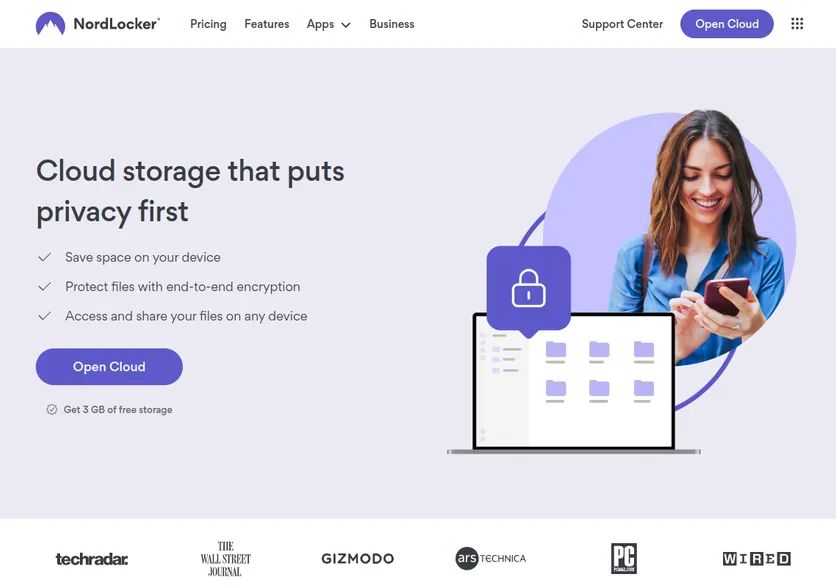
NordLocker is the encrypted cloud storage from Nord Security, with zero-knowledge encryption and secure file sharing built in. This NordLocker Personal plan costs four dollars and ninety-nine cents a month billed annually at renewal for five hundred gigabytes, with a free three gigabyte plan to start. The first year costs two dollars and ninety-nine cents a month, so check the renewal price before you commit.
What we like
- Zero-knowledge encryption on every plan
- Secure sharing with viewer and editor roles
- Free plan with no card required
Watch out for
- Renewal price is much higher than the first year
- No Linux client available
How to try it
- Open the NordLocker plans page and claim the free 3 GB plan
- Upload a folder and share it with a secure link
- Upgrade to Personal once you need five hundred gigabytes
2. Tresorit
Best for: Regulated teams that need Swiss zero-knowledge storage with audit logs
Paid tool Starting price: $5.59/month · Personal Lite plan, $5.59 a month billed annually with 50 GB; Essential $13.59 and Pro $31.99 a month; Business $23.20 a user a month
Free plan: Free Basic plan, 3 GB; 14-day free trial
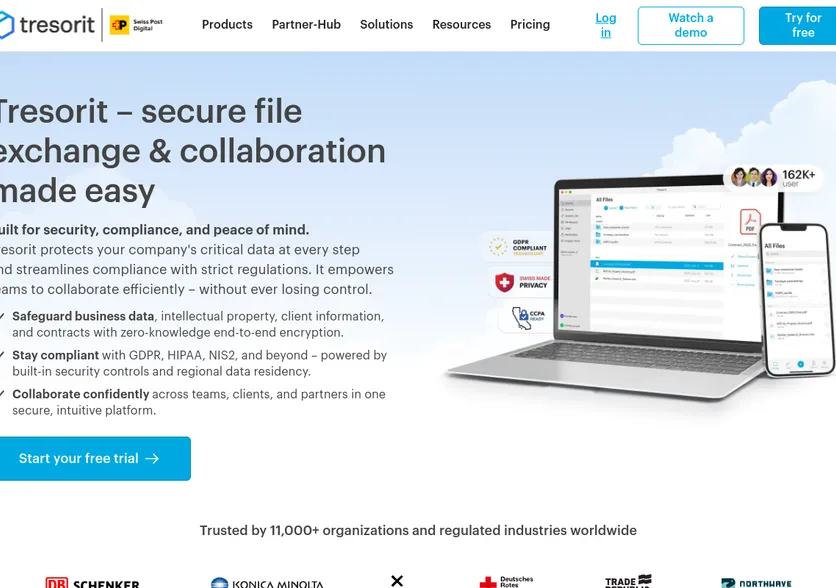
Tresorit is the Swiss zero-knowledge cloud storage for teams that handle sensitive files, with end-to-end encryption and data residency options. This Tresorit Personal Lite plan costs five dollars and fifty-nine cents a month billed annually with fifty gigabytes of storage. Business plans start at twenty-three dollars and twenty cents a user a month and add single sign-on, admin policies, and audit logs.
What we like
- Zero-knowledge encryption with Swiss jurisdiction
- Data residency in the EU or US
- Strong audit logs on business plans
Watch out for
- Priciest option here per gigabyte
- Vendor site shows euros for European visitors
How to try it
- Open the Tresorit pricing page and start the 14-day trial
- Upload a sensitive folder and check the sharing controls
- Pick Business once you need single sign-on or audit logs
3. Sync.com
Best for: Teams that want encrypted storage with admin controls at a low per-user price
Paid tool Starting price: $6/month · Teams 1TB plan, $6 a user a month billed annually, or $8 billed monthly; Personal 1TB $12 a month billed annually; 25 percent off the first year
Free plan: Free plan, 5 GB
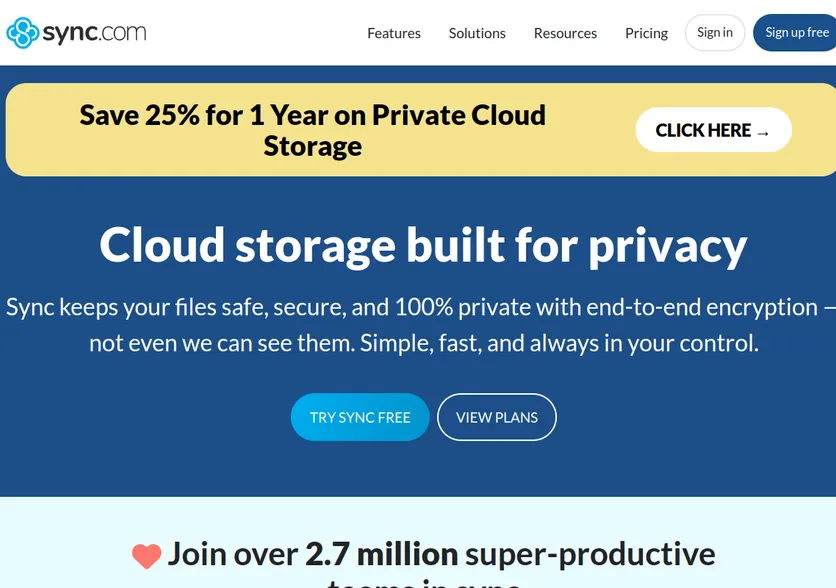
Sync is the Canadian zero-knowledge cloud storage for teams, with end-to-end encryption on every plan and a low per-user team price. This Sync Teams plan costs six dollars a user a month billed annually for one terabyte per user, with a three-user minimum. Personal plans start at twelve dollars a month for one terabyte, and a twenty-five percent discount applies to the first year only.
What we like
- Cheapest team price in this list
- Zero-knowledge encryption on every plan
- HIPAA, SOC 2, and GDPR compliance built in
Watch out for
- Three-user minimum on team plans
- First-year discount ends at renewal
How to try it
- Open the Sync pricing page and claim the free 5 GB plan
- Set up a team with three users on the Teams plan
- Turn on the admin console and set file history to 365 days
4. pCloud
Best for: People who want to pay once for storage and add encryption on top
Paid tool Starting price: $4.99/month · Crypto add-on, $4.99 a month or $47.88 a year; $150 lifetime; storage sold separately from $49.99 a year for 500 GB
Free plan: No free encryption plan; free 10 GB storage plan
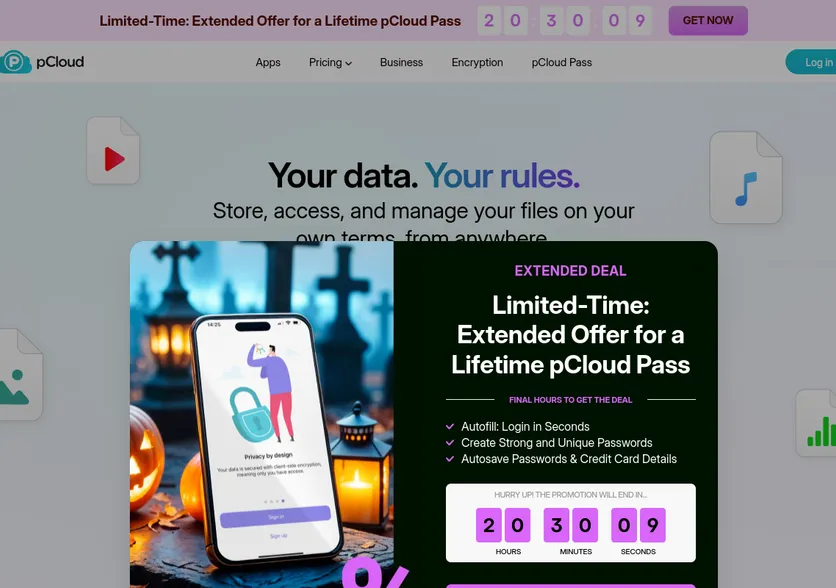
pCloud is the Swiss cloud storage that sells lifetime plans, with a separate encryption add-on for zero-knowledge protection. This pCloud Crypto add-on costs four dollars and ninety-nine cents a month or forty-seven dollars and eighty-eight cents a year, and one hundred fifty dollars buys it for life. Storage is sold separately from forty-nine dollars and ninety-nine cents a year for five hundred gigabytes, so add the two prices together.
What we like
- Lifetime plans that pay for themselves in five years
- Encryption add-on with a lifetime option
- Swiss jurisdiction with EU data law
Watch out for
- Encryption is a paid add-on, not included in storage
- Researchers flagged flaws in the Crypto add-on in 2024
How to try it
- Open the pCloud pricing page and pick a storage plan
- Add the Crypto add-on to lock a folder with your own passphrase
- Buy the lifetime bundle once you are sure you will stay
5. SpiderOak One
Best for: Privacy-first users who want zero-knowledge backup on unlimited devices
Paid tool Starting price: $6/month · 150 GB plan, $6 a month or $69 a year; 400 GB $11 a month, 2 TB $14 a month, 5 TB $29 a month
Free plan: No free plan; 21-day free trial
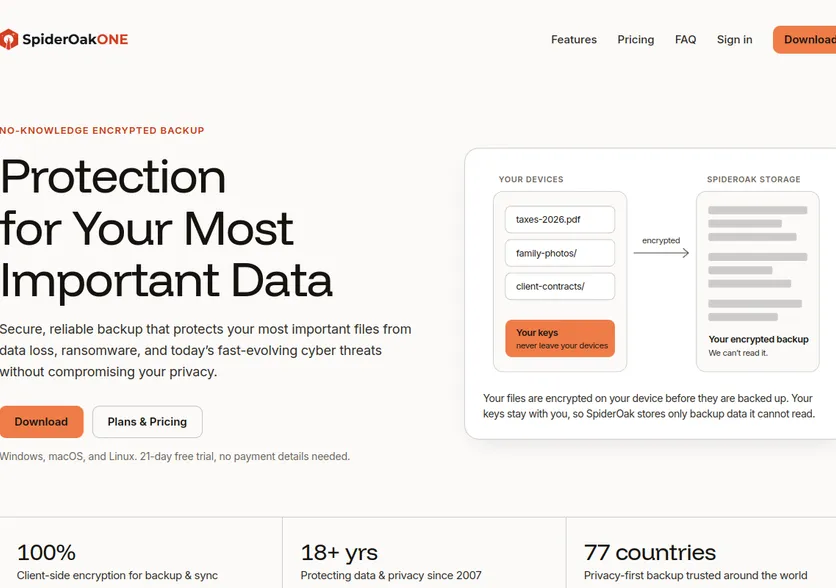
SpiderOak One is the privacy-first backup service that encrypts files on your device before upload, so the vendor cannot read them. This SpiderOak One plan costs six dollars a month for one hundred fifty gigabytes, or sixty-nine dollars a year, with unlimited devices on every plan. Larger plans run to five terabytes for twenty-nine dollars a month, which is pricey against the rivals here.
What we like
- Zero-knowledge encryption on every plan
- Unlimited devices on every plan
- Backup, sync, and sharing in one app
Watch out for
- Smallest storage cap in this list at the entry price
- No free plan, only a trial
How to try it
- Open the SpiderOak One page and start the 21-day trial
- Back up a folder and check the version history
- Pick the storage tier that fits your photos and documents
6. AxCrypt
Best for: People who want simple right-click file encryption with key sharing
Paid tool Starting price: $3.75/month · Premium plan, $3.75 a month billed annually, or $5.20 billed monthly; Business $11.49 a user a month
Free plan: Free version available
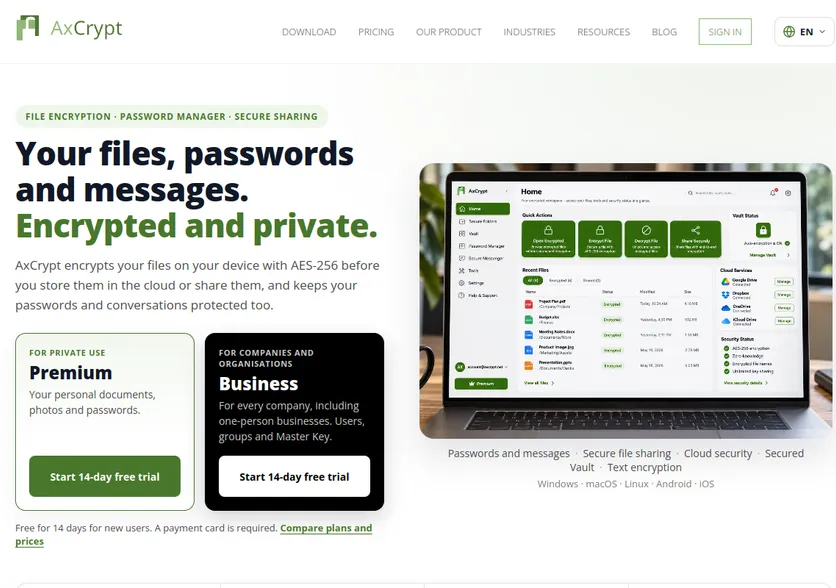
AxCrypt encrypts individual files and folders with AES-256, which suits people who want to protect specific documents rather than a whole drive. This AxCrypt Premium plan costs three dollars and seventy-five cents a month billed annually and adds secured folders, key sharing, and mobile encryption. A free version covers basic encryption, and Business adds a master key and group management for twelve dollars a user a month.
What we like
- Simplest file encryption in this list
- Key sharing so others can open your files
- Free version for basic use
Watch out for
- No cloud storage included
- App Store price differs from the website price
How to try it
- Open the AxCrypt site and download the free version
- Right-click a file to encrypt it with your passphrase
- Upgrade to Premium once you need key sharing or secured folders
7. Cryptomator
Best for: People who want free client-side encryption for any cloud storage
Paid tool Starting price: $29.99 one-time · Full mobile access, $29.99 one-time per platform on the US App Store; desktop free; Cryptomator Hub Standard $12 a seat a month billed yearly
Free plan: Free desktop app for personal use
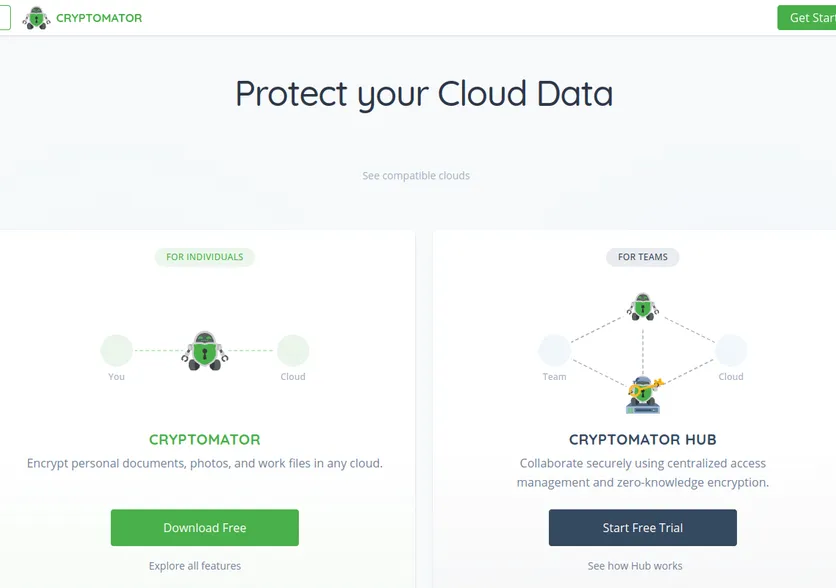
Cryptomator is the open-source tool that encrypts files on your device before they sync to any cloud storage, so the provider only holds scrambled data. This Cryptomator mobile app costs twenty-nine dollars and ninety-nine cents one-time per platform for full access, while the desktop app is free with unlimited vaults. Teams can add Cryptomator Hub for key management, with a free self-hosted Community edition for five seats.
What we like
- Free desktop app with unlimited vaults
- Works with any cloud storage you already use
- Open source with a free team edition for five seats
Watch out for
- No storage included, you bring your own cloud
- Mobile apps are read-only until you pay
How to try it
- Open the Cryptomator pricing page and download the free desktop app
- Create a vault inside your cloud storage folder
- Buy the mobile app once you need to edit files on your phone
Prices above were checked on each vendor’s own website on Nov 26, 2026 and can change — the vendor’s page is the final word. Vendor links are editorial: nobody paid to be listed or ranked here. Vendors who want a featured listing can see how it works on our Get listed page.
What encryption software costs in 2026
Most encrypted storage charges by the month for a fixed amount of space, so the headline price only applies to one tier, and this list runs from about three dollars and seventy-five cents to about six dollars a month. The cheapest plans are not always the cheapest deal, because first-year discounts end at renewal, storage caps vary wildly, and encryption can be a paid add-on rather than included, and a plan that looks cheap can cost more once the real price applies. The headline plan each vendor shows on its own pricing page is the number in the table above, checked on November 26, 2026.
Start with the free plan on two tools and upload a real folder through each. Compare how fast files sync, how sharing works, and whether you can open the vault on your phone. Pick the tool whose vault you will actually use every day, because encrypted storage nobody opens protects nothing.
Before you buy
- Check what the headline price really buys, because several tools here show a first-year rate that rises at renewal.
- Count the storage per user, because the cheapest plans cap vaults at fifty gigabytes or less.
- Confirm zero-knowledge encryption is included, because some tools encrypt at rest with keys the vendor holds.
- Test the free plan or trial with real files, because sync speed and app quality vary more than the price.
- Compare annual and monthly billing, because most tools here cut the price when you pay for a full year.
Official websites
Official websites of the products reviewed above. Features and prices were checked against these sites when this guide was written, and they can change, so confirm on the vendor site before you buy.
Frequently asked questions
Which encryption software is best for cloud storage in 2026?
NordLocker, at four dollars and ninety-nine cents a month billed annually at renewal for five hundred gigabytes, is the best all-rounder for personal encrypted storage. Sync.com is the best value for teams at six dollars a user a month for one terabyte each. Cryptomator is the best free start, with a free desktop app and a one-time twenty-nine dollar mobile unlock.
How much does encryption software for cloud storage cost?
Most tools in this list cost between three dollars and seventy-five cents and seven dollars a month, with annual billing cutting the monthly rate on most plans. Tresorit is the outlier at five dollars and fifty-nine cents for only fifty gigabytes, and SpiderOak One charges six dollars a month for one hundred fifty gigabytes. Expect about five dollars a month for five hundred gigabytes of encrypted storage.
Is there free encryption software for cloud storage?
Yes, several tools here offer free plans: NordLocker gives three gigabytes, Tresorit gives three gigabytes, Sync gives five gigabytes, AxCrypt has a free version, and Cryptomator gives a free desktop app with unlimited vaults. pCloud offers a free ten gigabyte storage plan, though its encryption add-on is paid. SpiderOak One offers only a twenty-one day trial.
What should I look for in encryption software for cloud storage?
Check whether the encryption is zero-knowledge first, because some tools encrypt at rest with keys the vendor holds. Check the storage per user, since cheap plans cap vaults at fifty or one hundred fifty gigabytes. Check the renewal price, since several tools here show a first-year rate that rises sharply in year two.
Can I try encryption software before I pay?
Yes, most tools here offer a free plan or a trial of fourteen to twenty-one days, which is enough to upload real files and test sync speed. Start with the free plan on two tools and check how fast files upload, how sharing works, and whether the mobile app feels solid. Pick the tool whose vault you will actually use every day.
Need everyday security help too? Try Toolsvine's free security tools right in your browser.
Browse Security & Privacy tools


