On this page
Engineering drawings carry references to parts, assemblies and specs, so a change to one file can silently break another, and a generic file store cannot track those links. The right document system keeps every version with its references intact, records who approved each revision and lets a project manager preview a drawing without a CAD licence. We compared seven tools on published price, CAD support and how well they fit an enterprise. Egnyte is our first pick — CAD-aware document control with workflow approvals at a fair per-user price.
How we researched this
We started with document tools that understand engineering files rather than generic file stores, then read each price on the vendor site on November 27, 2026 and noted the free tier or trial each plan carries. We judged them for an enterprise whose drawings, specs and bills of materials need version control, revision tracking and an audit trail. We dropped quote-only enterprise platforms and consumer file sync products because an engineering team needs published prices and real document lifecycle controls.
Compare the tools
| Name | Best for | Starting price | Free plan | |
|---|---|---|---|---|
 Egnyte | Engineering firms that want CAD-aware document control in the cloud | $22/user/month | No free plan; 15-day free trial | Visit |
 Bluebeam Revu | Construction and engineering teams that mark up PDF drawings daily | $260/user/year | No free plan; 30-day free trial | Visit |
| Autodesk Vault Professional | Engineering teams that design in Inventor or AutoCAD | $870/user/year | No free plan; 30-day free trial | Visit |
 M-Files | Enterprises that need documents organised by metadata, not folders | $65/user/month | No free plan; 30-day free trial | Visit |
| OpenBOM | Small manufacturers that want bills of materials and parts in one place | $30/seat/month | Free plan: up to 2,000 records | Visit |
 Onshape Professional | Engineering teams that want CAD and data management in the browser | $2,500/user/year | Free plan for non-commercial use; 6-month Discovery trial | Visit |
 Box Business | Enterprises that want unlimited storage and broad integrations | $15/user/month | Free Individual plan; 14-day trial | Visit |
The engineering document management software for enterprise, compared
1. Egnyte
Best for: Engineering firms that want CAD-aware document control in the cloud
Paid tool Starting price: $22/user/month · Twenty-two dollars per user a month billed annually for the Business plan; Team costs ten dollars, Enterprise Lite costs thirty-nine dollars and Elite costs forty-eight dollars, while Ultimate is priced by quote
Free plan: No free plan; 15-day free trial
This Egnyte platform combines cloud file storage with document control that understands engineering files, which suits a firm whose drawings, specs and contracts live in the same folders. The Business plan costs twenty-two dollars per user a month billed annually and adds granular permissions, audit logs and workflow approvals on top of simple file sharing. Large CAD files sync and preview without opening the CAD app, so a project manager can check a drawing without a licence for the design tool.

What we like
- CAD files preview without opening the CAD app
- Granular permissions and audit logs included
- Workflow approvals built into the Business plan
Watch out for
- Ultimate tier is priced by quote only
- Full governance features wait for the higher plans
How to try it
- Open the Egnyte pricing page and start the trial
- Create a folder structure for one active project
- Set permissions so only editors can change released drawings
2. Bluebeam Revu
Best for: Construction and engineering teams that mark up PDF drawings daily
Paid tool Starting price: $260/user/year · Two hundred and sixty dollars per user a year for the Basics plan; Core costs three hundred and thirty dollars, Complete costs four hundred and forty dollars and Max costs five hundred and ninety dollars as an introductory price locked through the 2027 renewal
Free plan: No free plan; 30-day free trial
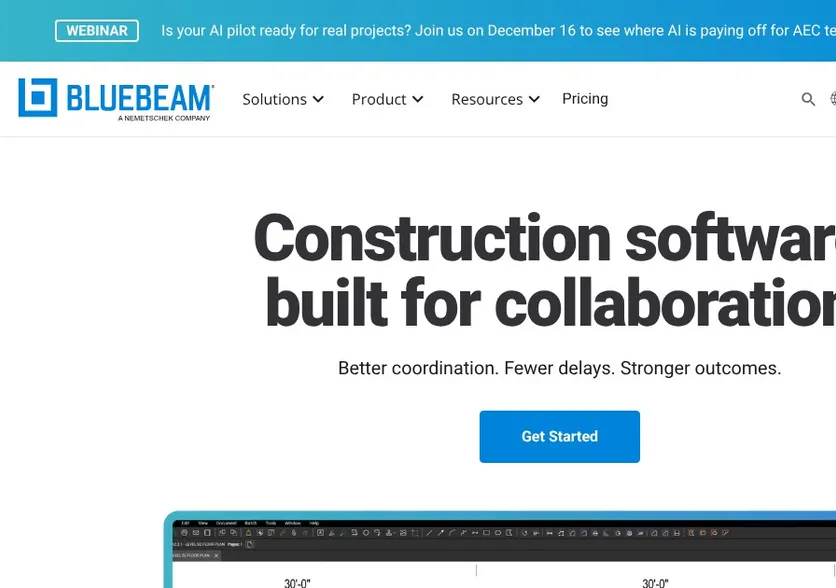
This Bluebeam Revu plan is built around PDF drawings, with markup, measurement and review tools that construction and engineering teams use every day. The Basics plan costs two hundred and sixty dollars per user a year and covers viewing, markup and basic collaboration, while the higher plans add measurement, document management and studio sessions. Drawings can be compared side by side to spot what changed between revisions, which saves the rework that comes from building to an old sheet.
What we like
- Markup and measurement built for PDF drawings
- Side-by-side comparison spots changed revisions
- Studio sessions let the team review drawings live
Watch out for
- Document management waits for the Complete plan
- Basics lacks measurement and advanced markup tools
How to try it
- Open the Bluebeam pricing page and start the trial
- Open one project drawing and try the markup tools
- Set up a Studio session for a live drawing review
3. Autodesk Vault Professional
Best for: Engineering teams that design in Inventor or AutoCAD
Paid tool Starting price: $870/user/year · Eight hundred and seventy dollars per user a year, or seventy-three dollars a month billed annually, for Vault Professional; Vault Office costs two hundred and fifteen dollars a year and Vault Basic is included with Inventor Professional
Free plan: No free plan; 30-day free trial
This Autodesk Vault Professional plan manages CAD data for teams that design in Inventor or AutoCAD, with version control, revision tracking and file relationships built in. The Professional plan costs eight hundred and seventy dollars per user a year and keeps every drawing version with its references intact, so a change to one part cannot silently break an assembly. Vault Office costs two hundred and fifteen dollars a year for non-CAD users who only need to view and approve, which keeps the whole project team in one system.

What we like
- Version control built for Inventor and AutoCAD files
- File relationships stay intact across revisions
- Cheaper Vault Office covers viewers and approvers
Watch out for
- Only makes sense if the team already uses Autodesk tools
- Professional price is steep for a small engineering team
How to try it
- Open the Autodesk Vault page and start the trial
- Import one Inventor project and check the file relationships
- Set revision rules before the team starts editing live files
4. M-Files
Best for: Enterprises that need documents organised by metadata, not folders
Paid tool Starting price: $65/user/month · Sixty-five dollars per user a month for the Essentials plan; the Enterprise plan is priced by quote, and older third-party figures of thirty-nine and fifty-nine dollars do not match the vendor page
Free plan: No free plan; 30-day free trial
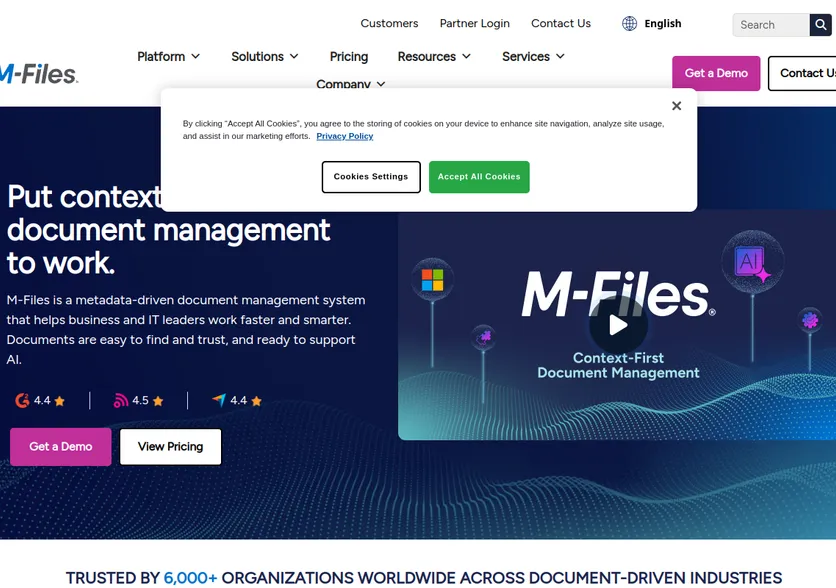
This M-Files platform organises documents by what they are instead of where they sit, so an engineer finds a drawing by project, client or revision instead of digging through folders. The Essentials plan costs sixty-five dollars per user a month and covers document management, workflows and e-signatures, with the Enterprise plan priced by quote for larger deployments. Version history and access control are built in, which gives an engineering firm the audit trail a regulated project demands.
What we like
- Documents found by metadata instead of folder digging
- Version history and access control built in
- Workflows and e-signatures included in Essentials
Watch out for
- Enterprise plan is priced by quote only
- Metadata setup takes planning before the first import
How to try it
- Open the M-Files pricing page and start the trial
- Define the metadata fields your projects actually use
- Import one project and test finding a drawing by metadata
5. OpenBOM
Best for: Small manufacturers that want bills of materials and parts in one place
Paid tool Starting price: $30/seat/month · Thirty dollars per seat a month billed annually for the Professional Team plan; Company costs ninety dollars per seat a month, CAD add-ins cost twenty-five dollars per seat a month per CAD system, and the first two thousand data records are free
Free plan: Free plan: up to 2,000 records
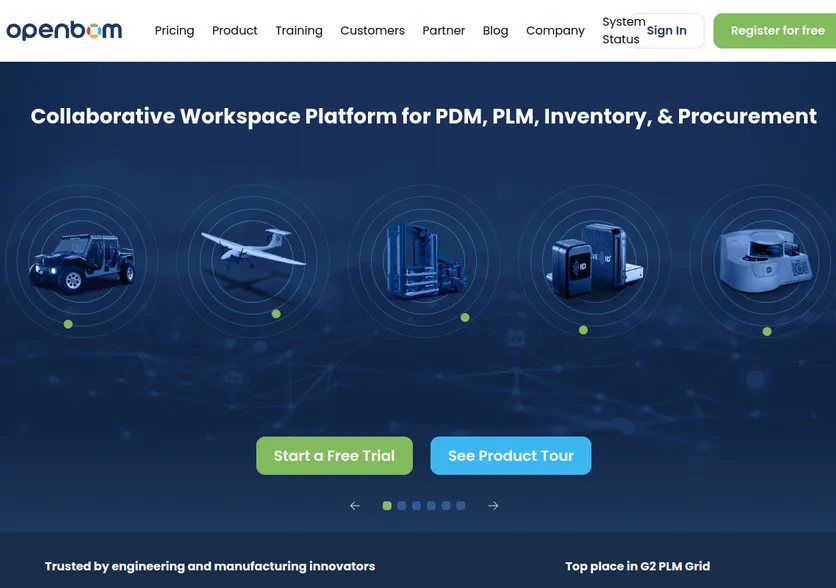
This OpenBOM platform manages parts, bills of materials and purchase orders in the cloud for hardware teams too small for a full product lifecycle system. The Professional Team plan costs thirty dollars per seat a month billed annually, and only editors pay, so suppliers and shop-floor staff read bills of materials free. CAD add-ins pull the bill of materials straight from SolidWorks, Inventor, Fusion or Onshape, which removes the spreadsheet that used to sit between design and purchasing.
What we like
- Only editors pay; read-only users are free and unlimited
- CAD add-ins pull bills of materials from the design tool
- Published 2026 pricing with no minimum seat count
Watch out for
- Revision control needs the Company plan at ninety dollars
- Data-record tiers add cost past two thousand records
How to try it
- Open the OpenBOM pricing page and start with the free plan
- Import your parts catalogue and build one bill of materials
- Connect the CAD add-in for your design tool
6. Onshape Professional
Best for: Engineering teams that want CAD and data management in the browser
Paid tool Starting price: $2,500/user/year · Two thousand five hundred dollars per user a year for the Professional plan; Standard costs one thousand five hundred dollars per user a year and Enterprise is priced by quote
Free plan: Free plan for non-commercial use; 6-month Discovery trial
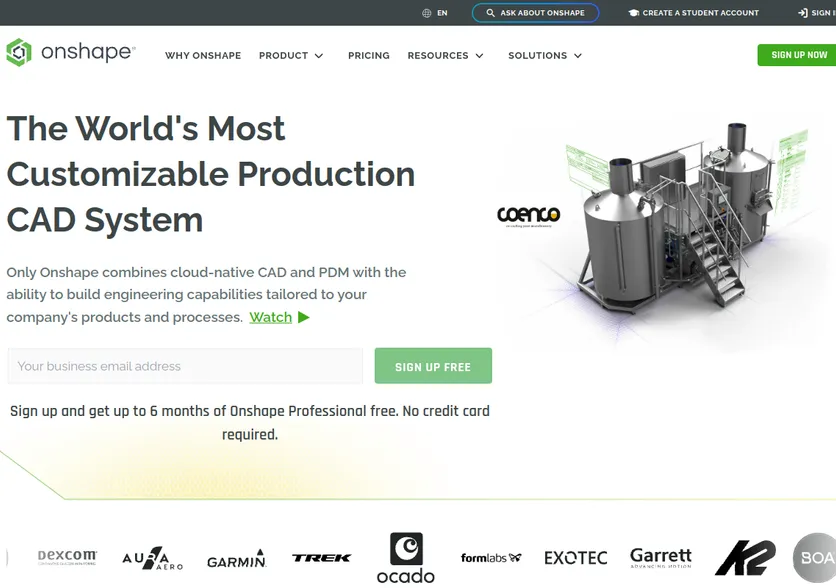
This Onshape Professional plan runs full CAD and product data management in the browser, so engineers open drawings and models from any machine without installing anything. The Professional plan costs two thousand five hundred dollars per user a year and adds formal release management, approval workflows and company-level admin on top of the Standard plan. Every change is versioned automatically, which gives the team a complete history of who changed what and when.
What we like
- Full CAD and data management runs in the browser
- Every change is versioned automatically
- Release management and approvals built into Professional
Watch out for
- Professional price is steep for a small team
- Enterprise features wait for a custom quote
How to try it
- Open the Onshape pricing page and join the Discovery Program
- Model one part and check the automatic version history
- Set up an approval workflow for released drawings
7. Box Business
Best for: Enterprises that want unlimited storage and broad integrations
Paid tool Starting price: $15/user/month · Fifteen dollars per user a month billed annually for the Business plan, or twenty dollars billed monthly; Business Plus costs twenty-five dollars a month billed annually and Enterprise costs thirty-five dollars
Free plan: Free Individual plan; 14-day trial
This Box Business plan gives every user unlimited storage with a five-gigabyte file upload limit, which covers the large drawings and video walkthroughs an engineering firm produces. The Business plan costs fifteen dollars per user a month billed annually, with a three-user minimum, and it connects to more than a thousand apps including the CAD and project tools engineers already use. Admin controls, retention policies and e-signatures are included, so the platform works as a document system rather than a simple file dump.

What we like
- Unlimited storage with a five-gigabyte upload limit
- Connects to more than a thousand apps
- Retention policies and e-signatures included
Watch out for
- No CAD-specific version control or revision tracking
- External collaborators need a paid seat each
How to try it
- Open the Box pricing page and start the trial
- Create a folder for one project and set its permissions
- Connect the integrations your engineers already use
Prices above were checked on each vendor’s own website on Nov 27, 2026 and can change — the vendor’s page is the final word. Vendor links are editorial: nobody paid to be listed or ranked here. Vendors who want a featured listing can see how it works on our Get listed page.
How an enterprise should manage engineering documents
Start by mapping the documents that actually drive the work: the drawings, the specs, the bills of materials and the contracts that sit in different folders today. Move one active project into the new system first and check that file references survive the move, because a drawing that loses its parts list is worse than a drawing that stays in the old folder. Give each document one owner and one approval path, so a revision cannot slip through without the engineer who is responsible for it.
Count the editors before you buy, because most plans bill per user and read-only viewers are often free, which changes the real price by a wide margin. Check the file size limits against your largest drawings, and confirm that previews work without opening the CAD app, since the project manager will not have a design licence. Read the audit log once a month and confirm who changed which revision, because a log nobody reads is the same as no log at all.
Before you buy
- Count the engineers who edit drawings, because read-only users are often free
- Check whether CAD file previews work without opening the CAD app
- Ask how revisions and change orders are tracked and approved
- Make sure the tool handles the file sizes your drawings actually reach
- Test a full project migration on a small folder before you commit
Official websites
Official websites of the products reviewed above. Features and prices were checked against these sites when this guide was written, and they can change, so confirm on the vendor site before you buy.
Frequently asked questions
What is the cheapest engineering document management software?
Box Business costs fifteen dollars per user a month billed annually with unlimited storage, which is the cheapest per-user price in this comparison. Egnyte Business costs twenty-two dollars per user a month and adds CAD-aware previews and workflow approvals, so it is the better pick when drawings need real document control. OpenBOM costs thirty dollars per seat a month but only editors pay, so a small hardware team with many readers can be cheaper still.
Why do engineering teams need specialised document management?
CAD files carry references to parts, assemblies and drawings, so a change to one file can silently break another, and a generic file store cannot track those links. Engineering tools keep every version with its references intact, track revisions and approvals, and preview drawings without the CAD app. Autodesk Vault and Onshape are built for that job, while Egnyte adds CAD-aware previews to a broader document platform.
What does OpenBOM do that a file store cannot?
A bill of materials lists every part, quantity and supplier for a product, and OpenBOM manages that list in the cloud with CAD add-ins that pull the structure straight from the design file. The Professional Team plan costs thirty dollars per seat a month billed annually, and only editors pay, so suppliers read the list free. Revision control and change management need the Company plan at ninety dollars per seat a month.
What is the difference between revisions and change orders?
Revisions track each version of a drawing, while change orders record why a version changed, who approved it and what it affects. Bluebeam Revu compares drawings side by side to show what changed between revisions, and M-Files keeps a full version history with access control. Before you buy, check whether revisions and approvals are in the plan you are pricing, because some tools keep them for higher tiers.
How do we move our drawing archive into a new system safely?
Start with one active project and a small folder of drawings, then check that file references survive the move and that the team can still find what they need. Keep the old archive read-only for a month after the move, and delete nothing until the team has worked from the new system for two full weeks. Pick a tool with a free trial, such as Egnyte or Box, so the migration test costs nothing.
Compare the seven tools above, then trial your pick on one active project before you move the whole drawing archive.
Browse Document & File Converters tools