On this page
Remote teams run Kubernetes from different homes, and the control plane is the one part they cannot see: it schedules the pods, holds the state and decides when a version is too old to trust. The three big clouds all charge ten cents per cluster per hour for it, but the free tiers, the credits and the extended support rates change the real bill by hundreds of dollars. We compared seven Kubernetes management tools on published price and how well they fit a distributed team. Google Kubernetes Engine is our first pick — a monthly credit covers one cluster entirely.
How we researched this
We started with Kubernetes management tools a remote team can run without a dedicated platform engineer, then read each price on the vendor site on November 27, 2026 and noted the free tier or credit each plan carries. We judged them for a team whose clusters run in different clouds and time zones, and whose members deploy from home. We dropped Loft Labs because its Enterprise plan is quote-only, and we dropped quote-only enterprise platforms because a remote team needs a published price it can budget around.
Compare the tools
| Name | Best for | Starting price | Free plan | |
|---|---|---|---|---|
| Google Kubernetes Engine | Remote teams that want the most hands-off managed Kubernetes | $0.10/cluster/hour | Free tier: $74.40 monthly credit per account | Visit |
| Amazon Elastic Kubernetes Service | Remote teams already running workloads on Amazon Web Services | $0.10/cluster/hour | No free plan; pay per cluster hour | Visit |
| Azure Kubernetes Service | Remote teams already paying for Microsoft Azure | $0.10/cluster/hour | Free tier: $0 control plane, no SLA | Visit |
| DigitalOcean Kubernetes | Small remote teams that want a free control plane and flat node prices | $12/node/month | Free control plane; nodes from $12/month | Visit |
| SUSE Rancher Prime | Enterprises that run Kubernetes across clouds and on premises | $2,175/year | Free community edition; Prime is paid | Visit |
| Portainer Business | Small teams that want a simple dashboard over existing clusters | $1,045/year | Free Business tier for up to 3 nodes | Visit |
| Red Hat OpenShift | Regulated enterprises that need a full container platform | $0.17/hour per 4 vCPUs | No free plan; trial available | Visit |
The enterprise Kubernetes management software for remote teams, compared
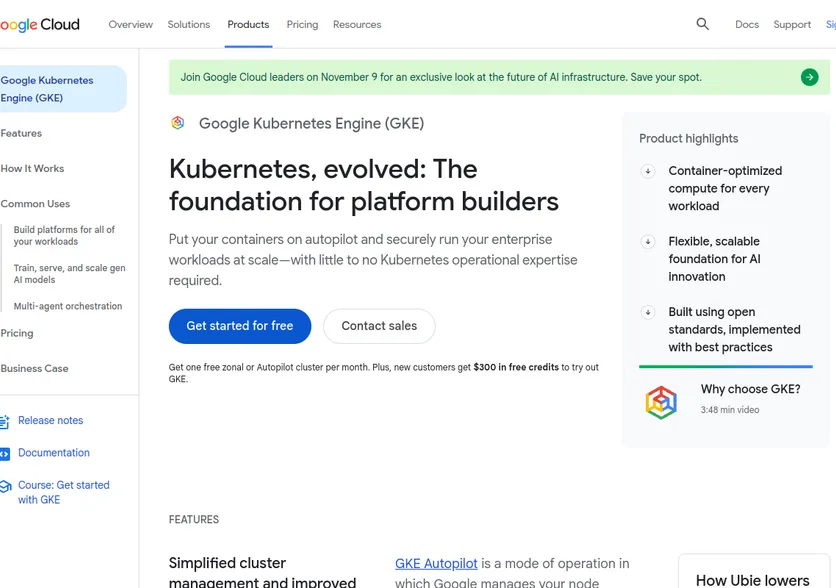
1. Google Kubernetes Engine
Best for: Remote teams that want the most hands-off managed Kubernetes
Paid tool Starting price: $0.10/cluster/hour · Ten cents per cluster per hour for the management fee in every mode, or about seventy-three dollars a month per cluster; a seventy-four dollar and forty cent monthly credit covers one eligible zonal Standard or Autopilot cluster, while nodes and pod resources are billed separately
Free plan: Free tier: $74.40 monthly credit per account
This Google Kubernetes Engine service charges ten cents per cluster per hour for the management fee in every mode, or about seventy-three dollars a month per cluster. A seventy-four dollar and forty cent monthly credit covers one eligible zonal Standard or Autopilot cluster, so a small team can run its first cluster for the cost of the nodes alone. Autopilot bills on the pod resources your workloads request, which removes node sizing from the remote team entirely.
What we like
- Monthly credit covers one eligible cluster entirely
- Autopilot removes node sizing from the team
- Oldest and most mature managed Kubernetes service
Watch out for
- Credit applies only to zonal Standard and Autopilot clusters
- Extended channel adds fifty cents per hour on old versions
How to try it
- Open the Google Kubernetes Engine pricing page and check the credit
- Create an Autopilot cluster for one small service
- Watch the pod billing for a week before you move more workloads
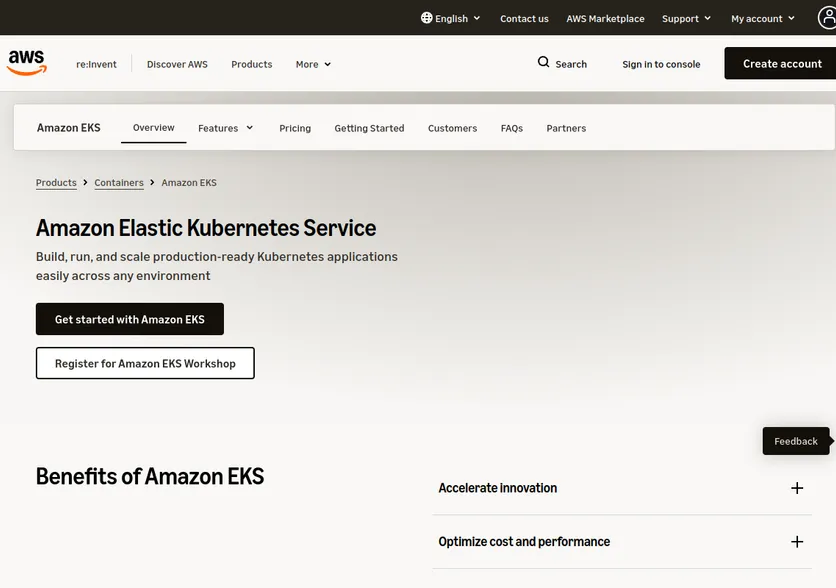
2. Amazon Elastic Kubernetes Service
Best for: Remote teams already running workloads on Amazon Web Services
Paid tool Starting price: $0.10/cluster/hour · Ten cents per cluster per hour on standard support, or about seventy-three dollars a month per cluster; extended support costs sixty cents per cluster per hour, or about four hundred and thirty-eight dollars a month, and worker nodes are billed separately
Free plan: No free plan; pay per cluster hour
This Amazon Elastic Kubernetes Service service charges ten cents per cluster per hour on standard support, or about seventy-three dollars a month per cluster, with worker nodes billed separately. Every Kubernetes version gets fourteen months of standard support, then moves to extended support at sixty cents per cluster per hour, so a team that upgrades on time never pays the higher rate. EKS Auto Mode manages the nodes for you, which suits a remote team with no dedicated platform engineer.
What we like
- Same ten-cent control plane fee as the other clouds
- Auto Mode manages nodes without a platform engineer
- Fourteen months of standard support per version
Watch out for
- Extended support costs six times the standard rate
- No free cluster, unlike the other two clouds
How to try it
- Open the Amazon EKS pricing page and check the support window
- Create one cluster and set the upgrade policy to Standard
- Turn on Auto Mode so nodes are managed for you
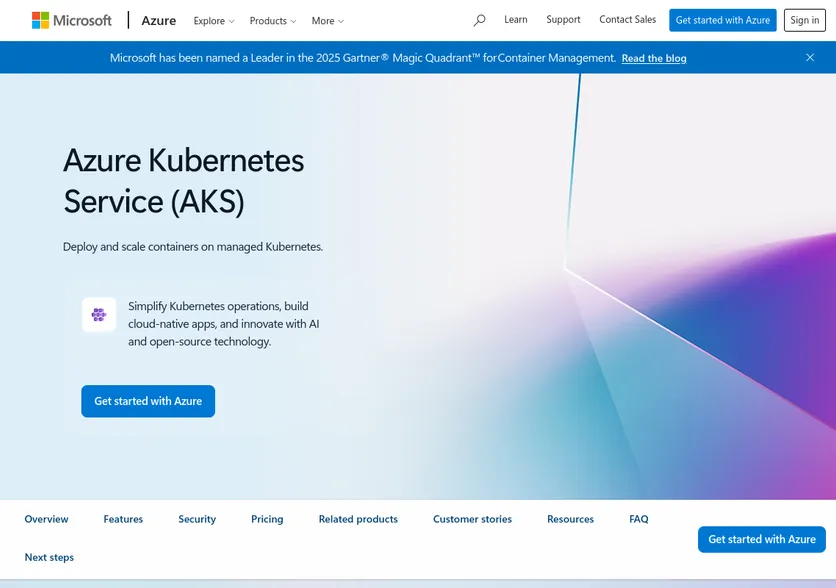
3. Azure Kubernetes Service
Best for: Remote teams already paying for Microsoft Azure
Paid tool Starting price: $0.10/cluster/hour · Ten cents per cluster per hour for the Standard tier, or about seventy-three dollars a month, with a financially backed uptime SLA; the Free tier costs nothing with no SLA, and the Premium tier costs sixty cents per cluster per hour for long-term support
Free plan: Free tier: $0 control plane, no SLA
This Azure Kubernetes Service service offers a Free tier with no control plane charge and no uptime SLA, which suits dev and test clusters that cost nothing beyond their nodes. The Standard tier costs ten cents per cluster per hour, or about seventy-three dollars a month, with a financially backed uptime SLA for production. AKS Automatic runs on the Standard tier with pod readiness guarantees, and the Premium tier adds long-term support for teams that upgrade slowly.
What we like
- Free tier control plane costs nothing for dev clusters
- Standard tier matches the other clouds at ten cents
- Automatic mode adds pod readiness guarantees
Watch out for
- Free tier carries no financially backed SLA
- Premium tier costs sixty cents per cluster per hour
How to try it
- Open the Azure Kubernetes Service pricing page and pick a tier
- Create a Free tier cluster for development first
- Move production to Standard when you need the SLA
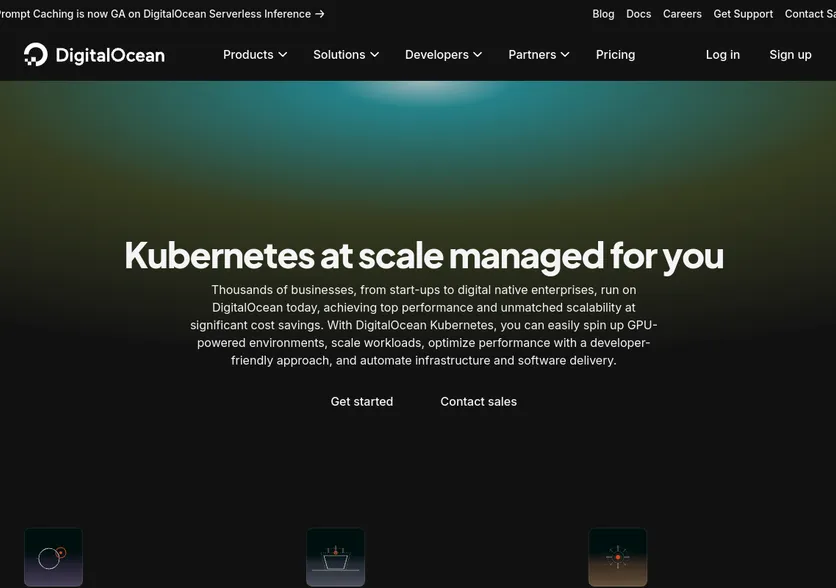
4. DigitalOcean Kubernetes
Best for: Small remote teams that want a free control plane and flat node prices
Paid tool Starting price: $12/node/month · Twelve dollars a month per node for the smallest Basic node, with the control plane free; a highly available control plane costs forty dollars a month, a load balancer costs twelve dollars a month and block storage starts at ten dollars a month
Free plan: Free control plane; nodes from $12/month
This DigitalOcean Kubernetes service charges nothing for the control plane, so the bill is only the worker nodes, which start at twelve dollars a month each. A highly available control plane costs forty dollars a month, and a load balancer costs twelve dollars a month, which keeps the total predictable for a small team. The console is simpler than the hyperscalers, which suits a remote team that wants a cluster running today rather than a week of setup.
What we like
- Control plane is free, with no per-cluster fee
- Flat node prices with pooled outbound transfer
- Simplest console of the managed services here
Watch out for
- Free control plane is not highly available
- Basic nodes use shared CPU, so performance varies
How to try it
- Open the DigitalOcean Kubernetes pricing page and pick a node size
- Create a cluster with at least two nodes
- Add a load balancer only when the service needs public traffic
5. SUSE Rancher Prime
Best for: Enterprises that run Kubernetes across clouds and on premises
Paid tool Starting price: $2,175/year · Two thousand one hundred and seventy-five dollars a year per two cores or four virtual CPUs for a Standard one-year subscription; Priority costs two thousand nine hundred dollars, and a one to two socket server with up to sixty-four cores costs six thousand five hundred and twenty-five dollars a year
Free plan: Free community edition; Prime is paid
This SUSE Rancher Prime platform manages clusters anywhere, from EKS and AKS to on-premises RKE2 and K3s, from one console. The commercial subscription costs two thousand one hundred and seventy-five dollars a year per two cores or four virtual CPUs for Standard support, and pricing moved to this per-core model in 2025, so costs rise with core count. The open-source Rancher core stays free, while Prime adds support, hardened images and extended security patch windows.
What we like
- Manages clusters across clouds and on premises
- Open-source core stays free and active
- Prime adds support and hardened images
Watch out for
- Per-core pricing rose sharply for many customers in 2025
- Costs multiply with every core you manage
How to try it
- Open the SUSE Rancher Prime shop page and check the price
- Count the cores across every cluster you will manage
- Trial the open-source Rancher core before you buy Prime
6. Portainer Business
Best for: Small teams that want a simple dashboard over existing clusters
Paid tool Starting price: $1,045/year · One thousand and forty-five dollars a year for the Starter plan covering five to fifteen nodes, or eighty-seven dollars and eight cents a month billed annually; Scale costs two thousand and ninety-five dollars a year and Business is free for up to three nodes
Free plan: Free Business tier for up to 3 nodes
This Portainer Business plan gives a team a web dashboard for clusters they already run, with role-based access control, audit logs and registry management. The Starter plan costs one thousand and forty-five dollars a year for five to fifteen nodes, and the Business edition is free for up to three nodes, which covers a small team before it pays anything. Scale costs two thousand and ninety-five dollars a year and adds vendor support and higher node limits.
What we like
- Free Business tier covers up to three nodes
- Simple dashboard over clusters you already run
- Role-based access and audit logs included
Watch out for
- Only manages clusters you already run elsewhere
- Starter plan has no vendor support, only community help
How to try it
- Open the Portainer pricing page and claim the free tier
- Connect your existing cluster to the dashboard
- Set role-based access before you invite the team
7. Red Hat OpenShift
Best for: Regulated enterprises that need a full container platform
Paid tool Starting price: $0.17/hour per 4 vCPUs · Seventeen cents per hour per four worker virtual CPUs for Red Hat OpenShift Service on AWS, plus twenty-five cents per hour for a hosted control plane; self-managed subscriptions are quoted per core-pair and Red Hat publishes no list price for them
Free plan: No free plan; trial available
This Red Hat OpenShift platform bundles Kubernetes with a registry, CI and CD pipelines, monitoring and security in one supported product, which suits regulated teams that want one vendor for the whole stack. Self-managed subscriptions are quoted per core-pair and Red Hat publishes no list price for them, but the managed service on AWS charges seventeen cents per hour per four worker virtual CPUs plus twenty-five cents per hour for a hosted control plane. The platform is the priciest path here, and it is the one that ships the most built in.
What we like
- Registry, pipelines, monitoring and security in one product
- Managed service publishes a clear per-hour price
- Built for regulated industries with strict controls
Watch out for
- Self-managed price is quoted, with no published list
- Priciest path in this comparison once cores are counted
How to try it
- Open the Red Hat OpenShift Service on AWS pricing page
- Price one cluster by its worker virtual CPUs
- Trial the managed service before you quote self-managed
Prices above were checked on each vendor’s own website on Nov 27, 2026 and can change — the vendor’s page is the final word. Vendor links are editorial: nobody paid to be listed or ranked here. Vendors who want a featured listing can see how it works on our Get listed page.
How a remote team should manage Kubernetes clusters
Start by counting the clusters before you buy anything, because the control plane fee is charged per cluster and ten dev clusters cost ten times the headline price. Give each environment its own cluster only when it needs isolation, and share one cluster across small services with namespaces where you can. Set a calendar reminder for every version support date, since the extended support rate starts automatically when a version ages out.
Price the nodes before the control plane, because the worker nodes, the storage and the load balancer cost far more than the ten cents an hour the control plane charges. Test an upgrade on a dev cluster first, since the upgrade is where most teams meet their first outage. Keep one cluster on the free tier or the monthly credit for experiments, so a test never lands on the production bill.
Before you buy
- Count the clusters before you buy, because control plane fees multiply per cluster
- Check what happens to the price when a Kubernetes version falls out of support
- Ask whether the control plane is free or billed per hour
- Test an upgrade on a dev cluster before you touch production
- Read the node bill, because nodes cost far more than the control plane
Official websites
Official websites of the products reviewed above. Features and prices were checked against these sites when this guide was written, and they can change, so confirm on the vendor site before you buy.
Frequently asked questions
What is the cheapest managed Kubernetes service?
Google Kubernetes Engine, Amazon EKS and Azure AKS Standard all charge ten cents per cluster per hour, about seventy-three dollars a month, so the control plane costs the same on all three clouds. Google adds a seventy-four dollar and forty cent monthly credit that covers one eligible cluster, and Azure offers a Free tier with no control plane charge. DigitalOcean charges nothing for the control plane and bills only the nodes, which start at twelve dollars a month each.
Why is the control plane fee not the real cost of Kubernetes?
The control plane fee is the smallest line on the bill, because the worker nodes cost far more than the ten cents an hour the control plane charges. A small cluster with three nodes can cost several hundred dollars a month in compute, storage and load balancers, while the control plane stays at seventy-three dollars. Price the nodes first, then the storage and the load balancer, and treat the control plane as a rounding error.
What happens when a Kubernetes version falls out of support?
Amazon EKS gives each Kubernetes version fourteen months of standard support, then moves it to extended support at sixty cents per cluster per hour, or about four hundred and thirty-eight dollars a month, which is six times the standard rate. Google charges fifty cents extra per hour in the extended period, while Azure Premium offers long-term support at sixty cents per hour by choice. Upgrade on a schedule and the higher rate never starts.
What is the difference between Rancher Prime and Portainer?
Rancher Prime manages clusters anywhere, from EKS and AKS to on-premises RKE2 and K3s, from one console, with support and hardened images on top of the free open-source core. Portainer gives a team a simple dashboard over clusters they already run, with role-based access and audit logs, and it is free for up to three nodes. Pick Rancher when you manage many clusters in many places, and Portainer when you only need a dashboard.
How do we start with managed Kubernetes safely?
Start with a dev cluster on the cheapest tier, deploy one real service and watch the node bill for a week before you move production. Test an upgrade on the dev cluster first, because the upgrade is where most teams meet their first outage. Set a calendar reminder for the version support dates, since the extended support rate starts automatically when a version ages out.
Compare the seven tools above, then trial your pick on a dev cluster before you move production workloads.
Browse Developer Tools tools