On this page
A startup finds out about production errors from angry customers unless something is watching the code. An error tracker catches the crash, groups identical failures into one issue and points at the line and release that caused it, so a small team fixes the bug instead of hunting it. We compared eight tools on published price, the errors each plan includes and what the free tier actually covers. Sentry is our first pick — the most complete tracker here, with tracing, logs and session replay in the same twenty-six-dollar plan.
How we researched this
We started with the error trackers startups actually install, then read each price on the vendor site on November 27, 2026 and noted the free tier each plan carries. We judged them for a small team shipping fast, watching its error budget and working without a dedicated reliability engineer. We dropped quote-only enterprise platforms and analytics tools with no dedicated error product, because a startup needs a published price and a tracker it can install in an afternoon.
Compare the tools
| Name | Best for | Starting price | Free plan | |
|---|---|---|---|---|
 Sentry | Startups that want errors, tracing and session replay in one tool | $26/month | Free Developer plan for one user with 5,000 errors a month | Visit |
 Rollbar | Startups that want the cheapest paid error tracker with no seat fees | $9/month | Free plan with 5,000 events a month and 1,000 session replays | Visit |
| Bugsnag | Mobile startups that want stability scores across releases | $20/month | Free tier for one user with 7,500 events a month | Visit |
| Honeybadger | Small teams that want errors, uptime and logs on one flat plan | $26/month | Free Developer plan with 5,000 errors a month and one monitor | Visit |
| Airbrake | Solo developers who want simple tiers and deploy tracking | $19/month | No free plan; free trial available, card required | Visit |
| GlitchTip | Budget-conscious teams that want Sentry-compatible tracking or self-hosting | $15/month | Free Hobby plan with 1,000 events a month; self-hosting is free | Visit |
| Raygun | Teams with high error volumes that want simple per-block pricing | $40/month | No free plan; 14-day free trial | Visit |
 Datadog Error Tracking | Teams already running Datadog APM or Real User Monitoring | $25/month | No standalone free plan; trial available with a Datadog account | Visit |
The error tracking software for startups, compared
1. Sentry
Best for: Startups that want errors, tracing and session replay in one tool
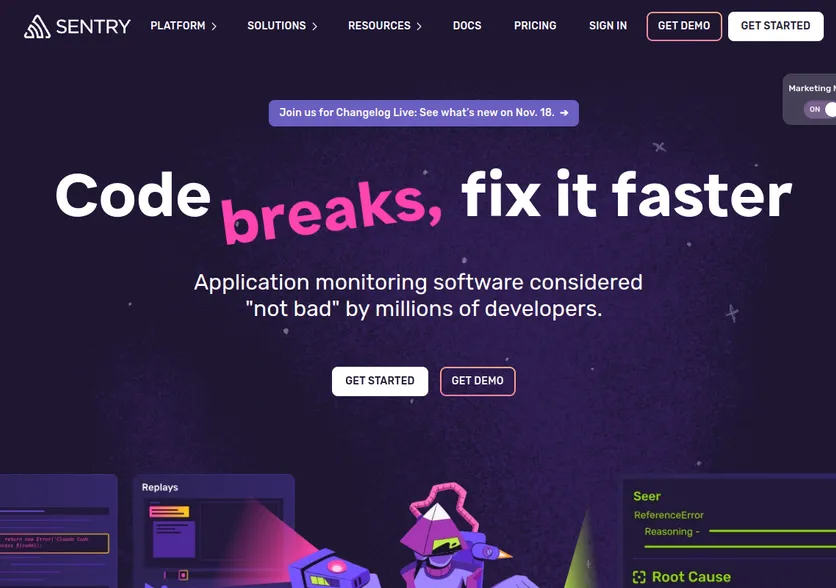
Paid tool Starting price: $26/month · Twenty-six dollars a month billed annually for the Team plan, including fifty thousand errors, five million tracing spans, fifty session replays and five gigabytes of logs a month; monthly billing costs twenty-nine dollars
Free plan: Free Developer plan for one user with 5,000 errors a month
This Sentry Team plan is the most complete error tracker in this comparison, pairing error grouping with tracing, logs and session replay in one account. The Team plan costs twenty-six dollars a month billed annually and includes fifty thousand errors a month with unlimited users, so a growing startup never pays per seat. Stack traces are the best in the category, and suspect-commit linking points straight at the change that introduced the bug.
What we like
- Best stack traces and error grouping in this comparison
- Tracing, logs and session replay included in the same plan
- Unlimited users on paid plans, so the bill never grows with hiring
Watch out for
- Volume pricing means a noisy release can push the bill up fast
- Advanced quota controls and SAML wait for the eighty-dollar Business plan
How to try it
- Open the Sentry pricing page and start the free Developer plan
- Install the SDK for your language and ship one release with it
- Connect your deploy pipeline so errors are tagged by release
2. Rollbar
Best for: Startups that want the cheapest paid error tracker with no seat fees
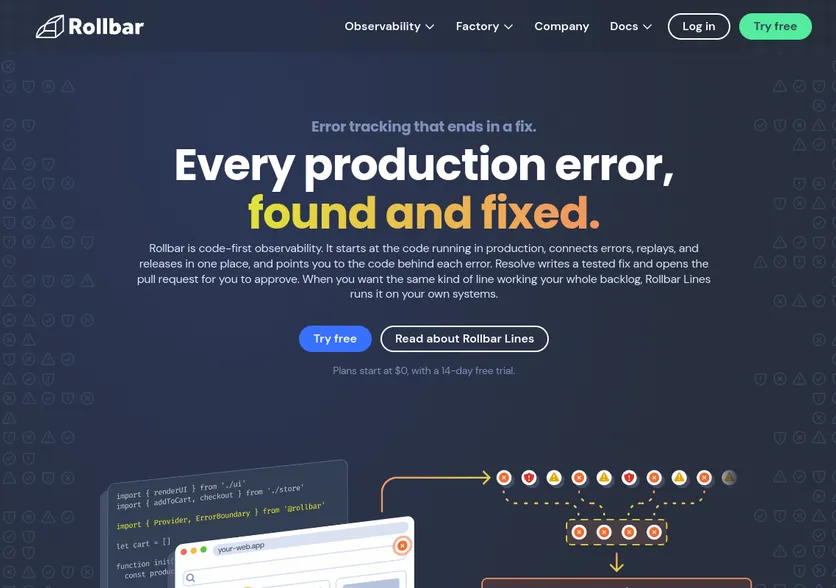
Paid tool Starting price: $9/month · Nine dollars a month for Essentials with ten thousand events, or about seven dollars and fifty cents a month with annual billing; Advanced starts at thirteen dollars a month and adds adaptive alerts and saved views
Free plan: Free plan with 5,000 events a month and 1,000 session replays
This Rollbar Essentials plan is the cheapest paid entry point in this comparison, at nine dollars a month for ten thousand events. Session replay is included on every plan, even the free tier, and the free plan covers five thousand events a month with unlimited users and projects. Machine-learning error grouping keeps duplicate reports from flooding the dashboard when a release goes wrong.
What we like
- Cheapest paid plan in this comparison at nine dollars a month
- Session replay included on every plan, even the free tier
- Unlimited users and projects on the free plan
Watch out for
- Collection stops at the event limit by default, with no grace volume
- Advanced alerting and SAML need the higher tiers
How to try it
- Open the Rollbar pricing page and start the free plan
- Install the SDK and confirm the first error lands in the dashboard
- Turn on the Essentials plan when monthly events pass five thousand
3. Bugsnag
Best for: Mobile startups that want stability scores across releases
Paid tool Starting price: $20/month · Twenty dollars a month billed annually for the Select plan, covering fifty thousand events and one million spans with unlimited users; monthly billing costs twenty-three dollars, and Preferred starts at thirty-three dollars a month
Free plan: Free tier for one user with 7,500 events a month
This Bugsnag Select plan is the pick for startups shipping mobile apps, with stability scores that show whether a new release made things better or worse. The Select plan costs twenty dollars a month billed annually for fifty thousand events, with strong SDK coverage for iOS, Android and React Native. Release health views and stability monitoring turn raw crash counts into a clear answer about each build.
What we like
- Stability scores show whether each release improved or hurt the app
- Strongest mobile SDK coverage in this comparison
- Sixty days of retention on the Select plan
Watch out for
- Priced per event tier, so a spike can force a plan jump
- Single sign-on waits for the Preferred plan at thirty-three dollars a month
How to try it
- Open the Bugsnag pricing page and start the free tier
- Add the SDK to your mobile app and ship a test release
- Watch the stability score for two releases before you pay
4. Honeybadger
Best for: Small teams that want errors, uptime and logs on one flat plan
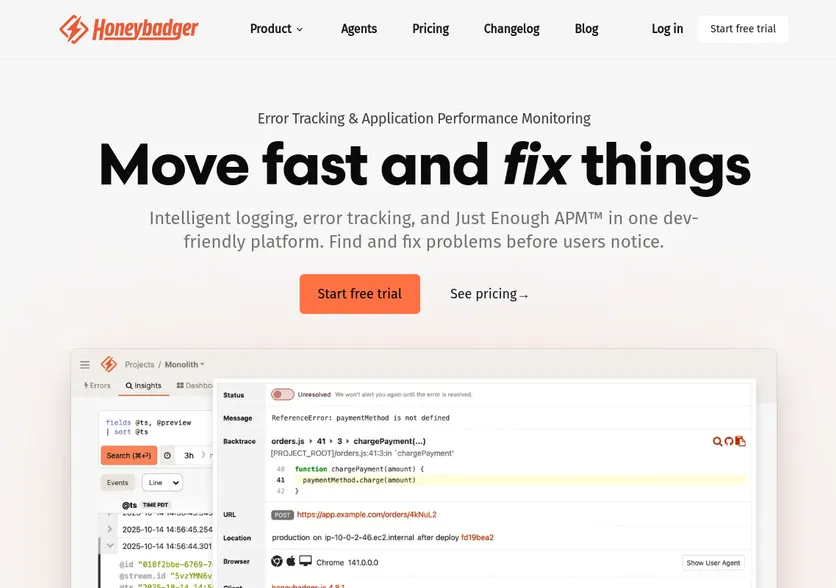
Paid tool Starting price: $26/month · Twenty-six dollars a month for the Team plan, or two hundred and eighty-six dollars a year, bundling error tracking, logs, uptime monitoring and a status page in one bill
Free plan: Free Developer plan with 5,000 errors a month and one monitor
This Honeybadger Team plan puts errors, uptime checks, cron monitoring and a public status page in one twenty-six-dollar bill. A startup that would otherwise pay for three separate tools gets the whole monitoring stack from one vendor, with a flat price and no per-seat charges. The free Developer plan covers five thousand errors a month plus one monitor, enough to protect a first production app.
What we like
- Errors, uptime checks and a status page in one flat bill
- Flat per-account pricing with no seat fees
- Simple setup that a solo maintainer can finish in an afternoon
Watch out for
- Smaller ecosystem than Sentry, with fewer third-party integrations
- No session replay, so you cannot watch the user steps before a crash
How to try it
- Open the Honeybadger pricing page and start the free Developer plan
- Add the error SDK and one uptime monitor for your homepage
- Upgrade to Team when you need a status page or more monitors
5. Airbrake
Best for: Solo developers who want simple tiers and deploy tracking
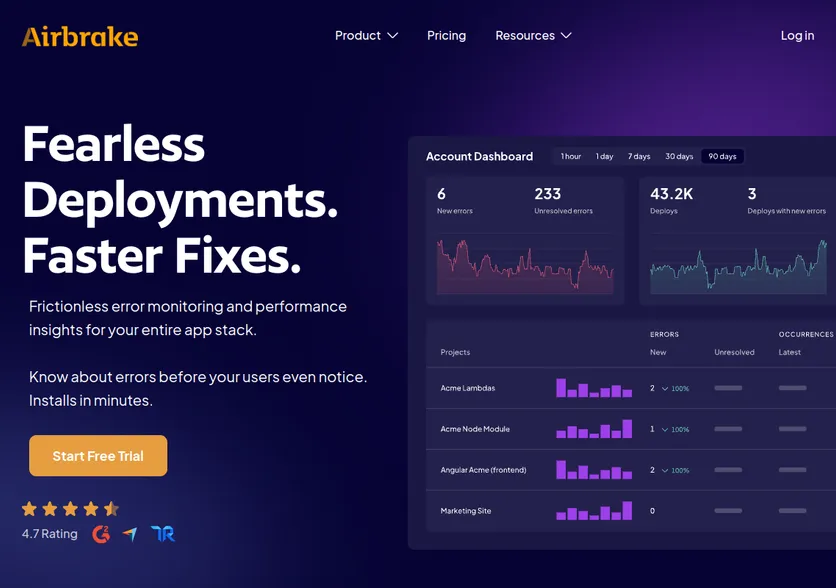
Paid tool Starting price: $19/month · Nineteen dollars a month for the Dev plan on monthly billing, or seventeen dollars a month billed yearly, covering twenty-five thousand errors for one user; Basic at thirty-eight dollars a month adds unlimited users
Free plan: No free plan; free trial available, card required
This Airbrake Dev plan is the simplest tiered tracker here, at nineteen dollars a month for twenty-five thousand errors. Performance monitoring and deploy tracking sit alongside error alerts, so a startup sees slow requests and bad deploys in the same dashboard. Airbrake has tracked errors for over a decade, which makes it a steady choice for a team that values stability over new features.
What we like
- Clear tiered quotas with no surprise overage maths
- Performance monitoring and deploy tracking included
- A mature, stable platform with over a decade of history
Watch out for
- Entry plan covers one user only, so teams pay more at Basic
- No permanent free tier, and the trial needs a card
How to try it
- Open the Airbrake pricing page and start the free trial
- Install the notifier gem or SDK in your app
- Connect deploy tracking so errors are tied to each release
6. GlitchTip
Best for: Budget-conscious teams that want Sentry-compatible tracking or self-hosting
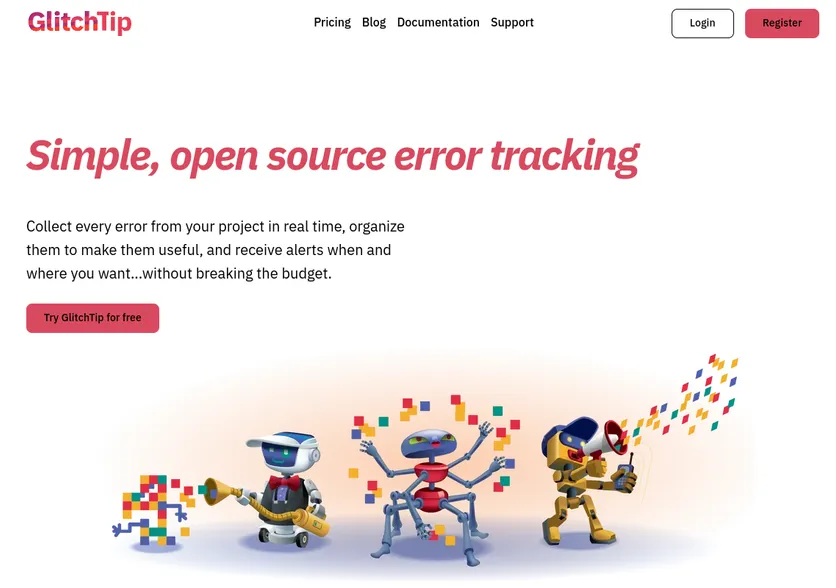
Paid tool Starting price: $15/month · Fifteen dollars a month for the Small plan, covering one hundred thousand events with ninety days of retention and unlimited projects and team members; Medium costs fifty dollars a month for five hundred thousand events
Free plan: Free Hobby plan with 1,000 events a month; self-hosting is free
This GlitchTip Small plan is the cheapest error tracking per event in this comparison, at fifteen dollars a month for one hundred thousand events. It speaks the same SDK protocol as Sentry, so a startup can point its existing Sentry client libraries at GlitchTip without changing code. The project is open source under the MIT licence, and a team that needs data on its own servers can self-host it for free.
What we like
- Cheapest paid price per event here, fifteen dollars for one hundred thousand
- Accepts Sentry SDK events, so migration needs no code changes
- Open source with a free self-hosted option for data control
Watch out for
- Fewer features by design, with no session replay
- Leaner interface and smaller community than Sentry
How to try it
- Open the GlitchTip pricing page and start the free Hobby plan
- Point your existing Sentry SDK at GlitchTip with no code changes
- Upgrade to Small when monthly events pass one thousand
7. Raygun
Best for: Teams with high error volumes that want simple per-block pricing
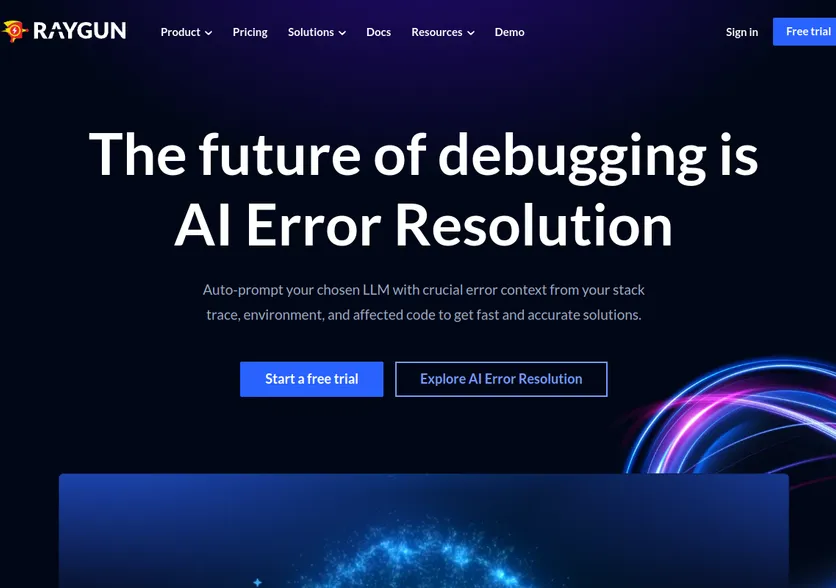
Paid tool Starting price: $40/month · Forty dollars a month billed annually for Crash Reporting Basic, covering one hundred thousand errors with unlimited apps and members; monthly billing costs sixty dollars, and extra errors are charged on demand
Free plan: No free plan; 14-day free trial
This Raygun Crash Reporting Basic plan suits startups that expect high error volumes and want simple per-block pricing. Forty dollars a month billed annually buys one hundred thousand reserved errors, with unlimited apps and team members on every plan. Real user monitoring and application performance monitoring are sold as separate products from the same vendor, so a team can add them later without switching tools.
What we like
- One hundred thousand errors included for forty dollars a month
- Unlimited apps and members on every plan
- Real user monitoring and APM available from the same vendor
Watch out for
- No permanent free tier, only a fourteen-day trial
- Real user monitoring and APM each cost extra from eighty dollars a month
How to try it
- Open the Raygun pricing page and start the fourteen-day trial
- Install the Crash Reporting SDK in your busiest app
- Check the reserved error volume against a bad week before you pay
8. Datadog Error Tracking
Best for: Teams already running Datadog APM or Real User Monitoring
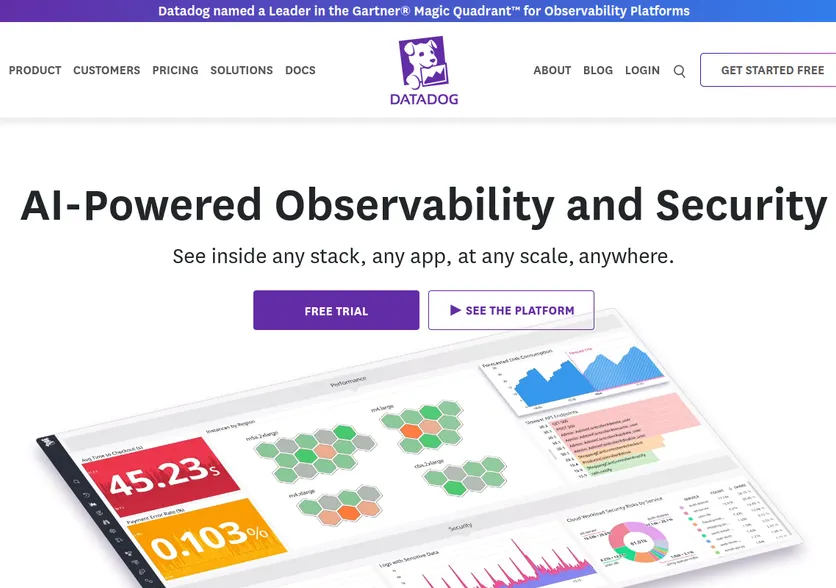
Paid tool Starting price: $25/month · Twenty-five dollars a month for the first fifty thousand errors on annual billing, priced by event volume alongside Datadog APM and Real User Monitoring
Free plan: No standalone free plan; trial available with a Datadog account
This Datadog Error Tracking plan is the pick for a startup already running Datadog APM or Real User Monitoring, because errors land in the same dashboards as traces and logs. Twenty-five dollars a month covers the first fifty thousand errors on annual billing, with a published per-error overage rate above that. Error tracking here is one part of a much larger observability platform, so it makes sense only when the rest of Datadog is already in use.
What we like
- Errors sit beside traces, logs and metrics in one dashboard
- Published per-error overage rate, so the bill is predictable
- Deepest observability platform in this comparison
Watch out for
- Only makes sense if the team already pays for Datadog
- The full platform bill grows quickly beyond error tracking alone
How to try it
- Open the Datadog pricing list and find the error tracking rate
- Turn on error tracking inside your existing APM setup
- Set an alert on error volume before the first paid month ends
Prices above were checked on each vendor’s own website on Nov 27, 2026 and can change — the vendor’s page is the final word. Vendor links are editorial: nobody paid to be listed or ranked here. Vendors who want a featured listing can see how it works on our Get listed page.
How a startup should pick an error tracker
Start with your real error volume, not the plan name. A quiet app that throws a few hundred errors a month lives happily on a free tier, while a noisy release can burn through a fifty-thousand-error quota in a week. Count the errors your current app produces before you buy, then pick the plan whose included volume covers a bad week, not an average one. Flat per-account pricing beats per-seat pricing for a startup, because every engineer should be able to see errors without the bill growing with each hire.
Install the tracker before the next release, not after the next outage. Connect it to your deploy pipeline so every error is tagged with the release that shipped it, and set one alert channel the whole team actually reads. A tracker that nobody checks is just a log file with a nicer name, so pick the tool whose alerts your team will act on at two in the morning.
Before you buy
- Measure your monthly error volume first, then buy the plan that covers a bad week
- Check whether the price is flat per account or grows with every seat you add
- Make sure the free tier covers your real volume before you rely on it
- Confirm the tracker tags errors with the release that caused them
- Ask what happens when you pass the quota, a hard stop or an overage charge
Official websites
Official websites of the products reviewed above. Features and prices were checked against these sites when this guide was written, and they can change, so confirm on the vendor site before you buy.
Frequently asked questions
What is the cheapest error tracking software for a startup?
Rollbar Essentials costs nine dollars a month for ten thousand events, or about seven dollars and fifty cents a month with annual billing, which is the cheapest paid plan in this comparison. GlitchTip Small costs fifteen dollars a month for one hundred thousand events, the best price per event here. Sentry, Rollbar, Bugsnag and Honeybadger all offer free tiers, so a very small app can start tracking errors without paying anything.
How many errors does a startup actually produce each month?
A small app with a few hundred daily users usually produces a few thousand errors a month, which fits the free tiers here. A bad release can multiply that overnight, so measure a bad week rather than an average one. Sentry Team includes fifty thousand errors a month and GlitchTip Small includes one hundred thousand, so either covers a startup through its first growth spurt without an upgrade.
Should a startup pay per seat or per error volume?
Per-account pricing suits a startup better, because every engineer should see production errors without the bill growing with each hire. Sentry, Rollbar, Honeybadger and GlitchTip all charge by error volume with unlimited users on paid plans, which is the right shape. Avoid per-seat trackers until your team is large enough that seat costs stop mattering, and watch the overage rate on volume plans.
Do error trackers work with any programming language?
Yes, the tools here ship SDKs for the languages startups actually use, including JavaScript, Python, Ruby, Go, Java and mobile platforms. Sentry and Bugsnag have the widest SDK coverage, including iOS, Android and React Native, while GlitchTip accepts Sentry SDK events directly. Check the SDK list for your stack before you buy, and confirm the tracker supports the framework version you run.
What happens when we exceed our error quota?
It depends on the vendor. Some tools stop collecting until the next billing cycle, which means you fly blind during an outage, while others charge an overage rate per extra error. Sentry and Datadog publish per-error overage rates, Raygun charges on demand above its reserved volume, and GlitchTip lets you set a monthly spend cap. Read the overage terms before you sign, not after a bad release.
Compare the eight trackers above, then start with a free tier on your busiest service before you commit to a paid plan.
Browse Developer Tools tools