
On this page
Every app ships bugs, and the difference between a good team and a great one is how fast the bug is found. The eight tools below catch errors in production, group them into fixable issues and alert the team before users start complaining. Sentry is our first pick, the standard error tracker with the widest SDK coverage and release tracking that ties bugs to deploys. Prices run from $9 a month to $99 a month, so a side project and a production team will land on different tools.
How we researched this
We started with error logging tools that publish a real dollar price and cover the stack a software team actually runs: web, mobile and server. We read each price on the vendor site or a corroborating listing on November 26, 2026 and judged them for a team that needs grouping, deploy tracking and alerts that arrive before users complain. We kept only tools a team can buy without a sales call, and dropped well-known names, including Datadog, Papertrail and Loggly, because none of them publishes a simple error-tracking price.
Compare the tools
| Name | Best for | Starting price | Free plan | |
|---|---|---|---|---|
 Sentry | Software teams that want the standard error tracker | $26/month | Free Developer plan (5,000 errors a month, 1 user) | Visit |
| Rollbar | Small teams that want simple error tracking at a low price | $9/month | Free plan (5,000 occurrences a month) | Visit |
| Bugsnag | Teams that need stability scores and release health | $20/month | Free plan (7,500 events a month, 1 user, 7-day retention) | Visit |
| LogRocket | Teams that want to see what the user saw when it broke | $99/month | Free Developer plan (1,000 sessions a month) | Visit |
| Raygun | Teams that want crash reporting plus real user monitoring | $40/month | 14-day free trial, no free plan | Visit |
| Honeybadger | Small teams that want errors, uptime and check-ins in one tool | $26/month | Free Developer plan (5,000 errors a month) | Visit |
| Airbrake | Teams that want the simplest error-only tool | $19/month | Free plan available | Visit |
| Better Stack | Teams that want error tracking inside a full observability platform | $29/month | Free tier (10 monitors, 100,000 exceptions a month) | Visit |
The error logging tools, compared
1. Sentry
Best for: Software teams that want the standard error tracker
Paid tool Starting price: $26/month · Team plan billed annually for 50,000 errors a month; monthly billing is $29 and Business is $80 a month
Free plan: Free Developer plan (5,000 errors a month, 1 user)
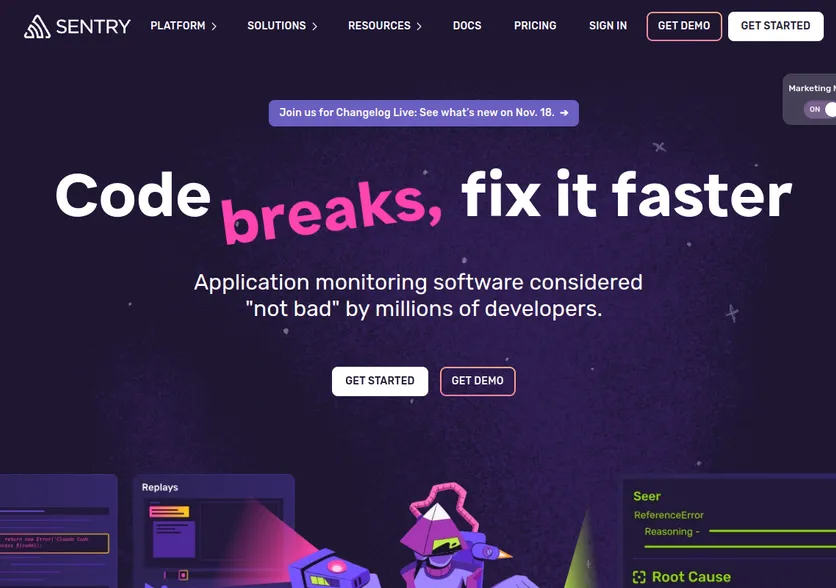
Sentry is the error tracker most development teams reach for first, because it catches exceptions across web, mobile and server code and groups them into issues a developer can actually fix. This Sentry Team plan covers fifty thousand errors a month and adds release tracking, so you can see exactly which deploy introduced a bug. The free developer plan is enough for a side project, and the paid tiers scale with the team rather than against it.
What we like
- Best SDK coverage across every platform
- Release tracking ties bugs to deploys
- Free developer plan for small projects
Watch out for
- Overage charges add up on noisy apps
- Business tier needed for advanced features
How to try it
- Install the Sentry SDK in your app
- Deploy a release and watch errors group into issues
- Set up alerts for new issues in Slack or email
2. Rollbar
Best for: Small teams that want simple error tracking at a low price
Paid tool Starting price: $9/month · Essentials plan billed monthly for 10,000 occurrences a month; 25,000 occurrences is $19 and 50,000 is $29 a month
Free plan: Free plan (5,000 occurrences a month)
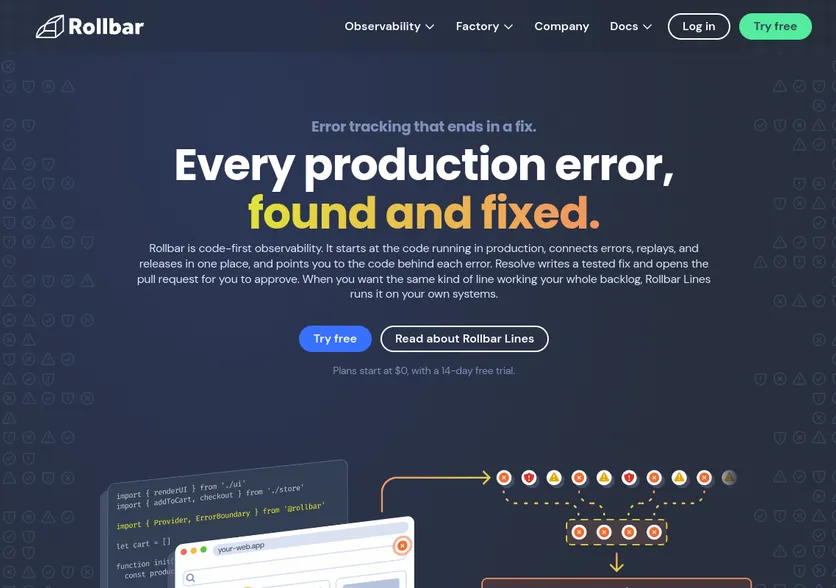
Rollbar is the straightforward error tracker for teams that want to know about bugs quickly without learning a platform. This Rollbar Essentials plan covers ten thousand occurrences a month for less than a team lunch, with grouping, deploy tracking and alerts that tell you when a new error appears. The free plan covers five thousand occurrences, which is enough for a small app to run on Rollbar for months before paying anything.
What we like
- Cheapest paid plan on this list
- Simple setup with no learning curve
- Free plan covers small apps for months
Watch out for
- Fewer features than Sentry at the same price
- Advanced plans cost more per occurrence
How to try it
- Install the Rollbar SDK in your app
- Deploy and watch errors group automatically
- Turn on alerts for new and reactivated items
3. Bugsnag
Best for: Teams that need stability scores and release health
Paid tool Starting price: $20/month · Select plan billed yearly for 50,000 events and 1 million spans a month; monthly billing is $23
Free plan: Free plan (7,500 events a month, 1 user, 7-day retention)
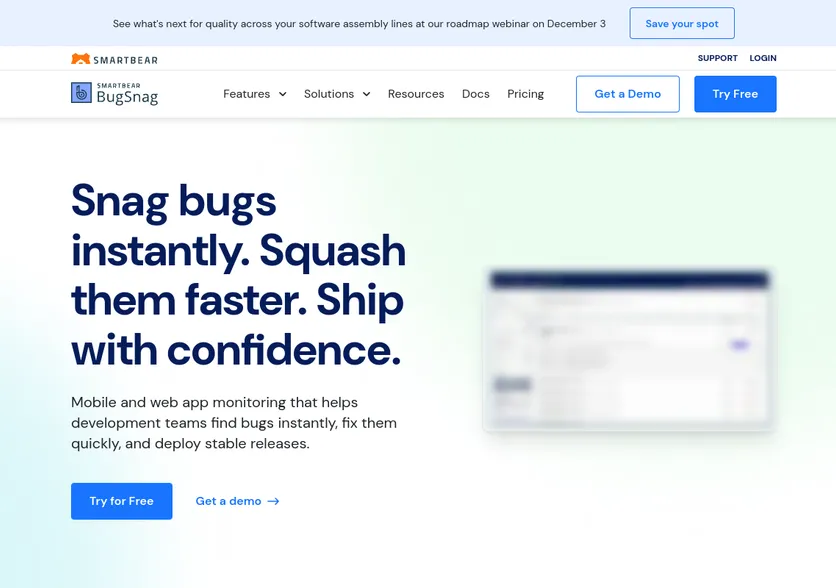
Bugsnag, now part of SmartBear, focuses on the question that matters after an error: how healthy is this release. This Bugsnag Select plan covers fifty thousand events a month and adds stability scores per release, so a team can see whether the latest deploy made things better or worse. The error inbox groups duplicates, shows the breadcrumb trail that led to the crash, and links straight to the code that needs fixing.
What we like
- Stability scores per release are genuinely useful
- Breadcrumb trails show how a crash happened
- Clean error inbox with smart grouping
Watch out for
- Free plan keeps errors for seven days only
- Pricing changed recently, so confirm before buying
How to try it
- Install the Bugsnag SDK and set your release stage
- Deploy and watch the stability score per release
- Fix the top errors by user impact first
4. LogRocket
Best for: Teams that want to see what the user saw when it broke
Paid tool Starting price: $99/month · Team plan for 10,000 sessions a month; Professional starts at $349 a month
Free plan: Free Developer plan (1,000 sessions a month)
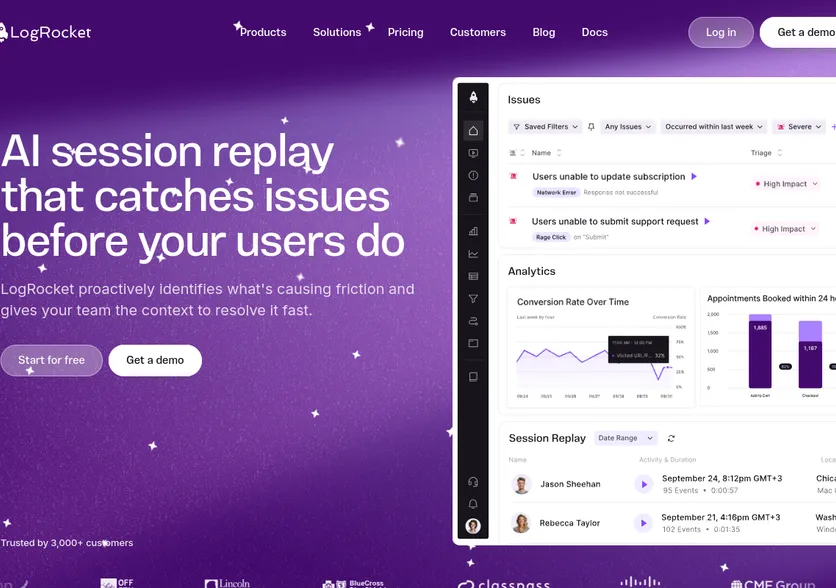
LogRocket pairs error logging with session replay, so when a bug appears you can watch the exact session that produced it. This LogRocket Team plan covers ten thousand sessions a month, with console logs, network requests and user actions replayed alongside the error. It is the tool for the bug that only happens for one user on one browser, because the replay shows you what the user actually did.
What we like
- Session replay shows the bug in context
- Console and network logs included
- Great for bugs you cannot reproduce
Watch out for
- Session limits can be hit fast on busy apps
- Web-focused, less useful for backend errors
How to try it
- Install the LogRocket SDK in your web app
- Reproduce the bug and open the session replay
- Share the replay link with the developer fixing it
5. Raygun
Best for: Teams that want crash reporting plus real user monitoring
Paid tool Starting price: $40/month · Crash Reporting Basic billed annually for 100,000 errors a month; monthly billing is $60
Free plan: 14-day free trial, no free plan
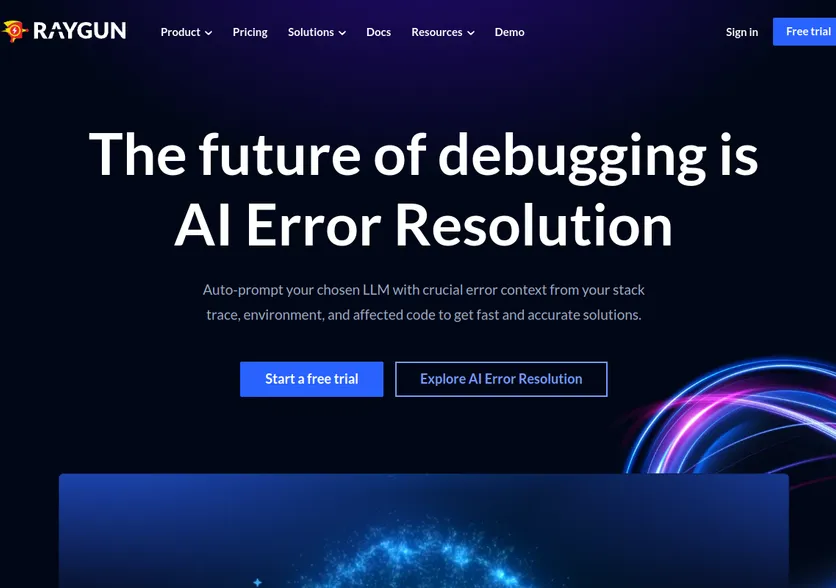
Raygun bundles crash reporting, real user monitoring and application performance monitoring, so one tool covers the whole story of a failure. This Raygun Crash Reporting Basic plan covers one hundred thousand errors a month and adds deployment tracking, so you can filter errors by the release that caused them. It is the pick for a team that wants one subscription instead of three separate monitoring tools.
What we like
- Crash reporting, RUM and APM in one tool
- Deployment tracking filters errors by release
- Unlimited team members on every plan
Watch out for
- Each product is a separate subscription
- No free plan, only a 14-day trial
How to try it
- Install the Raygun SDK in your app
- Enable deployment tracking in your release pipeline
- Filter errors by release to find the bad deploy
6. Honeybadger
Best for: Small teams that want errors, uptime and check-ins in one tool
Paid tool Starting price: $26/month · Team plan; Business is $80 a month or $880 a year
Free plan: Free Developer plan (5,000 errors a month)
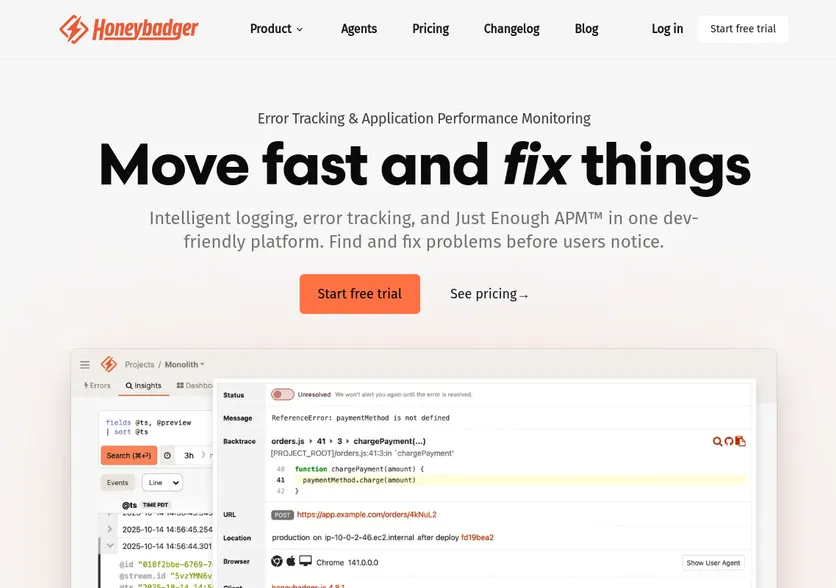
Honeybadger is the friendly error tracker for small teams, and it bundles uptime monitoring and cron check-ins alongside exception tracking. This Honeybadger Team plan covers the error volume a growing app produces, with unlimited users, source maps and a status page included. The free developer plan covers five thousand errors a month, which is enough for a side project or a small production app to run for free.
What we like
- Errors, uptime and check-ins in one tool
- Unlimited users on paid plans
- Free developer plan for small apps
Watch out for
- Errors stop past 125 percent of quota
- Smaller ecosystem than Sentry
How to try it
- Install the Honeybadger gem or SDK
- Add uptime checks for your public pages
- Set up check-ins for your scheduled jobs
7. Airbrake
Best for: Teams that want the simplest error-only tool
Paid tool Starting price: $19/month · Dev plan with errors for 25,000 errors a month; Basic is $38 and Pro is $76 a month
Free plan: Free plan available
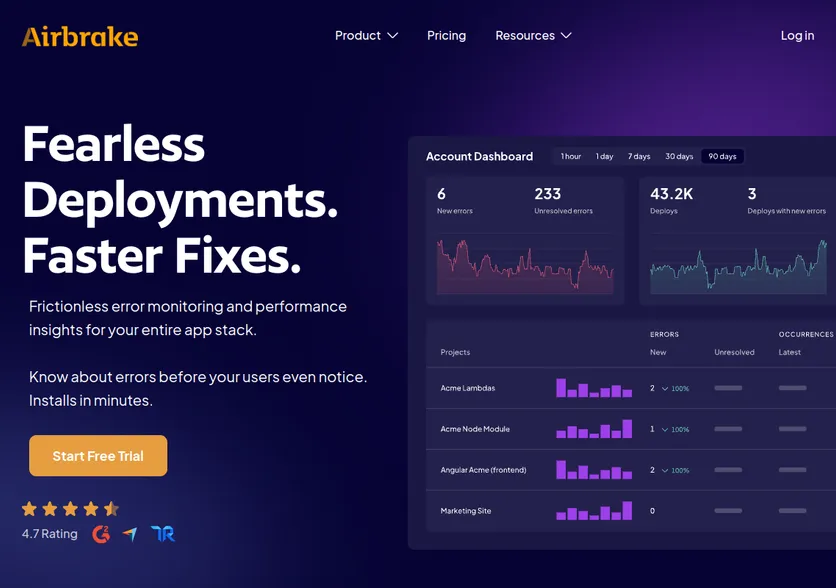
Airbrake is one of the oldest error trackers, and it has stayed close to its original job: catch exceptions, group them, and stay out of the way. This Airbrake Dev plan covers twenty-five thousand errors a month for a single user, with deploy tracking and alerts that tell you when a new error appears. It is the simplest tool here, and for a team that wants error tracking without a platform ambition, that simplicity is the point.
What we like
- Simplest error-only tool on this list
- Priced by error volume, not team size
- Deploy tracking links errors to releases
Watch out for
- Data retention is 30 days on every plan
- Performance monitoring is billed separately
How to try it
- Install the Airbrake notifier in your app
- Deploy and watch errors group by type
- Turn on deploy tracking to link errors to releases
8. Better Stack
Best for: Teams that want error tracking inside a full observability platform
Paid tool Starting price: $29/month · Responder licence billed yearly with unlimited phone and SMS alerts; monthly billing is $34 and telemetry is metered separately
Free plan: Free tier (10 monitors, 100,000 exceptions a month)
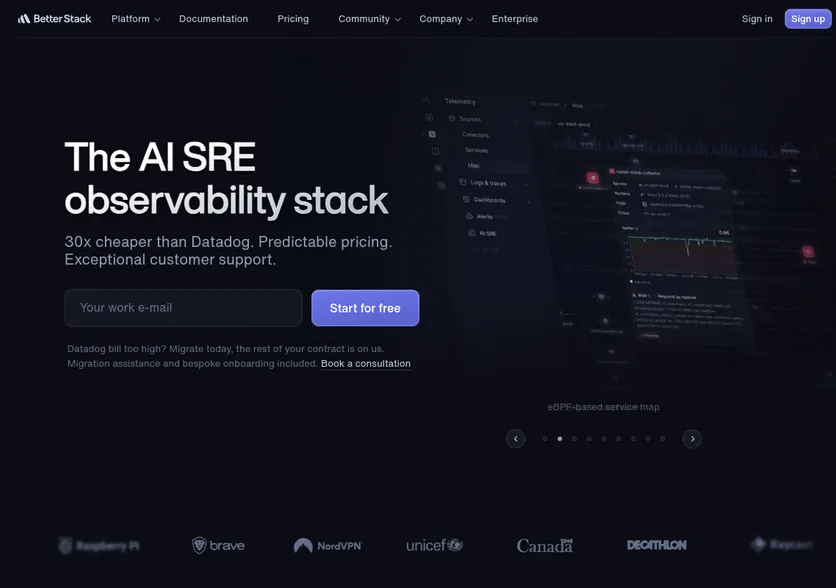
Better Stack is a unified observability platform where error tracking sits alongside logs, metrics, uptime monitoring and incident management. This Better Stack responder licence covers on-call scheduling and incident management, while error tracking is metered per exception with one hundred thousand free each month. It is the pick for a team that wants one platform for the whole incident lifecycle instead of five separate tools.
What we like
- Errors, logs and incidents in one platform
- Sentry-compatible SDK makes migration easy
- Generous free tier for small teams
Watch out for
- Telemetry is metered separately from the licence
- Pricing is a la carte and can surprise
How to try it
- Connect your app with the Sentry-compatible SDK
- Set up on-call schedules and alert rules
- Open an incident from an error and track it to resolution
Prices above were checked on each vendor’s own website on Nov 26, 2026 and can change — the vendor’s page is the final word. Vendor links are editorial: nobody paid to be listed or ranked here. Vendors who want a featured listing can see how it works on our Get listed page.
What error logging costs in 2026
Price the errors you actually produce, not the ones you hope to produce. A quiet app can run on a free tier for years, while a noisy one can double its bill in a bad month through overage charges, so measure your real event volume for a month before choosing a tier. Grouping matters as much as price: a tool that turns ten thousand duplicate crashes into one issue saves more engineering time than any discount. Set up alerts for new issues first, then add release tracking, because knowing which deploy broke things is half the fix.
Before you buy
- Check the event quota on your tier, because overage charges dominate the bill on busy apps
- Confirm the tool groups duplicate errors, so one bug does not flood your inbox
- Verify source maps and symbolication work for your stack, web, mobile or server
- Ask how long errors are retained, because a week is rarely enough to debug a slow bug
- Read the alert options, since the value is in knowing about a bug before users report it
Official websites
Official websites of the products reviewed above. Features and prices were checked against these sites when this guide was written, and they can change, so confirm on the vendor site before you buy.
Frequently asked questions
Which error logging tool is best for software development?
Sentry is the best all-round pick at $26 a month on the Team plan, with the widest SDK coverage and release tracking that ties bugs to deploys. Rollbar is the cheapest paid plan at $9 a month and the best choice for a small team that wants simple tracking. Honeybadger wins when the team also wants uptime monitoring and cron check-ins in the same tool.
How should a team start with error logging for free?
Start with the free tier of Sentry, Rollbar, Honeybadger or Better Stack, which all cover a few thousand errors a month at no cost. Add the SDK, turn on deploy tracking, and set up alerts for new issues so the team hears about bugs before users report them. Upgrade when the event volume outgrows the free tier, not before.
Can error logging tools show what the user saw when it broke?
Yes. LogRocket pairs every error with a session replay, so you can watch the exact user session that produced the bug, including console logs and network requests. Raygun adds real user monitoring alongside crash reporting, which shows how errors affect real users. For backend errors, Sentry and Bugsnag give you the stack trace and breadcrumb trail instead.
What makes error logging expensive?
Check the event quota first, because overage is where the bill grows. Sentry, Rollbar and Bugsnag all charge when you pass the included events, and a noisy app can double the bill in a bad month. Set up grouping and ignore rules for known noise, and pick a tier with headroom above your normal volume so one bad deploy does not break the budget.
What is the difference between error logging and log management?
An error tracker catches exceptions and crashes in your code, while a log manager stores everything your app writes, including routine messages. Tools here such as Sentry, Rollbar and Bugsnag are error trackers, while Better Stack covers both errors and logs. Most teams need an error tracker first, then add log management when debugging needs the full story.
Catch every bug before your users do — browse the full set of developer tools, free and running on your device.
Browse Developer Tools tools


