On this page
A hybrid event has two audiences at once: the room full of people watching the stage, and the online audience watching a screen. The streaming tool has to serve both without making the producer juggle five apps, and the price range is wide, from fourteen dollars and ninety-nine cents a month to ninety-nine dollars a month. We compared eight tools on published price, multistream limits and recording quality. StreamYard is our first pick — the simplest browser studio in this comparison, with Essential at fourteen dollars and ninety-nine cents a month billed annually.
How we researched this
We started with the streaming tools hybrid event teams actually run, then read each price on the vendor site on November 27, 2026 and noted the trial each plan carries. We judged them for a team that streams to an online audience while a room full of people watches the same stage. We dropped quote-only webinar platforms and tools that publish no price, because a team planning a hybrid event needs a number it can budget around.
Compare the tools
| Name | Best for | Starting price | Free plan | |
|---|---|---|---|---|
 Restream | Teams that multistream to two destinations on a budget | $16/month | Free plan available | Visit |
 StreamYard | Hybrid events that need a simple browser studio | $14.99/month | Free plan available | Visit |
| Dacast | Teams that need a professional streaming platform with storage | $39/month | No free plan; 14-day free trial | Visit |
 Crowdcast | Small hybrid events that want a simple webinar room | $34.30/month | No free plan; 14-day free trial | Visit |
| Vimeo | Teams that already host video on Vimeo | $25/month | Free plan available | Visit |
 Riverside | Hybrid events that need studio-quality recordings | $15/month | No free plan; 14-day free trial | Visit |
 Zoom Webinars | Large hybrid webinars on a Zoom Workplace plan | $79/month | No free plan; add-on to a paid Zoom Workplace plan | Visit |
| BoxCast | Churches and venues that stream the same event every week | $99/month | No free plan; demo available | Visit |
The event live streaming software for hybrid events, compared
1. Restream
Best for: Teams that multistream to two destinations on a budget
Paid tool Starting price: $16/month · Sixteen dollars a month billed annually for Standard, or one hundred and ninety dollars a year; nineteen dollars a month on monthly billing; higher tiers add more destinations and team seats
Free plan: Free plan available
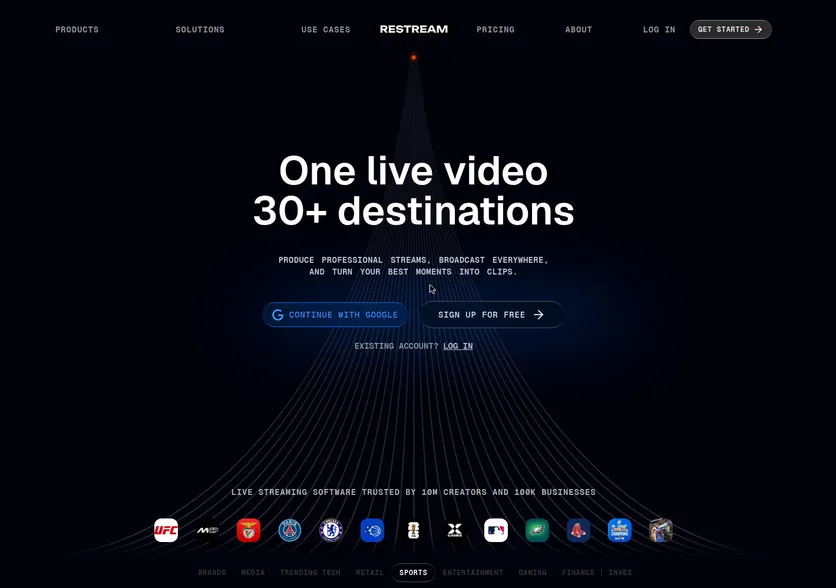
This Restream plan costs sixteen dollars a month billed annually for Standard, which makes it the cheapest multistreaming tool in this comparison. One stream goes out to two destinations at once, and the built-in chat brings every platform's comments into a single window. The browser studio needs no download, so a guest can join from a link and be on screen in under a minute.
What we like
- Cheapest multistreaming in this comparison at sixteen dollars a month
- Chat from every platform in one window
- Browser studio with no download for guests
Watch out for
- Standard covers only two streaming destinations
- Full HD streaming needs a paid plan
How to try it
- Open the Restream pricing page and start the free plan
- Connect your YouTube and Facebook destinations
- Run a private test stream before the event goes live
2. StreamYard
Best for: Hybrid events that need a simple browser studio
Paid tool Starting price: $14.99/month · Fourteen dollars and ninety-nine cents a month billed annually for Essential, or eighteen dollars and ninety-nine cents a month on monthly billing; Core costs thirty-five dollars and ninety-nine cents a month billed annually and Advanced sixty-eight dollars and ninety-nine cents
Free plan: Free plan available
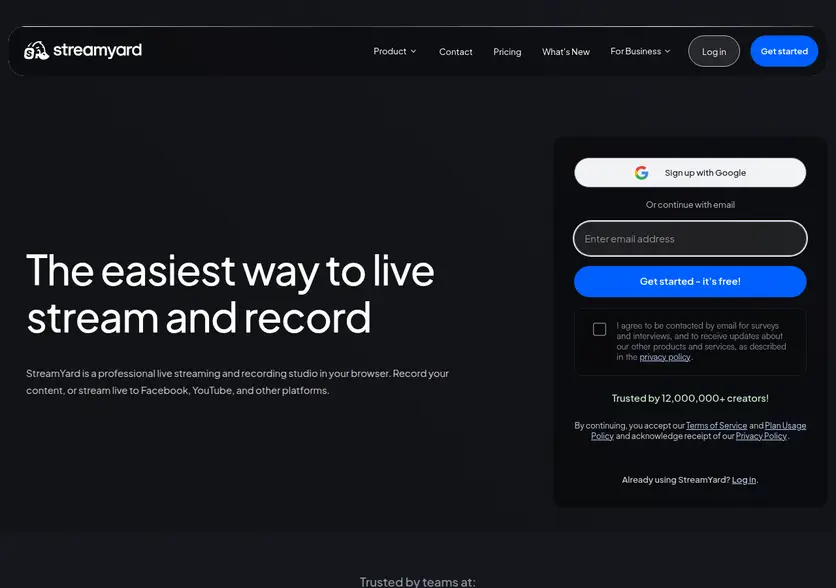
This StreamYard plan costs fourteen dollars and ninety-nine cents a month billed annually for Essential, the lowest entry price in this comparison. The studio runs in the browser, guests join from a link, and the layout tools let a producer put speakers, slides and lower-thirds on screen without extra software. A free plan covers the basics, and the paid tiers add more destinations, branding and recording hours.
What we like
- Lowest entry price here at fourteen dollars and ninety-nine cents a month
- Guests join from a link with no download
- Layout and branding tools built into the studio
Watch out for
- Essential covers only two streaming destinations
- Plans are for individual use, with business plans quoted separately
How to try it
- Open the StreamYard pricing page and start the free plan
- Invite your speakers with a guest link and test their cameras
- Set your layouts and brand colours before the event starts
3. Dacast
Best for: Teams that need a professional streaming platform with storage
Paid tool Starting price: $39/month · Thirty-nine dollars a month billed annually for Starter, with two point four terabytes of annual bandwidth and five hundred gigabytes of storage; Event costs sixty-three dollars a month and Scale one hundred and sixty-five dollars
Free plan: No free plan; 14-day free trial
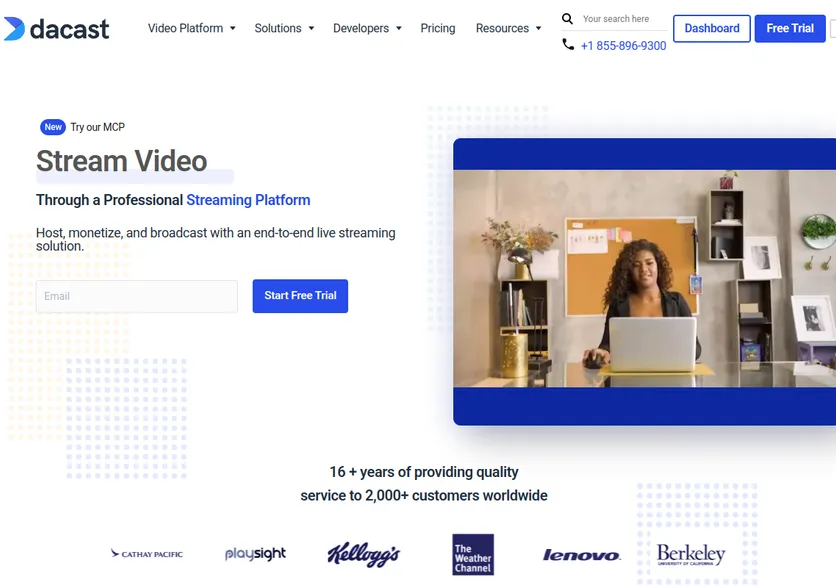
This Dacast plan costs thirty-nine dollars a month billed annually for Starter, and it is built for teams that treat streaming as a product rather than a one-off. The platform includes a video library, paywall options and two point four terabytes of annual bandwidth, so a hybrid event can be sold as a recording afterwards. The learning curve is steeper than the browser studios, but the control over playback and monetisation is much deeper.
What we like
- Video library and paywall for selling recordings
- Two point four terabytes of annual bandwidth on Starter
- Full control over the player and playback experience
Watch out for
- No free plan, only a fourteen-day trial
- Steeper learning curve than the browser-based studios
How to try it
- Open the Dacast pricing page and start the fourteen-day trial
- Upload your event branding and set up the video library
- Schedule the live event and test the paywall before tickets go on sale
4. Crowdcast
Best for: Small hybrid events that want a simple webinar room
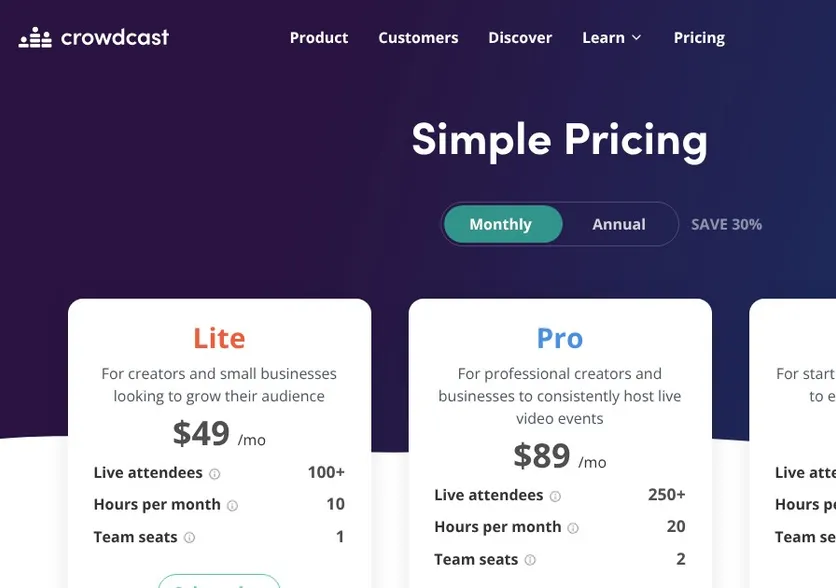
Paid tool Starting price: $34.30/month · Thirty-four dollars and thirty cents a month billed annually for Lite, or forty-nine dollars a month on monthly billing; Pro costs eighty-nine dollars a month and Business one hundred and ninety-five dollars; a fourteen-day free trial is included
Free plan: No free plan; 14-day free trial
This Crowdcast plan costs thirty-four dollars and thirty cents a month billed annually for Lite, which covers small hybrid events with a clean webinar room and built-in registration. Attendees join from a link, ask questions in the chat and get the replay automatically. The entry price is low for a tool that handles both the live event and the follow-up email in one place.
What we like
- Registration, live event and replay in one tool
- Clean webinar room with no download for attendees
- Low entry price for a full event platform
Watch out for
- No free plan, only a fourteen-day trial
- Lite tier caps attendance at a small audience size
How to try it
- Open the Crowdcast pricing page and start the fourteen-day trial
- Create your event page and set the registration form
- Run a rehearsal with your speakers before the live date
5. Vimeo
Best for: Teams that already host video on Vimeo
Paid tool Starting price: $25/month · Twenty-five dollars a month billed annually for Standard, or forty-one dollars a month on monthly billing; Starter costs twelve dollars a month and Advanced seventy-five dollars; Vimeo announced in October 2026 that Standard moves to Professional at seventy-one dollars a month at renewal
Free plan: Free plan available
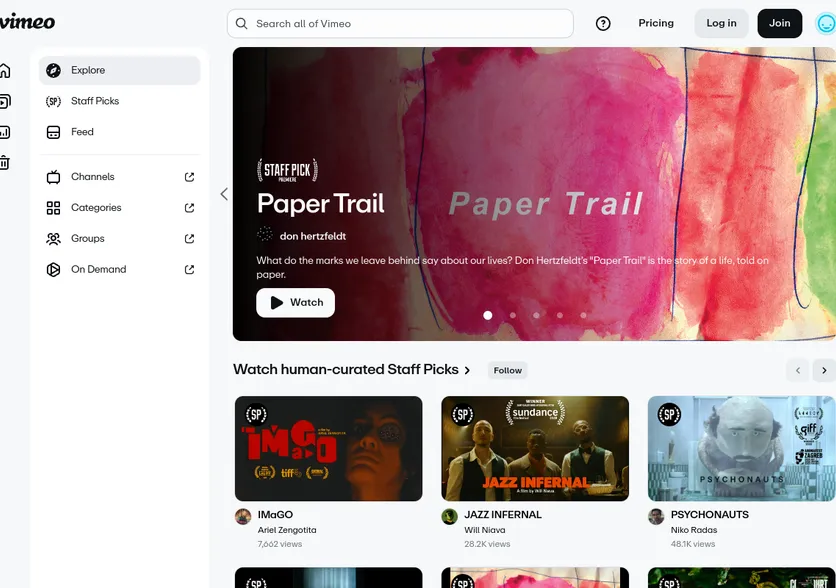
This Vimeo plan costs twenty-five dollars a month billed annually for Standard, and it pairs live streaming with the video hosting many teams already use. The player is clean and ad-free, the event can be embedded on your own site, and the recording lands in your library automatically. Note the October 2026 announcement: Standard moves to the Professional plan at seventy-one dollars a month at renewal, so budget for the higher figure.
What we like
- Clean ad-free player that embeds on your own site
- Recording lands in your video library automatically
- Starter plan at twelve dollars a month for light use
Watch out for
- Standard is moving to Professional at seventy-one dollars a month at renewal
- Advanced streaming features wait for the seventy-five dollar tier
How to try it
- Open the Vimeo upgrade page and pick the Standard plan
- Set up your live event and embed the player on your site
- Stream the event and share the recording from your library after
6. Riverside
Best for: Hybrid events that need studio-quality recordings
Paid tool Starting price: $15/month · Fifteen dollars a month billed annually for Standard, or nineteen dollars a month on monthly billing; Pro costs twenty-four dollars a month billed annually; the free plan was replaced by a fourteen-day trial in September 2026
Free plan: No free plan; 14-day free trial
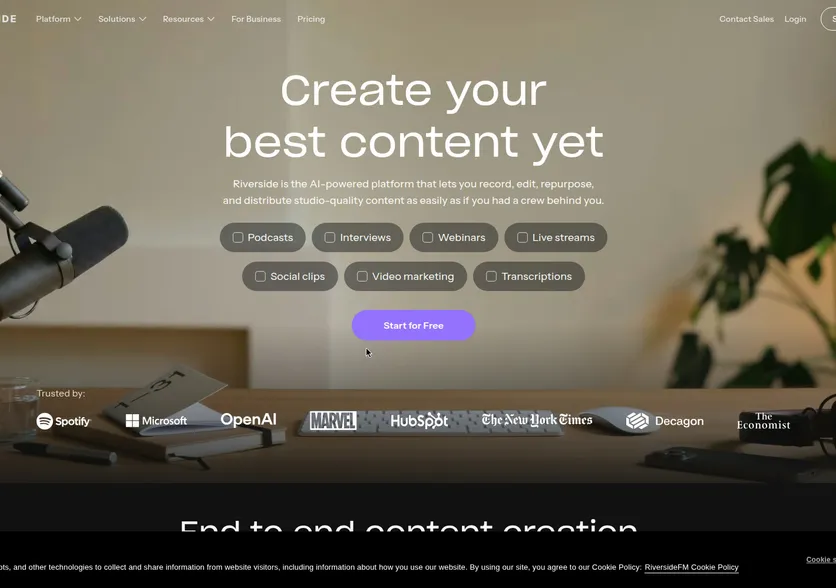
This Riverside plan costs fifteen dollars a month billed annually for Standard, and it records every guest locally in high quality before uploading. That matters for a hybrid event, because a shaky venue connection no longer ruins the recording. The editing tools cut the ums and silences automatically, so a two-hour panel becomes a polished replay in an afternoon.
What we like
- Local recording keeps quality high on a shaky connection
- Automatic editing cuts silences and filler words
- Separate audio and video tracks for every guest
Watch out for
- No free plan, only a fourteen-day trial
- Recording hours are capped on the Standard tier
How to try it
- Open the Riverside pricing page and start the fourteen-day trial
- Invite your speakers and check their local recording setup
- Record the event and edit the replay with the automatic tools
7. Zoom Webinars
Best for: Large hybrid webinars on a Zoom Workplace plan
Paid tool Starting price: $79/month · Seventy-nine dollars a month per licence as an add-on to a paid Zoom Workplace plan, with up to five hundred attendees on the entry tier; Webinars Plus starts at eighty-two dollars and fifty cents a month; a separate Zoom Workplace subscription is required
Free plan: No free plan; add-on to a paid Zoom Workplace plan
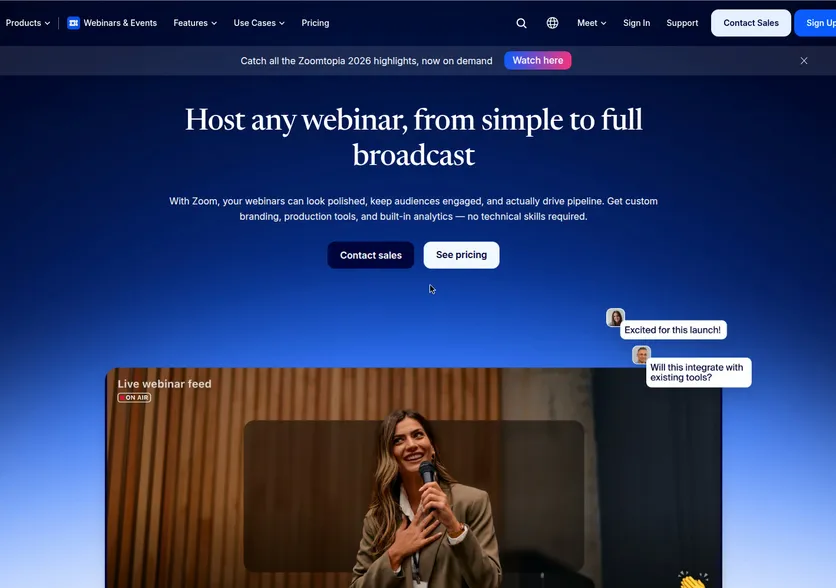
This Zoom Webinars add-on costs seventy-nine dollars a month per licence, and it turns a paid Zoom Workplace plan into a webinar platform for up to five hundred attendees. The audience joins from the Zoom app they already know, the host controls Q and A and polling, and the recording lands in the cloud automatically. It is the pragmatic pick when the whole organisation already runs on Zoom.
What we like
- Audience already knows the Zoom app
- Up to five hundred attendees on the entry tier
- Cloud recording and reporting included
Watch out for
- Needs a paid Zoom Workplace plan underneath
- Per-licence pricing adds up with several hosts
How to try it
- Open the Zoom pricing page and check your Workplace plan
- Add the Webinars licence for each host who runs events
- Schedule the webinar and test Q and A and polling before the live date
8. BoxCast
Best for: Churches and venues that stream the same event every week
Paid tool Starting price: $99/month · Ninety-nine dollars a month for Essential, one hundred and sixty-nine dollars for Deluxe and two hundred and seventy-nine dollars for Advanced; encoder hardware is sold separately
Free plan: No free plan; demo available
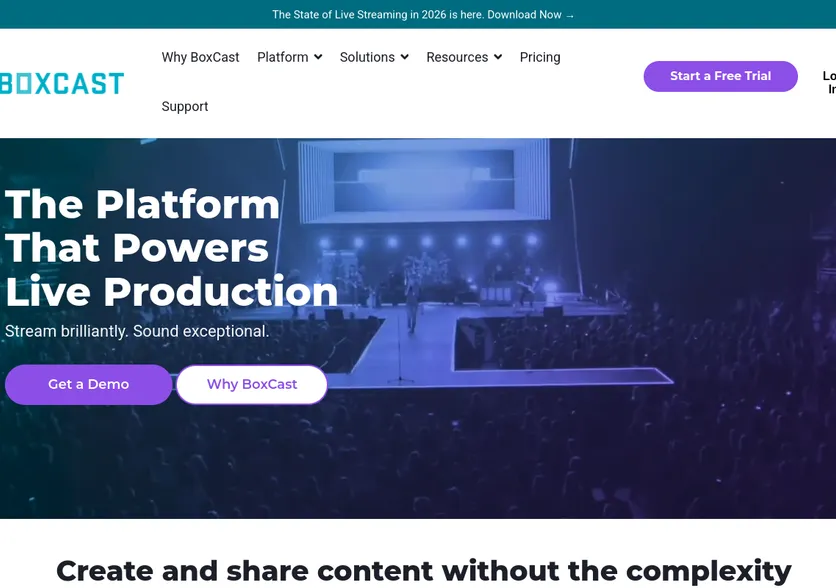
This BoxCast plan costs ninety-nine dollars a month for Essential, and it is built for venues that stream the same event every week. The encoder hardware option takes the stream straight from the venue's cameras, the player embeds on your own site, and the schedule repeats automatically. It is pricier than the browser studios, but it removes the weekly setup work for a team that streams on a fixed schedule.
What we like
- Repeating schedules for weekly events
- Encoder hardware for a direct camera feed
- Player embeds on your own site with your branding
Watch out for
- Ninety-nine dollars a month is steep for occasional events
- Encoder hardware costs extra on top of the subscription
How to try it
- Open the BoxCast pricing page and request a demo
- Connect your venue cameras to the encoder or the browser studio
- Set the repeating schedule and embed the player on your site
Prices above were checked on each vendor’s own website on Nov 27, 2026 and can change — the vendor’s page is the final word. Vendor links are editorial: nobody paid to be listed or ranked here. Vendors who want a featured listing can see how it works on our Get listed page.
How a hybrid event team should pick a streaming tool
Start with the destinations. A hybrid event usually streams to YouTube, Facebook and a page on your own site, and the cheapest plans cover only two destinations at once. Count them before you buy, because the tier that adds a third destination is often where the price jumps. Check the guest limit too: a panel with four speakers needs four on-screen seats, and some entry plans cap you at two.
Test the recording before the event, not during it. A local recording tool such as Riverside saves the quality even when the venue Wi-Fi drops, while a cloud-only tool depends on the connection holding up. Run a private test stream to every destination, check the chat comes through, and confirm the replay lands where your audience expects it. A hybrid event has no second take, so the rehearsal is the product.
Before you buy
- Count your destinations before you buy, because multistream limits differ wildly between plans
- Check the recording limit, since some plans cap local recordings or cloud storage hours
- Confirm the guest limit for on-screen participants, because hybrid panels need more seats than a solo stream
- Ask whether the tool records in full HD or 4K, and whether 4K costs extra
- Check the attendee cap on webinar features, since a hybrid event can outgrow the entry tier fast
Official websites
Official websites of the products reviewed above. Features and prices were checked against these sites when this guide was written, and they can change, so confirm on the vendor site before you buy.
Frequently asked questions
What is the cheapest live streaming software for hybrid events?
StreamYard Essential costs fourteen dollars and ninety-nine cents a month billed annually, and Riverside Standard costs fifteen dollars a month billed annually. Restream Standard is sixteen dollars a month billed annually. All three run in the browser with no download, and all three offer a free plan or trial, so you can test the studio before you commit to a paid tier.
How many platforms can I stream to at once?
StreamYard Essential covers two destinations, Restream Standard covers two, and Riverside is a recording tool rather than a multistreamer. To reach more platforms you need StreamYard Core at thirty-five dollars and ninety-nine cents a month billed annually, which covers three destinations, or a higher Restream tier. Count your destinations before you buy, because the jump between tiers is where the real cost hides.
Can I record the hybrid event and sell the replay?
Yes, on several tools. StreamYard Advanced records in 4K locally, Riverside records every guest locally in high quality, and Vimeo stores the recording in your video library automatically. Zoom Webinars records to the cloud, and Dacast keeps the recording in its video library with a paywall option. If you sell the replay, check the storage limit on your plan before the event.
Do guests need to install anything to join?
Yes. StreamYard lets guests join from a link with no download, Restream works the same way, and Crowdcast attendees join from a link too. Zoom Webinars needs the Zoom app, which most attendees already have, while Riverside guests also join from a browser link. For a panel with outside speakers, a browser-based studio is the least friction you can offer.
How do I pick the right plan size for a hybrid event?
For a hybrid event, count the in-room audience and the online audience separately, then check the attendee cap on your plan. Zoom Webinars covers up to five hundred attendees on the entry tier, Crowdcast Lite is built for small audiences, and BoxCast suits a venue with a fixed weekly schedule. If the online audience might spike, pick a plan with headroom rather than one that caps you at the exact number you expect.
Compare the eight tools above, then run a private test stream to every destination before your first hybrid event.
Browse Business Tools tools