On this page
Ecommerce sellers juggle payouts from Amazon, Shopify and their own store, and each payout mixes sales, fees, refunds and tax in one lump sum. The software has to split those payouts out, track the expenses behind them, and keep the books clean without a spreadsheet. We compared seven expense and accounting tools on published price, marketplace reconciliation and accounting sync for sellers. QuickBooks Online is our first pick — almost every marketplace connector already works with it, and Simple Start costs thirty-eight dollars a month.
How we researched this
We started with accounting and expense tools that publish a US dollar price and handle the money an ecommerce seller actually moves: marketplace payouts, fees, refunds and expenses. We read each price on the vendor site on November 27, 2026 and judged them for sellers who trade on Amazon, Shopify or their own store. We dropped quote-only platforms and general expense suites because a seller needs marketplace reconciliation and accounting sync, not just receipt scanning.
Compare the tools
| Name | Best for | Starting price | Free plan | |
|---|---|---|---|---|
 QuickBooks Online | Ecommerce sellers who want the most widely supported accounting system | $38/month | No free plan; 30-day free trial | Visit |
 Xero | Growing sellers who want clean books with no per-user fees | $27/month | No free plan; 30-day free trial | Visit |
 FreshBooks | Solo sellers who invoice clients as well as selling online | $23/month | No free plan; 30-day free trial | Visit |
 Bench | Sellers who want a bookkeeper included instead of doing the books themselves | $199/month | No free plan; free consultation with a bookkeeper | Visit |
 Hurdlr | Self-employed sellers who want expenses and mileage in one cheap app | $9.99/month | Free plan for basic expense and mileage tracking | Visit |
 Zoho Books | Sellers already using Zoho tools who want accounting in the same family | $15/month | Free plan for businesses under $50,000 annual revenue | Visit |
 A2X | Amazon and Shopify sellers who need payouts reconciled to the order | $29/month | No free plan; 14-day free trial | Visit |
The expense tracking software for ecommerce sellers, compared
1. QuickBooks Online
Best for: Ecommerce sellers who want the most widely supported accounting system
Paid tool Starting price: $38/month · Simple Start costs thirty-eight dollars a month, Essentials eighty-five dollars, Plus one hundred and forty dollars, Advanced three hundred and forty dollars; fifty percent off the first three months is a promotion, not the list price
Free plan: No free plan; 30-day free trial
This QuickBooks Online plan is the default choice for sellers because almost every marketplace connector, payment processor and accountant already works with it. Sales from Shopify, Amazon and your own store land in one ledger, expenses are coded automatically, and the reporting shows profit per channel without a spreadsheet. Simple Start costs thirty-eight dollars a month, with Essentials at eighty-five dollars and Plus at one hundred and forty dollars for sellers who need inventory and project tracking.
What we like
- Almost every marketplace connector and accountant already supports it
- Sales from every channel land in one ledger automatically
- Reporting shows profit per channel without a spreadsheet
Watch out for
- Inventory tracking waits for the Plus plan at one hundred and forty dollars
- Add-ons and payroll push the monthly bill well past the headline price
How to try it
- Open the QuickBooks Online pricing page and start the thirty-day trial
- Connect your store and marketplaces so payouts sync automatically
- Set the expense categories once, then let the bank feed code them
2. Xero
Best for: Growing sellers who want clean books with no per-user fees
Paid tool Starting price: $27/month · Early costs twenty-seven dollars a month, Growing fifty-nine dollars, Established ninety-seven dollars; prices rose on October 1, 2026 from twenty-five, fifty-five and ninety dollars
Free plan: No free plan; 30-day free trial
This Xero plan is the strongest alternative to QuickBooks for sellers who want simple, predictable pricing with no per-user charges. Bank feeds reconcile payouts automatically, expenses are captured from the phone, and the dashboard shows cash flow across channels at a glance. The Early plan costs twenty-seven dollars a month, Growing fifty-nine dollars, and Established ninety-seven dollars, after prices rose on October 1, 2026.

What we like
- No per-user fees, so adding staff costs nothing extra
- Bank feeds reconcile marketplace payouts automatically
- Clean dashboard shows cash flow across every channel
Watch out for
- Inventory tracking is basic compared with dedicated stock tools
- Payroll and expenses beyond the basics need paid add-ons
How to try it
- Open the Xero pricing page and start the thirty-day trial
- Connect your bank accounts and marketplaces for automatic reconciliation
- Set expense rules so marketplace fees code themselves
3. FreshBooks
Best for: Solo sellers who invoice clients as well as selling online
Paid tool Starting price: $23/month · Lite costs twenty-three dollars a month, Plus forty-three dollars, Premium seventy dollars; team members cost eleven dollars a month each; Select is custom. Promotions of one dollar a month for Lite or eighty percent off for three months are not the list price
Free plan: No free plan; 30-day free trial
This FreshBooks plan suits sellers who also do client work, because invoicing, time tracking and expenses share one simple interface. Receipts are captured from the phone, expenses are coded in a tap, and clients can pay invoices by card without a separate processor. The Lite plan costs twenty-three dollars a month, Plus forty-three dollars, and Premium seventy dollars, with team members at eleven dollars a month each.
What we like
- Invoicing, time tracking and expenses share one simple interface
- Receipt capture from the phone takes seconds
- Clients pay invoices by card with no separate processor
Watch out for
- Lite covers only five clients before you must upgrade
- Inventory and multi-channel sales tracking are not its strengths
How to try it
- Open the FreshBooks pricing page and start the thirty-day trial
- Connect your bank account so expenses import automatically
- Send one test invoice to check the payment flow before go-live
4. Bench
Best for: Sellers who want a bookkeeper included instead of doing the books themselves
Paid tool Starting price: $199/month · Bookkeeping Light costs one hundred and ninety-nine dollars a month for revenue under two hundred and fifty thousand dollars; Bookkeeping costs three hundred and ninety-nine dollars; Bookkeeping plus Tax costs six hundred and forty-nine dollars; full-service tax is three hundred dollars a month
Free plan: No free plan; free consultation with a bookkeeper
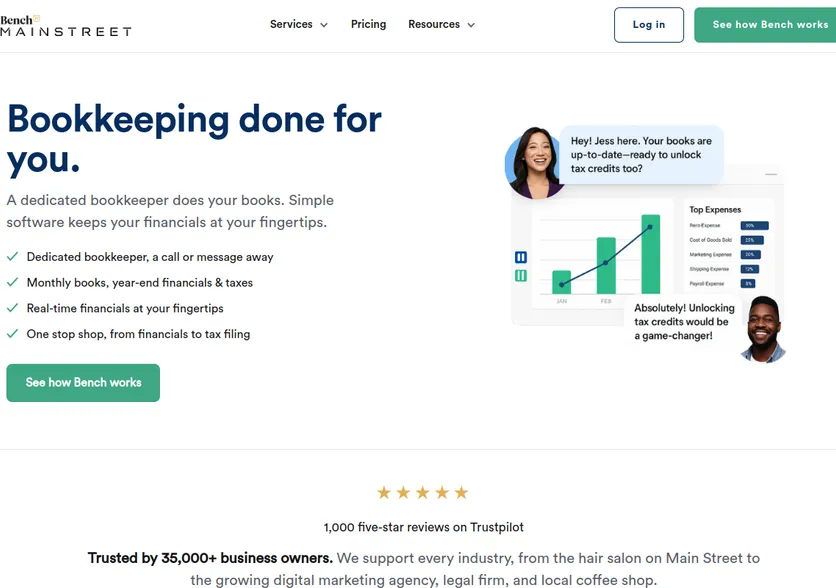
This Bench service is different from every other tool here: it pairs software with a human bookkeeper who does the monthly close for you. Marketplace payouts, expenses and fees are categorised by your bookkeeper, and you get financial statements every month without touching a ledger. Bookkeeping Light costs one hundred and ninety-nine dollars a month for revenue under two hundred and fifty thousand dollars, with full-service tax available as an add-on.
What we like
- A human bookkeeper does the monthly close for you
- Marketplace payouts and fees are categorised without your input
- Monthly financial statements arrive without touching a ledger
Watch out for
- The most expensive option here by a wide margin
- You still need a separate tool for inventory and order management
How to try it
- Open the Bench pricing page and book the free consultation
- Connect your bank accounts and marketplaces for your bookkeeper
- Review the first month of statements before you cancel your old tool
5. Hurdlr
Best for: Self-employed sellers who want expenses and mileage in one cheap app
Paid tool Starting price: $9.99/month · Premium costs nine dollars and ninety-nine cents a month, or ninety-nine dollars and ninety-nine cents a year; Pro costs two hundred dollars a year. Hurdlr's pricing page lists no dollar figures; these figures come from the vendor's help center and app store listings
Free plan: Free plan for basic expense and mileage tracking
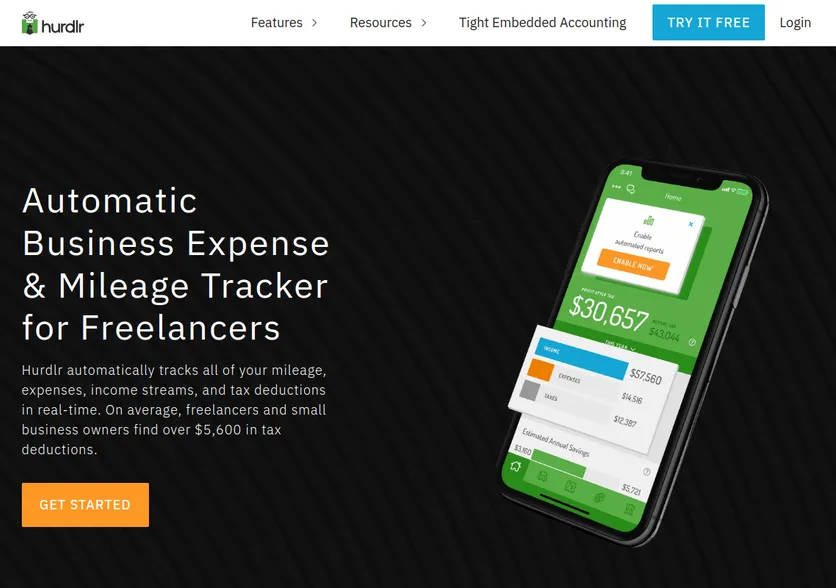
This Hurdlr app is built for self-employed sellers: it tracks expenses, mileage and income in one place, and estimates the tax owed on each sale as it lands. Receipts are captured from the phone, mileage is logged automatically, and the year-end reports are ready for the accountant without a spreadsheet. Premium costs nine dollars and ninety-nine cents a month, or ninety-nine dollars and ninety-nine cents a year, with Pro at two hundred dollars a year.
What we like
- Cheapest paid plan here at under ten dollars a month
- Tax estimates update with every sale as it lands
- Mileage and expenses share one simple app
Watch out for
- Built for solo sellers, not for teams with staff
- The pricing page itself publishes no dollar figures
How to try it
- Open the Hurdlr pricing page and start with the free plan
- Turn on automatic mileage tracking before your next delivery run
- Check the tax estimate after a week of sales to see it working
6. Zoho Books
Best for: Sellers already using Zoho tools who want accounting in the same family
Paid tool Starting price: $15/month · Standard costs fifteen dollars a month billed annually, or twenty dollars monthly; Professional forty dollars, or fifty dollars monthly; Premium sixty dollars, or seventy dollars monthly; Elite one hundred and twenty dollars; Ultimate two hundred and forty dollars
Free plan: Free plan for businesses under $50,000 annual revenue
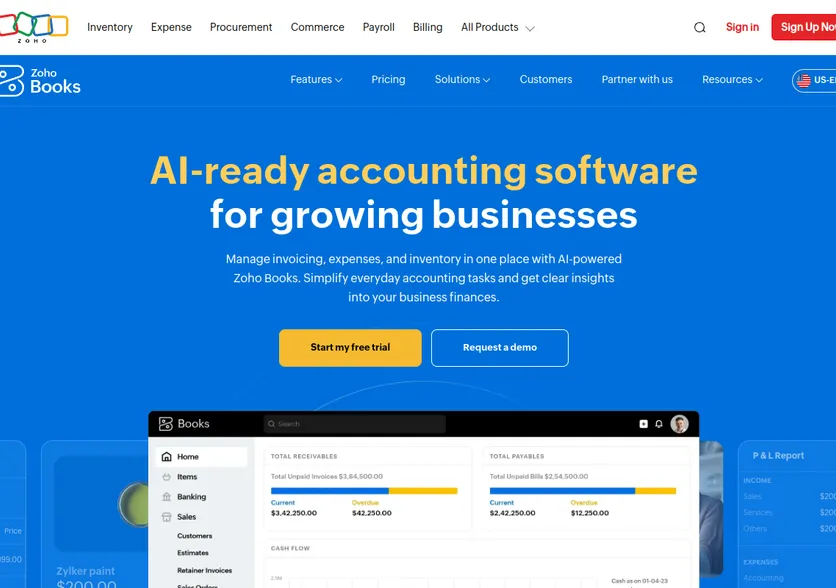
This Zoho Books plan is the value pick for sellers inside the Zoho ecosystem: it handles invoicing, expenses, bank reconciliation and sales tax in one place, and it plugs straight into Zoho Inventory and Zoho Commerce. Receipts are captured from the phone, expenses are coded automatically, and the free plan covers businesses under fifty thousand dollars of annual revenue. Standard costs fifteen dollars a month on annual billing, or twenty dollars monthly.
What we like
- Free plan genuinely works for a store under fifty thousand dollars of revenue
- Plugs straight into Zoho Inventory and Zoho Commerce
- Invoicing, expenses and sales tax share one place
Watch out for
- The free plan caps revenue at fifty thousand dollars a year
- Marketplace integrations are thinner than QuickBooks or Xero
How to try it
- Open the Zoho Books pricing page and start with the free plan
- Connect your store and bank accounts for automatic reconciliation
- Link Zoho Inventory if you also need stock tracking
7. A2X
Best for: Amazon and Shopify sellers who need payouts reconciled to the order
Paid tool Starting price: $29/month · Mini costs twenty-nine dollars a month; Shopify Basic forty-nine dollars, Amazon Starter sixty-five dollars, Multi 1K ninety-five dollars a month after the November 14, 2026 price increase; pricing is per channel
Free plan: No free plan; 14-day free trial
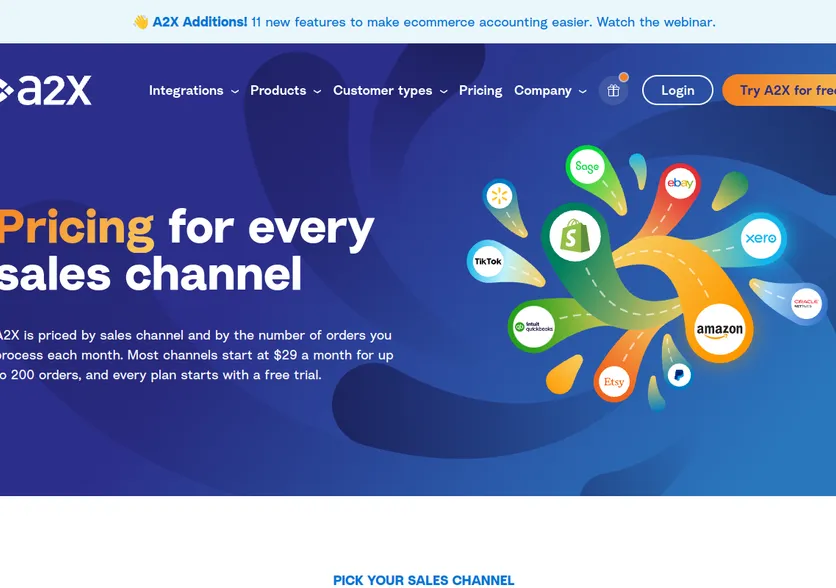
This A2X tool does one job the accounting suites do badly: it breaks each marketplace payout into sales, fees, refunds and tax, then posts the summary to QuickBooks Online or Xero automatically. A seller who reconciles Amazon payouts by hand saves hours every month, and the books match the marketplace statement to the cent. Mini costs twenty-nine dollars a month, with Shopify Basic at forty-nine dollars and Amazon Starter at sixty-five dollars after the November 14, 2026 price increase.
What we like
- Payouts break into sales, fees, refunds and tax automatically
- Books match the marketplace statement to the cent
- Posts straight into QuickBooks Online or Xero with no retyping
Watch out for
- Pricing is per channel, so two marketplaces means two bills
- It is a reconciliation tool, not a full accounting system
How to try it
- Open the A2X pricing page and pick the plan for your main channel
- Connect your Amazon or Shopify account and your accounting system
- Run one payout through A2X and check it against the marketplace statement
Prices above were checked on each vendor’s own website on Nov 27, 2026 and can change — the vendor’s page is the final word. Vendor links are editorial: nobody paid to be listed or ranked here. Vendors who want a featured listing can see how it works on our Get listed page.
How an ecommerce seller should track expenses without drowning in payouts
Start with the payout, not the receipt: each marketplace sends one lump sum that mixes sales, fees, refunds and tax, and the books need those split out before anything else. A reconciliation tool that breaks the payout into its parts saves hours every month and stops the ledger drifting from the marketplace statement. Connect one channel at a time, check the first payout against the statement, and only then add the next channel.
Separate the expenses that scale with orders from the ones that do not: packaging, shipping and marketplace fees rise with every sale, while rent and software stay flat. Tracking those two groups apart shows the true margin per order, which is the number that decides whether a price cut is affordable. Turn on the accounting sync from day one, so approved expenses land in the ledger without anyone retyping them.
Before you buy
- Check the plan covers the sales channels you actually sell on, not just your own store
- Confirm marketplace fees and payouts reconcile automatically before you buy
- Count every marketplace connection when you check plan limits and add-on prices
- Make sure approved expenses sync to your accounting system without retyping
- Check whether the renewal price is higher than the first-year price
Official websites
Official websites of the products reviewed above. Features and prices were checked against these sites when this guide was written, and they can change, so confirm on the vendor site before you buy.
Frequently asked questions
What is the cheapest expense tracking software for ecommerce sellers?
Hurdlr is the cheapest paid plan at nine dollars and ninety-nine cents a month on Premium, and it is free for basic expense and mileage tracking. Zoho Books is free for stores under fifty thousand dollars of annual revenue, with Standard at fifteen dollars a month on annual billing. QuickBooks Online Simple Start costs thirty-eight dollars a month and is the best value if you need the widest marketplace support.
How do ecommerce sellers reconcile marketplace payouts?
Marketplace payouts are the hard part: Amazon or Shopify sends one lump sum that mixes sales, fees, refunds and tax, and the accounting system needs those split out. A2X breaks each payout into its parts and posts the summary to QuickBooks Online or Xero automatically. QuickBooks Online and Xero both reconcile bank feeds, but neither splits a marketplace payout without a tool like A2X in front of it.
Should expense tracking connect to my accounting system?
Yes, and the connection is what matters: the expense tool should pull payouts, fees and expenses into the ledger without retyping. QuickBooks Online has the widest connector support, Xero reconciles bank feeds cleanly, and Zoho Books plugs into Zoho Inventory for stock. A2X sits between the marketplace and the ledger and splits each payout into sales, fees, refunds and tax before it posts.
How many sales channels should I connect at first?
Start with the channel that brings the most revenue, then add the rest one at a time. Each marketplace has its own fee structure and payout timing, so connecting all of them at once makes the first reconciliation confusing. Check the plan limits too: some tools cap the number of marketplace connections on the entry plan, and the next tier is where the bill jumps.
Is a free plan enough for a small ecommerce seller?
Often yes for the first few months, especially with Hurdlr free or Zoho Books free under fifty thousand dollars of revenue. The limits that push sellers to a paid plan are usually the number of sales channels, the need for inventory tracking, or a marketplace reconciliation tool like A2X. Start free, track how many orders you process a month, and upgrade when the channel count or the order volume outgrows the free plan.
Compare the seven tools above, then trial the top two with one month of real marketplace payouts before you move the whole store across.
Browse Business Tools tools