On this page
Field data collection starts with a phone in a place with no signal: a field worker fills in a form, takes a photo and moves on, and the data has to sync cleanly when the connection returns. The tools below cover that work at prices from twenty dollars a user a month to two hundred and twenty-five, from mobile forms to research-grade survey platforms. We compared eight of them on published price, offline capture and how they fit a field team. Fulcrum is our first pick, because it combines geospatial capture, offline forms and dispatch in one tool.
How we researched this
We started with the field data collection tools teams actually use, then read each price on the vendor site on November 27, 2026 and noted the trial each plan carries. We judged them for a team that collects data on phones in the field, works offline and needs the forms, the sync and the exports to agree. We dropped quote-only data collection platforms and tools with no published price, because a field team lead needs a number to budget around, and Device Magic was dropped because its price is now quote-only.
Compare the tools
| Name | Best for | Starting price | Free plan | |
|---|---|---|---|---|
| Appenate | Field teams that want to build custom data apps, not just forms | $20/user/month | No free plan; 15-day free trial | Visit |
| FastField | Field teams that want unlimited forms and submissions at a low seat price | $24/seat/month | No free plan; free trial available | Visit |
| GoFormz | Teams that want to turn existing paper forms into digital ones | $24/user/month | Free plan available (Basic) | Visit |
| TrueContext | Field service teams that need dispatch plus forms on one platform | $25/license/month | No free plan; free trial available | Visit |
| GoCanvas | Field teams that want simple mobile forms with unlimited submissions | $29/user/month | No free plan; free trial available | Visit |
 Jotform | Teams that want a full forms platform with a free Starter plan | $34/month | Free plan available (Starter: 5 forms, 100 submissions a month) | Visit |
| Fulcrum | Field teams that need geospatial capture, dispatch and offline forms | $43/user/month | No free plan; 14-day free trial | Visit |
| SurveyCTO | Research teams that need offline surveys with data quality checks | $225/month | Free plan available (Community: testing and training only) | Visit |
The field software for data collection, compared
1. Appenate
Best for: Field teams that want to build custom data apps, not just forms
Paid tool Starting price: $20/user/month · Standard costs twenty dollars per user a month billed annually, or twenty-five dollars month to month; Premium costs twenty-eight dollars a month billed annually and Pro thirty-six; every plan has a five-user minimum, so the smallest purchase is five seats at one hundred dollars a month billed annually, and Standard caps submissions at one thousand five hundred a month
Free plan: No free plan; 15-day free trial
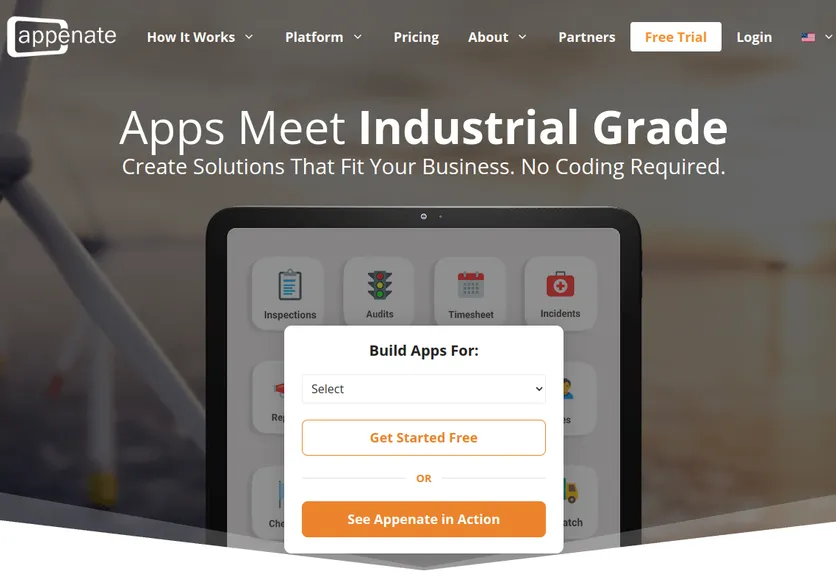
This Appenate plan is a no-code app builder for field data, letting a team build custom apps with screens, connectors and dispatch rather than just filling in forms. Standard costs twenty dollars per user a month billed annually, with a five-user minimum that makes the smallest purchase one hundred dollars a month. The Standard plan caps submissions at one thousand five hundred a month, so a team with heavy volume should check the Premium tier.
What we like
- No-code app builder, not just a form tool
- Cheapest entry price in this comparison
- Works on iOS, Android and Windows
Watch out for
- Five-user minimum makes the floor one hundred dollars a month
- Standard caps submissions at one thousand five hundred a month
How to try it
- Start the fifteen-day trial and build one real field app
- Check the submission cap against your monthly volume
- Test offline capture on a phone with no signal
2. FastField
Best for: Field teams that want unlimited forms and submissions at a low seat price
Paid tool Starting price: $24/seat/month · Core costs twenty-four dollars per seat a month on the vendor Quickbase pricing page, and Pro costs thirty-six dollars, with Enterprise custom-priced; older listings show thirty dollars for Core, but the vendor page is the current figure; unlimited forms and submissions on every plan
Free plan: No free plan; free trial available
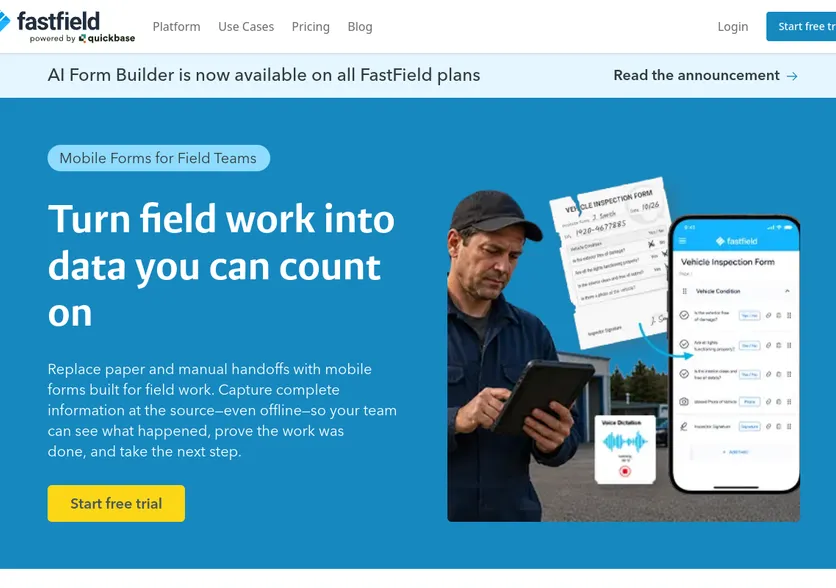
This FastField plan is a no-code mobile forms app now owned by Quickbase, with offline capture, rich media and an AI form builder that drafts fields from a plain-language description. Core costs twenty-four dollars per seat a month, with unlimited forms and submissions on every plan, so the bill depends only on headcount. Pro at thirty-six dollars adds smart automation and advanced workflows for teams that outgrow the basics.
What we like
- Unlimited forms and submissions on every plan
- AI form builder drafts fields from a description
- Strong offline capture with rich media annotation
Watch out for
- Older listings show a thirty dollar Core price
- Enterprise features need a custom quote
How to try it
- Start a trial and build your longest field form
- Test the AI form builder with a paper form photo
- Check offline capture on a phone with no signal
3. GoFormz
Best for: Teams that want to turn existing paper forms into digital ones
Paid tool Starting price: $24/user/month · Team costs twenty-four dollars per user a month billed annually and Advanced forty-eight dollars per user a month billed annually; the Basic plan is free and Enterprise is custom-priced
Free plan: Free plan available (Basic)
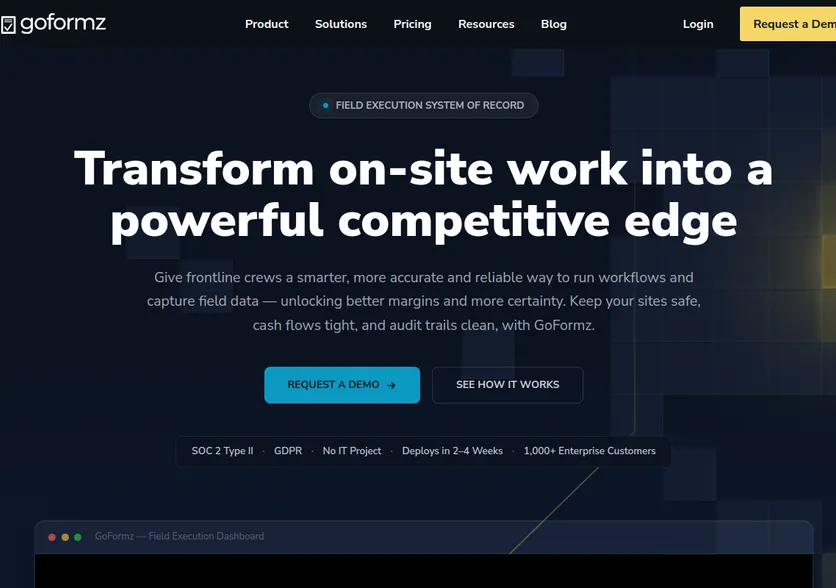
This GoFormz plan is the only tool here that turns an existing paper form into a digital one, keeping the layout the team already knows. Team costs twenty-four dollars per user a month billed annually, and Advanced at forty-eight adds the workflow and integration depth a larger team needs. The Basic plan is free, so a small team can digitise one form and test the workflow before paying.
What we like
- Turns existing paper forms into digital ones
- Free Basic plan to test before paying
- Keeps the layout the field team already knows
Watch out for
- Advanced workflow features wait for the forty-eight dollar tier
- Free Basic plan is limited in users and forms
How to try it
- Start on the free Basic plan with one paper form
- Digitise the form and test it on a phone in the field
- Move to Team once you need more users and forms
4. TrueContext
Best for: Field service teams that need dispatch plus forms on one platform
Paid tool Starting price: $25/license/month · Essentials costs twenty-five dollars per licence a month billed annually and Advanced forty-five dollars, with Enterprise custom-quoted; each licence covers one ProntoForms-activated mobile device and annual billing is required for the published rates; some sources list Essentials at fifteen dollars, and the vendor site now also lists a Digital plan from four hundred dollars a month per team, so confirm the price with TrueContext before buying
Free plan: No free plan; free trial available
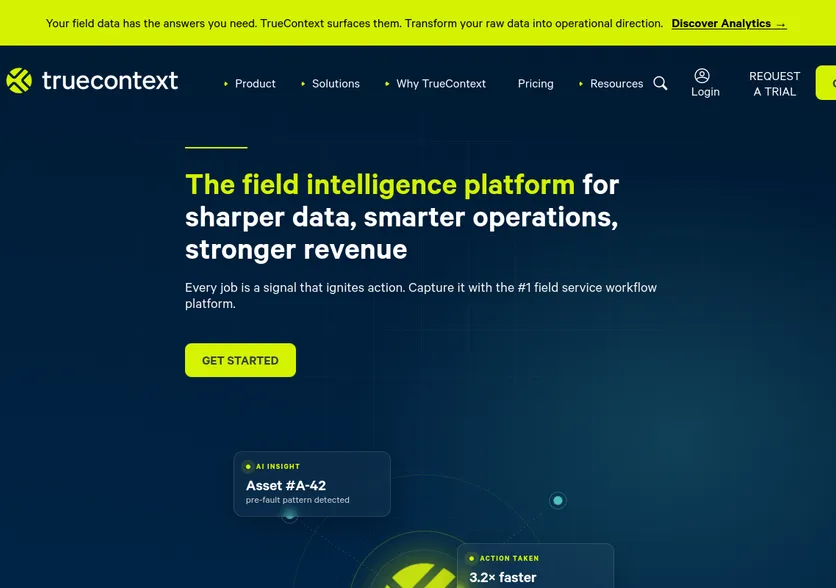
This TrueContext plan, formerly ProntoForms, combines digital forms with dispatch, workflows and back-office integration for field service teams. Essentials costs twenty-five dollars per licence a month billed annually, with each licence covering one activated mobile device, and Advanced at forty-five adds conditional logic, e-signatures and advanced reporting. Some sources list Essentials at fifteen dollars, and the vendor site now also lists a Digital plan from four hundred dollars a month per team, so confirm the price before buying.
What we like
- Forms, dispatch and workflows on one platform
- Conditional logic and e-signatures on Advanced
- Deep back-office integrations on Enterprise
Watch out for
- Published prices vary by source, so confirm before buying
- Back-office integration waits for the Enterprise tier
How to try it
- Book a demo and ask for the current Essentials price in writing
- Test dispatch and form logic on a real workflow
- Check whether the Digital plan or Essentials fits your team size
5. GoCanvas
Best for: Field teams that want simple mobile forms with unlimited submissions
Paid tool Starting price: $29/user/month · Essentials costs twenty-nine dollars per user a month billed annually with a three-user minimum, making the smallest purchase eighty-seven dollars a month; Pro costs thirty-nine dollars per user a month billed annually and Max forty-nine; unlimited forms and submissions on every plan
Free plan: No free plan; free trial available
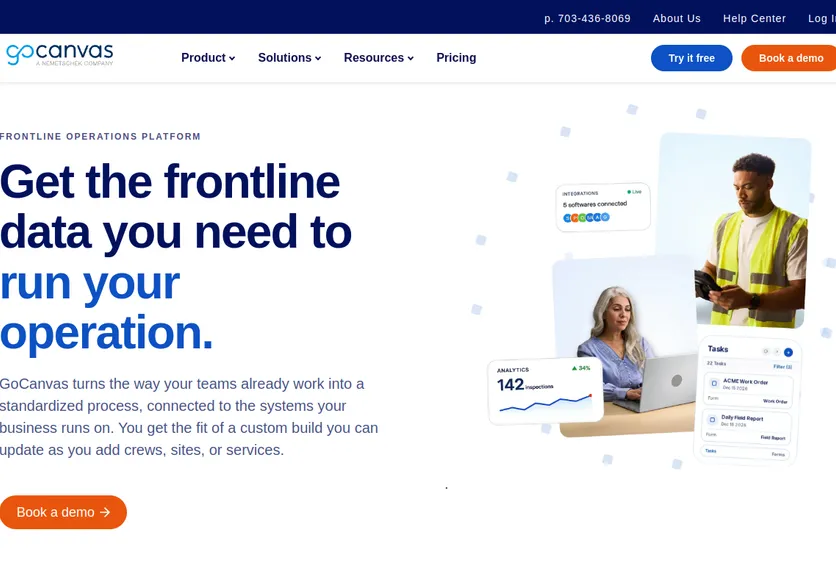
This GoCanvas plan is a straightforward mobile forms tool with unlimited forms and submissions on every plan, so the bill depends only on headcount. Essentials costs twenty-nine dollars per user a month billed annually with a three-user minimum, making the smallest purchase eighty-seven dollars a month. Pro at thirty-nine dollars and Max at forty-nine add the workflow and integration depth a larger team needs.
What we like
- Unlimited forms and submissions on every plan
- Simple pricing with three clear tiers
- Strong mobile app for field data capture
Watch out for
- Three-user minimum makes the floor eighty-seven dollars a month
- No free plan to test before paying
How to try it
- Start a trial and build your most-used field form
- Test offline capture on a phone with no signal
- Check the three-user minimum against your team size
6. Jotform
Best for: Teams that want a full forms platform with a free Starter plan
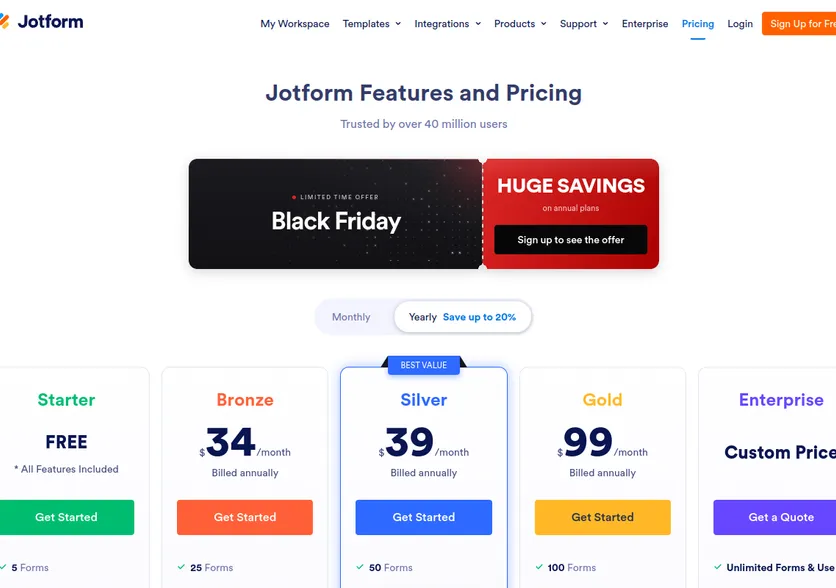
Paid tool Starting price: $34/month · Bronze costs thirty-four dollars a month billed annually, or thirty-nine dollars month to month; Silver costs thirty-nine dollars a month billed annually and Gold ninety-nine; the free Starter plan covers five forms and one hundred submissions a month
Free plan: Free plan available (Starter: 5 forms, 100 submissions a month)
This Jotform plan is the most familiar forms brand here, with a drag-and-drop builder, a mobile forms app and thousands of templates. Bronze costs thirty-four dollars a month billed annually, or thirty-nine dollars month to month, and covers the forms, submissions and storage a small team needs. The free Starter plan covers five forms and one hundred submissions a month, so a team can run real field forms before paying.
What we like
- Thousands of form templates to start from
- Free Starter plan with five forms
- Drag-and-drop builder a non-technical user can run
Watch out for
- Bronze caps submissions, so check your monthly volume
- Advanced workflows wait for the higher tiers
How to try it
- Start on the free Starter plan with five forms
- Build your longest field form in the drag-and-drop builder
- Test the mobile app offline before moving to Bronze
7. Fulcrum
Best for: Field teams that need geospatial capture, dispatch and offline forms
Paid tool Starting price: $43/user/month · Professional costs forty-three dollars per user a month billed annually, or fifty-five dollars month to month; Elite costs fifty-five dollars a month billed annually and Enterprise is custom-priced; annual subscription is required with a five-user minimum, making the smallest purchase two hundred and fifteen dollars a month, and a fourteen-day trial is included
Free plan: No free plan; 14-day free trial
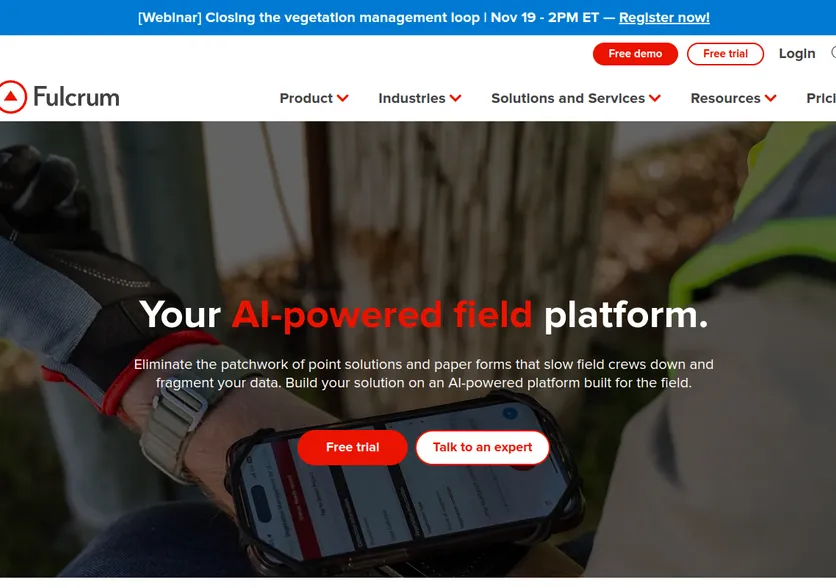
This Fulcrum plan is built for field data collection with geospatial capture, offline forms, media and scanning, and dispatch built in. Professional costs forty-three dollars per user a month billed annually, with a five-user minimum that makes the smallest purchase two hundred and fifteen dollars a month. Elite at fifty-five dollars adds the workflow depth a larger operation needs, and Enterprise is custom-priced.
What we like
- Geospatial capture with maps built in
- Offline forms with media and scanning
- Dispatch and administration in the same tool
Watch out for
- Five-user minimum makes the floor two hundred and fifteen dollars a month
- Highest per-user price among the form-first tools here
How to try it
- Start the fourteen-day trial and build a geospatial form
- Test offline capture with photos and GPS on site
- Check the five-user minimum against your team size
8. SurveyCTO
Best for: Research teams that need offline surveys with data quality checks
Paid tool Starting price: $225/month · Basic costs two hundred and twenty-five dollars a month billed annually, or two hundred and fifty dollars month to month, with ten gigabytes of storage, five thousand monthly submissions, one hundred forms and unlimited users and devices; Pro costs three hundred and fifteen dollars a month billed annually and Advanced six hundred and thirty, with Enterprise custom; extra submissions cost one hundred dollars per one thousand; the free Community plan is for testing and training only
Free plan: Free plan available (Community: testing and training only)
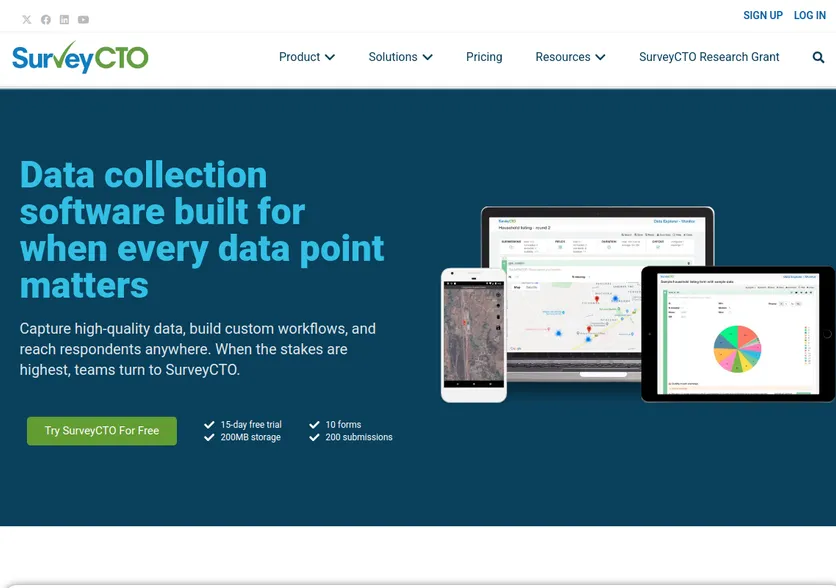
This SurveyCTO plan is built for research-grade field data collection, with offline surveys, automated quality checks, case management and audio auditing. Basic costs two hundred and twenty-five dollars a month billed annually, with five thousand monthly submissions, one hundred forms and unlimited users and devices, so the price is by volume rather than by seat. Pro at three hundred and fifteen dollars adds API access and server location choice, and Advanced at six hundred and thirty removes all caps.
What we like
- Research-grade data quality checks built in
- Unlimited users and devices on every paid plan
- Offline case management for long field rounds
Watch out for
- Priced by volume, so high-volume teams pay far more
- Server location choice waits for the Pro tier
How to try it
- Start the fifteen-day trial with one survey form
- Test offline collection and quality checks in the field
- Check the submission cap against your survey volume
Prices above were checked on each vendor’s own website on Nov 27, 2026 and can change — the vendor’s page is the final word. Vendor links are editorial: nobody paid to be listed or ranked here. Vendors who want a featured listing can see how it works on our Get listed page.
How a field team should pick a data collection tool
Start with the pricing model, because it decides the bill before any feature does. Most tools here charge per user, so a twenty-person team pays twenty seats, while SurveyCTO charges by submission volume with unlimited users, which suits a large team running few surveys. Appenate and Fulcrum both have five-user minimums, so a small team pays for seats it does not use. Work out the monthly cost at your real headcount and volume before you compare features.
Then test offline capture on a real form, because field work happens where there is no signal. The form must save photos, GPS and notes locally and sync cleanly when the connection returns, with no lost submissions. Check the submission caps too: Appenate Standard caps at one thousand five hundred a month and SurveyCTO Basic at five thousand, and overage charges add up fast. Trial the tool for two weeks with the people who will actually use it.
Before you buy
- Count users against the minimum seat count before you budget
- Check whether the price is per user, per device or per submission
- Confirm the mobile app works offline in the field
- Ask whether form submissions are capped on your plan
- Test the form builder with your longest real form before you commit
Official websites
Official websites of the products reviewed above. Features and prices were checked against these sites when this guide was written, and they can change, so confirm on the vendor site before you buy.
Frequently asked questions
What is the cheapest field data collection software?
Appenate Standard costs twenty dollars per user a month billed annually, the lowest entry price here, though its five-user minimum makes the smallest purchase one hundred dollars a month. FastField Core and GoFormz Team both cost twenty-four dollars per user a month. TrueContext Essentials is twenty-five dollars per licence a month billed annually. Fulcrum Professional is forty-three dollars per user a month with a five-user minimum, and SurveyCTO Basic is two hundred and twenty-five dollars a month.
Which data collection tool is best for field teams?
Fulcrum is the best overall pick for field data, because it combines geospatial capture, offline forms, media and dispatch in one tool. GoCanvas is the simplest choice for a team that just needs mobile forms with unlimited submissions. FastField suits a team that wants an AI form builder, and SurveyCTO is the pick for research teams that need data quality checks and case management.
Do field data collection tools work offline?
Most of these tools work offline, because field teams collect data where there is no signal: Fulcrum, GoCanvas, FastField, Appenate and TrueContext all offer offline capture with sync when the connection returns. SurveyCTO adds offline case management for long survey rounds. Test the offline mode on a real form during the trial, because a tool that loses data without a connection will cost you a day of fieldwork.
How is field data collection software priced?
It depends on the pricing model: Appenate, FastField, GoFormz, TrueContext, GoCanvas and Fulcrum all charge per user or per licence, so every field worker adds to the bill. SurveyCTO charges by submission volume instead, with unlimited users and devices, so a large team running few surveys pays less. Appenate and Fulcrum both have five-user minimums, so the smallest purchase is one hundred and two hundred and fifteen dollars a month respectively.
How should a field team trial data collection software?
Start with one real form, not a demo template, and run it for two weeks with the people who will actually use it. Check that offline capture works, that photos and GPS attach correctly and that exports match the data you need. Measure how long a form takes to complete in the field, because a slow form costs you responses. Compare the renewal price too, since several tools here are annual billing only.
Compare the eight tools above, then trial your pick on one real field form for two weeks and check that offline capture, sync and exports all work before you move the whole team.
Browse Business Tools tools