On this page
Midjourney makes images from a prompt, but it runs through Discord, it has no free plan, and every image starts as a generation rather than an edit. The seven editors below work the other way round: they edit, retouch and design in a browser or an app, and every one of them has a free plan to try first. Prices run from $3.99 to $22.99 a month, and each tool below was checked on its vendor site on November 26, 2026. Adobe Photoshop is our first pick — the deepest editor here, and the standard the others are measured against.
How we researched this
We started with the image editors people actually pay for when they leave Midjourney, then read each price on the vendor pricing page on November 26, 2026 and noted the free plan each one carries. We judged them for everyday image work: AI generation, retouching, templates and exports, with editing depth and ease of use as the tie-breakers. We kept the list to tools with a published monthly price and a real free plan, and we dropped any tool whose price we could not verify.
Compare the tools
| Name | Best for | Starting price | Free plan | |
|---|---|---|---|---|
 Adobe Photoshop | Professionals who need the deepest editor and the widest plugin ecosystem | $22.99/month | Free trial | Visit |
 Canva Pro | People who need a finished design fast, not a blank canvas | $12/month | Free plan | Visit |
 Pixlr Premium | Quick browser-based edits and AI tools without installing anything | $7.99/month | Free plan | Visit |
 Kittl Pro | Creators who sell merch, posters and logos with vintage type | $12/month | Free plan | Visit |
 PicMonkey Pro | Small businesses that want a brand kit and stock photos in one editor | $12.99/month | Free trial | Visit |
 Fotor Pro | Budget buyers who want AI image generation bundled with an editor | $3.99/month | Free plan | Visit |
 BeFunky Plus | Quick photo fixes, collages and simple graphics in one tab | $6.99/month | Free plan | Visit |
The Midjourney alternatives, compared
1. Adobe Photoshop
Best for: Professionals who need the deepest editor and the widest plugin ecosystem
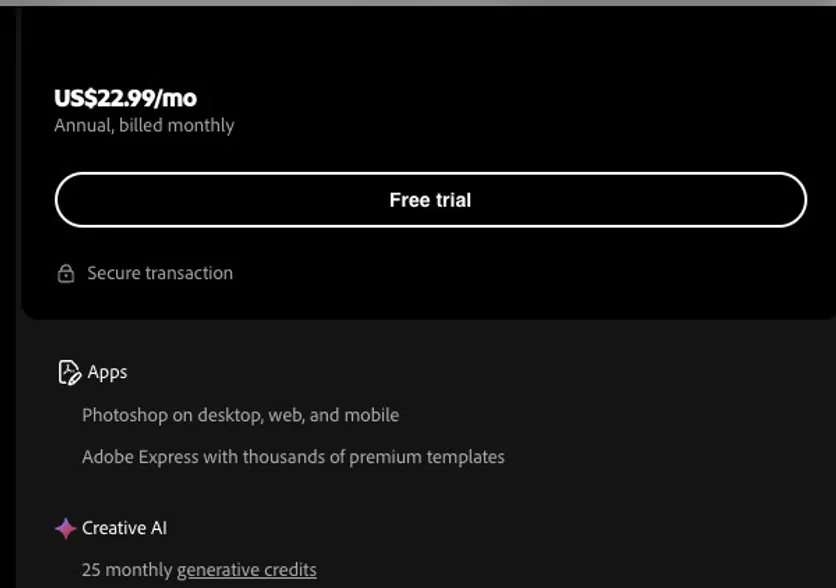
Paid tool Starting price: $22.99/month · Photoshop plan, $22.99 a month on annual billing; $263.88 a year prepaid; Photography plan $19.99 a month
Free plan: Free trial
Adobe Photoshop costs $22.99 a month, and that buys the deepest photo editor you can rent, with layers, masking, retouching and generative fill in one workspace. This Adobe Photoshop plan covers desktop, web and mobile, plus Adobe Express Premium, 100 GB of cloud storage and 25 generative credits a month. It is the pick when your images go to clients and the file has to open correctly everywhere, and the 7-day free trial is long enough to test it on real work.
What we like
- Deepest editing tools on this list
- Generative Fill and Firefly AI built in
- PSD files open correctly everywhere
Watch out for
- Subscription only, no way to buy it outright
- The Photography plan at $19.99 a month is cheaper for photographers
How to try it
- Open the Adobe Photoshop page and start the 7-day free trial
- Open a photo and try Generative Fill on a real edit
- Check the Photography plan if you also use Lightroom
2. Canva Pro
Best for: People who need a finished design fast, not a blank canvas
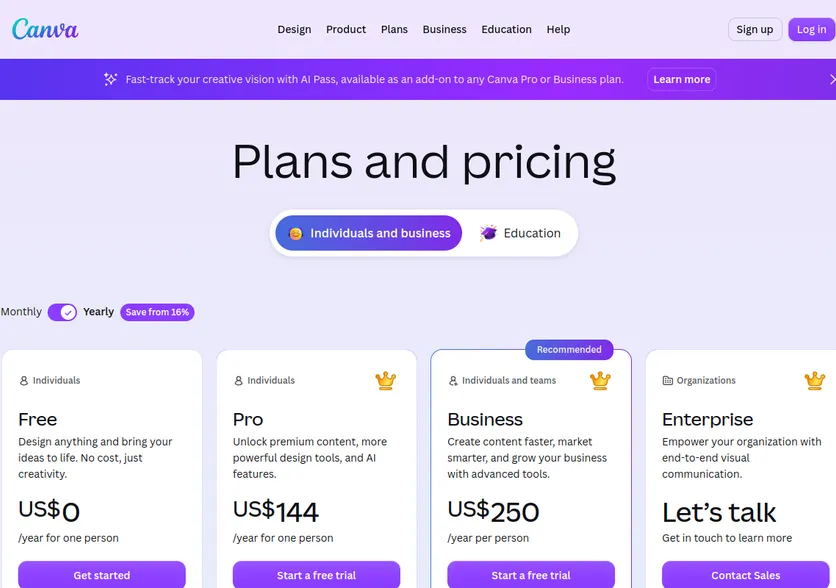
Paid tool Starting price: $12/month · Pro plan, $12 a month billed annually ($144 a year); $18 a month month-to-month
Free plan: Free plan
Canva Pro starts from templates instead of a blank canvas, so a finished social post, flyer or presentation is minutes away rather than hours. This Canva Pro plan unlocks millions of premium templates and assets, Magic Resize, background removal, 100 GB of storage and five Brand Kits. It is the pick when you publish often and want every design to match your brand, and the free plan covers light work with 5 GB of storage.
What we like
- Huge template library for every size
- Magic Resize reworks one design for every channel
- Brand Kits keep colours and fonts consistent
Watch out for
- Pro covers one person only, so teams need Business
- Monthly billing costs $18 a month, not $12
How to try it
- Open the Canva pricing page and start Pro
- Pick a template in your size and swap in your own text and photos
- Save a Brand Kit so every design matches
3. Pixlr Premium
Best for: Quick browser-based edits and AI tools without installing anything
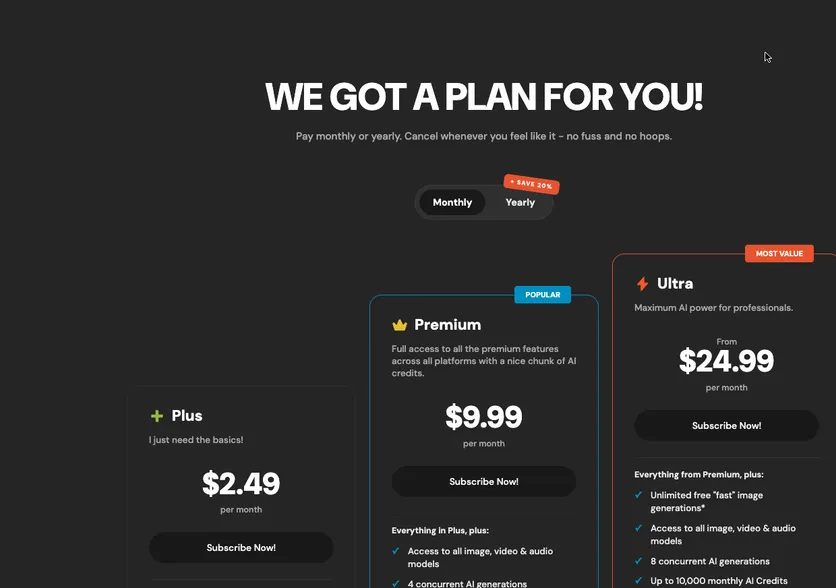
Paid tool Starting price: $7.99/month · Premium plan, $7.99 a month billed yearly ($95.88 a year); $9.99 a month month-to-month; Plus from $1.99 a month
Free plan: Free plan
Pixlr Premium opens in a browser tab and edits like a desktop app, with layers, masks and AI tools and nothing to install. This Pixlr Premium plan adds 1,000 AI credits a month, AI background removal, generative fill, batch editing and the full template library. It is the pick when you edit on shared or borrowed computers and want your tools to follow you, and the free plan handles basic edits with ads.
What we like
- Runs entirely in the browser, nothing to install
- 1,000 AI credits a month on Premium
- Batch editing for whole folders
Watch out for
- Plus at $1.99 a month has only 80 AI credits
- Heavy AI work burns credits fast
How to try it
- Open Pixlr in your browser and sign in
- Try the AI background remover on a product photo
- Use batch editing to resize a whole folder at once
4. Kittl Pro
Best for: Creators who sell merch, posters and logos with vintage type
Paid tool Starting price: $12/month · Pro plan, $12 a month billed annually ($144 a year); $15 a month month-to-month; Expert $26 a month billed annually
Free plan: Free plan
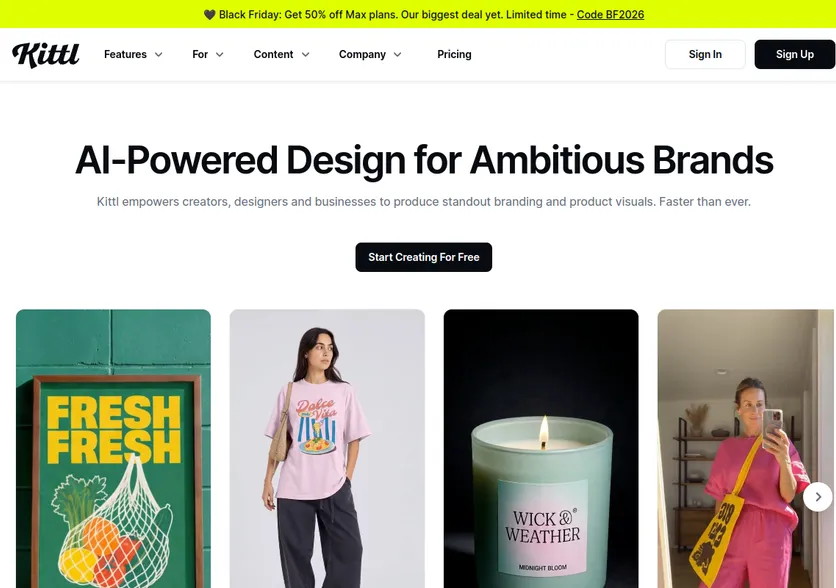
Kittl Pro sells itself on type: vintage lettering, retro badges and hand-drawn styles that are hard to build from scratch in a general editor. This Kittl Pro plan adds a commercial licence for up to 500,000 copies, 2,000 AI tokens a month, high-resolution exports up to 10,800 pixels and vector PDF and SVG files. It is the pick when you sell printed goods and need print-ready files, and the free plan is fine for learning the tools.
What we like
- Commercial licence up to 500,000 copies
- Print-ready exports up to 10,800 pixels
- Strong vintage and retro type library
Watch out for
- Priced per editor, so teams multiply the bill
- AI tokens cap at 2,000 a month on Pro
How to try it
- Open the Kittl pricing page and start Pro
- Pick a vintage template and change the wording
- Export as SVG or PDF for your print shop
5. PicMonkey Pro
Best for: Small businesses that want a brand kit and stock photos in one editor
Paid tool Starting price: $12.99/month · Pro plan, $12.99 a month or $120 a year ($10 a month); Basic $7.99 a month; Business $23 a month per user
Free plan: Free trial
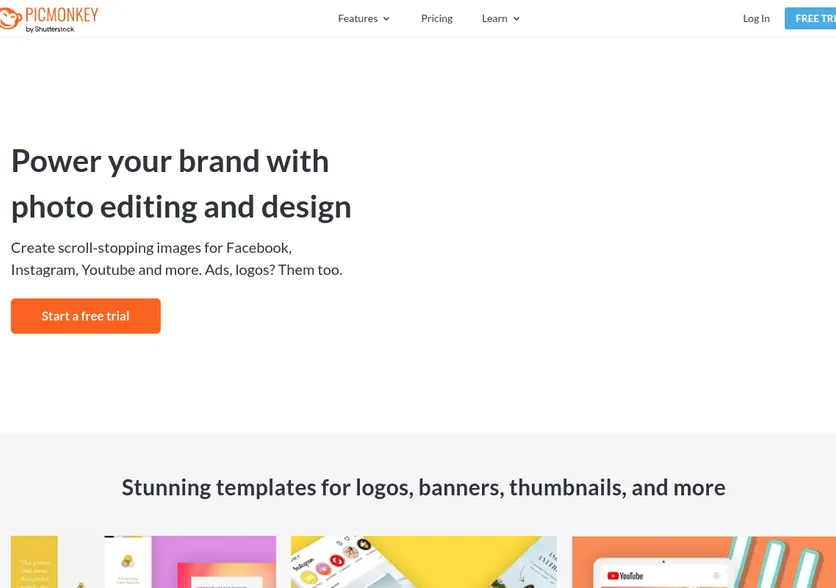
PicMonkey Pro gives small businesses a brand kit, a background remover and a stock photo library in one friendly editor. This PicMonkey Pro plan covers photo editing, Smart Resize, unlimited storage, one Brand Kit, animation tools and PDF export. It is the pick when you make social graphics every week and want them to look consistent, and the 7-day free trial needs a card to start.
What we like
- Brand Kit keeps every design on-brand
- Smart Resize reworks designs for each channel
- Shutterstock stock photos included
Watch out for
- The free trial needs a credit card
- Business at $23 a month is needed for team co-editing
How to try it
- Open the PicMonkey pricing page and start the 7-day trial
- Build a Brand Kit with your colours, fonts and logo
- Use Smart Resize to rework one design for every channel
6. Fotor Pro
Best for: Budget buyers who want AI image generation bundled with an editor
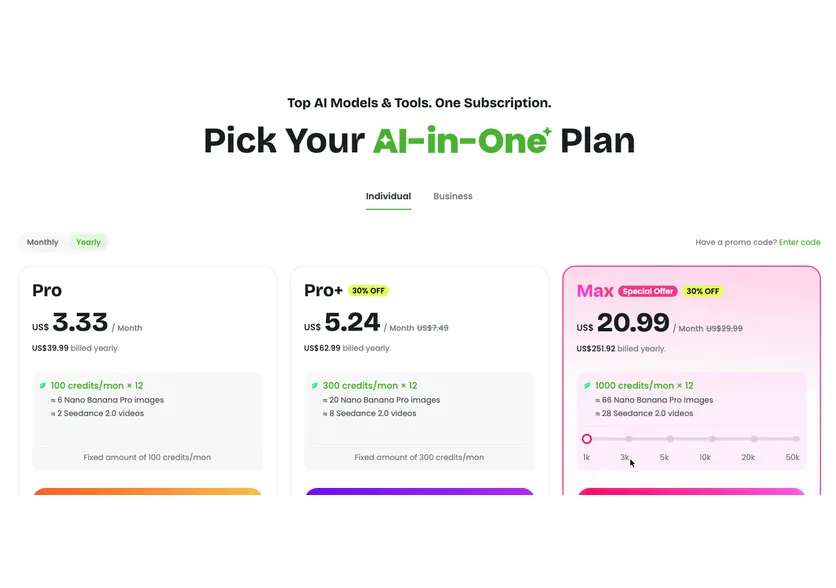
Paid tool Starting price: $3.99/month · Pro plan, $3.99 a month billed annually ($47.99 a year); $10.99 a month month-to-month; Pro+ $5.83 a month billed annually
Free plan: Free plan
Fotor Pro charges $3.99 a month on annual billing, the lowest price on this list, and spends it on AI credits for generation and editing. This Fotor Pro plan adds 100 AI credits a month, 10 concurrent generations, HD watermark-free exports, 2,000 AI Agent chats and 2 GB of storage. It is the pick when you want AI images and a photo editor under one cheap bill, and the free plan covers basic edits with watermarks.
What we like
- Lowest price on this list at $3.99 a month
- AI generation and editing in one place
- HD exports with no watermark
Watch out for
- Only 100 AI credits a month on Pro
- The 7-day trial converts automatically if you forget to cancel
How to try it
- Open the Fotor pricing page and start Pro
- Generate an image with the AI tools and edit it in place
- Check the credit balance before a big batch
7. BeFunky Plus
Best for: Quick photo fixes, collages and simple graphics in one tab
Paid tool Starting price: $6.99/month · Plus plan, $6.99 a month billed annually ($83.88 a year); $14.99 a month month-to-month; Pro $12.49 a month billed annually
Free plan: Free plan
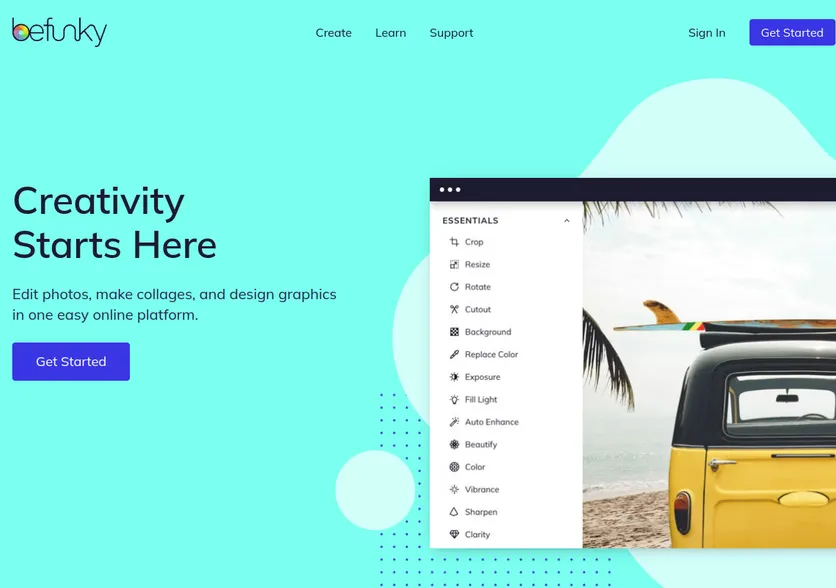
BeFunky Plus is the one-tab studio for quick photo fixes, collages and simple graphics, with no learning curve to climb first. This BeFunky Plus plan removes ads, unlocks premium Artsy effects, AI background removal, advanced retouching, unlimited batch editing and all premium templates, with 1,000 AI credits a month. It is the pick when you want fast edits without a heavy editor, and the free plan handles basic work with ads.
What we like
- Fastest editor to learn on this list
- Artsy effects turn photos into paintings
- 1,000 AI credits a month on Plus
Watch out for
- Template library is smaller than Canva's
- Pro at $12.49 a month is needed for batch AI work
How to try it
- Open the BeFunky pricing page and start Plus
- Try the AI background remover on a photo
- Build a collage from a template and export it
Prices above were checked on each vendor’s own website on Nov 26, 2026 and can change — the vendor’s page is the final word. Vendor links are editorial: nobody paid to be listed or ranked here. Vendors who want a featured listing can see how it works on our Get listed page.
What a Midjourney replacement costs in 2026
Prices here run from $3.99 to $22.99 a month, a much wider spread than most lists, so the first decision is how much editing you actually need. Fotor Pro at $3.99 and BeFunky Plus at $6.99 cover quick fixes and AI generation, while Pixlr Premium at $7.99 adds layers and batch editing for not much more. Canva Pro and Kittl Pro both sit at $12 a month and suit opposite jobs: templates and brand work for Canva, print-ready type and merch for Kittl. Adobe Photoshop at $22.99 is the only one here built for client work, and PicMonkey Pro at $12.99 is the middle ground for small businesses that want a brand kit. Start on a free plan, edit the same photo in two tools, and keep the one whose result you would actually publish.
Before you buy
- Count how many images you edit each week, then check whether the plan caps AI credits, generations or exports before you pay.
- Pick the tool that fits your output: Photoshop for client files, Canva for social templates, Kittl for printed merch.
- Compare the annual price too: Canva Pro drops to $12 a month and Kittl Pro to $12 a month, while Photoshop stays $22.99.
- Test the AI tools on your own photos first: Fotor Pro gives only 100 credits a month, while Pixlr Premium gives 1,000.
- Try the free plan with real work first: every tool here offers one, and a week of real edits beats any feature list.
Official websites
Official websites of the products reviewed above. Features and prices were checked against these sites when this guide was written, and they can change, so confirm on the vendor site before you buy.
Frequently asked questions
Which free alternative to Midjourney is best in 2026?
Adobe Photoshop, at $22.99 a month, is the strongest overall pick because it is the deepest editor here and the standard clients expect. Canva Pro is better for fast social designs, Kittl Pro wins for printed merch, and Fotor Pro is the cheapest at $3.99 a month. Pick by the job you do most: editing depth, templates, print or price.
What is the cheapest Midjourney alternative?
Fotor Pro, at $3.99 a month on annual billing, is the cheapest paid plan here, and it includes 100 AI credits a month for generation and editing. BeFunky Plus is next at $6.99 a month with 1,000 AI credits. Every tool on this list also has a free plan, so you can start without paying and upgrade only when the free limits slow you down.
Can I use these Midjourney alternatives for free?
Yes, every tool here offers a free plan or a free trial. Canva, Pixlr, Kittl, Fotor and BeFunky all let you edit without paying, with limits on exports, templates or AI credits. Photoshop and PicMonkey offer 7-day free trials instead of a permanent free plan. The free options are good for testing, but heavy daily use will hit the caps.
Which Midjourney alternative is best for AI image generation?
Pixlr Premium, at $7.99 a month, gives the most AI credits for the money at 1,000 a month, with generative fill and background removal built in. Fotor Pro includes AI generation too, but only 100 credits a month. Canva Pro adds AI generation inside its templates. If you generate images every day, Pixlr Premium is the best value here.
Do these editors work without Discord?
Yes, all seven run in a browser or a desktop app with no Discord account needed. Photoshop, Canva, Pixlr, Kittl, PicMonkey, Fotor and BeFunky each have a web app, and most have mobile apps too. That independence is the point: your designs, files and history stay with the editor you choose, not with a chat server.
Want more image help in the browser? Try Toolsvine's free image tools — convert, resize and compress without installing anything.
Browse Image Tools tools