On this page
An event runs on a backwards schedule: the doors open on one fixed day and every task, vendor and rehearsal counts down to it. The wrong tool means a plan that lives in a spreadsheet no one opens, while the right one shows the whole team what is due, who owns it and what slips. TeamGantt leads this list at fifty-nine dollars a month flat per account for its Base plan, and the other seven tools are ranked on what matters to an event team: honest pricing, deadline clarity and a Gantt chart the whole crew actually checks.
How we researched this
We checked every price on the vendor pricing page on November 27, 2026, and only included tools with a published US dollar list price. We ranked each tool on what an event planning team actually pays per user or per month, including Gantt features, deadline tracking and team limits. Tools with quote-only pricing were left out, so every price below can be verified on the vendor site.
Compare the tools
| Name | Best for | Starting price | Free plan | |
|---|---|---|---|---|
 TeamGantt | Event teams that plan backwards from show day | $59/mo | Fourteen-day free trial; no free plan listed on the current pricing page | Visit |
 monday.com | Event teams that need the whole crew on the plan | $12/seat/mo | Free plan for up to 2 seats | Visit |
 Asana | Event teams that want Gantt plus goals and portfolios | $10.99/user/mo | Free Personal plan for up to 2 users | Visit |
 ClickUp | Event teams that want everything in one place at a low price | $9/user/mo | Free Forever plan | Visit |
 Teamwork | Event teams that bill clients by the hour | $10.99/user/mo | Free plan for up to 5 users | Visit |
 ProofHub | Event teams that want flat pricing with unlimited users | $45/mo | Fourteen-day free trial, no free plan | Visit |
 Instagantt | Asana teams that want a proper Gantt chart on top | $10/mo | Free plan for Asana users with 3 projects | Visit |
 Zoho Projects | Small event teams on a tight budget | $4/user/mo | Free plan for up to 5 users | Visit |
The gantt chart software for event planning teams, compared
1. TeamGantt
Best for: Event teams that plan backwards from show day
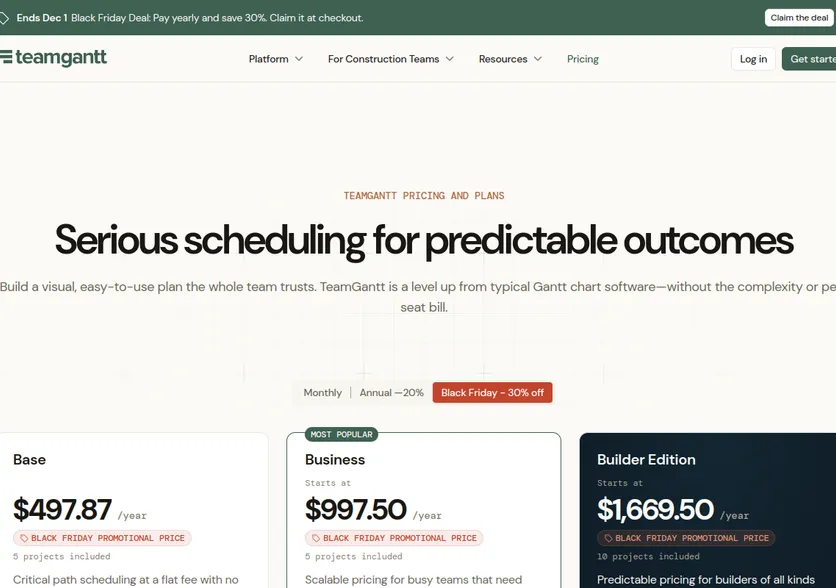
Paid tool Starting price: $59/mo · Fifty-nine dollars a month flat per account on the Base plan with five projects, one manager and ten collaborators, or forty-nine dollars and seventeen cents a month on annual billing; Business starts at one hundred twenty dollars a month and Builder Edition at one hundred ninety-nine dollars a month, with a fourteen-day free trial and no free plan on the current pricing page
Free plan: Fourteen-day free trial; no free plan listed on the current pricing page
For an event team that plans backwards from show day, TeamGantt Base costs fifty-nine dollars a month flat per account and covers five projects with one manager and ten collaborators. The drag-and-drop timeline shows every vendor, rehearsal and deadline in one view, which suits a small team running several events at once. The flat price never rises with headcount, though the five-project cap will push a busy team to the Business tier.
What we like
- Flat fifty-nine dollars a month per account
- Simplest Gantt chart in this list
- No per-user fees at all
Watch out for
- Base covers only five projects
- No free plan on the current pricing page
How to try it
- Create the event project and add the tasks
- Drag the bars to set dates and dependencies
- Share the timeline with vendors and staff
2. monday.com
Best for: Event teams that need the whole crew on the plan
Paid tool Starting price: $12/seat/mo · Twelve dollars a month per seat billed annually on the Standard plan, or fourteen dollars a month billed monthly; the Gantt view sits on Standard, not the nine dollar Basic plan, Pro is nineteen dollars a month per seat and the free plan covers up to two seats with a three-seat minimum on paid plans
Free plan: Free plan for up to 2 seats
For an event team that needs the whole team on the plan, monday.com Standard costs twelve dollars a month per seat billed annually and puts the Gantt view on a board everyone can read. The colourful boards track vendors, venues and deadlines, which suits a team whose staff ignore grey spreadsheets. The Gantt view is not on the nine dollar Basic plan, so the headline price for this list is twelve dollars, not nine.

What we like
- Boards the whole team actually reads
- Gantt plus automations in one place
- Free plan for up to two seats
Watch out for
- Gantt needs the twelve dollar Standard plan
- Seats are sold in buckets with a three-seat minimum
How to try it
- Build the event board with tasks and owners
- Switch to the Gantt view and set dependencies
- Share the timeline with vendors and staff
3. Asana
Best for: Event teams that want Gantt plus goals and portfolios
Paid tool Starting price: $10.99/user/mo · Ten dollars and ninety-nine cents a month per user billed annually on the Starter plan, or thirteen dollars and forty-nine cents a month billed monthly; Advanced is twenty-four dollars and ninety-nine cents a month per user, with a free Personal plan for up to two users
Free plan: Free Personal plan for up to 2 users
For an event team juggling several shows at once, Asana Starter costs ten dollars and ninety-nine cents a month per user billed annually and pairs Gantt timelines with portfolios. The team watches every event from one dashboard, which suits a firm running weddings, conferences and galas in the same season. The free Personal plan covers up to two users, so a tiny team can plan its first event without paying.

What we like
- Timeline plus portfolios in one tool
- Ten dollars and ninety-nine cents a user
- Free Personal plan for two users
Watch out for
- Advanced is twenty-four dollars and ninety-nine cents
- Timeline needs the paid Starter plan
How to try it
- Create the event project with sections
- Switch to the timeline and set dependencies
- Watch all events in the portfolio view
4. ClickUp
Best for: Event teams that want everything in one place at a low price
Paid tool Starting price: $9/user/mo · Nine dollars a month per user billed annually on the Core plan, with a regular price of twelve dollars struck through; Business is seventeen dollars a month per user with a regular price of twenty-five dollars, Enterprise is custom, Max is one hundred dollars a month per user and the Free Forever plan costs nothing
Free plan: Free Forever plan
For an event team that wants docs, chat and Gantt in one login, ClickUp Core costs nine dollars a month per user billed annually and covers the whole planning workflow. The Gantt view sits beside lists, docs and goals, which suits a team that hates switching between five apps. The older seven dollar Unlimited figure is stale, since the plans were renamed and repriced.

What we like
- Nine dollars a user is hard to beat
- Docs, chat and Gantt in one place
- Free Forever plan to start
Watch out for
- The old seven dollar price is stale
- So many features it takes a week to learn
How to try it
- Create the event space with lists and docs
- Switch to the Gantt view and set dependencies
- Track the countdown to show day
5. Teamwork
Best for: Event teams that bill clients by the hour
Paid tool Starting price: $10.99/user/mo · Ten dollars and ninety-nine cents a month per user billed annually on the Deliver plan, or thirteen dollars and ninety-nine cents a month billed monthly; Grow is nineteen dollars and ninety-nine cents a month per user, with a free plan for up to five users and two projects and a thirty-day trial
Free plan: Free plan for up to 5 users
For an event team that bills clients for its time, Teamwork Deliver costs ten dollars and ninety-nine cents a month per user billed annually and pairs Gantt charts with time tracking. The team plans the event and logs the hours against it, which suits an agency that charges by the project. The free plan covers up to five users and two projects, so a small team can run its first events without paying.

What we like
- Gantt plus time tracking and billing
- Ten dollars and ninety-nine cents a user
- Free plan for up to five users
Watch out for
- Grow is nineteen dollars and ninety-nine cents
- Free plan caps at two projects
How to try it
- Create the event project and add the Gantt chart
- Assign tasks and log time on each one
- Invoice the client from the tracked hours
6. ProofHub
Best for: Event teams that want flat pricing with unlimited users
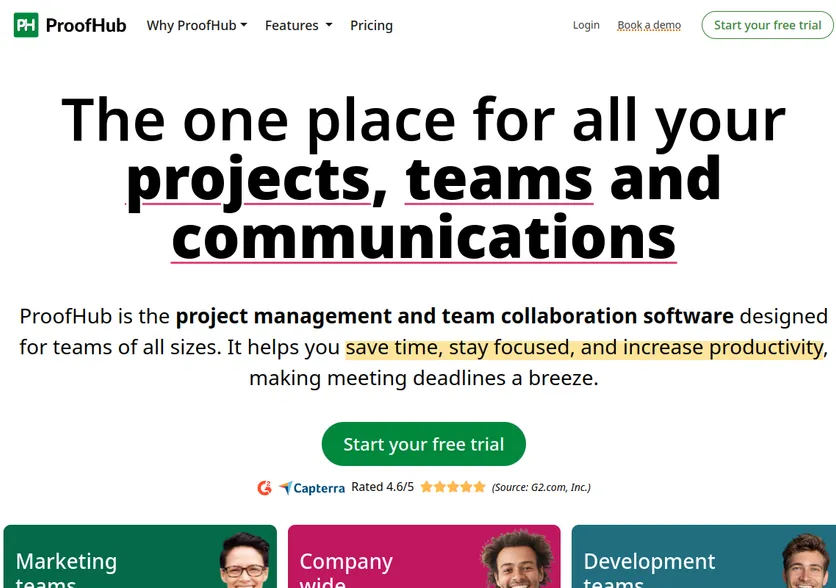
Paid tool Starting price: $45/mo · Forty-five dollars a month flat billed annually on the Essential plan, or fifty dollars a month billed monthly, with unlimited users, forty projects and fifteen gigabytes of storage; Ultimate Control is one hundred thirty-five dollars a month billed annually, with a fourteen-day free trial and no free plan
Free plan: Fourteen-day free trial, no free plan
For an event team that hates per-user billing, ProofHub Essential costs forty-five dollars a month flat billed annually and covers unlimited users with forty projects. The Gantt chart sits beside discussions, files and time tracking, which suits a team whose vendors and staff all need access without a seat count. The flat price never rises with headcount, though the forty-project cap will push a busy team to the Ultimate Control tier.
What we like
- Flat forty-five dollars a month, unlimited users
- Gantt plus discussions and files together
- Fourteen-day free trial
Watch out for
- Essential caps at forty projects
- Ultimate Control is one hundred thirty-five dollars a month
How to try it
- Create the event project and add the Gantt chart
- Assign tasks and share files with vendors
- Track time and updates in one place
7. Instagantt
Best for: Asana teams that want a proper Gantt chart on top
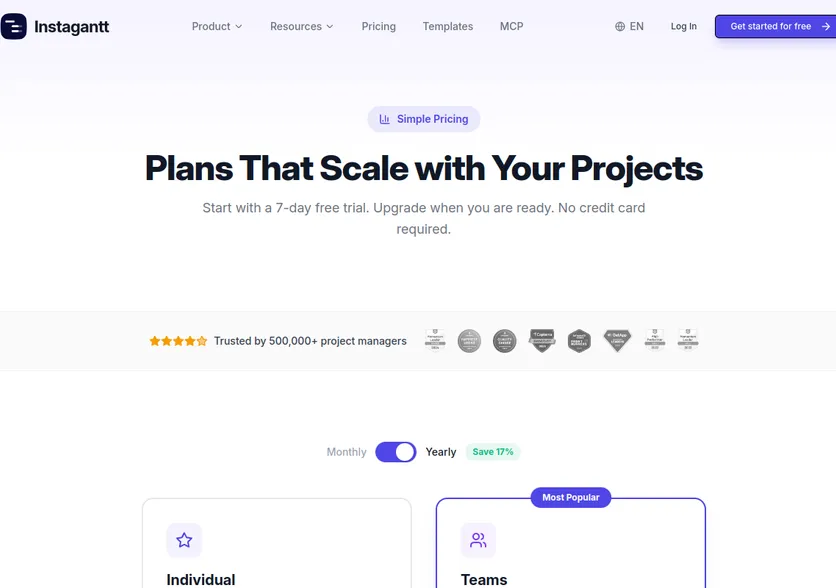
Paid tool Starting price: $10/mo · Ten dollars a month billed annually on the Individual plan, or twelve dollars a month billed monthly; Teams is twenty dollars a month billed annually with three collaborators and eight dollars per extra collaborator, with a free plan for Asana users covering three projects and one user and a seven-day trial with no card required
Free plan: Free plan for Asana users with 3 projects
For an event team already planning in Asana, Instagantt Individual costs ten dollars a month billed annually and turns Asana tasks into a real Gantt chart. The tool syncs with Asana in both directions, which suits a team that likes Asana for tasks but needs a proper timeline. The free plan covers Asana users with three projects and one user, so the Gantt upgrade is easy to test.
What we like
- Turns Asana tasks into a real Gantt chart
- Two-way sync with Asana
- Free plan for Asana users
Watch out for
- Only useful if the team uses Asana
- Teams plan is twenty dollars a month
How to try it
- Connect the Asana project to Instagantt
- Build the Gantt chart with dependencies
- Sync changes back to Asana automatically
8. Zoho Projects
Best for: Small event teams on a tight budget
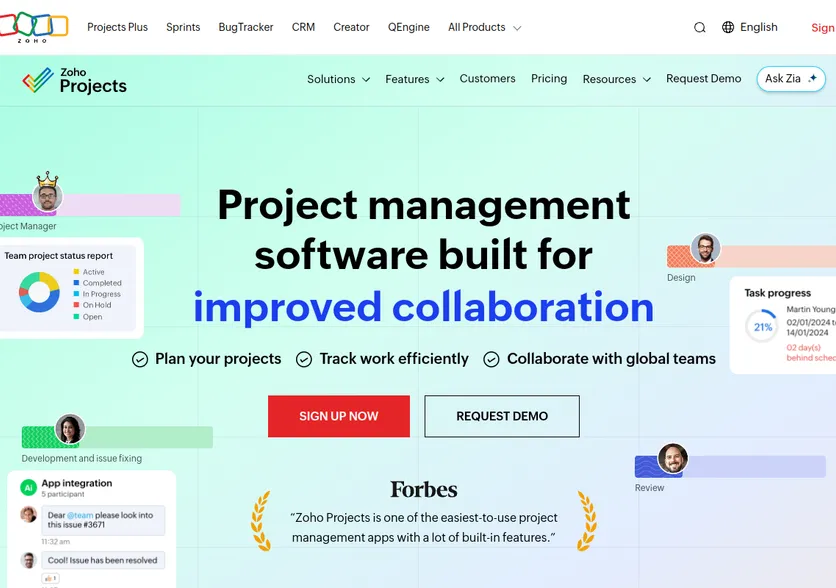
Paid tool Starting price: $4/user/mo · Four dollars a month per user billed annually on the Premium plan, or five dollars a month billed monthly; Enterprise is nine dollars a month and Ultimate is fourteen dollars a month, with a free plan for up to five users and three projects
Free plan: Free plan for up to 5 users
For a small event team counting every dollar, Zoho Projects Premium costs four dollars a month per user billed annually and still includes Gantt charts. Tasks, milestones, timesheets and issue tracking live in one place, which suits a team that needs the basics without a big subscription. The free plan covers up to five users and three projects, so a tiny team may never pay at all.
What we like
- Four dollars a user is the cheapest here
- Gantt plus timesheets and issues
- Free plan for up to five users
Watch out for
- Fewer advanced Gantt features than rivals
- Best inside the Zoho ecosystem
How to try it
- Create the event project and add milestones
- Switch to the Gantt view and set dependencies
- Track time and issues against the plan
Prices above were checked on each vendor’s own website on Nov 27, 2026 and can change — the vendor’s page is the final word. Vendor links are editorial: nobody paid to be listed or ranked here. Vendors who want a featured listing can see how it works on our Get listed page.
How an event planning team should pick a gantt chart tool
Start with the show date and work backwards. A tool that cannot show a countdown to doors-open is useless, so the Gantt chart must make the deadline visible to everyone. Count the real monthly cost for the whole team, including vendors who need access, because a per-user price doubles once the crew grows. Check whether the Gantt view is included on the plan you would buy, since some tools hide timelines behind a higher tier. Test the plan with a real event, not a template, because vendor delays and rehearsal changes behave differently on a live show. Finally, confirm the team can update it from a phone, since the plan changes on site more than in the office.
Before you buy
- Confirm the Gantt view is included on the plan you would actually buy
- Count the monthly cost for the whole team, including vendors who need access
- Test the plan with a real event, since vendor delays expose weak tools
- Check whether the team can update the plan from a phone on site
- Trial with the event staff who will use it daily, not just the planner
Official websites
Official websites of the products reviewed above. Features and prices were checked against these sites when this guide was written, and they can change, so confirm on the vendor site before you buy.
Frequently asked questions
What is the cheapest gantt chart software for event planning teams?
Zoho Projects Premium is the cheapest at four dollars a month per user billed annually, with a free plan for up to five users. ClickUp Core is nine dollars a month per user billed annually, while Asana Starter is ten dollars and ninety-nine cents a month per user. TeamGantt and ProofHub charge flat monthly prices instead, at fifty-nine and forty-five dollars a month, which can be cheaper once the whole crew needs access.
Do event teams need a Gantt chart or just a task list?
A task list shows what is due, but it never shows what slips when one vendor is late, which is where a Gantt chart earns its place. Dependencies link the venue, the caterer and the rehearsal, so a delay in one shows up everywhere. A team running one small event can live on a list, while a team running several events at once needs the timeline view to see conflicts.
Which gantt chart tool is best for weddings and social events?
TeamGantt is the simplest pick for weddings, since the flat fifty-nine dollar price covers the whole team and the timeline is easy to share with vendors. monday.com works better when the whole crew needs boards and automations, while Asana suits teams running several events from one portfolio. Pick TeamGantt for a single event business and monday.com or Asana for a team with a full season.
Is there a free gantt chart tool for event planning teams?
Zoho Projects is free for up to five users and three projects, ClickUp has a Free Forever plan and monday.com is free for up to two seats, though its Gantt view needs the paid Standard plan. Instagantt is free for Asana users with three projects and one user. The free plans fit a tiny team, while a team running several events will need a paid tier within a season.
How much should an event planning team budget for gantt chart software?
Budget four to twelve dollars a month per user for Zoho Projects, ClickUp, Asana, Teamwork or monday.com at starter tiers. A team that wants flat pricing should budget forty-five to fifty-nine dollars a month for ProofHub or TeamGantt, while Instagantt is ten dollars a month for Asana users. The honest budget is the per-user price times the staff and vendors who actually need access.
Compare the eight tools above, then trial the one that fits your team with a real event before the next show date.
Browse Business Tools tools