On this page
How we researched this
We compared eight graphic design tools that fit a nonprofit's real work, using each vendor's published list price from November 2026 and checking templates, brand kits and collaboration for staff and volunteers. Affinity Designer and Affinity Photo were excluded because they are now free for individuals, so they have no paid price to compare. Every price below is one you can verify on the vendor's own site.
Compare the tools
| Name | Best for | Starting price | Free plan | |
|---|---|---|---|---|
 Canva Pro | Nonprofits that need donor graphics, flyers and social posts fast | $12/month | Free plan with basic design tools | Visit |
 Adobe Creative Cloud | Nonprofits with a design team that needs the full Adobe suite | $69.99/month | No free plan; seven-day free trial | Visit |
 Figma | Nonprofits that design together in the browser with volunteers | $12/editor/month | Free Starter plan with three files | Visit |
 Sketch | Nonprofits on Mac that need interface and layout design | $12/editor/month | No free plan; thirty-day free trial | Visit |
 VistaCreate | Nonprofits that want Canva-style templates at a lower price | $10/month | Free plan with basic templates | Visit |
 Snappa | Nonprofits that need quick social graphics with stock photos | $10/month | Free plan with three downloads a month | Visit |
 PicMonkey | Nonprofits that want photo editing and design in one cheap tool | $7.99/month | No permanent free plan; seven-day free trial | Visit |
| Easil | Nonprofits that need locked templates so volunteers cannot break the brand | $6.25/user/month | Free Basic plan with thirty-day Plus trial | Visit |
The graphic design software for nonprofit organizations, compared
1. Canva Pro
Best for: Nonprofits that need donor graphics, flyers and social posts fast
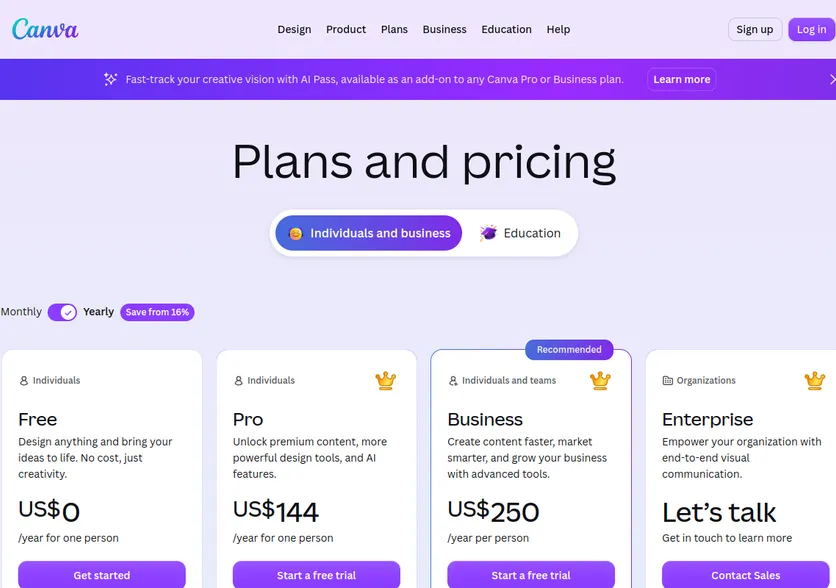
Paid tool Starting price: $12/month · Pro at twelve dollars a month on annual billing, one hundred forty-four dollars a year; eighteen dollars a month on monthly billing; free plan available
Free plan: Free plan with basic design tools
The fastest way for a nonprofit team to produce donor appeals, event flyers and social posts, Canva Pro offers templates, a brand kit for the organization's colors and fonts, and a background remover from twelve dollars a month on annual billing. Volunteers with no design training can resize a graphic for every platform in one click, and the scheduling tool queues a week of posts. Note the price: Pro now costs one hundred forty-four dollars a year, up from one hundred twenty dollars.
What we like
- Templates for every nonprofit need
- Brand kit keeps designs consistent
- Easy enough for any volunteer
Watch out for
- Price rose to one hundred forty-four dollars a year
- Less control than professional design apps
How to try it
- Set up a brand kit with nonprofit colors
- Build templates for donor appeals
- Schedule a week of social posts
2. Adobe Creative Cloud
Best for: Nonprofits with a design team that needs the full Adobe suite
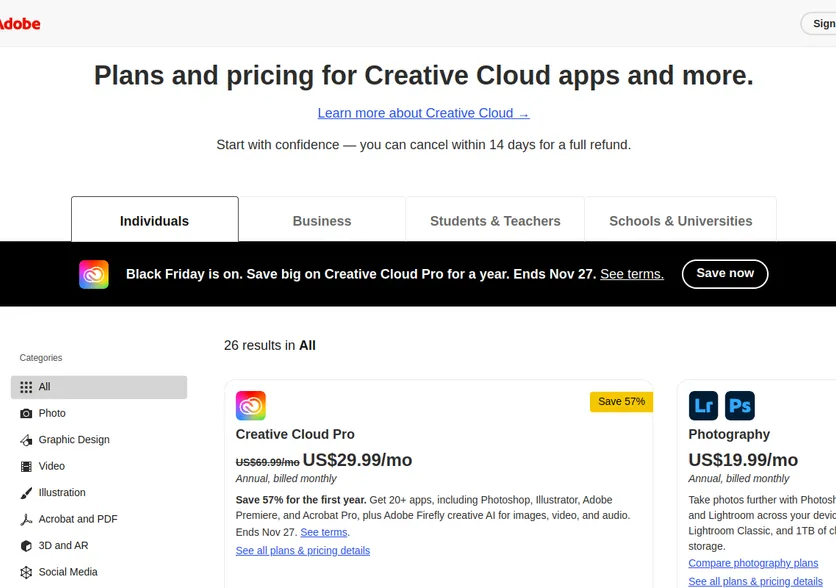
Paid tool Starting price: $69.99/month · Pro at sixty-nine dollars ninety-nine cents a month on annual billing as the list price; first-year promotional pricing at twenty-nine dollars ninety-nine cents a month is not the list price
Free plan: No free plan; seven-day free trial
When a nonprofit runs a real design team, Adobe Creative Cloud is the only single subscription that covers Photoshop, Illustrator, InDesign, Premiere Pro and Acrobat together. The Pro plan lists at sixty-nine dollars ninety-nine cents a month on annual billing, and the first-year price of twenty-nine dollars ninety-nine cents is a promotion, not the list price. Shared libraries and cloud storage keep the team working from the same brand assets.
What we like
- Every Adobe design app in one plan
- Shared libraries for brand consistency
- Cloud storage for team files
Watch out for
- Highest monthly price in this list
- First-year price is a promotion, not the list
How to try it
- Assign apps per role, not per person
- Build shared libraries for brand assets
- Use Acrobat for grant PDFs and forms
3. Figma
Best for: Nonprofits that design together in the browser with volunteers
Paid tool Starting price: $12/editor/month · Professional at twelve dollars per editor a month on annual billing, fifteen dollars on monthly billing; some older listings still show fifteen dollars a month on annual billing
Free plan: Free Starter plan with three files
For a nonprofit where staff and volunteers design together from different places, Figma runs entirely in the browser, with real-time collaboration, shared components and comments on the design itself. The Professional plan costs twelve dollars per editor a month on annual billing, and viewers are free, so volunteers can comment without a paid seat. Note the price conflict: some older listings still show fifteen dollars a month on annual billing.

What we like
- Real-time collaboration in the browser
- Viewers are free, only editors pay
- Components keep designs consistent
Watch out for
- Annual price is disputed across sources
- No native print layout tools
How to try it
- Build a component library for the brand
- Invite volunteers as free viewers
- Use comments for design feedback
4. Sketch
Best for: Nonprofits on Mac that need interface and layout design
Paid tool Starting price: $12/editor/month · Standard at twelve dollars per editor a month on annual billing, fourteen dollars on monthly billing; Business at twenty dollars; Mac-only licence at one hundred twenty dollars one time
Free plan: No free plan; thirty-day free trial
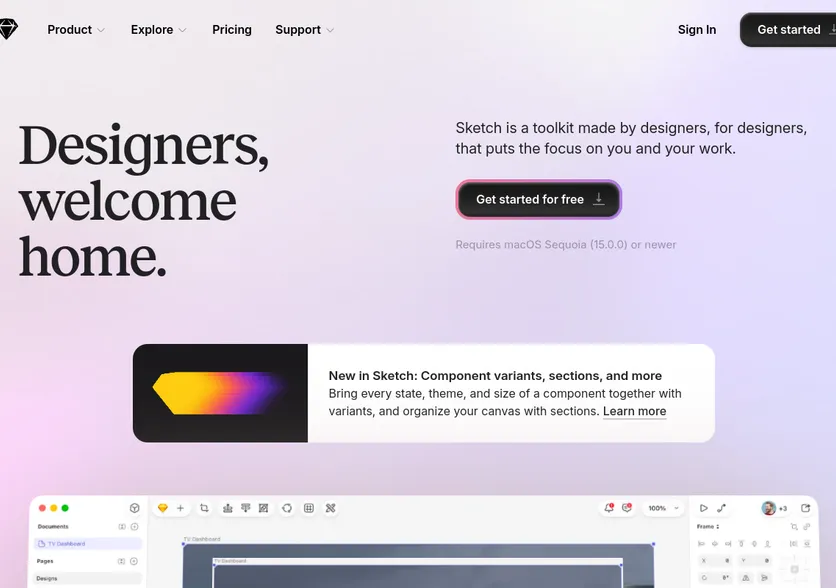
For a nonprofit that designs on Mac, Sketch is the native option, with artboards, symbols and a plugin ecosystem built for interface and layout work. Standard costs twelve dollars per editor a month on annual billing, and a Mac-only licence is available for one hundred twenty dollars one time. It is the right pick when the team already works in the Apple ecosystem and wants a focused design tool rather than a full suite.
What we like
- Native Mac app, fast and focused
- Symbols and libraries for consistency
- One-time Mac licence available
Watch out for
- Mac only, no Windows version
- No free plan
How to try it
- Build symbols for recurring elements
- Set up shared libraries for the team
- Export assets for the website
5. VistaCreate
Best for: Nonprofits that want Canva-style templates at a lower price
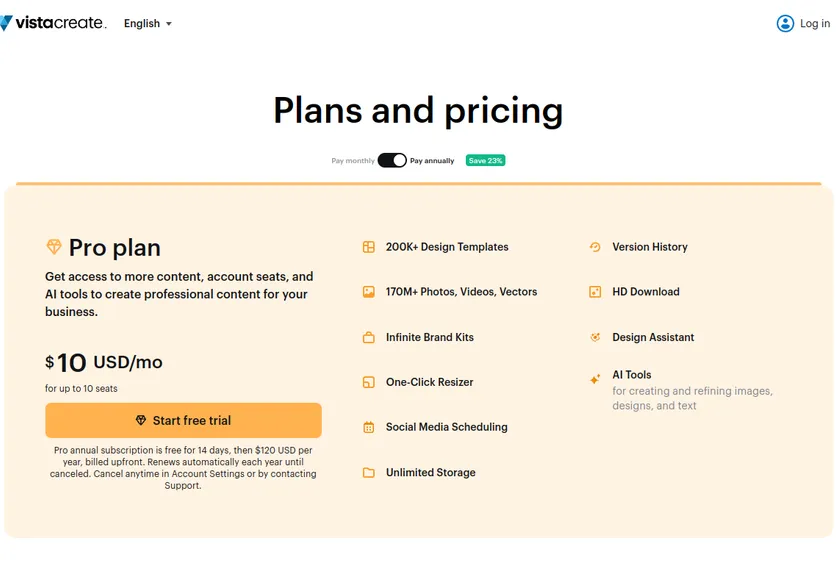
Paid tool Starting price: $10/month · Pro at ten dollars a month on annual billing, thirteen dollars on monthly billing
Free plan: Free plan with basic templates
A nonprofit that likes the Canva approach but wants a lower bill will find VistaCreate familiar, with templates for donor appeals, social posts and event flyers from ten dollars a month on annual billing. It includes a background remover, a sticker library and brand kits, and the interface is simple enough for volunteers. At two dollars a month less than Canva Pro on annual billing, it is the value pick for a nonprofit on a tight budget.
What we like
- Cheaper than Canva Pro on annual billing
- Simple interface for volunteers
- Good template and sticker library
Watch out for
- Smaller community and fewer integrations
- Less advanced than Adobe tools
How to try it
- Set up a brand kit for the nonprofit
- Build templates for donor campaigns
- Resize graphics for every platform
6. Snappa
Best for: Nonprofits that need quick social graphics with stock photos
Paid tool Starting price: $10/month · Pro at ten dollars a month on annual billing, fifteen dollars on monthly billing
Free plan: Free plan with three downloads a month
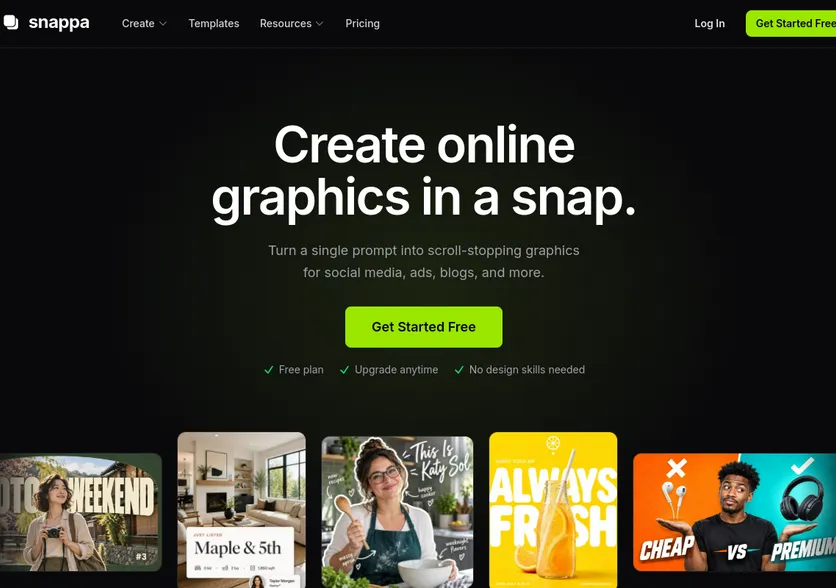
When the nonprofit social team needs a graphic in ten minutes, Snappa is built for speed, with templates, stock photos and a one-click resizer from ten dollars a month on annual billing. There are no layers or complex menus to learn, so a volunteer can produce a gala announcement graphic before the event starts. The free plan allows three downloads a month, which is enough to test it on a real week of posts.
What we like
- Fastest editor in this comparison
- Stock photos built in
- Simple enough for any volunteer
Watch out for
- No layers or advanced editing
- Free plan limited to three downloads
How to try it
- Pick a template for donor announcements
- Resize for each social platform
- Save brand colors for repeat use
7. PicMonkey
Best for: Nonprofits that want photo editing and design in one cheap tool
Paid tool Starting price: $7.99/month · Basic at seven dollars ninety-nine cents a month; Pro at twelve dollars ninety-nine cents a month
Free plan: No permanent free plan; seven-day free trial
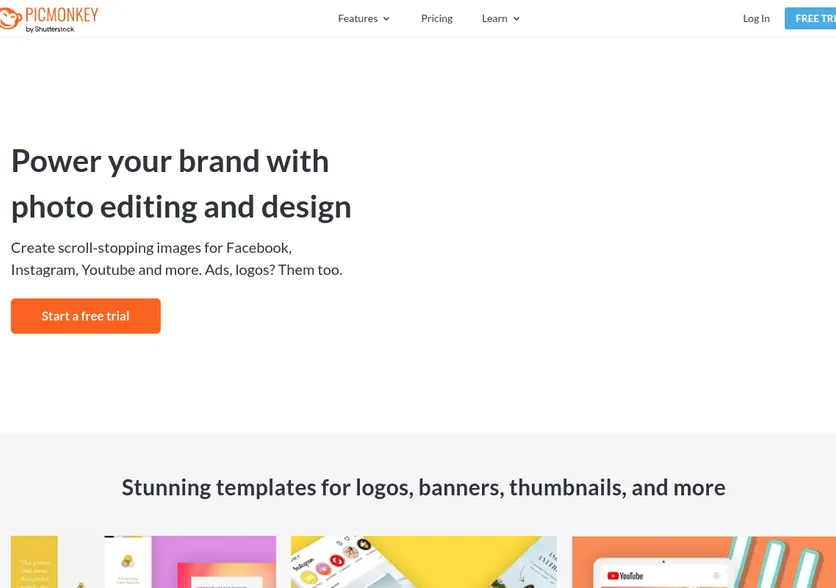
For a nonprofit that edits photos as often as it designs flyers, PicMonkey combines a photo editor with design templates from seven dollars ninety-nine cents a month for Basic. Touch-up tools fix lighting and color in event photos, collage tools build recap posts, and the Pro plan adds brand kits and more storage. It is the cheapest paid design tool in this comparison for a nonprofit that needs both photo and design work.
What we like
- Photo editing and design in one tool
- Cheapest paid plan in this list
- Good collage and touch-up tools
Watch out for
- No permanent free plan
- Less powerful than Photoshop
How to try it
- Fix event photos with touch-up tools
- Build collage recaps after fundraisers
- Save templates for weekly posts
8. Easil
Best for: Nonprofits that need locked templates so volunteers cannot break the brand
Paid tool Starting price: $6.25/user/month · Plus at six dollars twenty-five cents a user a month on annual billing, seventy-five dollars a year; seven dollars fifty cents on monthly billing; Edge at forty-nine dollars a user a month on annual billing
Free plan: Free Basic plan with thirty-day Plus trial
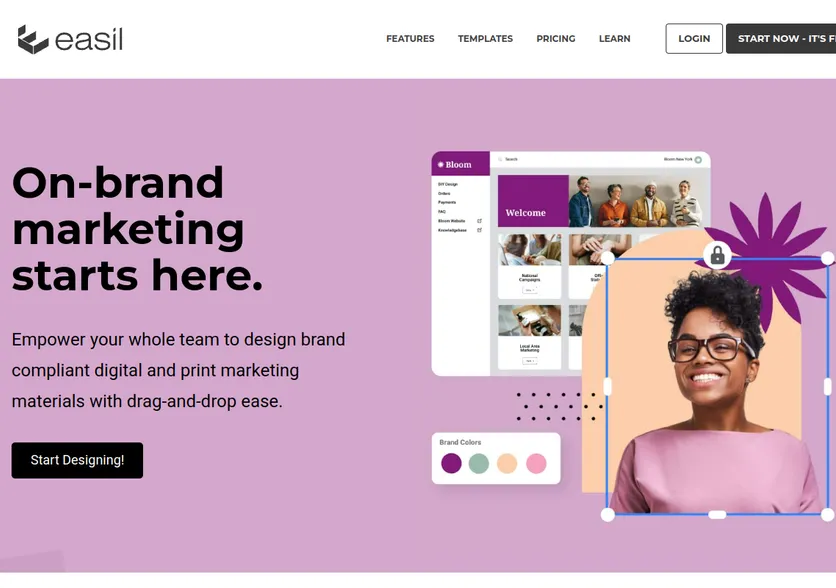
The cheapest paid design tool in this comparison, Easil costs six dollars twenty-five cents a user a month on annual billing for Plus, and it is built around locked templates: the design team sets the brand, and volunteers can only change the text and photos. Brand kits, design approval workflows and print management suit a nonprofit with many chapters or volunteers. The free Basic plan includes a thirty-day Plus trial.
What we like
- Cheapest paid plan in this list
- Locked templates protect the brand
- Approval workflows for teams
Watch out for
- Smaller template library than Canva
- No logo on file yet
How to try it
- Lock templates for volunteer use
- Set up brand kits per chapter
- Use approval workflows for campaigns
Prices above were checked on each vendor’s own website on Nov 27, 2026 and can change — the vendor’s page is the final word. Vendor links are editorial: nobody paid to be listed or ranked here. Vendors who want a featured listing can see how it works on our Get listed page.
How a nonprofit should set up its design workflow
Start with a brand kit: the nonprofit colors, fonts and logo in one place, so every chapter and volunteer produces work that looks like it came from the same organization. Build templates for the repeating jobs first, the donor appeal, the event flyer and the social post, because templates save more time than any new feature. Lock the templates where volunteers work, so the brand survives a hundred different hands.
Keep the workflow simple enough for a volunteer to finish a graphic in fifteen minutes, because a tool that needs training will sit unused. Use approval workflows for donor-facing work, so nothing goes out with the wrong logo or an old tagline. Review the month's graphics together, and retire the templates that nobody uses, so the library stays small and useful.
Before you buy
- Confirm the plan includes brand kits and locked templates before you pay
- Check whether templates cover donor appeals, flyers and social posts
- Make sure volunteers can design without breaking the brand
- Ask whether files export for both print and social media
- Test the free plan on one real donor campaign first
Official websites
Official websites of the products reviewed above. Features and prices were checked against these sites when this guide was written, and they can change, so confirm on the vendor site before you buy.
Frequently asked questions
What is the best graphic design software for a nonprofit?
Canva Pro is the best all-rounder for most nonprofits because its templates, brand kit and scheduling tools cover donor appeals, flyers and social posts from twelve dollars a month on annual billing. Easil is the value pick at six dollars twenty-five cents a user a month with locked templates, while Figma suits teams that design together in the browser. The best choice depends on whether the team is volunteers or professionals.
What is the cheapest graphic design software for a nonprofit?
Easil is the cheapest paid tool at six dollars twenty-five cents a user a month on annual billing for Plus, followed by PicMonkey at seven dollars ninety-nine cents a month. VistaCreate and Snappa cost ten dollars a month on annual billing, and Canva Pro costs twelve dollars a month. All of them have free plans, so a nonprofit can test before spending anything.
How can a nonprofit stop volunteers breaking the brand?
Use locked templates, which let volunteers change text and photos but not colors, fonts or logos. Easil is built around this idea, and Canva Pro's brand kit and brand controls do the same job. Assign one person to own the brand kit, approve donor-facing work before it goes out, and retire old templates so nobody uses an outdated logo.
Is Canva Pro still twelve dollars a month?
Yes, Canva Pro costs twelve dollars a month on annual billing, which is one hundred forty-four dollars a year, and eighteen dollars a month on monthly billing. The annual price rose from one hundred twenty dollars to one hundred forty-four dollars during 2026, so older articles still show the old price. Always check the vendor's own pricing page, because the list price is the one that matters.
Do nonprofits need Adobe Creative Cloud or is Canva enough?
Most nonprofits are fine with Canva Pro or Easil, because templates cover donor appeals, flyers and social posts, and volunteers can use them without training. Adobe Creative Cloud matters when the nonprofit has a design team that needs Photoshop, Illustrator and InDesign together, at sixty-nine dollars ninety-nine cents a month. Start with Canva Pro, and add Adobe only when a trained designer joins the team.
Compare the eight tools above, then start with a free plan on one real donor campaign before you pay for a design tool.
Browse Image Tools tools