
On this page
Designing a room should not need a degree, and the seven tools below turn a floor plan into a 3D view in minutes with drag-and-drop furniture and real products. Prices run from free to twenty-five dollars a month, with one one-time purchase in the list, and every figure was checked on the vendor site on November 26, 2026. Every tool offers a free plan, and the cheapest paid plan costs about five dollars a month. HomeByMe is our first pick — the friendliest 3D designer for a first room.
How we researched this
We started with the home design tools beginners actually buy, then read each price on the vendor pricing page on November 26, 2026 and noted the free plan each one carries. We judged them for a first-time designer who wants to plan a room in 2D and see it in 3D without learning a professional CAD tool, and we kept only tools with a published price. We dropped free-only tools with no paid tier and kept the list to tools a beginner can buy today.
Compare the tools
| Name | Best for | Starting price | Free plan | |
|---|---|---|---|---|
 HomeByMe | Beginners who want a free 3D designer with real furniture | $25/month | Free Starter plan with 2 projects | Visit |
 Coohom | Beginners who want fast renders and a huge product catalog | $25/month | Free Basic plan with 3 projects | Visit |
 Planner 5D | Beginners who want a cheap 2D and 3D planner on any device | $4.99/month | Free tier with limited projects | Visit |
 Live Home 3D | Beginners who want a one-time purchase with no subscription | $149.99 one-time | Free edition with basic features | Visit |
 SketchUp | Beginners who want a professional 3D tool with a free web plan | $129/year | Free web plan for personal projects | Visit |
 RoomSketcher | Beginners who want quick floor plans with 3D views | $24/month | Free plan with limited features | Visit |
 Floorplanner | Beginners who want a cheap 2D floor planner with 3D views | $5/month | Free Basic plan with 5 projects | Visit |
The home design software for beginners, compared
1. HomeByMe
Best for: Beginners who want a free 3D designer with real furniture
Paid tool Starting price: $25/month · Essentials plan, $25 a month billed annually ($299 a year) or $29 billed monthly; Starter free with 2 projects; Pro $65 a month
Free plan: Free Starter plan with 2 projects
HomeByMe is the friendliest way to design a room in 3D, with a drag-and-drop planner, real furniture from brands and photorealistic renders in the browser. This HomeByMe Essentials plan adds unlimited projects, high-definition images and 360 views on top of the free Starter plan. The interface is genuinely easy for a first-timer, though the monthly price is high for a hobby and the free plan limits you to two projects.
What we like
- Very easy to learn for first-time designers
- Real furniture from brands in the catalog
- Photorealistic 3D renders in the browser
Watch out for
- Monthly price is high for a hobby tool
- Free plan limits you to two projects
How to try it
- Open the HomeByMe site and start on the free Starter plan
- Draw one room and add real furniture to it
- Render a 3D view and compare the free and Essentials limits
2. Coohom
Best for: Beginners who want fast renders and a huge product catalog
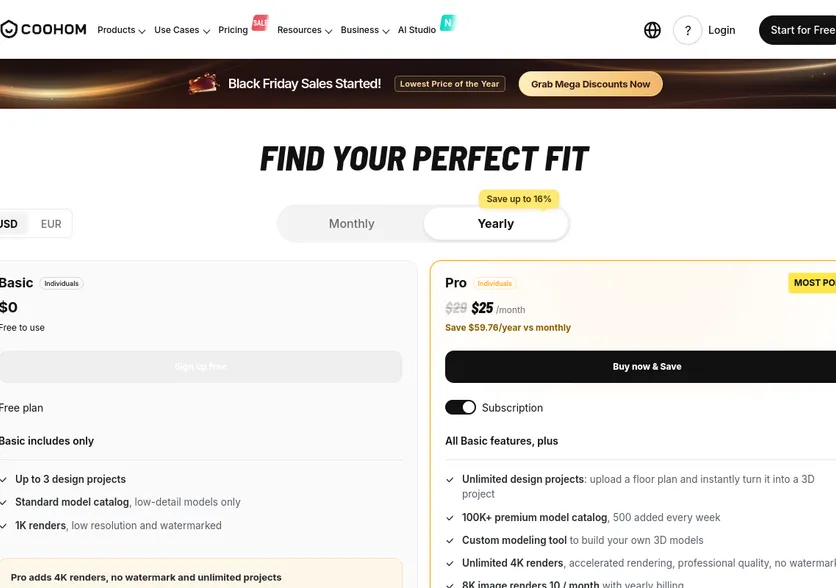
Paid tool Starting price: $25/month · Pro plan, $25 a month billed annually ($300 a year) or $29 billed monthly; Basic free with 3 projects; Elite $58 a seat a month billed annually
Free plan: Free Basic plan with 3 projects
Coohom is a browser-based 3D designer with a huge catalog of real products, fast renders and a floor plan tool that beginners pick up quickly. This Coohom Pro plan adds unlimited projects, high-definition renders and more render credits on top of the free Basic plan. The renders are quick and the catalog is deep, though the interface has a learning curve and the free plan watermarks its renders.
What we like
- Huge catalog of real products
- Fast renders in the browser
- Free plan for trying the basics
Watch out for
- Free plan watermarks its renders
- Interface has a learning curve
How to try it
- Open the Coohom pricing page and start on the free Basic plan
- Draw one room and add products from the catalog
- Render a 3D view and check the watermark on the free plan
3. Planner 5D
Best for: Beginners who want a cheap 2D and 3D planner on any device
Paid tool Starting price: $4.99/month · Premium plan, $4.99 a month billed annually ($59.99 a year) or $19.99 billed monthly; Professional $33.33 a month billed annually; free tier included
Free plan: Free tier with limited projects
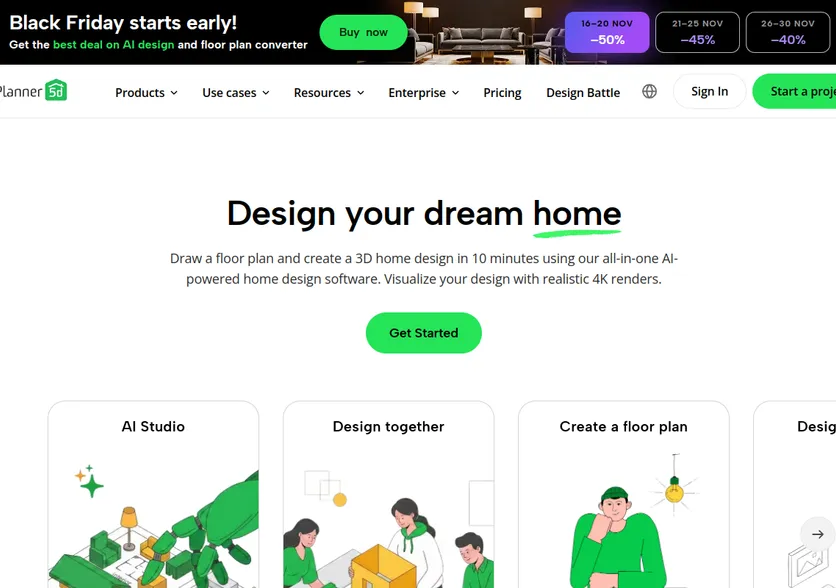
Planner 5D is the cheapest paid tool in this list, with a simple 2D and 3D planner that runs on web, phone and tablet, plus a large catalog of furniture and decor. This Planner 5D Premium plan adds unlimited projects, high-definition renders and the full catalog on top of the free tier. The price is hard to beat and the mobile app is genuinely useful, though the renders are simpler than the photorealistic tools and the professional plan costs much more.
What we like
- Cheapest paid plan in this comparison
- Works on web, phone and tablet
- Large furniture and decor catalog
Watch out for
- Renders are simpler than photorealistic tools
- Professional plan costs much more
How to try it
- Open the Planner 5D pricing page and start on the free tier
- Draw one room on your phone and add furniture
- Render a 3D view and compare the free and Premium limits
4. Live Home 3D
Best for: Beginners who want a one-time purchase with no subscription
Paid tool Starting price: $149.99 one-time · Pro lifetime licence lists at $149.99; the vendor store currently shows $129.99 as a promotion; Standard lifetime is $59.99; mobile Pro is also $14.99 a month as a subscription
Free plan: Free edition with basic features
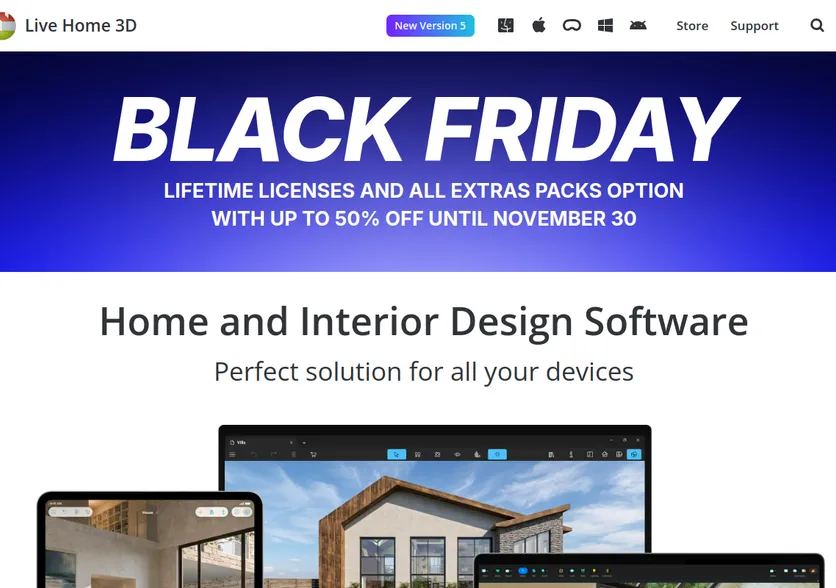
Live Home 3D is a desktop designer for Mac, Windows, iPad and iPhone, with a 2D planner, 3D views and augmented reality for walking through a room. This Live Home 3D Pro plan is a one-time lifetime licence, which suits buyers who hate subscriptions and want the software to stay theirs. The desktop app is polished and the one-time price is fair, though the vendor store currently shows a lower promotional price and the mobile Pro plan is a separate subscription.
What we like
- One-time licence with no subscription
- Works on Mac, Windows, iPad and iPhone
- Augmented reality walkthrough built in
Watch out for
- Promotional price differs from the list price
- Mobile Pro is a separate subscription
How to try it
- Open the Live Home 3D site and download the free edition
- Draw one room and walk through it in 3D
- Compare the Pro licence with the mobile subscription before you buy
5. SketchUp
Best for: Beginners who want a professional 3D tool with a free web plan
Paid tool Starting price: $129/year · Go plan, $129 a year or $19.99 a month billed monthly; Pro $399 a year; free web plan included
Free plan: Free web plan for personal projects
SketchUp is the 3D modeling tool architects and designers have used for years, and the web version is free for personal projects with a simple push-and-pull interface. This SketchUp Go plan adds the desktop and iPad apps, more storage and the full toolset for a yearly price. The free web plan is genuinely useful for a first project, though the Pro plan costs much more and the learning curve is steeper than the drag-and-drop tools.

What we like
- Free web plan for personal projects
- Industry standard 3D modeling
- Large library of ready-made models
Watch out for
- Pro plan costs much more
- Learning curve is steeper than drag-and-drop tools
How to try it
- Open the SketchUp plans page and start on the free web plan
- Model one room with the push-and-pull tools
- Compare the Go plan with Pro before you pay for a year
6. RoomSketcher
Best for: Beginners who want quick floor plans with 3D views
Paid tool Starting price: $24/month · Pro plan, $24 a month billed monthly or $12 a month billed annually ($144 a year) on the current half-price annual offer; Team $35 a month billed annually; high-resolution outputs use credits
Free plan: Free plan with limited features
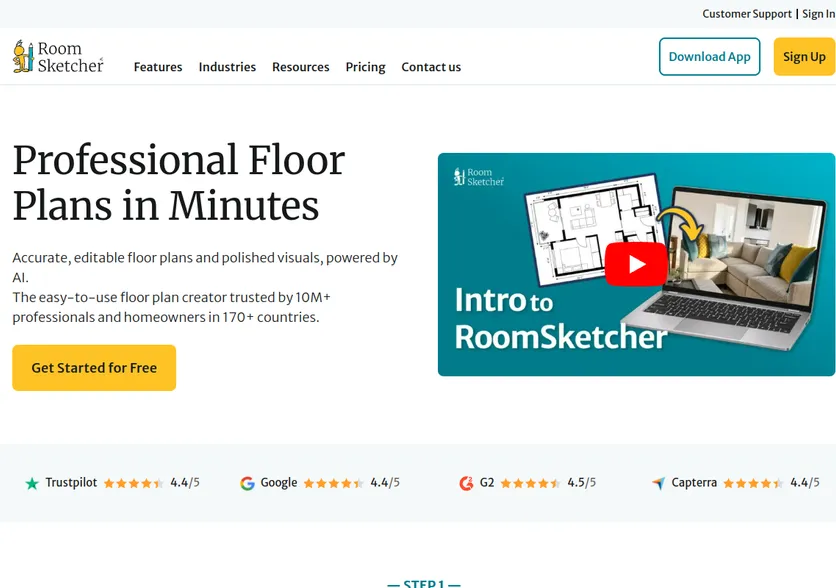
RoomSketcher is a floor plan and home design tool that turns a 2D plan into a 3D view in minutes, with furniture, materials and a simple drag-and-drop interface. This RoomSketcher Pro plan adds unlimited projects, high-resolution images and 360 views, with a current offer that halves the annual price. The 3D views are good for the money, though high-resolution outputs use credits and the annual offer is a promotion rather than the list price.
What we like
- Quick floor plans with 3D views
- Simple drag-and-drop interface
- Good value on the annual plan
Watch out for
- High-resolution outputs use credits
- Annual price shown is a promotion, not the list price
How to try it
- Open the RoomSketcher pricing page and start on the free plan
- Draw one floor plan and switch to the 3D view
- Check how many credits a high-resolution image costs before you pay
7. Floorplanner
Best for: Beginners who want a cheap 2D floor planner with 3D views
Paid tool Starting price: $5/month · Plus plan, $5 a month or $4.08 a month billed annually; Pro $29 a month; Basic free with 5 projects; exports use credits
Free plan: Free Basic plan with 5 projects
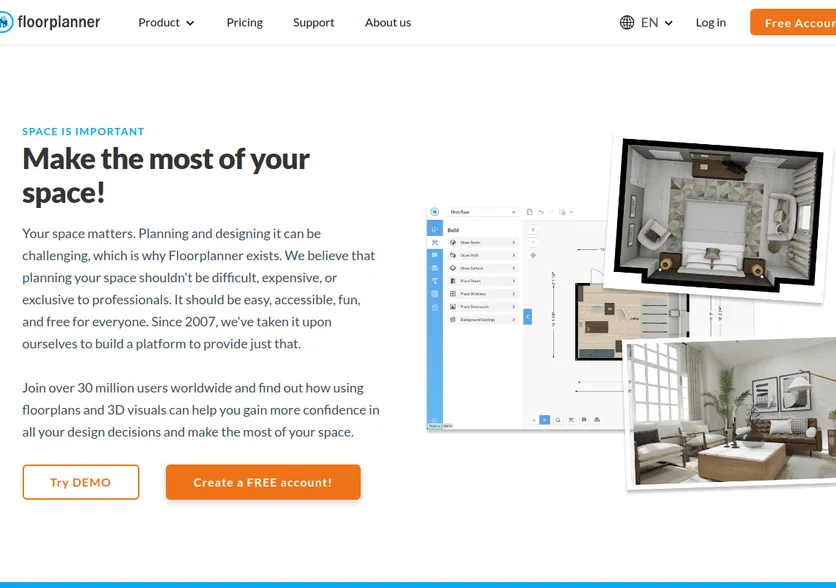
Floorplanner is a simple 2D and 3D floor planner that runs in the browser, with a free plan for small projects and a cheap Plus plan for more. This Floorplanner Plus plan adds unlimited projects, high-definition exports and more credits on top of the free Basic plan. The price is low and the interface is quick to learn, though exports use credits and the 3D views are simpler than the photorealistic tools.
What we like
- Very cheap Plus plan
- Free plan with five projects
- Quick to learn in the browser
Watch out for
- Exports use credits
- 3D views are simpler than photorealistic tools
How to try it
- Open the Floorplanner site and start on the free Basic plan
- Draw one floor plan and switch to the 3D view
- Check how many credits a high-definition export costs before you pay
Prices above were checked on each vendor’s own website on Nov 26, 2026 and can change — the vendor’s page is the final word. Vendor links are editorial: nobody paid to be listed or ranked here. Vendors who want a featured listing can see how it works on our Get listed page.
What home design software costs in 2026
Most beginners pay a monthly subscription, so the headline rate is the whole budget here, and this list runs from free to twenty-five dollars a month. Planner 5D costs four dollars and ninety-nine cents a month on annual billing, Floorplanner costs five dollars, and HomeByMe and Coohom both cost twenty-five dollars. Live Home 3D is the exception, a one-time purchase of one hundred forty-nine dollars and ninety-nine cents instead of a subscription. The headline plan each vendor shows on its own pricing page is the number in the table above, checked on November 26, 2026.
Start with the free plan on two tools and design one real room in each, from floor plan to 3D view. Compare how the furniture looks, whether the renders need credits, and how the export works for sharing with a partner or contractor. Pick the tool that feels easy on the first room, because a designer you enjoy is one you will actually use.
Before you buy
- Check what the free plan really allows, because project limits and watermarks vary a lot.
- Count the renders before you pay, because 3D views and HD exports often use credits.
- Compare annual and monthly billing, because most tools here cut the price by a third on annual plans.
- Test the 3D view on a real room, because a flat floor plan hides the problems.
- Confirm what the export costs, because some tools charge credits for high-resolution images and 360 views.
Official websites
Official websites of the products reviewed above. Features and prices were checked against these sites when this guide was written, and they can change, so confirm on the vendor site before you buy.
Frequently asked questions
Which home design software is best for beginners in 2026?
HomeByMe is the friendliest first step for a beginner, with real furniture and photorealistic renders from twenty-five dollars a month on annual billing. Planner 5D is the cheapest paid tool at four dollars and ninety-nine cents a month on annual billing, and it works on your phone. Floorplanner is the cheapest of all at five dollars a month, with a free plan for five projects.
How much does home design software cost for beginners?
Most tools in this list cost between five and twenty-five dollars a month, with annual billing cutting the monthly rate. Planner 5D costs four dollars and ninety-nine cents a month on annual billing, Floorplanner costs five dollars, and HomeByMe and Coohom both cost twenty-five dollars. Live Home 3D is a one-time purchase of one hundred forty-nine dollars and ninety-nine cents instead.
Is there a free home design tool for beginners?
Yes, every tool in this list offers a free plan or free edition. HomeByMe gives you two free projects, Coohom gives you three, Floorplanner gives you five, and SketchUp offers a free web plan for personal projects. The free plans limit projects, renders or exports, so a paid plan makes sense once you design more than one room.
Which tool gives the most realistic renders?
It depends on the job. HomeByMe and Coohom give you the most realistic renders for presenting a room to a client or a partner. Planner 5D and Floorplanner are quicker and cheaper for a first floor plan, though their renders are simpler. SketchUp is the best choice if you want to learn real 3D modeling for future projects.
What should a beginner look for in home design software?
Check what the free plan really allows, because project limits and watermarks vary a lot between tools. Count the renders before you pay, because 3D views and high-resolution exports often use credits. Test the 3D view on a real room before you commit, because a flat floor plan hides the problems.
Need everyday design help too? Try Toolsvine's free design tools for images and layouts right in your browser.
Browse Image Tools tools


