
On this page
A small business does not need enterprise identity software, it needs logins that are safe, cheap and quick to set up. The seven tools below run from free for a tiny team to about eleven dollars a user a month, and every price was checked on the vendor site on November 26, 2026. Two of them offer a free tier that can cover a whole small team, and the rest offer a free trial. Duo is our first pick — the cheapest serious start, free for up to ten users.
How we researched this
We started with the identity tools small businesses actually buy, then read each price on the vendor pricing page on November 26, 2026 and noted the free trial or free tier each plan carries. We judged them for a team of ten to fifty people with no full-time IT staff, where setup speed and per-user cost matter more than enterprise governance, and we kept only tools with a published price.
Compare the tools
| Name | Best for | Starting price | Free plan | |
|---|---|---|---|---|
 Duo | Small businesses that want strong MFA at the lowest price, with a free plan | $3/user/month | Free plan for up to 10 users; 30-day free trial | Visit |
 LastPass | Small businesses that want passwords and SSO handled in one simple tool | $7/user/month | No free plan; 14-day free trial, no credit card required | Visit |
 JumpCloud | Small businesses with mixed Mac, Windows and Linux devices | $11/user/month | No free plan; 30-day free trial | Visit |
 Okta | Small businesses that want a full identity platform they can grow into | $6/user/month | No free plan; free trial available | Visit |
 Microsoft Entra ID | Small businesses already paying for Microsoft 365 | $7/user/month | Free tier included with Azure and Microsoft 365 subscriptions | Visit |
 OneLogin | Small businesses that want the simplest possible SSO setup | $3/user/month | No free plan; free trial available | Visit |
 Rippling | Small businesses that want hiring and access handled together | $8/employee/month | No free plan; book a demo | Visit |
The IAM software for small businesses, compared
1. Duo
Best for: Small businesses that want strong MFA at the lowest price, with a free plan
Paid tool Starting price: $3/user/month · Essentials plan, $3 per user a month; Advantage $6, Premier $9; free plan covers up to 10 users
Free plan: Free plan for up to 10 users; 30-day free trial
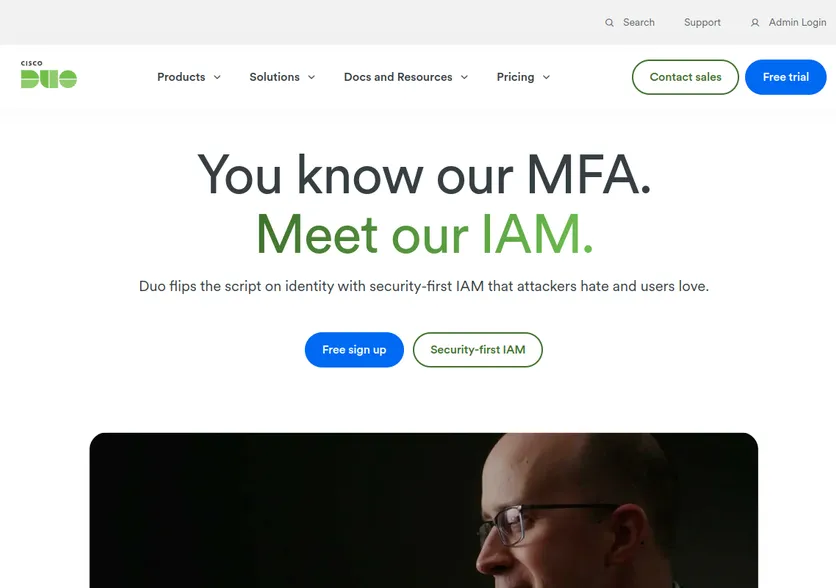
For a small business, Duo is the fastest way to stop password-only logins, because push-based MFA takes minutes to set up and staff accept it without training. This Duo Essentials plan costs three dollars a user a month, and the free plan covers up to ten users with MFA and SSO included. A ten-person shop can protect every login for nothing and start paying only when the team grows past ten.
What we like
- Free plan covers up to ten users
- Push MFA staff actually accept
- Device checks included on paid plans
Watch out for
- Paid plans start at three dollars a user a month
- Full governance features need the higher priced tiers
How to try it
- Claim the Duo free plan and add your team
- Turn on push MFA for email and your main apps
- Add a device check that blocks sign-ins from risky laptops
2. LastPass
Best for: Small businesses that want passwords and SSO handled in one simple tool
Paid tool Starting price: $7/user/month · Business plan, $7 per user a month billed annually; Teams $4.25, Business Max $11; 14-day free trial
Free plan: No free plan; 14-day free trial, no credit card required
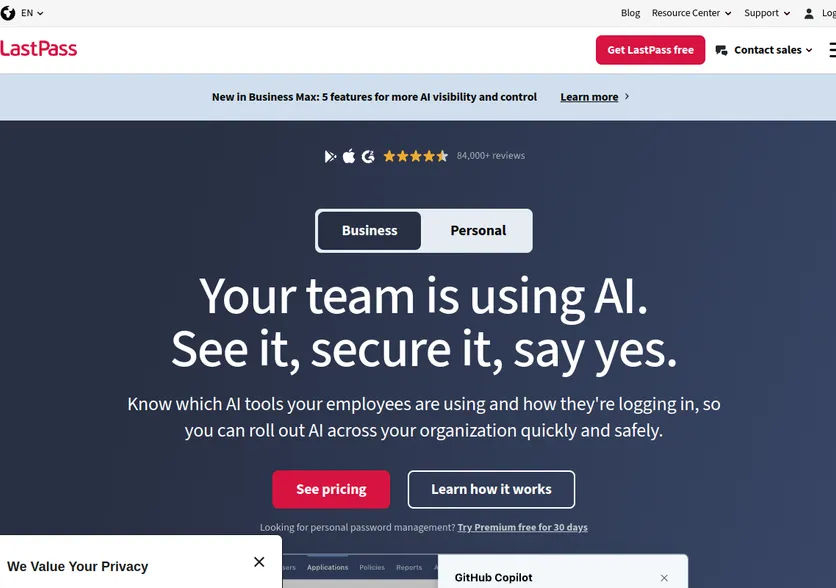
LastPass suits a small business that still shares passwords in chat, because shared vaults and admin policies sit next to SSO in one console. This LastPass Business plan costs seven dollars a user a month billed annually and adds directory integrations plus over one hundred security policies. A team of twenty can replace the shared spreadsheet of passwords and give every employee a family account too.
What we like
- Shared vaults end password sharing in chat
- Directory integrations on the Business plan
- Family accounts included for every employee
Watch out for
- Business is seven dollars a user a month with no free plan
- SSO covers three apps unless you pay for Business Max
How to try it
- Start the LastPass trial and build a shared folder per team
- Set the security policies you want enforced
- Invite the team and share the family accounts
3. JumpCloud
Best for: Small businesses with mixed Mac, Windows and Linux devices
Paid tool Starting price: $11/user/month · SSO plan, $11 per user a month billed annually or $13 billed monthly; Device Management $9 a month; single identity products from $3 a month
Free plan: No free plan; 30-day free trial
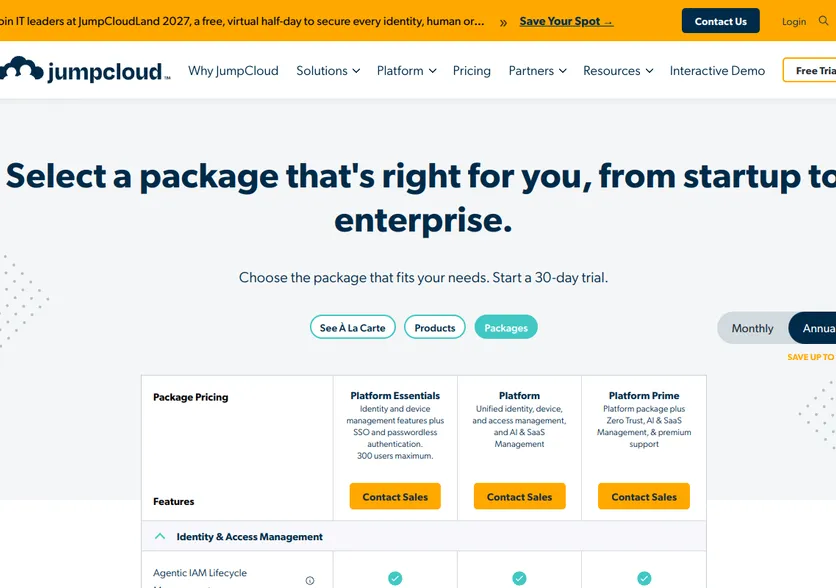
JumpCloud fits a small business whose staff use a mix of laptops, because identity and device management share one console and one bill. This JumpCloud SSO plan costs eleven dollars a user a month on annual billing, and device management is a separate nine-dollar plan. A team without a full-time IT person can still push policies, lock lost laptops and cut access from the same screen.
What we like
- One console for identity and devices
- Covers Mac, Windows and Linux equally
- Buy only the identity products you need
Watch out for
- SSO is the priciest start in this list at eleven dollars
- Device management costs extra on top of SSO
How to try it
- Start the JumpCloud trial and import your users
- Connect apps for SSO and turn on MFA
- Enroll each laptop and set a lock policy
4. Okta
Best for: Small businesses that want a full identity platform they can grow into
Paid tool Starting price: $6/user/month · Starter plan, $6 per user a month; Core Essentials $14, Essentials $17, higher tiers by quote; free trial available
Free plan: No free plan; free trial available
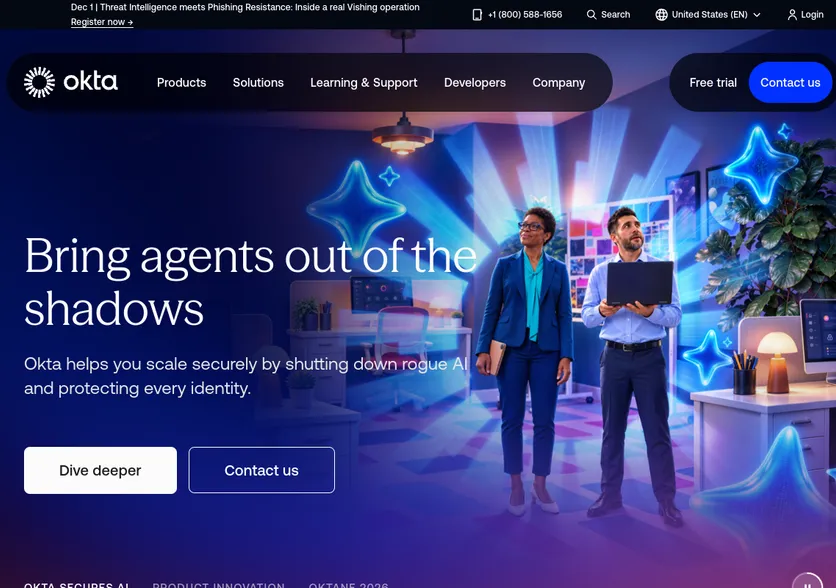
Okta gives a small business room to grow, because the Starter plan covers SSO and MFA today and higher tiers add governance when the headcount demands it. This Okta Starter plan costs six dollars a user a month, with Core Essentials at fourteen dollars and Essentials at seventeen dollars for larger teams. A business planning to double its staff can start cheap and upgrade without migrating to a new system.
What we like
- Starter covers SSO and MFA for six dollars
- Scales from ten users to ten thousand
- Thousands of apps connect out of the box
Watch out for
- No free plan, so the trial is the only free test
- Enterprise tiers need a sales quote
How to try it
- Open the Okta pricing page and start the free trial
- Connect your email and main apps for SSO
- Set a lifecycle rule for joiners and leavers
5. Microsoft Entra ID
Best for: Small businesses already paying for Microsoft 365
Paid tool Starting price: $7/user/month · P1 plan, $7 per user a month billed annually; P2 $10, Entra Suite $12; free tier included with Azure and Microsoft 365 subscriptions
Free plan: Free tier included with Azure and Microsoft 365 subscriptions
Microsoft Entra ID is the cheapest serious option for a small business already on Microsoft 365, because the free tier covers basic SSO and MFA with no extra bill. This Microsoft Entra ID P1 plan adds Conditional Access and passwordless login for seven dollars a user a month billed annually. A shop that already pays for Microsoft 365 should check what it already owns before buying a second identity tool.
What we like
- Free tier with Azure and Microsoft 365
- P1 adds Conditional Access for seven dollars
- Passwordless login with the authenticator app
Watch out for
- P1 has no standalone free trial
- Value depends on already paying for Microsoft 365
How to try it
- Check what your Microsoft 365 plan already includes
- Turn on the free tier for SSO and MFA
- Add P1 if you need Conditional Access rules
6. OneLogin
Best for: Small businesses that want the simplest possible SSO setup
Paid tool Starting price: $3/user/month · Basic plan, $3 per user a month; Essentials $6, Business $10; free trial available
Free plan: No free plan; free trial available
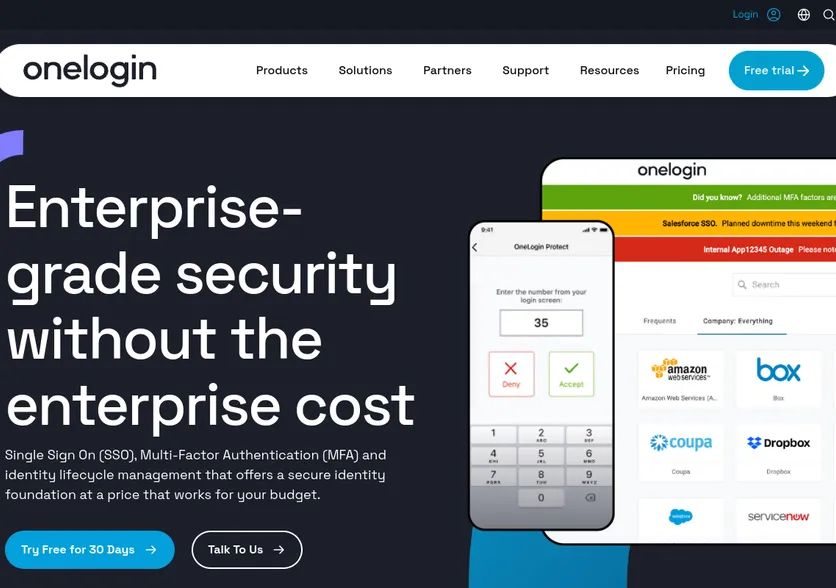
OneLogin is the plain choice for a small business that wants SSO working this week, with a clean admin screen and a large catalog of ready apps. This OneLogin Basic plan costs three dollars a user a month, the joint cheapest start in this list. A team with no IT staff can connect its apps, turn on MFA and be done before lunch.
What we like
- Joint cheapest start at three dollars
- Large catalog of ready-to-connect apps
- Free trial covers unlimited users
Watch out for
- No free plan beyond the trial
- Advanced policies need the pricier tiers
How to try it
- Start the OneLogin free trial
- Connect your apps from the catalog
- Turn on MFA for every user
7. Rippling
Best for: Small businesses that want hiring and access handled together
Paid tool Starting price: $8/employee/month · Core platform from $8 per employee a month, plus a monthly base fee; IAM and device management are modules priced on top, so the final bill needs a quote
Free plan: No free plan; book a demo
Rippling suits a small business that is tired of setting up accounts by hand, because the employee record drives app access and device setup automatically. This Rippling core platform starts at eight dollars per employee a month plus a monthly base fee, with identity modules priced on top. A growing shop can onboard a new hire in minutes, though the final bill needs a quote once modules are added.

What we like
- Hires trigger access automatically
- One record for HR, IT and payroll
- Onboarding that used to take days takes minutes
Watch out for
- Base fee plus modules push the real bill above eight dollars
- No free trial, only a demo
How to try it
- Book a Rippling demo for your team size
- Map the hire-to-access workflow you want
- Price the identity modules before you commit
Prices above were checked on each vendor’s own website on Nov 26, 2026 and can change — the vendor’s page is the final word. Vendor links are editorial: nobody paid to be listed or ranked here. Vendors who want a featured listing can see how it works on our Get listed page.
What IAM software costs a small business in 2026
For a small business the bill is headcount times the per-user price, so a ten-person team pays about thirty dollars a month on the cheapest plans and about one hundred and ten dollars a month on the priciest one here. Two tools cost nothing to start: Duo is free for up to ten users and Entra ID has a free tier inside Azure and Microsoft 365. The headline plan each vendor shows on its own pricing page is the number in the table above, checked on November 26, 2026.
Test two tools on a free plan or trial with your real team before paying anything. Connect your email and your most-used app, turn on multi-factor authentication, and ask the least technical person on the team to sign in. Pick the tool they find easiest, because a small business has no IT desk to rescue people who get locked out.
Before you buy
- Add up the per-user cost for your whole team, because three dollars a user a month still doubles with every hire.
- Check the free tier first, because Duo covers ten users free and Entra ID has a free tier with Azure.
- Confirm SSO covers your apps, because LastPass Business includes SSO for only three apps.
- Count the trial days, because most tools here give you fourteen to thirty days to test with real users.
- Ask what a quote-only tier costs, because Rippling modules and Okta enterprise plans need a sales call.
Official websites
Official websites of the products reviewed above. Features and prices were checked against these sites when this guide was written, and they can change, so confirm on the vendor site before you buy.
Frequently asked questions
Which IAM software is best for a small business in 2026?
Duo, at three dollars a user a month with a free plan for ten users, is the safest start for a small business because push MFA takes minutes to set up and staff accept it. LastPass Business, at seven dollars a user a month, adds shared vaults and SSO for three apps in the same console. Microsoft Entra ID costs nothing extra if the business already pays for Microsoft 365, since its free tier covers SSO and MFA.
How much does IAM software cost a small business?
Most tools in this list cost between three and eleven dollars a user a month, so a ten-person team pays roughly thirty to one hundred and ten dollars a month before add-ons. Duo and Entra ID both offer free tiers that can cover a whole small team. Watch for extras, because Rippling adds a base fee and modules, while JumpCloud charges device management separately from SSO.
Can a small business try IAM software for free?
Start with the free tier or free trial, because Duo is free for ten users and most rivals offer fourteen to thirty days free. Connect your email and two or three main apps, turn on MFA, and test the login on a phone. If the team finds it easy, roll it out to everyone; if sign-ins feel slow, try the next tool before paying.
What should a small business look for in IAM software?
Look for single sign-on for the apps you already use, multi-factor authentication that works on a phone, and a way to revoke access fast when someone leaves. Check the per-user price against your headcount, and confirm whether device management or governance costs extra. The best tool for a small business is the one the owner can run without hiring IT help.
Need everyday security help too? Try Toolsvine's free security tools right in your browser.
Browse Security & Privacy tools


