
On this page
A mid-size company outgrows shared passwords fast: new hires need accounts on day one, leavers need access removed the same day, and auditors want proof of both. The right identity platform turns that work into one directory, one sign-in and one set of rules. Okta leads this list with a six-dollar Starter suite that covers the basics well, and the other seven tools are ranked on what a company of fifty to five hundred people actually pays and actually uses.
How we researched this
We checked every price on the vendor pricing page on November 27, 2026, and only included tools with a published US dollar list price and a free trial or free plan. We ranked each tool on what a mid-size company pays in practice, including per-user pricing, single sign-on coverage, multi-factor authentication and how much admin work provisioning takes. Tools with quote-only pricing were left out, so every price below can be verified on the vendor site.
Compare the tools
| Name | Best for | Starting price | Free plan | |
|---|---|---|---|---|
 Okta | Mid-size companies that want one identity platform for every app | $6/mo | 30-day free trial, no free plan | Visit |
 Microsoft Entra ID | Companies already standardized on Microsoft 365 | $6/mo | Free tier included with Microsoft 365 or Azure | Visit |
 Cisco Duo | Mid-size teams that want strong MFA without a big platform buy | $3/mo | Free for up to 10 users | Visit |
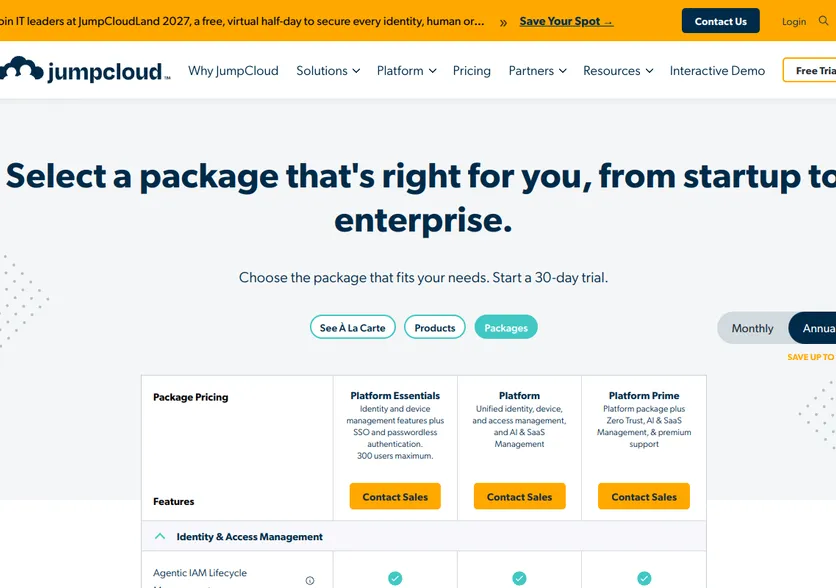
 JumpCloud | Mid-size companies managing Windows, Mac and Linux devices together | $11/mo | 30-day free trial, no free plan | Visit |
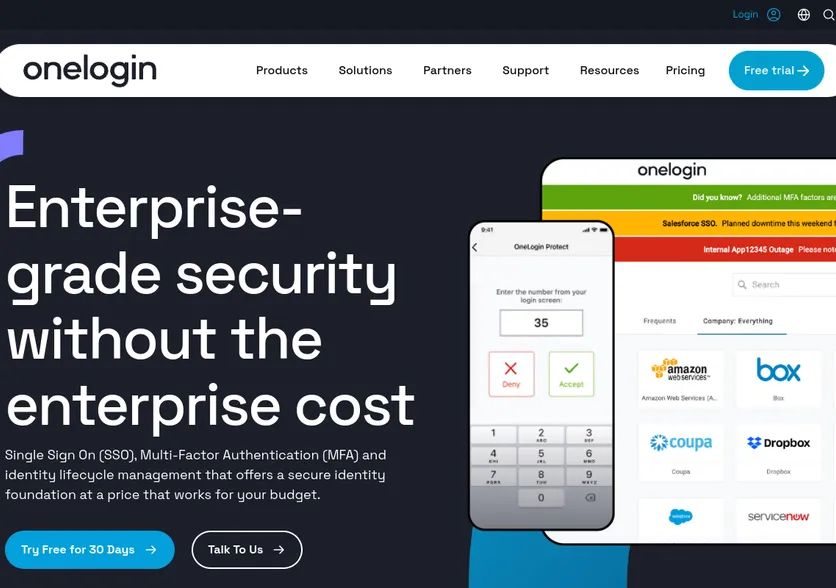
 OneLogin | Mid-size companies that want simple per-user IAM pricing | $3/mo | Free trial available, no free plan | Visit |
 LastPass | Mid-size companies that need password vaults plus light SSO | $7/mo | 14-day free trial on business plans, no free business plan | Visit |
 1Password Business | Mid-size teams that want the most polished vault and admin controls | $7.99/mo | 14-day free trial, no free plan | Visit |
 Bitwarden | Mid-size companies that want audited open-source vaults at a low price | $4/mo | Free plan for up to 2 users | Visit |
The identity and access management software for mid-size companies, compared
1. Okta
Best for: Mid-size companies that want one identity platform for every app
Paid tool Starting price: $6/mo · Six dollars per user per month billed annually on the Starter suite, which covers single sign-on, multi-factor authentication and Universal Directory; Core Essentials is fourteen dollars and Essentials is seventeen dollars, and a fifteen hundred dollar annual contract minimum applies
Free plan: 30-day free trial, no free plan
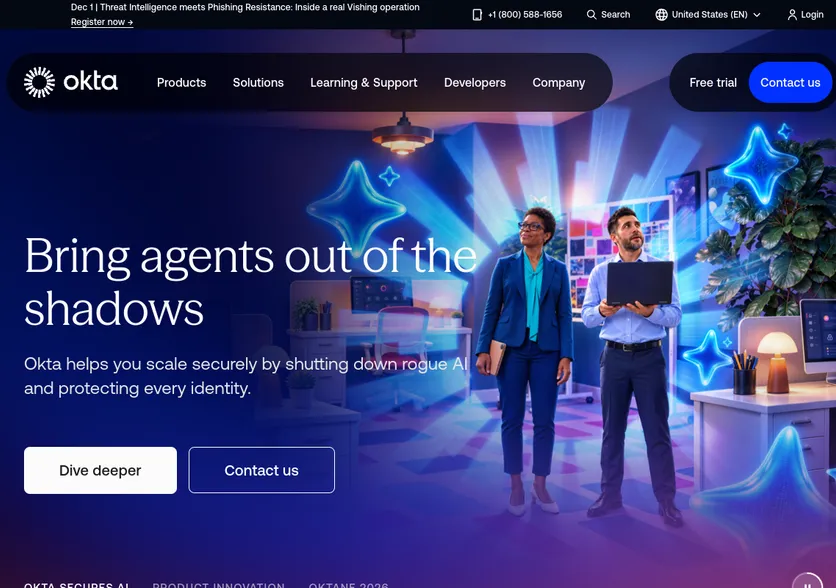
Okta Workforce Identity starts at six dollars per user per month billed annually, and the Starter suite covers single sign-on, multi-factor authentication, Universal Directory and five automated workflows. That is enough to give every employee one login for every cloud app while IT keeps one directory to manage. The fifteen hundred dollar annual contract minimum is the number to watch, since a fifty-person team clears it easily but a very small team does not.
What we like
- One login covers every cloud app
- Directory and MFA in the same suite
- Thousands of ready-made app integrations
Watch out for
- Fifteen hundred dollar annual minimum applies
- Adaptive MFA and lifecycle tools cost extra
How to try it
- Connect your HR directory so joiners and leavers sync automatically
- Turn on single sign-on for your five most-used apps first
- Enforce multi-factor authentication for every admin account
2. Microsoft Entra ID
Best for: Companies already standardized on Microsoft 365
Paid tool Starting price: $6/mo · Six dollars per user per month on annual commitment for Entra ID P1, which adds Conditional Access, dynamic groups and self-service password reset; P2 is nine dollars, and P1 is included in Microsoft 365 E3, F3 and Business Premium
Free plan: Free tier included with Microsoft 365 or Azure
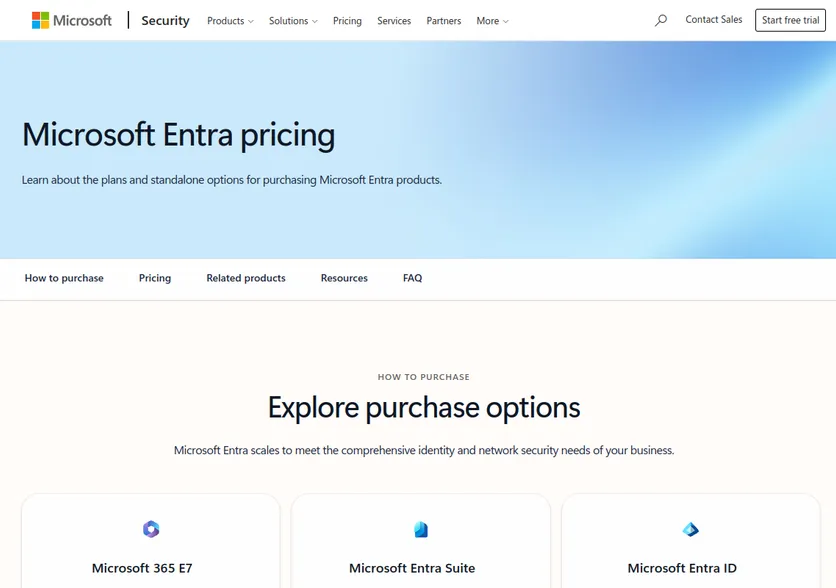
Microsoft Entra ID P1 costs six dollars per user per month on an annual commitment, and it adds Conditional Access, dynamic groups, self-service password reset and hybrid identity to the free tier. Many mid-size companies already own P1 inside Microsoft 365 Business Premium or E3, so check your current bundle before buying anything standalone. Windows sign-in and Microsoft apps get the deepest coverage of any tool here.
What we like
- Often already included in Microsoft 365
- Conditional Access blocks risky sign-ins
- Deep integration with Windows and Azure
Watch out for
- Admin portals sprawl across several consoles
- P2 features need the pricier E5 bundle
How to try it
- List which Microsoft 365 licences your company already holds
- Build one Conditional Access policy for risky sign-ins
- Turn on self-service password reset before rollout
3. Cisco Duo
Best for: Mid-size teams that want strong MFA without a big platform buy
Paid tool Starting price: $3/mo · Three dollars per user per month on Duo Essentials, which adds Duo Directory, phishing-resistant multi-factor authentication, passwordless sign-in, single sign-on and Trusted Endpoints; Advantage is six dollars and Premier is nine dollars, and Duo Free covers up to ten users
Free plan: Free for up to 10 users
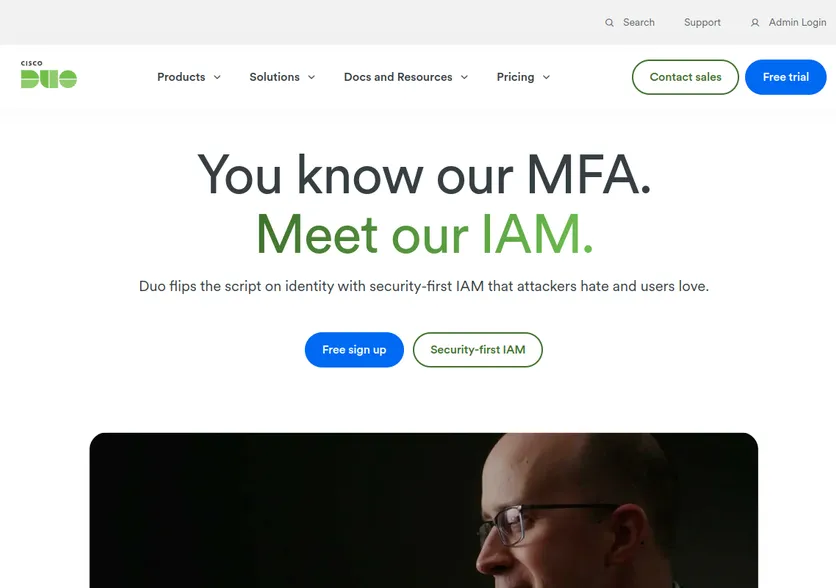
Cisco Duo Essentials costs three dollars per user per month and covers phishing-resistant multi-factor authentication, passwordless sign-in, single sign-on, Duo Directory and Trusted Endpoints. It is the cheapest serious way to stop password-only logins across a whole company, and the free tier covers up to ten users for a pilot. Duo sells in blocks of ten licences below one hundred users, so count heads before you order.
What we like
- Cheapest published MFA with SSO included
- Push approval is fast for end users
- Free tier covers a ten-user pilot
Watch out for
- No lifecycle management or provisioning depth
- Licences sell in blocks of ten
How to try it
- Start the free tier with your ten most at-risk accounts
- Turn on Duo Push and phishing-resistant factors
- Add single sign-on for your top cloud apps
4. JumpCloud
Best for: Mid-size companies managing Windows, Mac and Linux devices together
Paid tool Starting price: $11/mo · Eleven dollars per user per month billed annually for the SSO package, which covers cloud directory, multi-factor authentication, single sign-on and lifecycle management; monthly billing is thirteen dollars, Device Management is nine dollars and Device Identity Management is thirteen dollars
Free plan: 30-day free trial, no free plan
JumpCloud sells its SSO package at eleven dollars per user per month billed annually, covering cloud directory, multi-factor authentication, single sign-on and user lifecycle management. It also manages the devices themselves, so one console can handle identity and laptops across Windows, Mac and Linux. Single products are available a la carte from three dollars each, which suits a team that only needs one or two pieces.
What we like
- Identity plus device management in one console
- Works across Windows, Mac and Linux
- A la carte pricing from three dollars a feature
Watch out for
- Full platform tiers are quote-only
- No permanent free plan, trial only
How to try it
- Pick the SSO package or the a la carte features you need
- Sync your directory and enforce MFA
- Enrol devices to apply the same policies everywhere
5. OneLogin
Best for: Mid-size companies that want simple per-user IAM pricing
Paid tool Starting price: $3/mo · Three dollars per user per month for the entry Workforce Identity tier on OneLogin's own pricing page; higher Workforce Identity tiers are six and ten dollars per user per month, and identity workflows are sold as a two dollar add-on
Free plan: Free trial available, no free plan
OneLogin lists its entry Workforce Identity tier at three dollars per user per month, with higher tiers at six and ten dollars for deeper directory and lifecycle features. It covers cloud directory, single sign-on, multi-factor authentication and thousands of prebuilt app connectors, which is plenty for a mid-size rollout. Identity workflows are a two-dollar add-on, so budget for automation separately if you need it.
What we like
- Entry tier starts at three dollars a user
- Thousands of prebuilt app connectors
- Directory sync with Active Directory included
Watch out for
- Tier names and limits are easy to misread
- Workflows cost extra as an add-on
How to try it
- Connect your directory and import users
- Enable single sign-on for your core apps
- Turn on MFA and test with one department first
6. LastPass
Best for: Mid-size companies that need password vaults plus light SSO
Paid tool Starting price: $7/mo · Seven dollars per user per month billed annually on the Business plan, which adds group user management, directory integrations and single sign-on for up to three apps; Teams is four dollars and twenty-five cents and Business Max is eleven dollars
Free plan: 14-day free trial on business plans, no free business plan
LastPass Business costs seven dollars per user per month billed annually, and it pairs an encrypted password vault with group user management, directory integrations and single sign-on for up to three apps. Employees get a family plan included, which helps adoption outside work hours. Business Max at eleven dollars adds unlimited SSO apps and monitoring, so growing teams should check which tier their app count needs.
What we like
- Vault plus SSO in one subscription
- Family plan included for every employee
- Unlimited users on the Business plan
Watch out for
- Only three SSO apps on Business
- Advanced MFA needs Business Max
How to try it
- Import your directory groups into the Admin Console
- Share vaults by team instead of by person
- Turn on admin-enforced MFA for the vault
7. 1Password Business
Best for: Mid-size teams that want the most polished vault and admin controls
Paid tool Starting price: $7.99/mo · Seven dollars and ninety-nine cents per user per month billed annually on the Business plan, which adds single sign-on, SCIM provisioning, custom roles and audit logs; the Teams Starter Pack is nineteen dollars and ninety-five cents a month for up to ten users
Free plan: 14-day free trial, no free plan
1Password Business costs seven dollars and ninety-nine cents per user per month billed annually, and it adds single sign-on, SCIM provisioning, custom roles, device trust and audit logs to a vault employees actually enjoy using. Watchtower flags weak, reused and breached passwords so managers get a concrete list to fix. The Teams Starter Pack at nineteen dollars and ninety-five cents a month covers up to ten users for smaller groups.
What we like
- Cleanest apps in the category
- Watchtower flags breached passwords
- SSO and SCIM included on Business
Watch out for
- Pricier per seat than Bitwarden or Keeper
- Business plans require annual prepayment
How to try it
- Create shared vaults by department
- Connect SSO and SCIM provisioning
- Review the Watchtower report every month
8. Bitwarden
Best for: Mid-size companies that want audited open-source vaults at a low price
Paid tool Starting price: $4/mo · Four dollars per user per month billed annually on the Teams plan, which covers shared vaults, event logs and directory sync; Enterprise is six dollars and adds single sign-on, enterprise policies and self-hosting
Free plan: Free plan for up to 2 users
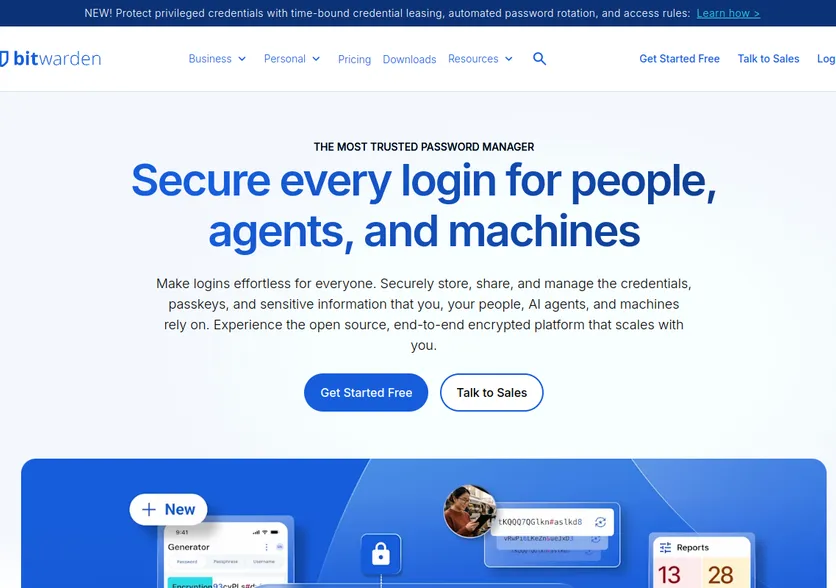
Bitwarden Teams costs four dollars per user per month billed annually, and it covers shared vaults, event logs, directory sync and SCIM provisioning in an open-source, independently audited product. Enterprise at six dollars adds single sign-on, enterprise policies and self-hosting, which is rare at this price. A free plan covers two users, so a tiny team can start without paying anything at all.
What we like
- Lowest serious per-seat price here
- Open source and independently audited
- Self-hosting available on Enterprise
Watch out for
- SSO needs the six-dollar Enterprise tier
- Interface is plainer than 1Password
How to try it
- Start on the free plan for two users
- Set up collections by team
- Move to Enterprise when SSO becomes a requirement
Prices above were checked on each vendor’s own website on Nov 27, 2026 and can change — the vendor’s page is the final word. Vendor links are editorial: nobody paid to be listed or ranked here. Vendors who want a featured listing can see how it works on our Get listed page.
How a mid-size company should pick an IAM tool
Start with the headcount you will have in twelve months, not today, because per-user pricing punishes growth you did not plan for and minimums punish teams that stay small. List the apps that must sit behind single sign-on, then check each tool against that list before you check anything else. Count the admins too: a platform that needs a dedicated identity engineer costs more than its licence fee. Test the offboarding flow with a real leaver, because removing access on time is the control auditors actually test, and confirm the price in writing before you sign, since several vendors in this list sell their upper tiers by quote only.
Before you buy
- Confirm the per-user price at your real headcount, including any annual contract minimum
- Check that single sign-on covers every app your teams log in to daily
- Test the offboarding flow with a real leaver before you commit to a year
- Ask whether adaptive MFA and lifecycle management are included or paid add-ons
- Trial the admin console with the person who will run it every week
Official websites
Official websites of the products reviewed above. Features and prices were checked against these sites when this guide was written, and they can change, so confirm on the vendor site before you buy.
Frequently asked questions
How much does identity and access management software cost for a mid-size company?
Published list prices in this comparison run from three dollars per user per month for Cisco Duo Essentials and OneLogin's entry tier to eleven dollars for JumpCloud's SSO package, with Okta Starter and Microsoft Entra ID P1 both at six dollars. A hundred-person company therefore pays roughly three hundred and sixty to thirteen hundred and twenty dollars a month before add-ons. Watch for annual minimums, such as Okta's fifteen hundred dollar floor, and for features sold separately.
Do mid-size companies need both SSO and MFA?
Yes, they solve different problems and belong together. Single sign-on gives every employee one login for every app, which cuts password resets and makes offboarding instant. Multi-factor authentication stops stolen passwords from working on their own, which is the most common way attackers get in. Every tool in this list bundles both at its entry paid tier except Bitwarden Teams, where single sign-on waits for Enterprise.
What is the cheapest IAM option for a mid-size company?
Cisco Duo Essentials and OneLogin's entry tier tie at three dollars per user per month, and both cover multi-factor authentication and single sign-on. Bitwarden Teams at four dollars is the cheapest full password vault with directory sync. The cheapest headline price is not always the cheapest bill, though: check licence minimums, blocks of ten seats, and whether lifecycle management or adaptive MFA are paid add-ons.
Should a Microsoft 365 company buy Entra ID or Okta?
If your company already pays for Microsoft 365 Business Premium or E3, it already owns Entra ID P1, so buying Okta on top means paying twice for the same Conditional Access features. Okta wins when your apps are mostly outside Microsoft, when you need its wider integration catalogue, or when your identity team prefers its admin experience. Compare the bundle you already own against the gaps Okta would actually fill before spending.
How long does it take to roll out IAM at a mid-size company?
A basic rollout of single sign-on and MFA for a hundred-person company usually takes two to four weeks, including directory sync, app connections and user training. Full lifecycle automation with HR-driven provisioning takes longer, often six to eight weeks, because it needs clean HR data first. Start with your five most-used apps and your admin accounts, then add the long tail of apps in waves.
Compare the eight tools above, then trial the one that fits your headcount and your app list with real users before you commit to a year.
Browse Security & Privacy tools


