
On this page
Remote teams log in from home networks, personal devices and coffee shop Wi-Fi, so the office perimeter no longer protects anything. Identity becomes the perimeter: one verified login, one device check and one policy for every app, wherever people work. Cisco Duo leads this list because three dollars a user buys phishing-resistant MFA for a scattered workforce, and the other eight tools are ranked on how well they secure logins without an office to fall back on.
How we researched this
We checked every price on the vendor pricing page on November 27, 2026, and only included tools with a published US dollar list price and a free trial or free plan. We ranked each tool on what a remote team needs most: phishing-resistant MFA, device trust checks, passwordless sign-in and single sign-on that works from any network. Tools with quote-only pricing were left out, so every price below can be verified on the vendor site.
Compare the tools
| Name | Best for | Starting price | Free plan | |
|---|---|---|---|---|
 Cisco Duo | Remote teams that need MFA and device trust first | $3/mo | Free for up to 10 users | Visit |
 Microsoft Entra ID | Remote teams already running Microsoft 365 | $6/mo | Free tier included with Microsoft 365 or Azure | Visit |
 Okta | Remote teams that want one identity platform for all their apps | $6/mo | 30-day free trial, no free plan | Visit |
 JumpCloud | Remote teams with mixed Windows, Mac and Linux laptops | $11/mo | 30-day free trial, no free plan | Visit |
 OneLogin | Remote teams that want straightforward per-user IAM pricing | $3/mo | Free trial available, no free plan | Visit |
 1Password Business | Remote teams that share credentials across time zones | $7.99/mo | 14-day free trial, no free plan | Visit |
 Bitwarden | Remote teams on a tight budget that want an audited vault | $4/mo | Free plan for up to 2 users | Visit |
 Keeper | Remote teams that need admin control and compliance reports | $4/mo | 14-day free trial, no free plan | Visit |
 Auth0 | Remote teams building the login for their own product | $35/mo | Free tier up to 25,000 monthly active users | Visit |
The identity and access management software for remote teams, compared
1. Cisco Duo
Best for: Remote teams that need MFA and device trust first
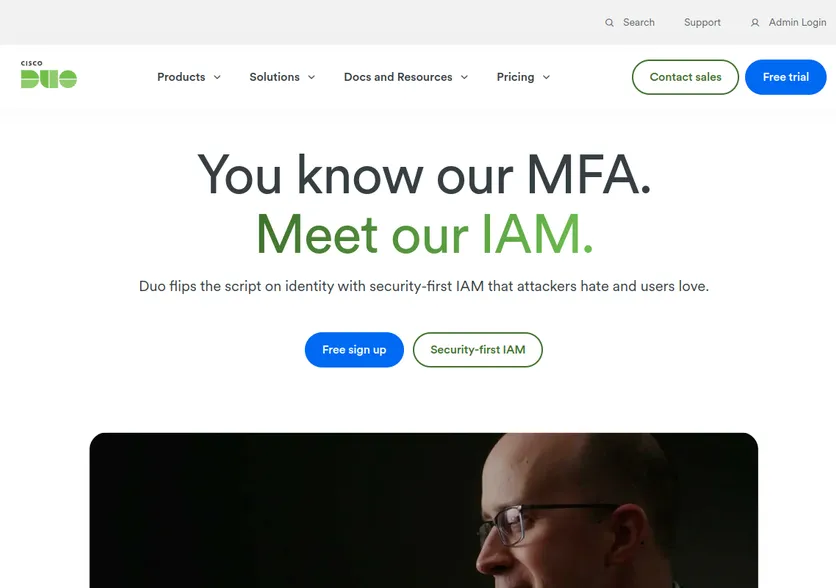
Paid tool Starting price: $3/mo · Three dollars per user per month on Duo Essentials, which adds Duo Directory, phishing-resistant multi-factor authentication, passwordless sign-in, single sign-on and Trusted Endpoints; Advantage is six dollars and Premier is nine dollars, and Duo Free covers up to ten users
Free plan: Free for up to 10 users
Cisco Duo Essentials at three dollars per user per month is built for exactly this problem: phishing-resistant MFA, passwordless sign-in, single sign-on and Trusted Endpoints that tell managed devices apart from unknown ones. Remote workers approve logins with Duo Push on their phone, and admins see device health before granting access. The free tier covers ten users, which is enough to prove the flow with your most exposed accounts.
What we like
- Trusted Endpoints check devices before access
- Push approval works from any network
- Free tier for a ten-user pilot
Watch out for
- No directory lifecycle or provisioning depth
- Licences sell in blocks of ten
How to try it
- Enrol your ten highest-risk accounts on the free tier
- Turn on Trusted Endpoints for managed laptops
- Require phishing-resistant factors for admin logins
2. Microsoft Entra ID
Best for: Remote teams already running Microsoft 365
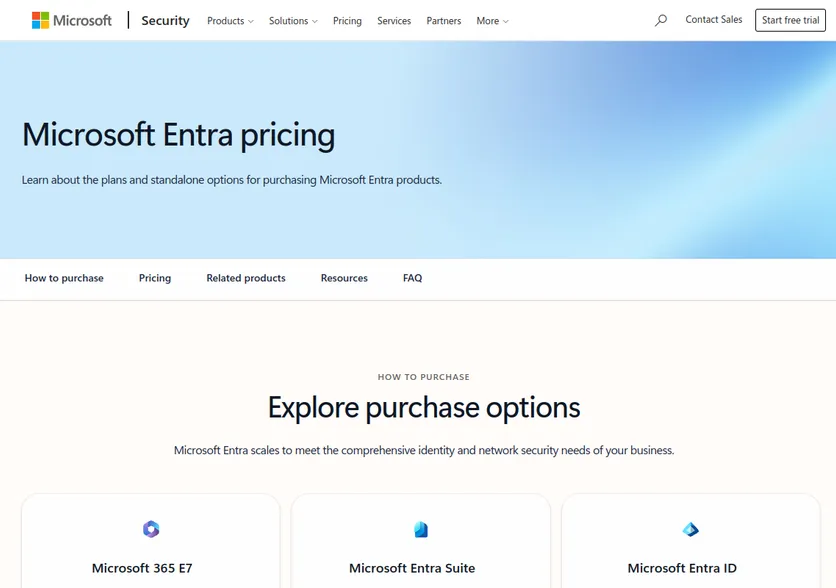
Paid tool Starting price: $6/mo · Six dollars per user per month on annual commitment for Entra ID P1, which adds Conditional Access, dynamic groups and self-service password reset; P2 is nine dollars, and P1 is included in Microsoft 365 E3, F3 and Business Premium
Free plan: Free tier included with Microsoft 365 or Azure
Microsoft Entra ID P1 at six dollars per user per month adds Conditional Access to the free tier, so you can block sign-ins from unfamiliar locations and require MFA only when risk is high. Remote workers sign in once and reach every Microsoft app, and self-service password reset cuts the helpdesk tickets that remote work creates. P1 is already included in Microsoft 365 Business Premium and E3, so many teams own it without knowing.
What we like
- Conditional Access follows users anywhere
- Often already bundled in Microsoft 365
- Self-service reset cuts helpdesk tickets
Watch out for
- Admin portals sprawl across consoles
- Non-Microsoft apps get thinner coverage
How to try it
- Check whether your Microsoft 365 plan already includes P1
- Write one Conditional Access policy for travel
- Enable self-service password reset for everyone
3. Okta
Best for: Remote teams that want one identity platform for all their apps
Paid tool Starting price: $6/mo · Six dollars per user per month billed annually on the Starter suite, which covers single sign-on, multi-factor authentication and Universal Directory; Core Essentials is fourteen dollars and Essentials is seventeen dollars, and a fifteen hundred dollar annual contract minimum applies
Free plan: 30-day free trial, no free plan
Okta Starter costs six dollars per user per month billed annually and gives a distributed team single sign-on, multi-factor authentication, Universal Directory and five automated workflows. One login reaches every cloud app from any network, and IT can remove access the moment someone leaves, wherever they are. The fifteen hundred dollar annual minimum is the only surprise, so a team under twenty-one people pays the floor, not the per-user rate.
What we like
- One login for every app from anywhere
- Offboarding works instantly for remote leavers
- Huge catalogue of app integrations
Watch out for
- Annual minimum bites very small teams
- Adaptive MFA is a paid add-on
How to try it
- Sync your HR system for automatic provisioning
- Connect single sign-on to your top apps
- Require MFA for every remote sign-in
4. JumpCloud
Best for: Remote teams with mixed Windows, Mac and Linux laptops
Paid tool Starting price: $11/mo · Eleven dollars per user per month billed annually for the SSO package, which covers cloud directory, multi-factor authentication, single sign-on and lifecycle management; monthly billing is thirteen dollars, Device Management is nine dollars and Device Identity Management is thirteen dollars
Free plan: 30-day free trial, no free plan
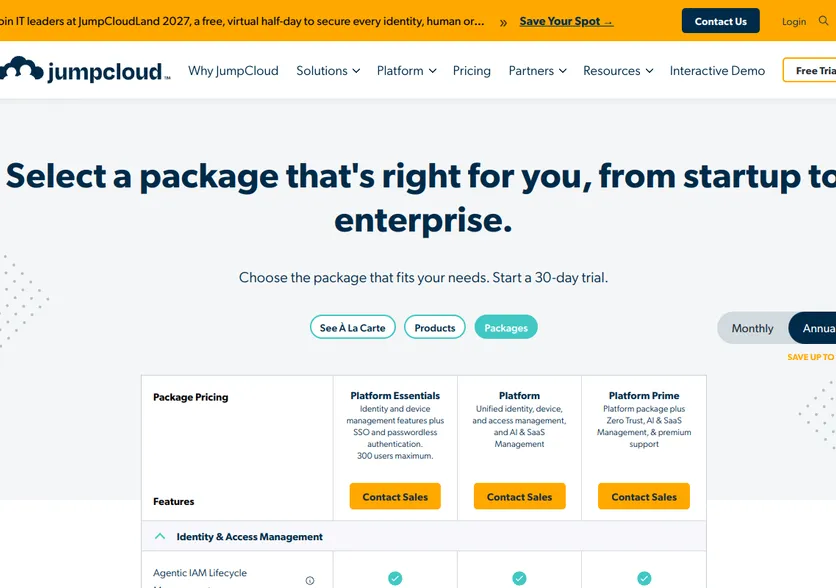
JumpCloud charges eleven dollars per user per month billed annually for its SSO package, and it manages both identity and the laptops themselves from one cloud console. That matters for remote teams, because there is no office IT desk to fix a device: policies, patching and access rules all travel with the machine. A la carte features start at three dollars each for teams that only need directory, MFA or SSO on its own.
What we like
- Manages identity and devices together
- Policies follow laptops anywhere
- A la carte options from three dollars
Watch out for
- Full platform tiers are quote-only
- No permanent free plan
How to try it
- Choose the SSO package or a la carte features
- Enrol every remote laptop in device management
- Enforce MFA and patch policies together
5. OneLogin
Best for: Remote teams that want straightforward per-user IAM pricing
Paid tool Starting price: $3/mo · Three dollars per user per month for the entry Workforce Identity tier on OneLogin's own pricing page; higher Workforce Identity tiers are six and ten dollars per user per month, and identity workflows are sold as a two dollar add-on
Free plan: Free trial available, no free plan
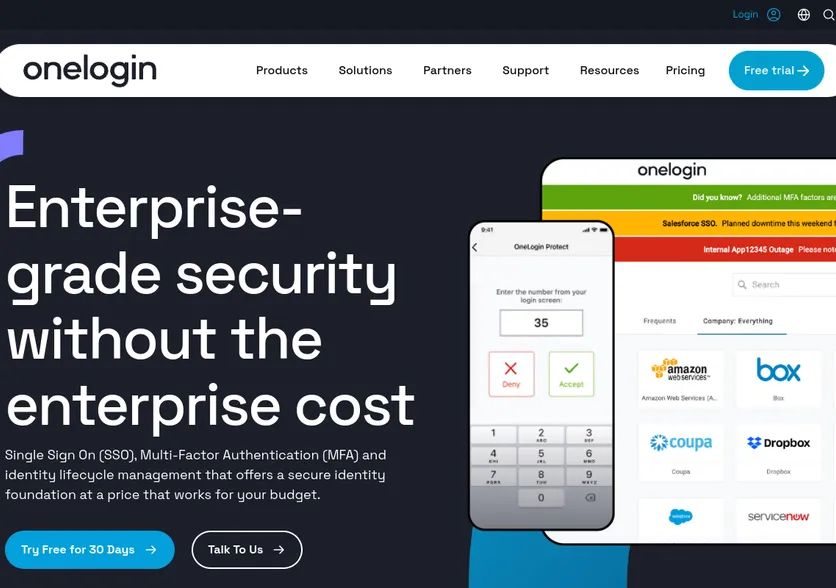
OneLogin starts its Workforce Identity tiers at three dollars per user per month, rising to six and ten dollars for deeper directory and lifecycle features. Remote workers get one portal for every app, multi-factor authentication including WebAuthn biometrics, and directory sync with Active Directory. Workflows for automated provisioning cost two dollars extra, so factor that in if joiners and leavers change often.
What we like
- Low three-dollar entry price
- WebAuthn biometrics for passwordless login
- One portal for every remote worker
Watch out for
- Automation workflows are a paid add-on
- Tier differences are easy to misread
How to try it
- Import users from your directory
- Enable MFA with WebAuthn where possible
- Test the portal with one remote team first
6. 1Password Business
Best for: Remote teams that share credentials across time zones
Paid tool Starting price: $7.99/mo · Seven dollars and ninety-nine cents per user per month billed annually on the Business plan, which adds single sign-on, SCIM provisioning, custom roles and audit logs; the Teams Starter Pack is nineteen dollars and ninety-five cents a month for up to ten users
Free plan: 14-day free trial, no free plan
1Password Business at seven dollars and ninety-nine cents per user per month billed annually gives a scattered team shared vaults, single sign-on, SCIM provisioning and audit logs in apps people enjoy opening. Watchtower flags weak and breached passwords across the whole team, and Travel Mode removes selected vaults from a device before a border crossing. Guest accounts let contractors in without a full seat.
What we like
- Shared vaults work across time zones
- Travel Mode protects border crossings
- Twenty guest accounts per user
Watch out for
- Costs more per seat than Bitwarden
- Annual prepayment required
How to try it
- Organise vaults by team and project
- Turn on Watchtower and fix flagged items
- Give contractors guest accounts, not seats
7. Bitwarden
Best for: Remote teams on a tight budget that want an audited vault
Paid tool Starting price: $4/mo · Four dollars per user per month billed annually on the Teams plan, which covers shared vaults, event logs and directory sync; Enterprise is six dollars and adds single sign-on, enterprise policies and self-hosting
Free plan: Free plan for up to 2 users
Bitwarden Teams costs four dollars per user per month billed annually and covers shared vaults, event logs, directory sync and SCIM in an open-source product that is independently audited. Remote workers get the same encrypted vault on every device, and Enterprise at six dollars adds single sign-on and self-hosting for teams that need them. The free plan covers two users, so a pair of founders can start free.
What we like
- Four dollars a seat with directory sync
- Open source and independently audited
- Same vault on every device
Watch out for
- Single sign-on needs Enterprise
- Plainer interface than rivals
How to try it
- Create a collection per team
- Sync users from your directory
- Upgrade to Enterprise for SSO later
8. Keeper
Best for: Remote teams that need admin control and compliance reports
Paid tool Starting price: $4/mo · Four dollars per user per month billed annually on the Business plan, which adds shared team folders, delegated administration and advanced integrations; Business Starter is two dollars for five to ten users and Enterprise is six dollars
Free plan: 14-day free trial, no free plan
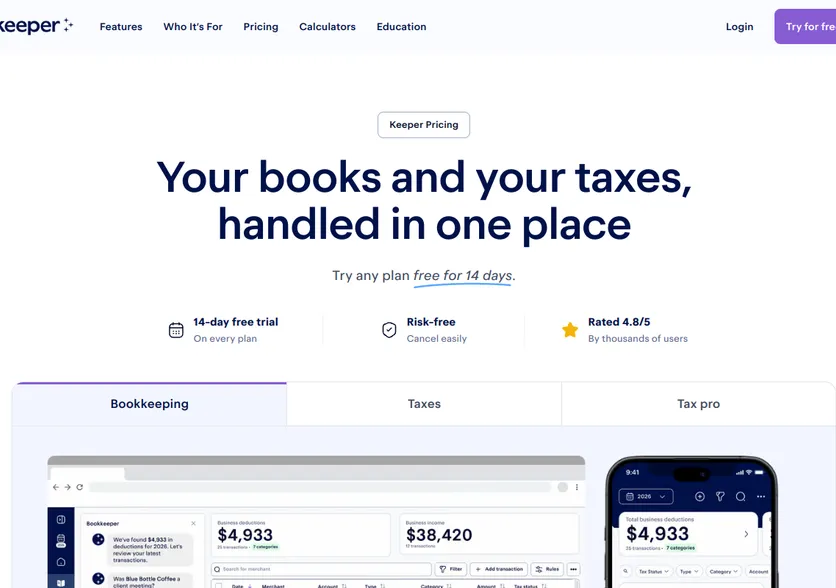
Keeper Business costs four dollars per user per month billed annually, adding shared team folders, delegated administration and advanced integrations to an encrypted vault and admin console. Sub-admins can run their own departments, which suits a remote company with no central IT office. Business Starter at two dollars covers teams of five to ten users, and Enterprise at six dollars adds single sign-on and SCIM.
What we like
- Delegated admin suits distributed teams
- Compliance reporting for audits
- Family plan for every user
Watch out for
- SSO and SCIM wait for Enterprise
- Starter caps at ten users
How to try it
- Set up delegated admins per department
- Share folders by team, not by person
- Review the admin audit log weekly
9. Auth0
Best for: Remote teams building the login for their own product
Paid tool Starting price: $35/mo · Thirty-five dollars a month for the Essentials plan, which covers up to five hundred monthly active users with higher auth and API limits; the Free tier covers up to twenty-five thousand monthly active users, Professional is two hundred and forty dollars a month for the displayed configuration, and B2B features need the B2B upgrade
Free plan: Free tier up to 25,000 monthly active users
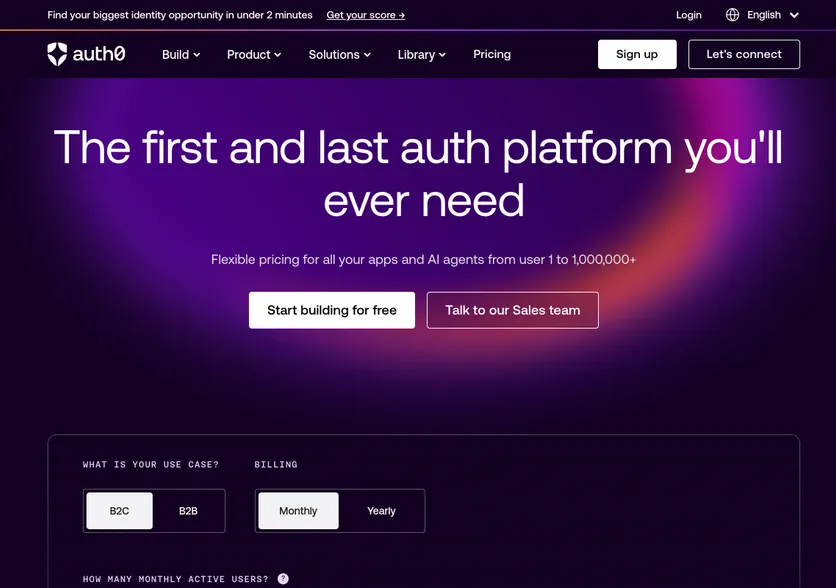
Auth0 Essentials costs thirty-five dollars a month for up to five hundred monthly active users, and it handles the login, multi-factor authentication and social sign-in for the product your remote team builds. The free tier covers twenty-five thousand monthly active users, so a new product can launch without paying. B2B features such as enterprise connections need the B2B upgrade, so check that before you promise SSO to a customer.
What we like
- Free tier covers twenty-five thousand users
- Handles login so your team does not build it
- Enterprise connections for B2B customers
Watch out for
- B2B features need a paid upgrade
- Costs climb steeply past the free tier
How to try it
- Start on the free tier and instrument sign-ups
- Turn on MFA for your own admin accounts
- Price the B2B upgrade before promising SSO
Prices above were checked on each vendor’s own website on Nov 27, 2026 and can change — the vendor’s page is the final word. Vendor links are editorial: nobody paid to be listed or ranked here. Vendors who want a featured listing can see how it works on our Get listed page.
How a remote team should pick an IAM tool
Start with the login experience on a bad connection, because remote workers sign in from home Wi-Fi, hotels and phones, and a flow that fails there gets worked around. Require phishing-resistant MFA for admins and finance first, then roll it out to everyone, since password-only logins are the fastest way into a remote company. Check device trust before you buy: a tool that cannot tell a managed laptop from a stolen one leaves your biggest gap open. Finally, test offboarding with a real departure, because a remote leaver keeps their laptop, and only fast deprovisioning takes their access away with it.
Before you buy
- Test the login flow on a slow connection and a phone before you buy
- Confirm phishing-resistant MFA is included, not a paid add-on
- Check whether the tool can tell managed devices from unknown ones
- Verify offboarding removes access the same day for remote leavers
- Count licences honestly, since blocks of ten seats change the real price
Official websites
Official websites of the products reviewed above. Features and prices were checked against these sites when this guide was written, and they can change, so confirm on the vendor site before you buy.
Frequently asked questions
What is the best IAM software for remote teams?
Cisco Duo Essentials leads for most remote teams at three dollars per user per month, because it combines phishing-resistant MFA, passwordless sign-in and device trust in one cheap tier. Microsoft Entra ID P1 at six dollars is the pick for Microsoft 365 shops, since Conditional Access follows users anywhere. Okta Starter, also six dollars, is the best all-round platform when your apps sit outside Microsoft.
How do remote teams secure logins without an office network?
They make identity the perimeter instead of the network. Every sign-in goes through multi-factor authentication, device checks confirm the laptop is managed and healthy, and Conditional Access blocks logins from unfamiliar places. Single sign-on then gives each person one login for every app, so there are fewer passwords to steal. The tools in this list all work from any network, with no VPN required.
Is passwordless login worth it for a remote team?
Yes, because remote workers lose and reuse passwords more than office workers do, and passwordless factors such as passkeys and biometrics remove that risk entirely. Duo, OneLogin and Entra ID all support passwordless sign-in on their entry paid tiers. Roll it out to admins and finance first, keep a fallback for older devices, and measure helpdesk tickets before and after to prove the saving.
How much does IAM cost for a remote team of fifty?
At published list prices, fifty people cost about one hundred and fifty dollars a month on Duo Essentials or OneLogin's entry tier, three hundred dollars on Okta Starter or Entra ID P1, and five hundred and fifty dollars on JumpCloud's SSO package. Password vaults add four to eight dollars per user on top if you buy them separately. Add any annual minimums and licence blocks before you present the number to finance.
Can a remote team use a free IAM plan?
Partly. Duo Free covers ten users with strong MFA, Entra ID has a free tier with basic SSO, Bitwarden is free for two users, and Auth0's free tier covers twenty-five thousand monthly active users for products you build. Free tiers suit pilots and tiny teams, but Conditional Access, device trust and lifecycle automation all sit on paid tiers, so budget for the step up once you pass ten people.
Compare the nine tools above, then trial the one that fits your stack with your most scattered team members before you roll it out company-wide.
Browse Security & Privacy tools


