
On this page
Remote teams hire, onboard and pay people they never meet in person, so verifying identity has to work over a phone camera, not across a desk. The check must be fast enough that a new hire finishes it in minutes, and strong enough that a stolen ID does not pass. Veriff leads this list with automated decisions from eighty cents a check, and the other six tools are ranked on how well they verify distributed workers and customers without slowing anyone down.
How we researched this
We checked every price on the vendor pricing page on November 27, 2026, and only included tools with a published US dollar list price and a free trial or free plan. We ranked each tool on what a remote team needs: a mobile-first flow, fast automated decisions, document coverage across the countries you hire in, and a per-check price that survives low volume. Tools with quote-only pricing were left out, so every price below can be verified on the vendor site.
Compare the tools
| Name | Best for | Starting price | Free plan | |
|---|---|---|---|---|
 Veriff | Remote teams that need fast automated decisions at low cost | $0.80/check | 15-day free trial with up to 50 sessions | Visit |
 Didit | Remote teams verifying hires and customers on a tight budget | $0.33/check | Free plan with $10 of monthly credit | Visit |
 Sumsub | Remote teams that need compliance-grade checks for customers | $1.35/check | 14-day free trial with 50 free checks | Visit |
 iDenfy | Remote teams that want white-label checks with approved-only billing | $1.35/check | 14-day free trial with 10 free checks | Visit |
| Stripe Identity | Remote teams already taking payments through Stripe | $1.50/check | First 50 verifications free | Visit |
| Shufti Pro | Remote teams hiring across many countries | $1.50/check | Free Forever plan with 10 verifications a month | Visit |
 ComplyCube | Remote teams that want developer-friendly verification with itemised pricing | $99/mo | 14-day free trial with 50 free checks | Visit |
The identity verification software for remote teams, compared
1. Veriff
Best for: Remote teams that need fast automated decisions at low cost
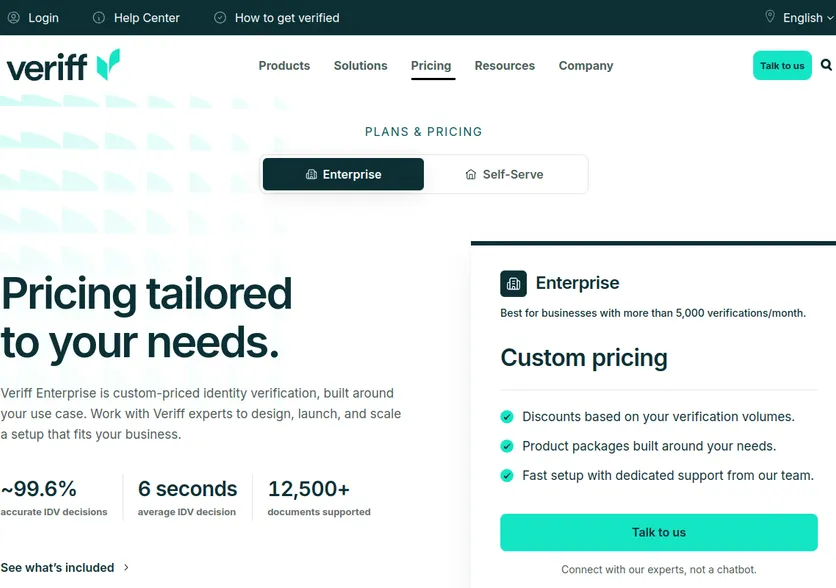
Paid tool Starting price: $0.80/check · Eighty cents per verification on the Essential plan with a forty-nine dollar monthly minimum; Plus is one dollar and thirty-nine cents with a ninety-nine dollar minimum and Premium is one dollar and eighty-nine cents with a two hundred and nine dollar minimum, and Enterprise above five thousand checks a month is quoted
Free plan: 15-day free trial with up to 50 sessions
Veriff runs fully automated verification on its Essential plan at eighty cents per check with a forty-nine dollar monthly minimum, returning decisions in seconds from a phone camera. Plus at one dollar and thirty-nine cents adds review by trained specialists when automation cannot decide, which cuts false rejections for remote hires with unusual documents. A fifteen-day trial covers fifty sessions, so a distributed team can test the flow with real candidates before paying.
What we like
- Automated decisions in seconds
- Lowest monthly minimum here at forty-nine dollars
- Fifteen-day trial with fifty sessions
Watch out for
- Enterprise is quote-only above five thousand checks
- PEP screening costs sixty-four cents extra
How to try it
- Start the fifteen-day trial
- Test with hires from your top countries
- Compare Essential against Plus pass rates
2. Didit
Best for: Remote teams verifying hires and customers on a tight budget
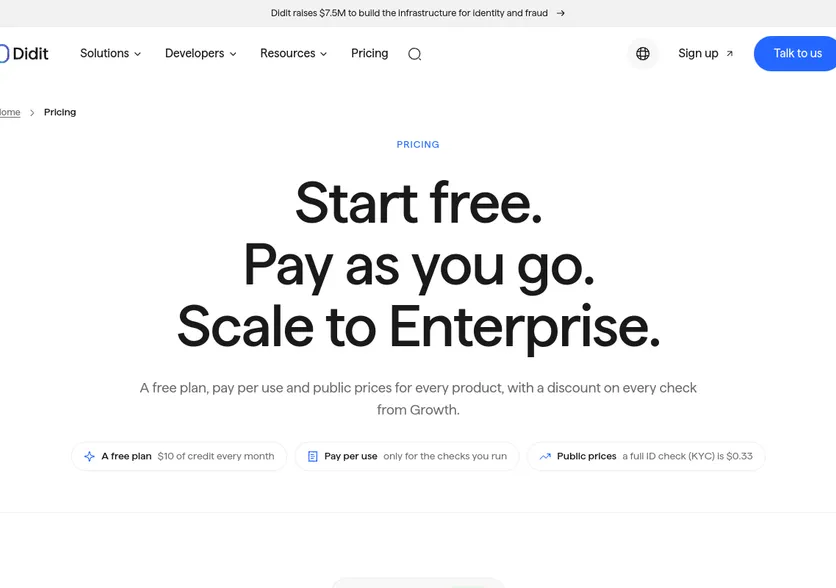
Paid tool Starting price: $0.33/check · Thirty-three cents per completed full KYC check at list price, covering ID document verification, passive liveness, face match and device analysis; AML screening adds twenty cents, the Free plan includes ten dollars of monthly credit, Growth is ninety-nine dollars a month and Scale is two hundred and ninety-nine dollars a month
Free plan: Free plan with $10 of monthly credit
Didit is the cheapest way to verify a remote hire: thirty-three cents buys a full KYC check with document verification, passive liveness, face match and device analysis, and the Free plan adds ten dollars of credit every month. There is no sales call and no monthly minimum on the free tier, so a small remote team can verify about thirty people a month without spending anything. Growth at ninety-nine dollars a month adds credit and a discount when volume grows.
What we like
- Thirty-three cents per full KYC check
- Ten dollars of free credit every month
- No sales call or monthly minimum
Watch out for
- AML screening adds twenty cents per check
- Enterprise starts at fifteen thousand a year
How to try it
- Sign up with a work email for the credit
- Build one workflow for hires
- Add AML screening for regulated roles
3. Sumsub
Best for: Remote teams that need compliance-grade checks for customers
Paid tool Starting price: $1.35/check · One dollar and thirty-five cents per verification on the Basic plan with a one hundred and forty-nine dollar monthly minimum; Compliance is one dollar and eighty-five cents with a two hundred and ninety-nine dollar minimum and adds AML screening and monitoring, and only successful verifications are billed
Free plan: 14-day free trial with 50 free checks
Sumsub Basic at one dollar and thirty-five cents per verification covers ID checks, liveness and face match with a one hundred and forty-nine dollar monthly minimum, and you only pay for successful verifications. Compliance at one dollar and eighty-five cents adds AML screening and ongoing monitoring for regulated onboarding. The no-code flow builder lets a remote compliance team change verification steps without engineering help, which matters when nobody shares an office.
What we like
- Only successful verifications are billed
- No-code flow builder for compliance teams
- Reusable KYC across products
Watch out for
- Minimums raise the effective rate at low volume
- KYB sits on the quote-only custom plan
How to try it
- Trial with fifty free checks
- Build the flow in the no-code editor
- Decide Basic or Compliance by AML need
4. iDenfy
Best for: Remote teams that want white-label checks with approved-only billing
Paid tool Starting price: $1.35/check · One dollar and thirty-five cents per verification on the Basic plan with a one hundred and thirty-five dollar monthly minimum; Premium is one dollar and thirty cents with a three hundred and twenty-five dollar minimum, approved-only billing is a fifty cent add-on, and Enterprise volume rates fall toward fifty-five cents
Free plan: 14-day free trial with 10 free checks
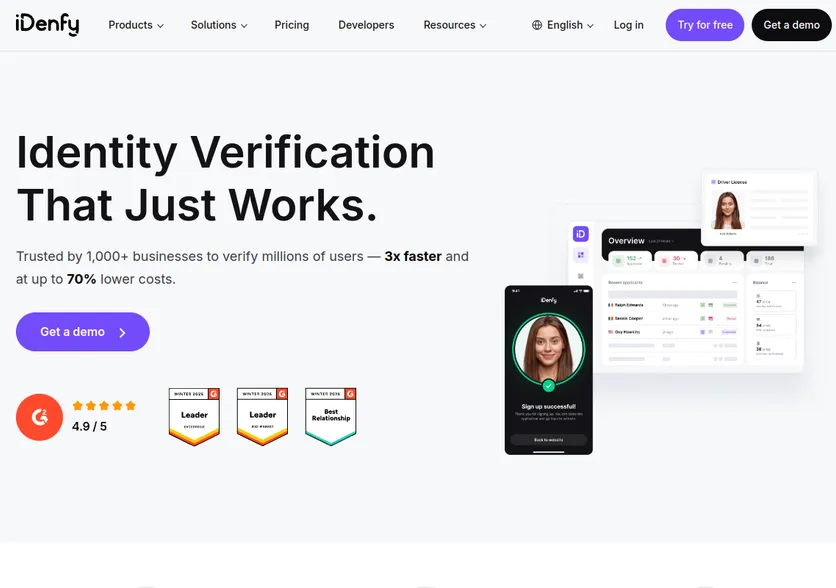
iDenfy charges one dollar and thirty-five cents per verification on Basic with a one hundred and thirty-five dollar monthly minimum, and its white-label flows carry your brand instead of the vendor's, which remote candidates trust more. The approved-only billing add-on at fifty cents a check means failed and abandoned attempts cost nothing, a useful option when candidates verify from varied phones and networks. Premium at one dollar and thirty cents adds an SLA for teams that need one.
What we like
- White-label flows under your brand
- Approved-only billing option
- Covers more than three thousand document types
Watch out for
- Add-ons push the real cost above the headline
- Enterprise pricing is negotiated
How to try it
- Trial with ten free checks
- Brand the flow and test on mobile
- Model the approved-only add-on against your failure rate
5. Stripe Identity
Best for: Remote teams already taking payments through Stripe
Paid tool Starting price: $1.50/check · One dollar and fifty cents per completed document and selfie verification with no monthly minimum and no subscription; the first fifty verifications are free, US ID number lookups cost fifty cents, and volumes above two thousand a month are priced by quote
Free plan: First 50 verifications free
Stripe Identity costs one dollar and fifty cents per completed document and selfie verification with no monthly minimum, and the first fifty are free, which suits a remote team that verifies people irregularly. It runs inside the Stripe dashboard your team already knows, so there is no new vendor to onboard and no new console to learn. The trade-off is scope: no watchlist screening or business verification, so regulated hiring needs a second tool.
What we like
- No monthly minimum, pay as you go
- First fifty verifications free
- No new console to learn
Watch out for
- No watchlist or business checks
- Custom pricing above two thousand a month
How to try it
- Turn on Identity in Stripe
- Verify fifty people free as a pilot
- Pair with an AML vendor if regulation requires it
6. Shufti Pro
Best for: Remote teams hiring across many countries
Paid tool Starting price: $1.50/check · One dollar and fifty cents per verification as the starting price on the Essentials plan, covering up to twenty thousand verifications with no monthly minimum; AML screening and address verification are add-ons without published prices, and Enterprise is quoted on request
Free plan: Free Forever plan with 10 verifications a month
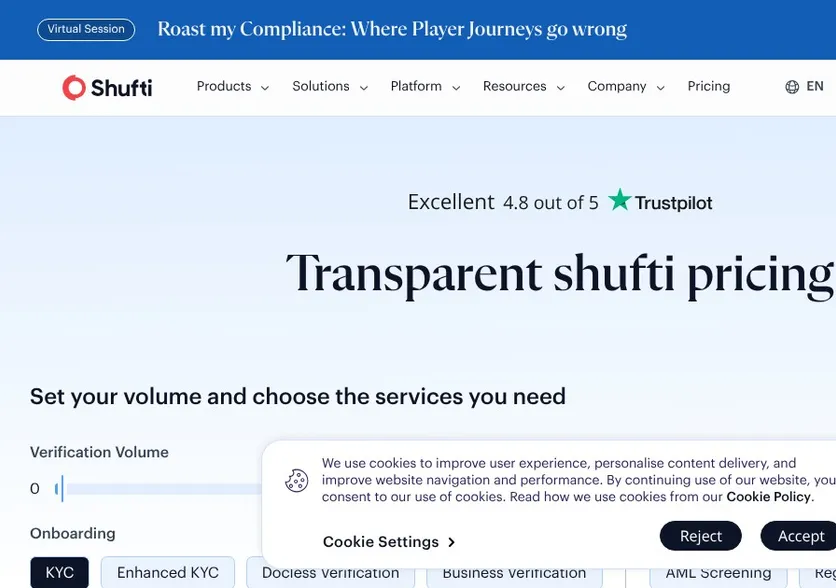
Shufti Pro Essentials starts from one dollar and fifty cents per verification with no monthly minimum and coverage across more than two hundred and forty countries, which fits a remote team hiring on several continents. Its liveness check is iBeta Level 3 certified, the strongest independent result in this list, and ten verifications a month are free forever. AML screening is an add-on without a published price, so confirm it before you commit.
What we like
- Coverage across 240-plus countries
- iBeta Level 3 liveness
- Ten free verifications every month
Watch out for
- AML add-on price is not published
- Highest published entry rate here
How to try it
- Use the ten free monthly checks
- Test documents from each hiring country
- Get the AML add-on rate in writing
7. ComplyCube
Best for: Remote teams that want developer-friendly verification with itemised pricing
Paid tool Starting price: $99/mo · Ninety-nine dollars a month for the Starter plan, credited against checks, with a document check at one dollar and five cents and photo liveness at thirty-five cents; Core is two hundred and ninety-nine dollars a month with lower per-check rates, and only successful verifications are charged
Free plan: 14-day free trial with 50 free checks
ComplyCube gives a remote engineering team a developer-first API with published per-check prices: Starter is ninety-nine dollars a month credited against checks, with documents at one dollar and five cents and photo liveness at thirty-five cents. Only successful verifications are charged, and the sandbox is free, so a distributed team can build the integration before spending anything. Core at two hundred and ninety-nine dollars lowers the per-check rates when volume grows.
What we like
- Developer-first API with free sandbox
- Itemised per-check prices
- Only successful verifications charged
Watch out for
- Monthly fee applies in quiet months
- Growth tier is quote-only
How to try it
- Build against the free sandbox
- Price your exact check mix
- Start the fourteen-day trial for live checks
Prices above were checked on each vendor’s own website on Nov 27, 2026 and can change — the vendor’s page is the final word. Vendor links are editorial: nobody paid to be listed or ranked here. Vendors who want a featured listing can see how it works on our Get listed page.
How a remote team should pick identity verification software
Test the flow on the phones your people actually use, because a check that fails on an older Android in a low-bandwidth home is a hire that never starts. Price your real monthly volume against each minimum, since a forty-nine dollar floor beats a one hundred and forty-nine dollar floor when you verify twenty people a month. Check document coverage for every country you hire in before you buy, not after, and confirm whether failed attempts are billed, because remote candidates abandon flows more often. Finally, keep the flow short: every extra step is a candidate who gives up halfway. Pick the tool that fits your hiring countries first, then worry about the per-check price.
Before you buy
- Test the mobile flow on older phones and slow connections first
- Match the monthly minimum to your real verification volume
- Confirm document coverage for every country you hire in
- Ask whether failed or abandoned checks are billed
- Keep the flow short so remote candidates finish it
Official websites
Official websites of the products reviewed above. Features and prices were checked against these sites when this guide was written, and they can change, so confirm on the vendor site before you buy.
Frequently asked questions
How do remote teams verify identity without meeting someone?
They use document and biometric checks over a phone camera: the person photographs a government ID, takes a live selfie, and the software matches the face, checks the document is genuine and runs liveness detection to prove a real person is present. The whole flow takes a few minutes and returns an approve or decline decision. Every tool in this list works this way, with no in-person step required.
What is the cheapest identity verification for remote teams?
Didit is the cheapest at thirty-three cents per full KYC check, and its Free plan covers about thirty checks a month on ten dollars of credit. Veriff Essential at eighty cents is next, with a forty-nine dollar monthly minimum. For a team verifying twenty people a month, Didit costs nothing on the free credit while Veriff costs the forty-nine dollar minimum, so low volume strongly favours Didit.
Do identity verification tools work on mobile phones?
Yes, mobile is the primary channel for every tool in this list. Candidates photograph their ID and take a selfie in the browser or an app, with liveness detection running on the same camera. Test the flow on the phones your hires actually use, including older Android devices and slow connections, because a flow that only works on a new iPhone will fail a real remote workforce.
Are failed identity verifications charged?
It depends on the vendor. Sumsub, ComplyCube and Persona charge only for successful verifications, so failures cost nothing. Didit charges per completed check, Veriff bills decisions rather than retries, and Stripe charges when a user completes verification whether it passes or fails. iDenfy sells approved-only billing as a fifty-cent add-on. Ask before you sign, because failure rates drive the real bill.
Which IDV tool is best for hiring remote workers internationally?
Shufti Pro covers more than two hundred and forty countries with iBeta Level 3 liveness, and Sumsub covers documents from more than two hundred countries with reusable KYC. Veriff supports documents from over two hundred and thirty countries at the lowest entry price. Check your specific hiring countries against each vendor's coverage list, since a global claim does not guarantee your candidate's document is supported.
Compare the seven tools above, then trial the one that fits your hiring countries and your volume with real candidates before you roll it out.
Browse Security & Privacy tools


