On this page
ShortPixel is the default WordPress image optimizer, but its credit system and limits push many site owners toward tools with simpler pricing or stronger compression. TinyPNG leads this list for sheer simplicity, with a drag-and-drop tool that needs no setup. This guide compares nine image optimization alternatives to ShortPixel with live 2026 prices, from $4.99 a month to $89 a month, plus free plans and trials, so you can pick by compression, platform and budget.
How we researched this
We checked the pricing page of every tool on this list on November 26, 2026, and kept only services that publish a real dollar price for a plan. Each tool had to compress images for the web with a plugin, API or CDN, and we compared entry prices, free plans, compression quality and platform support.
Compare the tools
| Name | Best for | Starting price | Free plan | |
|---|---|---|---|---|
 TinyPNG | Anyone who wants the simplest drag-and-drop compression | $39/year | Free web tool; API first 500 compressions free monthly | Visit |
 Imagify | WordPress sites that want automatic image compression | $4.99/month | Starter free with 20 MB a month | Visit |
 Optimole | WordPress sites that want images served from a CDN | $19/month | Free plan with 5,000 visits a month | Visit |
 Kraken.io | Developers who want an API with strong compression | $5/month | Free plan with 100 MB a month | Visit |
 ImageKit | Sites that want image optimization plus a full media CDN | $49/month | Free tier with 20 GB bandwidth | Visit |
 Cloudinary | Teams that need image and video management at scale | $89/month | Free plan with 25 credits | Visit |
 EWWW Image Optimizer | WordPress sites that want unlimited local compression | $8/month | Free plugin with unlimited local compression | Visit |
 Smush Pro | WordPress sites already on WPMU DEV membership | $50/year | Free plugin with basic compression | Visit |
 Sirv | E-commerce sites that want 360 spins and zoom with compression | $19/month | Free plan with 500 MB storage | Visit |
The ShortPixel alternatives, compared
1. TinyPNG
Best for: Anyone who wants the simplest drag-and-drop compression
Paid tool Starting price: $39/year · Pro plan; rose from $25 a year; Ultra is $149 a year; API first 500 compressions free, then $0.009 each
Free plan: Free web tool; API first 500 compressions free monthly
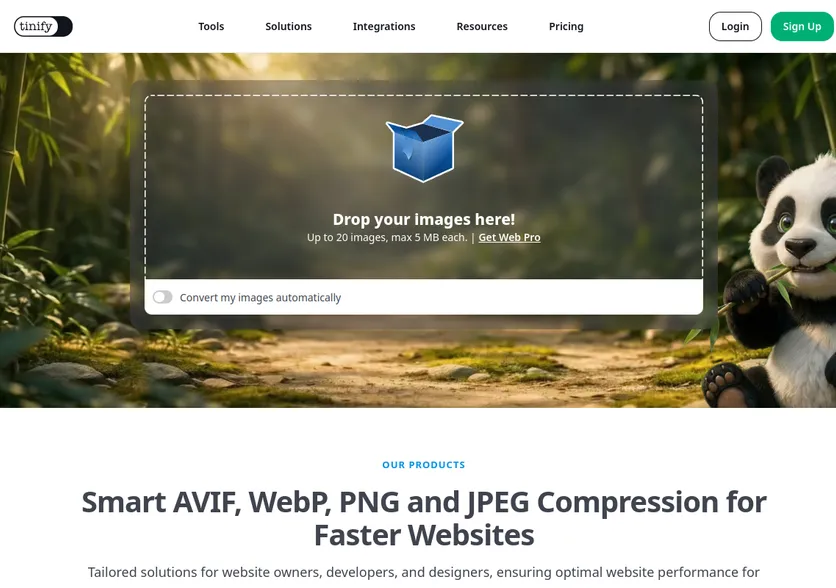
TinyPNG is the simplest compressor on this list, with a drag-and-drop web tool that shrinks images in seconds. This TinyPNG service covers smart lossy compression, a WordPress plugin and an API for automating compression. It is the pick for anyone who wants fast compression without settings or setup.
What we like
- Simplest compressor on this list
- Free web tool needs no account
- API for automating compression
Watch out for
- Pro plan rose from $25 to $39 a year
- No CDN or lazy loading included
How to try it
- Open TinyPNG and drag images onto the page
- Download the compressed files
- Try the Pro plan for larger batches and the API
2. Imagify
Best for: WordPress sites that want automatic image compression
Paid tool Starting price: $4.99/month · Growth plan billed yearly; $5.99 monthly; Infinite is $9.99 a month billed yearly or $11.99 monthly; Starter free with 20 MB a month
Free plan: Starter free with 20 MB a month
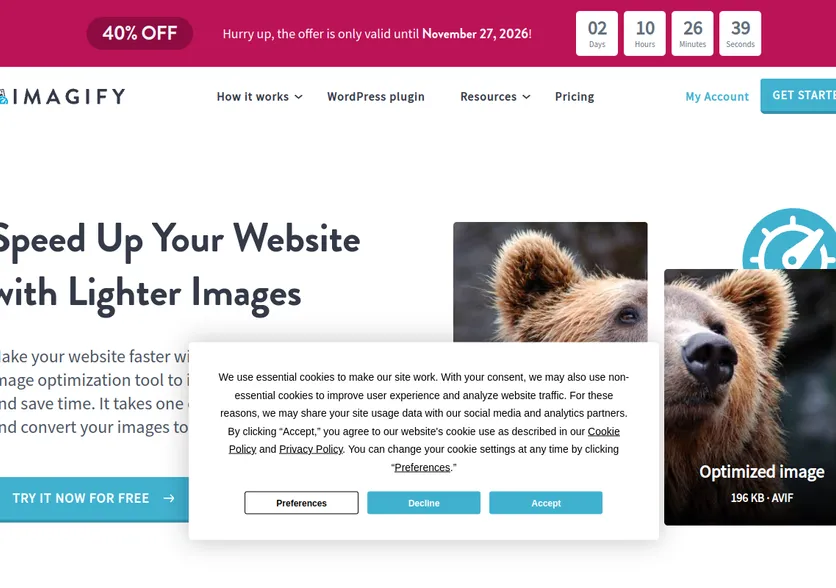
Imagify is the WordPress plugin from the team behind WP Rocket, compressing images automatically as you upload them. This Imagify service covers three compression levels, WebP conversion and automatic resizing for responsive images. It is the pick for WordPress sites that want compression to just happen.
What we like
- Automatic compression on upload
- Three compression levels to choose
- From the team behind WP Rocket
Watch out for
- Monthly quota runs out on big sites
- Black Friday sale prices are not the list price
How to try it
- Open the Imagify pricing page and pick the Growth plan
- Install the plugin on your WordPress site
- Set the compression level and bulk-optimize your library
3. Optimole
Best for: WordPress sites that want images served from a CDN
Paid tool Starting price: $19/month · $19.08 a month billed yearly at $228.96 a year; $22.90 month-to-month; Business is $39 a month; visit-based with 48,000 visits
Free plan: Free plan with 5,000 visits a month
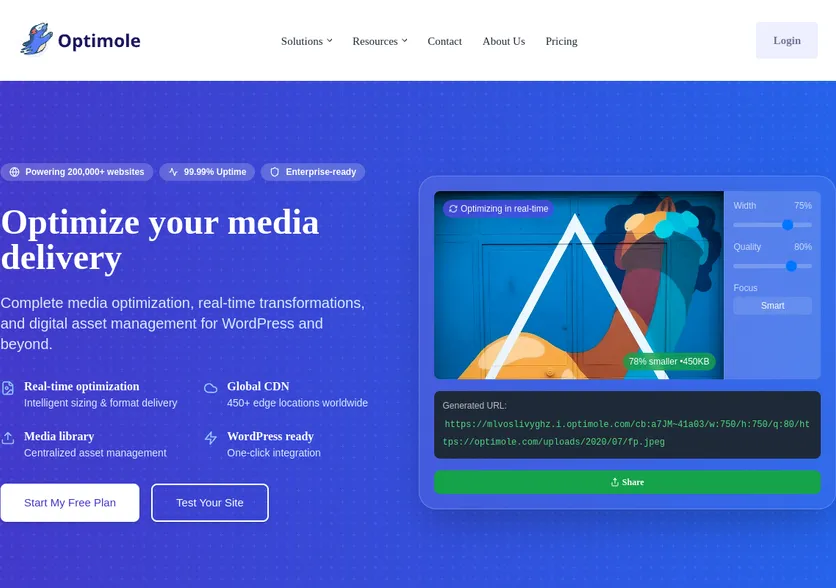
Optimole moves your images to a cloud CDN and serves each visitor the right size and format for their device. This Optimole service covers automatic compression, lazy loading and watermarking, all from a WordPress plugin. It is the pick for WordPress sites that want faster images without touching a server.
What we like
- Serves the right size per device
- Lazy loading built in
- Watermarking included
Watch out for
- Bills by visits, not images
- Free plan caps at 5,000 visits
How to try it
- Open the Optimole pricing page and pick the Starter plan
- Install the plugin and connect your site
- Check the speed improvement on a slow page
4. Kraken.io
Best for: Developers who want an API with strong compression
Paid tool Starting price: $5/month · Micro plan with 500 MB a month; Basic is $9 a month for 2 GB; Advanced $19 a month for 5 GB; annual billing gives 2 months free
Free plan: Free plan with 100 MB a month
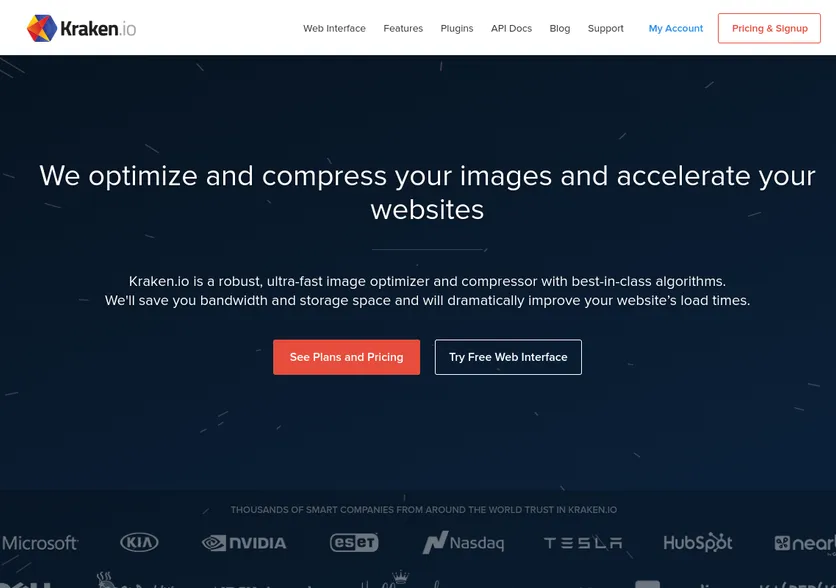
Kraken.io is the developer's compressor, with an API that squeezes images hard while keeping them looking sharp. This Kraken service covers lossy and lossless modes, WebP conversion and automatic resizing on upload. It is the pick for developers who want strong compression behind an API.
What we like
- Strong compression with little visible loss
- Simple API for automation
- Two months free on annual billing
Watch out for
- Small free quota at 100 MB
- No WordPress plugin included
How to try it
- Open the Kraken.io pricing page and pick the Micro plan
- Get an API key from the dashboard
- Send an image through the API and compare the size
5. ImageKit
Best for: Sites that want image optimization plus a full media CDN
Paid tool Starting price: $49/month · Premium plan; free tier covers 20 GB of bandwidth; Enterprise is custom
Free plan: Free tier with 20 GB bandwidth
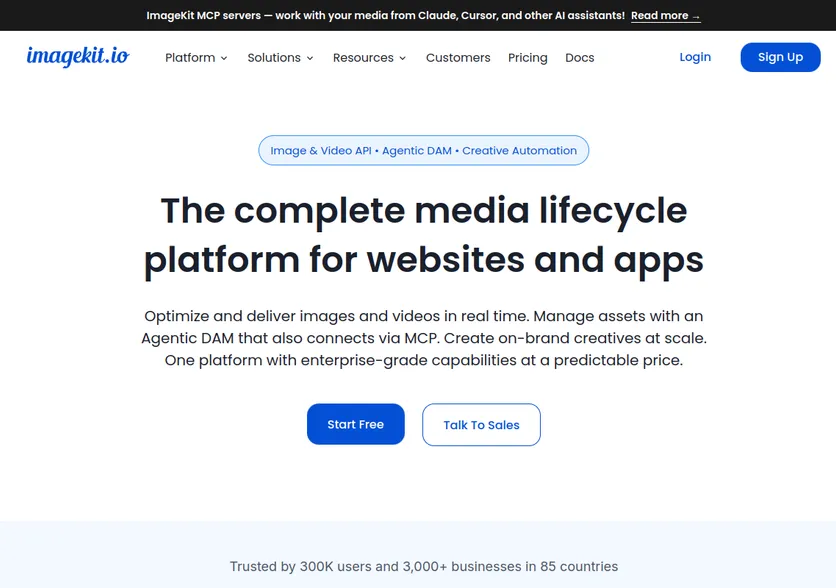
ImageKit is a full image CDN that optimizes, transforms and delivers images from servers close to every visitor. This ImageKit service covers real-time resizing, automatic format selection and digital asset management in one platform. It is the pick for sites that need optimization plus delivery at scale.
What we like
- Optimization plus CDN in one tool
- Real-time resizing by URL
- Generous free tier at 20 GB
Watch out for
- Premium price is steep for small sites
- Learning curve on URL transforms
How to try it
- Open the ImageKit pricing page and pick the Premium plan
- Connect your storage or upload images
- Add the image URL parameters for resizing
6. Cloudinary
Best for: Teams that need image and video management at scale
Paid tool Starting price: $89/month · Plus plan billed annually; $99 monthly; 225 monthly credits; Advanced is $224 a month; Free plan has 25 credits
Free plan: Free plan with 25 credits
Cloudinary is the heavyweight media platform, handling images and video with transformations, AI tagging and a global CDN. This Cloudinary service covers automatic optimization, responsive image delivery and a full media library for teams. It is the pick for large sites with serious media workflows.

What we like
- Images and video in one platform
- AI tagging and transformations
- Global CDN with fast delivery
Watch out for
- Most expensive on this list
- Credit system is hard to predict
How to try it
- Open the Cloudinary pricing page and pick the Plus plan
- Upload media to the library
- Apply a transformation and check the delivered size
7. EWWW Image Optimizer
Best for: WordPress sites that want unlimited local compression
Paid tool Starting price: $8/month · Standard plan; $80 a year; Growth is $16 a month; Infinite $32 a month; free local compression is unlimited
Free plan: Free plugin with unlimited local compression
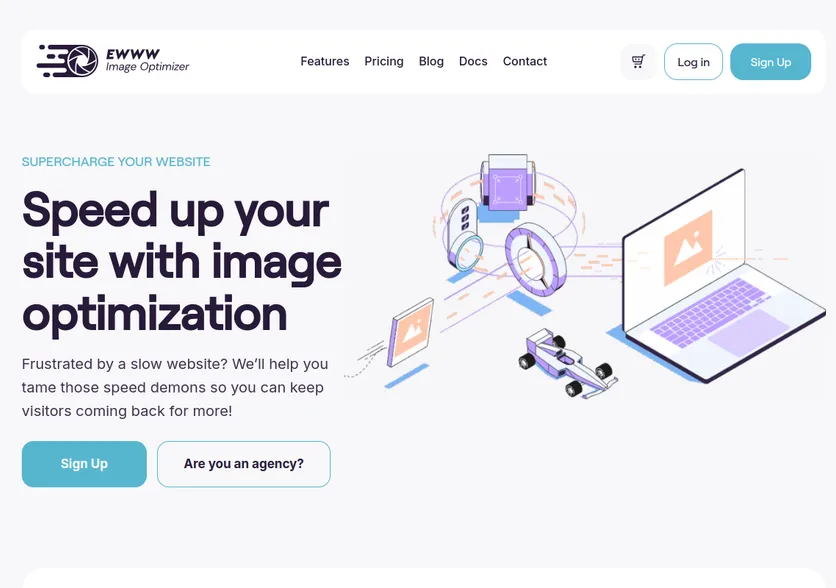
EWWW Image Optimizer is the WordPress plugin that compresses images on your own server, with no monthly quota on local compression. This EWWW Image Optimizer service covers unlimited local compression, WebP conversion and a cloud option for heavier work. It is the pick for WordPress sites that want unlimited compression without a meter.
What we like
- Unlimited local compression free
- No monthly quota on your server
- Cloud option for heavier work
Watch out for
- Local compression uses server resources
- Interface is less polished than rivals
How to try it
- Open the EWWW plans page and pick the Standard plan
- Install the plugin on your WordPress site
- Bulk-optimize the whole media library
8. Smush Pro
Best for: WordPress sites already on WPMU DEV membership
Paid tool Starting price: $50/year · Basic plan; $4.17 a month billed annually; Pro Standard $75 a year; Pro Plus $100 a year; sold only inside WPMU DEV Pro membership
Free plan: Free plugin with basic compression
Smush Pro is the WPMU DEV image plugin, compressing and lazy-loading images across WordPress sites from one dashboard. This Smush Pro service covers bulk compression, WebP conversion and a CDN for serving images fast. It is the pick for WordPress sites already paying for WPMU DEV membership.
What we like
- One dashboard for many sites
- Bulk compression and lazy loading
- CDN included on paid plans
Watch out for
- Only sold inside WPMU DEV membership
- Free version is basic
How to try it
- Open the WPMU DEV pricing page and check the Pro plans
- Install Smush Pro on your WordPress site
- Bulk-smush the library and turn on the CDN
9. Sirv
Best for: E-commerce sites that want 360 spins and zoom with compression
Paid tool Starting price: $19/month · Business plan with 5 GB storage and 20 GB transfer; $209 a year at $17.42 a month billed yearly; slider plans up to $849 a month
Free plan: Free plan with 500 MB storage
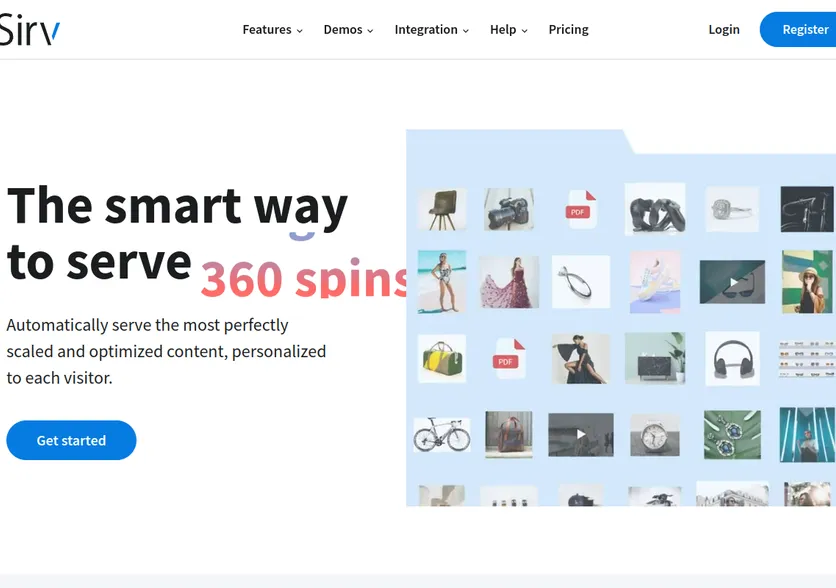
Sirv mixes image optimization with 360-degree spins and zoom, built for stores that sell products online. This Sirv service covers automatic compression, responsive delivery and interactive product views from one CDN. It is the pick for e-commerce sites that need spins and zoom as well as speed.
What we like
- 360 spins and zoom built in
- Responsive delivery from a CDN
- Good for product pages
Watch out for
- Priced for stores, not blogs
- Free plan is small at 500 MB
How to try it
- Open the Sirv pricing page and pick the Business plan
- Upload product images to Sirv
- Add a 360 spin or zoom viewer to a product page
Prices above were checked on each vendor’s own website on Nov 26, 2026 and can change — the vendor’s page is the final word. Vendor links are editorial: nobody paid to be listed or ranked here. Vendors who want a featured listing can see how it works on our Get listed page.
How to pick an image optimizer before you pay
Compression quality matters more than price, because a tool that shrinks images by 80 percent while keeping them sharp beats a cheap one that leaves artifacts. Before paying, run the same five images through the free plans of your top two picks and compare the file sizes side by side at full zoom. Check faces, text and gradients, since those show compression damage first.
Watch the billing model. Some tools charge per image or per gigabyte, others charge per visit or per month, and a busy site can burn through a cheap plan in days. Count your monthly images or visits first, then match the plan to that number rather than to the headline price.
Before you buy
- Run the same five images through each free plan and compare file sizes at full zoom.
- Count your monthly images or visits first, since plans bill on different meters.
- Check whether WebP and AVIF conversion are included or cost extra on your plan.
- Confirm the tool works with your platform, whether WordPress, an API or a CDN.
- Test lazy loading and responsive sizing, since those save more bandwidth than compression alone.
Official websites
Official websites of the products reviewed above. Features and prices were checked against these sites when this guide was written, and they can change, so confirm on the vendor site before you buy.
Frequently asked questions
What is the best free ShortPixel alternative?
TinyPNG has the best free web tool, with no account needed for quick compression, and EWWW offers unlimited free local compression inside WordPress. Imagify gives you 20 MB free a month, and Cloudinary gives 25 free credits. Try TinyPNG for one-off images and EWWW for a whole WordPress site.
Which image optimizer compresses the most?
Kraken.io and TinyPNG both use smart lossy compression that cuts file sizes by 60 to 80 percent with little visible loss. Cloudinary and ImageKit add automatic format selection, which squeezes more by serving WebP or AVIF. Test the same images on two tools, since the winner depends on your image types.
Do I need a CDN for image optimization?
Not always. A WordPress plugin like Imagify or EWWW compresses images on your own server, which is enough for a small site. A CDN like ImageKit or Cloudinary helps when visitors come from many countries, since images load from a nearby server. Start with a plugin and add a CDN when traffic grows.
What is the cheapest image optimizer?
Imagify Growth is the cheapest paid plan here at $4.99 a month billed yearly, followed by Kraken.io Micro at $5 a month. EWWW Standard costs $8 a month with unlimited local compression. The cheapest pick depends on whether you bill by images, visits or storage.
Does image optimization help SEO?
Yes, faster images improve page speed, which is a ranking factor, and they cut bounce rates on mobile. Compressing images and serving them in WebP or AVIF can halve page weight on image-heavy pages. Pair compression with lazy loading and responsive sizing for the biggest speed gain.
Speeding up your images? Try free image tools on Toolsvine, from compressors to converters, right in your browser.
Browse Image Tools tools