On this page
Slow images hurt every visitor, and a remote team feels the pain twice when files bounce between time zones and tools. The right optimizer compresses images automatically, serves them from a global network and gives the whole team one dashboard to manage. ImageKit leads this comparison as the best all-round pick for distributed teams, with Cloudinary close behind for media-heavy work. We checked every price on the vendor site on November 27, 2026.
How we researched this
We started with optimizers that a distributed team can run together, then read each price on the vendor site on November 27, 2026 and noted the free plan or trial each one carries. We judged them for remote teams that publish across time zones and need shared dashboards, CDN delivery and clear usage limits. We dropped quote-only tools and single-user desktop apps because a remote team needs cloud pricing it can budget around.
Compare the tools
| Name | Best for | Starting price | Free plan | |
|---|---|---|---|---|
 ImageKit | Remote teams that want image optimization plus a global CDN in one service | $9/month | Free plan with 20 GB bandwidth | Visit |
 TinyPNG | Teams that need simple drag-and-drop compression for web images | $39/year | Free plan with 500 images a month | Visit |
 ShortPixel | WordPress teams that want unlimited optimization at a low price | $8.33/month | Free plan with 100 credits a month | Visit |
 Smush | WordPress teams that want compression plus lazy loading in one plug-in | $50/year | Free plan on WordPress.org | Visit |
 Imagify | WordPress teams that want set-and-forget optimization at a low price | $4.99/month | Free plan with 20 MB a month | Visit |
 Optimole | WordPress teams that serve images from the cloud instead of their server | $19.08/month | Free plan with 5,000 visits a month | Visit |
 Cloudinary | Media-heavy teams that manage images, video and delivery together | $89/month | Free plan with 25 credits | Visit |
 Kraken.io | Developers who want a simple image API with predictable pricing | $5/month | Free plan with 100 MB a month | Visit |
The image optimization software for remote teams, compared
1. ImageKit
Best for: Remote teams that want image optimization plus a global CDN in one service
Paid tool Starting price: $9/month · Lite at nine dollars a month; Pro at eighty-nine dollars a month; Enterprise is quote-only; free plan with twenty gigabytes of bandwidth
Free plan: Free plan with 20 GB bandwidth
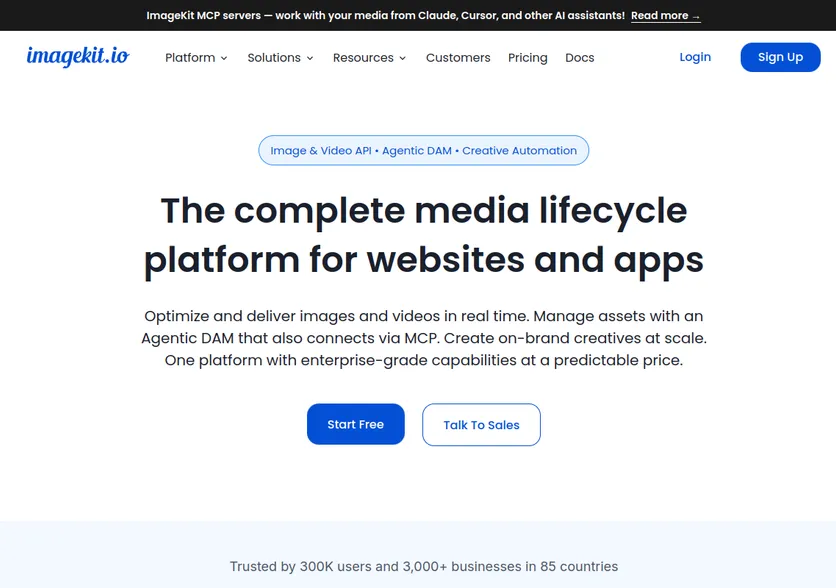
This ImageKit platform is the strongest pick for a distributed team, because it optimizes images on the fly and serves them from a global content delivery network with no extra setup. A designer in one country and a developer in another both work from the same dashboard, with real-time transformations for resizing, cropping and format conversion. The Lite plan starts at nine dollars a month, which makes it an easy first step for a small team.
What we like
- Real-time optimization with a built-in global CDN
- Shared dashboard that a remote team can manage together
- Automatic format conversion to WebP and AVIF
Watch out for
- Bandwidth limits can bite on image-heavy sites
- The free plan is small for a busy team
How to try it
- Connect your storage or upload images to ImageKit
- Set the optimization rules and output formats
- Replace image URLs with the ImageKit delivery links
2. TinyPNG
Best for: Teams that need simple drag-and-drop compression for web images
Paid tool Starting price: $39/year · Pro at thirty-nine dollars a year; Ultra at one hundred forty-nine dollars a year; free plan with five hundred images a month
Free plan: Free plan with 500 images a month
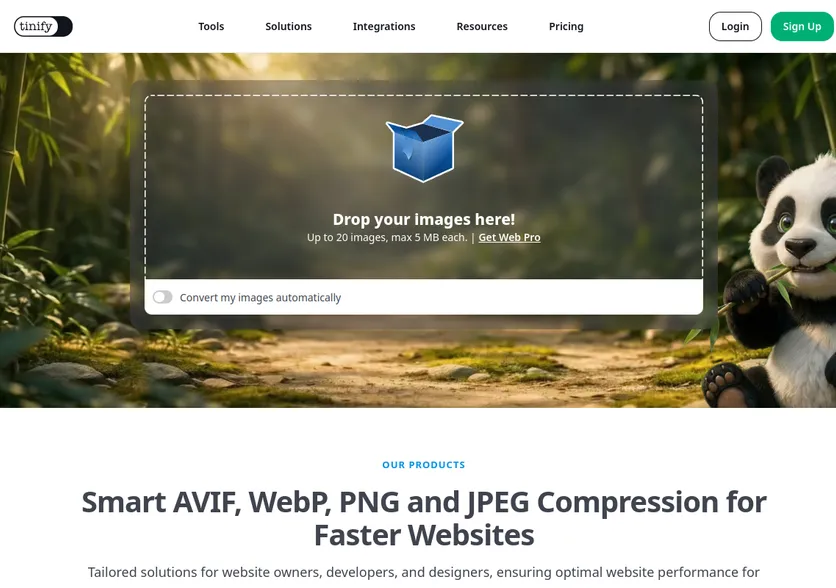
This TinyPNG service is the simplest way for a remote team to shrink images, because anyone can drag a file onto the site and download a smaller version in seconds. The Pro plan costs thirty-nine dollars a year and adds a developer API, Photoshop plug-in and larger file support for the whole team. It focuses purely on compression, so it pairs well with a separate CDN or a CMS plug-in rather than replacing them.
What we like
- Dead simple drag-and-drop compression
- API and Photoshop plug-in on the Pro plan
- Strong compression with little visible quality loss
Watch out for
- No built-in CDN or image hosting
- The free plan caps at five hundred images a month
How to try it
- Drag images onto the TinyPNG site or use the API
- Download the compressed files for your site
- Check the quality before publishing the images
3. ShortPixel
Best for: WordPress teams that want unlimited optimization at a low price
Paid tool Starting price: $8.33/month · Unlimited at eight dollars thirty-three cents a month billed annually, or ten dollars ninety-nine cents a month on monthly billing; free plan with one hundred credits a month
Free plan: Free plan with 100 credits a month
This ShortPixel plug-in is built for WordPress teams that publish a lot of images, with automatic compression on upload and a one-click bulk optimizer for the existing media library. The Unlimited plan costs about eight dollars a month on annual billing and removes the credit limits that slow a busy editorial team. It converts images to WebP and AVIF, serves them from a CDN option, and keeps the originals as backups.

What we like
- Bulk optimization for the whole media library
- WebP and AVIF conversion built in
- Unlimited plan removes credit worries
Watch out for
- WordPress only, with no standalone app
- Credits on lower plans run out fast on big sites
How to try it
- Install the plug-in on your WordPress site
- Set the compression level and output formats
- Run the bulk optimizer on the existing media library
4. Smush
Best for: WordPress teams that want compression plus lazy loading in one plug-in
Paid tool Starting price: $50/year · Pro Basic at fifty dollars a year, or four dollars seventeen cents a month on annual billing; Standard at seventy-five dollars a year and Plus at one hundred dollars a year; free version on WordPress.org
Free plan: Free plan on WordPress.org
This Smush plug-in is the friendly WordPress option for a remote editorial team, because it compresses images on upload, lazy-loads them on the page and resizes them to the right dimensions automatically. The Pro plan starts at fifty dollars a year and adds bulk optimization, WebP conversion and a CDN for faster delivery. A free version on WordPress.org covers the basics, so a team can test it on one site before paying.
What we like
- Lazy loading and resizing in one plug-in
- Free version covers the basics on WordPress
- CDN included on the Pro plan
Watch out for
- Full features need the WPMU DEV membership
- Bulk optimization is slower than some rivals
How to try it
- Install Smush from the WordPress plug-in directory
- Turn on lazy loading and automatic resizing
- Run bulk Smush on the existing media library
5. Imagify
Best for: WordPress teams that want set-and-forget optimization at a low price
Paid tool Starting price: $4.99/month · Growth at four dollars ninety-nine cents a month billed annually, or five dollars ninety-nine cents a month on monthly billing; Infinite at nine dollars ninety-nine cents a month billed annually; free plan with twenty megabytes a month
Free plan: Free plan with 20 MB a month
This Imagify plug-in is the set-and-forget pick for a WordPress team, because it compresses every upload automatically and converts images to WebP without anyone on the team thinking about it. The Growth plan costs under five dollars a month on annual billing and covers a small to mid-size site, while Infinite adds unlimited images for busier publishers. A visual comparison slider shows the before and after, so an editor can trust the quality before publishing.

What we like
- Automatic optimization on every upload
- Before and after slider proves the quality
- Growth plan is cheap for small teams
Watch out for
- WordPress only, with no support for other stacks
- The free plan is tiny at twenty megabytes a month
How to try it
- Install Imagify and pick a compression level
- Upload images and let the plug-in optimize them
- Compare the before and after with the slider
6. Optimole
Best for: WordPress teams that serve images from the cloud instead of their server
Paid tool Starting price: $19.08/month · Starter at nineteen dollars eight cents a month billed annually, or twenty-two dollars ninety cents a month on monthly billing, for forty-eight thousand visits a month; free plan with five thousand visits a month
Free plan: Free plan with 5,000 visits a month
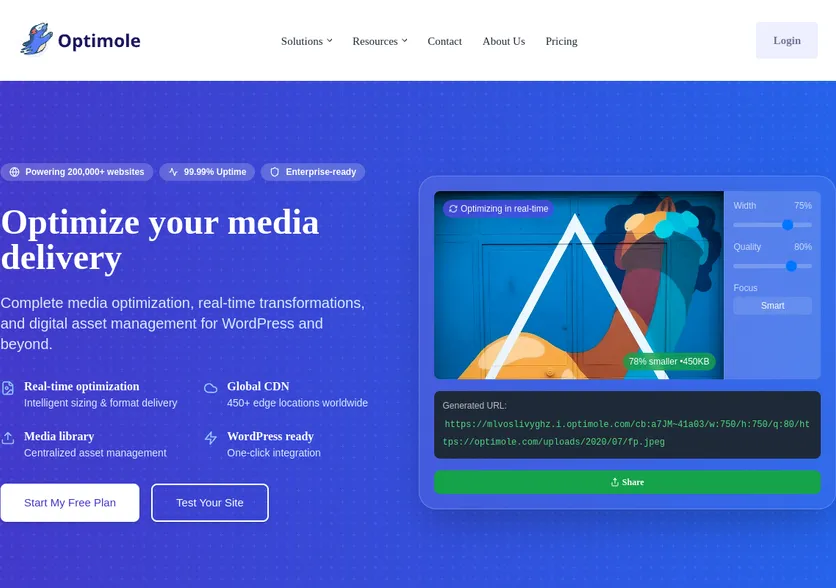
This Optimole service moves image delivery off your server entirely, optimizing and serving every image from its own cloud with automatic scaling for each visitor's screen. A remote team benefits because no one needs to manage files or worry about server load when traffic spikes. The Starter plan starts at about nineteen dollars a month on annual billing for forty-eight thousand visits a month, with a free plan for small sites.
What we like
- Cloud delivery takes load off your own server
- Automatic scaling for every screen size
- Lazy loading and watermarking built in
Watch out for
- Pricing is tied to visits, not just images
- Higher than a simple compression plug-in
How to try it
- Install the Optimole plug-in on WordPress
- Connect the site to the Optimole cloud
- Let it optimize and serve images automatically
7. Cloudinary
Best for: Media-heavy teams that manage images, video and delivery together
Paid tool Starting price: $89/month · Plus at eighty-nine dollars a month billed annually, or ninety-nine dollars a month on monthly billing; Advanced at two hundred twenty-four dollars a month billed annually; free plan with twenty-five credits
Free plan: Free plan with 25 credits
This Cloudinary platform is the full media option for a remote team, combining image and video optimization, transformation and delivery in one dashboard. Developers can transform images with URL parameters, while marketers upload and manage assets without code. The Plus plan starts at eighty-nine dollars a month on annual billing and suits a team that treats media as a shared asset library rather than a one-off chore.

What we like
- Image and video optimization in one platform
- URL-based transformations for developers
- Shared asset library for the whole team
Watch out for
- The Plus plan is pricey for a small team
- The feature set can overwhelm a simple use case
How to try it
- Upload assets to the shared media library
- Set transformation rules for each delivery channel
- Use the URLs or SDKs to serve optimized media
8. Kraken.io
Best for: Developers who want a simple image API with predictable pricing
Paid tool Starting price: $5/month · Micro at five dollars a month, or fifty dollars a year, for five hundred megabytes a month; free plan with one hundred megabytes a month
Free plan: Free plan with 100 MB a month
This Kraken.io service is the developer-friendly pick for a remote team, with a clean API that compresses images on upload and returns optimized files ready for a CDN. The Micro plan costs five dollars a month and covers five hundred megabytes, which suits a small app or a side project. It also offers a WordPress plug-in and a web interface, so non-developers on the team can compress images without touching code.
What we like
- Simple API that developers can wire up fast
- Predictable low pricing from five dollars a month
- WordPress plug-in for non-developers
Watch out for
- No built-in CDN, so delivery is your job
- The free plan is small for production use
How to try it
- Sign up and get an API key for your app
- Send images to the API on upload
- Serve the optimized files from your CDN
Prices above were checked on each vendor’s own website on Nov 27, 2026 and can change — the vendor’s page is the final word. Vendor links are editorial: nobody paid to be listed or ranked here. Vendors who want a featured listing can see how it works on our Get listed page.
How a remote team should roll out image optimization
Start with one site and measure the real numbers before you buy. Count the images your team publishes each month, check the average file size, and watch the bandwidth the CDN reports. A plan that fits a quiet month can break during a launch week, so pick a tier with headroom rather than the cheapest one that barely covers today.
Agree on one workflow for the whole team. Decide who uploads originals, which formats the tool should output and how images get named, then write it down in a shared doc. A single pipeline beats five people compressing images five different ways, and it keeps the site fast no matter who publishes next.
Before you buy
- Check the monthly bandwidth and image limits against your whole team's output
- Confirm the tool plugs into your CMS or stack without custom development
- Look for a CDN so optimized images load fast for visitors everywhere
- Make sure the plan covers every site or app your team runs
- Test the compression quality on your own images before rolling it out team-wide
Official websites
Official websites of the products reviewed above. Features and prices were checked against these sites when this guide was written, and they can change, so confirm on the vendor site before you buy.
Frequently asked questions
What is the best image optimization software for a remote team?
ImageKit is the strongest all-round pick, because it combines real-time optimization with a global CDN and a shared dashboard for nine dollars a month. ShortPixel is the cheapest WordPress option at about eight dollars a month on annual billing with unlimited optimization. If your team manages images and video together, Cloudinary is the fuller platform at eighty-nine dollars a month.
Can a remote team try image optimization for free?
Yes, most of these tools offer free plans or trials, including ImageKit with twenty gigabytes of bandwidth, TinyPNG with five hundred images a month and Cloudinary with twenty-five credits. Free plans work well for testing, but a busy team will hit the limits fast. Start free on one site, measure the usage, then pick the paid plan that fits the real numbers.
How do remote teams set up image optimization?
A WordPress plug-in like ShortPixel, Smush or Imagify is the easiest route, because it optimizes images on upload with no code. A cloud service like ImageKit or Optimole needs a DNS or plug-in change but then serves images from a global CDN. An API like Kraken.io needs a developer to wire it into your upload flow, which takes longer but fits custom apps.
What limits should a remote team check before buying?
Check the monthly image count, the bandwidth limit and whether the plan includes a CDN. A plan that looks cheap can get expensive when a viral post doubles your traffic, and a plan without a CDN leaves delivery speed to your own server. Also confirm the tool supports WebP and AVIF, since modern formats cut file sizes further without visible quality loss.
Can I undo optimization if the quality drops?
Most tools keep the original file and let you revert, but the details differ. ShortPixel and Imagify keep originals as backups, while a CDN service like ImageKit serves optimized versions without touching your source files. Before you bulk-optimize a library, confirm the tool stores originals and test the quality on a few images first.
Pick the optimizer that fits your stack and team size, then test it on one site before rolling it out to every project.
Browse Image Tools tools