
On this page
Ransomware only works when it can reach your backups too, which is why immutable backup matters for a small business. A locked copy cannot be changed or deleted until its retention period ends, so an attack that encrypts your live files still leaves a clean restore point. NAKIVO Backup and Replication leads this comparison as the cheapest way to get there, with Acronis close behind for teams that want security built in. We checked every price on the vendor site on November 27, 2026.
How we researched this
We started with backup tools that offer immutable storage for small businesses, then read each price on the vendor site on November 27, 2026 and noted the free plan or trial each one carries. We judged them for a small business that needs ransomware-proof copies without an enterprise budget. We dropped quote-only platforms like Veeam, Druva and Rubrik because a small team needs a published price to budget around.
Compare the tools
| Name | Best for | Starting price | Free plan | |
|---|---|---|---|---|
 NAKIVO Backup and Replication | Small businesses that want low-cost backup with ransomware-proof copies | $2.45/workload/month | Free Edition for up to 10 workloads for 1 year | Visit |
| Acronis Cyber Protect | Small businesses that want backup plus security in one product | $85/workstation/year | No free plan; 30-day free trial | Visit |
 Backblaze B2 | Small businesses that want cheap immutable object storage | $6.95/TB/month | Free 10 GB of storage | Visit |
| Wasabi Hot Cloud Storage | Small businesses that want flat-rate immutable storage with no egress fees | $6.99/TB/month | No free plan; 30-day free trial | Visit |
 MSP360 Backup | Small businesses that want to choose their own backup storage | $2.50/workload/month | No free plan; 15-day free trial | Visit |
 IDrive Business | Small businesses that want one backup plan for every device | $99.50/year | Free Basic plan with 10 GB | Visit |
| Commvault Cloud | Small businesses that want enterprise backup with published prices | $58.50/TB/month | No free plan; 30-day free trial | Visit |
The immutable backup software for small business, compared
1. NAKIVO Backup and Replication
Best for: Small businesses that want low-cost backup with ransomware-proof copies
Paid tool Starting price: $2.45/workload/month · Pro Essentials at two dollars forty-five cents per workload a month on a one-year term, or one dollar ninety-five cents on three years; Enterprise Essentials at three dollars twenty cents; perpetual licenses from two hundred twenty-nine dollars per CPU socket; Free Edition for up to ten workloads for one year
Free plan: Free Edition for up to 10 workloads for 1 year
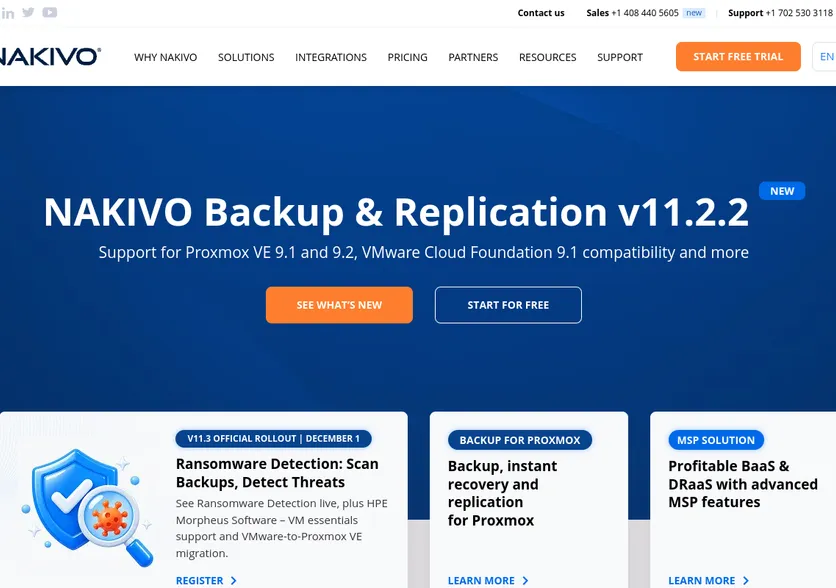
This NAKIVO Backup and Replication software is the budget pick for a small business, with subscriptions from two dollars forty-five cents per workload a month on a one-year term. It backs up VMware, Hyper-V, physical machines and Microsoft 365, and it can write immutable copies to supported storage so ransomware cannot alter or delete them. A free edition covers up to ten workloads for a year, which lets a small team test real backups before paying.
What we like
- Lowest per-workload price in this comparison
- Immutable copies that ransomware cannot change
- Free edition covers ten workloads for a year
Watch out for
- One workload covers three workstations, so count carefully
- Setup needs more skill than a simple cloud backup
How to try it
- Install NAKIVO and add the machines to protect
- Create a backup job with immutable storage enabled
- Test a restore from the immutable copy
2. Acronis Cyber Protect
Best for: Small businesses that want backup plus security in one product
Paid tool Starting price: $85/workstation/year · Cyber Protect Standard at eighty-five dollars per workstation a year; Backup Advanced at one hundred nine dollars and Advanced at one hundred twenty-nine dollars; cloud storage billed separately; thirty-day free trial
Free plan: No free plan; 30-day free trial
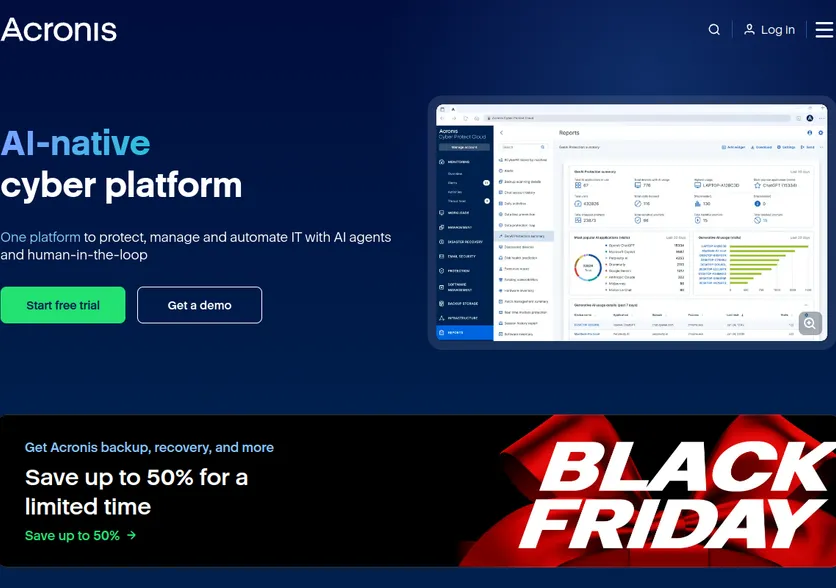
This Acronis Cyber Protect platform combines backup with anti-malware and endpoint protection, so a small business gets ransomware defense and recovery in a single agent. The Standard plan costs eighty-five dollars per workstation a year and covers image and file backup with cloud storage available as an add-on. Immutable backup options and AI-based threat detection help a team recover cleanly after an attack instead of paying a ransom.
What we like
- Backup and anti-malware in a single agent
- Image backup with fast bare-metal recovery
- AI threat detection blocks ransomware early
Watch out for
- Cloud storage is a separate bill on top of the license
- The console has a lot of options to learn
How to try it
- Install the agent on each workstation and server
- Set the backup schedule and retention rules
- Test a restore from a clean backup point
3. Backblaze B2
Best for: Small businesses that want cheap immutable object storage
Paid tool Starting price: $6.95/TB/month · B2 Cloud Storage at six dollars ninety-five cents per terabyte a month; first ten gigabytes free; egress free up to three times stored data
Free plan: Free 10 GB of storage
This Backblaze B2 service is the cheapest way for a small business to store immutable backups, with object lock that stops anyone from changing or deleting a file until its retention period ends. The price is six dollars ninety-five cents per terabyte a month after a 2026 rise from six dollars, and the first ten gigabytes are free. It works best as the storage target for a backup tool like NAKIVO or MSP360 rather than as a backup app on its own.
What we like
- Object lock makes backups truly immutable
- Low per-terabyte price with free egress up to three times stored data
- First ten gigabytes are free
Watch out for
- Storage only, so you still need a backup tool
- The price rose from six dollars in 2026
How to try it
- Create a B2 bucket and turn on object lock
- Point your backup tool at the bucket
- Set the retention period for each backup set
4. Wasabi Hot Cloud Storage
Best for: Small businesses that want flat-rate immutable storage with no egress fees
Paid tool Starting price: $6.99/TB/month · Hot Cloud Storage at six dollars ninety-nine cents per terabyte a month with a one terabyte monthly minimum and ninety-day minimum retention; no egress or API fees within a one-to-one ratio; thirty-day free trial
Free plan: No free plan; 30-day free trial
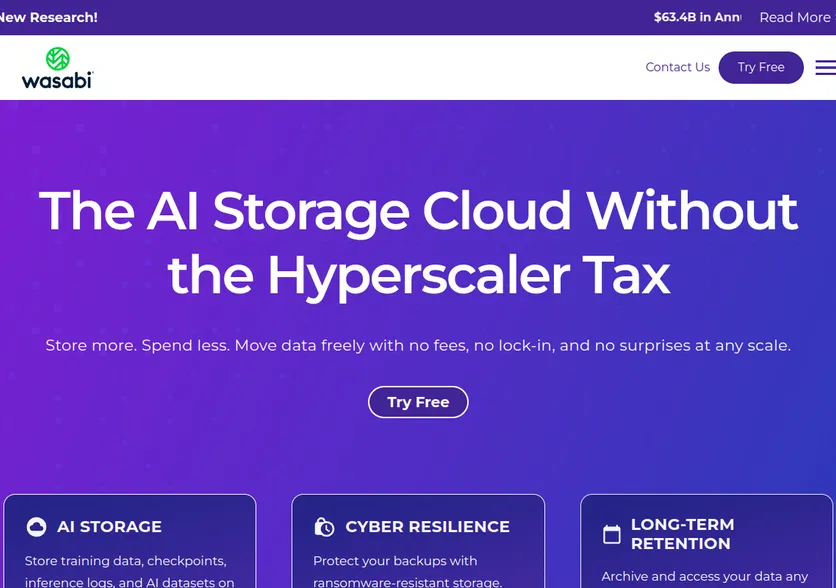
This Wasabi Hot Cloud Storage service gives a small business immutable object storage at six dollars ninety-nine cents per terabyte a month, with no fees for egress or API calls within a one-to-one ratio. Object lock and a ninety-day minimum retention period keep backups safe from ransomware, and the flat price makes monthly bills easy to predict. It suits a team that already has a backup tool and wants a cheap, safe place to store the copies.
What we like
- No egress or API fees within the usage ratio
- Flat per-terabyte price that is easy to budget
- Object lock with ninety-day minimum retention
Watch out for
- One terabyte monthly minimum may exceed a tiny business
- Storage only, so a backup tool is still needed
How to try it
- Create a Wasabi bucket with object lock on
- Connect your backup software to the bucket
- Set retention rules and verify a locked backup
5. MSP360 Backup
Best for: Small businesses that want to choose their own backup storage
Paid tool Starting price: $2.50/workload/month · Managed Backup from two dollars fifty cents per workload a month with a twenty-five dollar monthly minimum; storage billed separately to your own cloud account; fifteen-day free trial
Free plan: No free plan; 15-day free trial
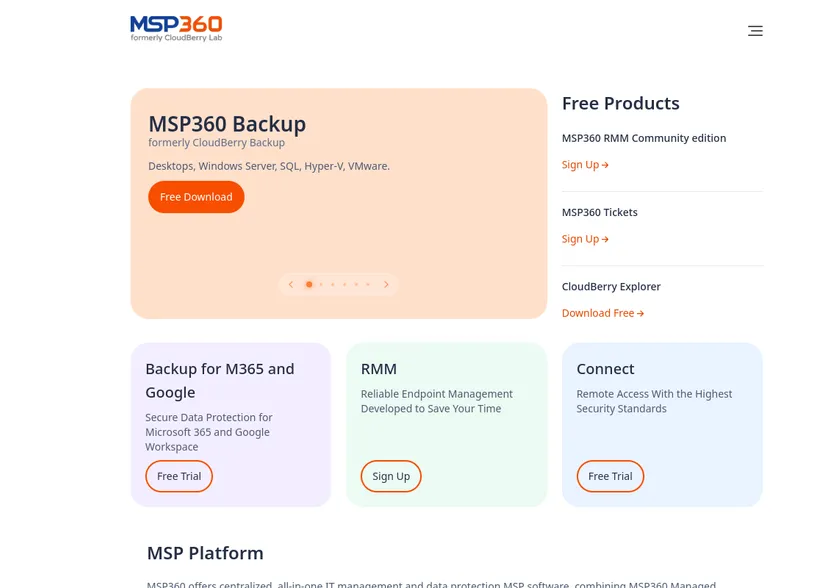
This MSP360 Backup software is the bring-your-own-storage option for a small business, with licenses from two dollars fifty cents per workload a month and storage billed separately to your own cloud account. It backs up servers, workstations and Microsoft 365 to Backblaze B2, Wasabi, Amazon S3 or a local disk, and it supports immutable backups on object-lock storage. The trade-off is setup effort, since the team manages both the software and the storage account.
What we like
- Bring your own storage with any major cloud
- Immutable backup on object-lock storage
- Low per-workload license price
Watch out for
- Storage is a second bill on top of the license
- Setup takes more effort than a hosted backup service
How to try it
- Create a storage account with object lock enabled
- Install MSP360 and connect it to the storage
- Schedule backup jobs with immutable retention
6. IDrive Business
Best for: Small businesses that want one backup plan for every device
Paid tool Starting price: $99.50/year · Business at ninety-nine dollars fifty cents a year for two hundred fifty gigabytes across unlimited users and devices; first-year promotion at sixty-nine dollars sixty-five cents is not the list price; free Basic plan with ten gigabytes
Free plan: Free Basic plan with 10 GB
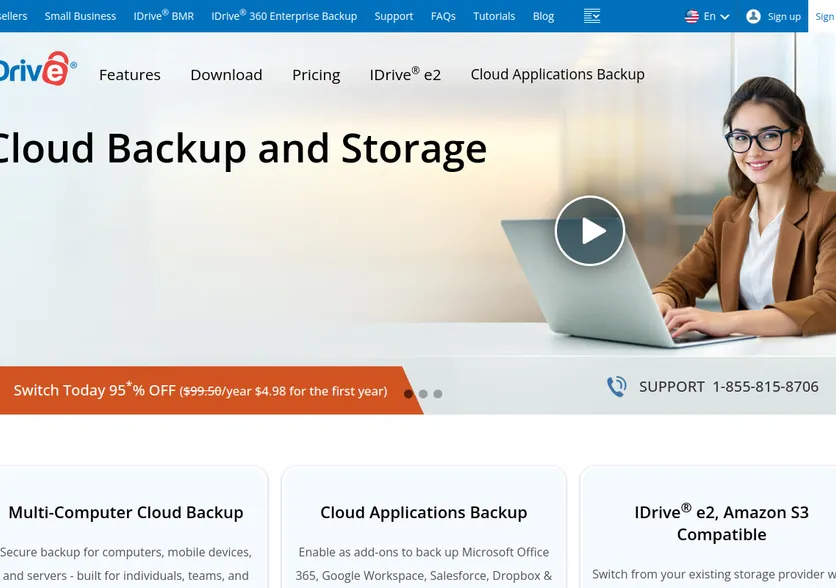
This IDrive Business service covers unlimited users, computers, servers and NAS devices under one storage plan, which suits a small business with a mix of machines. The Business plan starts at ninety-nine dollars fifty cents a year for two hundred fifty gigabytes, and snapshots plus object lock support give point-in-time recovery that ransomware cannot rewrite. The first-year promotion at sixty-nine dollars sixty-five cents is a discount, not the list price.
What we like
- One plan covers unlimited users and devices
- Snapshots give point-in-time recovery
- Server backup included at the entry price
Watch out for
- Two hundred fifty gigabytes is small for a data-heavy team
- The interface feels dated next to newer tools
How to try it
- Create an IDrive Business account and add devices
- Set the backup schedule and retention settings
- Test a restore from a snapshot point
7. Commvault Cloud
Best for: Small businesses that want enterprise backup with published prices
Paid tool Starting price: $58.50/TB/month · Cloud SaaS file and object backup from fifty-eight dollars fifty cents per terabyte a month; database backup from ninety dollars per terabyte a month; thirty-day free trial
Free plan: No free plan; 30-day free trial
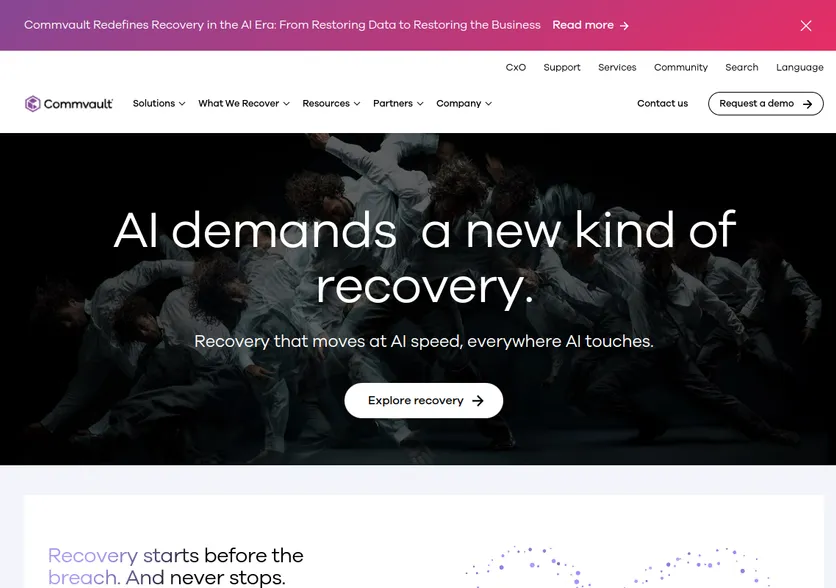
This Commvault Cloud platform is the enterprise option with published prices, which makes it possible for a small business to budget for serious cyber recovery. SaaS file and object backup starts at fifty-eight dollars fifty cents per terabyte a month, with database backup from ninety dollars per terabyte a month. Cleanroom recovery lets a team test restores in an isolated environment, which is exactly the rehearsal a ransomware plan needs.
What we like
- Published per-terabyte SaaS pricing
- Cleanroom recovery for safe restore testing
- Application-aware backup for databases
Watch out for
- Per-terabyte pricing gets expensive at scale
- Self-managed software is quote-only
How to try it
- Pick the SaaS workloads to protect from the pricing page
- Set retention and immutability rules per workload
- Run a Cleanroom restore test before you rely on it
Prices above were checked on each vendor’s own website on Nov 27, 2026 and can change — the vendor’s page is the final word. Vendor links are editorial: nobody paid to be listed or ranked here. Vendors who want a featured listing can see how it works on our Get listed page.
How a small business should set up immutable backup
Start with the data you cannot afford to lose: customer records, financial files and the server that runs your business. Back those up first with immutability turned on, then expand to workstations and cloud apps once the core is safe. Set a retention period that covers your real risks, because a lock that expires in a week will not help against ransomware that hides for a month.
Test a restore before you declare the job done. Pick one folder or one server, restore it from the immutable copy to a test machine, and check that the files open. Repeat the test every few months, since a backup routine that nobody verifies is only a hope. Keep one copy offsite or in a separate cloud account so a single compromised account cannot take everything.
Before you buy
- Confirm the immutability method, because object lock and WORM are not the same thing
- Check the retention period, since locked backups cannot be deleted early
- Look at restore speed, because a cheap backup that restores slowly costs more
- Make sure the plan covers every workload you run, including servers and cloud apps
- Test a full restore during the trial before trusting the backup with your business
Official websites
Official websites of the products reviewed above. Features and prices were checked against these sites when this guide was written, and they can change, so confirm on the vendor site before you buy.
Frequently asked questions
What is the cheapest immutable backup software for a small business?
NAKIVO is the cheapest software option at two dollars forty-five cents per workload a month on a one-year term, with a free edition for up to ten workloads. MSP360 is close at two dollars fifty cents per workload a month, but storage is billed separately. For storage alone, Backblaze B2 at six dollars ninety-five cents per terabyte a month is the cheapest immutable target.
What makes a backup immutable?
Immutable backup means the stored copies cannot be changed or deleted until their retention period ends, even by an attacker with admin access. Object lock and WORM storage enforce this at the storage level, so ransomware that encrypts your live files cannot touch the backups. Without immutability, a backup is only as safe as the credentials that protect it.
Can a small business get immutable backups without enterprise software?
Yes, if you pair a backup tool with an immutable storage target. NAKIVO and MSP360 both write immutable copies to Backblaze B2 or Wasabi with object lock turned on. IDrive supports snapshots and object lock as well. The key step is turning on the lock and setting a retention period, since a backup without the lock is still deletable.
What costs should I budget for beyond the headline price?
The main cost beyond the license is storage, and it varies a lot. NAKIVO and MSP360 charge for the software while storage is a separate bill, and Acronis charges extra for cloud storage too. IDrive and Wasabi include storage in the headline price, but watch the minimums: Wasabi bills at least one terabyte a month. Model both numbers before you compare totals.
How do I know my backup will actually restore?
Test a restore during the trial, because a backup that has never been restored is only a hope. Restore one server or a full folder to a test machine, check that the files open cleanly, and time how long it takes. If the restore works from an immutable copy, your ransomware plan is real; if it fails, you learned the lesson before an attack taught it.
Pick the backup that fits your workloads and retention needs, then test a full restore during the trial before you trust it with your business.
Browse Security & Privacy tools


