On this page
When a team works from different cities, nobody can walk over to the equipment cupboard and check what is missing. Infrastructure asset management software is the register that replaces that walk: every laptop, monitor and tool, who has it, and when it is due back. AssetSonar leads the list because it charges seventy-five cents per asset a month with unlimited staff seats, and the other eight tools are ranked on the same practical test: how accurately a remote team can track its gear without drowning in admin.
How we researched this
We checked every price on the vendor pricing page on November 28, 2026, and only included tools with a published US dollar list price. Asset Panda was left out because its published prices conflict across sources, with figures from $10 per user a month to $250 a month and several sources saying it publishes no prices at all. Prices change, so confirm the current figure on the vendor site before you buy.
Compare the tools
| Name | Best for | Starting price | Free plan | |
|---|---|---|---|---|
 AssetSonar | Remote teams that want clear per-asset pricing with unlimited staff seats | $0.75/asset/month | Free trial | Visit |
 EZOfficeInventory | Remote teams that track equipment across many locations | $44.75/month | 15-day free trial | Visit |
 InvGate Asset Management | IT teams that want automated discovery with a fixed annual price | $1,499/year | 30-day free trial | Visit |
 Lansweeper | IT teams that need to discover every device on the network | $299/month | Free plan up to 100 assets | Visit |
 ManageEngine AssetExplorer | Multi-site teams that want discovery, licenses and a CMDB in one tool | $115/month | Free edition up to 50 nodes | Visit |
 Freshservice | Remote teams that want asset tracking beside the IT service desk | $19/agent/month | Free trial | Visit |
 Snipe-IT | Teams that can host their own asset register for free | $39.99/month | Free self-hosted edition | Visit |
 AssetTiger | Small teams that want the cheapest paid asset register | $20/month | 30-day free trial | Visit |
 UpKeep | Remote teams that manage assets alongside maintenance work | $24/user/month | Free trial | Visit |
The infrastructure asset management software for remote teams, compared
1. AssetSonar
Best for: Remote teams that want clear per-asset pricing with unlimited staff seats
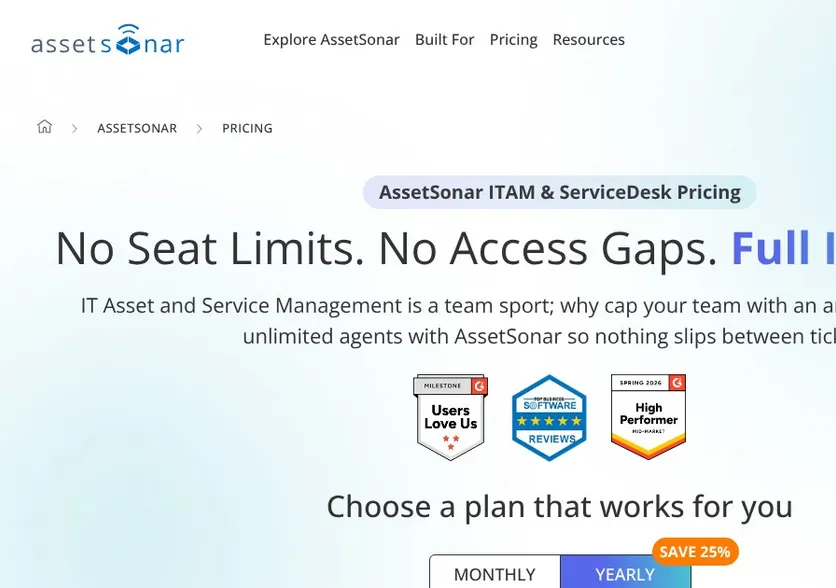
Paid tool Starting price: $0.75/asset/month · Seventy-five cents per asset per month billed annually on the ITAM plan, starting from 100 assets, so a 100-asset team pays $900 a year; ITSM is $1.08 per asset per month and Advanced SAM adds $0.42 per asset per month
Free plan: Free trial
This AssetSonar plan costs seventy-five cents per asset per month on annual billing, and it charges by device rather than by person. A remote team can give every employee a login at no extra cost, while the bill follows the number of laptops, monitors and phones it actually tracks. It combines asset tracking with software license management and a service desk, so one system covers the whole IT inventory.
What we like
- Per-asset pricing with unlimited agent seats
- Software license tracking in the same system
- Check-in and check-out built for distributed teams
Watch out for
- The 100-asset minimum sets a $900 annual floor
- Software asset management costs extra as an add-on
How to try it
- Import your assets or discover them on the network
- Assign each device to a remote employee with check-in and check-out
- Track warranties, licenses and maintenance from the same dashboard
2. EZOfficeInventory
Best for: Remote teams that track equipment across many locations
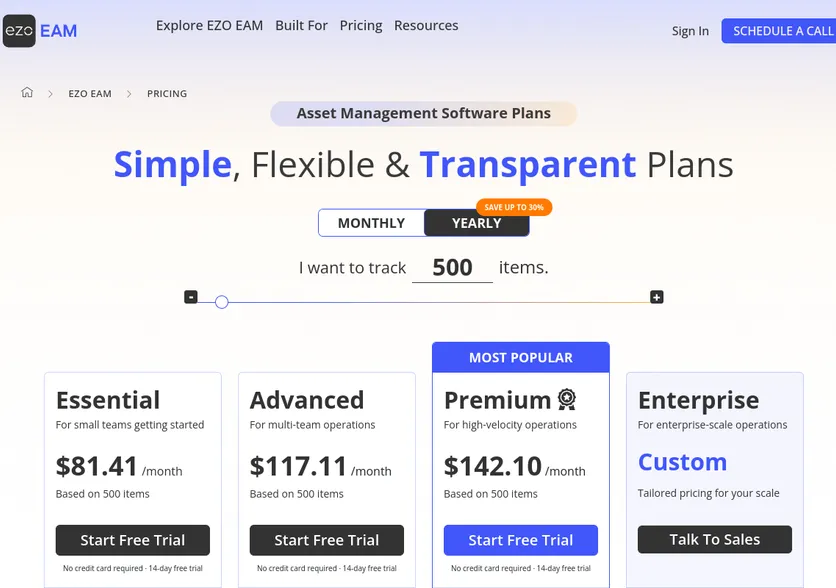
Paid tool Starting price: $44.75/month · Forty-four dollars and seventy-five cents per month billed annually on the Essential plan for 100 items, or forty-eight dollars month to month; the price rises with item count, reaching $81.41 per month billed annually at 500 items, and Advanced is $117.11 and Premium is $142.10 at that count
Free plan: 15-day free trial
This EZOfficeInventory plan costs forty-four dollars and seventy-five cents a month on annual billing for one hundred items, and it charges by item count rather than by user. A remote team can add unlimited staff logins at no extra cost, which suits a distributed workforce where many people handle equipment. It also schedules preventive maintenance, so laptops and tools get serviced before they fail.
What we like
- Unlimited users on every plan at no extra cost
- Maintenance scheduling built into the asset register
- Barcode and QR workflows for fast check-in and check-out
Watch out for
- The price climbs with item count, so quote your real total
- Some maintenance features are priced separately by admin user
How to try it
- Add your assets with barcodes or QR codes
- Assign items to remote employees and locations
- Schedule maintenance and track check-ins from the dashboard
3. InvGate Asset Management
Best for: IT teams that want automated discovery with a fixed annual price
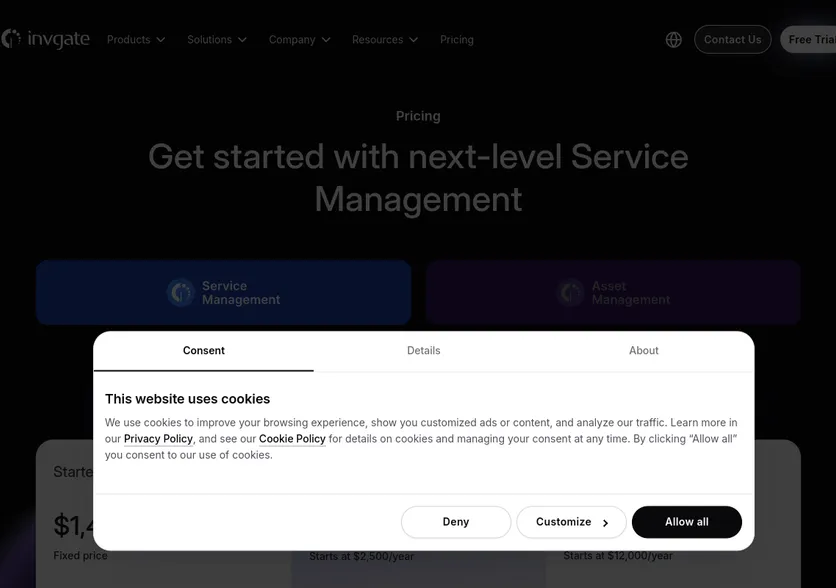
Paid tool Starting price: $1,499/year · One thousand four hundred and ninety-nine dollars a year for the Starter plan, covering up to 500 IP devices and 1,000 non-IP devices; Professional starts at $2,500 a year and Enterprise starts at $12,000 a year
Free plan: 30-day free trial
This InvGate Asset Management plan costs one thousand four hundred and ninety-nine dollars a year, and it discovers devices automatically across the network. A remote IT team gets a configuration database, license tracking and barcode records without entering each device by hand. The fixed annual price covers five hundred IP devices, which makes budgeting simple for a team that knows its device count.
What we like
- Automated discovery builds the inventory for you
- A fixed annual price with no per-user math
- Clean interface with strong reporting
Watch out for
- The Starter plan has no add-ons or customization
- Professional pricing scales by device count past 500
How to try it
- Install the agent or connect network discovery
- Let InvGate build the inventory and configuration database
- Track licenses, contracts and lifecycle stages from one dashboard
4. Lansweeper
Best for: IT teams that need to discover every device on the network
Paid tool Starting price: $299/month · Two hundred and ninety-nine dollars per month billed annually on the Starter plan, covering 2,000 assets; Pro is $528 per month billed annually for up to 9,000 assets, and Enterprise is quoted from 10,000 assets
Free plan: Free plan up to 100 assets
This Lansweeper plan costs two hundred and ninety-nine dollars a month on annual billing, and it finds hardware and software across the network that nobody documented. A remote team can see every laptop, server and printer, including the ones bought outside the usual process. The paid plans start at two thousand assets, so it suits a team with a large estate rather than a small one.
What we like
- Agentless discovery finds undocumented devices
- Covers IT, operational technology and cloud assets
- A free plan for up to one hundred assets
Watch out for
- The smallest paid plan covers 2,000 assets, which is large for a small team
- Vulnerability insights need the Pro plan
How to try it
- Install the scanner and let it discover your network
- Review the inventory it builds, including unknown devices
- Track software licenses and asset lifecycles from the dashboard
5. ManageEngine AssetExplorer
Best for: Multi-site teams that want discovery, licenses and a CMDB in one tool
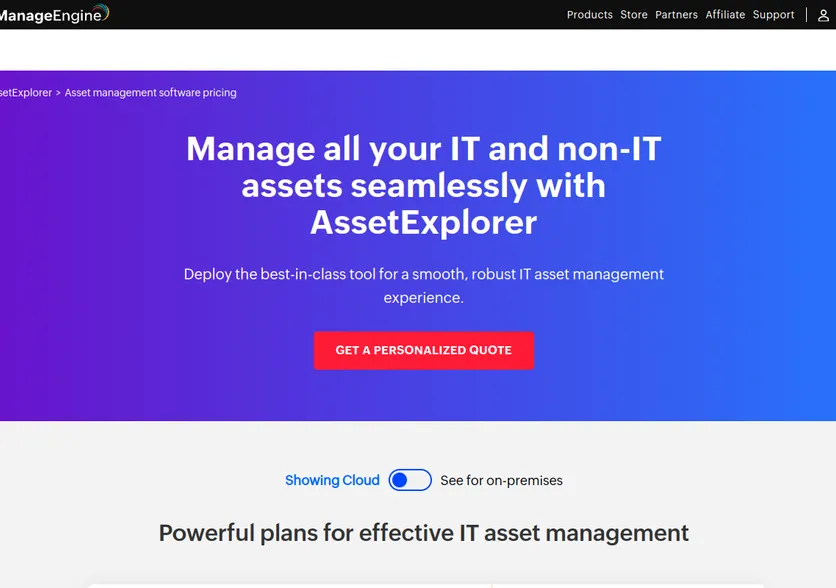
Paid tool Starting price: $115/month · One hundred and fifteen dollars per month in the cloud, or $1,245 a year, for 250 IT assets; on-premises starts at $955 a year for 250 assets, and the free edition covers 50 nodes in the cloud or 25 on-premises
Free plan: Free edition up to 50 nodes
This ManageEngine AssetExplorer plan costs one hundred and fifteen dollars a month in the cloud for two hundred and fifty assets, and it covers the full asset lifecycle from purchase to disposal. It discovers hardware and software, tracks licenses for compliance, and keeps a configuration database for multi-site teams. An on-premises edition is also available, which suits teams that must keep asset data inside their own network.
What we like
- Full lifecycle tracking from purchase to disposal
- License compliance and a CMDB in one tool
- Cloud or on-premises deployment to suit your policy
Watch out for
- The price rises steeply with asset count past 250
- Software deployment and single sign-on need higher tiers
How to try it
- Choose the cloud or on-premises edition and install it
- Run discovery to build the hardware and software inventory
- Track licenses, purchases and lifecycle stages from one console
6. Freshservice
Best for: Remote teams that want asset tracking beside the IT service desk
Paid tool Starting price: $19/agent/month · Nineteen dollars per agent per month billed annually on the Starter plan, or twenty-nine dollars month to month; Growth is $49 per agent per month billed annually and includes IT asset management, and Pro is $99
Free plan: Free trial
This Freshservice plan costs nineteen dollars per agent per month on annual billing, and it pairs IT asset management with a full service desk. A remote team can log a ticket, see the asset involved, and track the repair in one place, which cuts the back-and-forth between systems. Asset management arrives on the Growth plan, so a team that only needs the service desk can start cheaper.

What we like
- Assets and tickets share one system and one view
- A modern interface that remote staff learn quickly
- Strong automation for common IT workflows
Watch out for
- Asset management needs the Growth plan, not Starter
- Per-agent pricing grows with team size
How to try it
- Set up the service desk and add your agents
- Turn on asset management on the Growth plan
- Link tickets to assets and track repairs from the same view
7. Snipe-IT
Best for: Teams that can host their own asset register for free
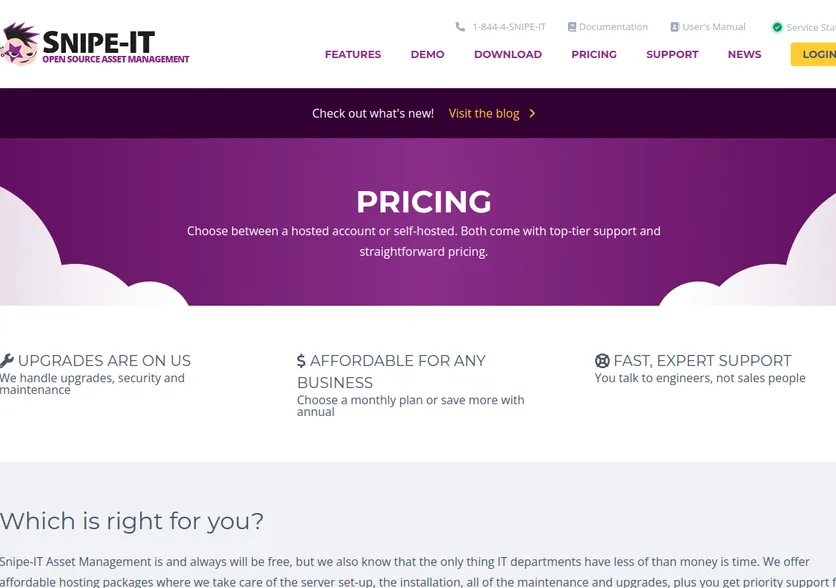
Paid tool Starting price: $39.99/month · Thirty-nine dollars and ninety-nine cents per month for Basic Hosting, or $399.99 a year; Small Business Hosting is $99.99 per month and Dedicated Hosting is $249.99 per month, and the self-hosted edition is free
Free plan: Free self-hosted edition
This Snipe-IT plan costs thirty-nine dollars and ninety-nine cents a month for Basic Hosting, and the software itself is free and open source. A team that can run a web server can self-host it at no cost, with unlimited users and unlimited assets on every plan. Hosted plans add managed servers, automatic backups and upgrades, so a team that does not want to maintain a server can still use it cheaply.
What we like
- Free to self-host with unlimited users and assets
- A flat hosting fee with no per-asset or per-user charge
- Open source, with a large community and API
Watch out for
- No network discovery of its own, so assets arrive by import or API
- Self-hosting means your team handles servers and backups
How to try it
- Self-host the free edition or sign up for Basic Hosting
- Import assets by CSV or sync from your device management tool
- Assign assets to remote staff and track check-outs and licenses
8. AssetTiger
Best for: Small teams that want the cheapest paid asset register
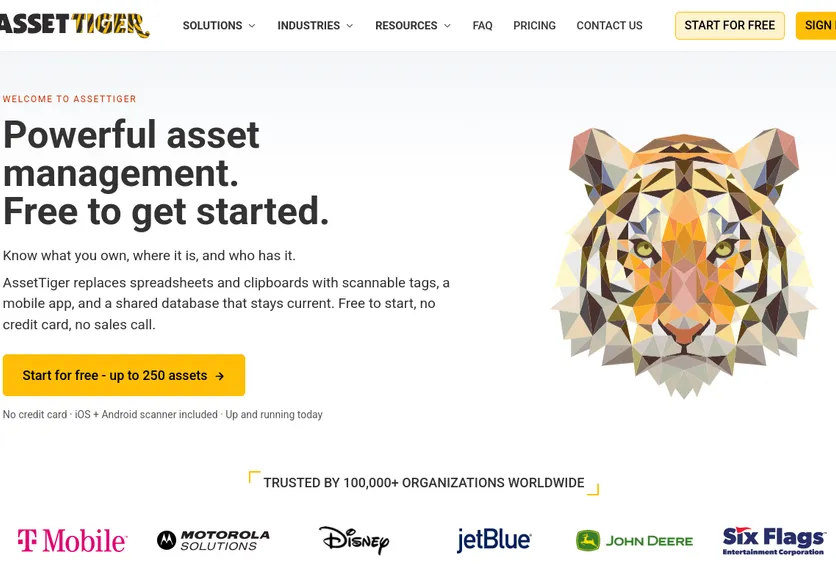
Paid tool Starting price: $20/month · Twenty dollars per month on the Basic plan for up to 500 assets, or eighteen dollars per month billed annually; Core is $40 per month, Advanced is $75, Pro is $140 and Enterprise is $275, and the 30-day trial covers up to 250 assets
Free plan: 30-day free trial
This AssetTiger plan costs twenty dollars a month for up to five hundred assets, and every paid plan includes unlimited users. A small remote team can track laptops, tools and vehicles with barcode and QR workflows, without paying per seat. The thirty-day free trial covers up to two hundred and fifty assets, which is enough to test it on real data before paying.
What we like
- The lowest paid price in this comparison
- Unlimited users on every paid plan
- Barcode and QR workflows that work in the field
Watch out for
- No automated network discovery for IT devices
- The free plan was removed in 2026, leaving only a trial
How to try it
- Sign up for the trial and import your assets
- Print barcode or QR labels and attach them to equipment
- Assign assets to remote staff and audit them with the mobile app
9. UpKeep
Best for: Remote teams that manage assets alongside maintenance work
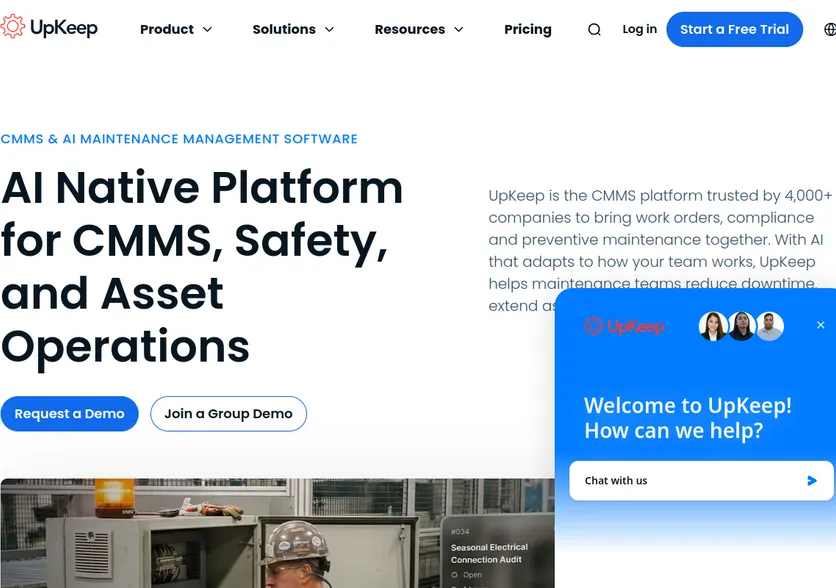
Paid tool Starting price: $24/user/month · Twenty-four dollars per user per month on the Essential plan; Premium is $55 per user per month, and the old Lite plan at $20 per user per month has been retired
Free plan: Free trial
This UpKeep plan costs twenty-four dollars per user per month, and it combines asset management with maintenance work orders. A remote team can track equipment, schedule preventive maintenance and raise work orders from the same mobile app. It suits teams that look after physical assets in the field, where maintenance matters as much as the register itself.
What we like
- Assets and maintenance work orders in one mobile app
- Preventive maintenance scheduling built in
- A clean interface that field staff adopt quickly
Watch out for
- Per-user pricing grows with team size
- IT license tracking is thinner than on AssetSonar or AssetExplorer
How to try it
- Add your assets and locations to the system
- Schedule preventive maintenance for each asset
- Raise work orders from the mobile app when something breaks
Prices above were checked on each vendor’s own website on Nov 28, 2026 and can change — the vendor’s page is the final word. Vendor links are editorial: nobody paid to be listed or ranked here. Vendors who want a featured listing can see how it works on our Get listed page.
How remote teams should keep an asset register accurate
Start with a physical audit, because a register built from old purchase orders is wrong before it is finished. Give every asset a barcode or QR label and scan it on check-in and check-out, so the register updates when equipment moves instead of at the next audit. Assign one owner per asset and make returns part of the offboarding checklist, since laptops lost at departure are the most common leak. Finally, review the register monthly and chase the items that have not been seen in ninety days, because an asset nobody can find is an asset you have already lost.
Before you buy
- Count your assets first, because per-asset pricing and flat pricing behave very differently at scale
- Check whether the tool discovers assets automatically or needs manual entry for every device
- Confirm remote check-in and check-out works for staff in different locations
- Make sure license and warranty tracking is included, not sold as an add-on
- Test the mobile app with a real audit, since most asset work happens away from a desk
Official websites
Official websites of the products reviewed above. Features and prices were checked against these sites when this guide was written, and they can change, so confirm on the vendor site before you buy.
Frequently asked questions
What is infrastructure asset management software?
It is software that records every device, tool and piece of equipment a team owns, who has it, where it is, and when it needs service. The tools in this list add discovery, license tracking, maintenance scheduling and check-in workflows on top of the basic register. For a remote team, it replaces the spreadsheet that goes stale the moment someone takes a laptop home.
How much does AssetSonar cost?
AssetSonar costs seventy-five cents per asset per month billed annually on the ITAM plan, starting from one hundred assets, so a hundred-asset team pays $900 a year. ITSM is $1.08 per asset per month and the Advanced SAM add-on is $0.42. Agents are unlimited, so the bill follows devices rather than people.
Which asset management tool is best for a remote team?
AssetSonar is the best pick for most remote teams, because it charges per asset with unlimited staff seats and starts at $900 a year for a hundred assets. Snipe-IT is the best pick for a team that can self-host, since the software is free. AssetTiger at twenty dollars a month is the cheapest paid option for a small team.
Can I manage assets for free?
Yes, with Snipe-IT, which is free and open source when you host it yourself, with unlimited users and assets. Lansweeper has a free plan for up to one hundred assets, and ManageEngine AssetExplorer has a free edition for up to fifty nodes. For a small team, a free option is usually enough to run a real register before paying.
Should I pay per asset, per user, or a flat fee?
Per-asset pricing suits a team with many staff and few devices, because every person gets a login at no extra cost. Per-user pricing suits a team with few staff and many devices, because the bill stays flat as the asset count grows. Flat pricing, like Snipe-IT hosting or AssetTiger, suits a team that wants a predictable bill regardless of either number.
Compare the nine tools above, then start with a free trial on the tool that matches your asset count before you pay for a full year.
Browse Business Tools tools