On this page
A startup does not need an enterprise communications platform; it needs one place where five people can talk, decide and remember what they decided. The eight tools below were judged on startup terms: a free plan that stretches, a paid price that survives the next funding round, and setup that takes minutes. Slack leads because it grows from a five-person free workspace to a whole company without a migration, and the other seven tools are ranked on the same test: how far does the free plan go, and what does the first invoice cost?
How we researched this
We checked every price on the vendor pricing page on November 27, 2026, and only included tools with a published US dollar list price and a free plan or free trial, so confirm the current figure on the vendor site before you buy. Rocket.Chat is not in this list because it publishes no paid price in 2026: its Starter plan is free and self-managed, and everything above it is quote-only.
Compare the tools
| Name | Best for | Starting price | Free plan | |
|---|---|---|---|---|
 Slack | Startups that want one chat tool from five people to five hundred | $7.25/user/month | Free plan for small teams | Visit |
 Microsoft Teams | Startups already paying for Microsoft 365 | $4/user/month | Free plan with unlimited chat and meetings up to 60 minutes | Visit |
 Google Workspace | Startups that want email, docs and chat in one subscription | $7/user/month | No free plan; 14-day free trial | Visit |
| Zoho Cliq | Startups that want the cheapest serious chat tool available | $1.80/user/month | Free plan for up to 100 users with limited features | Visit |
 Chanty | Startups that want chat, calls and tasks in one tool | $3/user/month | Free plan for teams of up to 5 users | Visit |
 Pumble | Startups counting every dollar that still want real chat | $2.49/user/month | Free plan with unlimited users and message history | Visit |
 Flock | Growing startups that want chat plus built-in productivity tools | $4.50/user/month | Free Starter plan for up to 20 users | Visit |
 Connecteam | Startups with field or deskless staff as well as office staff | $29/month | Free Small Business plan for up to 10 users | Visit |
The internal communications software for startups, compared
1. Slack
Best for: Startups that want one chat tool from five people to five hundred
Paid tool Starting price: $7.25/user/month · Seven dollars and twenty-five cents per user per month billed annually on the Pro plan (eight dollars and seventy-five cents on monthly billing); Business Plus is twelve dollars and fifty cents per user per month billed annually. A fifty percent discount for the first three months is a promotion, not the list price
Free plan: Free plan for small teams
This Slack plan costs seven dollars and twenty-five cents per user per month billed annually, and it is the default first hire for a startup's communication stack. A five-person team can run the whole company in a handful of channels, then add integrations as the headcount grows, from GitHub alerts to customer support pings. The free plan stretches surprisingly far, so a startup can prove the workflow before the first invoice arrives.

What we like
- Free plan covers the earliest stage of a startup
- App marketplace grows with the company
- New hires already know how to use it
Watch out for
- Message history on the free plan is limited to 90 days
- Per-user pricing grows with every hire
How to try it
- Create one channel per project and one for the whole company
- Add the integrations your team already uses, starting with code and support
- Move decisions out of direct messages and into searchable channels
2. Microsoft Teams
Best for: Startups already paying for Microsoft 365
Paid tool Starting price: $4/user/month · Four dollars per user per month billed annually on the Teams Essentials plan; the full Microsoft 365 Business plans cost more and add the Office apps. Monthly billing costs more per user, and Microsoft does not publish a single monthly Essentials figure
Free plan: Free plan with unlimited chat and meetings up to 60 minutes
This Microsoft Teams plan costs four dollars per user per month billed annually, and it suits a startup that already pays for Microsoft 365 or plans to. Chat, meetings and shared documents come as one bundle, which means one vendor, one login and one bill while the team is still small enough to count the subscriptions. The free tier covers unlimited chat, so a founder can test the whole setup with the team before committing.

What we like
- One bundle covers chat, meetings and documents
- Free tier includes unlimited chat
- Four dollars a user is the lowest price from a major vendor
Watch out for
- Heavier than Slack on small screens and older machines
- Guest access is more awkward than in Slack
How to try it
- Create a team for the company and channels for each workstream
- Use the free tier with the whole team for two weeks
- Add the Office apps to channels once the workflow settles
3. Google Workspace
Best for: Startups that want email, docs and chat in one subscription
Paid tool Starting price: $7/user/month · Seven dollars per user per month billed annually on the Business Starter plan (eight dollars and forty cents on flexible monthly billing); Standard is fourteen dollars and Plus is twenty-two dollars per user per month. A fifty percent discount for the first three months is a promotion, not the list price
Free plan: No free plan; 14-day free trial
This Google Workspace plan costs seven dollars per user per month billed annually, and it gives a startup a company email domain, shared documents and team chat for one low price. A new hire gets a mailbox, a Drive and a Chat space on day one, which is the whole onboarding in one invite. For a startup that writes its product specs and its investor updates in the same Docs folder, the tight integration pays for itself.

What we like
- One subscription covers email, docs, chat and video
- New hires are productive on day one
- Familiar tools mean almost no training
Watch out for
- No free plan, only a 14-day trial
- Chat is thinner than Slack for fast-moving teams
How to try it
- Set up the company domain and mailboxes first
- Create a Chat space for each project with its Docs folder linked
- Use shared drives so documents survive when someone leaves
4. Zoho Cliq
Best for: Startups that want the cheapest serious chat tool available
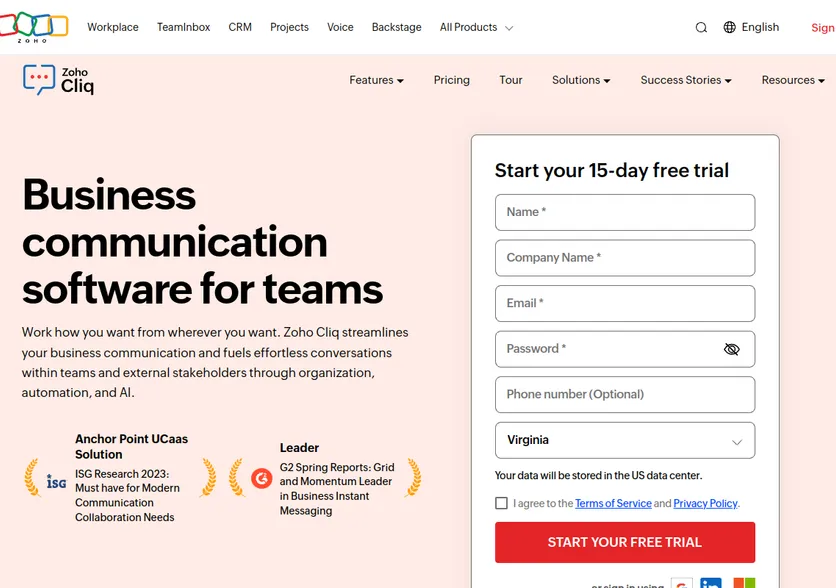
Paid tool Starting price: $1.80/user/month · One dollar and eighty cents per user per month billed annually on the Professional plan (two dollars on monthly billing); Enterprise is three dollars and sixty cents per user per month billed annually, and Standard is sixteen dollars and twenty cents a month billed annually for up to twenty-five users
Free plan: Free plan for up to 100 users with limited features
This Zoho Cliq plan costs one dollar and eighty cents per user per month billed annually, and it is the cheapest serious chat tool a startup can buy. Channels, calls, bots and file sharing are all included, and it plugs straight into the rest of Zoho if the startup already runs Zoho CRM or Books. At this price, a ten-person startup pays less for its chat than for one seat of Slack.
What we like
- Lowest paid price in this list
- Bots and automation are included, not an add-on
- Deep links into Zoho CRM and Books
Watch out for
- Smaller app marketplace than Slack or Teams
- Video calls are basic next to Zoom
How to try it
- Create channels for each team and project
- Add bots for the routine alerts, like new signups and deploys
- Connect Zoho CRM so sales updates land in chat automatically
5. Chanty
Best for: Startups that want chat, calls and tasks in one tool
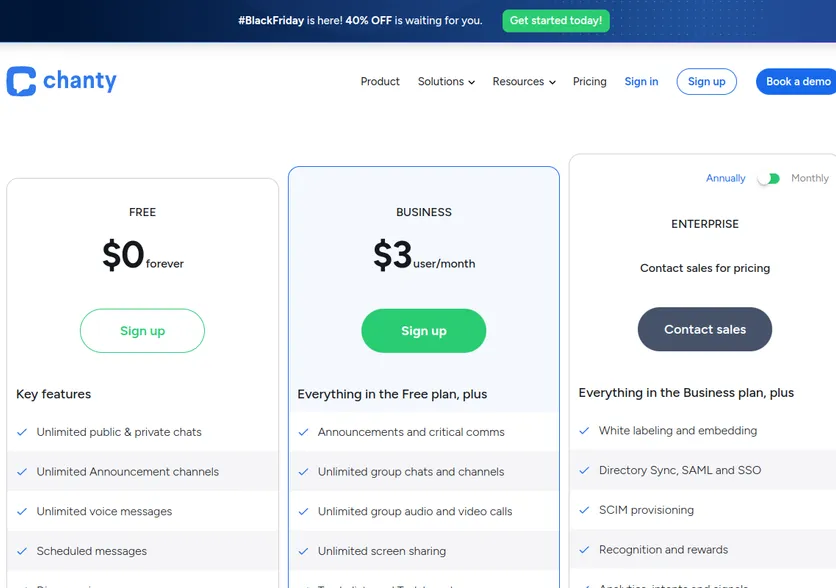
Paid tool Starting price: $3/user/month · Three dollars per user per month billed annually on the Business plan (four dollars on monthly billing); the free plan covers teams of up to five users
Free plan: Free plan for teams of up to 5 users
This Chanty plan costs three dollars per user per month billed annually, and it fits a startup that wants chat, calls and tasks without paying for three tools. A founder can post an update, turn the replies into tasks and track them to done in the same window, which is how a small team moves fast. The free plan covers the first five people, so a very early startup can start free and upgrade when it hires.
What we like
- Chat, calls and tasks share one subscription
- Free plan covers the first five people
- Fast setup with no admin overhead
Watch out for
- Fewer integrations than Slack or Teams
- Video is basic compared with Zoom
How to try it
- Set up a space per project and invite the founding team
- Turn messages into tasks with owners and due dates
- Keep the company playbook in Teambook
6. Pumble
Best for: Startups counting every dollar that still want real chat
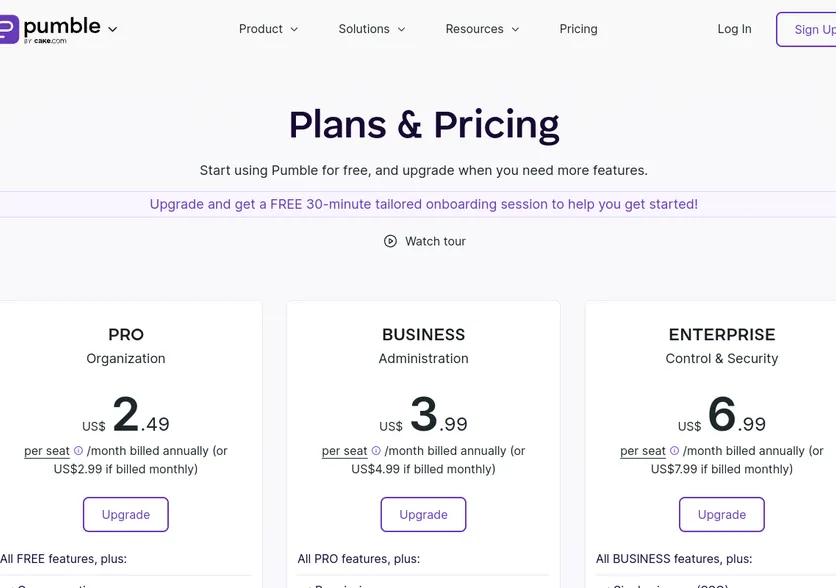
Paid tool Starting price: $2.49/user/month · Two dollars and forty-nine cents per user per month billed annually on the Pro plan (two dollars and ninety-nine cents on monthly billing); Business is three dollars and ninety-nine cents and Enterprise is six dollars and ninety-nine cents
Free plan: Free plan with unlimited users and message history
This Pumble plan costs two dollars and forty-nine cents per user per month billed annually, and it is built for a startup counting every dollar. The free plan already gives unlimited users and unlimited message history, so a startup can run on it for months and only pay when it wants the extras, like guest access and longer call recording. Nothing in the paid plan is needed to get the team talking.
What we like
- Free plan has unlimited users and history
- Cheapest paid plan in this list
- Calls are built in, not an add-on
Watch out for
- Small app marketplace compared with Slack
- Admin controls are light on the entry plan
How to try it
- Start on the free plan with the whole team
- Use threads to keep project discussions tidy
- Upgrade to Pro when you need guest access or screen sharing extras
7. Flock
Best for: Growing startups that want chat plus built-in productivity tools
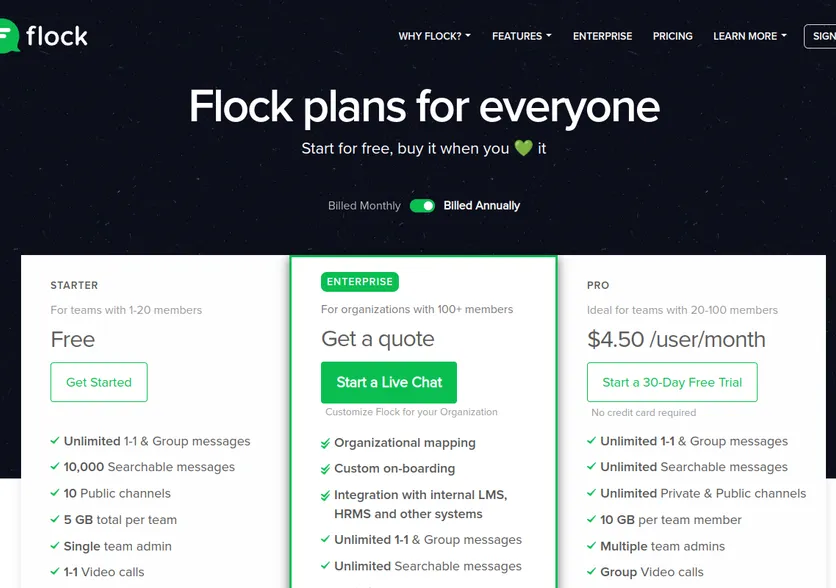
Paid tool Starting price: $4.50/user/month · Four dollars and fifty cents per user per month billed annually on the Pro plan (six dollars on monthly billing); the Pro plan is listed for teams of twenty to one hundred members, so a very small startup should confirm eligibility before it buys
Free plan: Free Starter plan for up to 20 users
This Flock plan costs four dollars and fifty cents per user per month billed annually, and it gives a growing startup chat, video calls, polls and shared notes in one place. The built-in productivity tools, like to-dos and reminders inside the chat, suit a team that is still too small for a separate project manager. Note the Pro plan is listed for teams of twenty to one hundred members, so a very small startup should confirm eligibility before it buys.
What we like
- To-dos and reminders live inside the chat
- Free plan covers up to twenty users
- Video calls and screen sharing are included
Watch out for
- Pro plan is listed for teams of 20 to 100 members
- Smaller integration library than Slack
How to try it
- Start on the free Starter plan with up to twenty users
- Use polls to settle decisions without a meeting
- Add shared notes for the docs the whole team needs
8. Connecteam
Best for: Startups with field or deskless staff as well as office staff
Paid tool Starting price: $29/month · Twenty-nine dollars per month for the first thirty users on the Basic plan for one hub, billed annually (thirty-five dollars on monthly billing); Advanced is forty-nine dollars and Expert is ninety-nine dollars, and extra users cost fifty to eighty cents each after the first thirty
Free plan: Free Small Business plan for up to 10 users
This Connecteam plan costs twenty-nine dollars a month for the first thirty users billed annually, and it suits a startup whose team is not all at desks. Delivery drivers, field technicians and shop staff get the same updates as the office team through the mobile app, which is exactly the gap a growing startup hits when it hires its first non-office roles. The free plan covers ten users, so a tiny team can start free.

What we like
- Mobile app reaches deskless staff
- Flat monthly price for the first thirty users
- Free plan covers ten users
Watch out for
- Pricing is per hub, so the full toolkit costs more
- Desktop experience is thinner than mobile
How to try it
- Set up teams by role and location
- Post company updates to the mobile feed
- Add a schedule and a form for the daily field tasks
Prices above were checked on each vendor’s own website on Nov 28, 2026 and can change — the vendor’s page is the final word. Vendor links are editorial: nobody paid to be listed or ranked here. Vendors who want a featured listing can see how it works on our Get listed page.
How a startup should set up internal communications
Pick one tool and make it the default before the team hits ten people, because migrating chat later is the most annoying move a startup makes. Start on the free plan and pay only when a limit actually bites: message history, guest access or storage are the usual triggers, not the feature list. Write decisions down in channels instead of direct messages, so the sixth hire can read how the product got built. Keep the tool count low: every extra app is another login, another bill and another place a decision can hide. When the team doubles, revisit the choice once, then stop shopping and get back to building.
Before you buy
- Check how far the free plan goes before you commit to a paid tier
- Confirm the per-user price at your next hiring milestone, not just today
- Ask whether guest access is included for advisors and contractors
- Test the mobile app, because founders answer from their phones
- Make sure the history you build now stays searchable after you upgrade
Official websites
Official websites of the products reviewed above. Features and prices were checked against these sites when this guide was written, and they can change, so confirm on the vendor site before you buy.
Frequently asked questions
What is the best internal communications software for startups?
Slack is the best overall pick because it grows from a free five-person workspace to a whole company without a migration. Zoho Cliq is the best value at one dollar and eighty cents a user a month, and Pumble is the cheapest paid plan at two dollars and forty-nine cents. A startup already on Microsoft 365 should look at Teams Essentials first, since it costs four dollars a user a month and bundles chat with meetings and documents.
How much does Slack cost for a startup?
Slack costs seven dollars and twenty-five cents per user per month billed annually on the Pro plan, or eight dollars and seventy-five cents on monthly billing. Business Plus is twelve dollars and fifty cents per user per month billed annually. The free plan covers small teams with a ninety-day message history limit, so a very early startup can run free and upgrade when the history limit starts to hurt.
What is the cheapest chat tool for a startup?
Zoho Cliq is the cheapest paid chat tool in this list at one dollar and eighty cents per user per month billed annually. Pumble follows at two dollars and forty-nine cents, and Chanty at three dollars. Pumble's free plan is the most generous: unlimited users and unlimited message history. Compare the free limits first, because a startup may not need to pay at all in its first year.
Should a startup pay for chat software or use a free plan?
Start free and pay when a limit bites. The usual triggers are the ninety-day history limit on Slack, guest access for advisors, or storage. A startup with five people and light chat can run free for months. Paying early makes sense when the team needs searchable history, admin controls or integrations with code and support tools, and the cost is still small at startup headcount.
Does a startup need video meetings in its chat tool?
Most startups need video, but it does not have to come from the chat vendor. Slack, Teams, Chanty, Pumble and Flock all include calls, and Zoom is the strongest standalone video tool. A startup that pitches investors and hires remotely should weight video quality more heavily. A team that mostly writes and ships can treat calls as a secondary feature and pick on price and chat quality.
Compare the eight tools above, then start on a free plan with the whole team and pay only when a limit actually bites.
Browse Business Tools tools