On this page
Construction invoicing is not like other invoicing: progress billing, retainage, change orders and AIA forms all have to land on the same invoice, and the money follows the work, not the calendar. The tools below send quotes, track job costs, bill by percentage complete, and chase payment without a second system. Jobber leads the list because quotes, invoices and payments start at $29 a month billed annually, and the other seven tools are ranked on the same practical test: how fast a finished job turns into paid money.
How we researched this
We checked every price on the vendor pricing page on November 28, 2026, and only included tools with a published US dollar list price. The enterprise systems in this category, including Procore, Buildertrend and ServiceTitan, publish no prices, so they are not in this list. Prices change, so confirm the current figure on the vendor site before you buy.
Compare the tools
| Name | Best for | Starting price | Free plan | |
|---|---|---|---|---|
 Jobber | Solo contractors and small crews that quote, schedule and invoice in one place | $29/month | Free trial | Visit |
 Housecall Pro | Service contractors who need estimates, dispatch and invoicing together | $59/month | Free trial | Visit |
 Contractor Foreman | Small builders who need progress invoicing and change orders on a flat price | $49/month | Free trial | Visit |
 Service Fusion | Growing service companies that want unlimited users on a flat price | $192/month | Free demo | Visit |
 FreshBooks | Contractors who want clean, simple invoicing with time tracking | $23/month | Free trial | Visit |
 QuickBooks Online | Contractors who need invoicing tied to full accounting | $38/month | Free trial | Visit |
 Xero | Contractors who want invoicing with strong bank feeds and a low entry price | $27/month | Free trial | Visit |
 Wave | Solo contractors who want invoicing and accounting for free | $19/month | Free plan for accounting and invoicing | Visit |
The invoicing software for construction contractors, compared
1. Jobber
Best for: Solo contractors and small crews that quote, schedule and invoice in one place
Paid tool Starting price: $29/month · Twenty-nine dollars a month billed annually for the Core plan covering one user, or $49 billed monthly; Connect is $99, Grow is $149 and Plus is $399 a month billed annually, and extra users cost $29 a month each
Free plan: Free trial
For Construction contractors, this Jobber plan costs twenty-nine dollars a month billed annually, and it covers online booking, scheduling, quotes, invoices, online payments and reporting for one user. A contractor quotes the job, schedules the crew, sends the invoice and takes the card payment without leaving the system, and the app marketplace connects it to accounting. Core is a single-user plan, so a second login means moving to Connect.

What we like
- Quotes, scheduling and invoicing in one place
- Online payments with card processing built in
- App marketplace connects to accounting tools
Watch out for
- Core covers one user only
- Job costing needs a higher plan
How to try it
- Quote the job and send it from the phone on site
- Schedule the crew and track the job to completion
- Send the invoice and take the card payment online
2. Housecall Pro
Best for: Service contractors who need estimates, dispatch and invoicing together
Paid tool Starting price: $59/month · Fifty-nine dollars a month billed annually for the Basic plan covering one user, or $79 billed monthly; Essentials is $149 and Max is $299 a month billed annually, and the HVAC, plumbing and electrical trade views show $79 a month for Basic
Free plan: Free trial
For Construction contractors, this Housecall Pro plan costs fifty-nine dollars a month billed annually, and it covers online booking, scheduling and dispatch, estimates and invoicing, payments, a price book and job costing for one user. A contractor estimates the job, dispatches the tech, invoices from the truck and takes the payment, with review management built in. The trade views for HVAC, plumbing and electrical show $79 a month for Basic, so check the price for your trade.

What we like
- Estimates, dispatch and invoicing in one place
- Price book and job costing on the entry plan
- Consumer financing built into payments
Watch out for
- Basic covers one user only
- Trade views show $79 a month for some trades
How to try it
- Estimate the job and book it from the website
- Dispatch the tech and track the job on the mobile app
- Invoice from the truck and take the payment on the spot
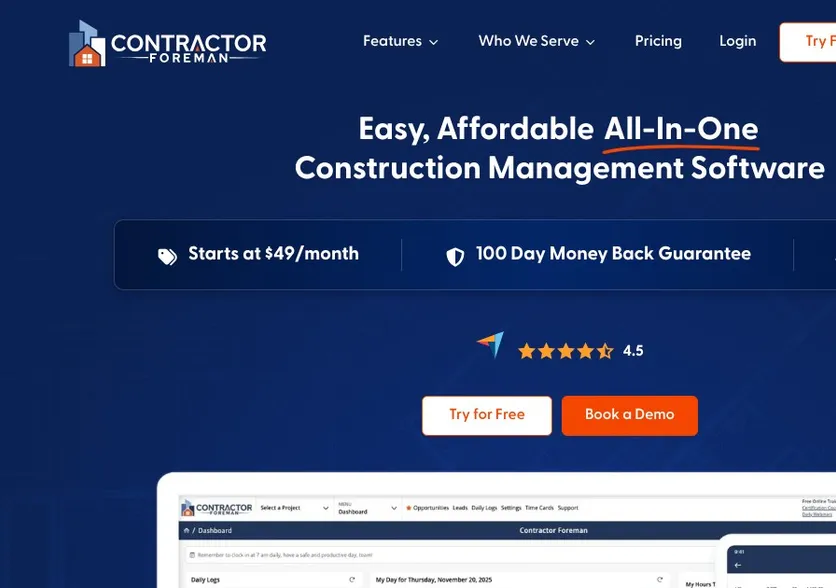
3. Contractor Foreman
Best for: Small builders who need progress invoicing and change orders on a flat price
Paid tool Starting price: $49/month · Forty-nine dollars a month billed annually for the Basic plan covering one user, annual billing only; Standard is $105, Plus is $166, Pro is $221 and Unlimited is $332 a month billed annually
Free plan: Free trial
For Construction contractors, this Contractor Foreman plan costs forty-nine dollars a month billed annually, and it covers estimating, scheduling, daily logs and invoicing for one user on a flat company price. Standard adds work orders and online payments for three users, while Plus adds time cards, change orders and QuickBooks Online for eight users. The flat price is the argument: the whole company pays one fee, not a fee per seat.
What we like
- Flat company price, not priced per user
- Progress invoicing and change orders included
- Daily logs and time cards on higher plans
Watch out for
- Basic is sold on annual billing only
- QuickBooks Online needs the Plus plan
How to try it
- Estimate the job and send the proposal to the client
- Log daily progress and track costs against the estimate
- Invoice by progress and add change orders as the job grows
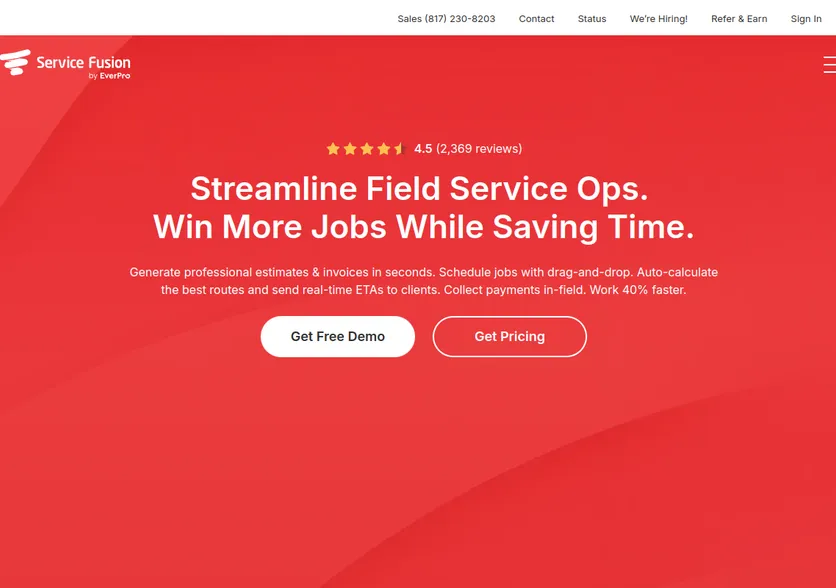
4. Service Fusion
Best for: Growing service companies that want unlimited users on a flat price
Paid tool Starting price: $192/month · One hundred and ninety-two dollars a month billed annually for the Starter plan with unlimited users, or $225 billed monthly; Plus is $298 and Pro is $489 a month billed annually, and the vendor page changed these figures from $208, $325 and $533 during November 2026
Free plan: Free demo
For Construction contractors, this Service Fusion plan costs one hundred and ninety-two dollars a month billed annually, and it covers scheduling, dispatch, estimates, invoicing, payments and QuickBooks integration with unlimited users on every plan. A company with ten office and field staff pays the same as a company with three, which is where the flat price wins. Plus adds inventory, job costing and photo uploads, while Pro adds eSign, a customer portal and progress billing.
What we like
- Unlimited users on every plan
- Estimates, invoicing and payments in one place
- QuickBooks Online and Desktop integration
Watch out for
- Entry price is high for a one-person shop
- No free trial, only a free demo
How to try it
- Schedule and dispatch every job from one board
- Estimate, invoice and take payments in the same system
- Add photo uploads and job costing on the Plus plan
5. FreshBooks
Best for: Contractors who want clean, simple invoicing with time tracking
Paid tool Starting price: $23/month · Twenty-three dollars a month for the Lite plan; Plus is $43 and Premium is $70 a month, and higher plans add more billable clients, team members and automation
Free plan: Free trial
For Construction contractors, this FreshBooks plan costs twenty-three dollars a month, and it covers invoicing, expenses, time tracking and estimates for a small business. A contractor tracks hours on the job, turns them into an invoice in a few clicks, and sends payment reminders automatically, with online payments built in. It is a general invoicing tool rather than a construction system, so progress billing and retainage need manual handling.

What we like
- Clean invoices with automatic reminders
- Time tracking turns hours into invoices
- Expenses and estimates in the same system
Watch out for
- No progress billing or retainage handling
- Billable client limits rise only on higher plans
How to try it
- Track hours and expenses against the job
- Turn tracked time into a professional invoice
- Send automatic payment reminders and take card payments online
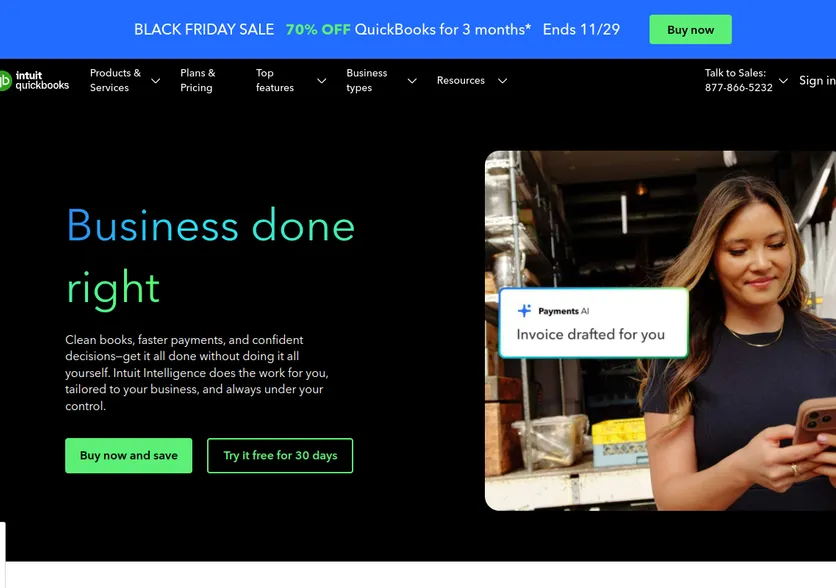
6. QuickBooks Online
Best for: Contractors who need invoicing tied to full accounting
Paid tool Starting price: $38/month · Thirty-eight dollars a month for the Simple Start plan; Essentials is $75, Plus is $140 and Advanced is $340 a month, and higher plans add more users, bill management and project tracking
Free plan: Free trial
For Construction contractors, this QuickBooks Online plan costs thirty-eight dollars a month, and it covers invoicing, expenses, bank feeds and reporting for one user. A contractor sends the invoice, records the payment, and sees profit and loss without a second system, while higher plans add bill management, project tracking and more users. It is the accounting-first choice: the invoice is one part of the books, not a separate tool.
What we like
- Invoicing tied directly to the books
- Bank feeds and reporting built in
- Project tracking on higher plans
Watch out for
- Progress billing needs the Plus plan
- Priced per month with no free plan
How to try it
- Send the invoice and record the payment in the same system
- Track project costs against the estimate
- Reconcile the bank feed and see profit per job
7. Xero
Best for: Contractors who want invoicing with strong bank feeds and a low entry price
Paid tool Starting price: $27/month · Twenty-seven dollars a month for the Starter plan; Standard is $59 and Premium is $97 a month, and higher plans add more users, bills and project tracking
Free plan: Free trial
For Construction contractors, this Xero plan costs twenty-seven dollars a month, and it covers invoicing, bank reconciliation, expenses and reporting. A contractor sends the invoice, the client pays online, and the bank feed reconciles the payment automatically, with project tracking on higher plans. It suits a contractor who already banks online and wants the books to look after themselves between jobs.

What we like
- Bank feeds reconcile payments automatically
- Clean invoicing with online payment links
- Strong mobile app for site work
Watch out for
- Project tracking needs a higher plan
- Billable limits rise only on higher plans
How to try it
- Send the invoice with online payment links
- Let the bank feed reconcile payments automatically
- Track expenses against each job as they happen
8. Wave
Best for: Solo contractors who want invoicing and accounting for free
Paid tool Starting price: $19/month · Nineteen dollars a month for the Pro plan; accounting and invoicing are free on the base plan, and Pro adds receipt scanning, unlimited users and priority support
Free plan: Free plan for accounting and invoicing
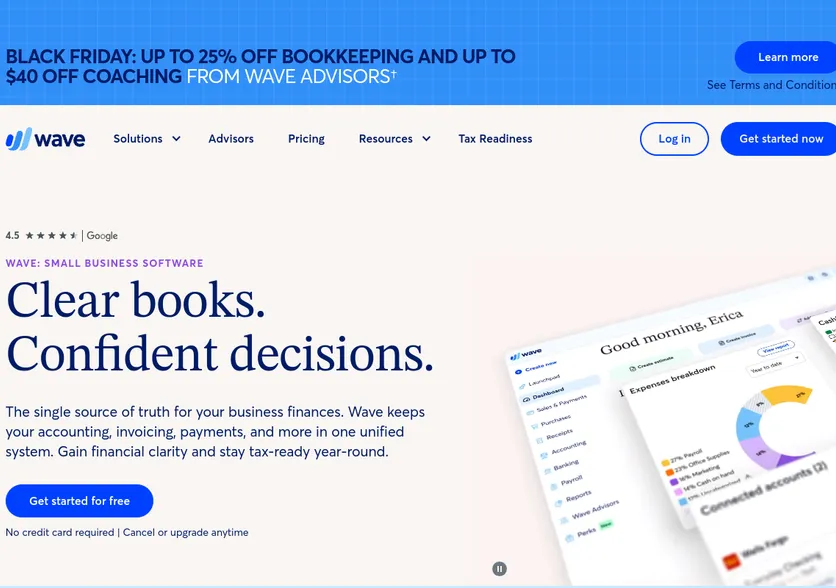
For Construction contractors, this Wave plan costs nineteen dollars a month, and its accounting and invoicing are free on the base plan, with Pro adding receipt scanning, unlimited users and priority support. A solo contractor sends unlimited invoices, records payments and keeps the books without a subscription, then pays only for payroll or payment processing if needed. The trade-off is depth: it invoices well, but job costing and progress billing need a separate system.
What we like
- Accounting and invoicing free on the base plan
- Unlimited invoices with no monthly fee
- Simple enough to run from the phone
Watch out for
- No job costing or progress billing
- Payroll and payment processing cost extra
How to try it
- Send unlimited invoices from the free plan
- Record payments and reconcile the bank feed
- Add Pro for receipt scanning and unlimited users
Prices above were checked on each vendor’s own website on Nov 28, 2026 and can change — the vendor’s page is the final word. Vendor links are editorial: nobody paid to be listed or ranked here. Vendors who want a featured listing can see how it works on our Get listed page.
How a construction contractor should run invoicing
Start with the estimate, not the invoice. Price the job, agree the payment schedule, and write change orders into the same record, so the invoice at each stage matches the work already done and the client has already approved it. Bill by percentage complete and track retainage on every invoice, because a contractor who bills only at the end finances the job himself. Finally, send the invoice the day the stage finishes and take the payment online, because a job that is done and unpaid is a loan to the client.
Before you buy
- Check that progress billing and retainage are supported, not just simple invoices
- Confirm whether change orders flow into the invoice or need manual retyping
- Ask how the price changes as you add users, including any per-seat fee
- Count card processing fees separately from the monthly subscription before you compare
- Run a trial with one real job, from quote to paid invoice, before you commit
Official websites
Official websites of the products reviewed above. Features and prices were checked against these sites when this guide was written, and they can change, so confirm on the vendor site before you buy.
Frequently asked questions
What is invoicing software for construction contractors?
It is software that quotes jobs, tracks costs, bills by percentage complete, handles retainage and change orders, and chases payment without a second system. The tools in this list do that through progress invoicing, job costing or simple invoicing tied to accounting. None of them replaces your contract, but they turn finished work into paid money faster and with fewer disputes.
Which tool is cheapest for a construction contractor?
Wave is cheapest, with accounting and invoicing free on the base plan and Pro at nineteen dollars a month. FreshBooks follows at twenty-three dollars a month for the Lite plan, and Jobber starts at twenty-nine dollars a month billed annually. Compare the total, including card processing fees, because a free subscription with high processing fees can cost more than a paid one.
What does Jobber cost for a construction contractor?
Jobber costs twenty-nine dollars a month billed annually for the Core plan, covering one user with booking, quotes, invoices and online payments. Monthly billing is forty-nine dollars a month, Connect is ninety-nine dollars and Grow is one hundred and forty-nine dollars a month billed annually. Extra users cost twenty-nine dollars a month each, and Core covers one user only.
Do these tools handle progress billing and retainage?
Contractor Foreman and Service Fusion handle progress billing, with Contractor Foreman adding change orders and Service Fusion adding progress billing on its Pro plan. Jobber and Housecall Pro invoice per job rather than by percentage complete, and FreshBooks, QuickBooks, Xero and Wave need manual handling for retainage. If progress billing is weekly work for you, pick a tool that lists it as a feature.
Can these tools handle AIA billing forms?
Contractor Foreman lists AIA-style invoicing on its Pro plan, and the enterprise systems that specialise in AIA forms, including Procore and Textura, publish no prices and are not in this list. Jobber, Housecall Pro and the accounting tools on this list invoice per job or by percentage complete without native AIA forms. Ask each vendor whether G702 and G703 forms are included before you buy.
Compare the eight tools above, then start with a free trial on the tool that invoices the way your jobs already run.
Browse Business Tools tools