On this page
A freelance consultant who invoices late gets paid late, so the right invoicing tool turns a finished project into money in the bank without chasing. The seven tools below run from about fourteen dollars a month to thirty-eight dollars a month, and every price was checked on the vendor site on November 26, 2026. Most offer a free plan or a free trial, so you can send a real invoice before paying. FreshBooks is our first pick — simple invoicing for consultants from twenty-three dollars a month.
How we researched this
We started with the invoicing tools consultants actually bill with, then read each price on the vendor pricing page on November 26, 2026 and noted the free plan or trial each one carries. We judged them for a solo consultant who needs branded invoices, expenses and payment links without an accounting department. We kept only tools with a published price and dropped any tool whose price we could not verify on the vendor site.
Compare the tools
| Name | Best for | Starting price | Free plan | |
|---|---|---|---|---|
 FreshBooks | Consultants who want simple branded invoicing | $23/month | No free tier published on the pricing page; thirty-day free trial | Visit |
 QuickBooks Online | Consultants who work with an accountant | $38/month | No free tier published on the pricing page; thirty-day free trial | Visit |
 Xero | Consultants who want clean books and unlimited users | $27/month | No free tier published on the pricing page; free trial available | Visit |
 HoneyBook | Consultants who manage the whole client journey | $29/month | No free tier published on the pricing page; free trial available | Visit |
 Bonsai | Consultants who want proposals, contracts and invoicing together | $25/month | No free tier published on the pricing page; seven-day free trial | Visit |
 Invoice Ninja | Budget-minded consultants who want unlimited invoicing | $14/month | Free plan with limited clients and invoices | Visit |
 Zoho Books | Consultants already using Zoho apps | $15/month | Free plan for businesses under $50K annual revenue | Visit |
The invoicing software for freelance consultants, compared
1. FreshBooks
Best for: Consultants who want simple branded invoicing
Paid tool Starting price: $23/month · Lite plan, $23 a month for up to five billable clients; Plus is $43 and Premium is $70; Black Friday promo prices ignored
Free plan: No free tier published on the pricing page; thirty-day free trial
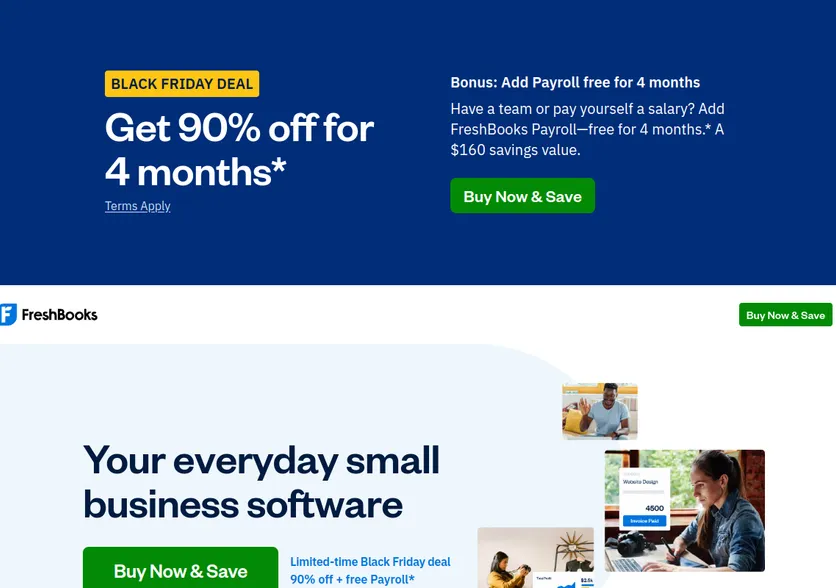
FreshBooks is the consultant classic, built around the invoice itself with estimates, expenses and time tracking close behind. This FreshBooks Lite plan covers unlimited invoicing for five billable clients, plus expense tracking, estimates and card payments. A consultant can send a branded invoice in minutes and watch it get paid without opening a spreadsheet.
What we like
- Unlimited invoicing even on the Lite plan
- Client portal with stored cards and statements
- Automated reminders chase late payments for you
Watch out for
- Lite costs twenty-three dollars a month
- Five billable clients only on the Lite plan
How to try it
- Open the FreshBooks pricing page and start the thirty-day trial
- Create a branded invoice template with your logo and terms
- Send your first invoice and turn on automated reminders
2. QuickBooks Online
Best for: Consultants who work with an accountant
Paid tool Starting price: $38/month · Simple Start plan, $38 a month for one user; Essentials is $85 and Plus is $140
Free plan: No free tier published on the pricing page; thirty-day free trial
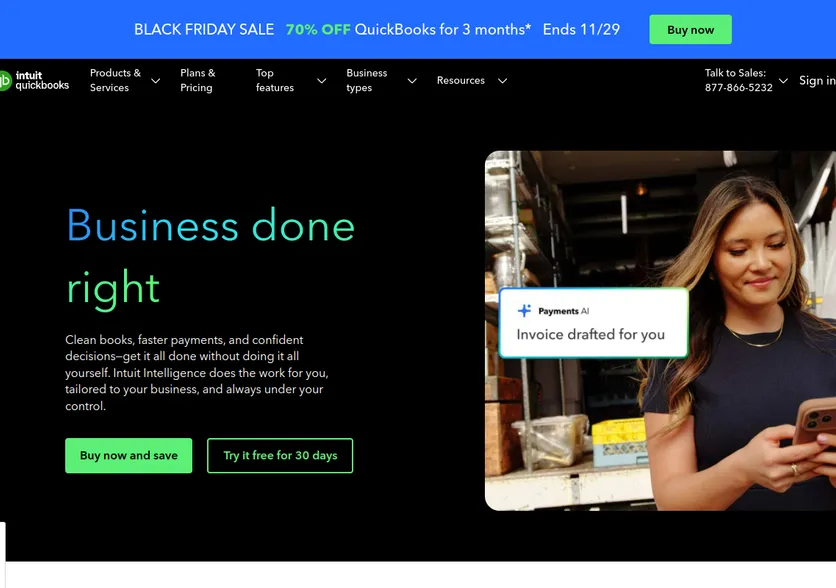
QuickBooks Online is the accounting heavyweight that most accountants already use, so a consultant who hands books to a pro will fit right in. This QuickBooks Online Simple Start plan covers invoicing, bank feeds, bill management and basic reporting for one user. A consultant can invoice clients, track expenses and share the books with an accountant from one login.
What we like
- Accountants know it, so handover is easy
- Bank feeds reconcile themselves
- Scales from solo consultant to small firm
Watch out for
- Simple Start costs thirty-eight dollars a month
- One user only on the entry plan
How to try it
- Open the QuickBooks pricing page and start the thirty-day trial
- Connect your bank and set up invoice templates
- Invite your accountant to review the books
3. Xero
Best for: Consultants who want clean books and unlimited users
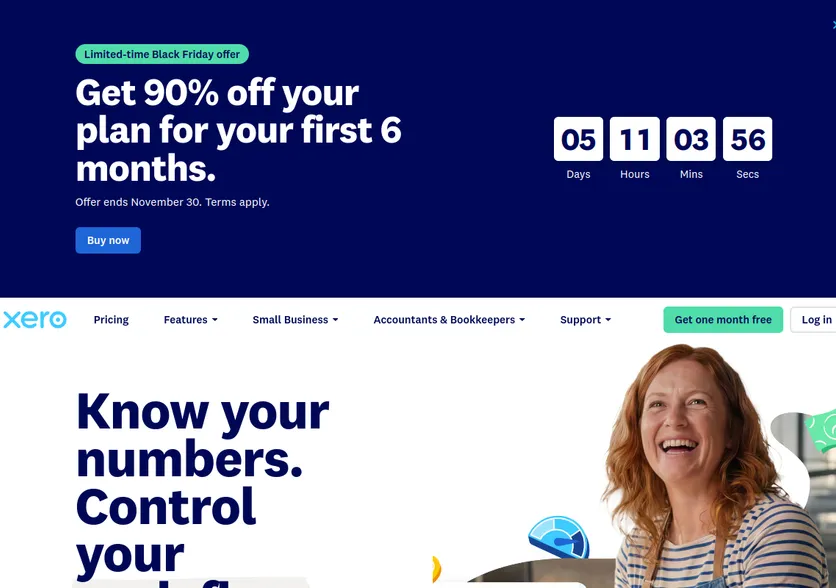
Paid tool Starting price: $27/month · Early plan, $27 a month with twenty invoices and five bills a month; Growing is $59 and Established is $97
Free plan: No free tier published on the pricing page; free trial available
Xero is the clean cloud ledger that a consultant uses when the books need to be right and the invoicing needs to look good. This Xero Early plan covers quotes, twenty invoices a month, bank reconciliation and sales tax for a small practice. A consultant can send invoices, reconcile the bank and file a tax return without touching a desktop program.
What we like
- Unlimited users on every plan
- Bank reconciliation that mostly runs itself
- Clean invoicing with online payment links
Watch out for
- Early costs twenty-seven dollars a month
- Twenty invoices a month only on the Early plan
How to try it
- Open the Xero pricing page and start a trial
- Connect your bank feed and reconcile the first transactions
- Send a quote, then turn it into an invoice in one click
4. HoneyBook
Best for: Consultants who manage the whole client journey
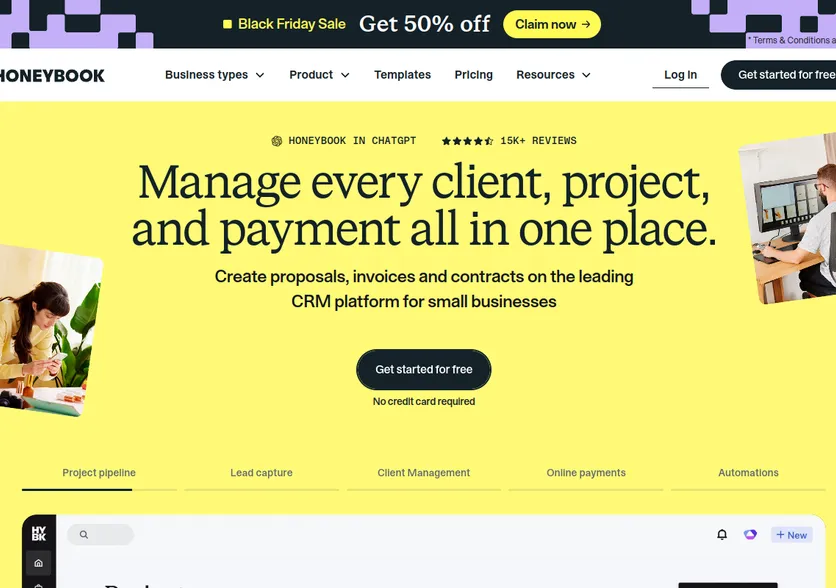
Paid tool Starting price: $29/month · Starts at $29 a month
Free plan: No free tier published on the pricing page; free trial available
HoneyBook is the client-flow tool that takes a consultant from inquiry to invoice, with contracts, scheduling and payments in one pipeline. This HoneyBook plan covers unlimited clients and projects, templates, contracts and online payments for a solo practice. A consultant can answer an inquiry, send a proposal and collect a deposit without leaving the app.
What we like
- Inquiry to invoice in one pipeline
- Contracts and payments built in
- Templates speed up every client interaction
Watch out for
- Plans start at twenty-nine dollars a month
- Built for client work, not full accounting
How to try it
- Open the HoneyBook pricing page and start a trial
- Build a proposal template with your services and rates
- Send the contract and collect the first payment online
5. Bonsai
Best for: Consultants who want proposals, contracts and invoicing together
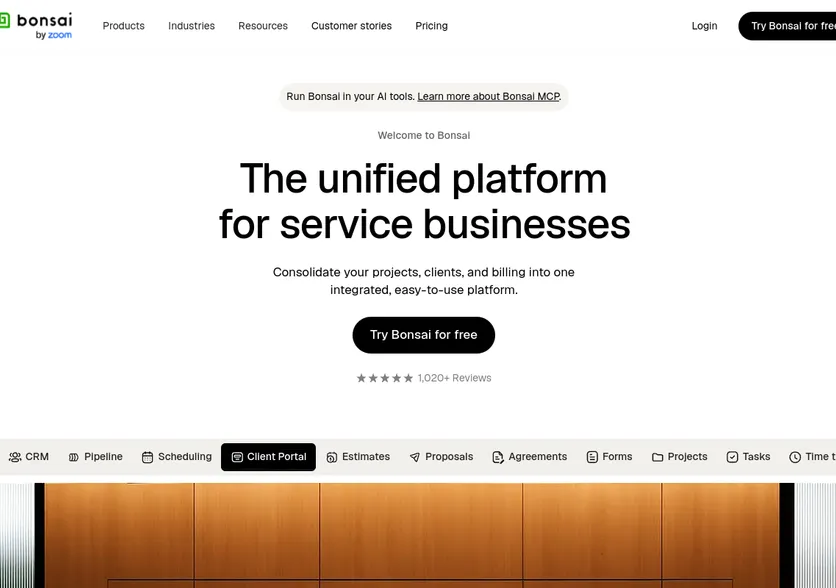
Paid tool Starting price: $25/month · Essentials plan, $25 a month billed monthly or $19 a month billed annually; Basic at $15 a month has no invoicing
Free plan: No free tier published on the pricing page; seven-day free trial
Bonsai is the freelancer business suite that wraps invoicing in contracts, proposals and time tracking, so a consultant runs the whole practice from one login. This Bonsai Essentials plan adds invoices, payments, proposals, contracts and scheduling to the basic time tracking plan. A consultant can proposal, contract, invoice and get paid without stitching four tools together.
What we like
- Proposals, contracts and invoices in one tool
- Time tracking feeds straight into billing
- Client portal keeps everything in one place
Watch out for
- Essentials costs twenty-five dollars a month
- Basic plan at fifteen dollars has no invoicing
How to try it
- Open the Bonsai pricing page and start the seven-day trial
- Create a proposal and turn it into a contract
- Send the invoice and let the client pay online
6. Invoice Ninja
Best for: Budget-minded consultants who want unlimited invoicing
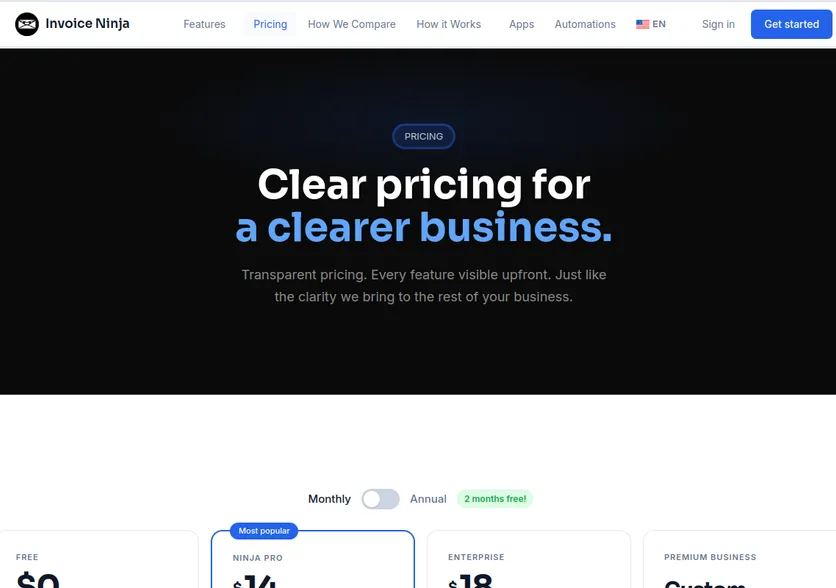
Paid tool Starting price: $14/month · Pro plan, $14 a month
Free plan: Free plan with limited clients and invoices
Invoice Ninja is the open-source-flavoured invoicing tool that a budget-minded consultant picks when every dollar counts. This Invoice Ninja Pro plan covers unlimited clients and invoices, payment gateways, recurring billing and expenses for a solo practice. A consultant can self-host for free or pay a small monthly fee for the hosted version with support.
What we like
- Cheapest paid plan on this list
- Unlimited clients and invoices on Pro
- Self-hosting option for full control
Watch out for
- Pro costs fourteen dollars a month
- Interface feels plainer than the polished rivals
How to try it
- Open the Invoice Ninja pricing page and start a trial
- Create an invoice template with your branding
- Set up a payment gateway and send the first invoice
7. Zoho Books
Best for: Consultants already using Zoho apps
Paid tool Starting price: $15/month · Standard plan, $15 a month billed annually or $20 billed monthly; free plan for businesses under $50K revenue
Free plan: Free plan for businesses under $50K annual revenue
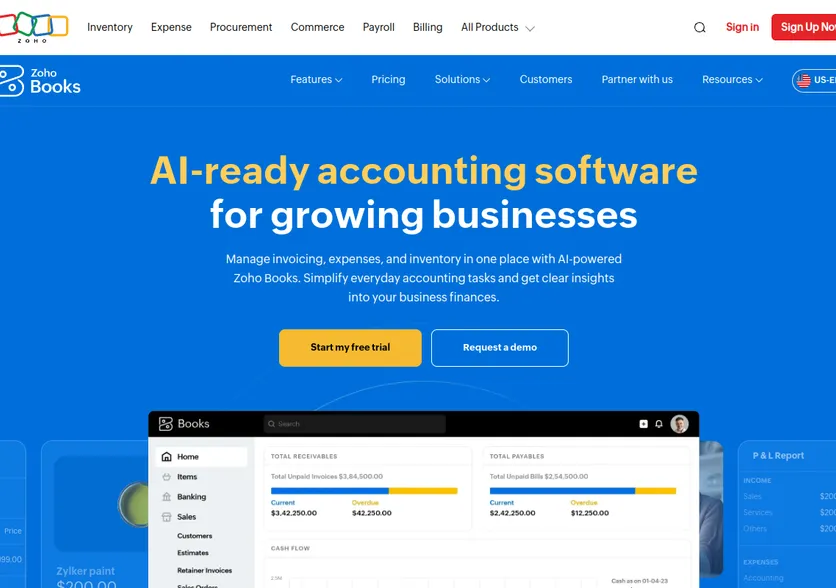
Zoho Books is the accounting arm of the Zoho suite, giving a consultant invoicing, expenses and tax handling at a price the big names cannot match. This Zoho Books Standard plan covers five thousand invoices a year, bank feeds and client portal access for a small practice. A consultant already using Zoho apps can run the whole business from one login.
What we like
- Cheapest full accounting on this list
- Free plan for businesses under fifty thousand revenue
- Shares one login with Zoho CRM and Desk
Watch out for
- Standard costs fifteen dollars a month billed annually
- Twenty dollars a month when billed monthly
How to try it
- Open the Zoho Books pricing page and start a trial
- Connect your bank and import your client list
- Send your first invoice from a branded template
Prices above were checked on each vendor’s own website on Nov 26, 2026 and can change — the vendor’s page is the final word. Vendor links are editorial: nobody paid to be listed or ranked here. Vendors who want a featured listing can see how it works on our Get listed page.
What invoicing software costs a freelance consultant in 2026
A consultant pays for one account, so the monthly price is the whole budget and the cheapest plan is not always the cheapest deal. This list runs from about fourteen dollars a month to thirty-eight dollars a month, and most vendors charge per account rather than per user, which keeps the bill flat as you grow. The headline plan each vendor shows on its own pricing page is the number in the table above, checked on November 26, 2026.
Start with the free plan or trial on two tools and send a real invoice through both. Compare how fast clients pay and how much time expenses take, then pick the tool you will actually open every week. A twenty-three-dollar tool that gets invoices paid on time beats a fourteen-dollar tool that sits unused.
Before you buy
- Count the clients first, because some plans here cap billable clients and a consultant feels every extra one.
- Check the payment fees on the plan you like, because card processing takes a cut of every invoice.
- Test the tool on a real invoice first, because a demo template never shows how it handles your late payers.
- Ask whether the tool fits your work: HoneyBook runs the client journey, Xero keeps the books, and FreshBooks sends the invoice.
- Add up the hours saved, because a twenty-three-dollar tool that chases late payments buys a consultant a billable day.
Official websites
Official websites of the products reviewed above. Features and prices were checked against these sites when this guide was written, and they can change, so confirm on the vendor site before you buy.
Frequently asked questions
Which invoicing software is best for freelance consultants in 2026?
FreshBooks, at twenty-three dollars a month, is the safest default because it covers unlimited invoicing, expenses and automated reminders for five clients. Xero is better when the books matter as much as the invoice, since it adds bank reconciliation and unlimited users. Invoice Ninja wins on price, at fourteen dollars a month for unlimited clients and invoices.
What is the cheapest invoicing software for a consultant?
Invoice Ninja Pro, at fourteen dollars a month, is the cheapest paid plan here with unlimited clients and invoices. Zoho Books Standard, at fifteen dollars a month billed annually, is the cheapest full accounting option. FreshBooks Lite, at twenty-three dollars a month, is the cheapest plan from the best-known invoicing brand.
Can I invoice clients for free as a consultant?
Yes, Zoho Books is free for businesses under fifty thousand dollars of annual revenue, and Invoice Ninja has a free plan with limited clients and invoices. FreshBooks, QuickBooks Online, Xero, HoneyBook and Bonsai offer free trials instead, usually seven to thirty days, so you can send real invoices before the first payment.
Should a consultant pick FreshBooks or QuickBooks Online?
FreshBooks is the simpler choice, built around the invoice with estimates and expenses close behind. QuickBooks Online is the fuller accounting system, with bank feeds, bill management and reporting that an accountant can work with directly. Pick FreshBooks when invoicing is the job, and QuickBooks when the books need an accountant as well.
How can a consultant get paid faster?
Send invoices with online payment links, so clients pay by card instead of posting a cheque. Turn on automated reminders, which chase late payments without an awkward email from you. Ask for a deposit up front through HoneyBook or Bonsai, and offer recurring billing for retainer clients so the money arrives on schedule.
Which invoicing tool is best for client management?
HoneyBook is the strongest pick, because it covers the whole client journey from inquiry to invoice with contracts and deposits built in. Bonsai also bundles proposals, contracts and invoicing in one plan. FreshBooks adds a client portal with stored cards, which makes repeat payments painless for retainer clients.
Need free finance help too? Try Toolsvine's free finance calculators for quick numbers right in your browser.
Browse Finance Calculators tools