On this page
A factory floor hides more IT than the office ever sees: sensors on lines, rugged tablets, printers in the warehouse, and test rigs nobody documented. Discovery software finds that hardware on its own, maps it to owners, and flags what is unpatched or out of warranty. ManageEngine AssetExplorer leads this list because its network scan covers the plant's switches, printers and servers in one pass for $1,245 a year, and the other eight tools are judged on the same practical test: how much of a real factory they can see without manual entry.
How we researched this
We checked every price on the vendor pricing page on November 28, 2026, and only included tools with a published US dollar list price and a free trial or free plan. The big discovery names in this category, including Lansweeper and Asset Panda, publish no prices, so they are not in this list. Prices change, so confirm the current figure on the vendor site before you buy.
Compare the tools
| Name | Best for | Starting price | Free plan | |
|---|---|---|---|---|
 ManageEngine AssetExplorer | Manufacturers that want network discovery across plant switches, printers and servers | $1,245/year | Free edition for up to 50 nodes on cloud or 25 on-premises | Visit |
 InvGate Asset Management | Manufacturers that need discovery plus warranty and contract tracking | $1,499/year | 30-day free trial | Visit |
 Snipe-IT | Manufacturers that want a low-cost asset register they control themselves | $39.99/month | Free self-hosted edition with unlimited users and assets | Visit |
 AssetSonar | Manufacturers that want per-asset pricing that scales with the fleet | $0.75/asset/month | 7-day free trial; no free plan | Visit |
 ManageEngine Endpoint Central | Manufacturers that want patching and discovery in one endpoint suite | $795/year | Free edition for up to 25 endpoints | Visit |
 Miradore | Manufacturers with mobile devices and tablets on the plant floor | $2.75/device/month | Free plan for up to 50 devices after a 14-day trial | Visit |
 Scalefusion | Manufacturers that run kiosks and frontline devices on the floor | $2/device/month | 14-day free trial | Visit |
 Freshservice | Manufacturers that want discovery feeding a real help desk | $19/agent/month | Free trial | Visit |
| ManageEngine ServiceDesk Plus | Manufacturers that want ITIL-style service desk with discovery | $13/technician/month | Standard free for up to 5 technicians | Visit |
The IT asset discovery software for manufacturers, compared
1. ManageEngine AssetExplorer
Best for: Manufacturers that want network discovery across plant switches, printers and servers
Paid tool Starting price: $1,245/year · Cloud edition $1,245 a year for 250 assets; on-premises $955 a year for 250 assets; $115 a month on monthly billing
Free plan: Free edition for up to 50 nodes on cloud or 25 on-premises
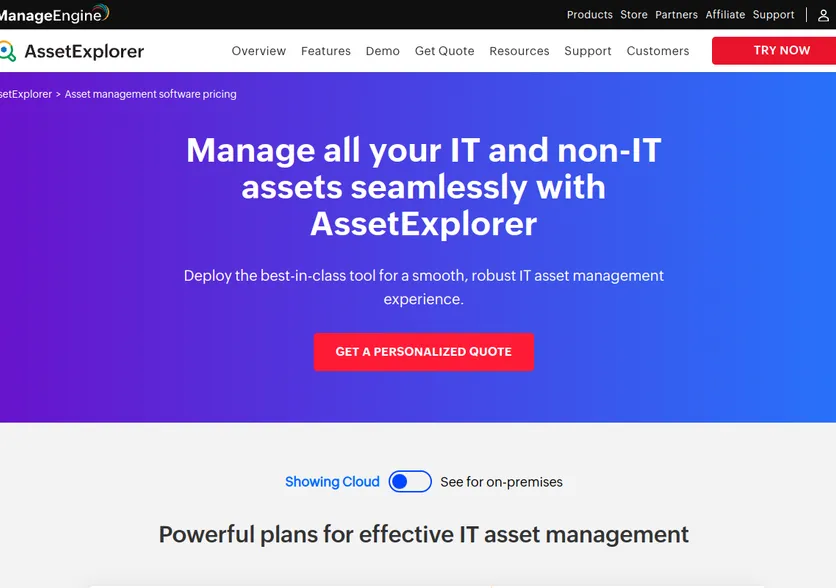
This ManageEngine AssetExplorer plan costs $1,245 a year for 250 assets on the cloud edition, and its network scan finds switches, printers, servers and workstations without an agent on every machine. Discovery feeds straight into asset records with warranty dates and license counts, so the plant's hardware list stays current instead of going stale in a spreadsheet. Agents are available where agentless scanning cannot reach, which covers the rugged and offline machines common on factory floors.
What we like
- Agentless discovery covers switches, printers and servers
- Warranty and license data sit on the same asset record
- On-premises edition suits plants that keep data in-house
Watch out for
- The entry tier caps at 250 assets, so larger plants pay more
- Cloud and on-premises prices differ, so compare both
How to try it
- Run a network scan across the plant subnets to find every connected device
- Match discovered devices to asset records and add warranty and owner details
- Schedule regular scans so new hardware appears without manual entry
2. InvGate Asset Management
Best for: Manufacturers that need discovery plus warranty and contract tracking
Paid tool Starting price: $1,499/year · Starter $1,499 a year for 500 IP devices; Pro $5 per IP device a year from $2,500 a year; Enterprise from $12,000 a year
Free plan: 30-day free trial
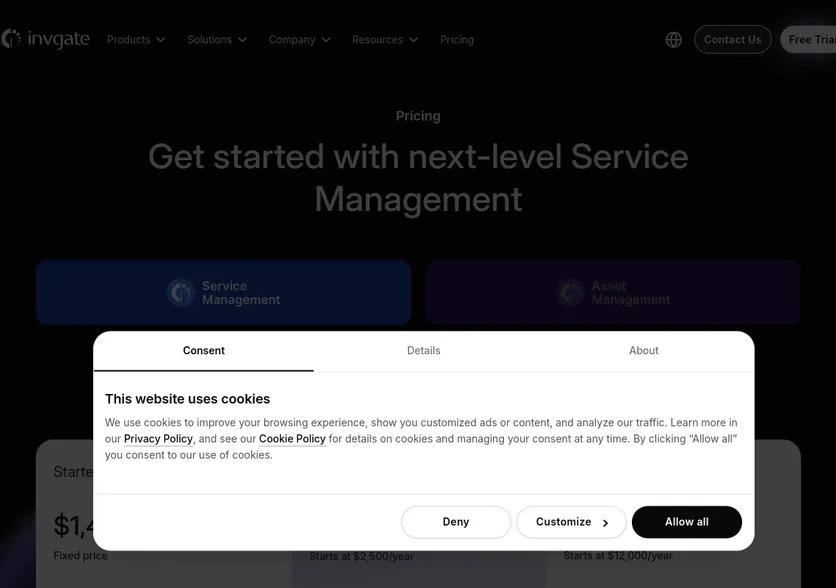
This InvGate Asset Management plan starts at $1,499 a year for 500 IP devices, and it discovers hardware across the network while tracking warranties, contracts and depreciation on the same record. Each IP device includes two non-IP devices, which covers the scanners, sensors and label printers that sit beside the main network. A 30-day trial lets a plant team test discovery on a real subnet before paying.
What we like
- Discovery, warranty and contract data share one record
- Each IP device covers two non-IP devices as well
- Depreciation tracking suits finance and audit needs
Watch out for
- Pricing is per IP device, so count the network carefully
- The entry plan stops at 500 IP devices
How to try it
- Connect InvGate to the plant network and run a discovery scan
- Review found devices and assign owners, locations and warranty dates
- Use contract alerts to renew support before coverage lapses
3. Snipe-IT
Best for: Manufacturers that want a low-cost asset register they control themselves
Paid tool Starting price: $39.99/month · Basic Hosting $39.99 a month or $399.99 a year; Small Business $99.99 a month; Dedicated $249.99 a month; the self-hosted edition is free
Free plan: Free self-hosted edition with unlimited users and assets
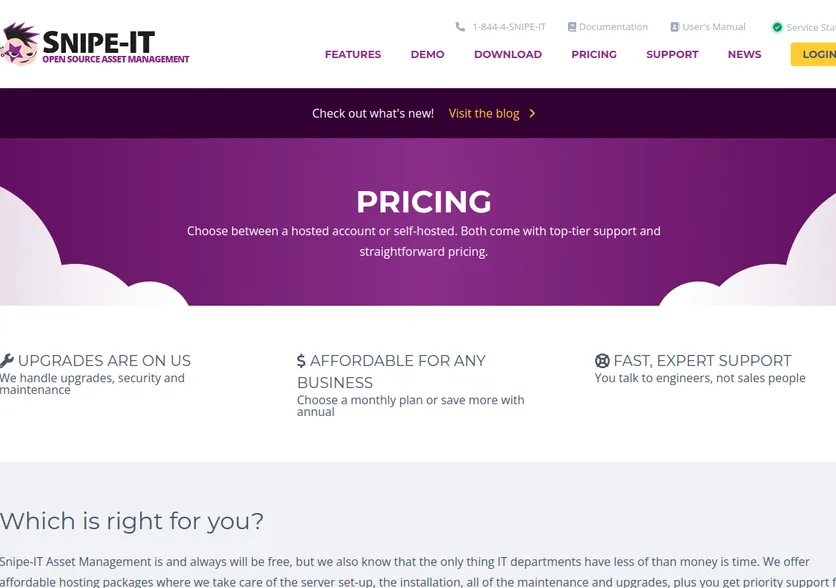
This Snipe-IT hosted plan costs $39.99 a month, and it keeps a clean register of every laptop, printer, scanner and sensor with check-in and check-out history. The self-hosted edition costs nothing and has no user or asset limits, which suits plants with a server room and an IT person to run it. Barcode and QR scanning make audits fast, since a phone scan updates the record on the spot.
What we like
- Self-hosted edition is free with no asset limits
- Barcode and QR scanning speed up plant audits
- Check-in and check-out history shows who holds what
Watch out for
- Discovery is manual entry and import, not network scanning
- Self-hosting needs a server and someone to maintain it
How to try it
- Import the current hardware list or add assets by barcode scan
- Check assets out to staff and machines, and log returns the same way
- Run an audit by scanning barcodes and reconciling the results
4. AssetSonar
Best for: Manufacturers that want per-asset pricing that scales with the fleet
Paid tool Starting price: $0.75/asset/month · ITAM $0.75 per asset a month billed annually with a 100-asset minimum, or $1.00 on monthly billing; ITSM with ITAM is $1.08 per asset a month
Free plan: 7-day free trial; no free plan
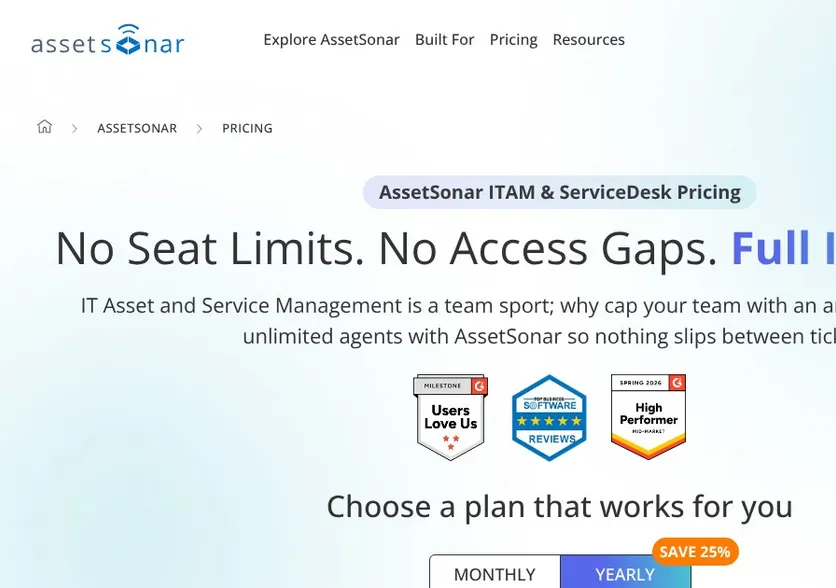
This AssetSonar plan costs $0.75 per asset a month billed annually, and it tracks hardware, software and licenses from purchase to disposal in one register. Discovery pulls in devices from the network and from integrations, so the plant's list reflects what is actually plugged in. The 100-asset minimum keeps the entry bill at $900 a year, which suits a mid-size factory with a few hundred devices.
What we like
- Per-asset pricing scales with the fleet, not the headcount
- Discovery and license tracking share one register
- The entry bill is fixed at $900 a year for 100 assets
Watch out for
- No free plan, only a 7-day trial
- The advanced SAM add-on costs extra per asset
How to try it
- Set up discovery and import devices from the network and integrations
- Record purchase, warranty and assignment details on each asset
- Track check-outs and retire hardware when it reaches end of life
5. ManageEngine Endpoint Central
Best for: Manufacturers that want patching and discovery in one endpoint suite
Paid tool Starting price: $795/year · Professional $795 a year for 50 endpoints on-premises; cloud Professional $1,045 a year; Enterprise $945 and UEM $1,095 a year on-premises
Free plan: Free edition for up to 25 endpoints
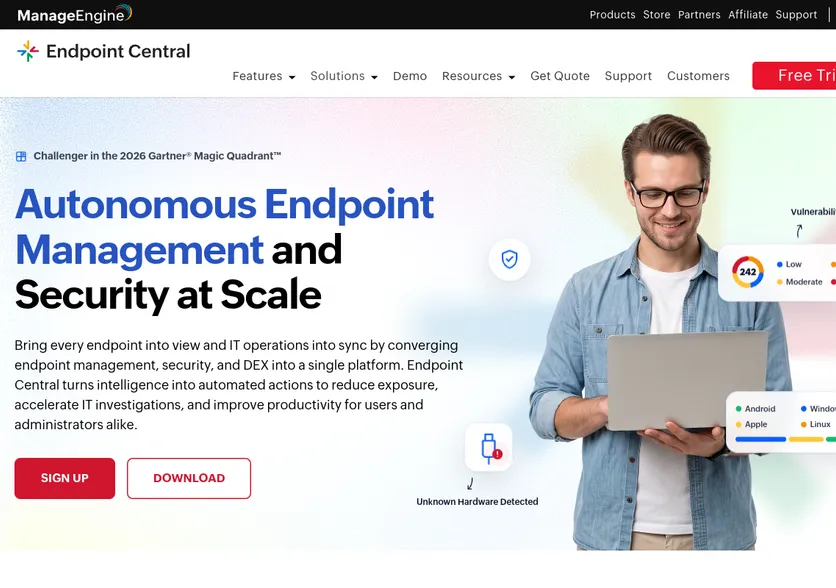
This ManageEngine Endpoint Central plan costs $795 a year for 50 endpoints on-premises, and it combines discovery with patch management, software deployment and remote control. A plant team can find every Windows, Mac and Linux machine, then push patches to them from the same console. The free edition covers 25 endpoints, so a small shop can prove the workflow before buying.
What we like
- Discovery and patching share one console
- On-premises edition suits plants that keep data local
- Free edition covers 25 endpoints
Watch out for
- Extra technicians and servers cost more
- Cloud pricing is higher than on-premises
How to try it
- Scan the network to discover endpoints across the plant
- Push patches and software to the discovered machines from one console
- Use remote control to fix issues on machines without visiting them
6. Miradore
Best for: Manufacturers with mobile devices and tablets on the plant floor
Paid tool Starting price: $2.75/device/month · Premium $2.75 per device a month billed annually, or $3.30 on monthly billing; Premium+ $3.95 a month; minimum payment terms apply below 15 devices
Free plan: Free plan for up to 50 devices after a 14-day trial
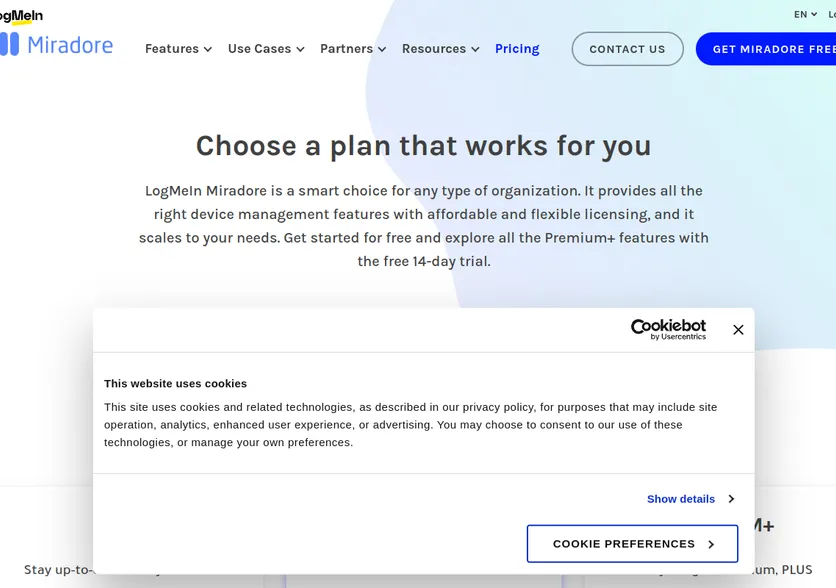
This Miradore plan costs $2.75 per device a month billed annually, and it enrolls and manages Android, iOS, macOS and Windows devices from one dashboard. Plant tablets, handheld scanners and rugged phones can be locked into kiosk mode, so they run one app and nothing else. The free plan covers up to 50 devices after the trial, which suits a small factory testing mobile management.
What we like
- Free plan covers up to 50 devices
- Kiosk mode suits shared plant-floor tablets
- Covers Android, iOS, macOS and Windows
Watch out for
- Minimum payment terms apply below 15 devices
- Premium+ is needed for integrations and remote support
How to try it
- Enroll plant tablets and handhelds through the Miradore dashboard
- Push apps and policies, and lock shared devices into kiosk mode
- Track device location and wipe lost devices remotely
7. Scalefusion
Best for: Manufacturers that run kiosks and frontline devices on the floor
Paid tool Starting price: $2/device/month · Essential $2 per device a month billed annually only, with a 10-device minimum; Growth $3.50; Business $5; Enterprise $6
Free plan: 14-day free trial
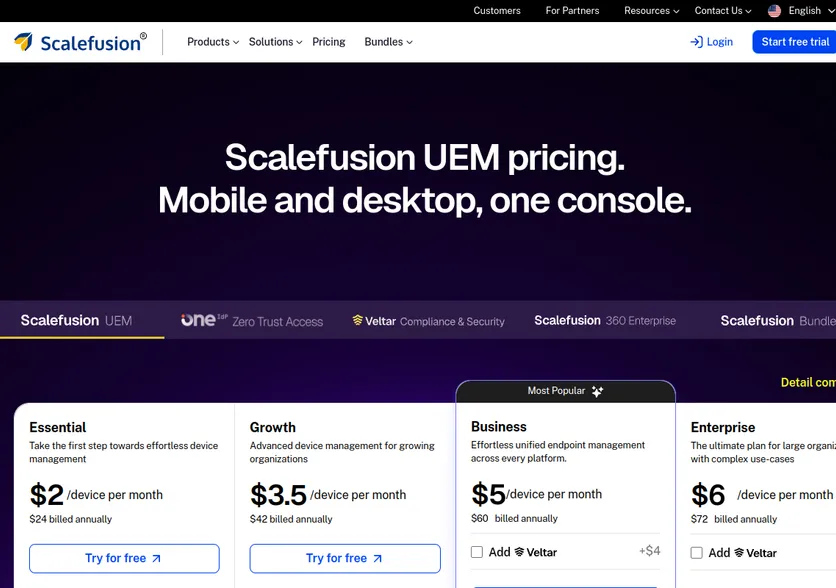
This Scalefusion plan costs $2 per device a month billed annually, and it manages kiosks, tablets and frontline devices across Android, iOS, Windows, macOS and Linux. A shared device on the line can be locked to a single app, so operators cannot wander into settings or other software. All plans bill annually with a 10-device minimum, and the 14-day trial includes every feature.
What we like
- Kiosk mode is strong on the entry plan
- Broad platform coverage from Android to Linux
- Annual-only billing keeps the price simple
Watch out for
- No monthly billing option on any plan
- The 10-device minimum sets a $240 a year floor
How to try it
- Enroll floor devices and assign them to the right profiles
- Lock shared devices into kiosk mode with the apps they need
- Push updates and check device health from the dashboard
8. Freshservice
Best for: Manufacturers that want discovery feeding a real help desk
Paid tool Starting price: $19/agent/month · Starter $19 per agent a month billed annually, or $29 on monthly billing; Growth $49; Pro $99; Enterprise by quote
Free plan: Free trial
This Freshservice plan costs $19 per agent a month billed annually, and it pairs asset discovery with ticketing so a broken printer becomes a tracked job. Discovered hardware lands in the asset register, and incidents link to the exact machine involved. That link matters on a factory floor, where a ticket without a device record is hard to fix and harder to report on.

What we like
- Discovery and ticketing share one system
- Incidents link to the exact asset involved
- Asset packs scale the register without new agents
Watch out for
- Asset management is an add-on cost on some plans
- The entry plan lacks the deeper automation of Growth
How to try it
- Run discovery to fill the asset register with plant hardware
- Link incoming tickets to the affected asset automatically
- Track incident trends per machine to spot repeat failures
9. ManageEngine ServiceDesk Plus
Best for: Manufacturers that want ITIL-style service desk with discovery
Paid tool Starting price: $13/technician/month · Cloud Standard $13 per technician a month billed annually; Professional $27; Enterprise $67; Standard is free for up to 5 technicians
Free plan: Standard free for up to 5 technicians
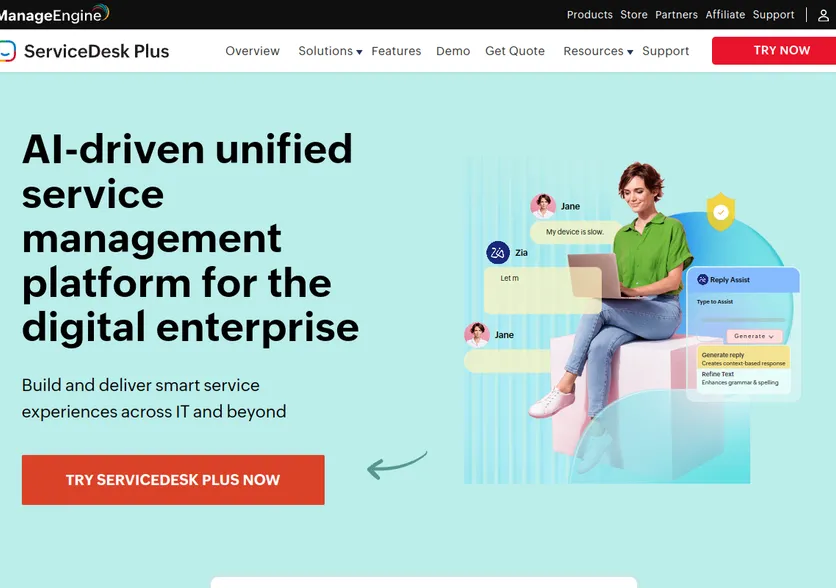
This ManageEngine ServiceDesk Plus plan costs $13 per technician a month billed annually on the cloud Standard tier, and it combines discovery, ticketing and asset records in an ITIL-style service desk. Discovered devices feed the configuration database, so incidents, changes and problems all reference the same hardware. The free Standard tier covers five technicians, which is enough for a small plant IT team to start.
What we like
- Discovery feeds a proper configuration database
- Standard is free for up to five technicians
- ITIL workflows suit plants with formal change control
Watch out for
- Add-ons like the service catalog cost extra per year
- Cloud pricing differs from on-premises licensing
How to try it
- Enable discovery to populate the configuration database
- Raise incidents against the discovered assets they affect
- Use change records to track hardware swaps and upgrades
Prices above were checked on each vendor’s own website on Nov 28, 2026 and can change — the vendor’s page is the final word. Vendor links are editorial: nobody paid to be listed or ranked here. Vendors who want a featured listing can see how it works on our Get listed page.
How a manufacturer should run IT asset discovery
Start with the network, not the spreadsheet. A discovery scan of the plant subnets finds the printers, sensors and test rigs that never made it onto any list, and it catches the ones that moved. Keep one system as the home for asset records, and make discovery feed it on a schedule, because a list that is only true on the day it was made is not a list at all. Match every discovered device to an owner and a warranty date, since an unowned device is the one that stays unpatched. Finally, count the cost per device before you compare prices, because a cheap per-technician plan can cost more than a per-asset plan on a floor full of machines.
Before you buy
- Check that discovery covers the plant network, including printers, sensors and rugged devices
- Confirm whether discovery is agentless or needs an agent on every machine before you buy
- Ask how warranty dates, owners and locations attach to each discovered device
- Count the total cost at your real device count, not the headline rate for the smallest tier
- Run a trial scan on one plant subnet and compare the results against your current list
Official websites
Official websites of the products reviewed above. Features and prices were checked against these sites when this guide was written, and they can change, so confirm on the vendor site before you buy.
Frequently asked questions
What is IT asset discovery software for manufacturers?
It is software that finds the hardware on a factory network on its own, instead of relying on manual lists. It scans subnets for computers, printers, sensors and test rigs, then records each device with its owner, location and warranty dates. Manufacturers use it because plant floors hold equipment that never appears on office asset lists, and undocumented hardware is the hardware that goes unpatched and out of warranty.
How much does IT asset discovery software cost for a manufacturer?
The tools in this list start from free self-hosted options like Snipe-IT up to $1,499 a year for InvGate Starter. Per-device plans run from $2 a device a month on Scalefusion to $2.75 on Miradore, while per-asset plans start at $0.75 an asset a month on AssetSonar. The real cost depends on how many devices you have, so price the plan at your actual count before you compare.
What is the best IT asset discovery tool for a small factory?
Snipe-IT is the cheapest start, with a free self-hosted edition and hosted plans from $39.99 a month, though it needs manual entry instead of network scanning. Miradore is the better pick for factories with plant-floor tablets, with a free plan for up to 50 devices. For full network discovery on a budget, AssetExplorer covers 250 assets for $1,245 a year.
Does asset discovery software find printers and sensors?
Yes, the network scanners in this list find printers, switches, servers and most networked sensors, since they appear on the same subnets as computers. Rugged and offline machines may need an agent or a manual entry, and very old equipment sometimes needs a barcode scan instead. Check that the tool you pick covers the device types on your floor before you commit.
Can discovery software replace a manual asset audit?
It replaces most of it, because scheduled scans keep the list current without walking the floor. You still need a physical check for devices that are powered off, offline or never connected to the network, and for confirming who actually uses each machine. The practical routine is a scan every week plus a short physical audit each quarter, which catches both kinds of gap.
Compare the nine tools above, then start with a free trial on the tool that matches how your plant already tracks hardware before you pay for a full year.
Browse Business Tools tools